
- Build in the crate
- 6.0.0 [MAS]
- Made by the team at
- Sascha Simon
- Menu languages offered
- Russian, English, German, Spanish, Italian, Chinese (Simplified), Portuguese, Finnish, French, Japanese
- How you pay for it
- K'ed by TNT team
- macOS it plays on
- macOS 15.6 or later
- CPU it runs on
- Apple Silicon, Intel 64-bit
Screenshots
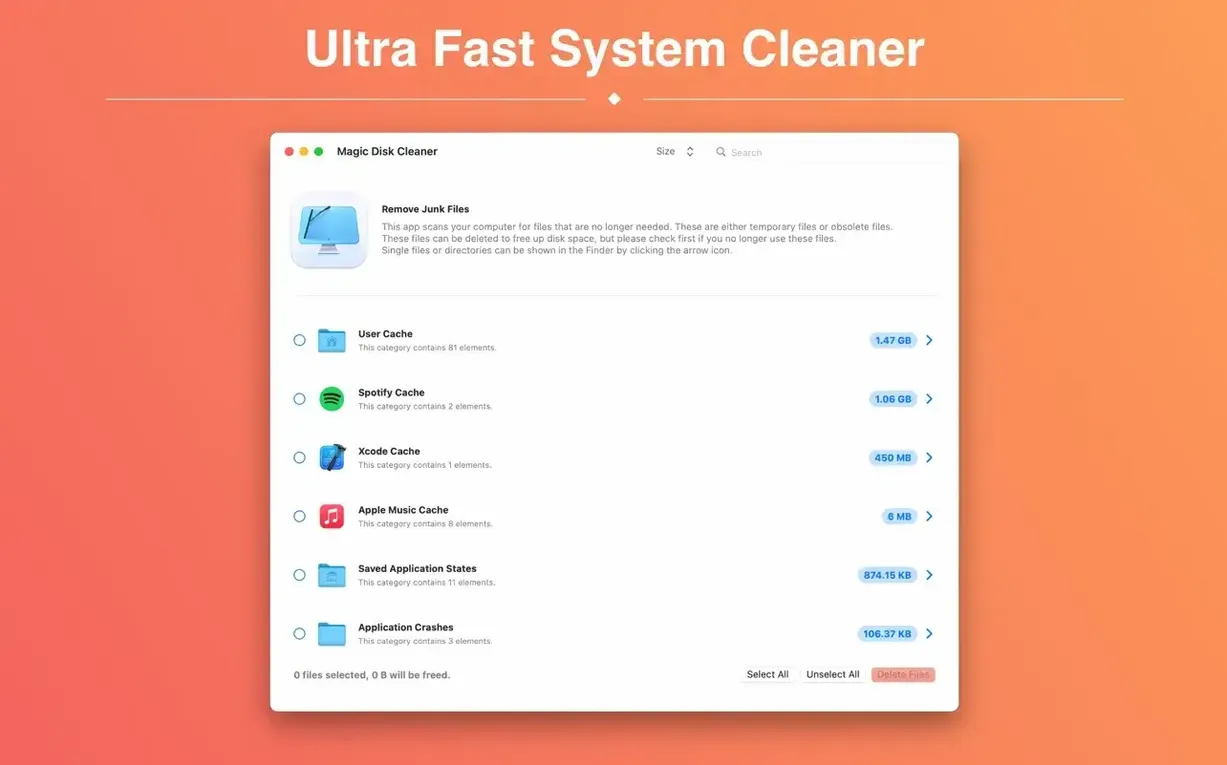
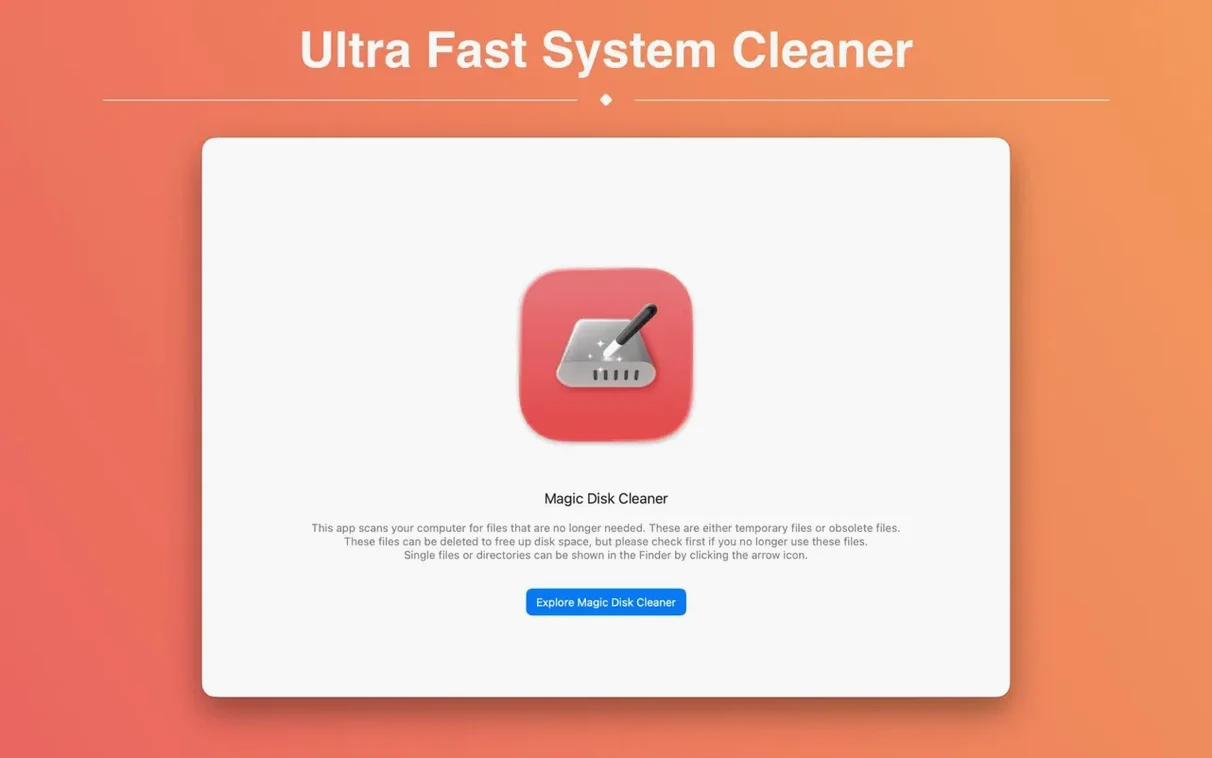
Magic Disk Cleaner 5.4.0 keeps the same straightforward promise: find temporary files and delete them with one click. The app starts searching the moment it launches, so you see results without digging through menus. It won't touch anything without your say-so — every deletion needs your consent. That makes it a decent pick if you want to reclaim space without babysitting a deep system scan.
| Detail | Info |
|---|---|
| Version | 5.4.0 |
| Developer | Sascha Simon |
| Category | Utilities |
| macOS | 15.6 or later |
| Architecture | Intel and Apple Silicon |
| Languages | English, German, Spanish, French, Italian, Japanese, and more |
Who is it for? Anyone whose Mac quietly fills up with caches and temp files. You don't need to know what each file does — the app lists them, you pick what goes, and that's that.
No automatic deletion without your click
One thing I hear often is whether Magic Disk Cleaner deletes things automatically. It does not. The app shows you what it finds, and you choose what to remove. Nothing gets erased without a click from you. That suits people who want control, not a black-box cleaner that might toss something useful.
Another common question: does it scan the whole system or just user folders? It searches your computer for temporary files — caches, logs, leftover installer data. It does not touch your documents, photos or apps. The focus is on the kind of clutter that builds up over weeks of normal use.
People also ask if it works on older Macs. The requirement is macOS 15.6 or later, and both Intel and Apple Silicon machines are supported. So if you are on Sequoia, you are covered whether you have an M-series chip or an Intel processor.
And yes, the interface is available in several languages: English, German, Spanish, French, Italian, Japanese, Russian, Portuguese, Finnish, Simplified Chinese. That covers a fair range of users without needing to switch system language.
Check the file list before deleting
Magic Disk Cleaner does not have a long settings list, which is part of its appeal. But there are a couple of things worth checking before you run your first full clean.
- Review the file list before deleting — the app lets you see what it found before you confirm. Take a moment to glance through the categories. Some caches can be large, and you might want to keep certain ones if an app is working fine.
- Run a scan when your Mac is not in heavy use — the search starts immediately after launch and can take a short while depending on how many temp files have accumulated. Let it finish before you start switching between tasks.
There is no need to tweak language or scan location — the app handles that on its own. Just launch, wait for results, and decide.
Best for users low on disk space
Three kinds of people tend to appreciate Magic Disk Cleaner most.
Anyone who runs low on space regularly. If your startup disk keeps hovering near full, a quick scan can free up gigabytes without uninstalling apps or moving files to external drives. Temp files and caches are often the first place to look.
Users who prefer a manual approach. Not everyone wants an automated cleaner that runs on a schedule. If you like to check what is being deleted and only clean when you decide to, this app gives you that control without forcing you to dig into system folders yourself.
People who avoid terminal commands. You can clear caches and temp files through the command line, but that is not for everyone. Magic Disk Cleaner wraps that same task into a simple window. It does the search, shows you the results, and waits for your go-ahead.
If you match any of those profiles, the app fits naturally into a basic maintenance routine. Run it every few weeks or when disk space starts to feel tight.
- macOS 15.6 or later
- Intel or Apple Silicon
Kit check at a glance
| System | macOS 15.6 or later |
| Chip | Apple Silicon, Intel 64-bit |
| Download | 7 MB |
| Older pressings | 6 in the crate |





Chat from the booth
Sign in or grab a free account to leave a comment.
Nobody has said a word in the booth yet. If you played a set with this build, tell the next person how it went.