
- Build in the crate
- 8.5.1
- Made by the team at
- Ross Tulloch
- Menu languages offered
- Russian, English, German, Spanish, Italian, Chinese (Simplified), Dutch, Portuguese, French, Japanese
- How you pay for it
- K'ed by TNT team
- macOS it plays on
- macOS 10.15 or later, macOS 10.15.4 or later
- CPU it runs on
- Intel 64-bit
Screenshots
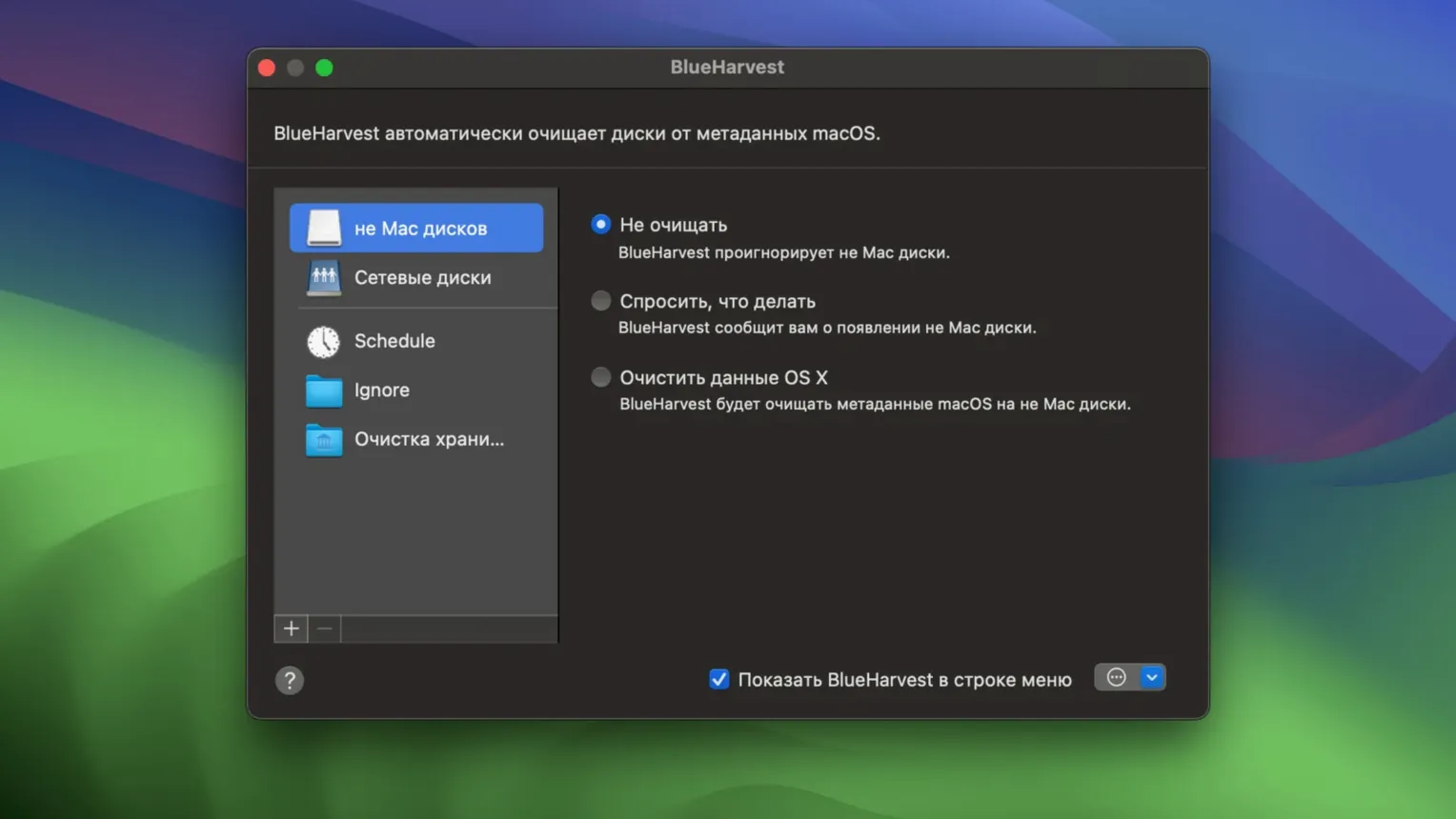
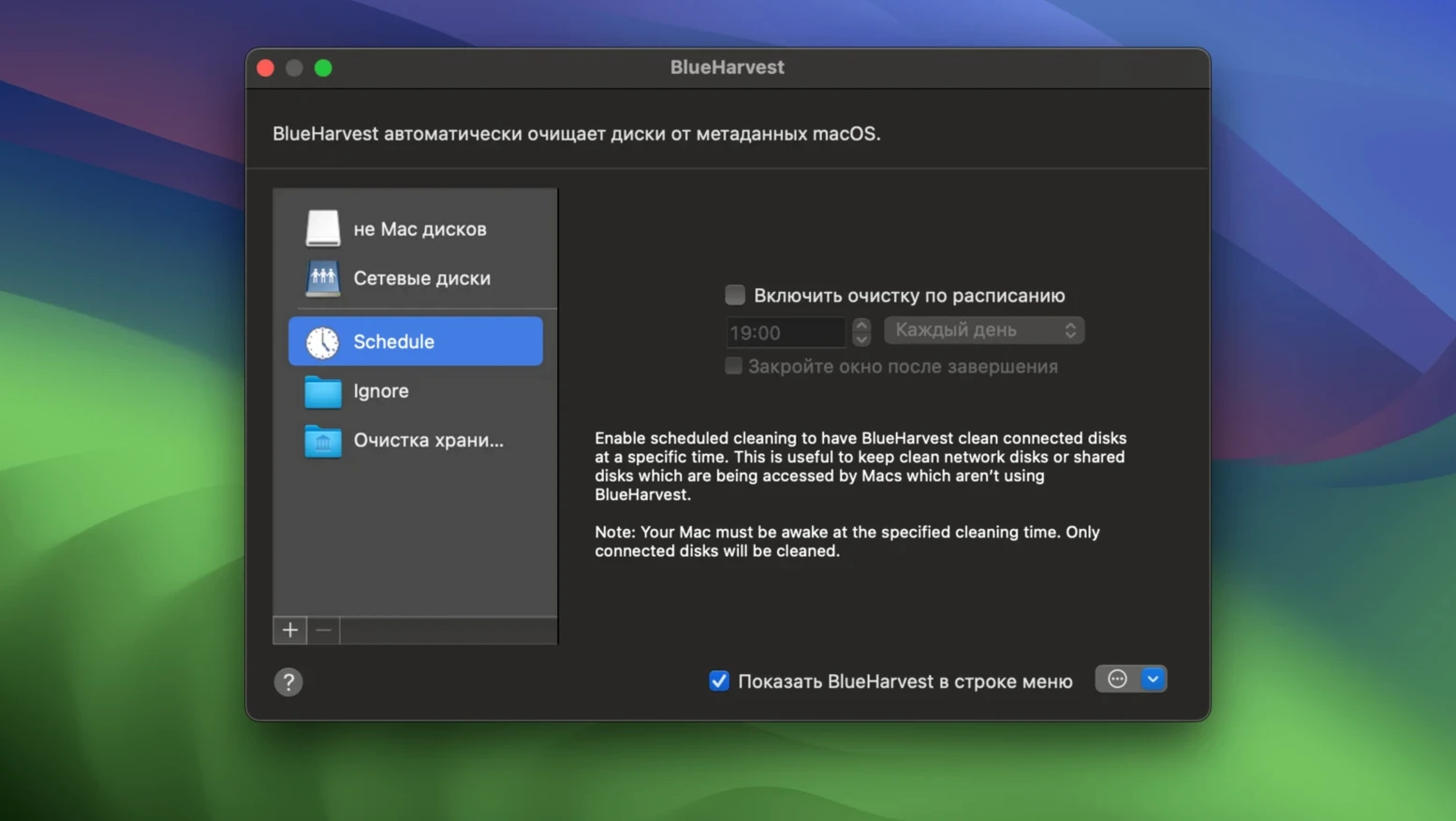
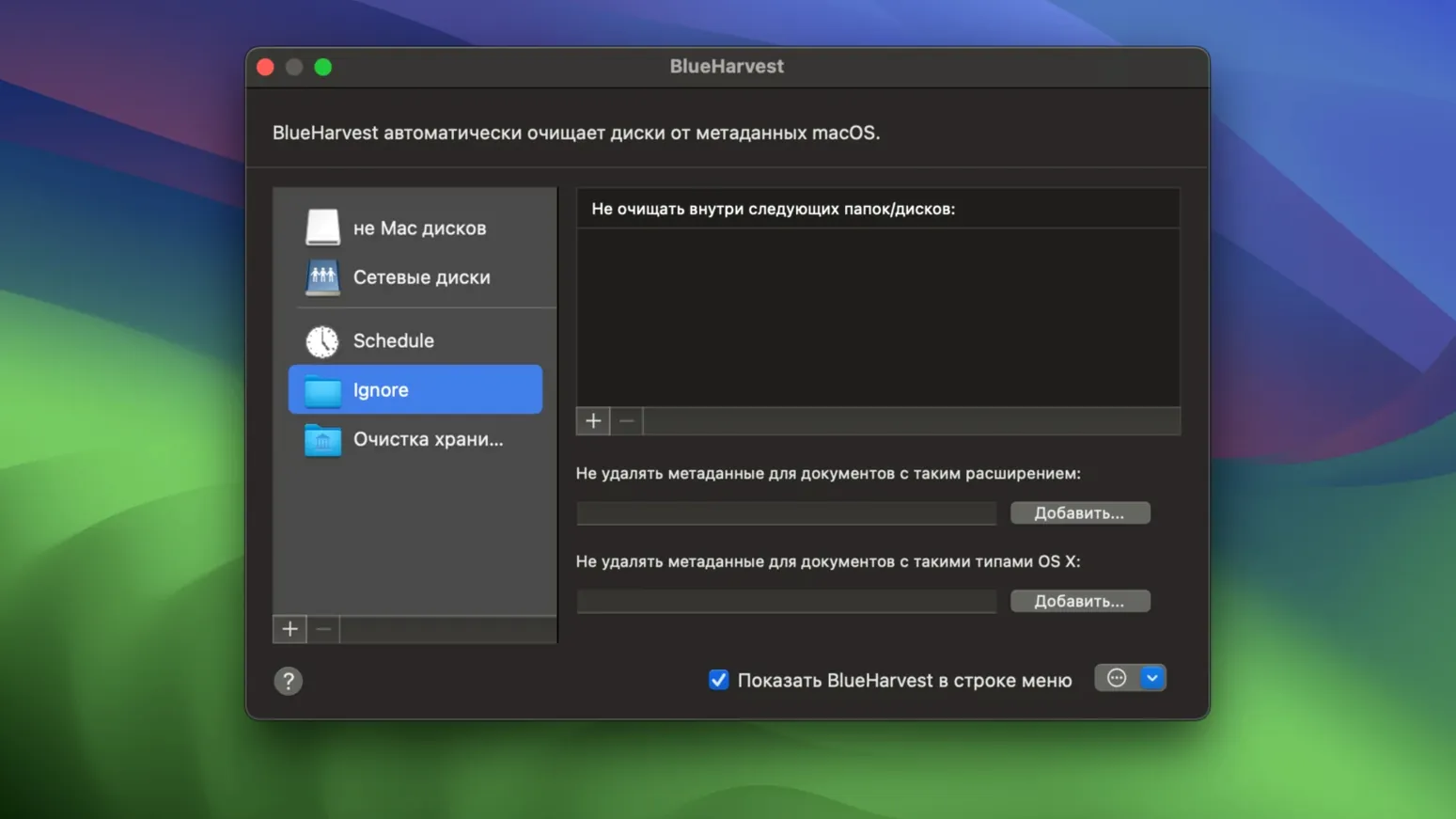
Anyone who swaps USB sticks or SD cards between Macs and other devices knows the mess: hidden .DS_Store files and AppleDouble ._ files that pile up on every drive. BlueHarvest is the tool that sweeps them away in the background, and version 8.5.0 keeps that promise while refining a few edges.
| Detail | Info |
|---|---|
| Version | 8.5.0 |
| Developer | Ross Tulloch |
| macOS | 10.15 or later |
| Architecture | Intel 64-bit |
| Languages | 10, including English, Spanish, French, German |
It runs quietly on non-Mac disks, file servers, and music players, deleting .Spotlight and .Trashes folders when you grant Full Disk Access. Recent updates added correct handling of System Volume Information folders and more detailed error messages when something can't be deleted. The __MACOSX folder cleanup is there too, off by default. Same utility, a bit more polish.
If you've tried keeping external drives clean on a Mac, you've probably come across a few other approaches. CleanMyDrive offered similar cleanup but was discontinued years ago, so it's no longer viable on modern macOS versions. Onyx can wipe .DS_Store files and system caches, but it's a manual, system-wide tool — you run it, it cleans, you move on. BlueHarvest is different because it runs continuously, watching drives as you connect and use them. There's no need to remember to run a cleanup; it just happens. GrandPerspective shows you what's taking up space but doesn't delete metadata automatically. None of these replace BlueHarvest's focused, always-on approach for keeping removable media tidy.
A session with BlueHarvest
Thursday evening, I plug an SD card into the Mac — photos from a shoot, destined for a Windows laptop. Before I even open Finder, BlueHarvest's menu bar icon is there, quiet. I format the card as ExFAT, drop the files onto it, and eject. When I later check the card on the Windows machine, there are no hidden ._ files or .DS_Store folders. The metadata that macOS would have scattered across the card never landed there.
For network volumes it works the same way. I connect to a shared drive on the office NAS, copy some project files, and disconnect. BlueHarvest removes the AppleDouble files that macOS creates alongside each file. The NAS stays clean, and colleagues on Linux or Windows don't see the extra clutter.
The Storage Cleaner in version 8 is something I run once a week. I open BlueHarvest, go to the Storage Cleaner section, and let it scan for app caches and log files. It lists what it finds, I tick the ones I'm happy to delete, and it clears them. No guesswork, no digging through ~/Library.
First days with BlueHarvest: practical tips
- Grant Full Disk Access early. Without it, BlueHarvest can't delete .Spotlight and .Trashes folders. The app will prompt you; allow it in System Preferences > Privacy & Security > Full Disk Access.
- Choose your drives carefully. By default, BlueHarvest cleans all external and network volumes. If you have a drive where you want to keep .DS_Store files (for custom icon arrangements, for example), add it to the exclusion list in Preferences.
- Enable __MACOSX folder cleanup if you share files with Windows users. It's off by default in version 8.4 and later. Turn it on in the settings — it removes the folder that macOS creates on FAT and NTFS drives, which Windows users often find confusing.
- It's in Preferences under General.
- Check the error log after the first few ejects. If something can't be deleted, version 8.4 added more detailed error messages. The log helps you spot permissions issues early.
BlueHarvest isn't a flashy utility — it's the kind of tool you install, configure once, and forget about. After the first week, you'll only notice it when you connect a drive to a non-Mac computer and see no hidden macOS files. That's the point.
- No official changelog for 8.5.0 was available; the update builds on the fixes from 8.4.
- macOS 10.15 or later
- Intel 64-bit Mac
Kit check at a glance
| System | macOS 10.15 or later, macOS 10.15.4 or later |
| Chip | Intel 64-bit |
| Download | 7 MB |





Chat from the booth
Sign in or grab a free account to leave a comment.
Nobody has said a word in the booth yet. If you played a set with this build, tell the next person how it went.