
- Build in the crate
- 1.0.1
- Made by the team at
- Austin Sarner, Brian Ball, Clemens Knieper
- Menu languages offered
- English
- How you pay for it
- Not required
- macOS it plays on
- macOS 10.15.6 or later
- CPU it runs on
- Apple Silicon, Intel 64-bit
Screenshots
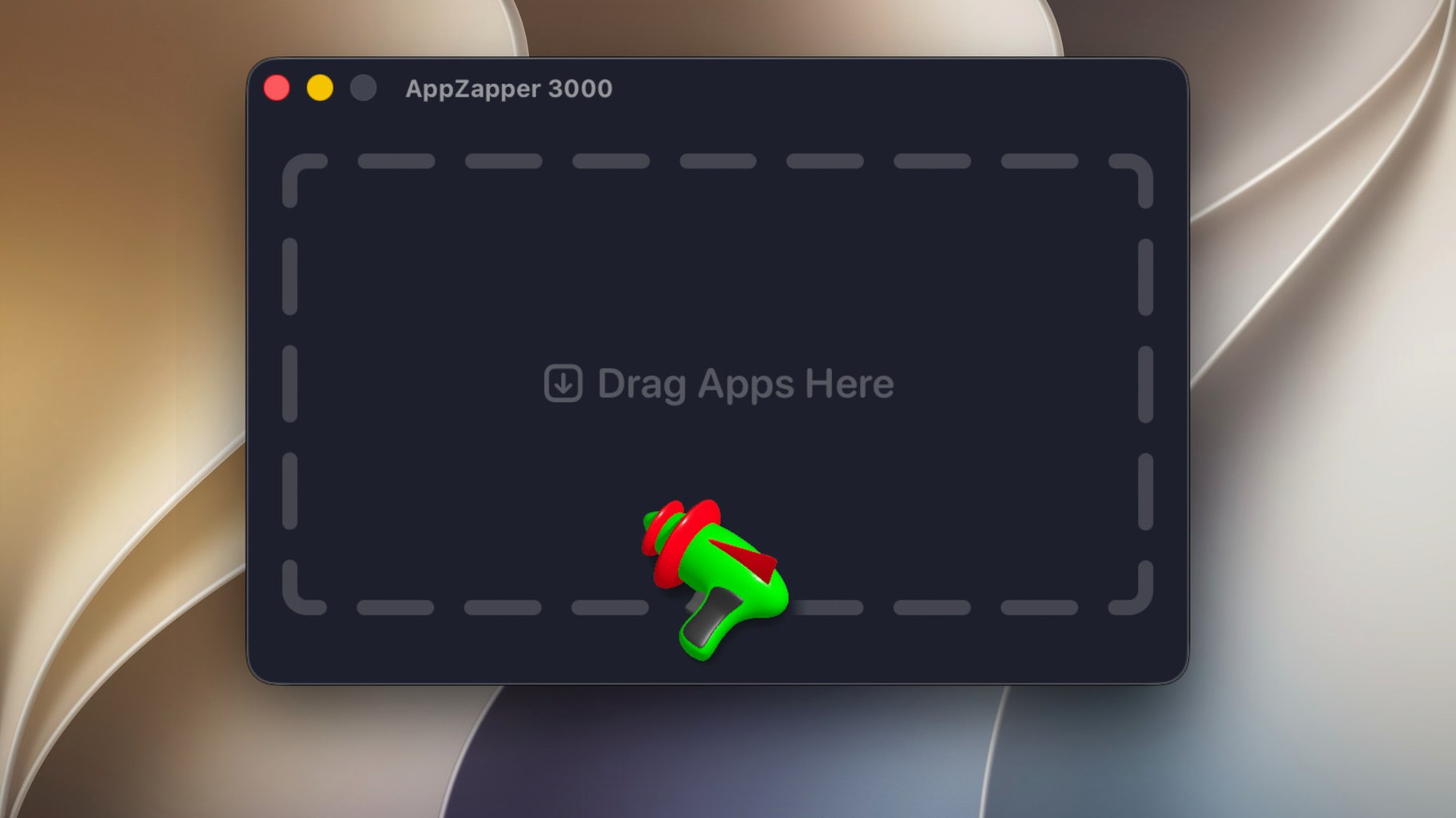
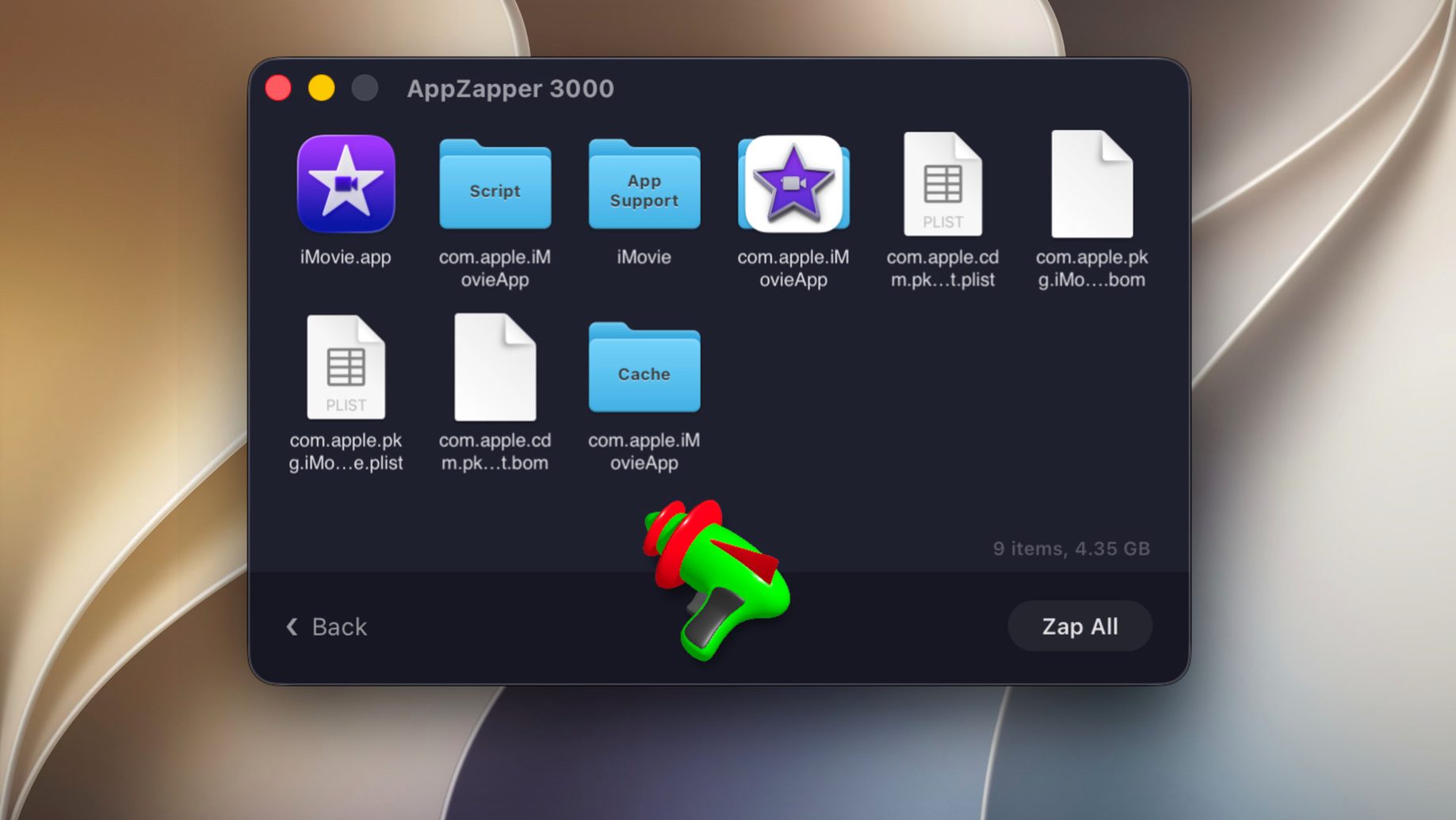
You know the old AppZapper. This is the rebuilt version, brought back with a new design and adapted to modern macOS security. AppZapper 3000 does what you expect: finds an app and its related files — preferences, caches, support files — and lets you see everything before deleting. It supports both Apple Silicon and Intel Macs, so it works on current hardware without fuss.
First thing to try
Drag an app from your Applications folder onto the AppZapper window. It scans and shows a list of everything it found. Check the list before you confirm. The built-in protections help avoid removing system or shared files, so you’re not accidentally breaking something else.
The zap-all flow
The new version adds a zap-all removal flow — useful when you want to clean up multiple apps in one go. Open the app, pick the ones to remove, and let it do the work. The whole process takes a few seconds per app.
Leave file preview on before deleting
AppZapper 3000 keeps things simple, but there are a couple of settings worth looking at before you start dragging apps around. The app shows found files before deletion by default — leave that on. It’s the main reason you use something like this in the first place. You get to see what’s being removed before it’s gone.
If you’re cleaning several apps at once, the zap-all flow is where you’ll spend most of your time. It’s not really a setting you change, but it’s the mode that saves you the most clicks. Open it, select the apps, and the list of related files comes up for each one. Review, confirm, done.
Best for plugin testers and utility hoppers
AppZapper 3000 suits a few specific kinds of Mac users. First, anyone who installs and uninstalls software regularly — musicians trying out plugins, designers testing tools, developers bouncing between utilities. The standard macOS drag-to-trash method leaves behind preferences and caches that build up over time. AppZapper catches those.
Second, users on older Macs moving to Apple Silicon. The app supports both architectures, so if you’re transferring apps from an Intel Mac to an M-series one, you can clear out old files that don’t apply anymore. The updated design and modern security handling mean it won’t complain about permissions the way some older uninstallers do.
Third, people who just want a clean system without thinking too hard about it. The drag-and-drop workflow and the zap-all flow mean you don’t need to dig through ~/Library folders manually. Let the scan do the hunting.
Skimming the found-files list causes issues
The biggest one: not checking the list before confirming. AppZapper shows you what it found, but if you skip the review, you might remove a shared component that another app needs. The app has built-in protections against that, but it’s better to glance through first. A quick scan takes ten seconds.
Another mistake is dragging the app icon from the Dock instead of from the Applications folder. The Dock shortcut is just a pointer. Dragging that won’t start the scan properly. Use the actual .app file in /Applications or your user’s Applications folder.
Some beginners also try to use AppZapper 3000 on system apps — the ones macOS ships with. The built-in protections usually block those, but if you force it, you can cause problems. Stick to third-party apps you installed yourself. It’s not meant for cleaning the operating system.
Finally, people forget that the app needs macOS 15.6 or later. If someone tries to run it on an older version, it won’t open. Check your About This Mac first if you’re unsure. The app supports Intel and Apple Silicon, but the OS version is the gatekeeper.
- macOS 15.6
- Apple Silicon or Intel processor
- Interface: English
Kit check at a glance
| System | macOS 10.15.6 or later |
| Chip | Apple Silicon, Intel 64-bit |
| Download | 30 MB |







Chat from the booth
Sign in or grab a free account to leave a comment.
Nobody has said a word in the booth yet. If you played a set with this build, tell the next person how it went.