

- Build in the crate
- 1.2.11i fix
- Made by the team at
- Strategy Forge S.A.
- Menu languages offered
- Russian, English, German, Spanish, Polish, French
- How you pay for it
- DRM-free
- CPU it runs on
- Intel 64-bit
- Played on
- macOS Sequoia, MacBook Air (M1. 2020)
- Dropped on
- 11.11.2021
- Spoken voice in
- English
Screenshots
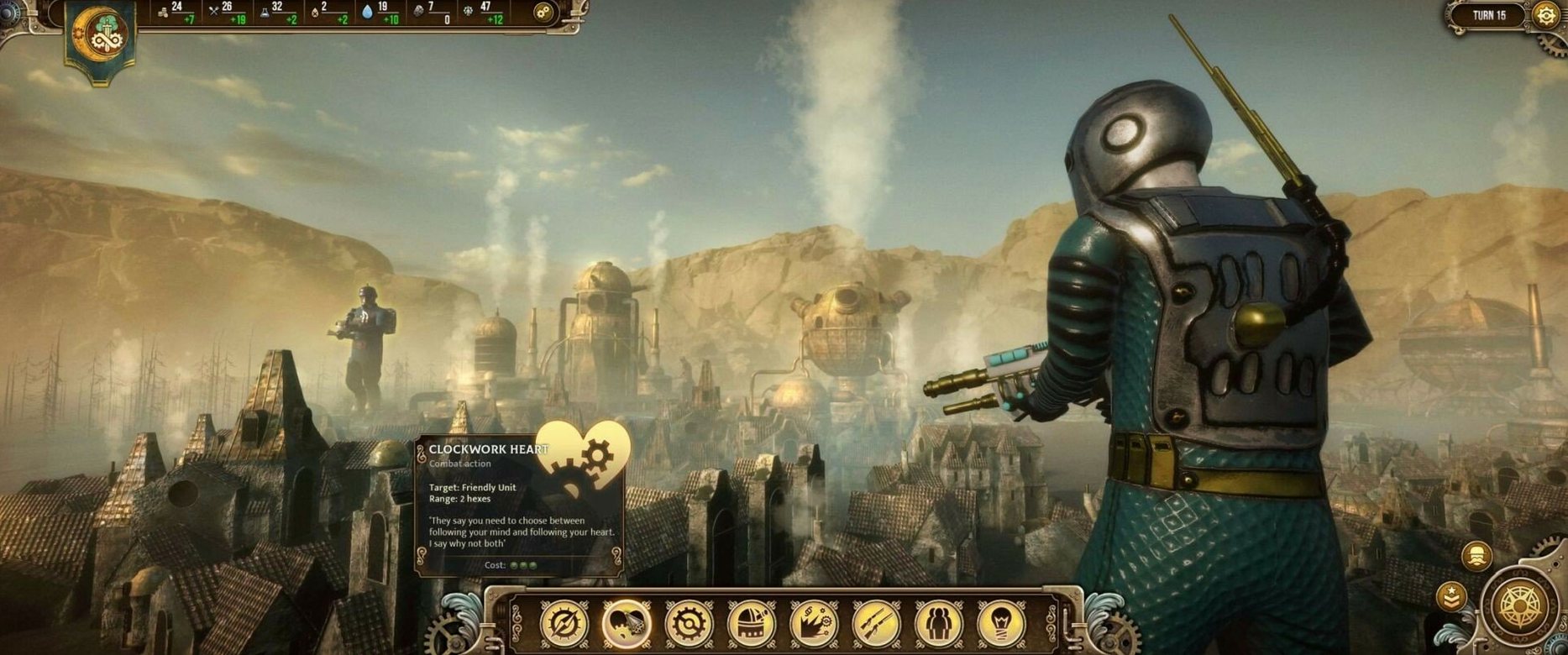
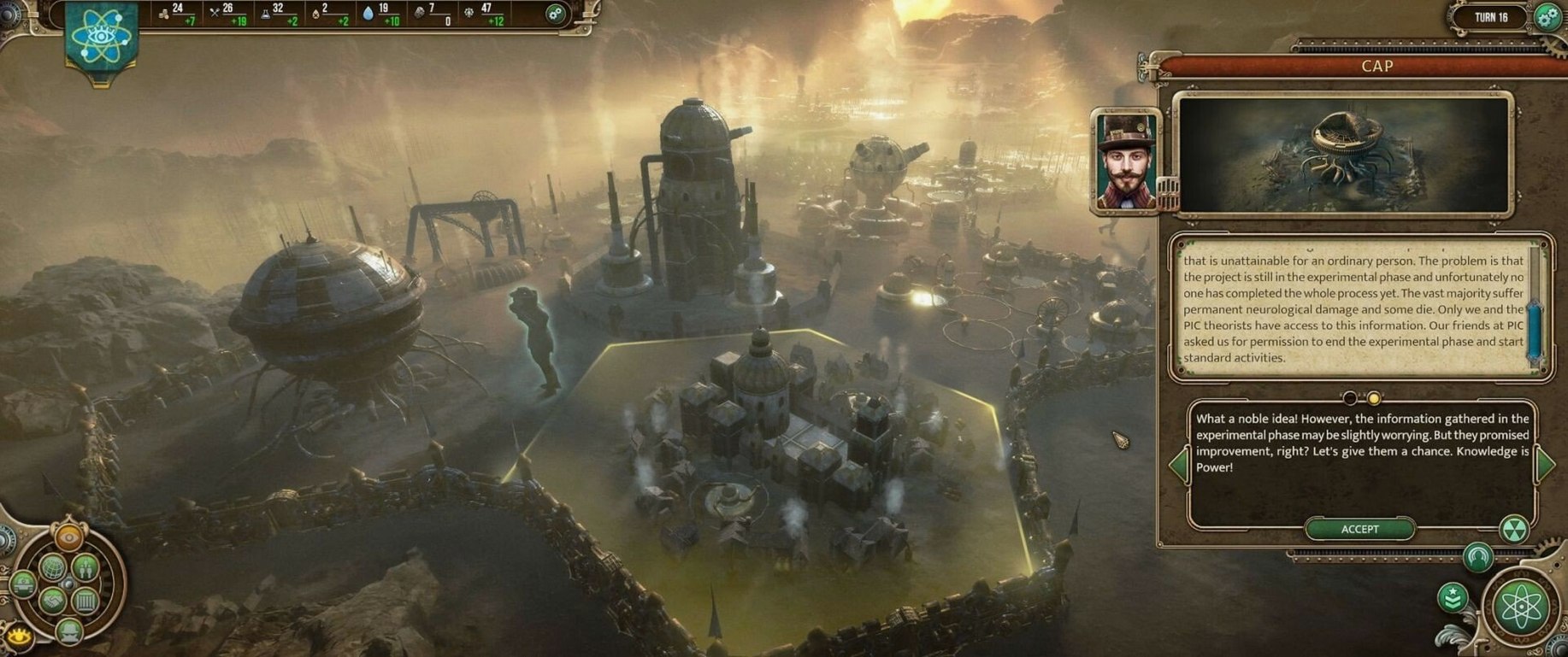
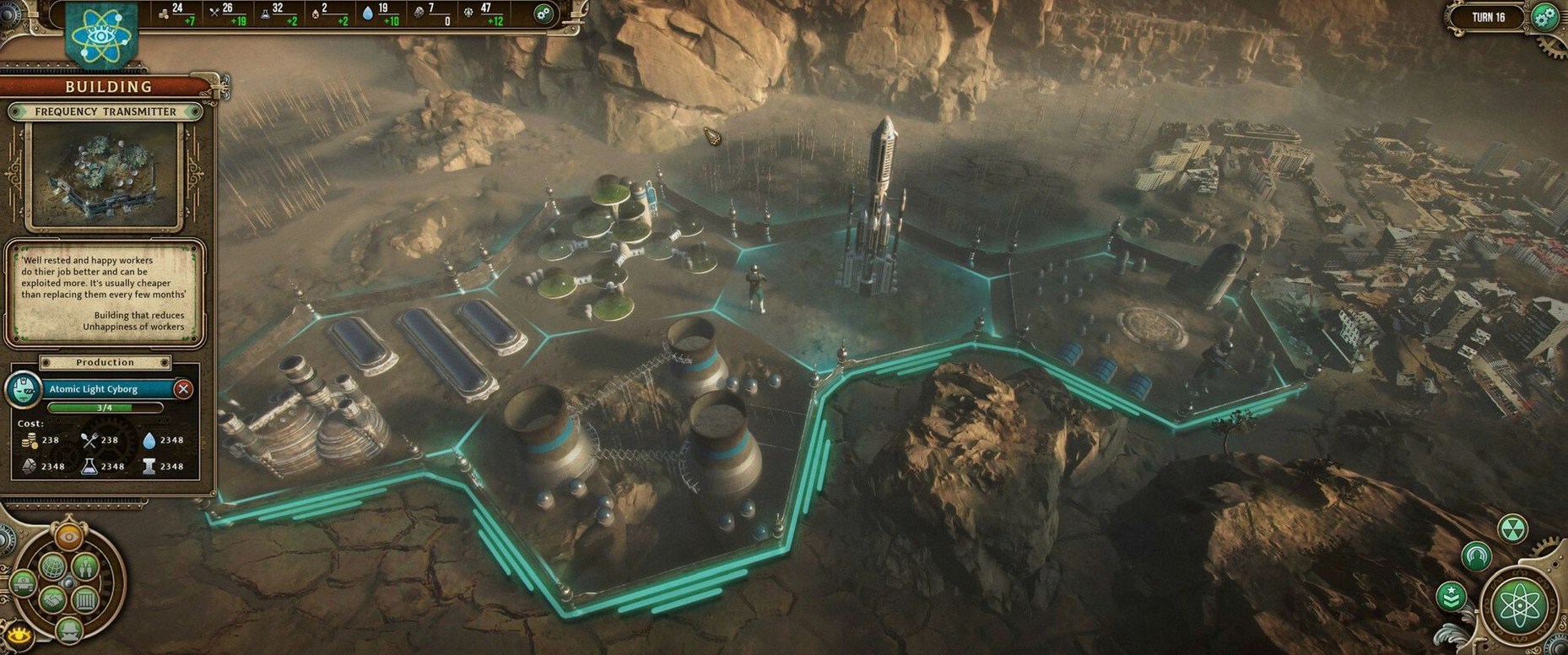
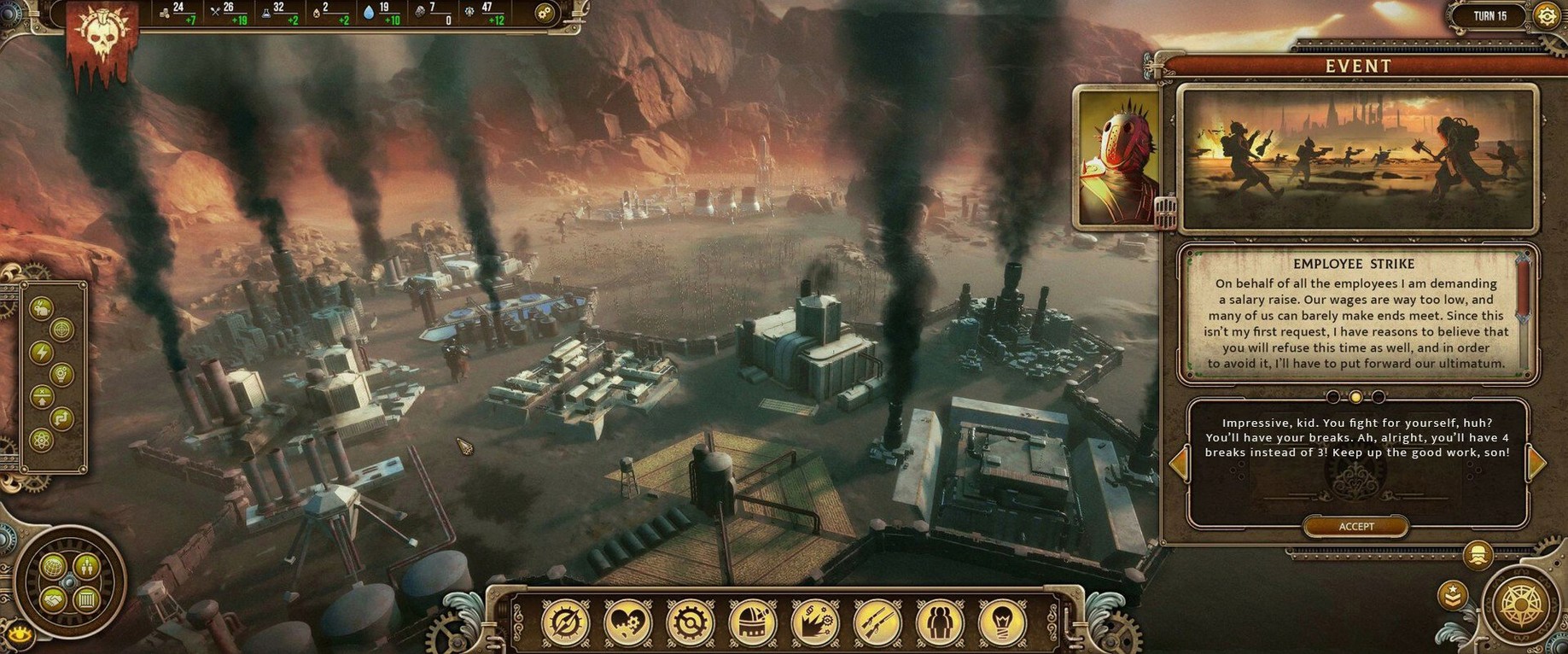
Finding a post-apocalyptic 4X strategy that runs on a Mac without fuss is rare. Punk Wars fills that gap. Set in the ruins of a megacity, you take control of one of four factions — steampunk, dieselpunk, steelpunk, or atompunk — each with its own flavour. It’s turn-based, so you have time to think about resource management (water is key) and territorial expansion without the pressure of real-time chaos.
Intel-only with Rosetta 2 required for M-series Macs
The game runs on Intel-based Macs only. There’s no Apple Silicon version, so if you’re on an M-series machine, you’ll need Rosetta 2 to run it.
Clear mouse-and-keyboard controls in six languages
Standard mouse and keyboard. The interface is clear, and the turn-based nature means you never fight with input lag. Menus are in six languages: English, Russian, German, Spanish, Polish, and French.
A starter workflow for your first game
Jumping into a new 4X game can feel overwhelming, but Punk Wars gives you a clear path if you know where to focus. Here’s a workflow I use when starting a fresh campaign.
First, pick your faction by scanning their unique units and skills — don’t overthink it, just choose one that sounds fun. Once the game loads, your opening move is to explore the ruins immediately around your starting zone. Send your scout units in a circle to reveal resource nodes, especially water sources. Water is your lifeline, and you want to secure at least two nodes before the second faction reaches them.
Next, queue up a water collector and a basic barracks in your settlement. While those build, use your second unit to grab a nearby territory tile that contains industrial scrap or fuel. You need that material to unlock supply chains later. After the barracks finishes, produce one or two defensive units — don’t go full army yet. Your early goal is population and happiness, not conquest.
Once you have a steady water income and a small standing force, start expanding your territory toward neutral ruins. Those ruins often hold tech fragments that unlock new buildings or unit upgrades. Prioritise scientific infrastructure after your basic economy is stable. Turn-based battles will happen when you encounter enemy units on the map, so keep your army close enough to reinforce your forward positions.
That’s the loop: explore, secure water, build infrastructure, expand, and fight when you have to. Stick to it for the first 20 turns and you’ll have a solid foundation.
Neglecting happiness that slows production
Even experienced strategy players trip over a few things in Punk Wars. The most common one is neglecting happiness. You can build a powerful army and a long supply chain, but if your population is unhappy, production slows to a crawl and you risk losing territory to rebellion. Check the happiness screen every few turns — it’s easy to forget.
Another mistake is expanding too fast. Grabbing every tile in sight stretches your supply lines and makes it hard to defend your borders. Instead, claim only tiles that give you water, industrial resources, or strategic chokepoints. Leave the empty ruins for later.
New players also underestimate the importance of water. It’s not just a resource; it’s the currency that drives everything else. If you run out, you can’t build, can’t heal units, and can’t maintain your army. Always keep a buffer of at least 50 units of water before spending it on upgrades.
Finally, don’t ignore your faction’s unique units. Each corporation has a specialised unit that excels in certain terrain or against specific enemy types. If you’re playing as the steampunk faction, lean into their mechanical walkers. If you chose atompunk, use their radiation-resistant troops to push through contaminated zones. Playing against your faction’s strengths is a fast way to lose momentum.
Performance depends on your Mac’s hardware.
- macOS version: not specified; Intel only
- Architecture: Intel
- Hard drive space: check the installer
Kit check at a glance
| Chip | Intel 64-bit |
| Download | 6 GB |
| Older pressings | 2 in the crate |







Chat from the booth
Sign in or grab a free account to leave a comment.
Nobody has said a word in the booth yet. If you played a set with this build, tell the next person how it went.