

- Build in the crate
- Build (19017868) Native
- Made by the team at
- Valve
- Menu languages offered
- Russian, English, German, Bulgarian, Hungarian, Danish, Spanish, Italian, Chinese (Traditional), Chinese (Simplified), Korean, Dutch, Norwegian, Portuguese, Romanian, Thai, Turkish, Ukrainian, Finnish, French, Swedish, Japanese
- How you pay for it
- Not required
- CPU it runs on
- Apple Silicon, Intel 64-bit
- Played on
- macOS Golden Gate, Mac mini 2024 M4
- Dropped on
- 10.10.2007
- Spoken voice in
- Russian, English
Screenshots
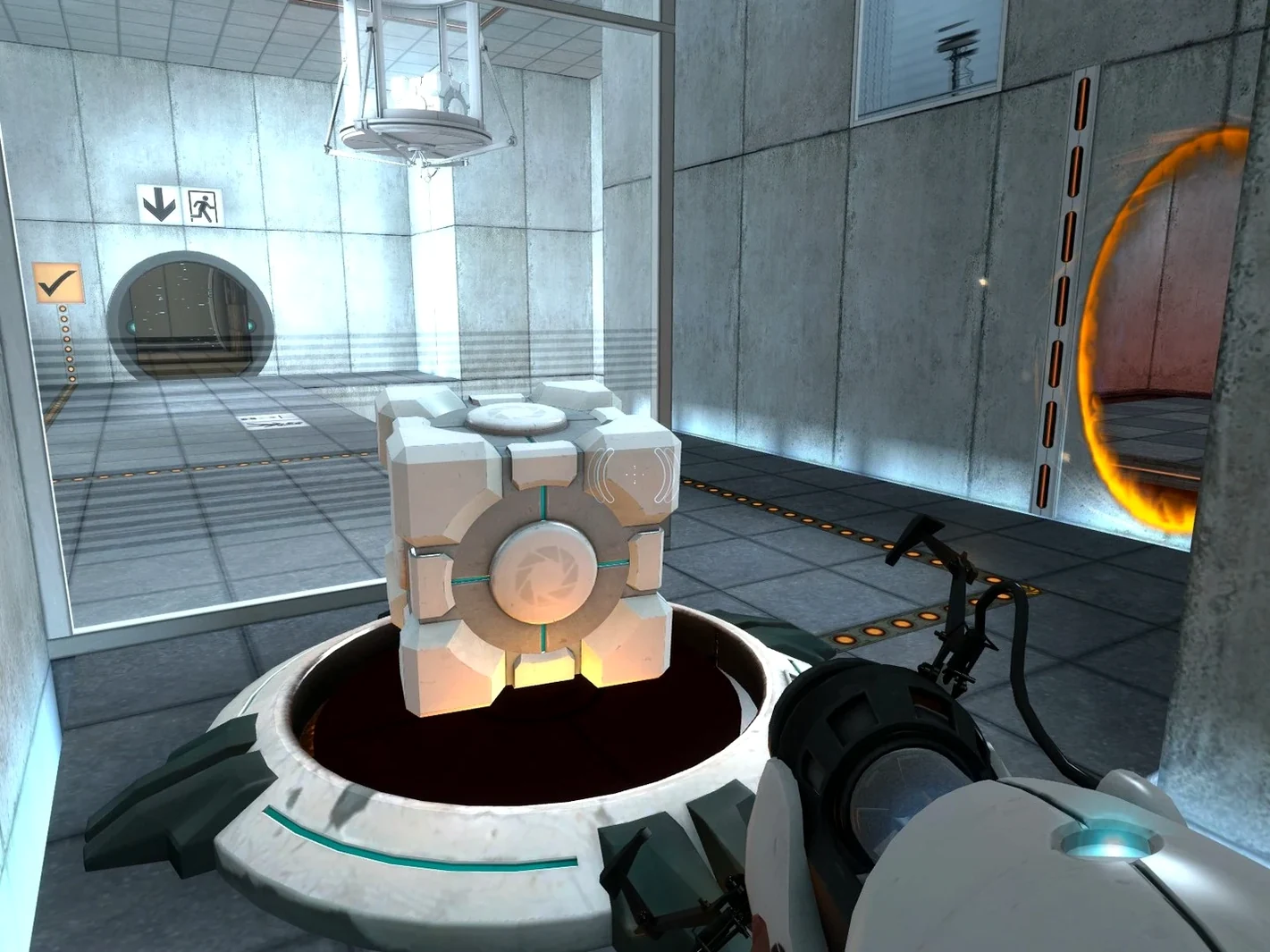
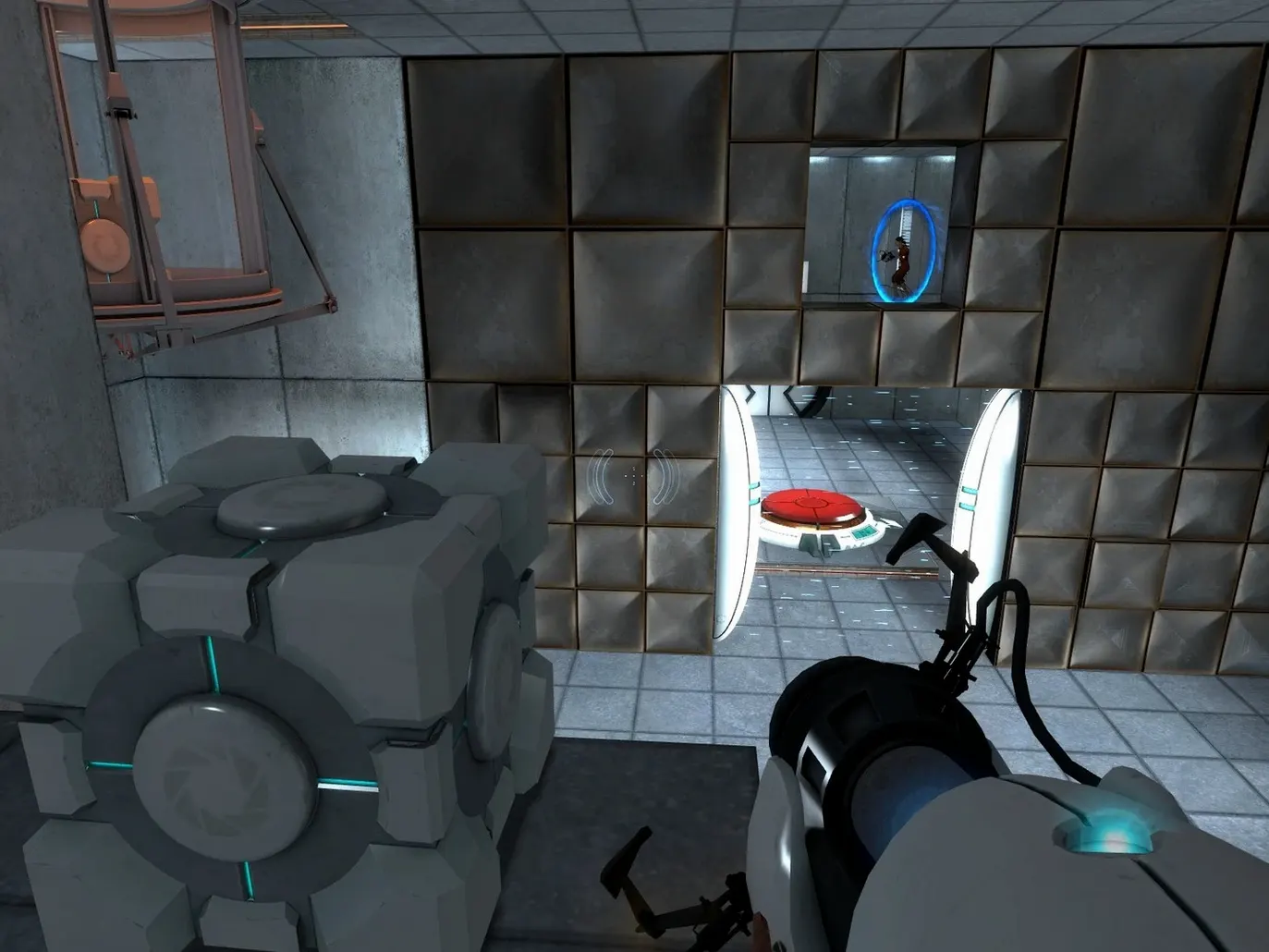
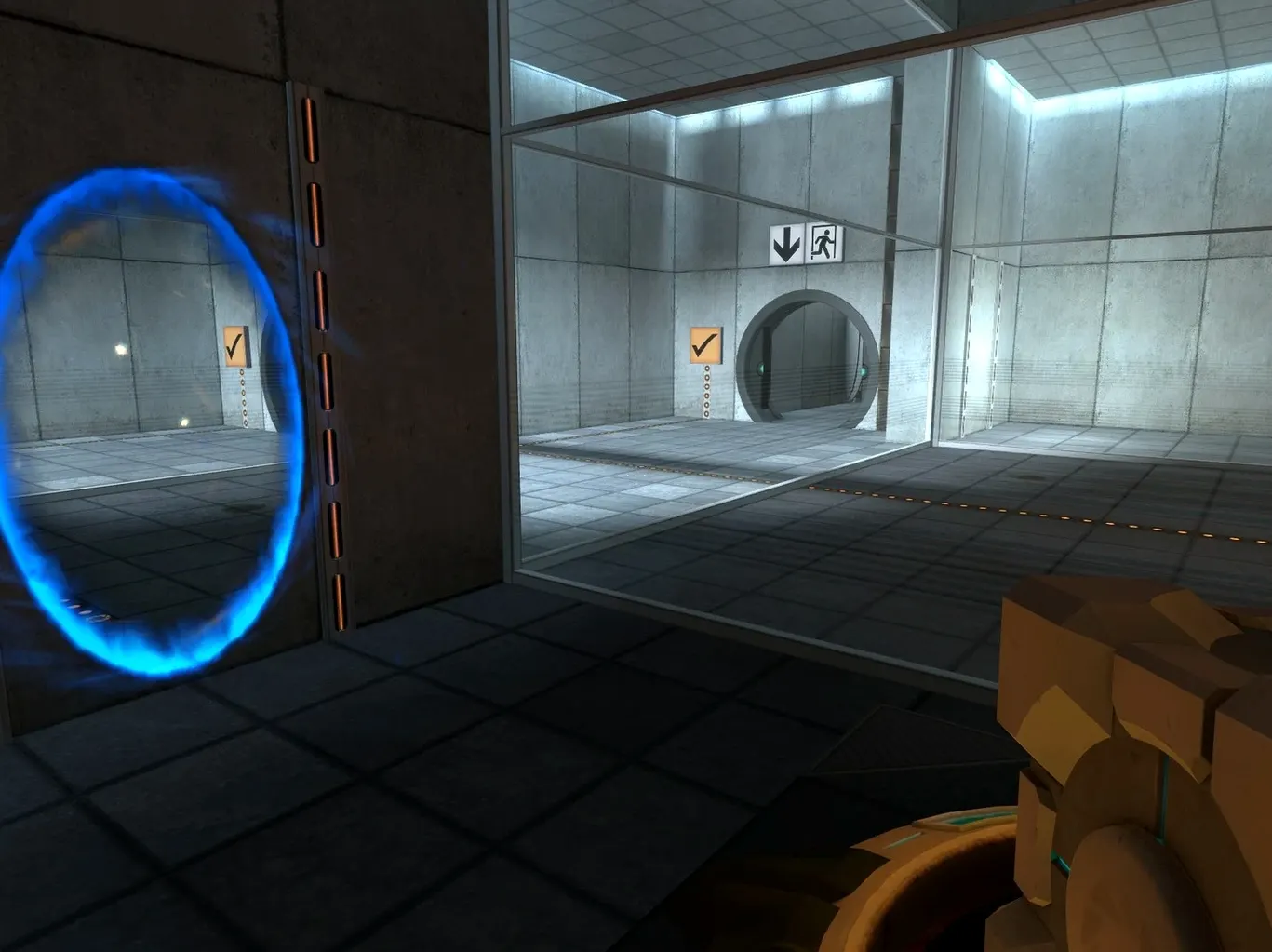
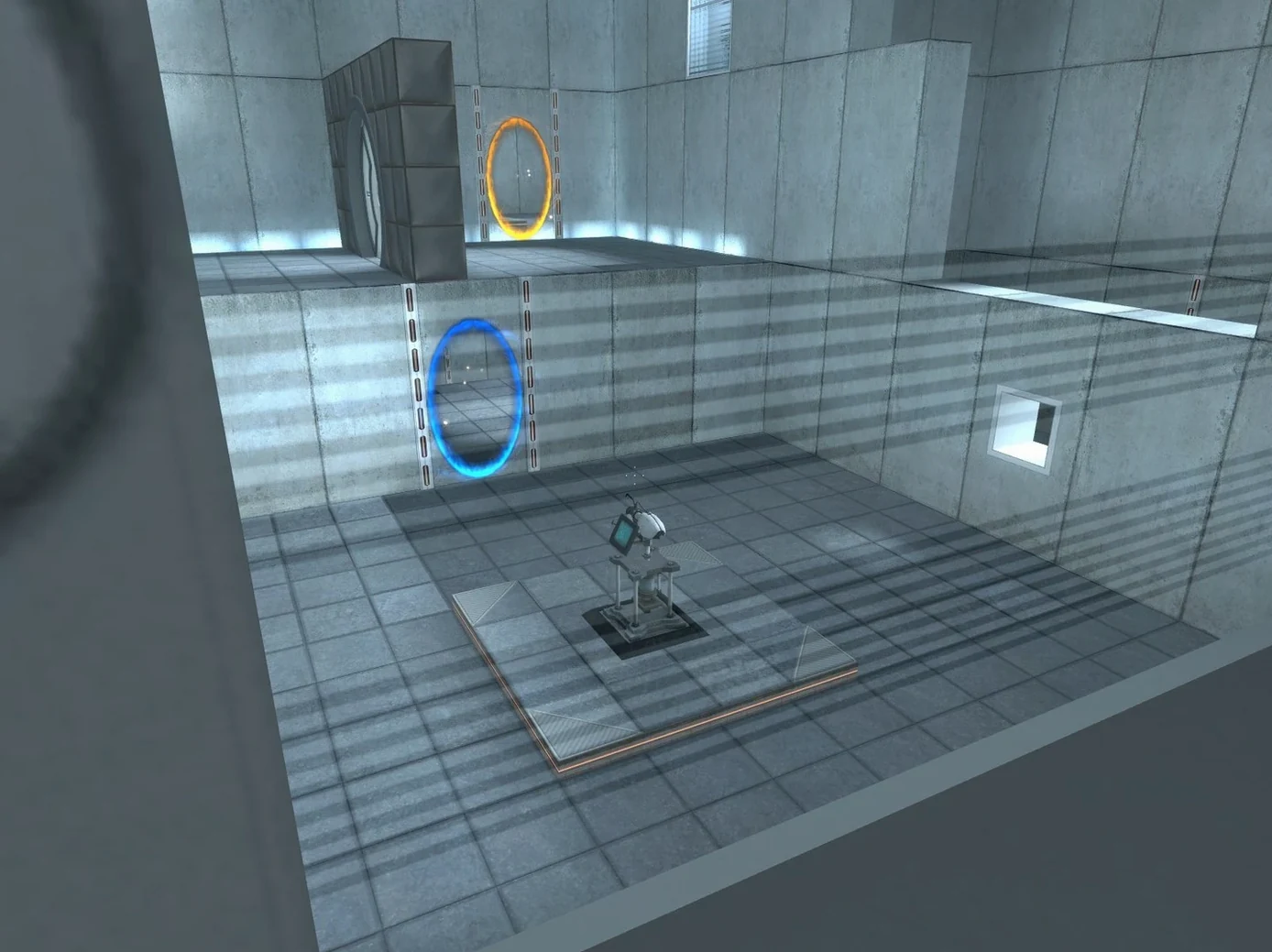
Valve's Portal lands on macOS as a native build for both Apple Silicon and Intel Macs. This is the same single-player puzzle game that asks you to think with portals — solving physics puzzles by creating entry and exit portals to move objects and yourself through Aperture Science laboratories.
For full original Portal experience
- Anyone who wants the full original Portal experience, no emulation layer needed.
- Mac users who prefer a standalone package outside Steam.
- Players who like clever, room-based puzzles with a darkly funny narrative.
Saves inside the app bundle
- The game saves live inside the app bundle (
Portal macOS.app/Contents/Resources/GameData/portal/save). - Changing the interface language requires editing the
portal_launcherfile inside the app bundle with a text editor. - Supported voice languages are English and Russian; interface languages include 22 options.
A puzzle player's typical session
You sit down for a quick break and end up stuck in Test Chamber 16 for forty minutes. That's Portal. The kind of game where one room can stump you until you stop treating it like a first-person shooter and start thinking in three dimensions. On a MacBook Air, the native build loads the chambers without fuss, and the trackpad or mouse controls feel responsive for the precision jumps and portal placements you'll need. The trick is patience: the solution is almost always above you, behind you, or through a wall you hadn't considered a door.
Auto Fix file for launch issues
- Game won't launch on first try. The disk image includes an Auto Fix file. Run that before launching the game again. It sorts out the permissions and environment flags the native build needs on macOS.
- Language is not what you expected. Open the app bundle, navigate to
Contents/Resources/GameData/, and openportal_launcherin a text editor. Replace the language parameter with your choice from the supported list, then save. Next launch will use that language. - Can't find your save files. They are inside the app bundle at
Portal macOS.app/Contents/Resources/GameData/portal/save. If you want to back them up or transfer progress, copy that whole folder.
Workflow: complete a chamber and move on
Start the game, pick your save or begin a new file. Each chamber is a self-contained room. Survey the layout: look for flat white surfaces where portals can stick. Fire the first portal with the left mouse button, the second with the right. Walk or jump through the orange portal to exit from the blue one. Use the same trick to redirect energy balls into receivers, stack boxes on switches, and fling yourself across gaps. Once the exit door opens, step through. The game auto-saves at the start of each chamber, so you can quit after any completed room and pick up right there next time. For a fresh portal mac download, the native build is ready to run out of the box after the Auto Fix step.
- Native build for macOS (Apple Silicon and Intel).
- macOS (version not specified)
- Architecture: Apple Silicon / Intel
Kit check at a glance
| Chip | Apple Silicon, Intel 64-bit |
| Download | 3.5 GB |







Chat from the booth
Sign in or grab a free account to leave a comment.
Nobody has said a word in the booth yet. If you played a set with this build, tell the next person how it went.