
- Build in the crate
- 1.1 v2.28545 [Wineskin]
- Made by the team at
- Ubisoft Montreal
- Menu languages offered
- Russian, English
- How you pay for it
- Not required
- CPU it runs on
- Apple Silicon, Intel 64-bit
- Played on
- macOS Sequoia, Mac mini 2020 M1
- Dropped on
- 7.12.2005
- Spoken voice in
- Russian, English
Screenshots
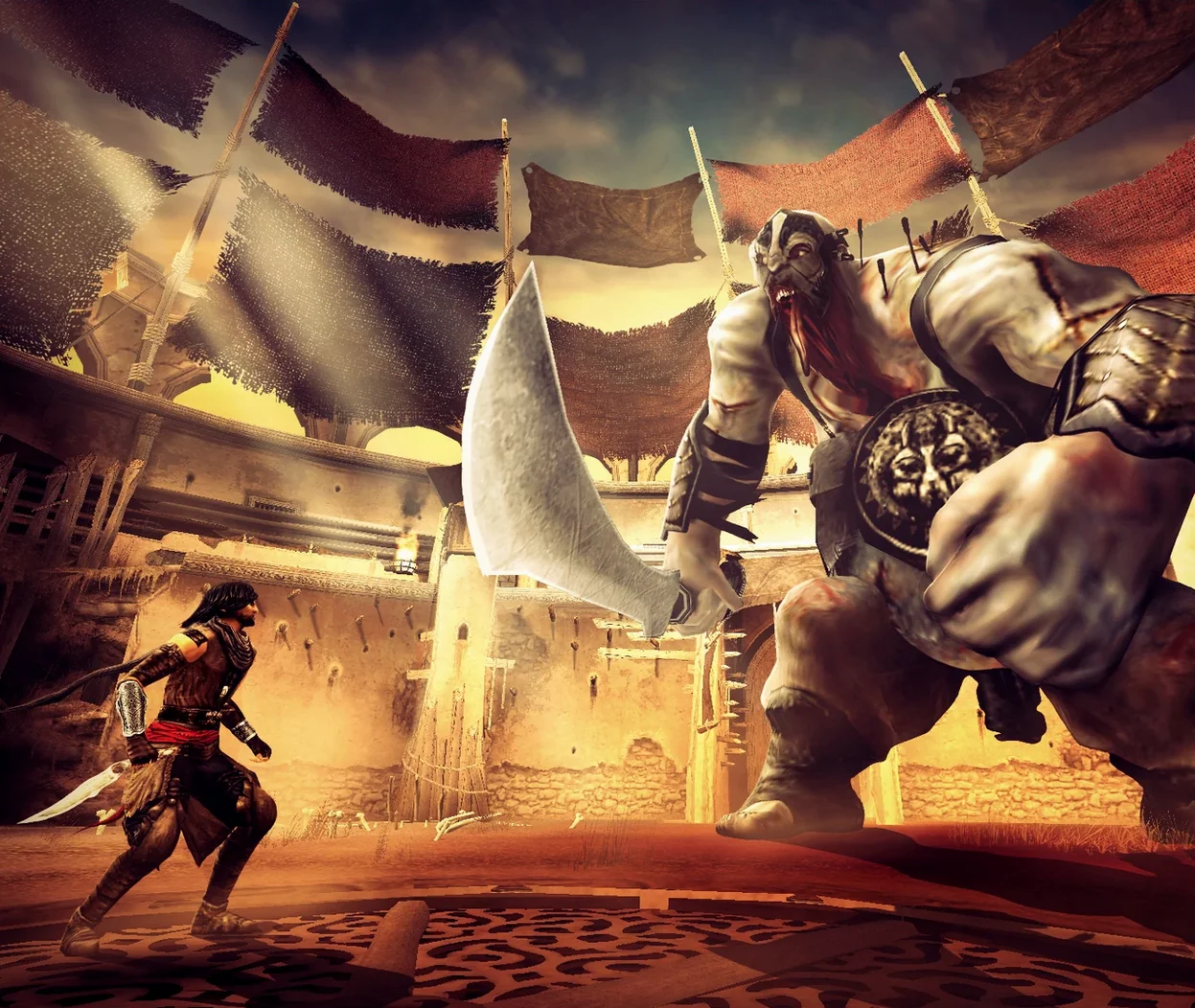
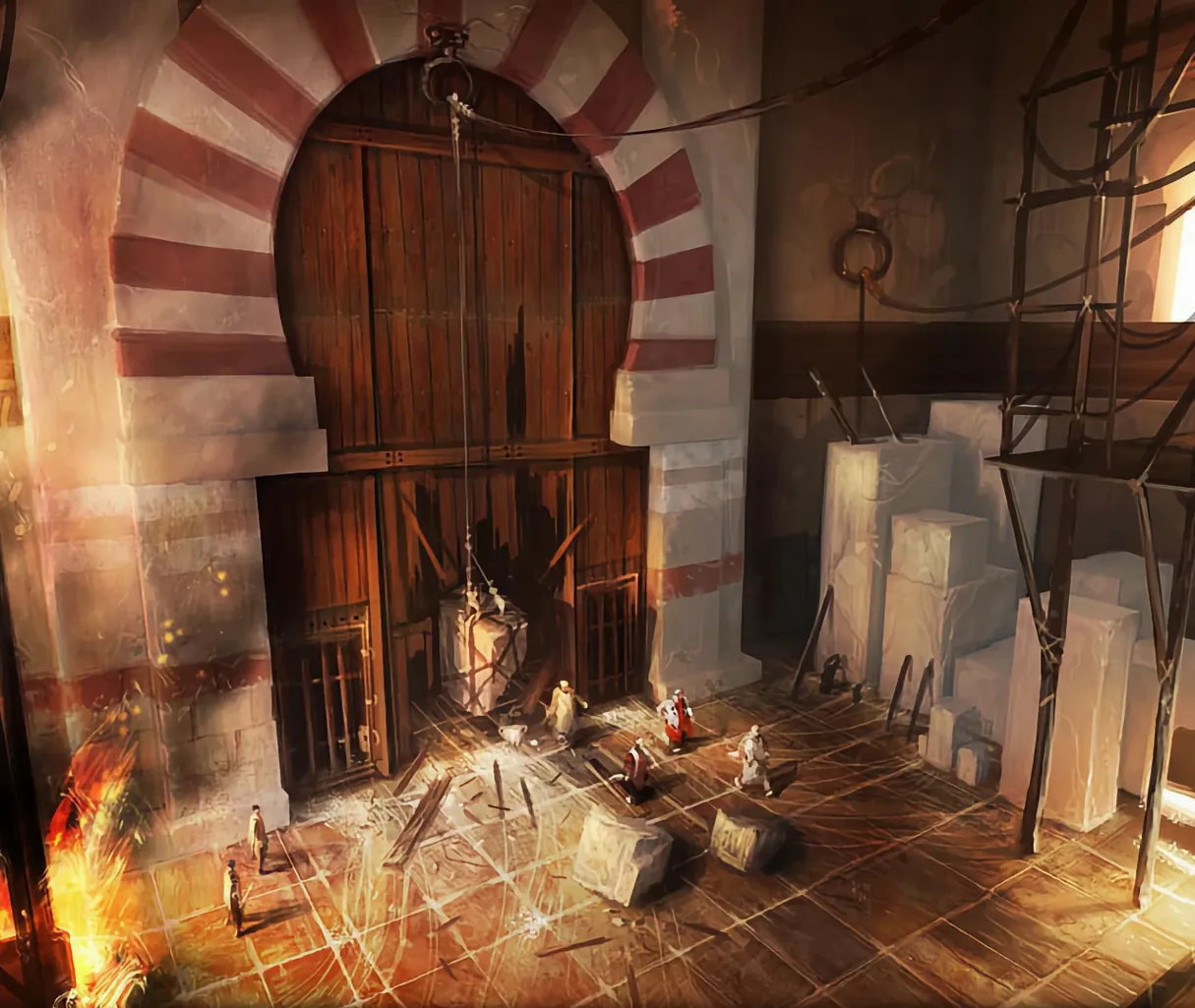
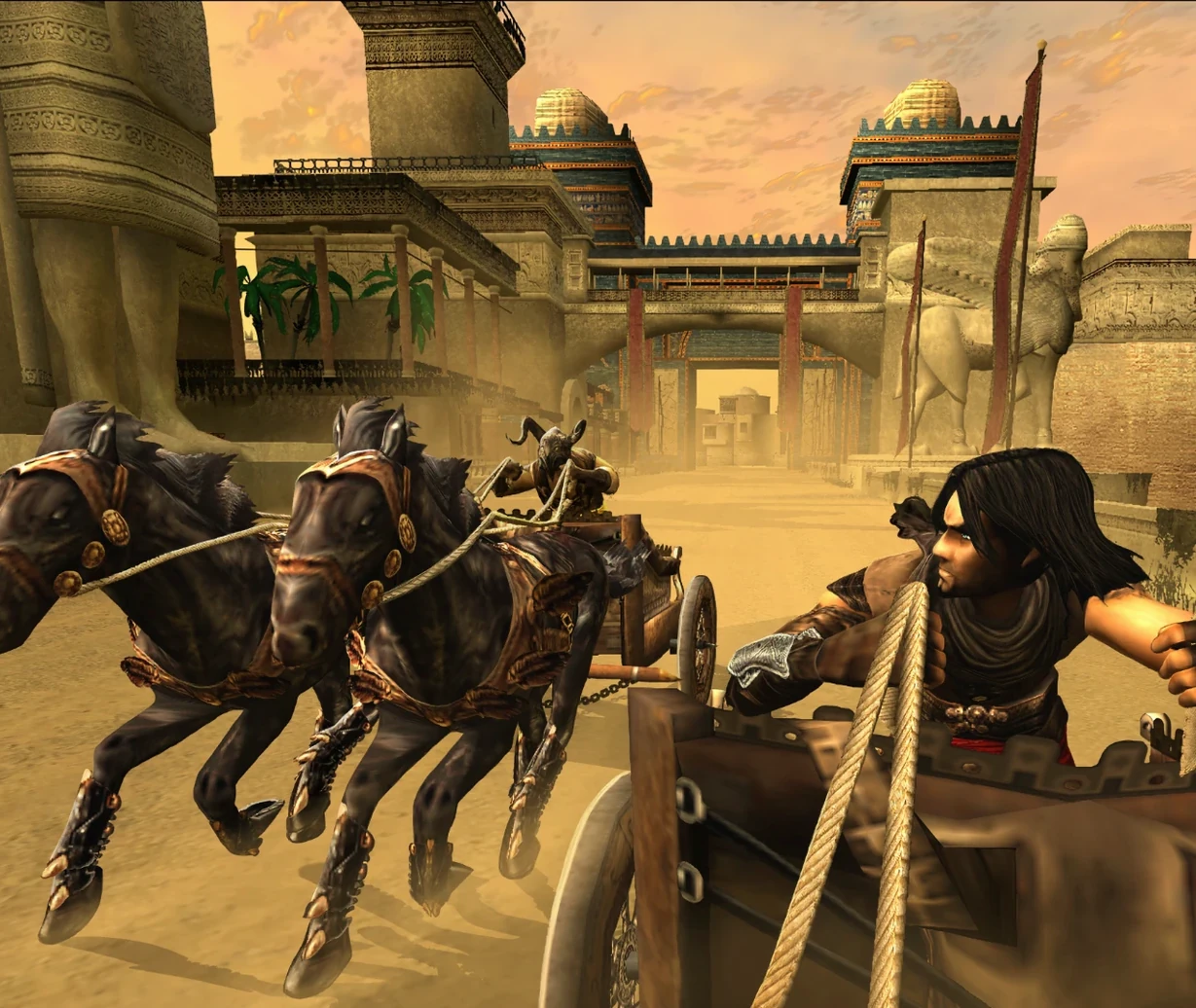
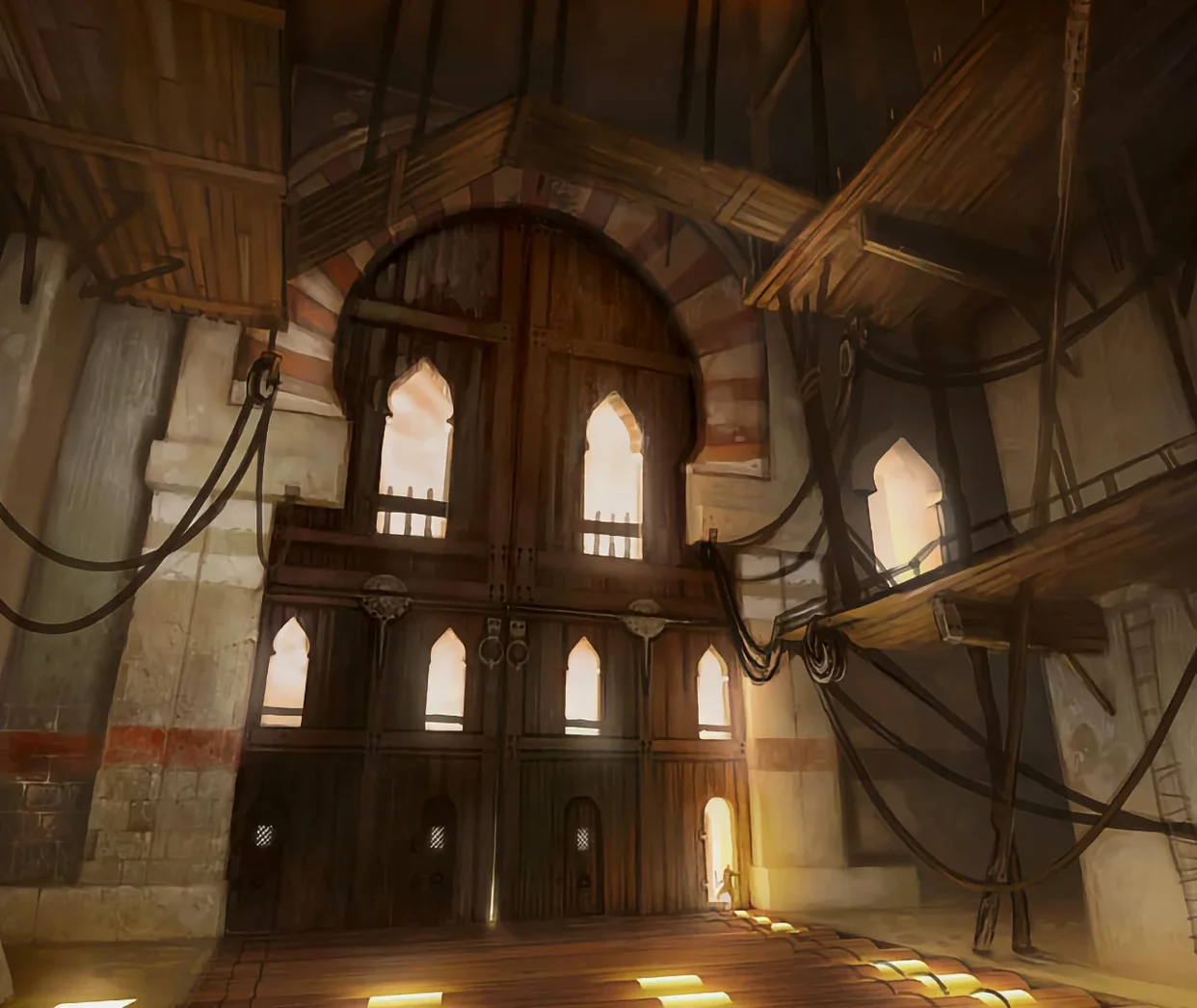
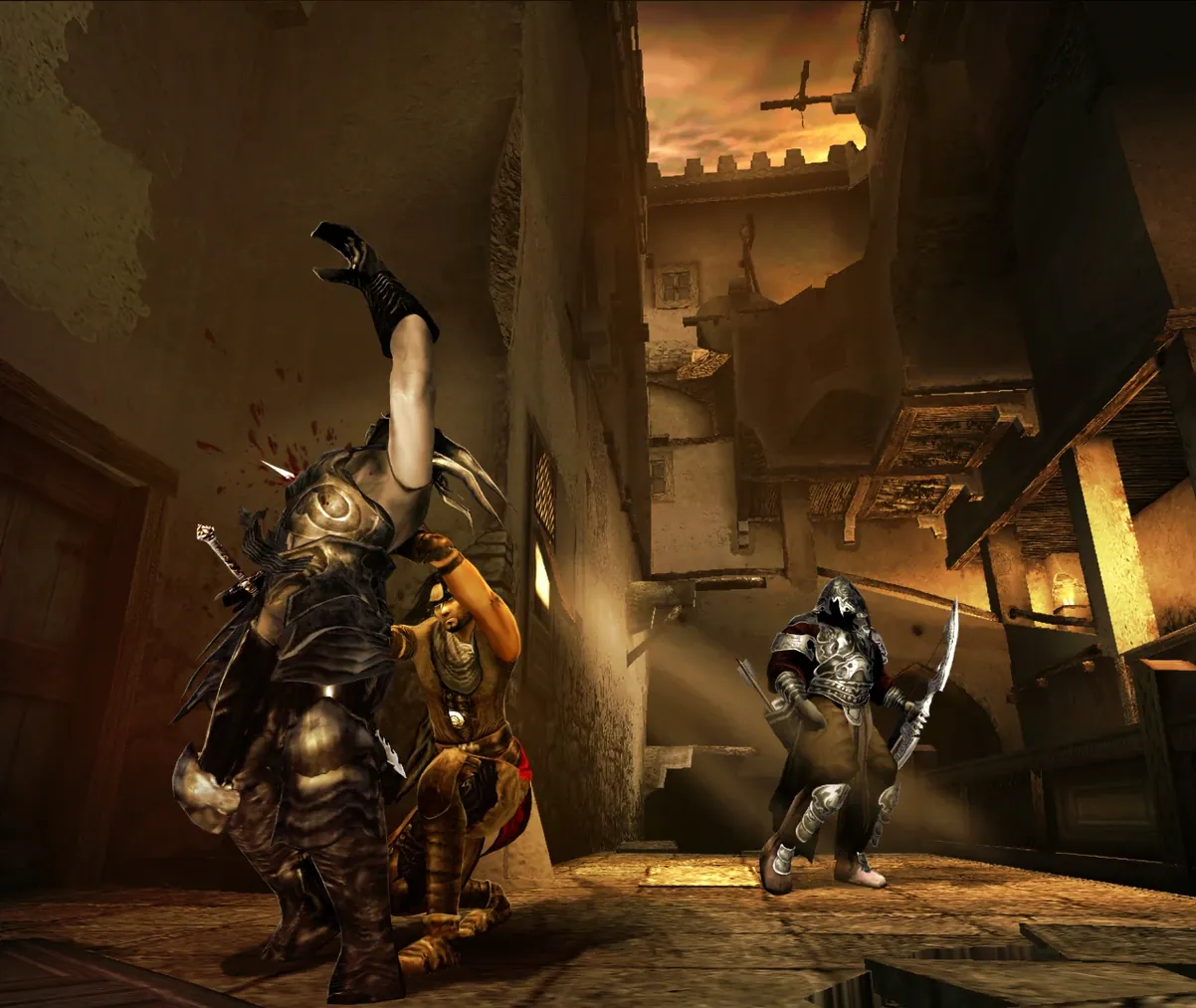
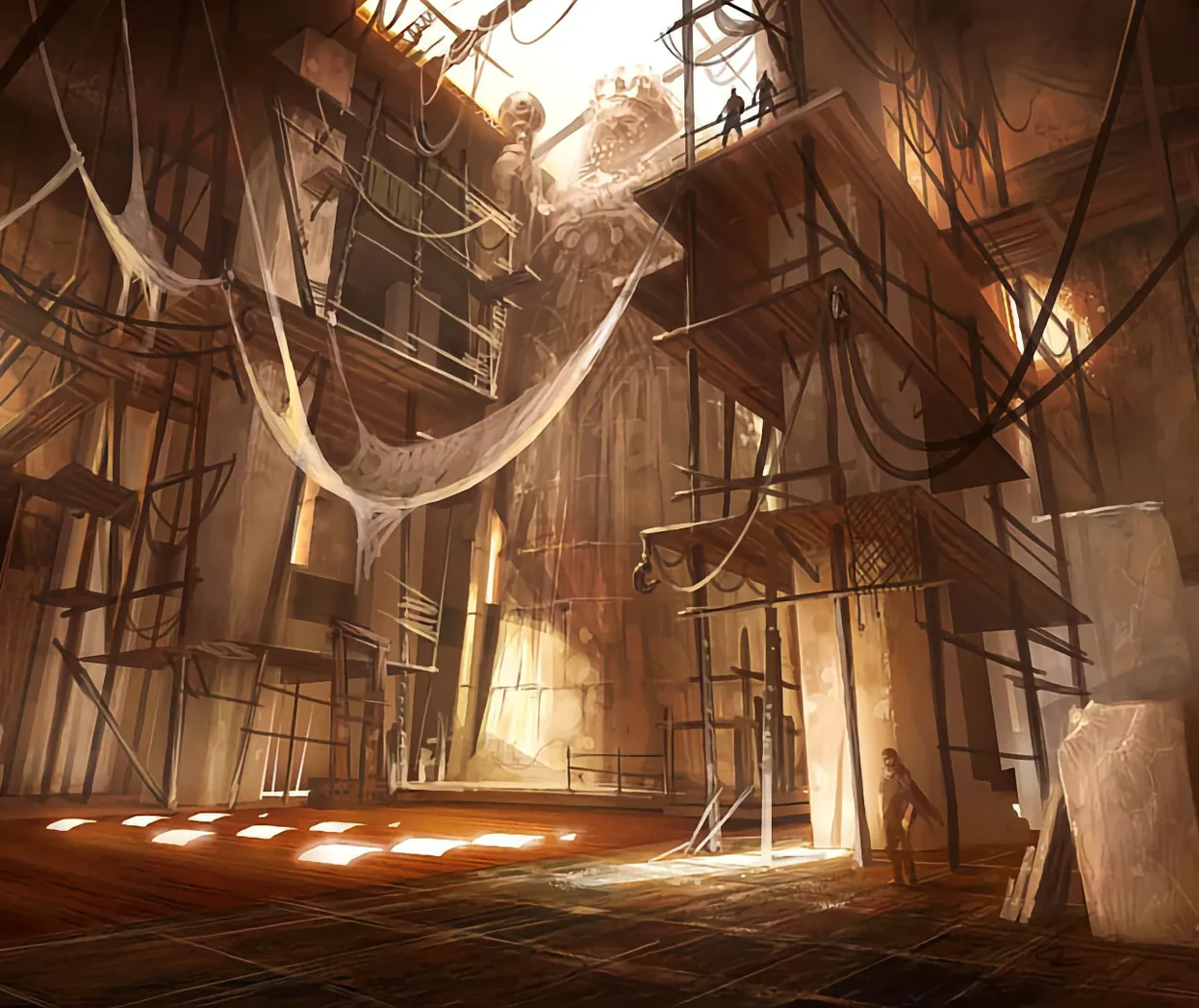
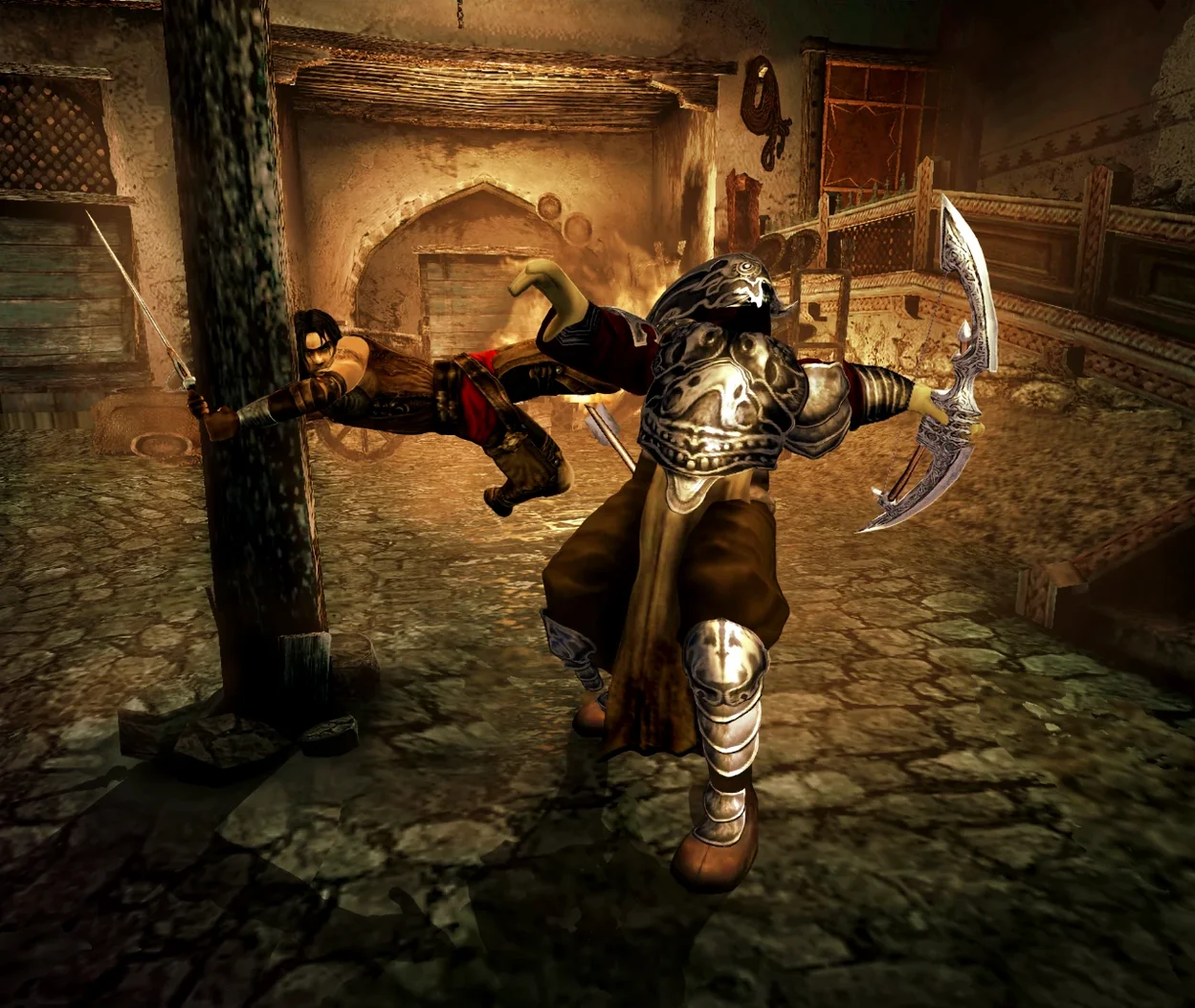
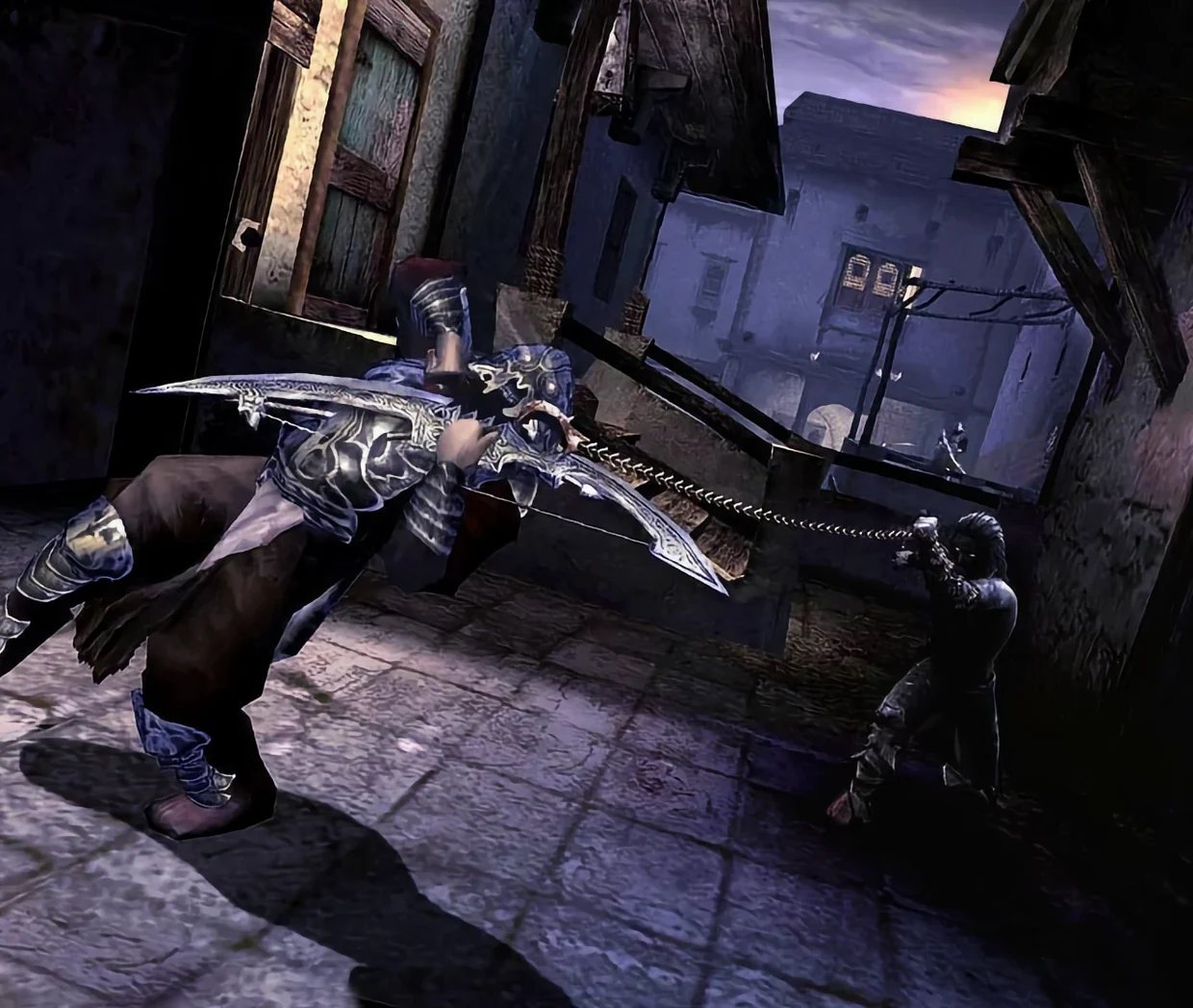
The current Wineskin build, version 1.1 v2.28545, brings the 2005 classic to Mac with both English and Russian language options. It's the full game, set in Babylon, where the Prince is hunted as a fugitive after Kaileena's death unleashes the Sands of Time once more.
Complete campaign with stealth takedowns
This is the complete action-adventure, not a trimmed port. You get the whole campaign, which weaves close-quarters combat with stealth takedowns from behind. The streets are narrow, the passages dark, and the atmosphere does the work. Two playable characters share the story, each with their own weapons and abilities, so the pace shifts depending on who you control.
Drag-and-drop install with startup fix
The disk image holds the app, a shortcut to your Applications folder, and a Fix file for startup trouble. Drag, drop, launch from Launchpad, and you're in. If the display misbehaves, a virtual one at 16:9 1920×1080 usually sorts it. For prince of persia the two thrones mac download, this build is the straightforward route.
Switch between game and walkthrough via Mission Control
This Wineskin wrapper runs as a standalone app, so it sits alongside your regular Mac software without fuss. You can use macOS Mission Control to switch between the game and, say, a walkthrough in Safari or a chat window. The virtual display trick via Better Display works well with Stage Manager too — keep the game on one desktop and your notes on another.
The Daggertail attacks and time-rewind mechanics respond to the trackpad or a mouse, but if you plug in a USB controller, macOS recognises it through the wrapper. No extra drivers needed. For file management, the disk image mounts like any standard DMG, so dragging to Applications is second nature to anyone who's installed Mac software before.
If you're using a download manager like Free Download Manager or Motrix, the torrent or direct file lands in your Downloads folder ready to open. qBittorrent handles the torrent side without issues. The game itself doesn't touch your system settings or cloud services — it's a self-contained bottle, which keeps the rest of your Mac clean.
Run the Fix file before first launch
The most common slip is skipping the Fix file when the game errors on first launch. New users close the error dialog and try reopening the app, which leads to the same screen. The Fix file in the disk image exists exactly for this — run it once, and the game should start properly afterward.
Another mistake is ignoring the virtual display step. On modern Macs with high-resolution screens, the game can appear stretched or offset. Setting a 16:9 1920×1080 virtual display via Better Display before launching solves that. Beginners often try to fiddle with in-game resolution sliders instead, which the wrapper doesn't always honour.
People also forget that the app needs to sit in the Applications folder, not run from the disk image. Launching it directly from the DMG can cause permission issues or crashes. Drag it over, wait for the copy to finish, then launch from Launchpad or the Applications folder. And if the download stalls partway, a download manager with resume support saves starting from scratch.
- Wineskin build version 1.1 v2.28545.
- macOS: not specified
- Architecture: both Intel and Apple Silicon
- Interface languages: Russian, English
Kit check at a glance
| Chip | Apple Silicon, Intel 64-bit |
| Download | 1.7 GB |





Chat from the booth
Sign in or grab a free account to leave a comment.
Nobody has said a word in the booth yet. If you played a set with this build, tell the next person how it went.