

- Build in the crate
- 1.3.1
- Made by the team at
- MadGoat Game Studio
- Menu languages offered
- Russian, English, German, Spanish, Italian, Chinese (Traditional), Chinese (Simplified), Korean, Portuguese, Turkish, French, Japanese
- How you pay for it
- Not required
- CPU it runs on
- Apple Silicon, Intel 64-bit
- Played on
- macOS Tahoe, Mac mini 2024 M4
- Dropped on
- 18.06.2025
- Spoken voice in
- Music only
Screenshots
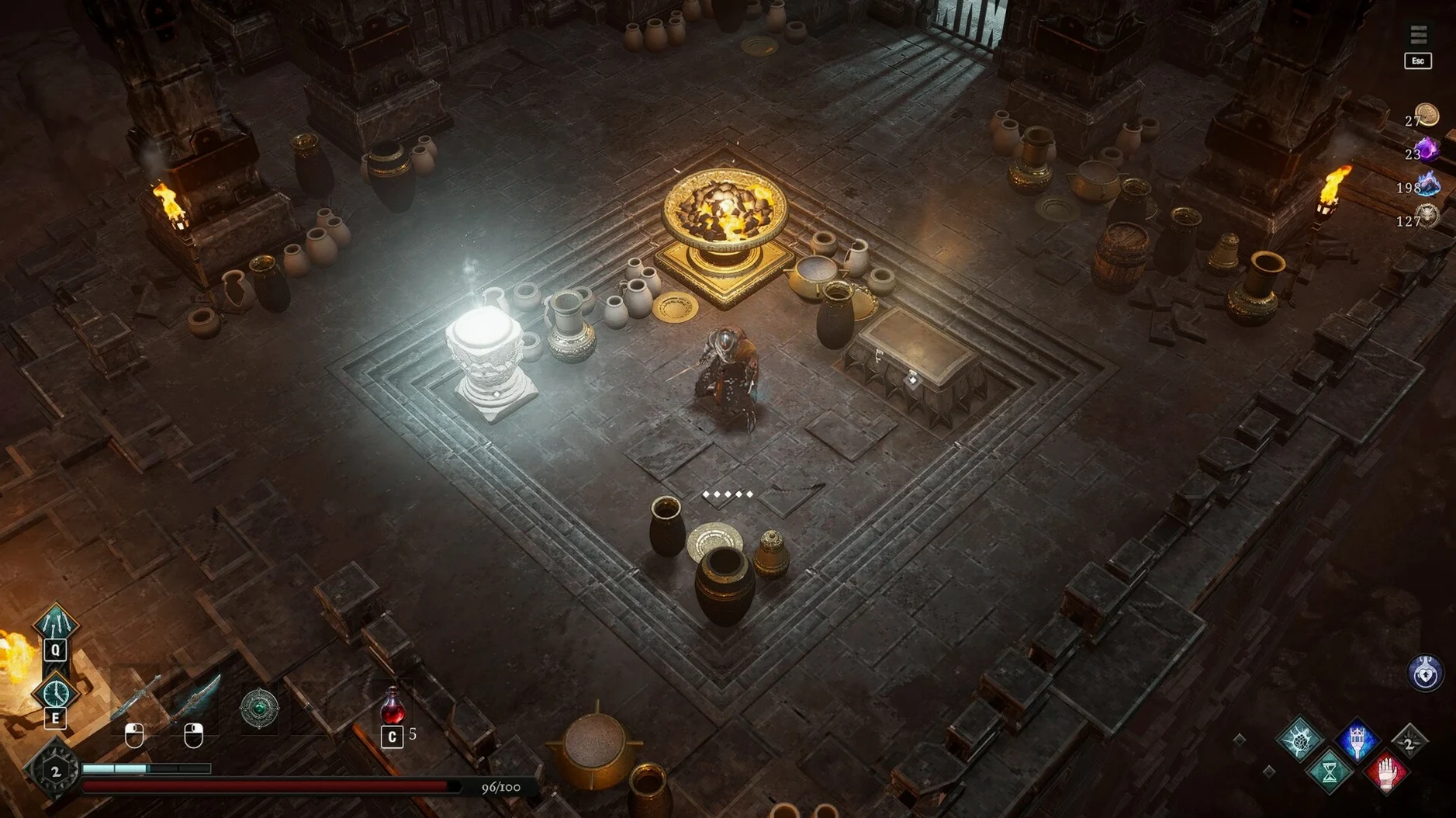
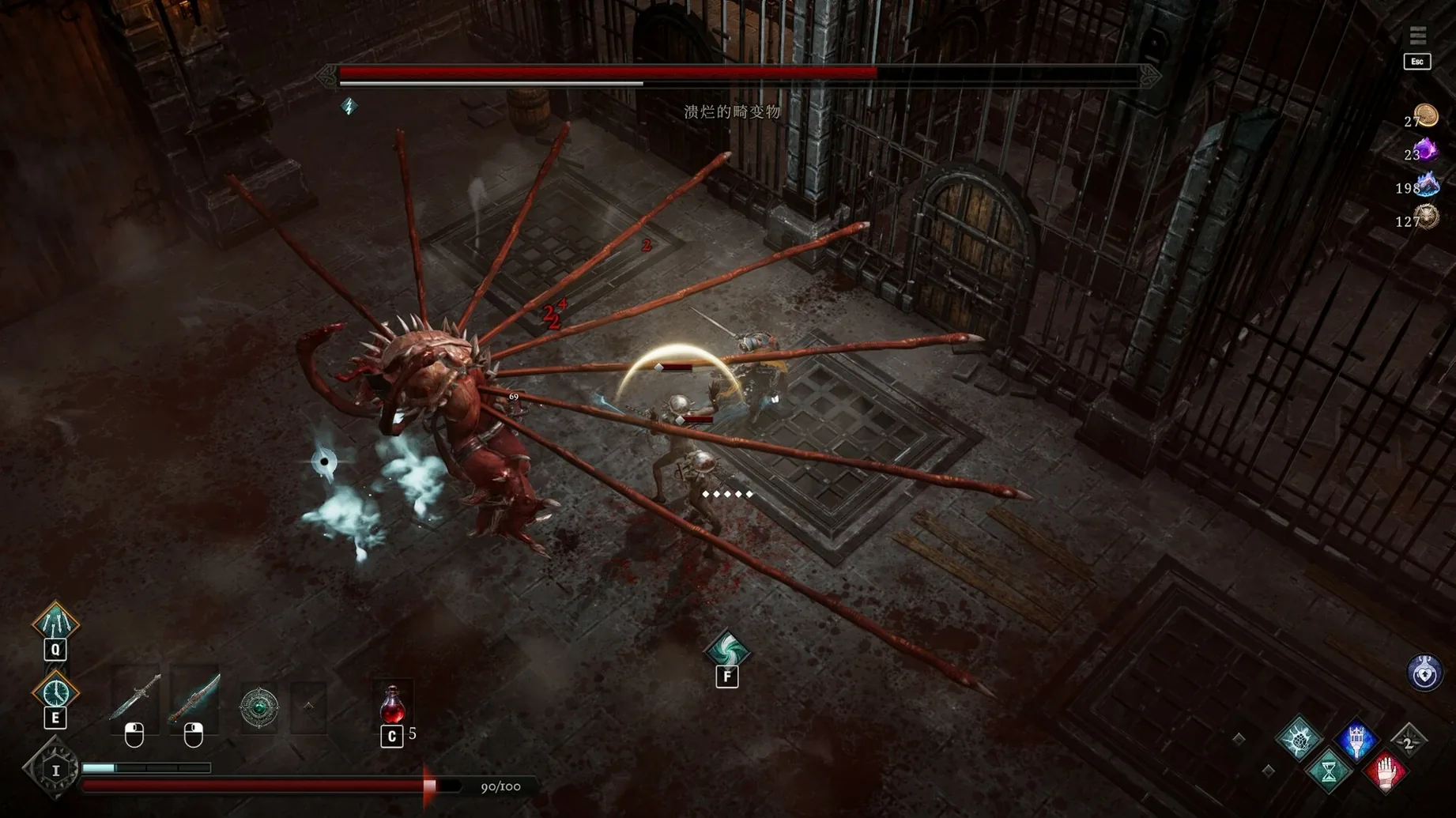
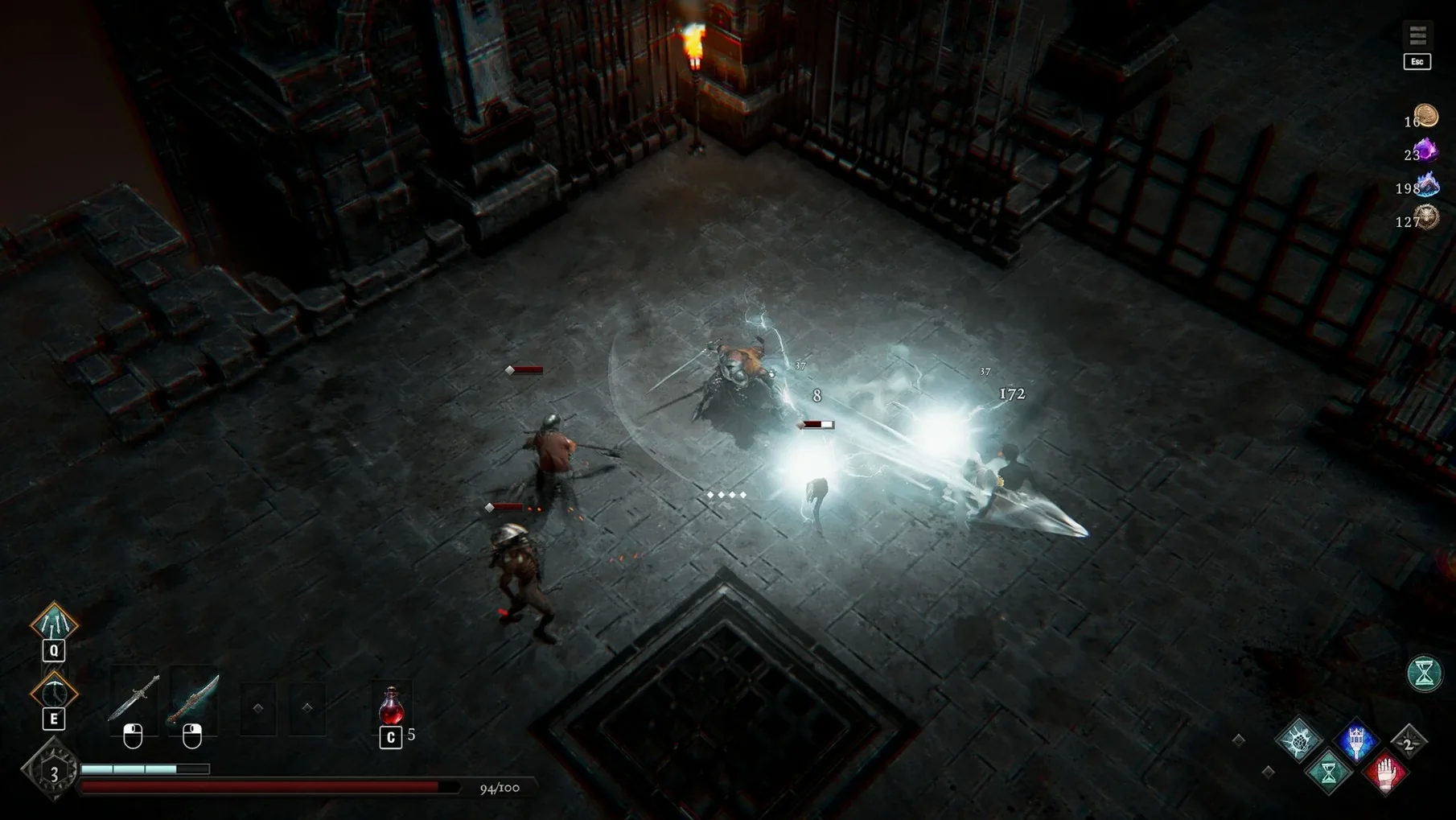
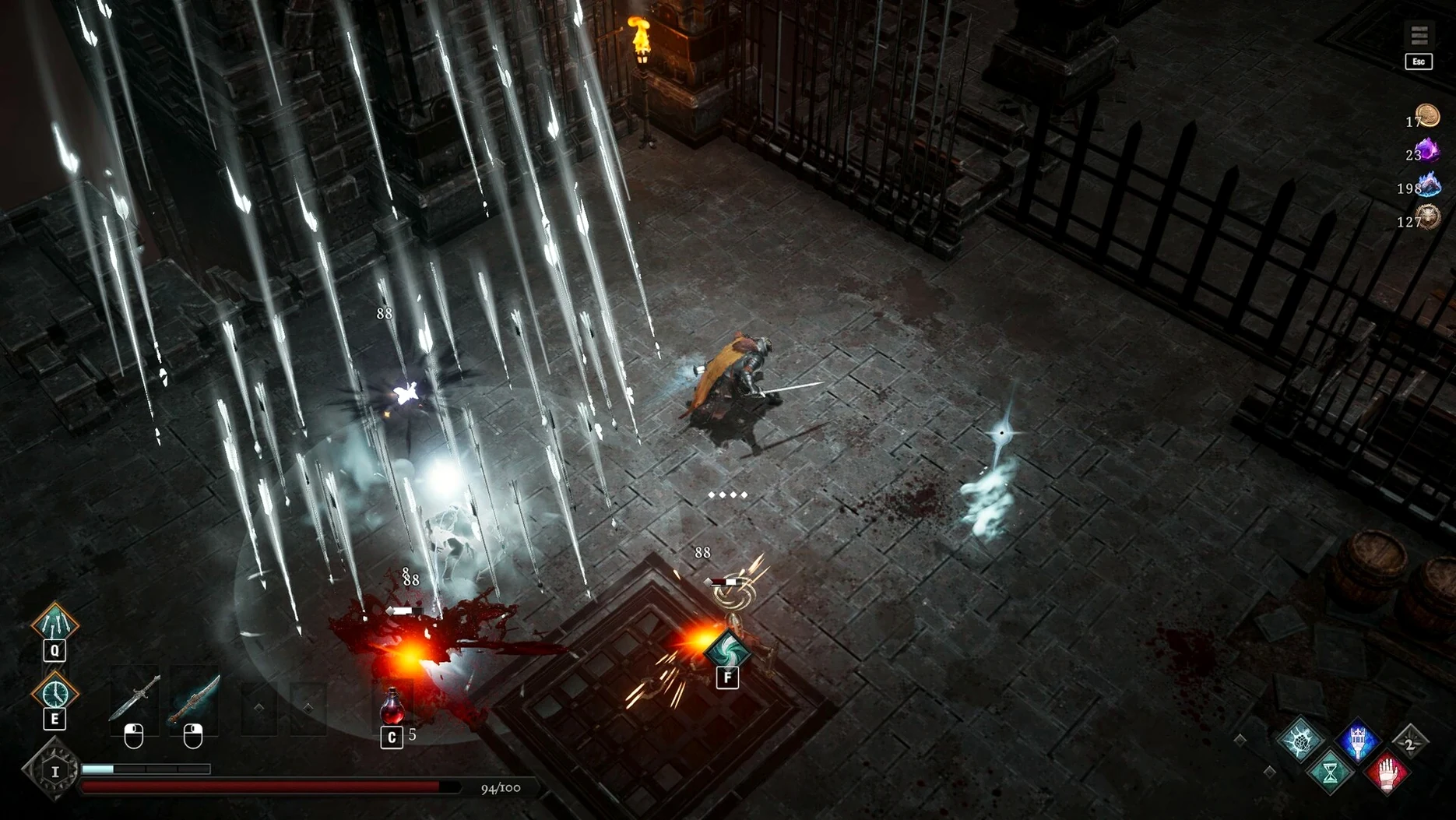
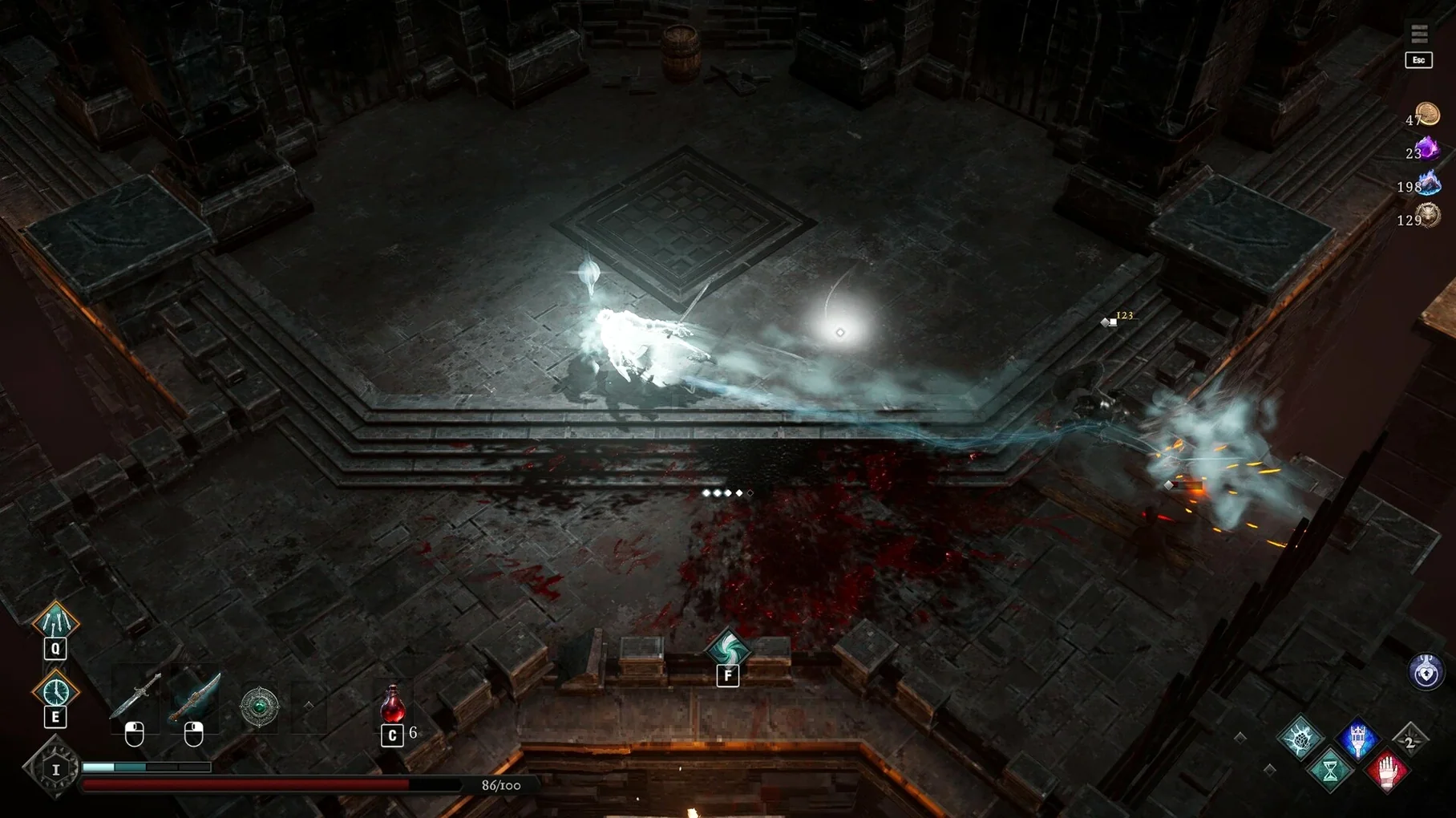
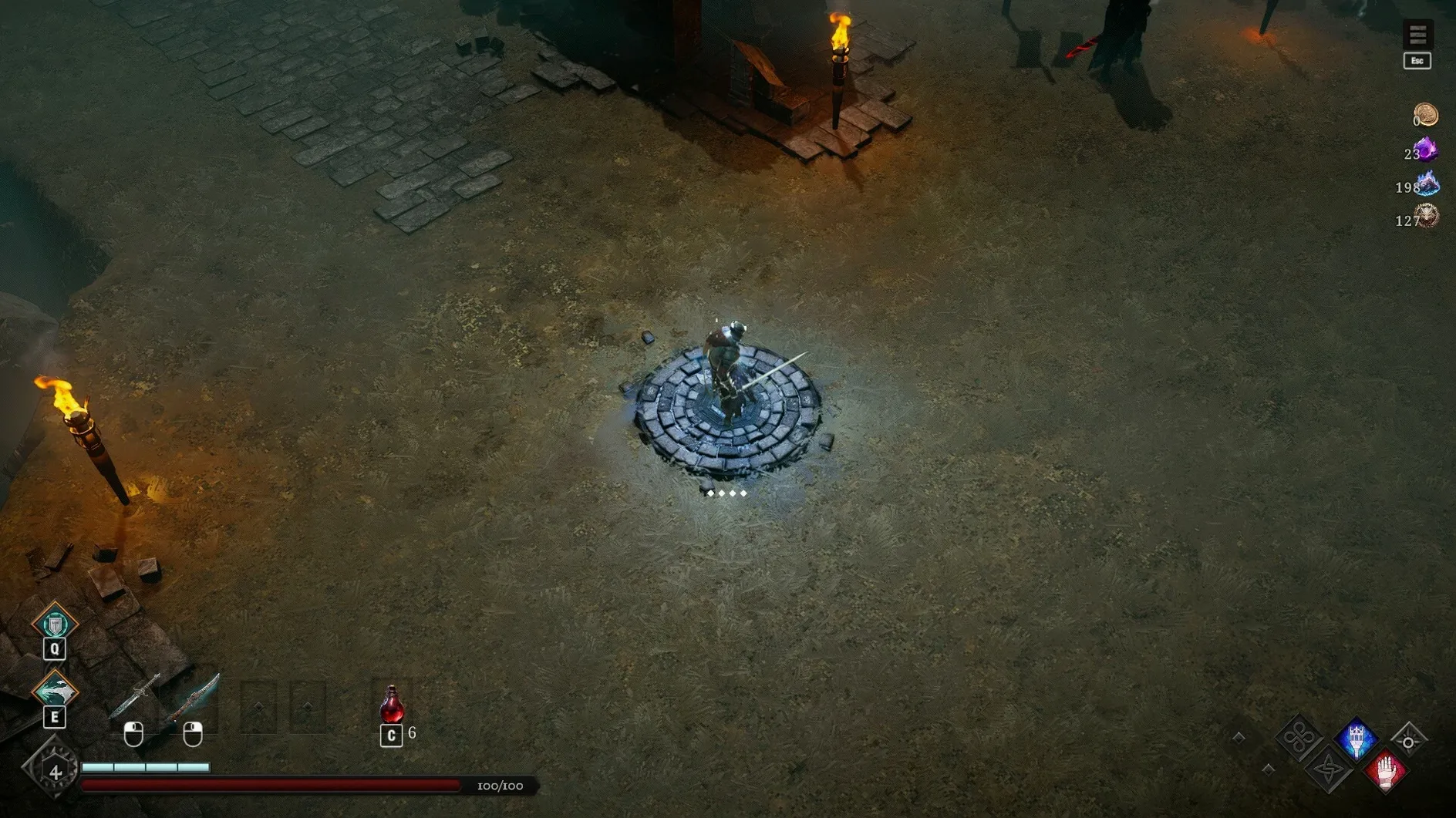
The Ethereal Dash is the first thing you’ll lean on. It’s the move that gets you out of a bad parry and into a counterattack, and it sets the tone for Netherworld Covenant’s combat. This is a dark fantasy 3D isometric action roguelike where precision matters more than button mashing.
At the border camp, you gather spectral allies — a Swordsman, Gunner, Guardian, and Rogue — each with their own role in your build. You also forge demon-blooded weapons and stockpile resources between runs. The loop is familiar roguelike territory, but the soul companion system gives it a twist: your allies aren’t just stat boosts, they’re part of the tactical dance.
Bosses include fallen lords, ancient demons, and beings hidden in dimensional voids. Each one asks you to read patterns, time your dodges, and decide when to commit. If you’re after a challenge that rewards patience and timing, this one delivers.
| Detail | Info |
|---|---|
| Developer | MadGoat Game Studio |
| Release date | 2025-06-19 |
| Genre | Action roguelike |
| Perspective | 3D isometric |
| Architecture | ARM, 64-bit Intel |
Tighter parry window changes combat flow
The jump to version 1.3.1 brought a few practical differences that affect how a run feels from the first room. The developer tightened the parry window slightly — nothing drastic, but you’ll notice it if you relied on spam-parrying through crowded rooms. The Ethereal Dash recovery also got a small adjustment; it now leaves you vulnerable for a fraction longer, so you can’t chain dashes as a free escape. That change pushes you toward reading enemy tells instead of reacting blindly.
On the ally side, the four soul companions now switch a bit faster when you call them mid-combat. The Rogue and Gunner in particular feel snappier when you swap them in for a quick hit-and-run. The border camp also gained an extra resource stash slot, which means you can carry one more stack of forging materials between runs without losing progress on a death.
If you grabbed an earlier version, the update also cleans up some visual noise in the labyrinth corridors — fewer particle effects overlapping during boss fights. Nothing that changes the core loop, but it makes reading attack patterns easier when things get hectic.
Camera sensitivity fix for fast fights
Before you jump into your first proper run, open the options panel and tweak a few things. The camera sensitivity defaults to a middle value that can feel sluggish during fast encounters; bumping it up a notch or two helps you track enemies that dash behind you. The combat lock-on also benefits from switching to manual toggle rather than hold — it keeps your thumb free for the dodge button during longer fights.
Audio balance matters here because the game uses sound cues for enemy attacks that are off-screen. Turn down the music slider a little so the combat SFX cut through clearly. If you’re using a controller, check the dead zone setting; the default can make precise parries feel slightly delayed on some gamepads, so a small reduction there helps.
Crafting a demon-blooded weapon from the forge
I start a new run from the border camp. First thing: I check the forge to see what demon-blooded weapons are available from my last haul. If I have enough materials, I craft a weapon that matches the spectral ally I plan to run with — say, a fast blade for the Rogue or a heavy hitter for the Guardian. Then I head to the soul altar and pick my starting companion. I usually take the Swordsman for general clearing, but if I’m feeling careful, the Guardian’s shield ability gives me breathing room.
Once the labyrinth loads, I move slowly through the first corridor. I watch for the telltale shimmer that signals a trap or an ambush room. The Ethereal Dash gets me past the first spike trap, and I parry the first skeleton before it finishes its swing. The timing feels right after the update — I don’t rush. I let the Swordsman draw aggro on one enemy while I circle around for a backstab.
Midway through the floor, I find a side room with a mini-boss. It’s one of the fallen lords from earlier runs, but this time it has a new attack pattern — a ground slam that sends out shockwaves in a cross pattern. I dodge through the first wave, then use the Ethereal Dash to close the distance while the lord recovers. Two parries and a Gunner swap later, it’s down. I loot the room for demon blood and a weapon blueprint I haven’t seen before.
Back at the camp after that run, I deposit the new materials and check the forge again. The blueprint unlocks a new blade with a life-steal property — that changes my approach for the next attempt. I save, adjust the companion loadout to include the Rogue for hit-and-run, and start again. The loop is familiar, but each run nudges you toward a slightly different build.
- macOS: not specified
- Architecture: ARM and 64-bit Intel
Kit check at a glance
| Chip | Apple Silicon, Intel 64-bit |
| Download | 3.8 GB |








Chat from the booth
Sign in or grab a free account to leave a comment.
Nobody has said a word in the booth yet. If you played a set with this build, tell the next person how it went.