

- Build in the crate
- 2026.07.03
- Made by the team at
- Hyper Games
- Menu languages offered
- Russian, English, German, Danish, Spanish, Chinese (Traditional), Chinese (Simplified), Korean, Norwegian, Polish, Portuguese, Turkish, Finnish, French, Swedish, Japanese
- How you pay for it
- Not required
- CPU it runs on
- Apple Silicon, Intel 64-bit
- Played on
- macOS Tahoe, Mac mini 2024 M4
- Dropped on
- 27.04.2026
- Spoken voice in
- Music only
Screenshots
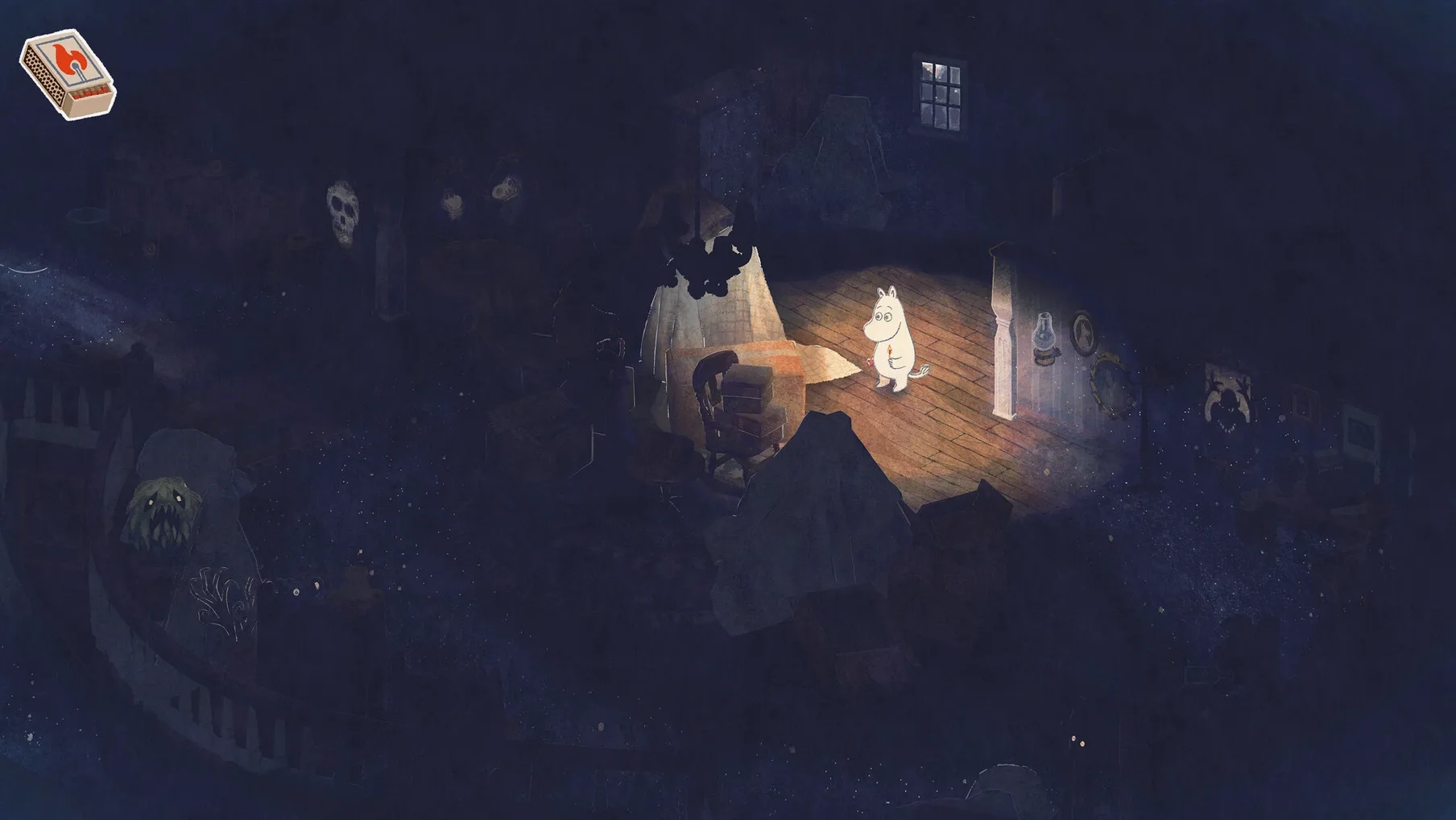
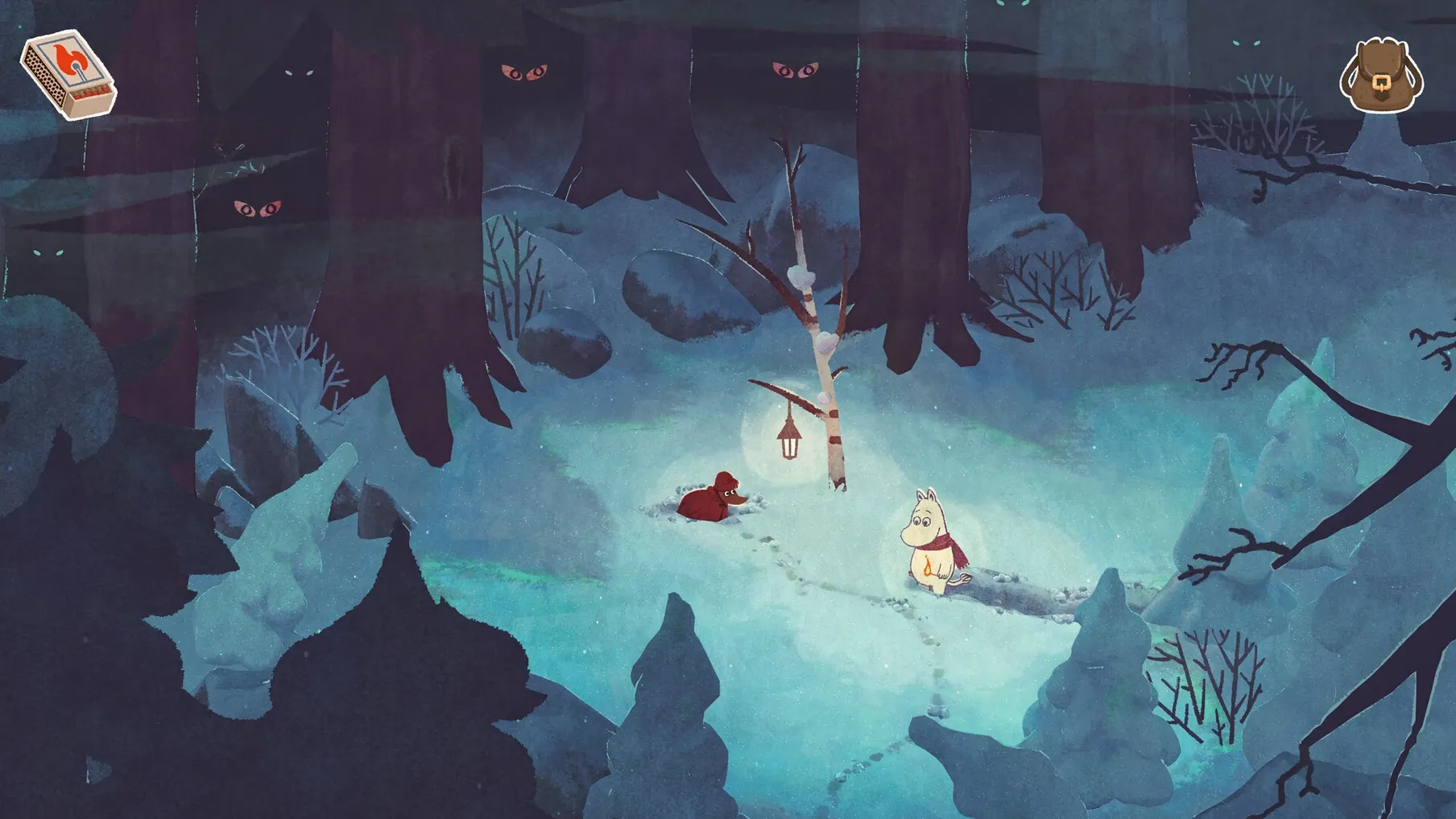
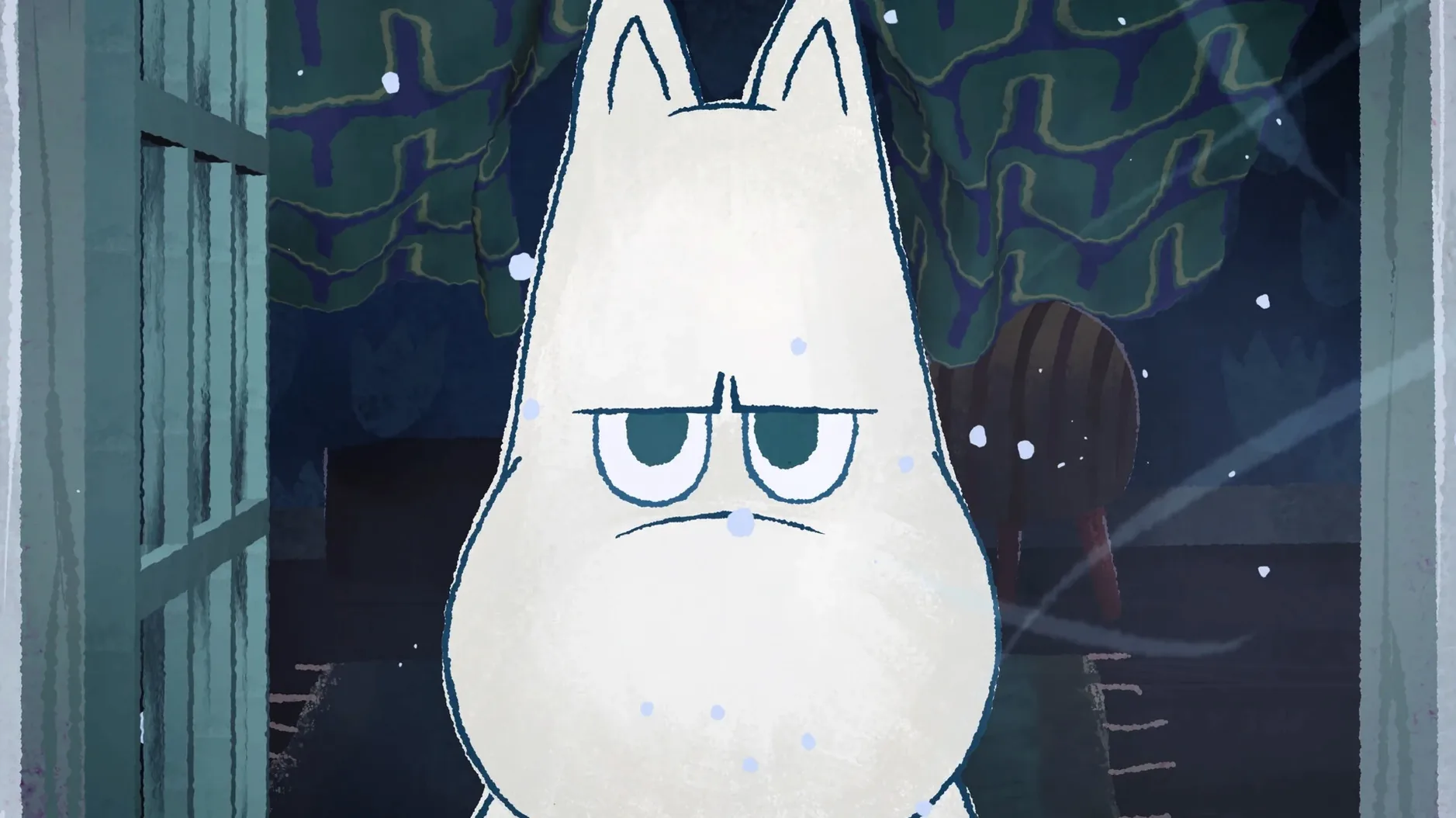
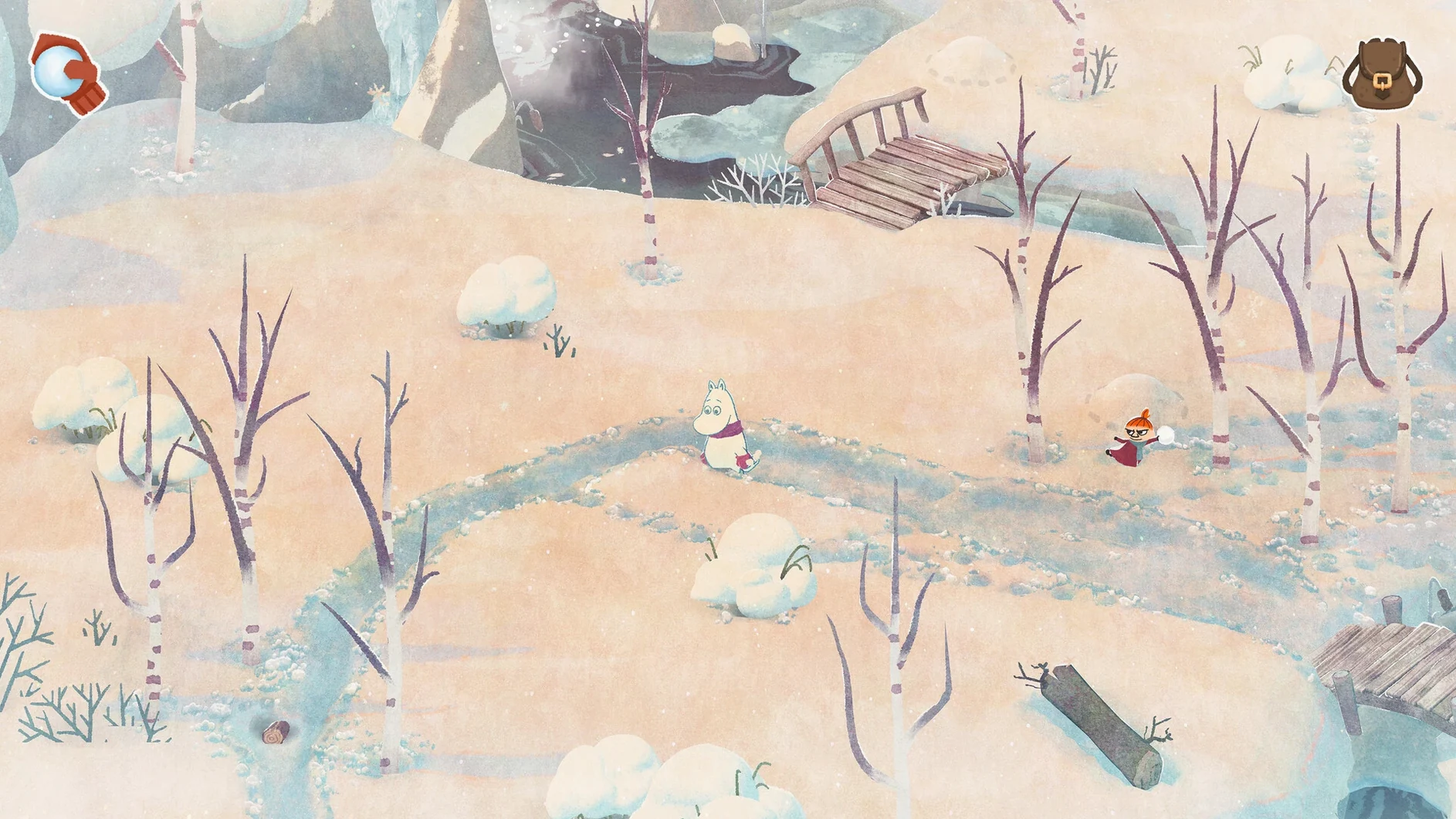
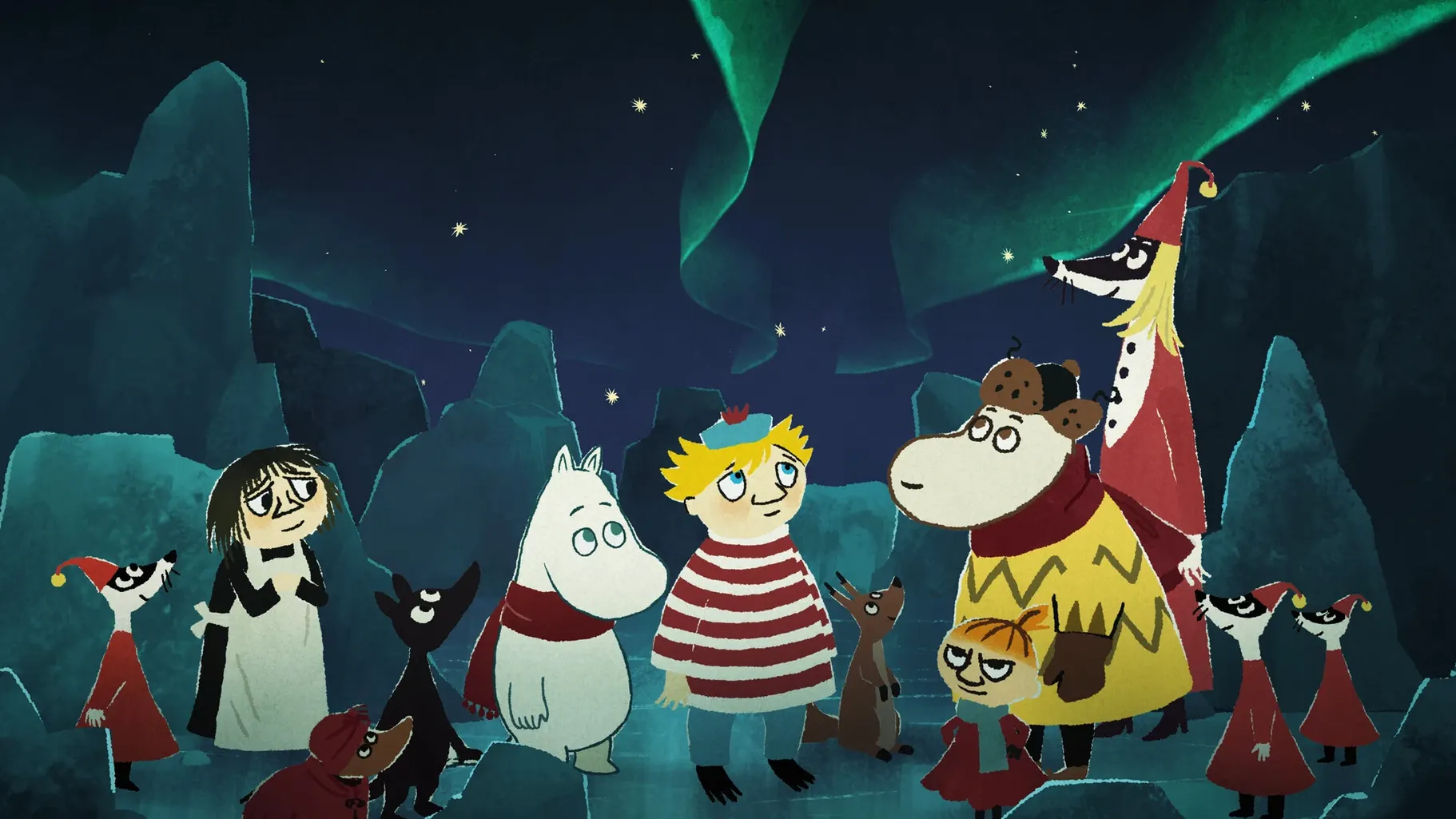
The "finding spring" mode is the heart of Moomintroll Winter Warmth. You wake Moomintroll from hibernation into a Moominvalley buried under snow, and set out to coax the season back. It is not a direct sequel to Snufkin: Melody of Moominvalley, but it shares that game's gentle, story-led pace. Hyper Games built it as a follow-up in the same tradition, drawing directly on Tove Jansson's Moomin stories.
What you get is a cozy adventure with exploration, light puzzles, and a lot of atmosphere. Interface languages cover a wide spread, including English, Spanish, German, French, Japanese, and Korean.
It was tested on macOS Tahoe on a Mac mini 2024 with M4, and runs on both Intel and Apple Silicon. If you want a mellow, story-first game about warming up a frozen valley, this is a solid pick.
Common mistakes when starting out
New players sometimes treat it like a fast-paced puzzle game. They rush from quest to quest, trying to tick things off quickly. Winter Warmth does not reward that approach. The game leans on wandering and noticing small changes in the environment. If you miss a conversation with a character, you might not know where to go next, so take your time.
Another one: skipping the dialogue. The story is carried entirely by text and the atmosphere, not by action sequences. The quests make more sense when you read what the characters say, especially if you play in a language you are less confident in. The game supports a lot of them, so you can switch if a translation feels off.
A third mistake is ignoring the furniture and objects you find. Some puzzles require you to remember a detail from earlier — a note on a shelf, a pattern in the snow. It is not a hard game, but it expects you to pay attention.
Sits alongside other apps with a drag-and-drop install
Because it requires no activation and runs off a simple drag-and-drop install, it sits well alongside other games you manage through your Applications folder. No launcher, no background service. You can keep it next to Snufkin: Melody of Moominvalley if you have both — they share a universe but play independently, so you can jump between them.
macOS’s virtual desktops help here. I keep my browser and notes on one desktop, the game on another. Switch with a three-finger swipe instead of quitting and relaunching. The game does not mind being minimised, which is handy if you want to look up a puzzle hint without leaving the valley.
It also works well with screenshot tools built into macOS. Cmd-Shift-3 grabs a full screen of a snowy scene you might want to keep. The game’s visual style is consistent enough that screenshots do not look washed out or compressed.
Slower and more atmospheric than Snufkin: Melody of Moominvalley
Compared to Snufkin: Melody of Moominvalley, this one is slower and more focused on atmosphere. Snufkin has a stronger musical rhythm and a clearer environmental message. Winter Warmth is quieter, more about hibernation and waiting. Both are good, but they feel different in mood.
Machinarium is another point of reference. That game is more puzzle-dense, with a sharper aesthetic and no spoken language at all. Winter Warmth is softer, more forgiving. You will not get stuck on a single screen for twenty minutes. The puzzles here are lighter, more about progression than challenge.
Stray on Mac is a different animal — third-person action, stealth, a cyberpunk setting. It moves faster and demands more precise timing. If you finish Winter Warmth and want something gentler than Stray but more structured than a walking sim, this sits in a comfortable middle.
- macOS version not specified
- Architecture: both Intel and Apple Silicon
Kit check at a glance
| Chip | Apple Silicon, Intel 64-bit |
| Download | 3.1 GB |






Chat from the booth
Sign in or grab a free account to leave a comment.
Nobody has said a word in the booth yet. If you played a set with this build, tell the next person how it went.