

- Build in the crate
- 1.3.19 Rev2 [Wineskin]
- Made by the team at
- Trioskaz
- Menu languages offered
- Russian, English, German, Spanish, Chinese (Traditional), Chinese (Simplified), Korean, Portuguese, French, Japanese
- How you pay for it
- Not required
- CPU it runs on
- Apple Silicon
- Played on
- macOS Tahoe, Mac mini 2024 M4
- Dropped on
- 15.09.2025
- Spoken voice in
- Music only
Screenshots
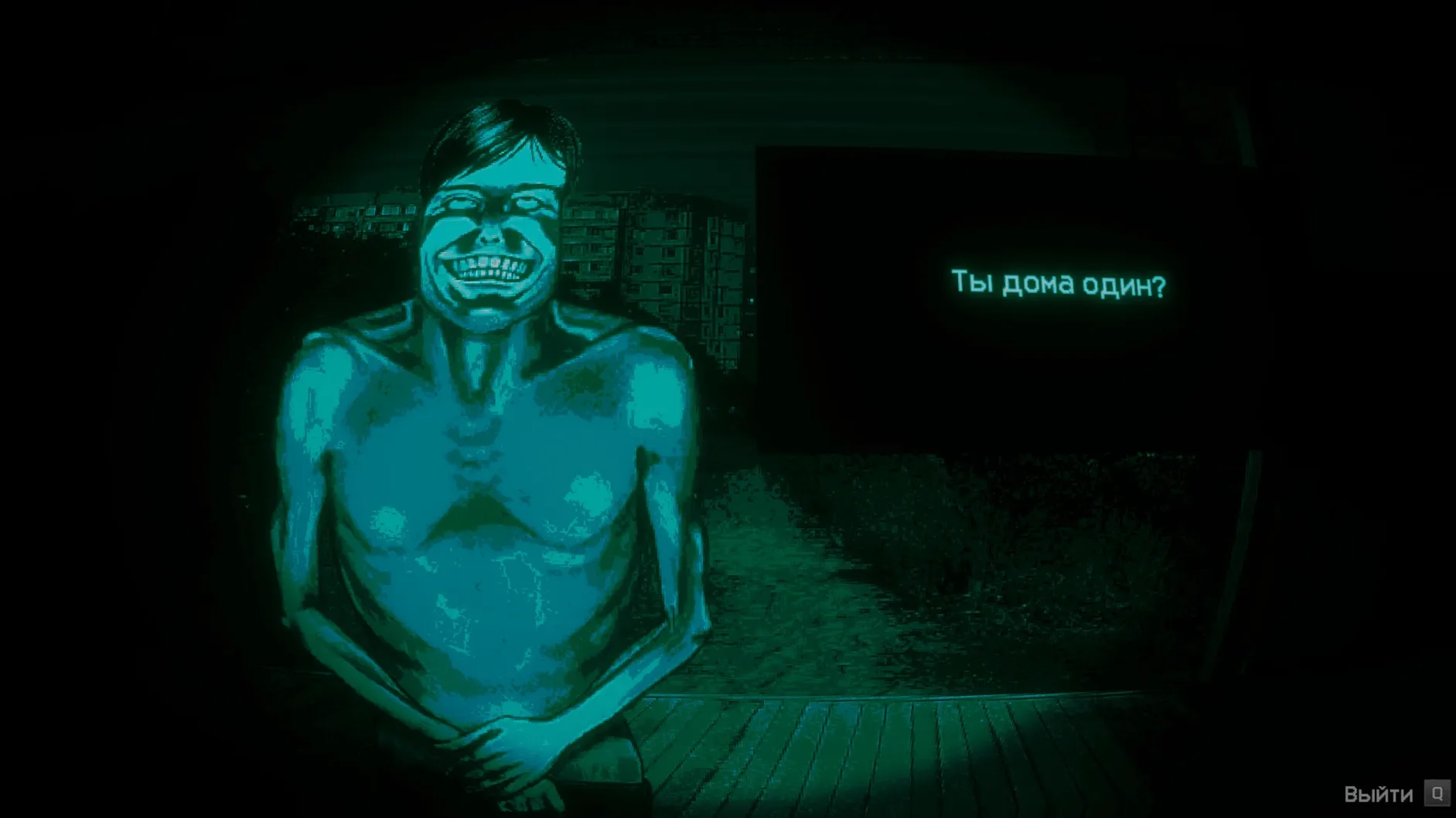
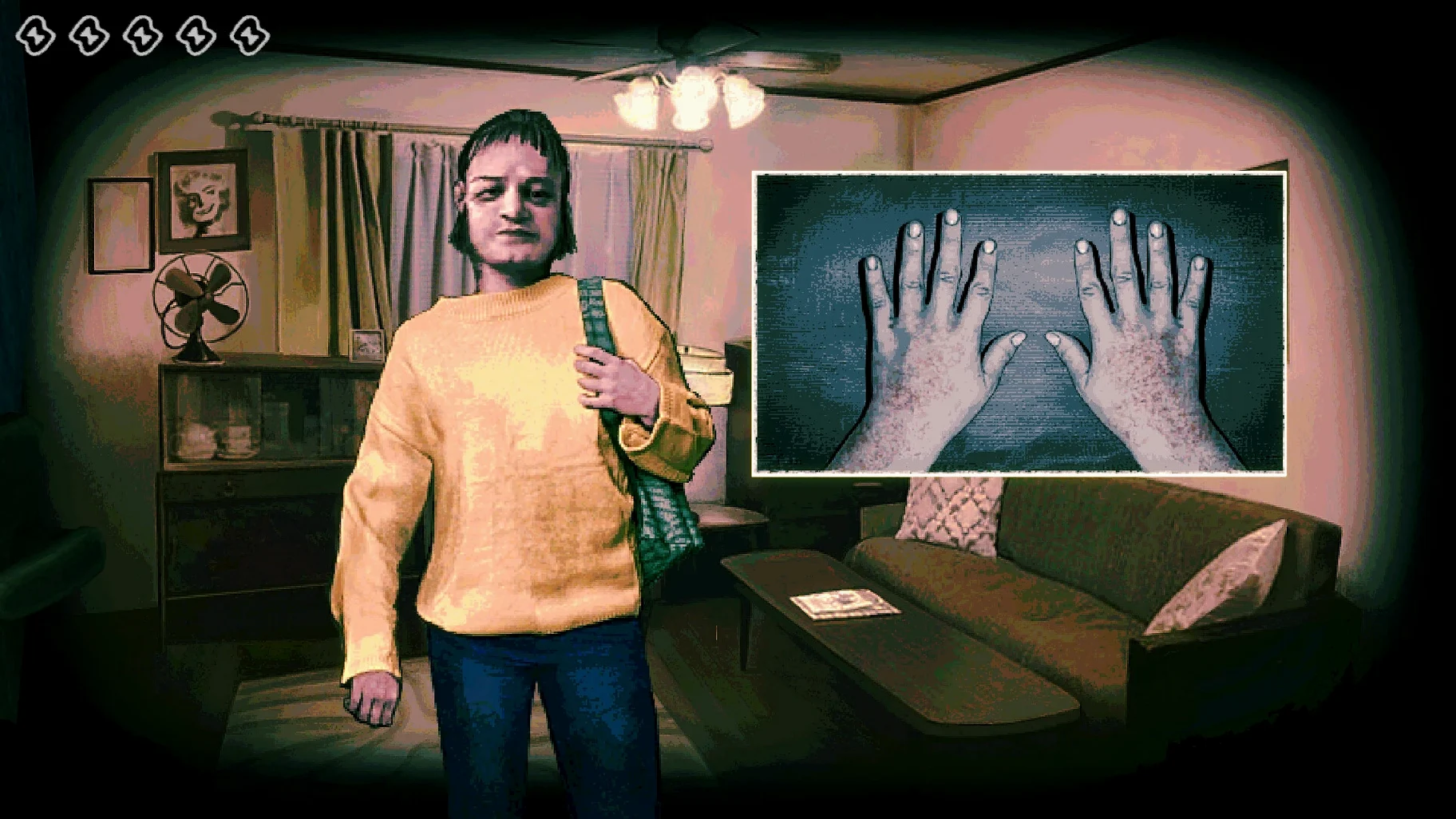
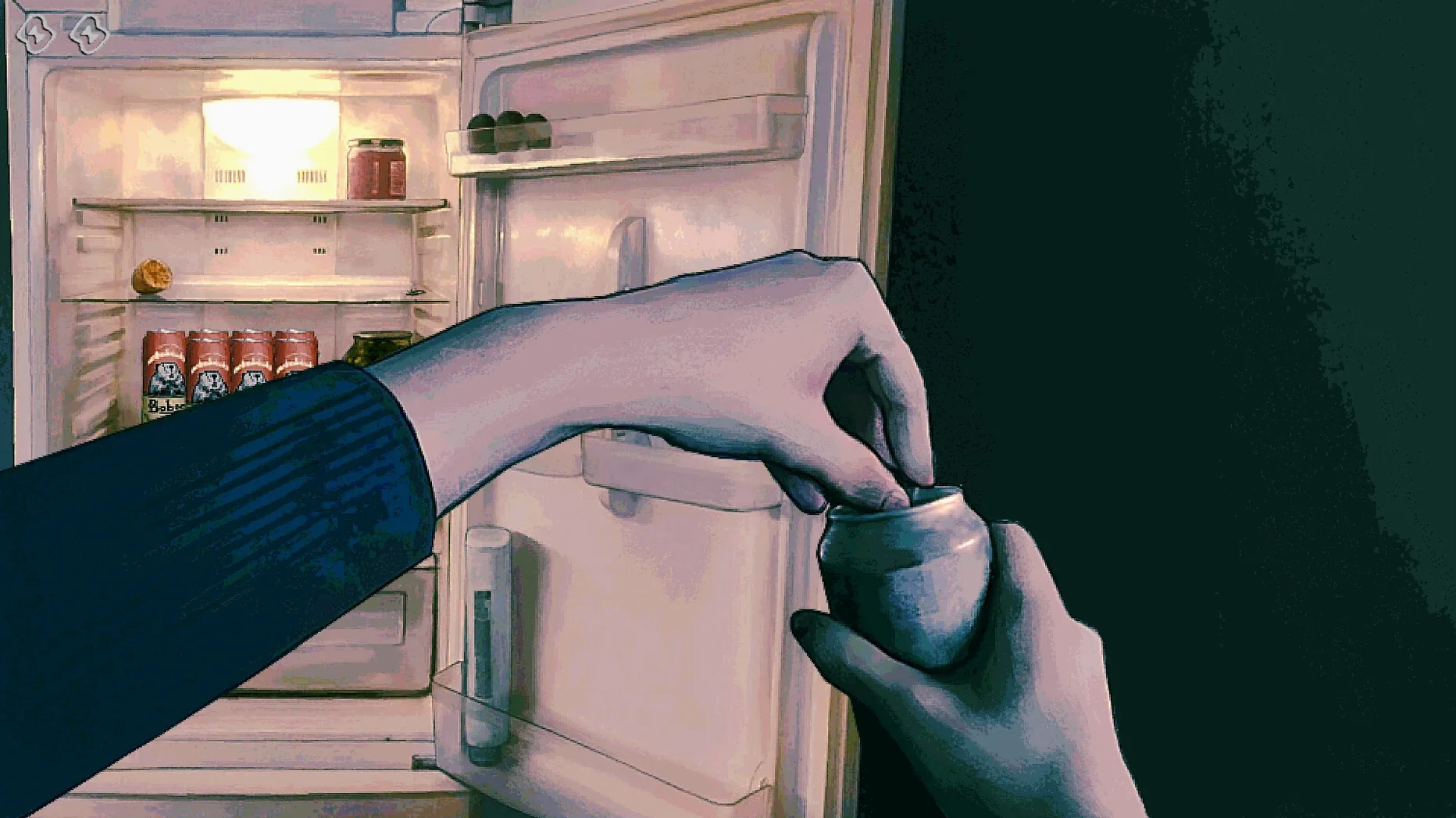
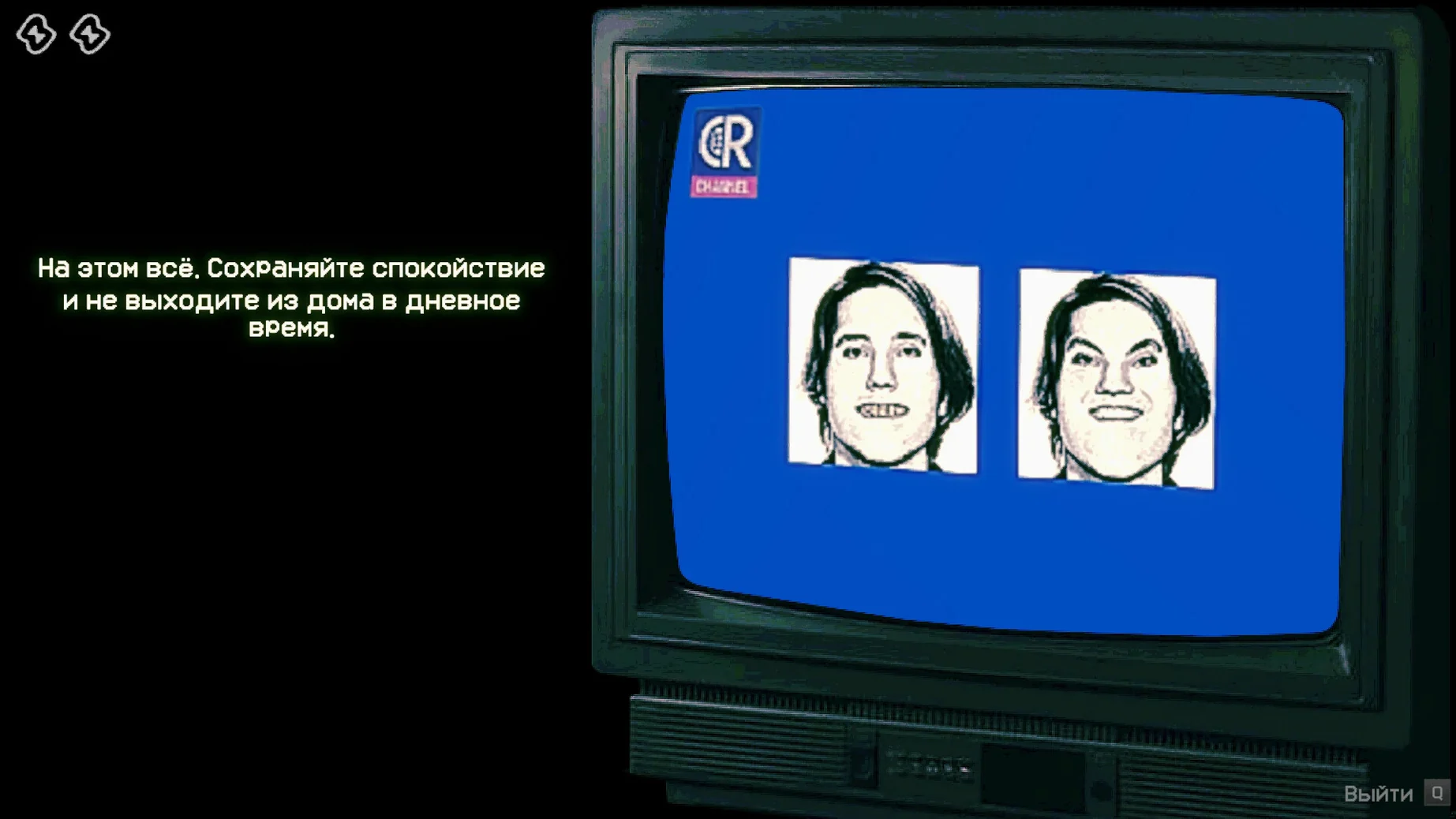
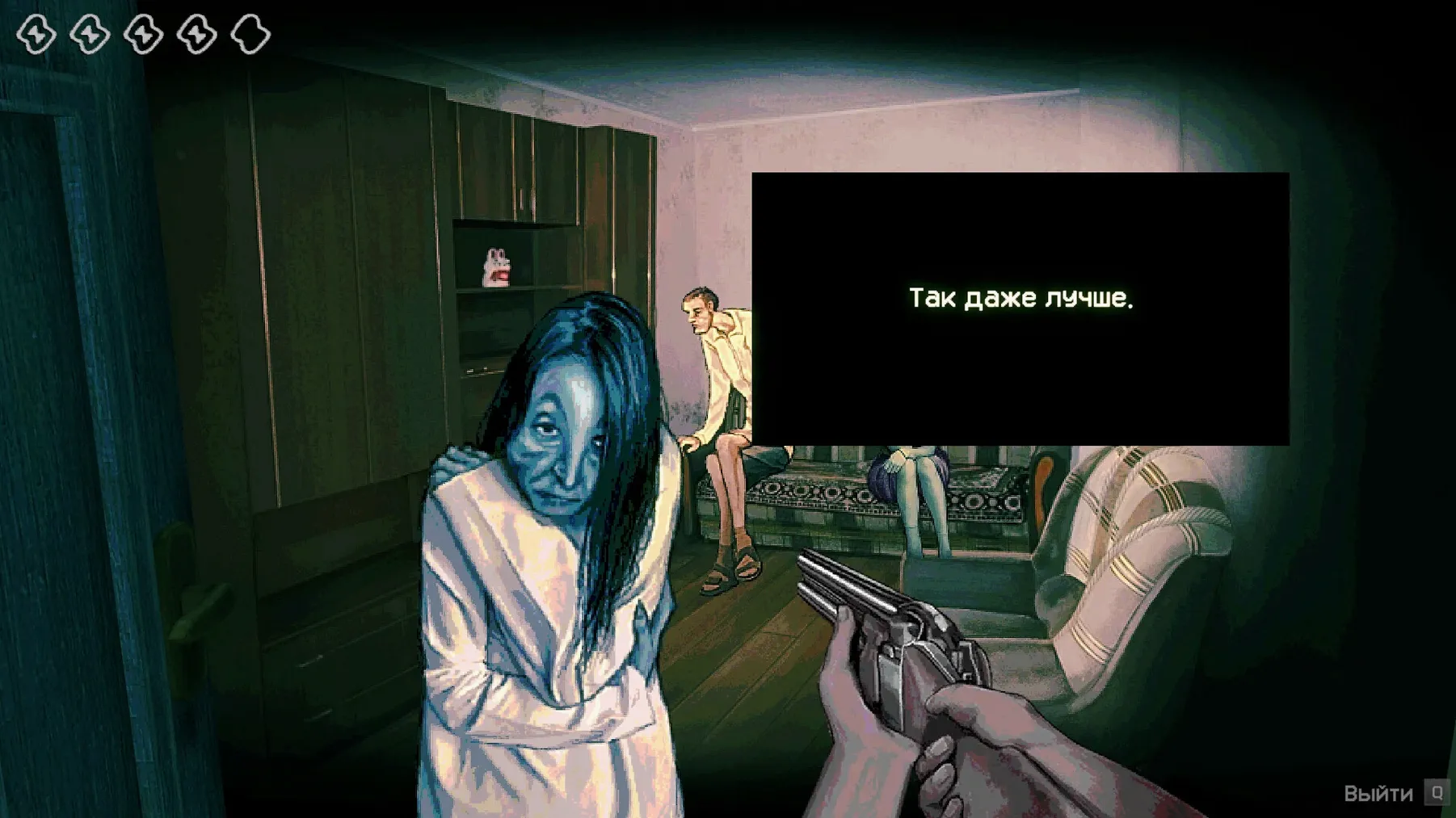
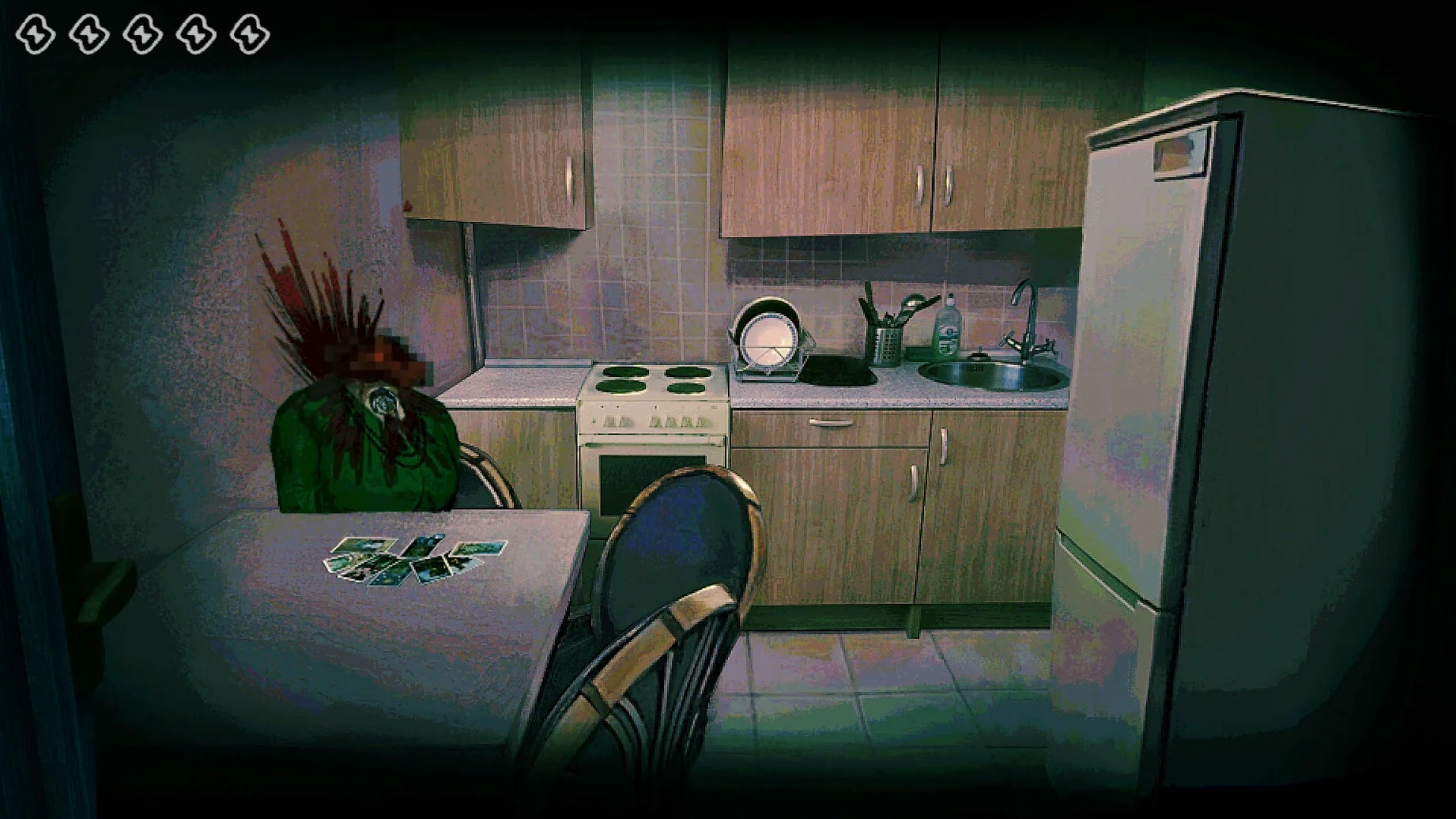
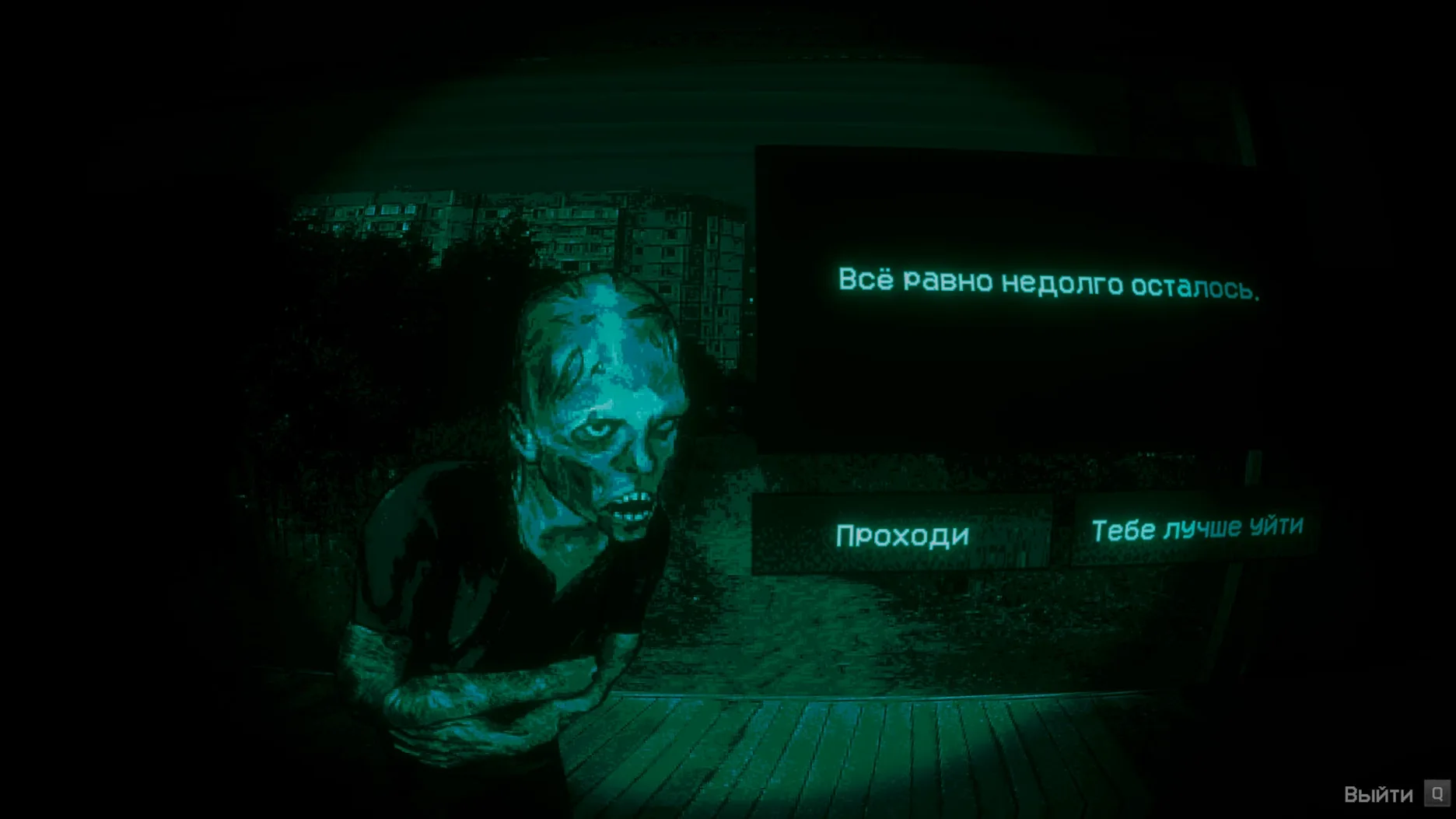
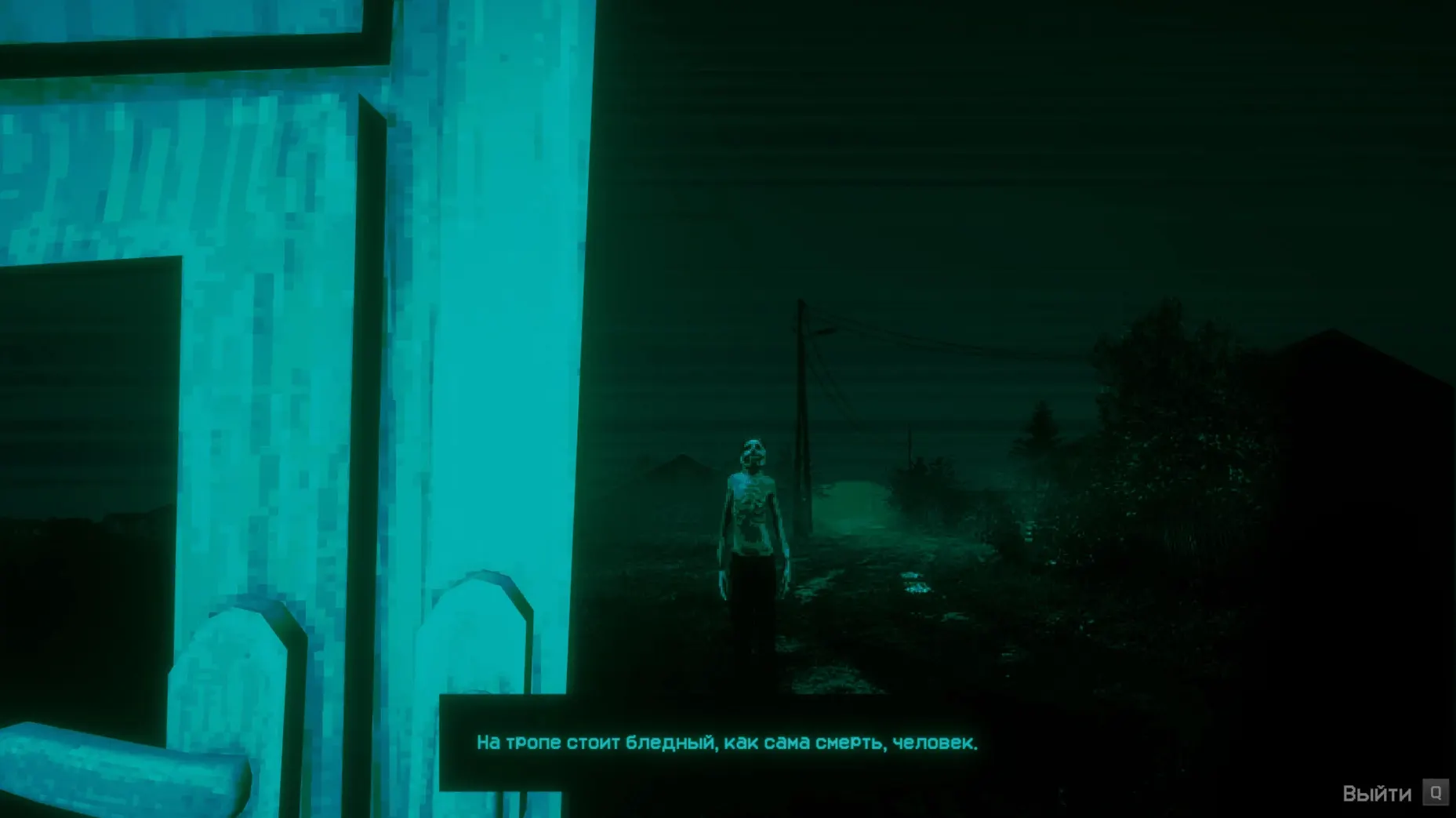
No, I'm Not a Human runs on Apple Silicon Macs with macOS Tahoe — the build is ARM-native, so it works smoothly on M1, M2 and M3 machines. That covers most recent MacBook Airs, Pros and Mac minis. If you get an error on first launch, the Fix file inside the disk image sorts it out.
The game itself is straightforward but unnerving. You're at the end of the world, and Visitors — intruders that look exactly like humans — are trying to get into your shelter. Your job: let only real humans in. Each round you watch, listen and decide. The tension comes from the uncertainty: a figure looks right, sounds right, but is it? One wrong call and you're done. The interface is minimal — no inventory, no combat — just observation and a button. It's a short, focused horror experience that relies on atmosphere and paranoia rather than jump scares.
| Detail | Info |
|---|---|
| Developer | Trioskaz |
| Version | 1.3.19 Rev2 (Wineskin) |
| Architecture | ARM (Apple Silicon) |
| Languages | English, Russian, German, Spanish, Chinese, Korean, French, Japanese, Portuguese |
| Audio | Music only (no voice) |
You play in short sessions — a few minutes per attempt. The end-of-world setting is sketched through sound and visuals rather than story. You never leave the checkpoint; the whole game happens through the same door and camera. It's more a test of nerve than skill. The weekly DJ in me appreciates how quickly it gets under your skin.
Wineskin wrapper issues block the launch
Most issues with No, I'm Not a Human come down to the Wineskin wrapper, not the game itself. Here's what people run into and what usually fixes it.
The game won't launch at all. This is the most frequent one. Run the Fix file inside the disk image before you try anything else. If you've already copied the app to Applications, go back to the mounted disk image and run the Fix from there — it resets something in the wrapper configuration that the game needs on first boot.
It launches but shows a black screen. Quit the game, make sure your Mac's display scaling is set to default (no HiDPI custom resolutions) and try again. Some users find that disconnecting external monitors helps on first run. Once the game loads properly once, you can usually reconnect them.
The game is in Russian and you don't want it to be. This happens if you skip the first-launch-in-English step. Delete the app, copy it again from the disk image, and this time start it in English. After that, you can switch to any of the ten supported languages from the in-game settings.
Save progress keeps resetting. Because saves live inside the app bundle under Steam/RUNE/427410/remote, anything that modifies the app — like macOS Gatekeeper or a system update — can mess with write permissions. If your progress disappears, check that the app is in Applications (not somewhere like Downloads or Desktop) and that you haven't moved it after saving.
No Steam required for the standalone build
Do I need Steam to run this build? No. The 1.3.19 Rev2 Wineskin build runs standalone. You don't need Steam installed, logged in or even present on the machine. The save path mimics the Steam folder structure because the game expects it, but nothing talks to Valve's servers.
Will it run on an Intel Mac? The build is ARM-only and targets macOS Tahoe. If you're on an Intel Mac, this particular version won't start. The developer doesn't list an Intel build alongside this release.
How long does a full playthrough take? That depends on how quickly you make the right calls. Some people finish in under 20 minutes once they understand the patterns. Others take longer because they're second-guessing every face at the door. The game is designed for short runs rather than long sessions.
Is it scary in the usual horror game way? It's not about monsters jumping out. The horror comes from not knowing, and from the slow realisation that you can't trust what you see. If you're used to software that leaves behind files after uninstalling, that's a different kind of frustration — this one is deliberate.
Runs smoothly with other apps open
No, I'm Not a Human doesn't demand much from your system. You can keep your usual apps open — browser, chat, file manager — without the game stuttering. The Wineskin wrapper handles input and audio through macOS's standard frameworks, so it plays nice with things like screen recording if you want to capture a round.
Mission Control and stage manager work fine in the background. If you're the type who keeps a dozen tabs open and a terminal window tucked away, the game won't complain. It also respects macOS's usual full-screen behaviour: you can swipe between desktops or use the green traffic light to go full-screen.
The audio is music only, so it doesn't compete with system sounds or other media. If you're running a DJ software setup on the same machine — like rekordbox or Traktor — the game won't interfere with audio drivers or core audio routing. I've had it open alongside Ableton Live without any conflicts.
Because saves live inside the app bundle, Time Machine backups will preserve them as part of the application. If you ever need to restore progress, just replace the whole app from the backup and your saves come with it. No separate folder to track down.
Stop overthinking every Visitor face
Overthinking the first few rounds. New players often stare at every pixel of a Visitor's face, trying to spot a tell. The game is designed to make you doubt yourself. Sometimes you just have to make a call and move on. Hesitating too long doesn't help — the tension is the point.
Forgetting the language step. The first launch must be in English. If you change the system language or pick Russian from the menu before the game has initialised properly, the wrapper can get confused. It's a one-time thing, but it trips people up regularly.
Dragging the app to the wrong folder. The disk image has a shortcut to Applications. Use it. Dropping the game anywhere else — Desktop, Documents, a custom folder — can cause permission issues with save files later. Applications is where macOS expects Wineskin-wrapped apps to live.
Ignoring the Fix file. Some users assume the Fix is only for people who see an obvious error message. But the wrapper sometimes fails silently — the app opens, shows a blank window, then closes. Running the Fix preemptively before the first launch saves time. It takes seconds and costs nothing.
Treating it like a standard Mac game. It's not a native Metal or Unity title. The Wineskin layer means that keyboard shortcuts, cursor behaviour and window management are slightly different. For example, you can't always rely on Cmd+Q to quit — use the game's own exit option instead. Little things like that make the experience smoother once you know them.
- Updated to v1.3.19 Rev2 (Wineskin build).
- Official hotfix for Steam Cloud save recovery on Steam Deck and minor Ukrainian localisation fixes.
- macOS Tahoe
- Apple Silicon (ARM) processor
Kit check at a glance
| Chip | Apple Silicon |
| Download | 1.2 GB |
| Older pressings | 2 in the crate |






Chat from the booth
Sign in or grab a free account to leave a comment.
Nobody has said a word in the booth yet. If you played a set with this build, tell the next person how it went.