
- Build in the crate
- 1.1.31 Native
- Made by the team at
- StunForge
- Menu languages offered
- Russian, English, German, Spanish, Chinese (Traditional), Chinese (Simplified), Korean, Polish, Portuguese, Turkish, French, Japanese
- How you pay for it
- Not required
- CPU it runs on
- Apple Silicon, Intel 64-bit
- Played on
- MacBook Pro (M3 Max. 2023), macOS Sonoma
- Dropped on
- 25.03.2025
- Spoken voice in
- Music only
Screenshots
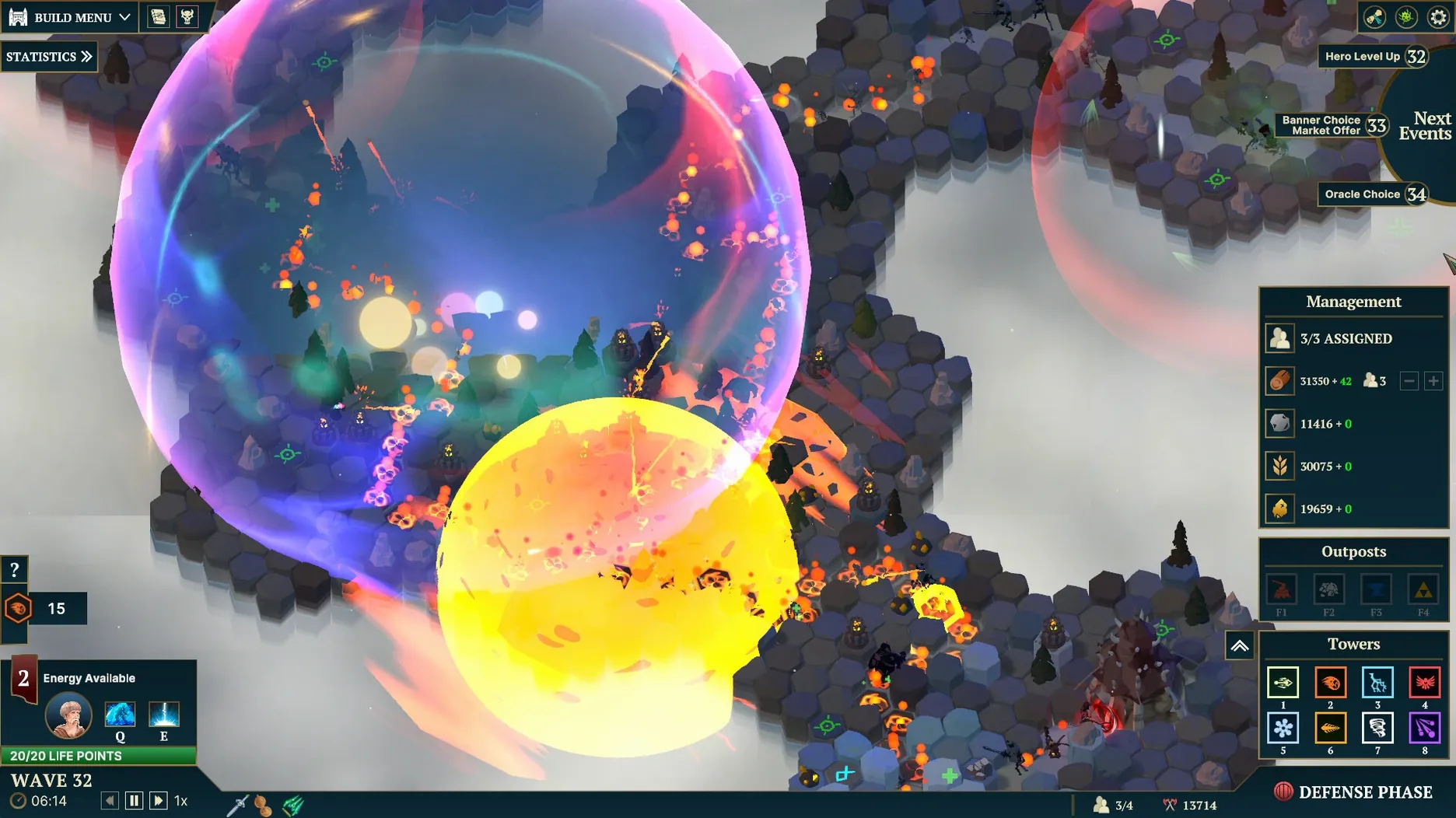
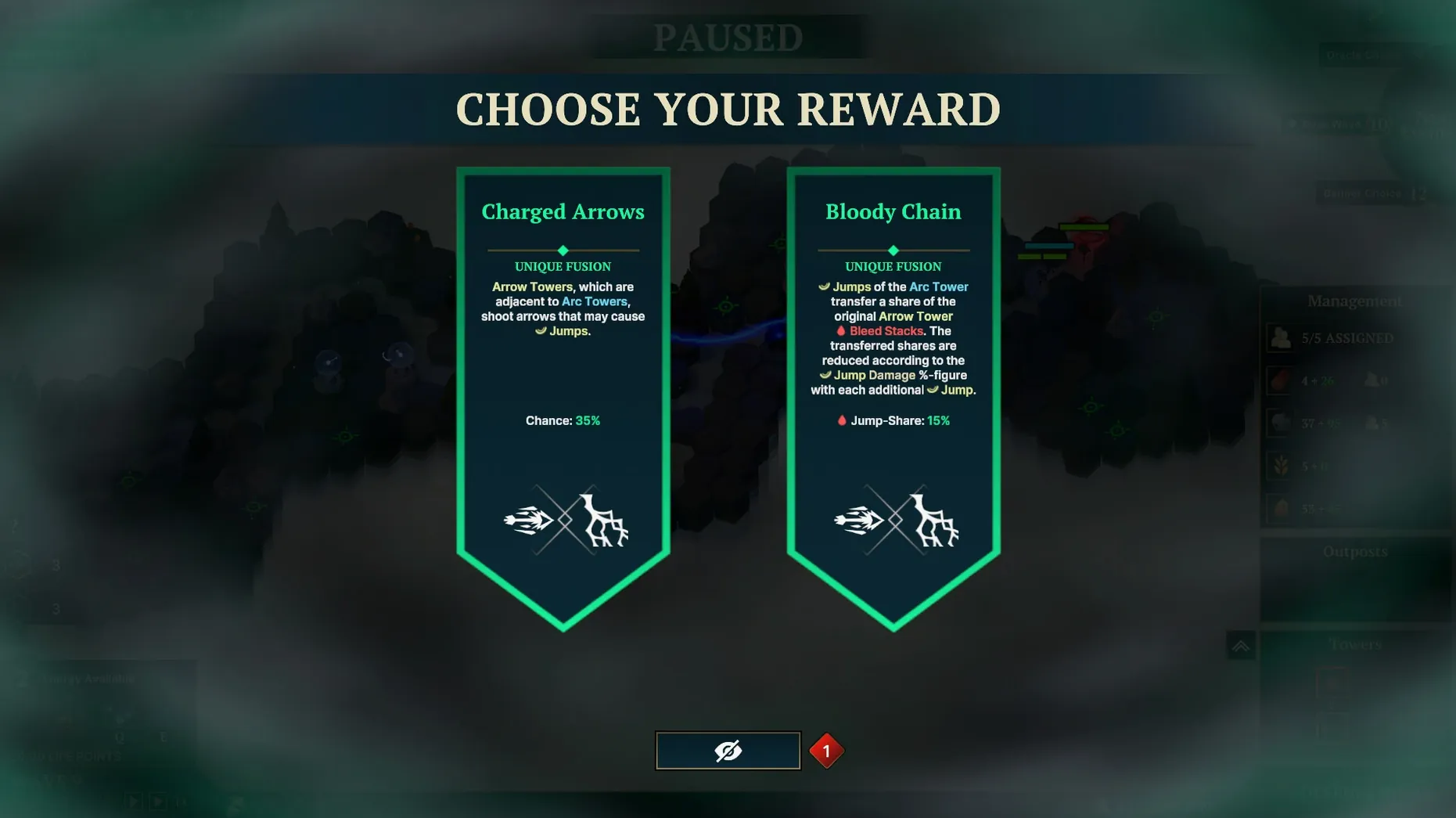
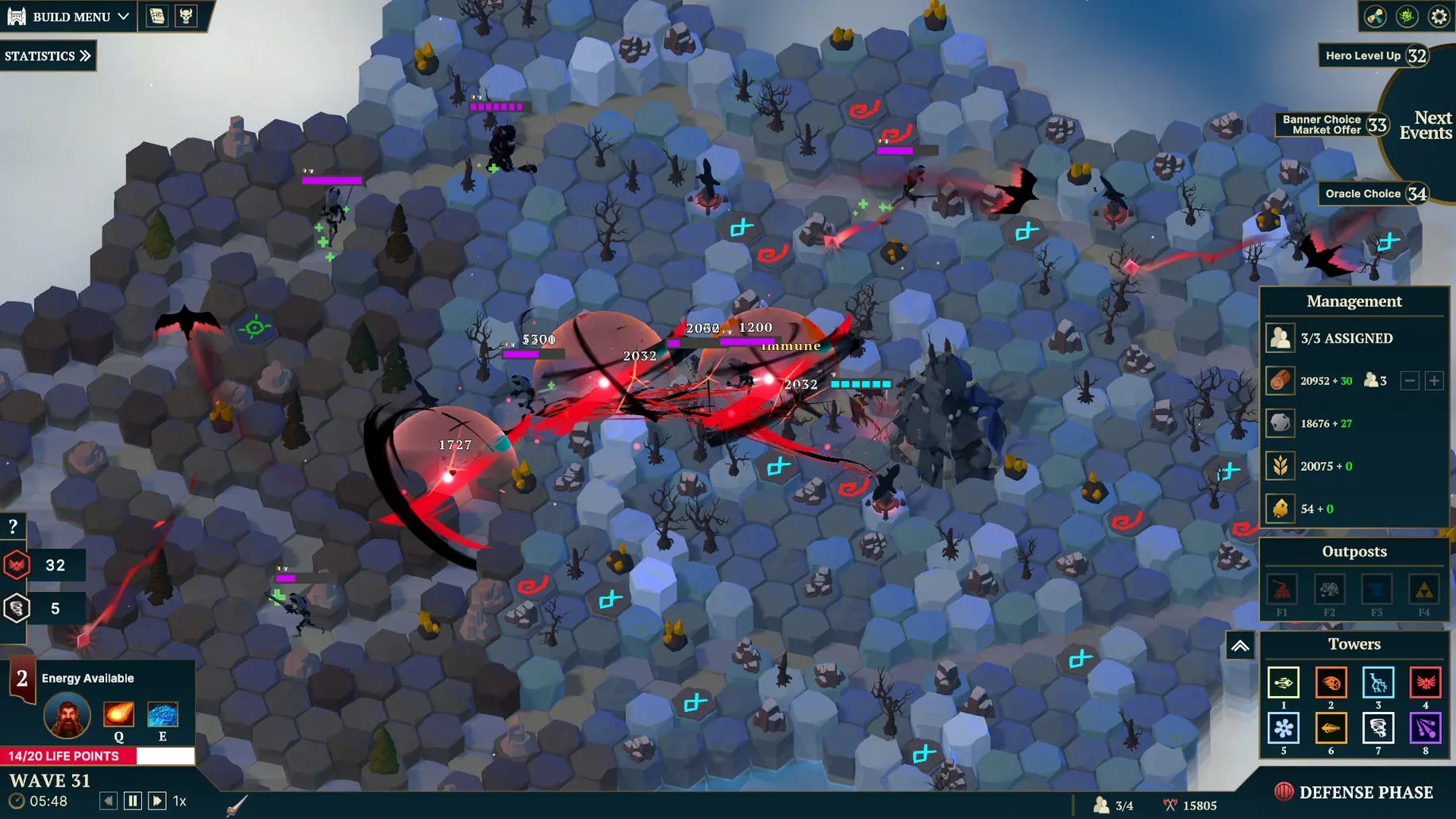
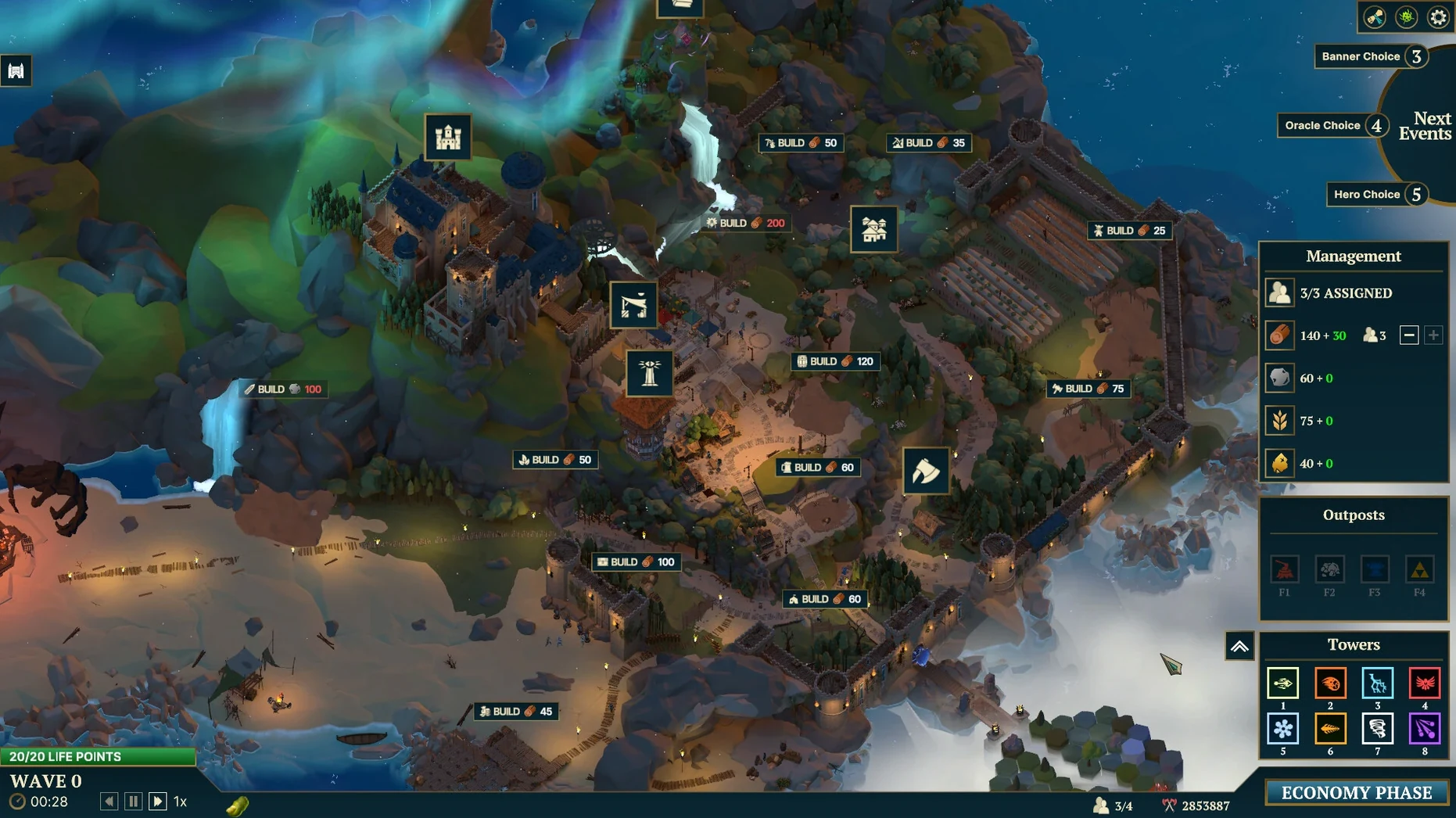
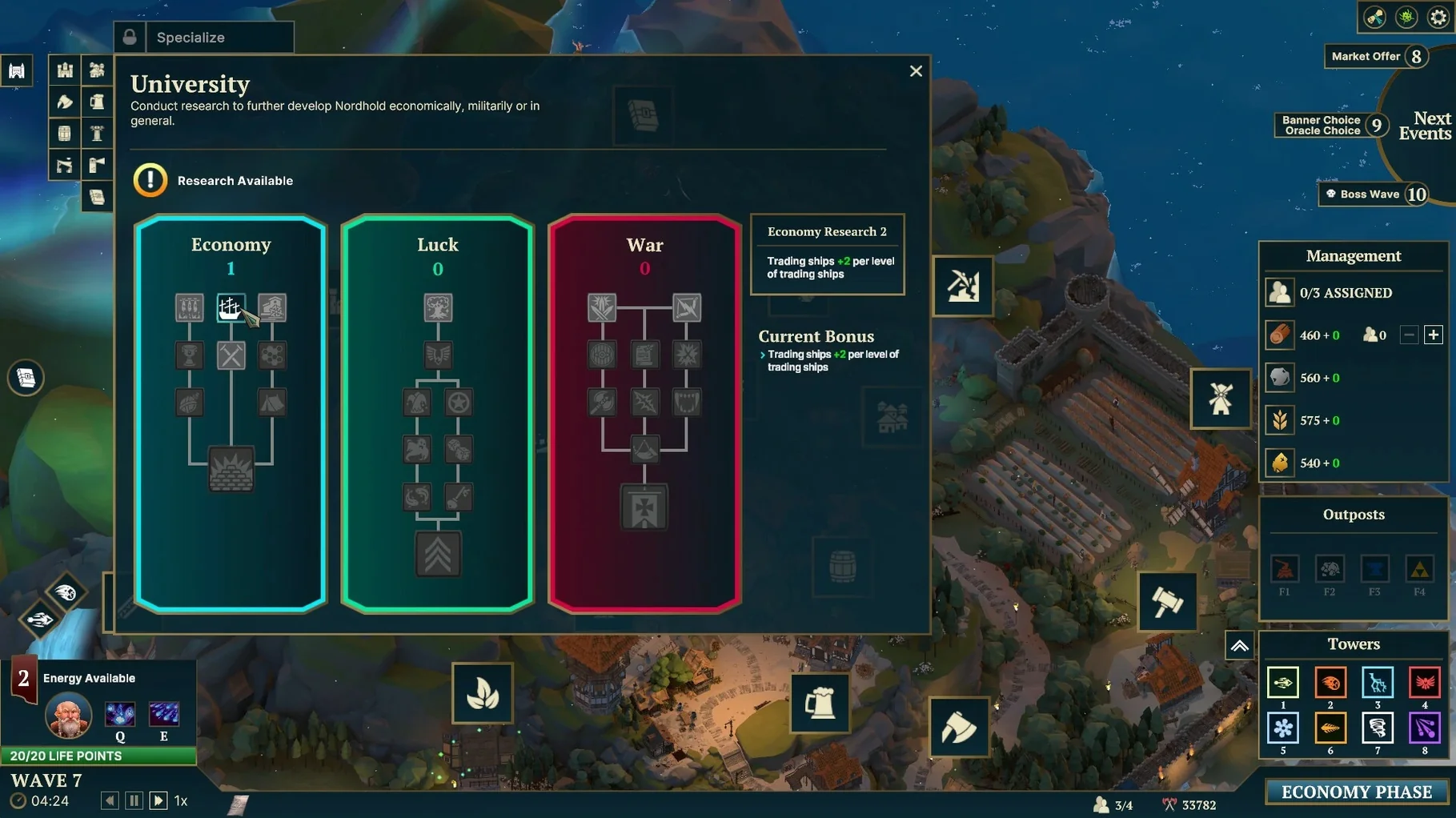
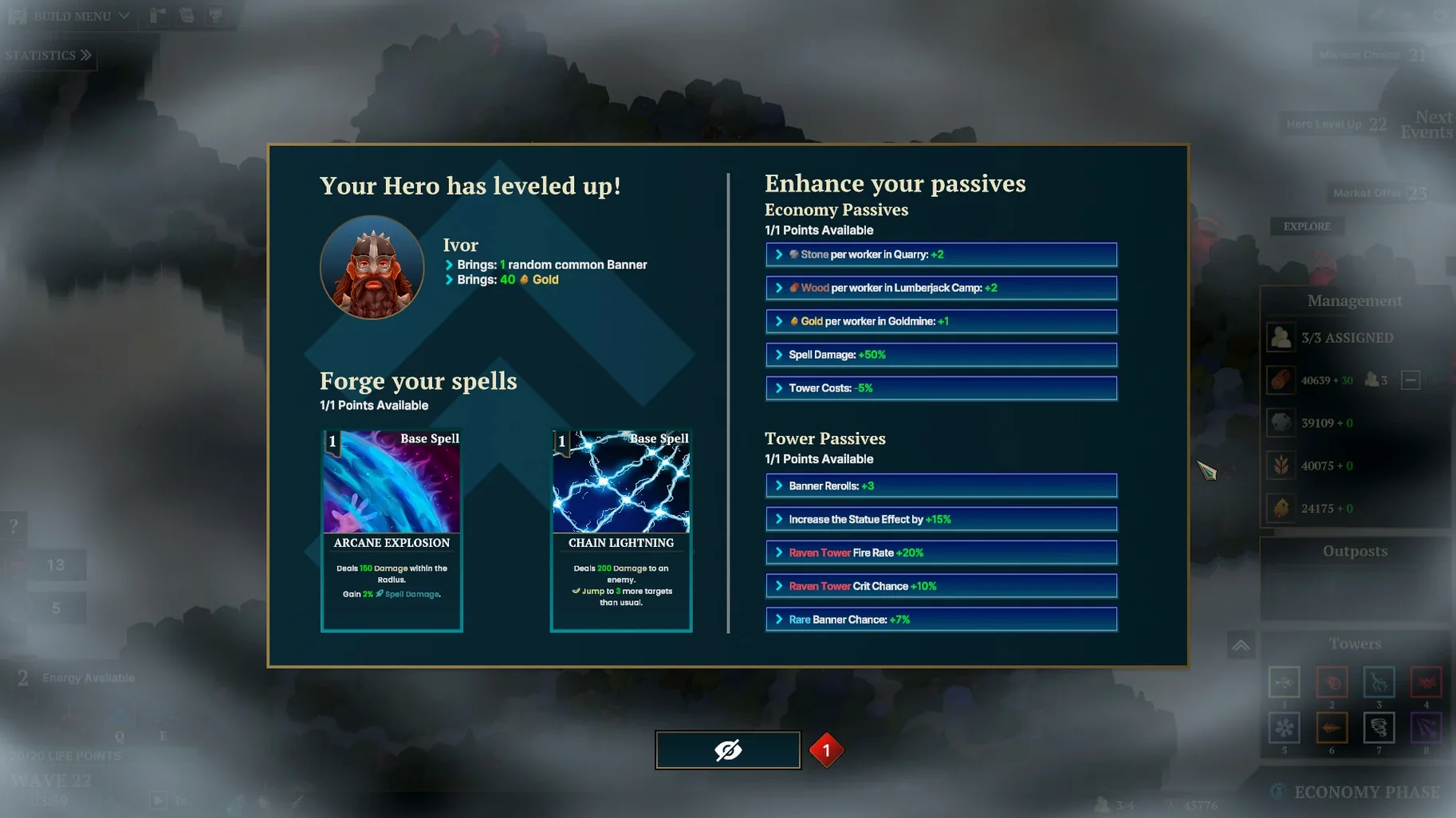
The current version of Nordhold, 1.1.31, is native on both Intel and Apple Silicon Macs. What changed under the hood isn't visible at a glance, but the game itself stays true to its roots: a tower defense set in a medieval Scandinavian village, built with Unity Engine by StunForge.
Here’s what you get:
Tower defense — waves of enemies push through your village, and you place towers to stop them.
8 unique towers — each brings its own ability, so positioning matters as much as firepower.
20 buildings — expand your village and manage resources between fights.
100+ modifications — tweak towers, economy, or difficulty to change how each run plays.
Relics — collect these to boost both your economy and your defense.
Ignoring modifications in Nordhold
If you’re new to tower defense, or just new to Nordhold, a few things catch people out early. The biggest one is ignoring modifications. With more than 100 available, it’s tempting to stick with the same loadout, but the game expects you to experiment. Modifications change how towers behave, how resources flow and how hard the waves hit. Treat them as part of your core strategy, not as extras.
Another common slip-up is neglecting the village buildings. You get 20 buildings, and each one has its own upgrade path with meta-progression that carries between runs. Beginners often focus entirely on tower placement and forget that upgrading production or storage buildings makes a real difference by the middle of a run. If you find yourself scraping by on resources, check what you haven’t upgraded yet.
Spells also get overlooked. They can turn a losing fight around, but new players sometimes hoard them for a perfect moment that never comes. Using a spell early to save a tower or thin a dense wave is usually better than saving it for later and losing a lane.
Remapping controls on a MacBook
Before you jump into your first match, open the settings menu and adjust a couple of things. If you’re playing on a MacBook without a mouse, check the control scheme — the default works, but you might prefer to remap tower selection or spell keys to something that feels faster.
Language options are worth a look too. Nordhold ships with twelve languages, including English, Spanish, French, German, Japanese and both simplified and traditional Chinese. If English isn’t your first language, switching early saves you from translating tooltips mid-game.
One more thing: the ranking system tracks your performance against global players and friends. If you care about scores, make sure your online settings are connected from the start. You don’t want to finish a strong run and realise it wasn’t recorded. For anyone grabbing nordhold for mac torrent, those settings are all local and optional, so you can play entirely offline if you prefer.
Released on 25 March 2025, Nordhold keeps the classic tower defense loop tight, with enough depth to keep you planning between rounds.
- macOS: version not specified
- Architecture: both Intel and Apple Silicon
Kit check at a glance
| Chip | Apple Silicon, Intel 64-bit |
| Download | 525 MB |






Chat from the booth
Sign in or grab a free account to leave a comment.
Nobody has said a word in the booth yet. If you played a set with this build, tell the next person how it went.