
- Build in the crate
- 759671 Native
- Made by the team at
- Klei Entertainment
- Menu languages offered
- English, Chinese (Simplified)
- How you pay for it
- Not required
- CPU it runs on
- Apple Silicon, Intel 64-bit
- Played on
- macOS Golden Gate, Mac mini 2024 M4
- Dropped on
- 21.04.2016
- Spoken voice in
- Music only
Screenshots
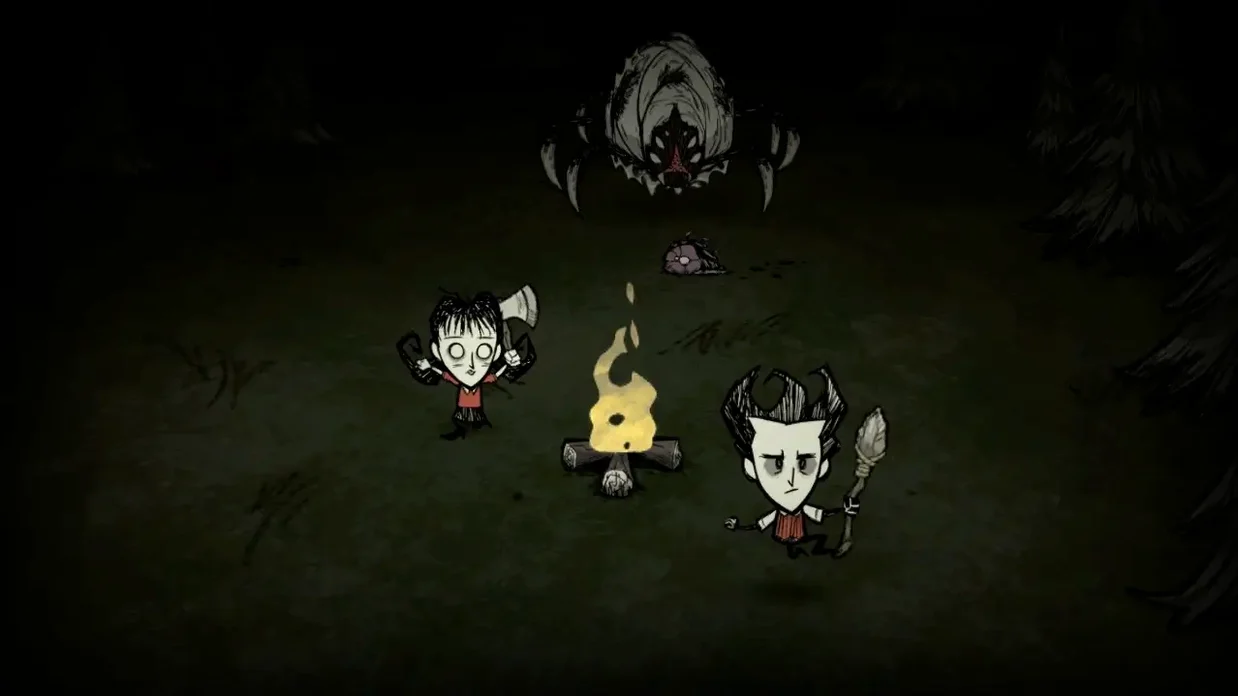
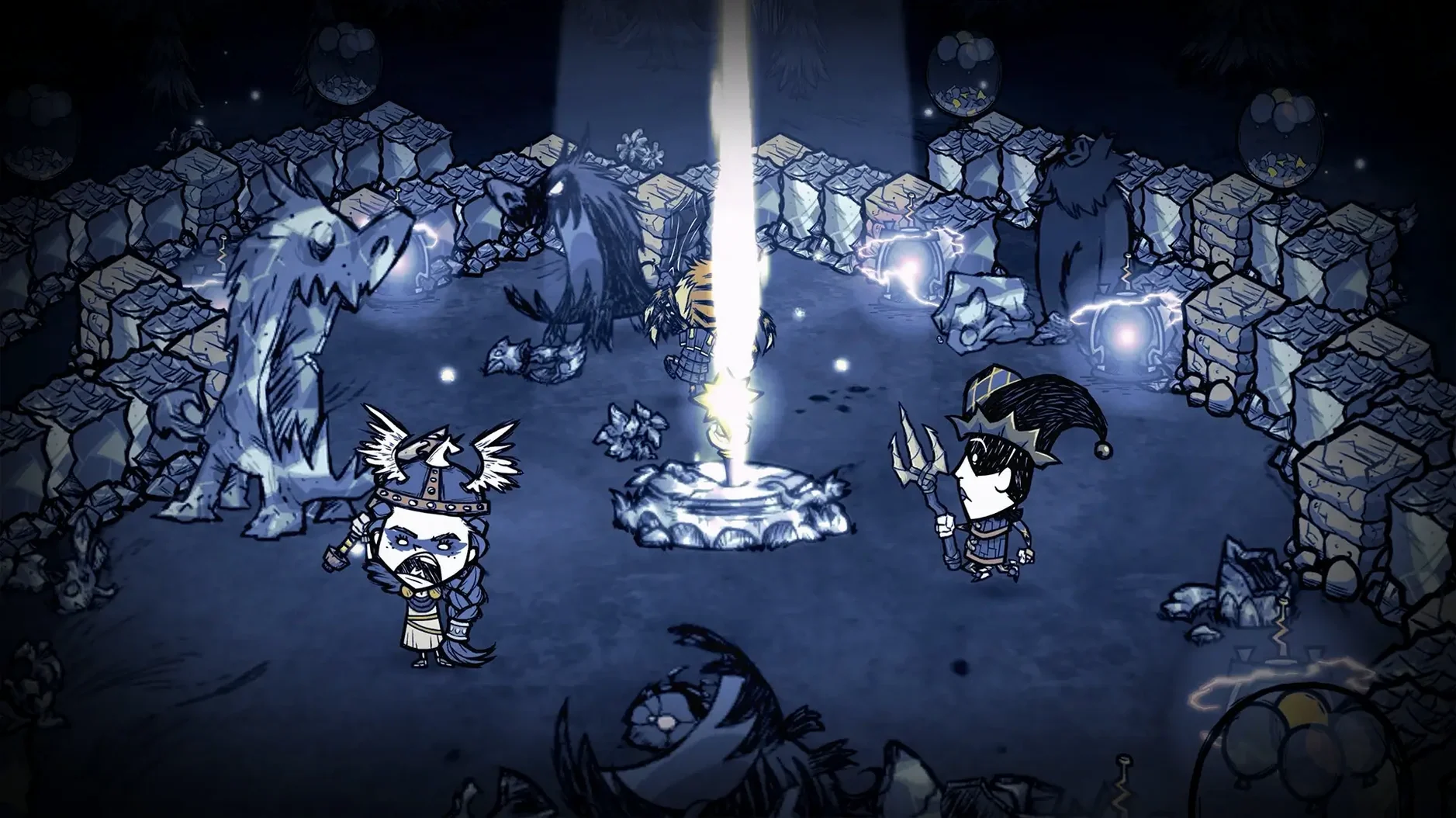
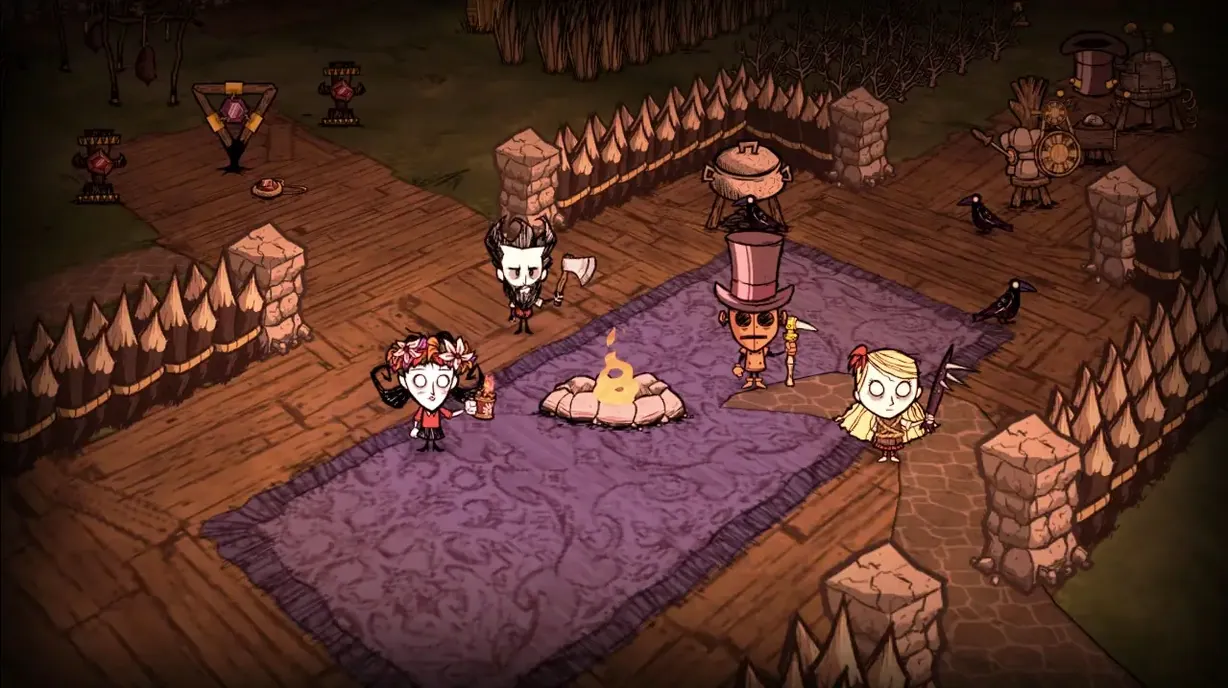
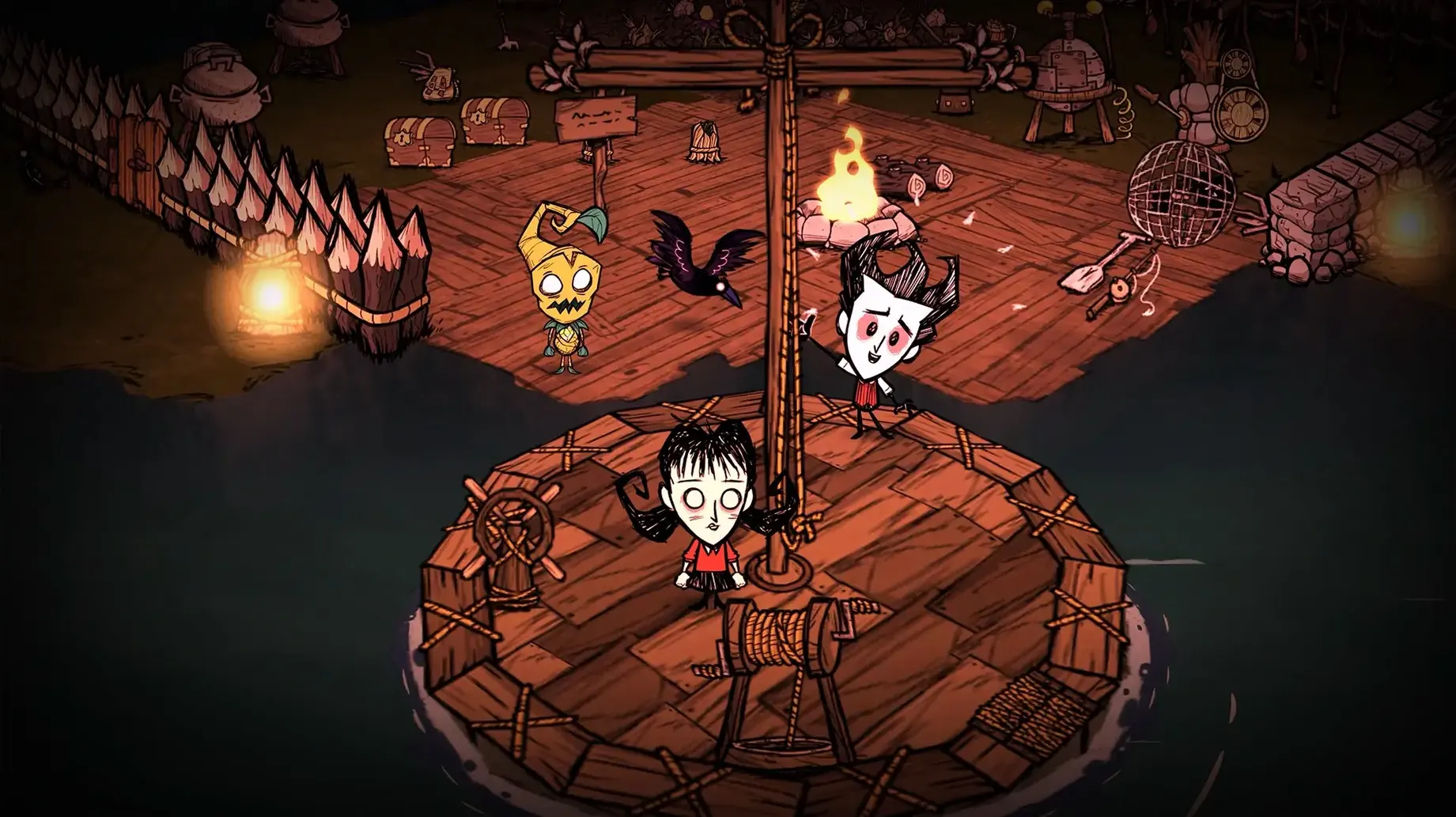
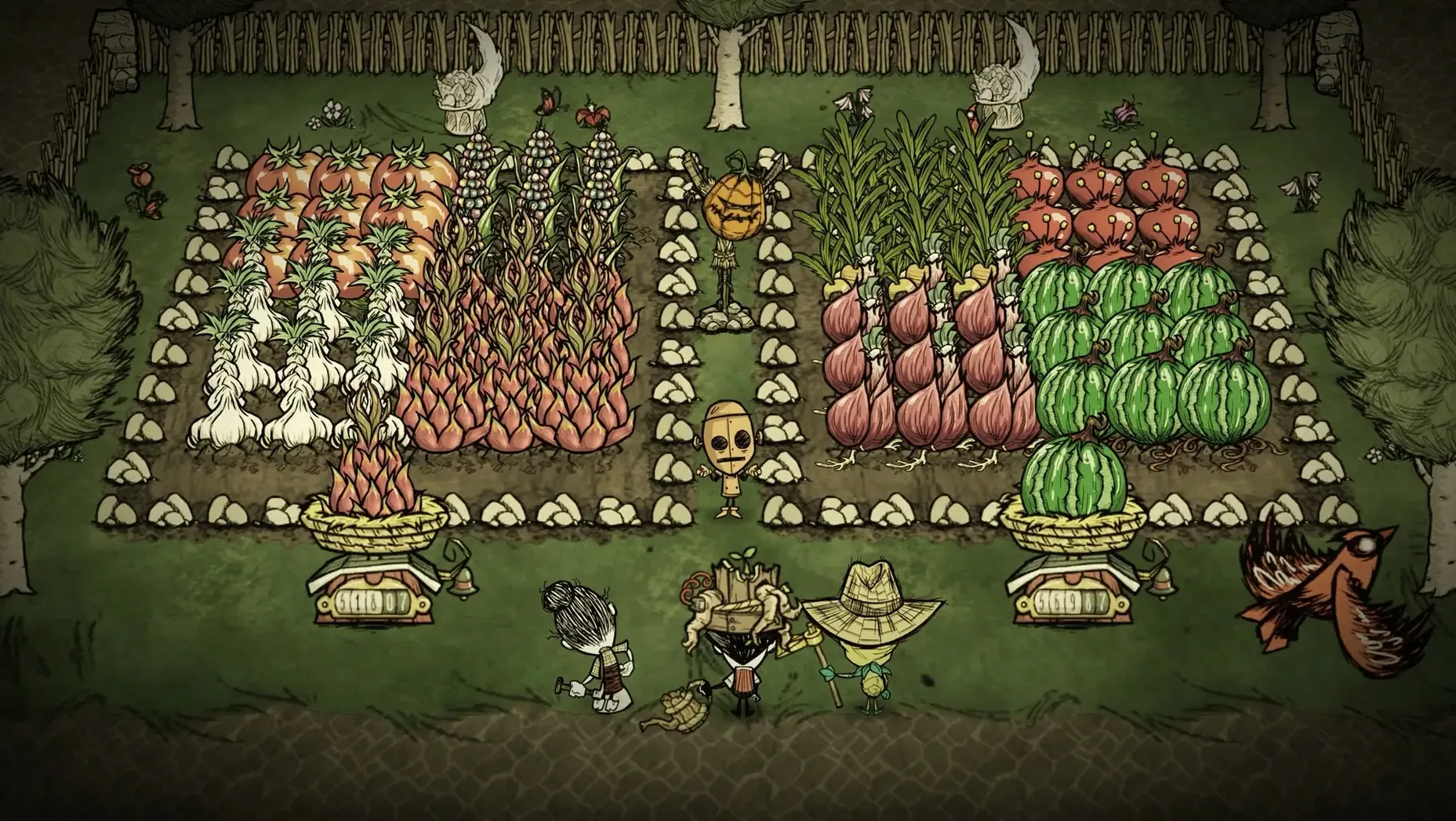
If you've got a Mac with an Intel or Apple Silicon chip, Don't Starve Together runs natively — no translation layer, no fuss. That means a MacBook Air M2 or an older Intel iMac will both handle it, though you'll want to keep expectations in check on integrated graphics. It's a standalone multiplayer expansion to the original Don't Starve, so you don't need the base game to jump in.
The game is all about surviving together: gather, craft, and build through the seasons while keeping your sanity up. Controls are straightforward — mouse and keyboard work fine, and the UI is clean. On a MacBook Air M2, you can expect smooth play at moderate settings, with occasional dips when the screen gets crowded with enemies or fire.
Languages are English and Simplified Chinese, which covers a good chunk of players. The current version is 747465, and it's been around since April 2016, so it's well patched and stable on macOS.
Internet required even without Steam account
A few things people tend to ask before they download. First, yes, you need an internet connection to play — it's a multiplayer game, so you're always connected to a server. But you don't need a Steam account or any third-party launcher running in the background; the game launches directly once it's on your Mac.
Another question: can you play alone? Technically yes. You can host a private world and nobody else joins. But the game is built for co-op, so playing solo means you miss the core dynamic. If you want single-player, the original Don't Starve is the better fit.
Does it work on macOS Sequoia or older versions? The architecture support covers both ARM and Intel 64-bit, so anything from macOS Catalina onward should run it. The latest test was on macOS Tahoe with an M4 Mac mini, but earlier macOS versions work too as long as they're 64-bit.
Sanity drain triggers shadow creatures
The most common one: ignoring sanity. New players focus on hunger and health, then wonder why shadow creatures start chasing them. Sanity drops when you're in the dark, near monsters, or eating raw food. Keep a campfire going and cook your meals.
Another mistake is hoarding. You pick up everything you see, fill your inventory, then realise you can't carry logs or grass when you need them. Don't starve together torrent players often learn the hard way that you need to prioritise. Drop what you don't need immediately.
Building too far from resources is another one. A base near beefalo is handy for manure and protection, but if you're a day's walk from trees or water, you waste time travelling. Scout the map before you commit to a spot.
Finally, not communicating with your teammate. This game punishes silent play. If one person runs off alone and dies in the dark, the other has to decide whether to risk reviving them or keep the base going. Use voice or text — it makes a difference.
Use multiple desktops for maps and wikis
Don't Starve Together doesn't need much beyond the game itself, but a few macOS features help. If you use multiple desktops, you can keep a wiki or a map open on another space without alt-tabbing out. Mission Control makes switching quick.
For recording or streaming, QuickTime Player can capture gameplay without extra software. Just set it to screen record and select the game window.
The game also plays well with controller support if you prefer a gamepad. macOS recognises most USB and Bluetooth controllers natively, so you can map buttons in the game's settings. Mouse and keyboard are fine, but some people find a controller more comfortable for longer sessions.
If you're running other apps in the background — Discord, a browser, music — keep an eye on memory. Don't starve mac download isn't heavy, but on an 8 GB Mac, having too many tabs open can cause stutter. Close what you don't need before you start.
- macOS: Not specified
- Architecture: Intel and Apple Silicon
- Languages: English, Simplified Chinese
Kit check at a glance
| Chip | Apple Silicon, Intel 64-bit |
| Download | 2.8 GB |






Chat from the booth
Sign in or grab a free account to leave a comment.
Nobody has said a word in the booth yet. If you played a set with this build, tell the next person how it went.