
- Build in the crate
- 2.03.02 Native
- Made by the team at
- Pearl Abyss
- Menu languages offered
- Russian, English, German, Spanish, Italian, Chinese (Traditional), Chinese (Simplified), Korean, Polish, Portuguese, Turkish, French, Japanese
- How you pay for it
- Not required
- CPU it runs on
- Apple Silicon
- Played on
- macOS Tahoe, Mac mini 2024 M4
- Dropped on
- 20.03.2026
- Spoken voice in
- English, Chinese (Simplified), Korean
Screenshots
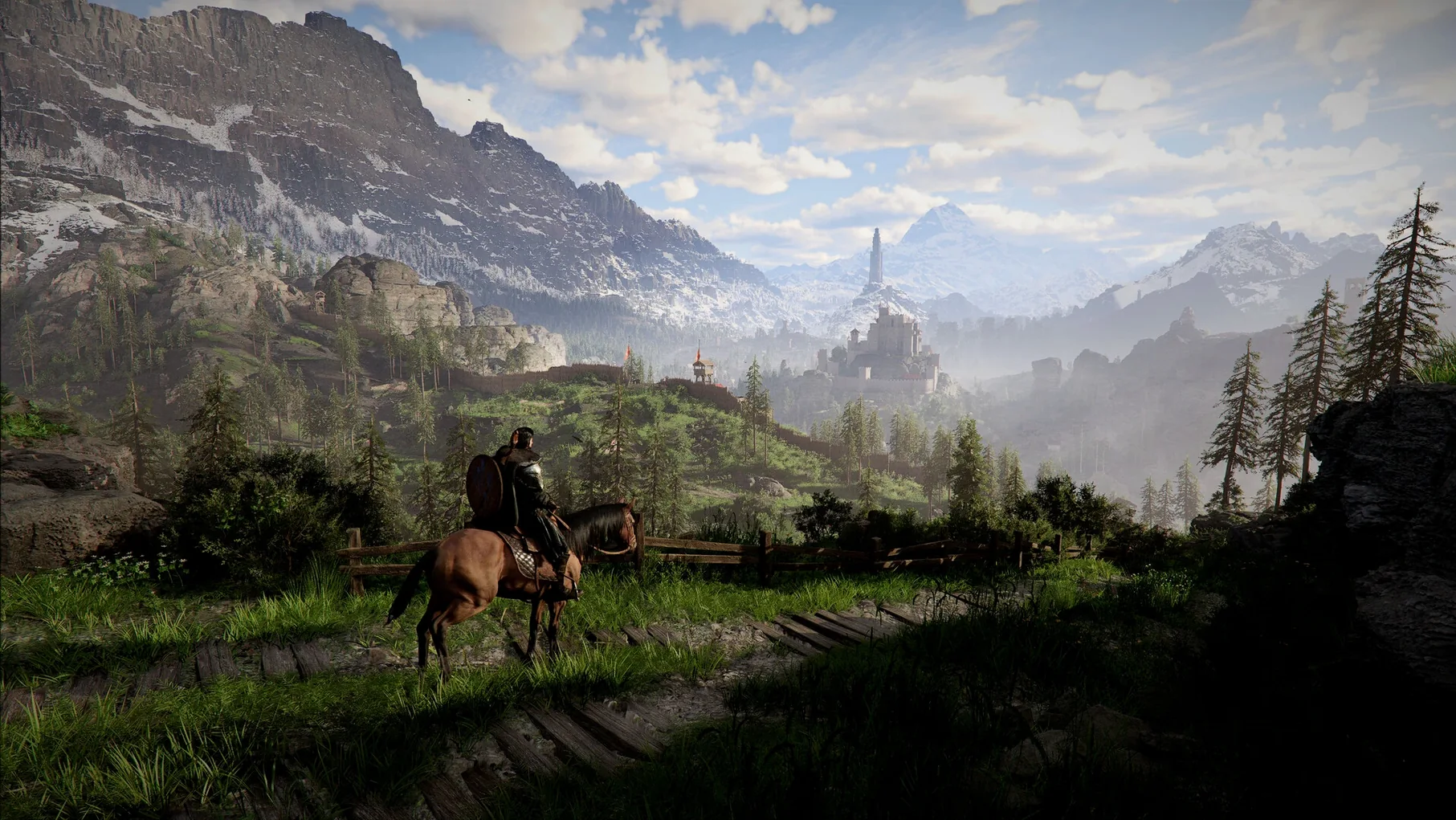
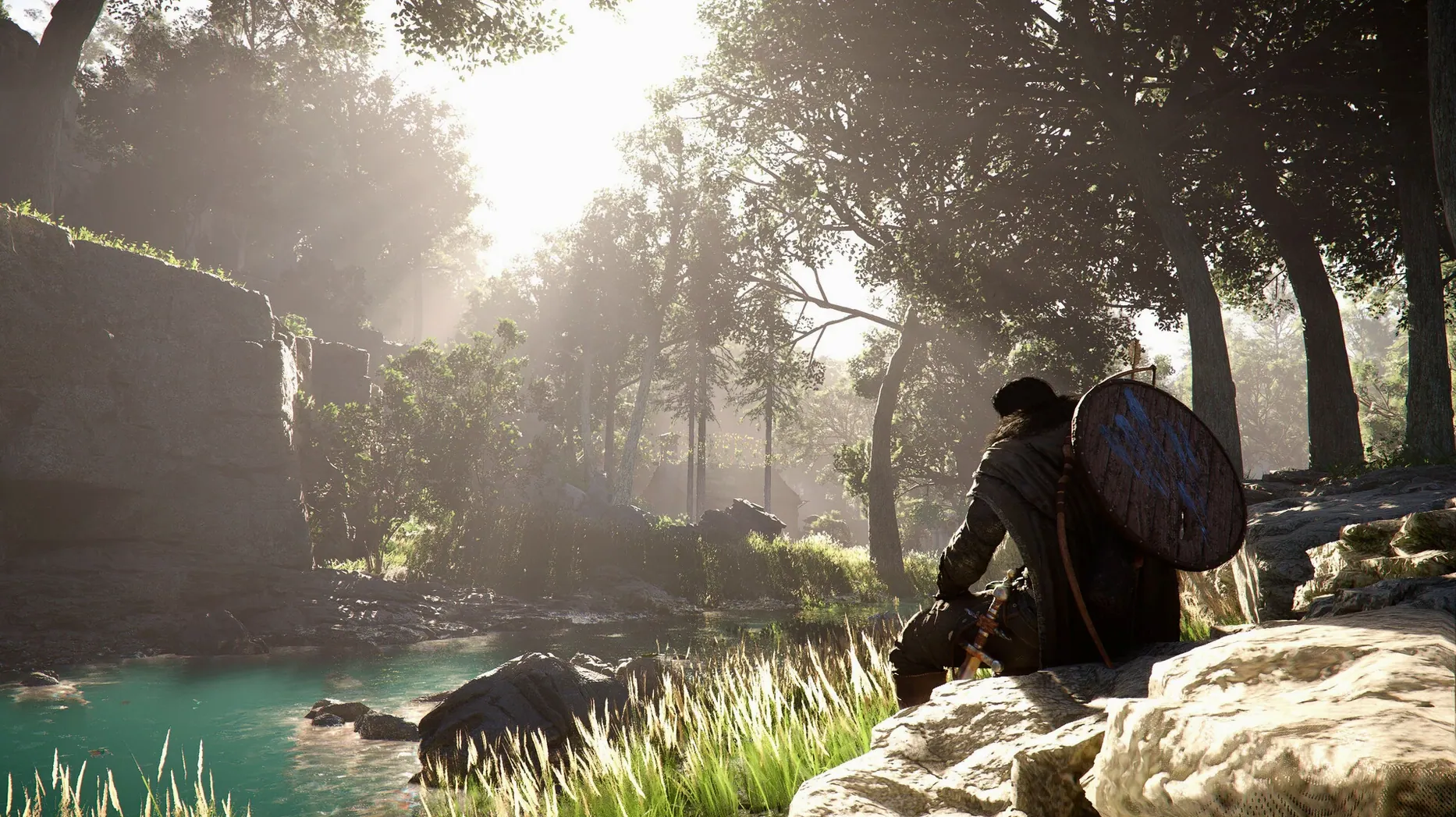
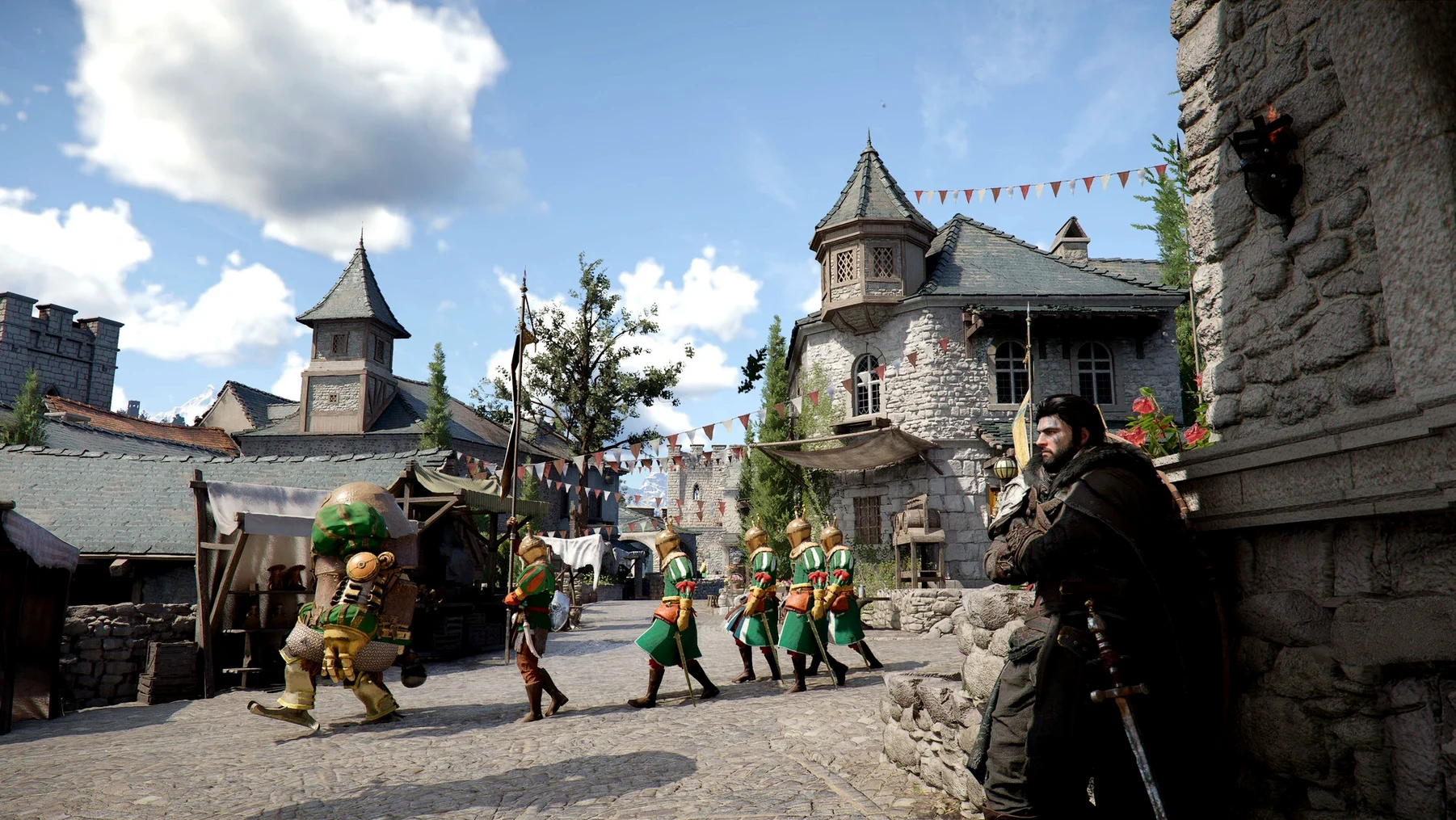
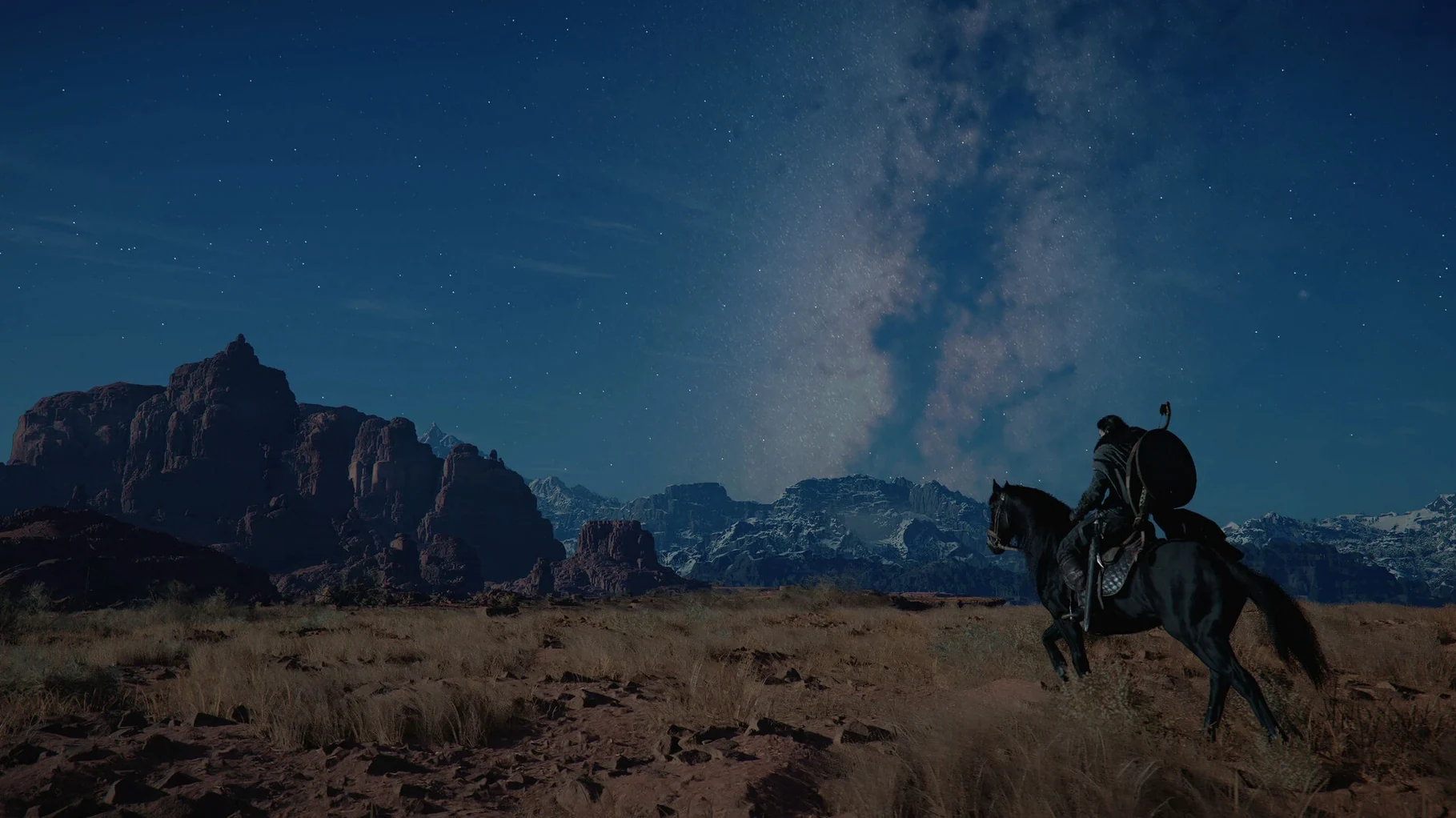
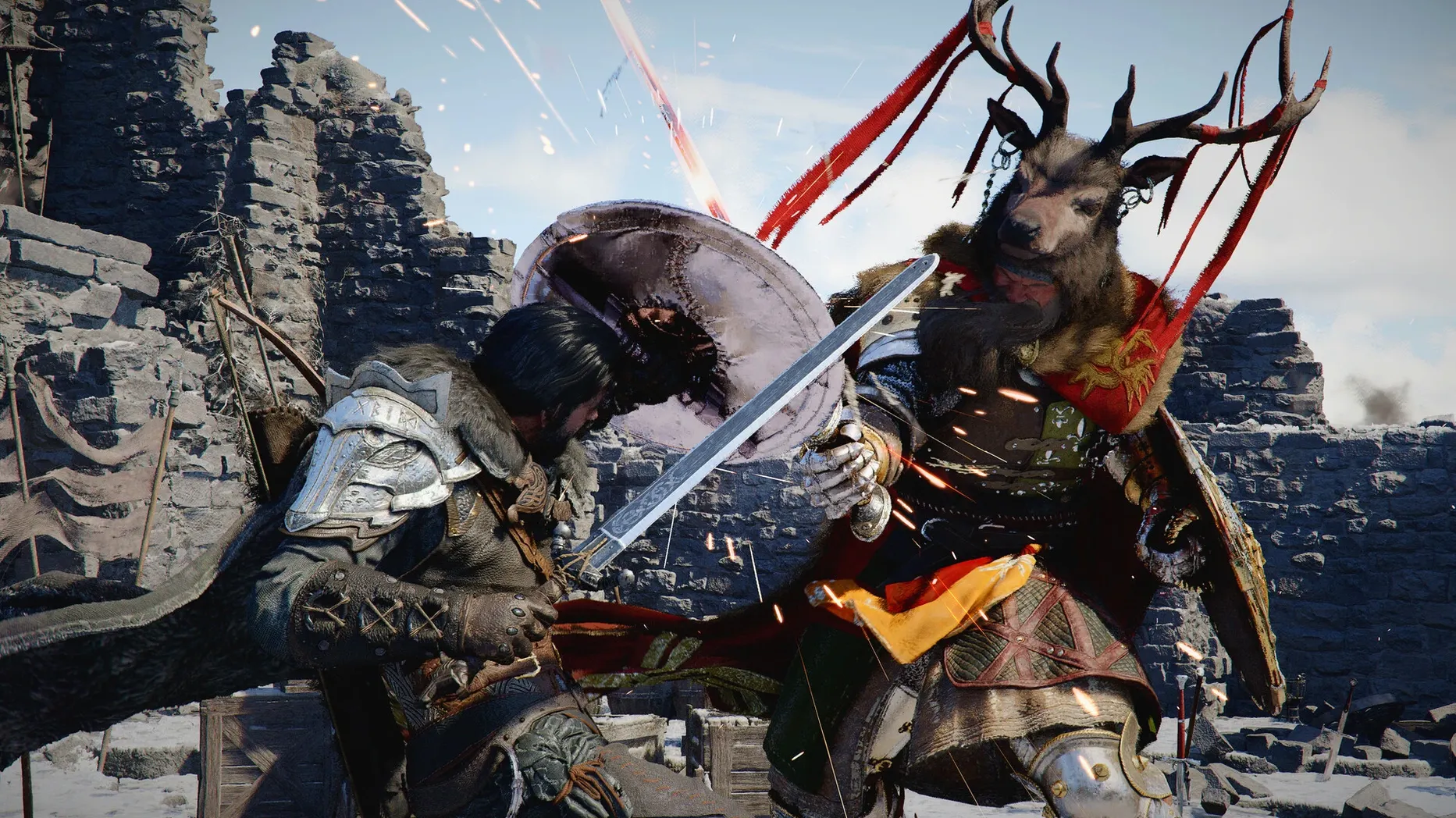
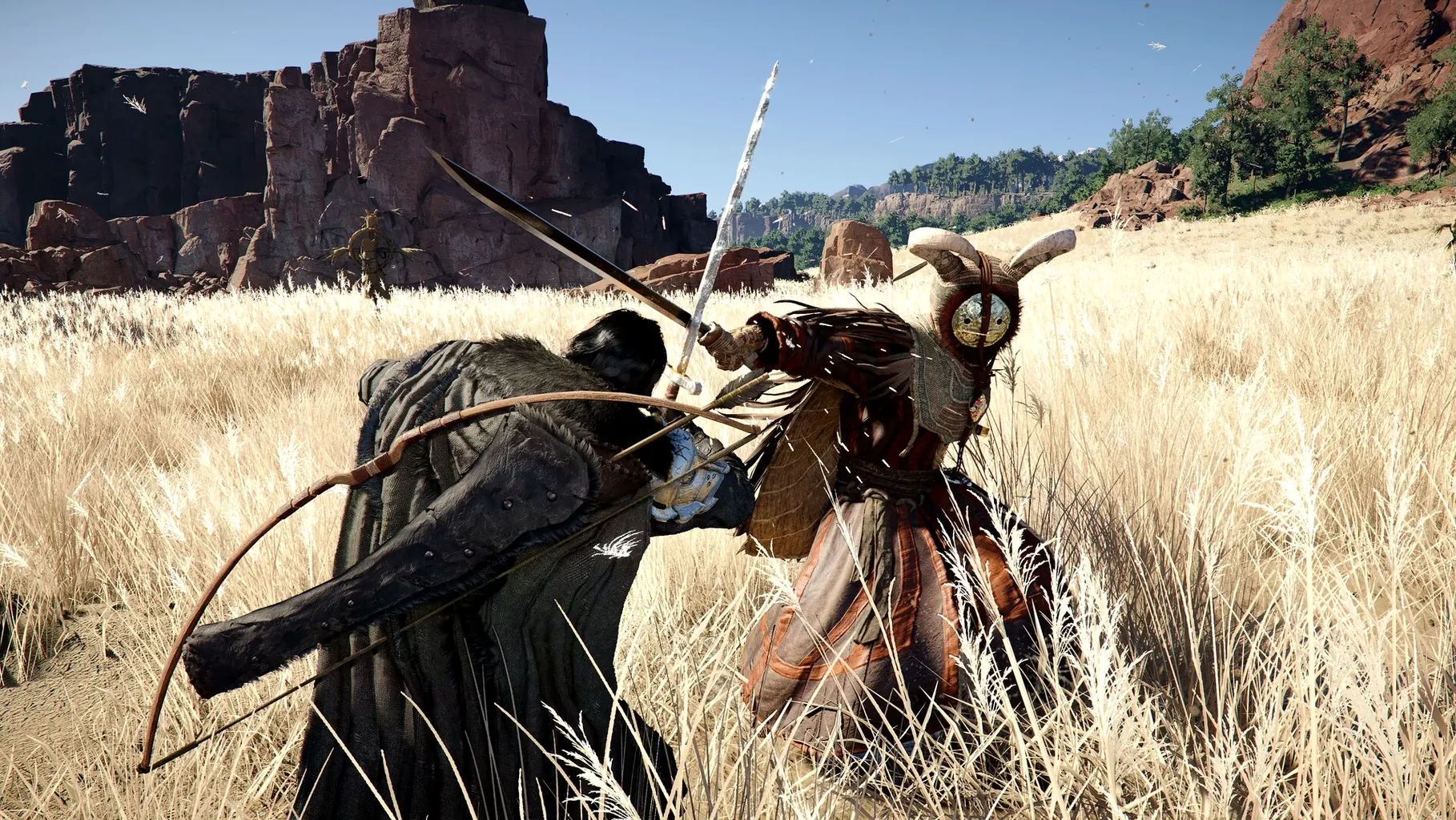
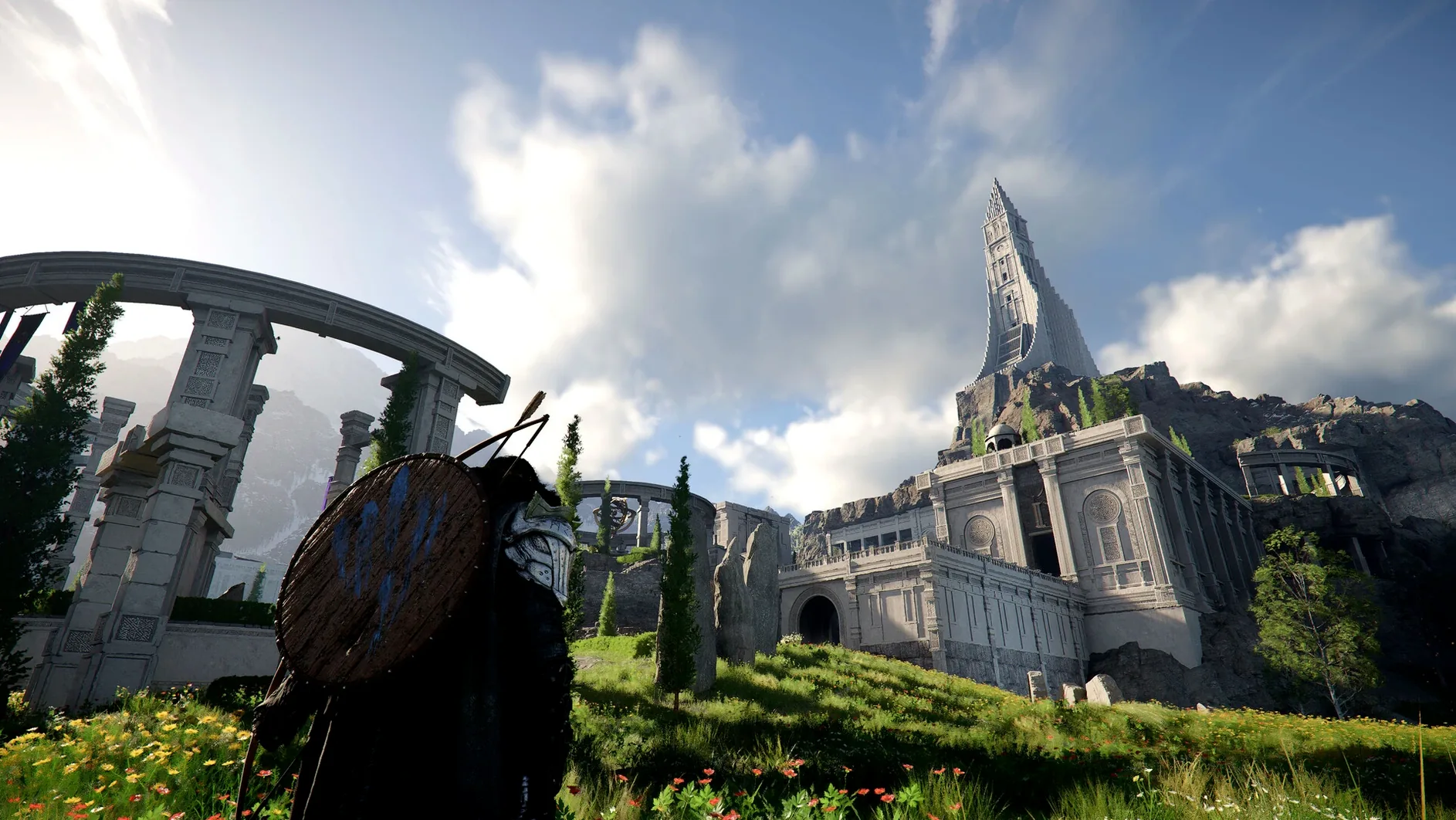
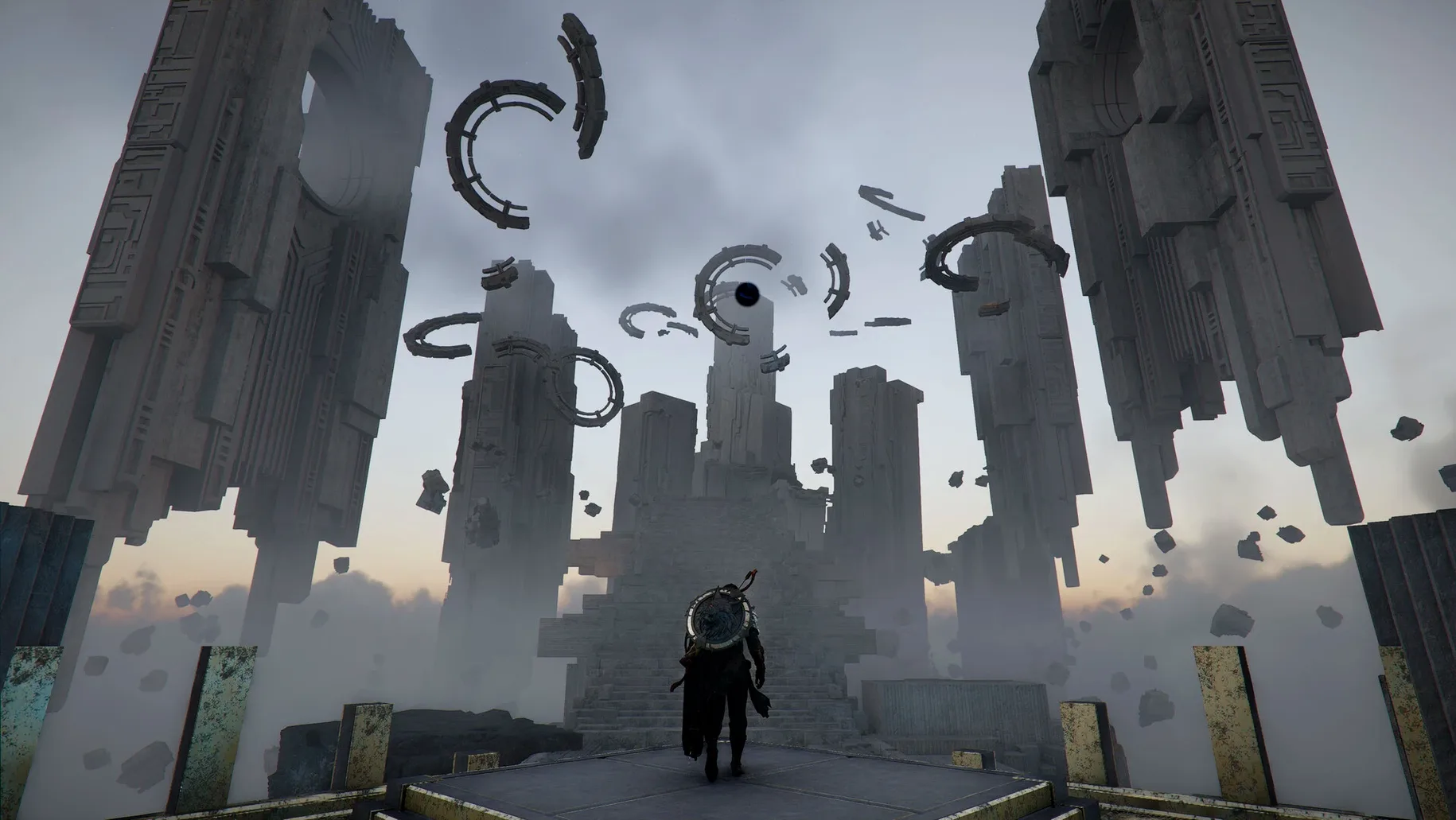
Pearl Abyss built Crimson Desert for players who like their open worlds packed with movement options and combat that changes with each character. On a Mac, it runs natively on Apple Silicon, so no translation layer is needed between the game and the M-series chip.
Distinct combat styles and varied travel
- Players who want distinct combat styles — Kliff, Unca and Damiana each bring their own weapon and skill set to fights.
- Anyone who enjoys varied travel: horseback, dragon riding and piloting a robot all feature in the world of Pywel.
- Fans of scale — duels, skirmishes and large battles are all part of the design.
- Those who like downtime between fights, with camp building, cooking, fishing and hunting to fill the hours.
Apple Silicon only with cross-save
- It is Apple Silicon only; Intel Macs are not supported.
- Cross-save arrived with version 2.02.00, so progress can move between Mac and other platforms.
- Performance expectations depend on your chip and cooling, but native builds generally sit well on M-series hardware.
- Controls are built for gamepads, though keyboard and mouse work for most actions.
The current build also polishes the edges — better localisation across languages and fixes for crashes tied to DLSS Frame Generation and specific Force Palm combos.
Sits alongside Genshin Impact in a small Mac crowd
Mac-native open-world action-adventure titles are still a small crowd, so Crimson Desert sits alongside a handful of other ports that made the jump to Apple Silicon. Genshin Impact shares the large fantasy map and character-switching combat, but it leans into gacha mechanics and co-op play. Crimson Desert stays single-player and keeps its cast smaller — three playable characters, each with a fixed weapon style rather than a roster you pull from banners. If you prefer your progression tied to story and exploration rather than randomised drops, the difference matters.
Death Stranding Director's Cut also offers a vast landscape on Mac, but its pace is deliberate — traversal is about planning routes and managing cargo. Crimson Desert moves faster. You ride a dragon, pilot a mech, and chain combat moves without stopping to balance a loadout of packages. Both games have camp-building elements, but Crimson Desert's are lighter: gather, cook, fish, expand a little, then get back to the action.
Baldur's Gate 3 is the other big Mac-native RPG with deep systems, but it's turn-based and party-focused. Crimson Desert is real-time and solo. If you want tactical positioning and dice rolls, you play Baldur's Gate. If you want to dodge, counter, grab and chain attacks on one character in real time, Crimson Desert scratches a different itch.
Gamepad default and remap keyboard bindings
Once the game is copied into Applications and launched from Launchpad, give yourself time to feel out the controls. The default setup expects a gamepad, so if you plan to use keyboard and mouse, check the bindings early and remap anything that feels awkward — especially the dodge and counter keys, which you will use constantly.
Start with Kliff. His sword-and-spear kit is the most balanced and teaches the core loop: attack, dodge, counter, use a skill, repeat. Unca hits harder but moves slower, and Damiana's dual blades demand tighter timing. Save them for a second playthrough or once you have the rhythm down.
Do not rush the main story. The world of Pywel opens up fast, and the side content — mini-games with locals, hunting, fishing — teaches you the movement system without pressure. Try riding the dragon as soon as you can. It changes how you see the map and reveals shortcuts you might miss on foot.
Camp management is simple but worth doing early. Gather resources as you travel, cook for buffs, and expand the camp when you have materials. It is not deep, but the bonuses help in the larger battles.
Works with Game Mode and native macOS tools
Because Crimson Desert is a native Apple Silicon build, it works well with macOS tools you probably already use. Game Mode, introduced in recent macOS versions, can prioritise the game's threads and reduce background activity. Turn it on from the game's info panel or let macOS suggest it when the game launches — it helps keep frame pacing steady during big fights.
Cross-save, added in version 2.02.00, means you can switch between Mac and other platforms without losing progress. That is useful if you also play on a PC or console. The save data syncs through Pearl Abyss's own system, so no extra cloud service is needed. Just make sure you are logged into the same account on both machines.
For screen captures and clips, macOS's built-in screenshot tool (Cmd+Shift+5) records the game window without extra software. If you stream or record regularly, consider setting a keyboard shortcut that does not conflict with in-game actions — the default capture shortcuts can interrupt a fight if you hit them by accident.
The game also plays well with macOS audio routing. If you use a USB headset or external speakers, you can switch outputs from the menu bar without quitting.
For those who mod or tweak game files, Crimson Desert's data sits in the standard macOS Application Support folder. Backups of save files are straightforward to copy before major updates, though cross-save already keeps progress safe if you are online.
- Added cross-save for Mac.
- Bug fixes and stability improvements.
- macOS: not specified
- Architecture: Apple Silicon
Kit check at a glance
| Chip | Apple Silicon |
| Download | 101 GB |





Chat from the booth
Sign in or grab a free account to leave a comment.
Nobody has said a word in the booth yet. If you played a set with this build, tell the next person how it went.