

- Build in the crate
- 2.1.23 Native
- Made by the team at
- Wube Software LTD.
- Menu languages offered
- Russian, English, German, Hungarian, Spanish, Italian, Chinese (Traditional), Chinese (Simplified), Korean, Dutch, Norwegian, Polish, Portuguese, Romanian, Turkish, Ukrainian, Finnish, French, Czech, Swedish, Japanese
- How you pay for it
- DRM-free
- CPU it runs on
- Apple Silicon, Intel 64-bit
- Played on
- macOS Tahoe, Mac mini 2024 M4
- Dropped on
- 14.08.2020
- Spoken voice in
- Music only
Screenshots
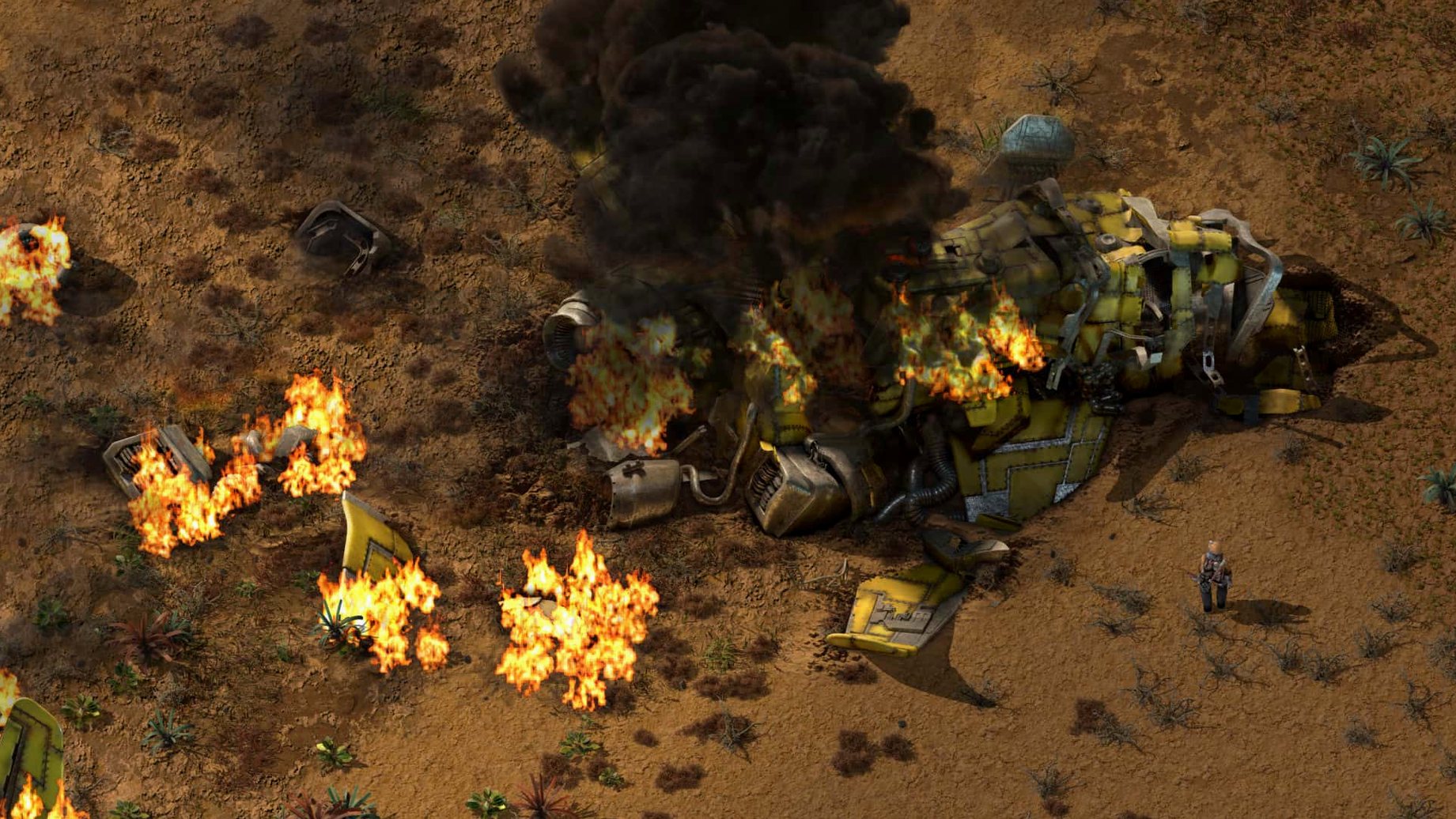
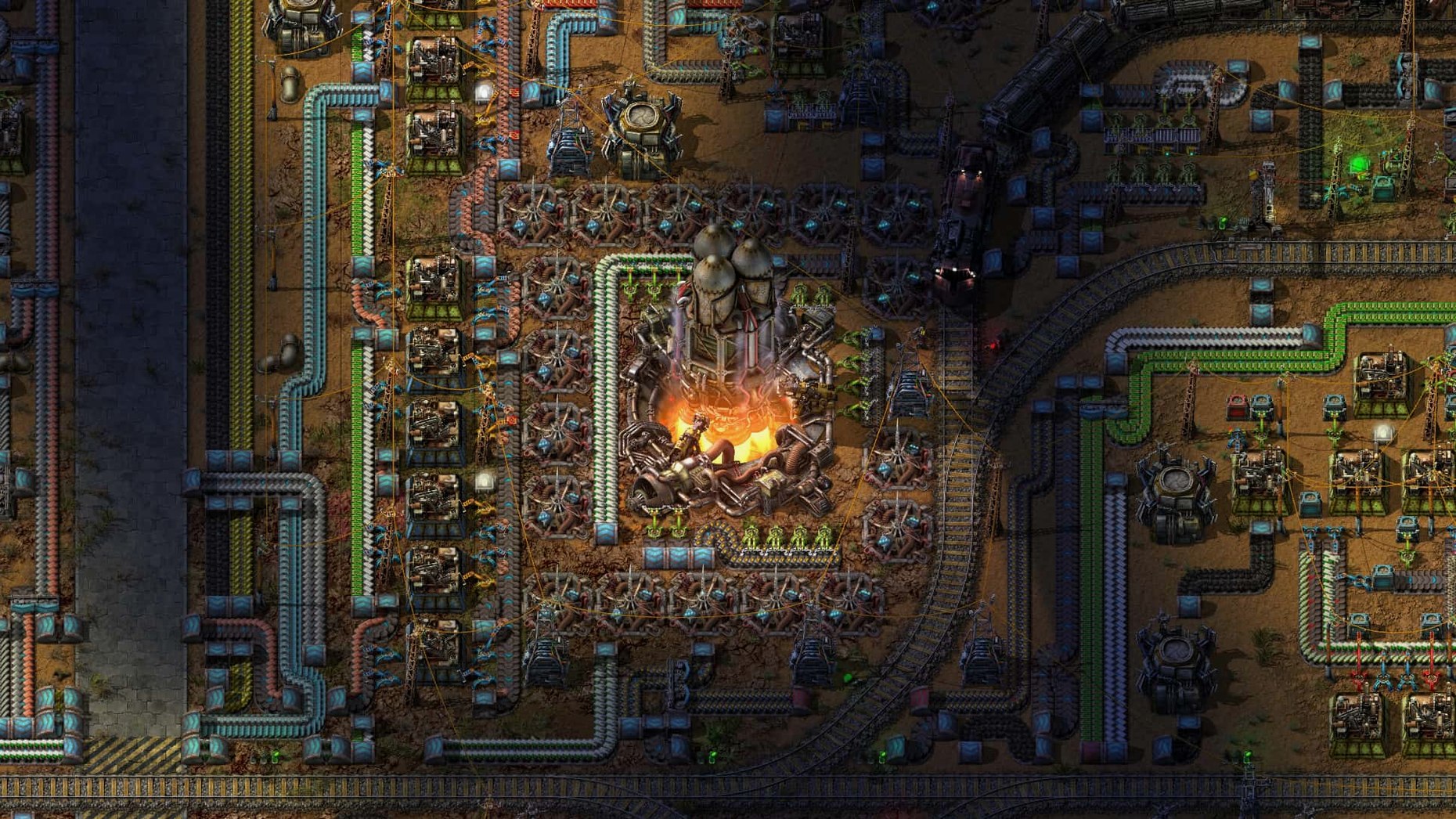
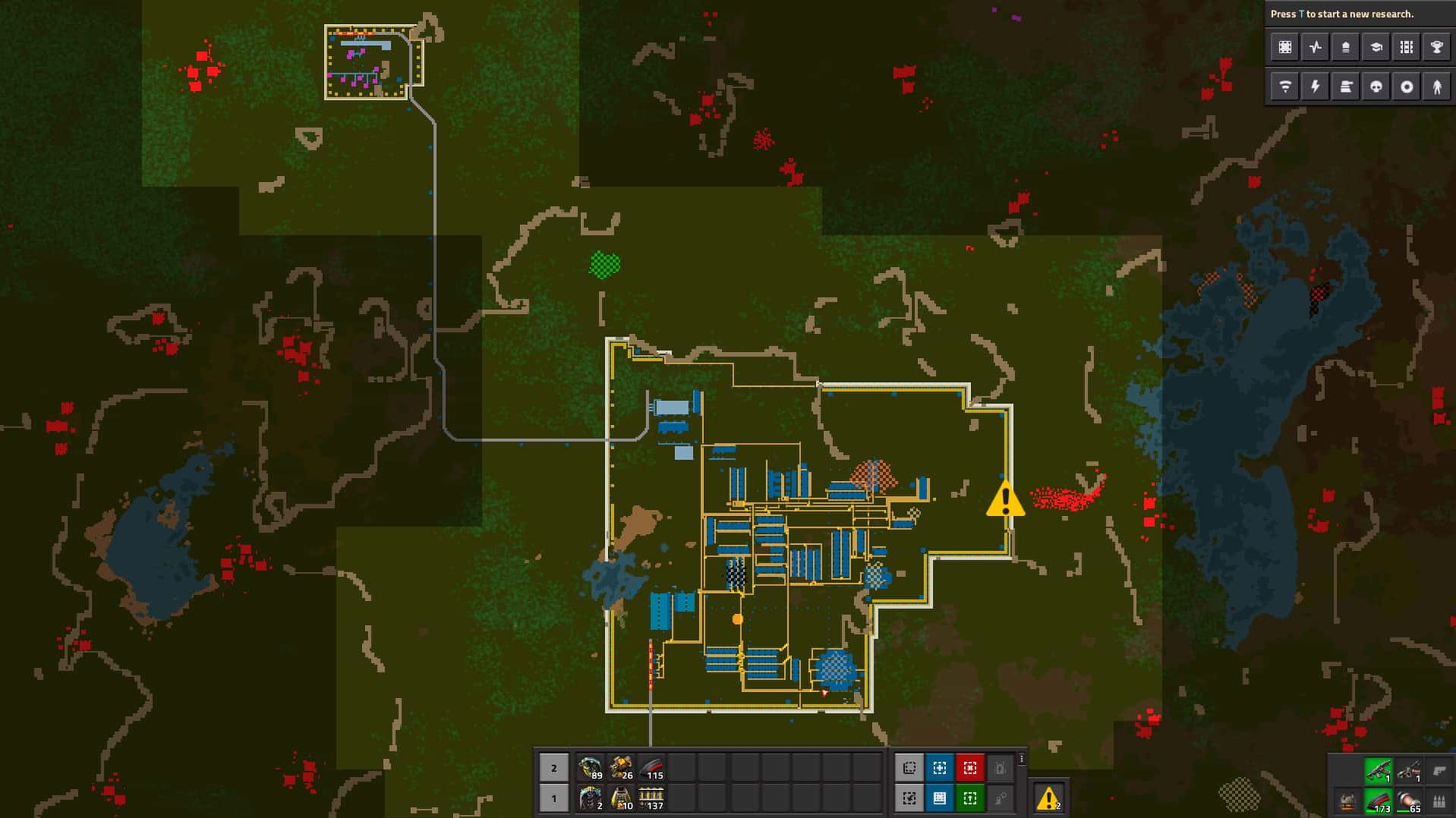
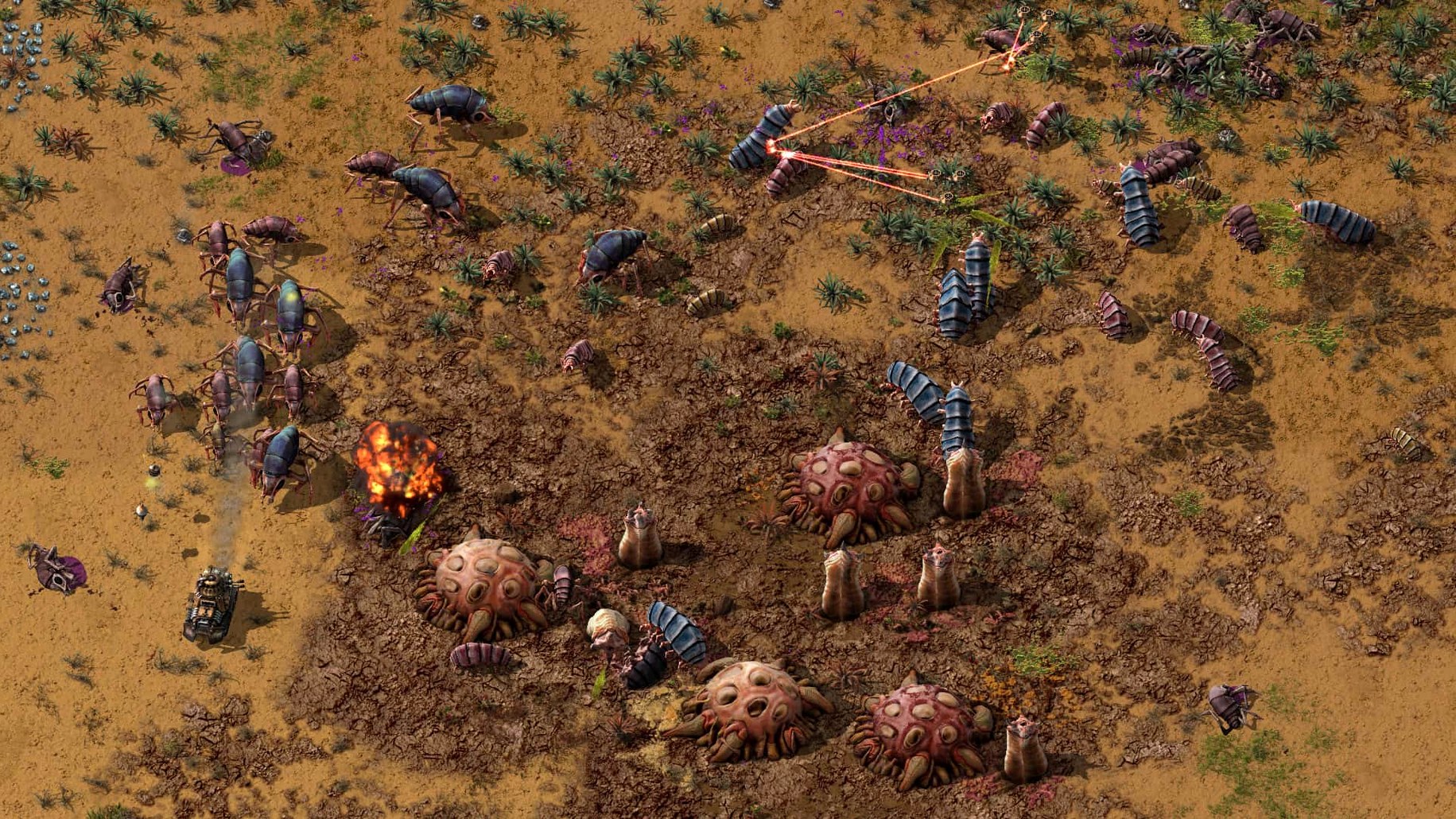
You start on an alien planet with nothing but a pickaxe and a few iron patches. Within an hour you’ve automated iron-plate production, and by the end of the session you’re debugging a train network that feeds copper wire to a dozen green-circuit assemblers. Factorio’s core loop is deceptively simple: mine resources, craft items, build machines that craft items for you, then build machines that build those machines.
What you actually do minute to minute:
- Place belts, inserters and assemblers to move ore from the patch to the furnace to the factory.
- Design bus layouts — a main line of iron, copper and steel plates that feeds production branches.
- Research technologies to unlock new buildings, recipes and logistics (trains, bots, circuits).
- Build power plants: steam engines first, then solar, nuclear or even burner-based setups.
- Defend your factory against biters that attack when pollution clouds reach their nests.
- Use the built-in map editor to blueprint an entire smelting array before placing it in the live world.
Version 2.0.77 runs on both Apple Silicon and Intel Macs. Multiplayer works on a single endless map, and mods drop into ~/Library/Application Support/factorio/mods. The sandbox mode means you set your own goals — or let the factory grow until your laptop struggles to simulate it all.
A typical multiplayer session: from landing to logistics
You and three friends join a fresh map. Each person claims a resource patch. One handles copper smelting, another builds the power grid, a third starts on red science. You take iron. The first ten minutes are manual — chopping trees, feeding coal into burners, placing your first electric miners. By the twenty-minute mark you’ve agreed on a bus direction and a common coordinate for the mall (the area that builds belts, inserters and assemblers for everyone).
The game’s multiplayer doesn’t use separate servers or lobbies — one player hosts, others join from the main menu. Because the map is endless, you can expand in opposite directions without stepping on each other’s builds. Later, when oil processing needs to come online, you split into pairs: two build the refinery, two lay rail to bring crude from a distant patch. The only rule is to leave space for a four-lane main bus.
Version 2.0.77 fixes a handful of deadlock cases that used to interrupt these sessions — inserter deadlocks and rocket silo deadlocks are gone, so production lines keep running while you’re busy elsewhere on the map.
Built-in map editor for mid-game blueprints
Factorio hides useful details in plain sight. The map editor is built in, not a separate tool — you can open it mid-game, design a perfect furnace stack, copy it as a blueprint, then paste it into your live factory. The scenario set (free DLC) gives you pre-made challenges if you want a break from sandbox, from tight-space puzzles to wave-defence maps.
Mod support is straightforward: drop a zip into the mods folder and restart. The game reads the mods on launch and shows them in the main menu. No launcher, no sign-in. The same folder works whether you’re on ARM or Intel.
The game also remembers your blueprint library across saves. So the train station you designed last week is ready to place in a new world without rebuilding it.
A quick workflow: automating green circuits
Green circuits (electronic circuits) are the most-used intermediate item in the game. Here’s how a typical first setup goes:
- Place two copper cable assemblers and three green-circuit assemblers in a row.
- Run a belt of copper plates past the cable assemblers. Use inserters to feed each cable assembler.
- Output the copper cable onto a second belt that runs past the green-circuit assemblers.
- Run a separate belt of iron plates alongside the same circuit assemblers.
- Use long-handed inserters where needed to grab cable from the far belt.
- Feed the finished green circuits onto a third belt heading toward the main bus.
Once that line runs, you never hand-craft another circuit. The factory grows from there.
- Fixed cargo pod clipping, inserter deadlocks and rocket silo deadlocks.
- Resolved several crash cases.
- Added new Lua prototype reads for quality-related values, entity and fluid properties.
- macOS version not specified by developer
- Apple Silicon or 64-bit Intel processor
Kit check at a glance
| Chip | Apple Silicon, Intel 64-bit |
| Download | 5.7 GB |
| Older pressings | 1 in the crate |








Chat from the booth
Sign in or grab a free account to leave a comment.
Nobody has said a word in the booth yet. If you played a set with this build, tell the next person how it went.