

- Build in the crate
- 1.12a
- Made by the team at
- Campo Santo
- Menu languages offered
- Russian, English, German, Spanish, Chinese (Simplified), French, Japanese
- How you pay for it
- DRM-free
- CPU it runs on
- Intel 64-bit
- Played on
- macOS Sonoma, MacBook Air (M1. 2020)
- Dropped on
- 9.02.2016
- Spoken voice in
- English
Screenshots
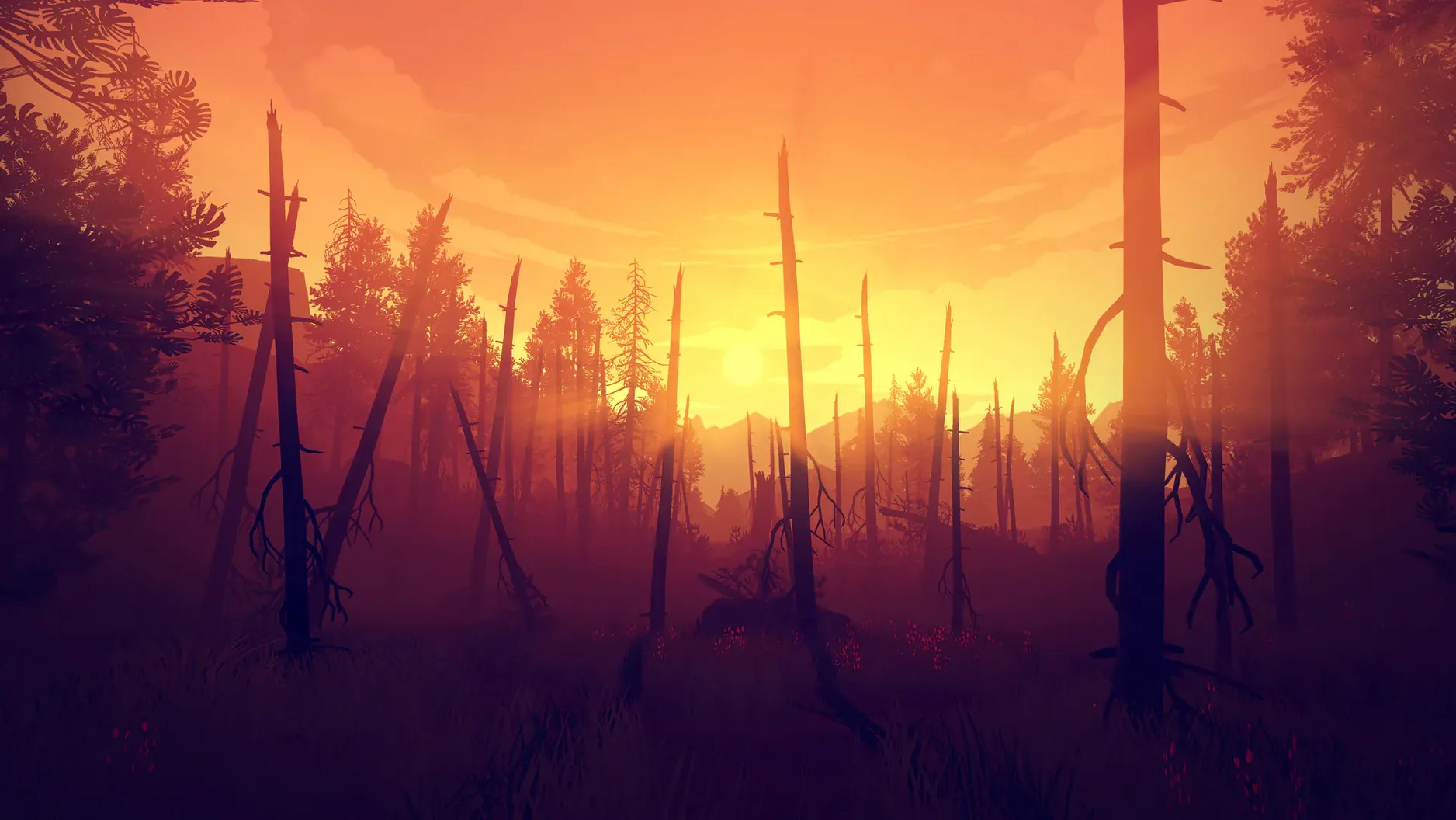
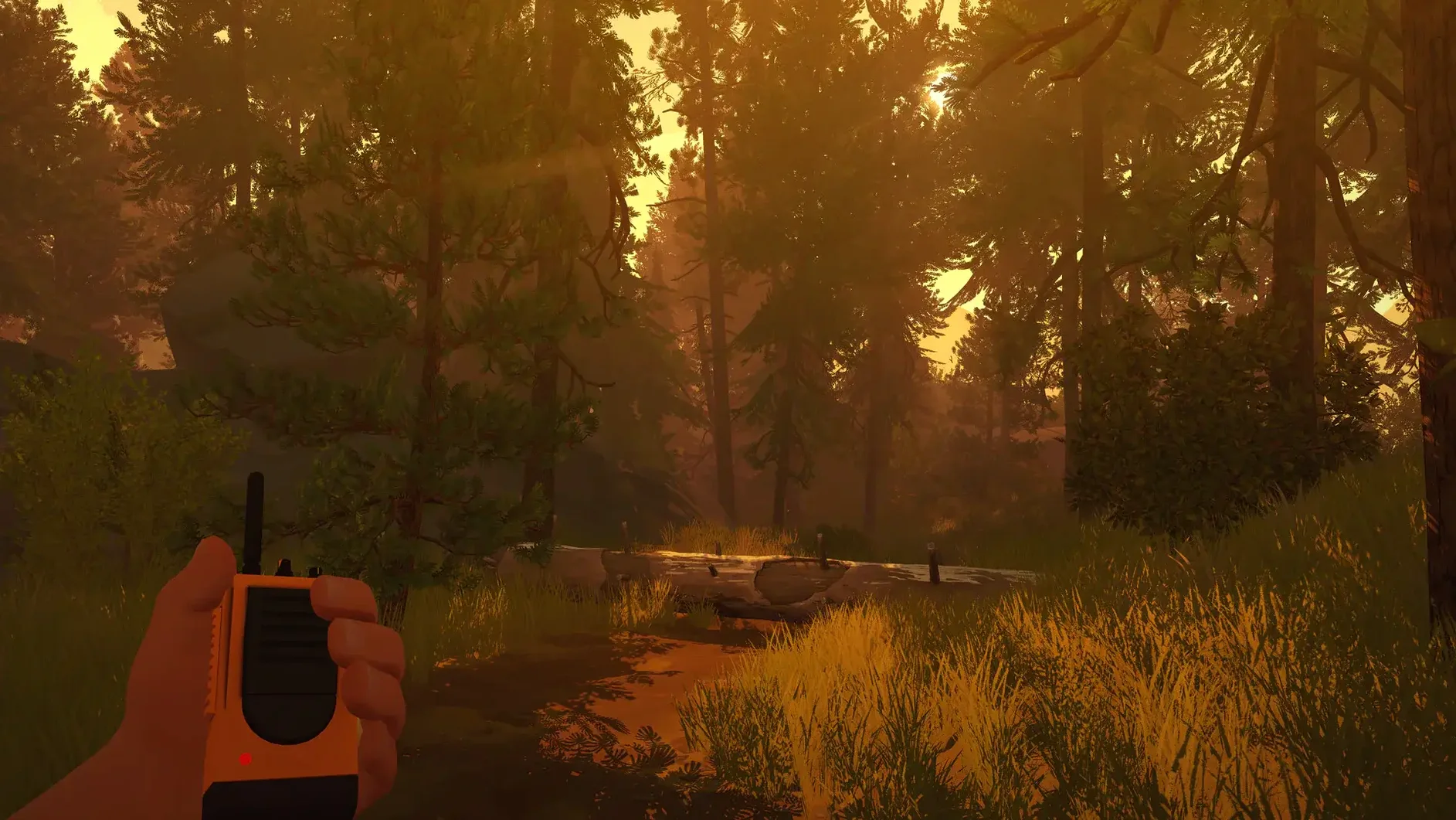
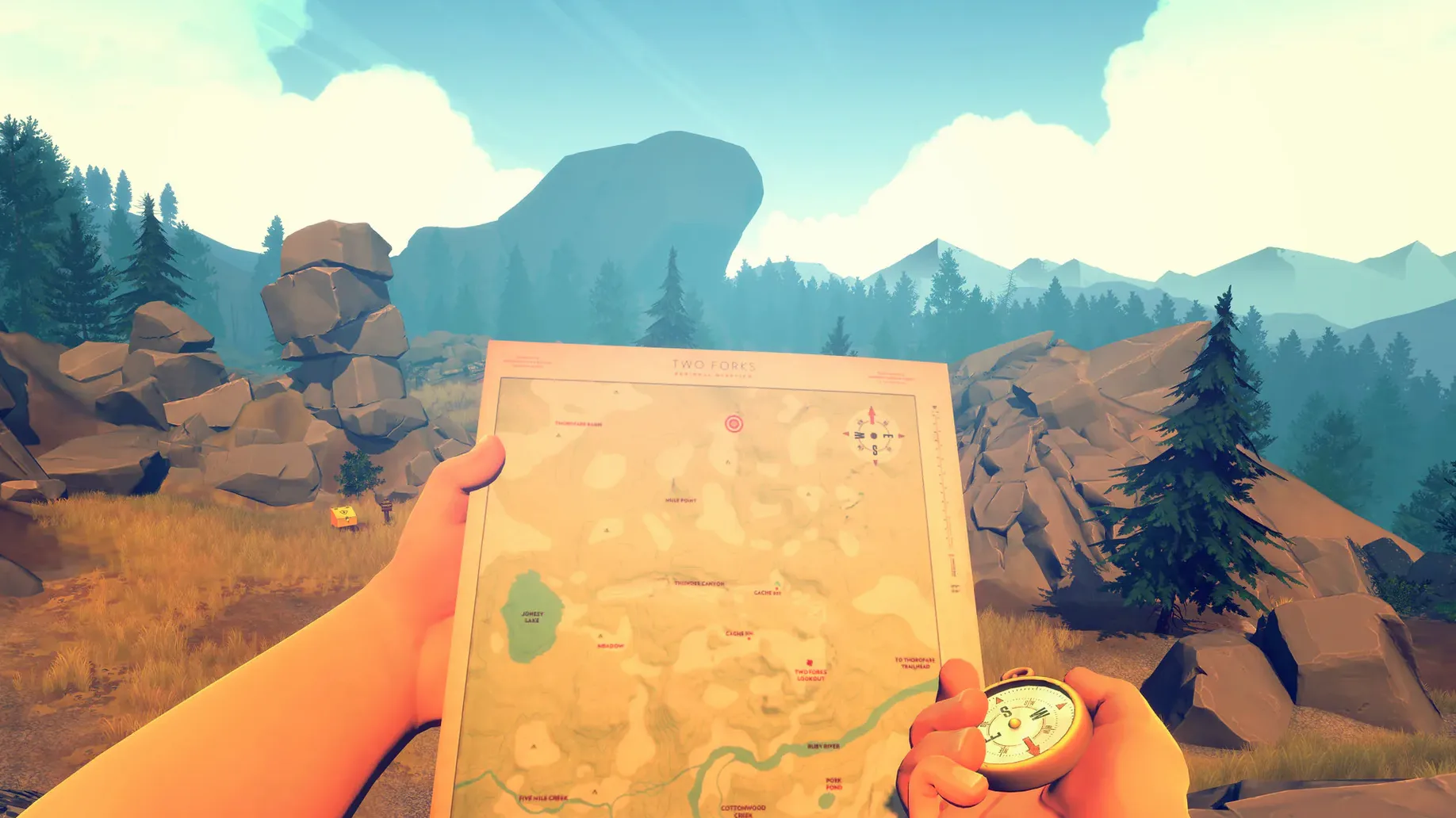
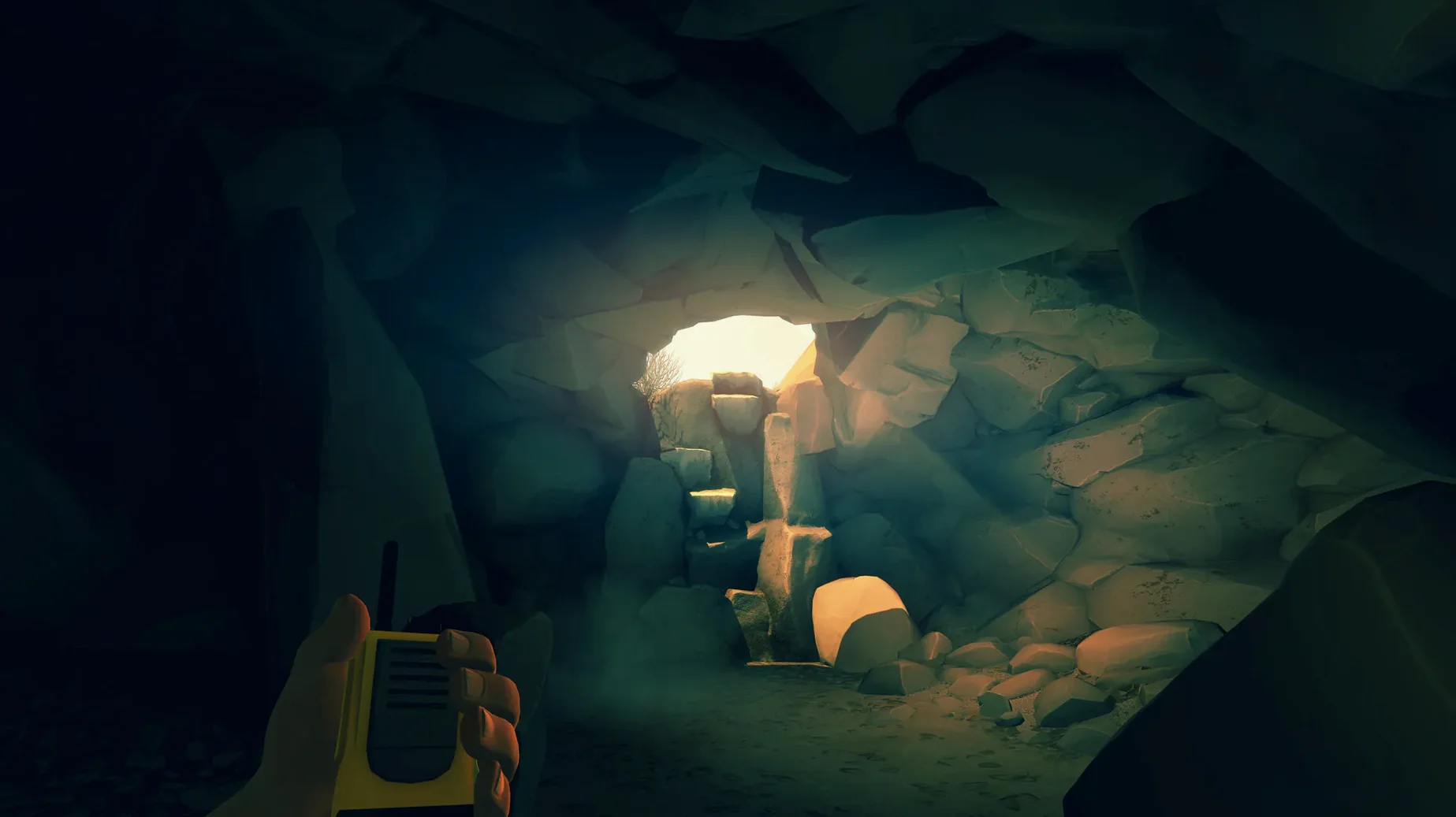
Anyone who plays games on a Mac knows the drill — not everything runs, and when it does, performance can be patchy. Firewatch is one of those titles that works surprisingly well on modest hardware. Campo Santo’s 2016 first-person mystery puts you behind the eyes of Henry, a fire lookout in the Wyoming wilderness. Your conversations with Delilah over the radio shape their relationship, and the story pulls you through a beautifully painted forest. Here is what you should know before you grab a firewatch torrent download and fire it up on your Mac:
- Intel-only build — runs on Intel Macs, not natively on Apple Silicon (Rosetta 2 works fine on M1/M2 machines).
- Tested on macOS Sonoma on a MacBook Air (M1, 2020) — smooth at 1080p with medium settings.
- Voice language is English only; interface languages include English, Russian, German, Spanish, Simplified Chinese, French, Japanese.
- Version 1.12a — the latest stable release.
- Controls work with keyboard and mouse or a controller; the game auto-detects input.
If you are after a firewatch mac torrent, this version is solid. Install it the usual way — choose Applications as the destination — and you are ready to hike through the Shoshone National Forest.
adjust graphics and resolution first
Once you have the game in your Applications folder and launch it for the first time, a few things are worth doing straight away. Head into the options menu and check your resolution and graphics settings. The default might be fine, but lowering shadows or draw distance can help on older Intel Macs. The game gives you a handful of sliders, so experiment until the frame pacing feels comfortable.
When you start playing, resist the urge to rush. Firewatch rewards slow exploration — the map is small but dense with detail. Delilah’s dialogue changes depending on what you pick up and where you go, so wandering off the marked trail is part of the experience. Save often, especially before making a choice that feels significant. The game autosaves at checkpoints, but manual saves give you a way back if you want to see how a different decision plays out.
If you are using a controller, plug it in before launching the game. The input detection is reliable, but switching mid-session can cause a momentary freeze while the game re-maps the buttons. Keyboard and mouse work well too — the mouse controls the camera and the WASD keys handle movement, nothing unusual there.
Rosetta 2 translation on Apple Silicon
Firewatch is a 2016 title built for Intel Macs, so do not expect native Apple Silicon support. On an M1 or M2 machine, Rosetta 2 translates the x86 code without extra effort from you — the game just runs. The build was tested on macOS Sonoma on a MacBook Air (M1, 2020), so it works on current versions of the OS.
The game is DRM-free, which means no launcher or online check when you start it. That is a nice touch for offline play or for taking a firewatch mac download on a laptop without internet access. The install folder sits in Applications, and the game reads and writes its saves inside the usual ~/Library/Application Support/Firewatch directory. If you ever need to back up your progress, that is where the files live.
Interface languages cover English, Russian, German, Spanish, Simplified Chinese, French and Japanese. The voice language is English only, so subtitles are your friend if English is not your first language. The game supports subtitles for all the spoken dialogue, and you can toggle them in the settings.
read notes and listen to the wind
You are the kind of player who reads every note, examines every photograph and stands still to listen to the wind through the pines. Firewatch is built for you. The story kicks off when something strange pulls Henry out of his lookout tower, but the real draw is the quiet moments — the conversations with Delilah that feel natural, the way the light changes as the day passes, the small details in the environments that hint at a larger mystery.
Playing on a Mac means you can sit on the sofa with a controller, or at a desk with a mouse. The game does not demand fast reflexes or split-second decisions. It asks you to pay attention, to care about two people talking over a radio in the middle of nowhere. If you have ever wanted a firewatch mac torrent that feels more like a novel than a game, this is it. The choices you make affect how Delilah sees you, and the ending lands differently depending on how you treated her along the way.
- macOS: 10.12 or later (Intel only)
- Architecture: Intel
Kit check at a glance
| Chip | Intel 64-bit |
| Download | 2.1 GB |








Chat from the booth
Sign in or grab a free account to leave a comment.
Nobody has said a word in the booth yet. If you played a set with this build, tell the next person how it went.