
- Build in the crate
- 1.26.0 fix
- Made by the team at
- Motion Twin
- Menu languages offered
- Russian, English, German, Spanish, Italian, Chinese (Simplified), Korean, Portuguese, Turkish, French, Japanese
- How you pay for it
- DRM-free
- CPU it runs on
- Intel 64-bit
- Played on
- macOS Sonoma, MacBook Air (M1. 2020)
- Dropped on
- 7.08.2018
- Spoken voice in
- Music only
Screenshots
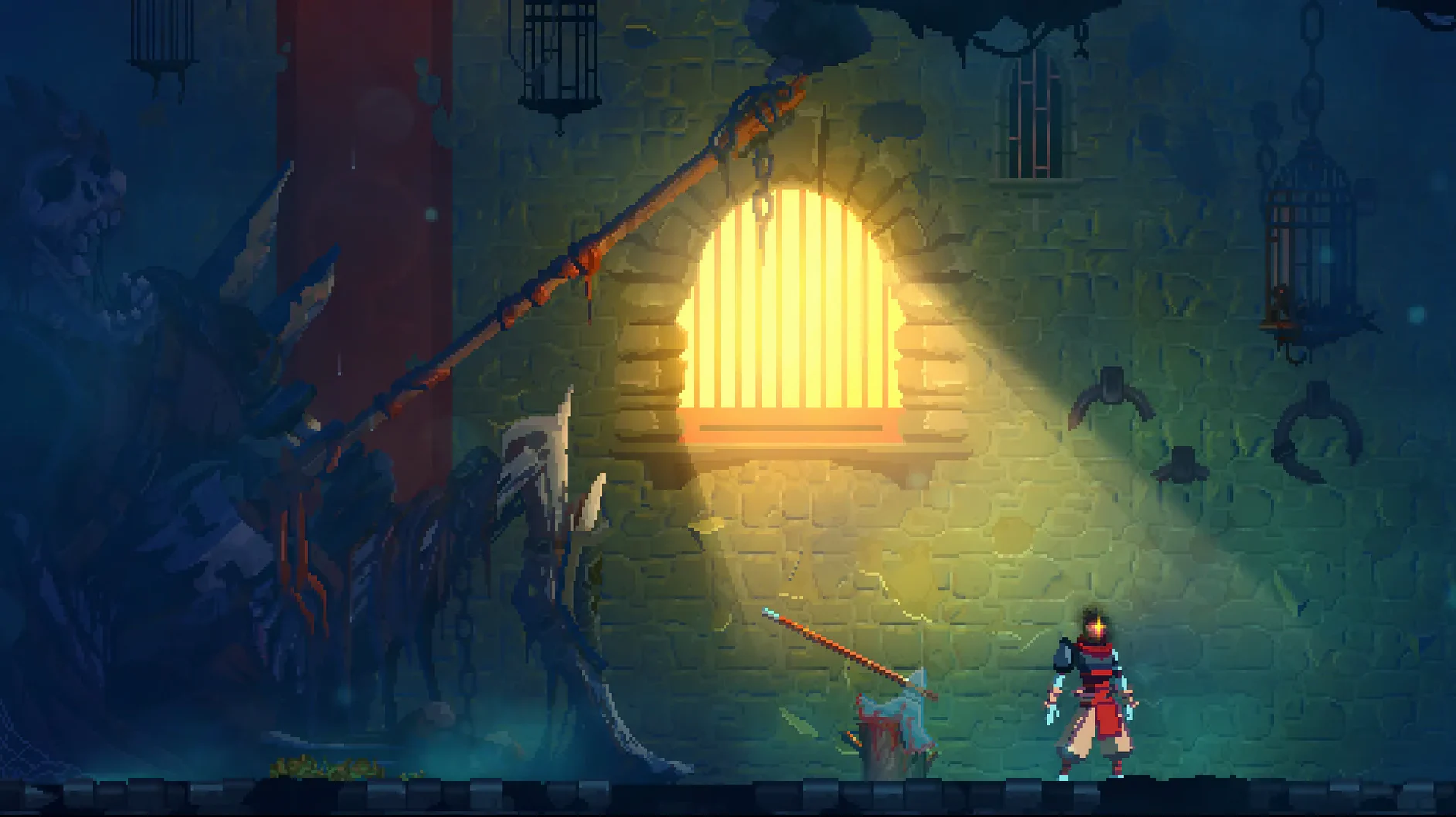

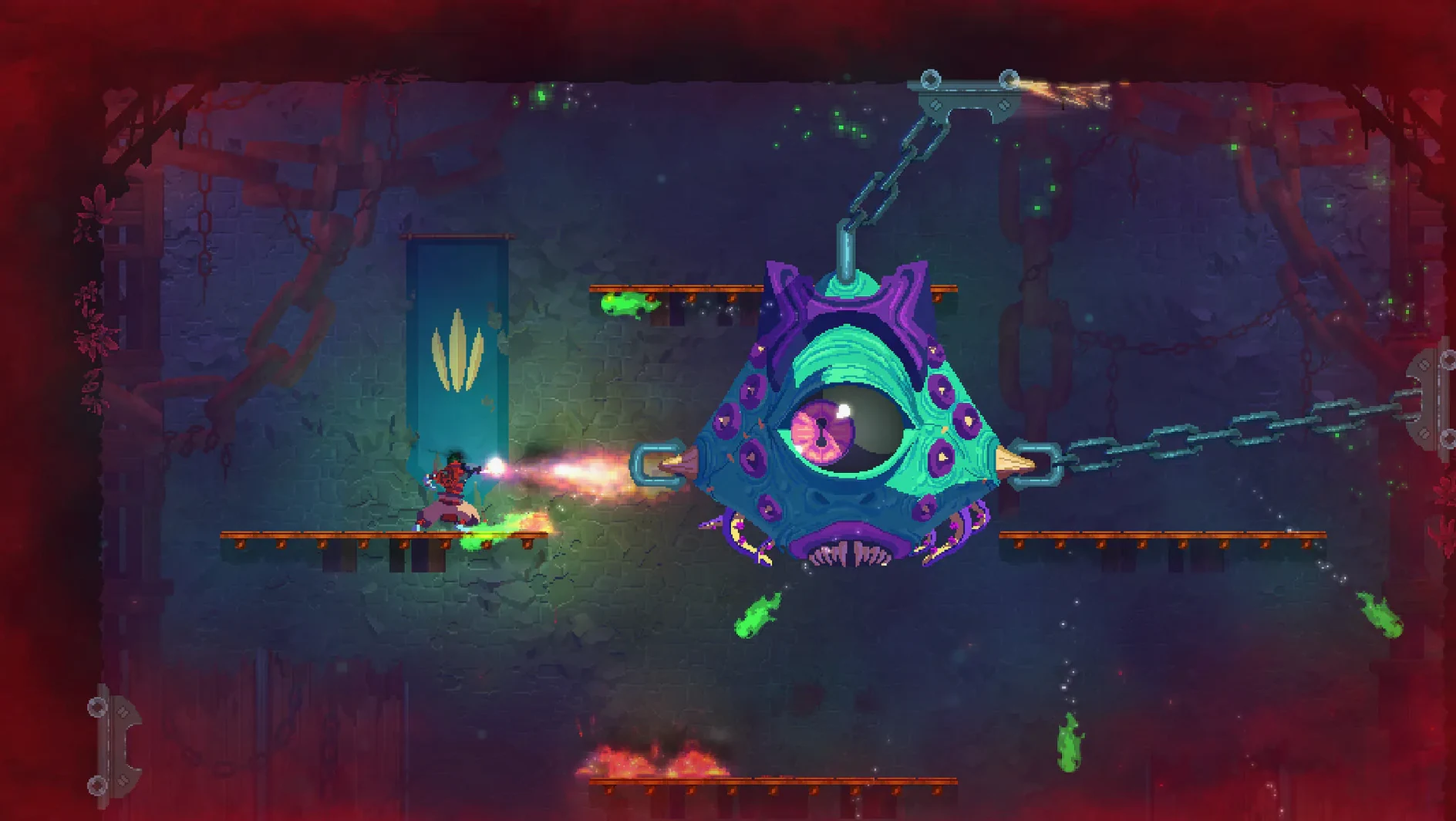
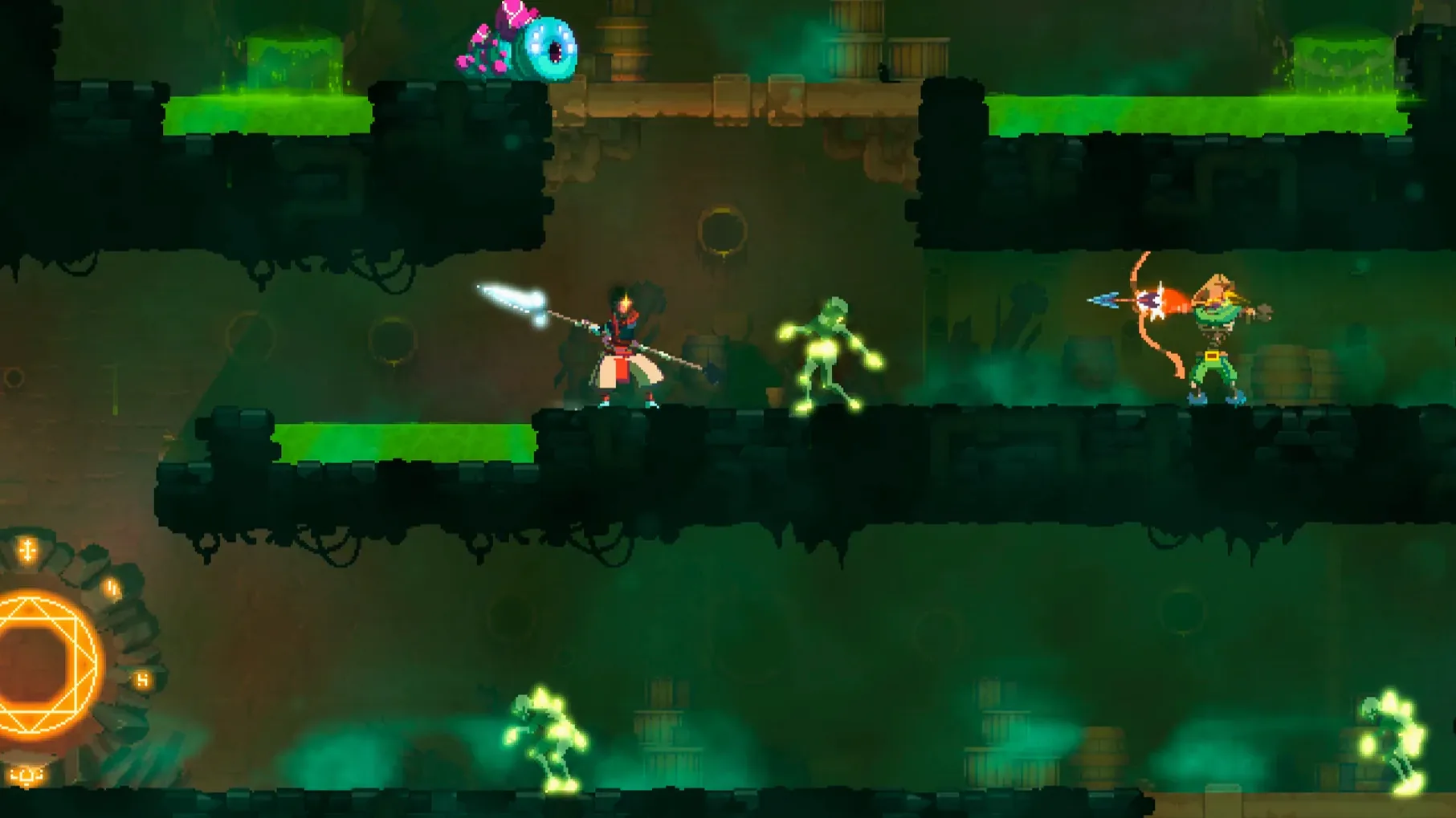
Dead Cells is the kind of game that fits a DJ's schedule: each run is a compact session, and death just means you start again with better knowledge. Motion Twin's rogue-lite action-platformer blends Castlevania-style exploration with responsive, Souls-like combat. The interconnected level layout shifts between runs, so no two attempts feel the same. There is no save system — progress lives in what you unlock, not where you stand.
Running it on a Mac means dealing with the x86 64-bit build, so performance depends on your hardware and how well Rosetta handles it on Apple Silicon. Controls are straightforward: keyboard and mouse work fine, though a controller feels more natural for the dodge-and-strike rhythm. Character progression and permanent weapon upgrades carry over, which softens the sting of each death. The music-only audio keeps things simple — no voice acting, just atmosphere.
Starting a fresh run: a practical workflow
When you boot Dead Cells, you land on the Prisoners' Quarters. Before moving, check the gear you start with. The randomised loadout might give you a shield, a bow or a melee weapon. Get comfortable with whatever it hands you — that first room is the place to test attack timing and dodge rolls without pressure.
Work through the level methodically. Break every door, smash every crate. The cells and gold you find here fund your permanent upgrades later. Look for the timed doors — they reward fast clearing with extra loot. If you die, you keep nothing but the blueprints you've collected, so grab every new weapon plan you see.
Between runs, spend cells at the Collector. Prioritise the health flask upgrades early. A bigger flask means more mistakes before a run ends. After that, unlock weapon blueprints that match your preferred style — fast daggers if you like hit-and-run, heavy swords if you prefer trading blows.
Treating it like a standard platformer
The most common one is treating Dead Cells like a standard platformer. Running in and mashing attack gets you killed fast. The Souls-like combat expects you to watch enemy tells, dodge first, then strike. New players often ignore the dodge roll entirely and wonder why they keep taking hits.
Another mistake is hoarding cells. You lose them on death, so spend them at every Collector you find. There is no reason to save for a later unlock — you might not reach that Collector again this run. Similarly, skipping the timed doors because you want to explore every corner is a trade-off. Sometimes the extra loot from a fast clear is worth more than a few missed secrets.
Beginners also underestimate the importance of weapon synergy. Carrying a fire-bow with no oil grenade means half the potential damage is wasted. Read what each item does and try to pair effects — bleed with bonus-bleed weapons, fire with oil, poison with bonus-toxic cloud skills.
Designed for players who value mastery over story
This game suits anyone who values mastery over story. If you enjoy improving at a mechanic through repetition — like learning a difficult piece on an instrument — the loop here will click. Each death teaches you something about enemy patterns or level layout, and that knowledge carries forward, not a save file.
Mac users with older Intel machines should still get a playable experience at lower settings. The x86 build runs well enough on a decent spec from the last few years. For Apple Silicon owners, Rosetta handles the translation without major trouble, tested on an M1 MacBook Air with macOS Sonoma. The lack of a native Apple Silicon version means some extra CPU overhead, but the game's art style isn't demanding.
If you only have short windows to play — between sets, on a lunch break, during travel — Dead Cells respects that. A good run takes fifteen to thirty minutes. A bad one ends in two. Either way, you made progress. That flexibility makes it one of the better action games for Mac users with unpredictable schedules.
- macOS: not specified by the developer
- Architecture: Intel (x86 64-bit)
- Additional requirements: none listed
Kit check at a glance
| Chip | Intel 64-bit |
| Download | 1.9 GB |
| Older pressings | 6 in the crate |








Chat from the booth
Sign in or grab a free account to leave a comment.
Nobody has said a word in the booth yet. If you played a set with this build, tell the next person how it went.