
- Build in the crate
- 1.07 [Wineskin] Update
- Made by the team at
- Bend Studio
- Menu languages offered
- Russian, English, German, Hungarian, Greek, Danish, Spanish, Italian, Chinese (Traditional), Korean, Dutch, Norwegian, Polish, Portuguese, Turkish, Finnish, French, Czech, Swedish, Japanese
- How you pay for it
- Not required
- CPU it runs on
- Apple Silicon
- Played on
- macOS Sequoia, MacBook Pro (M3 Pro 2023)
- Dropped on
- 18.05.2021
- Spoken voice in
- Russian, English
Screenshots
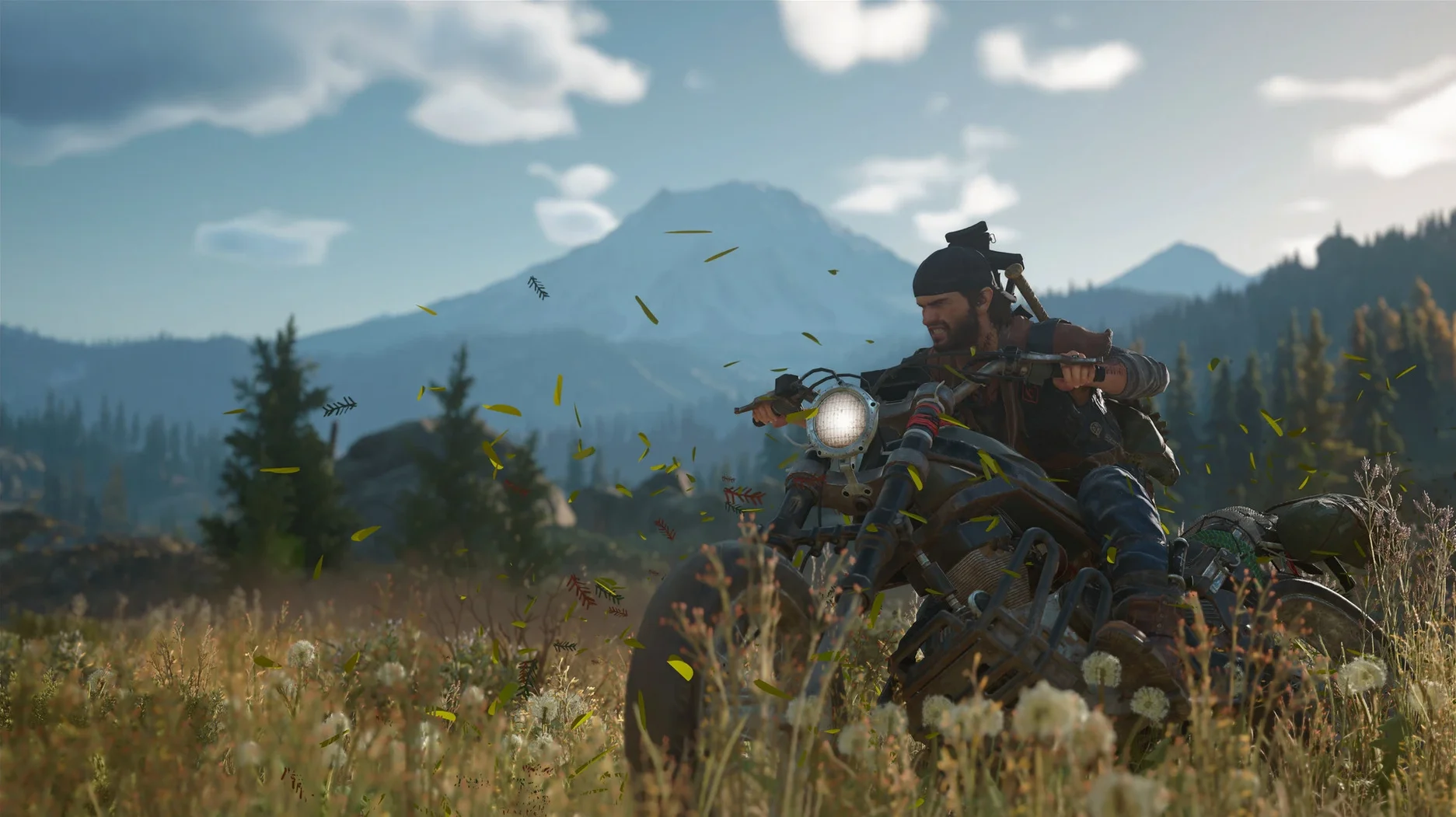
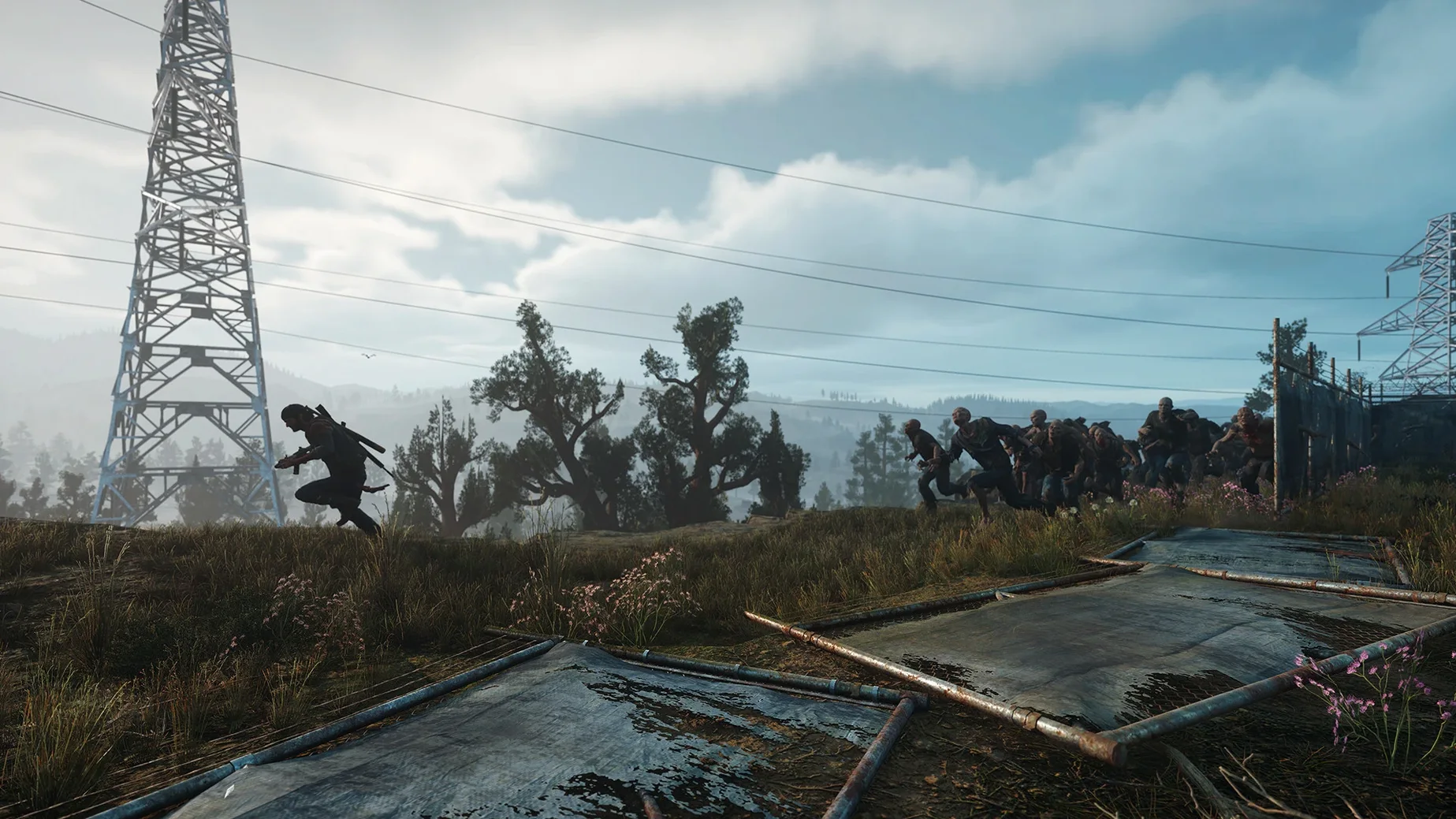
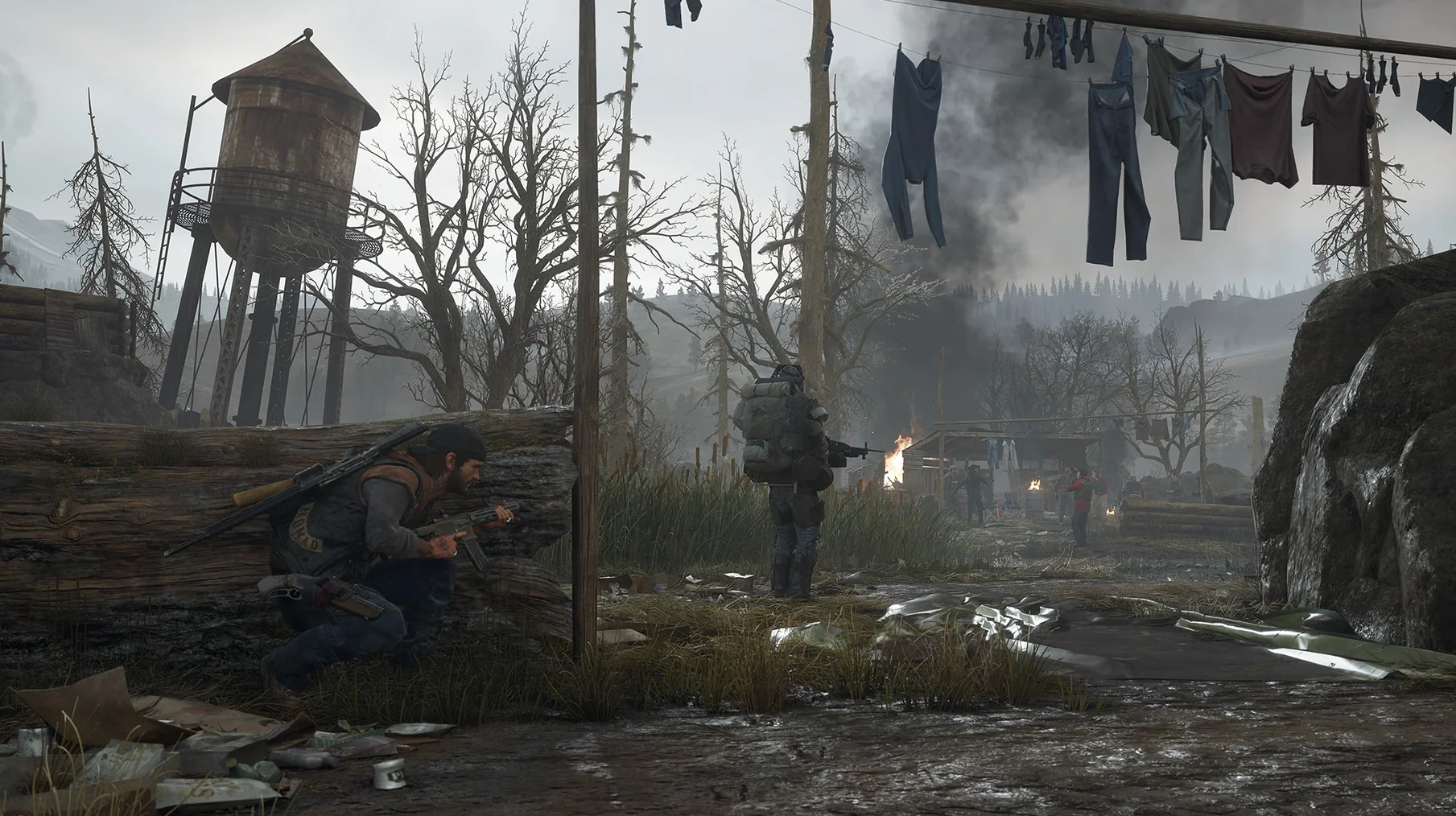
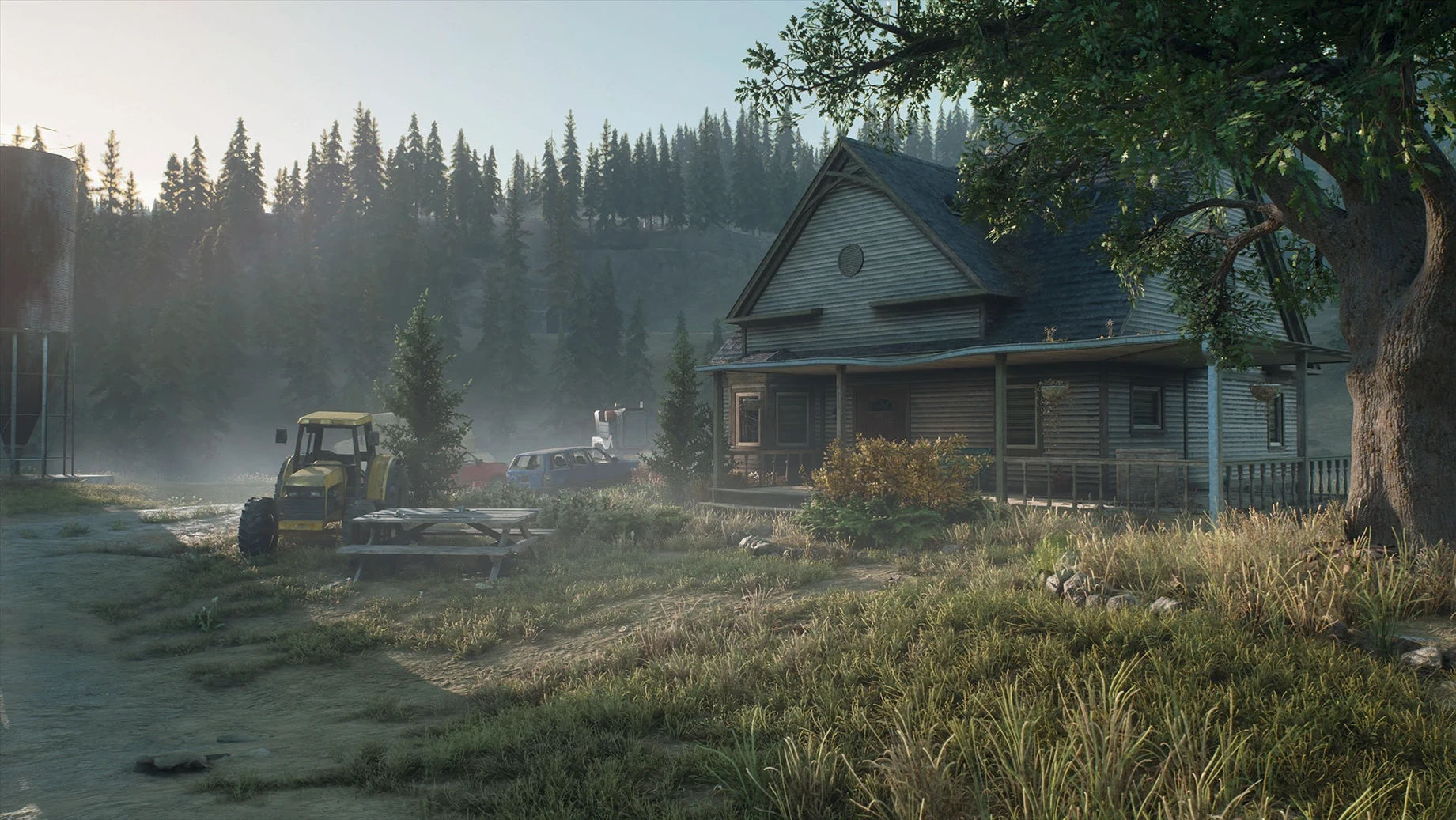
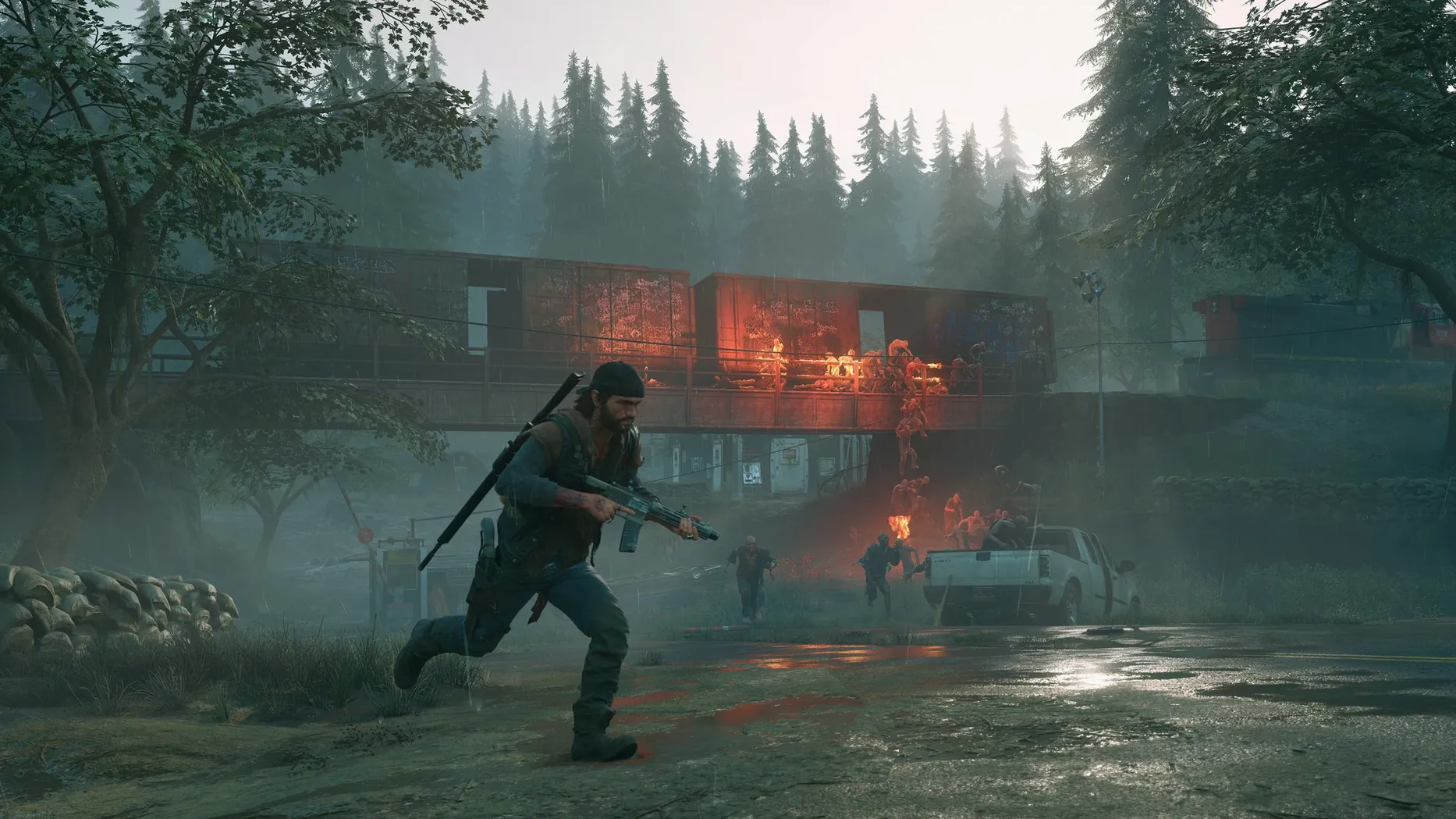
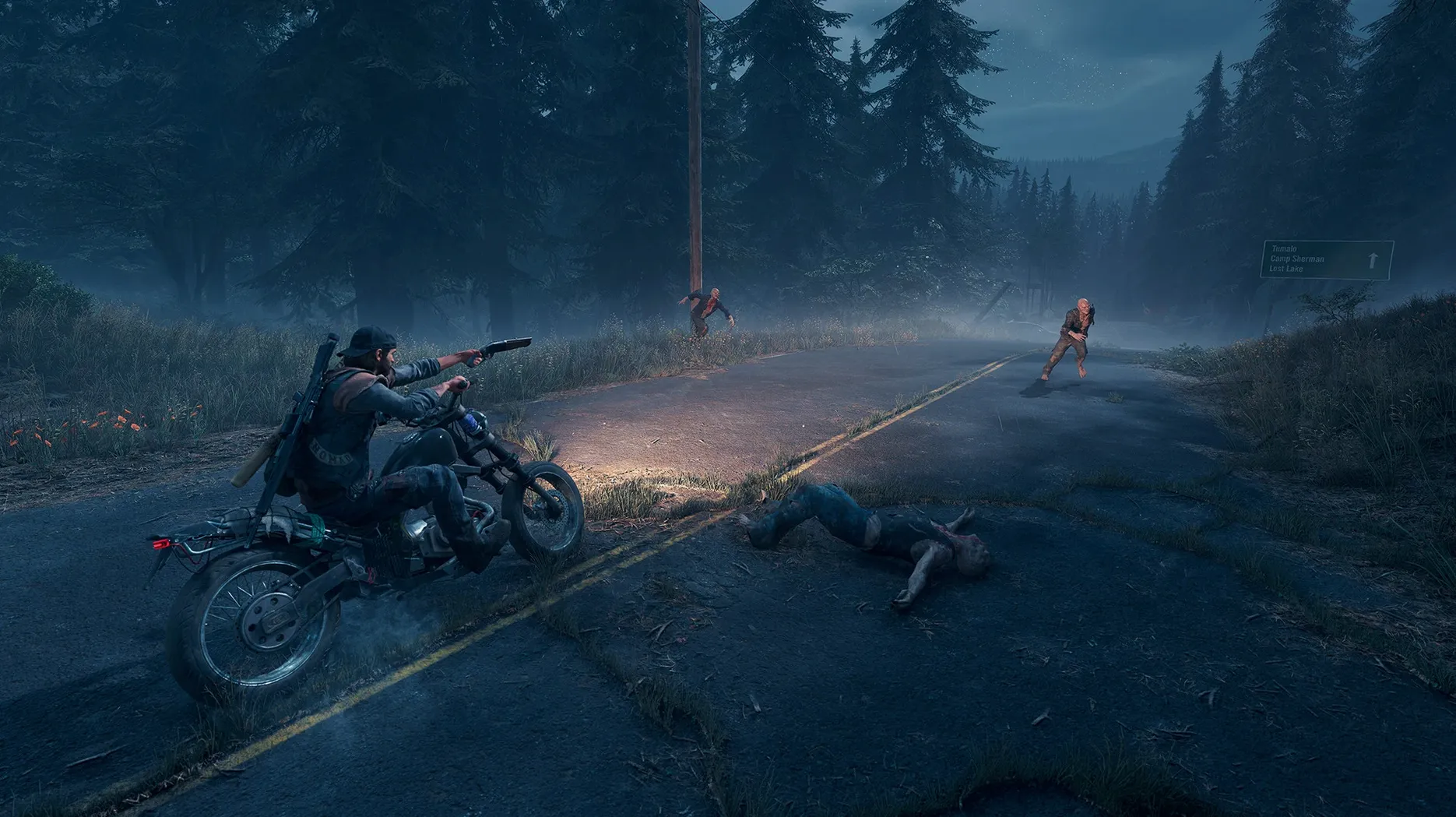
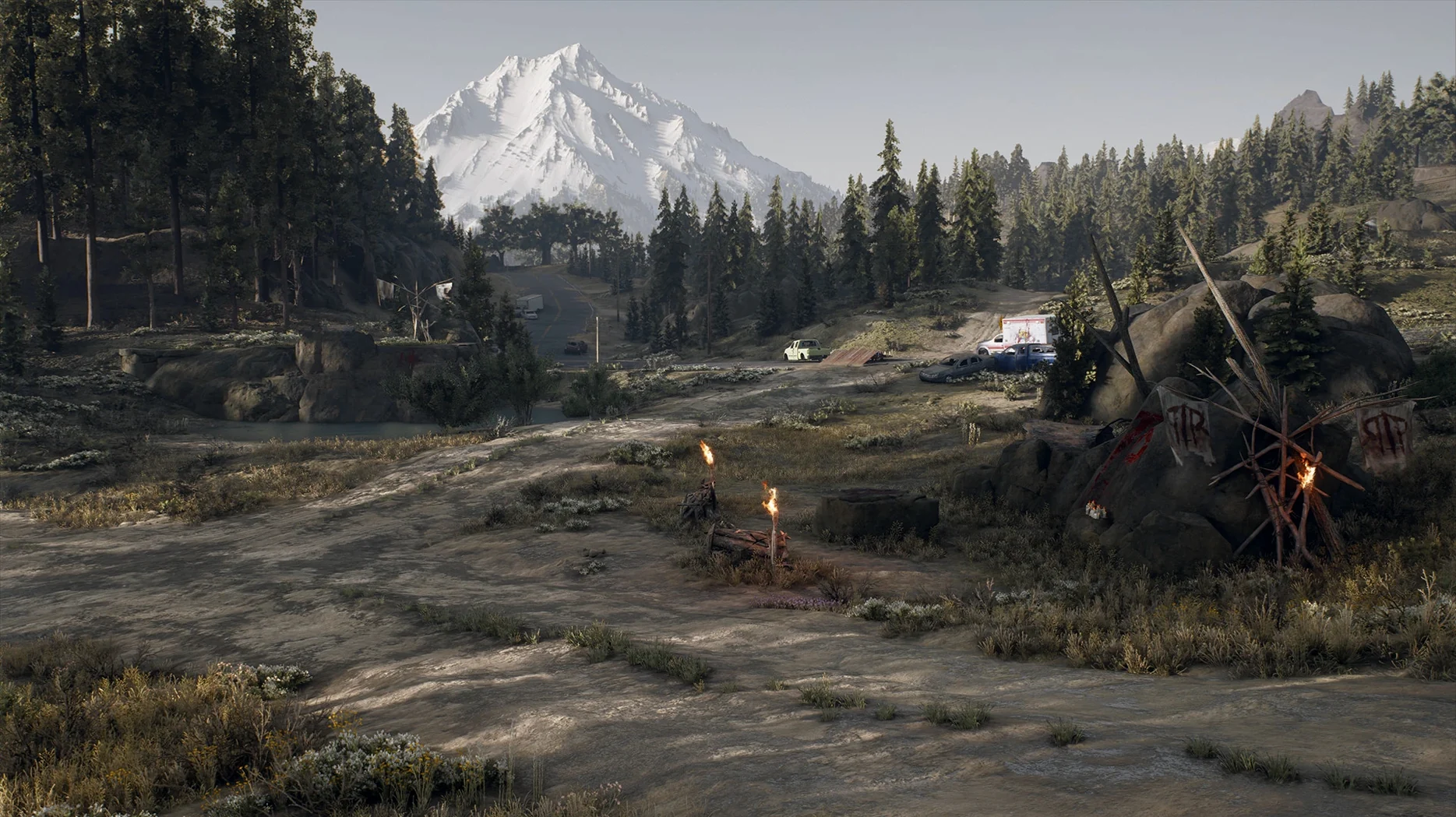
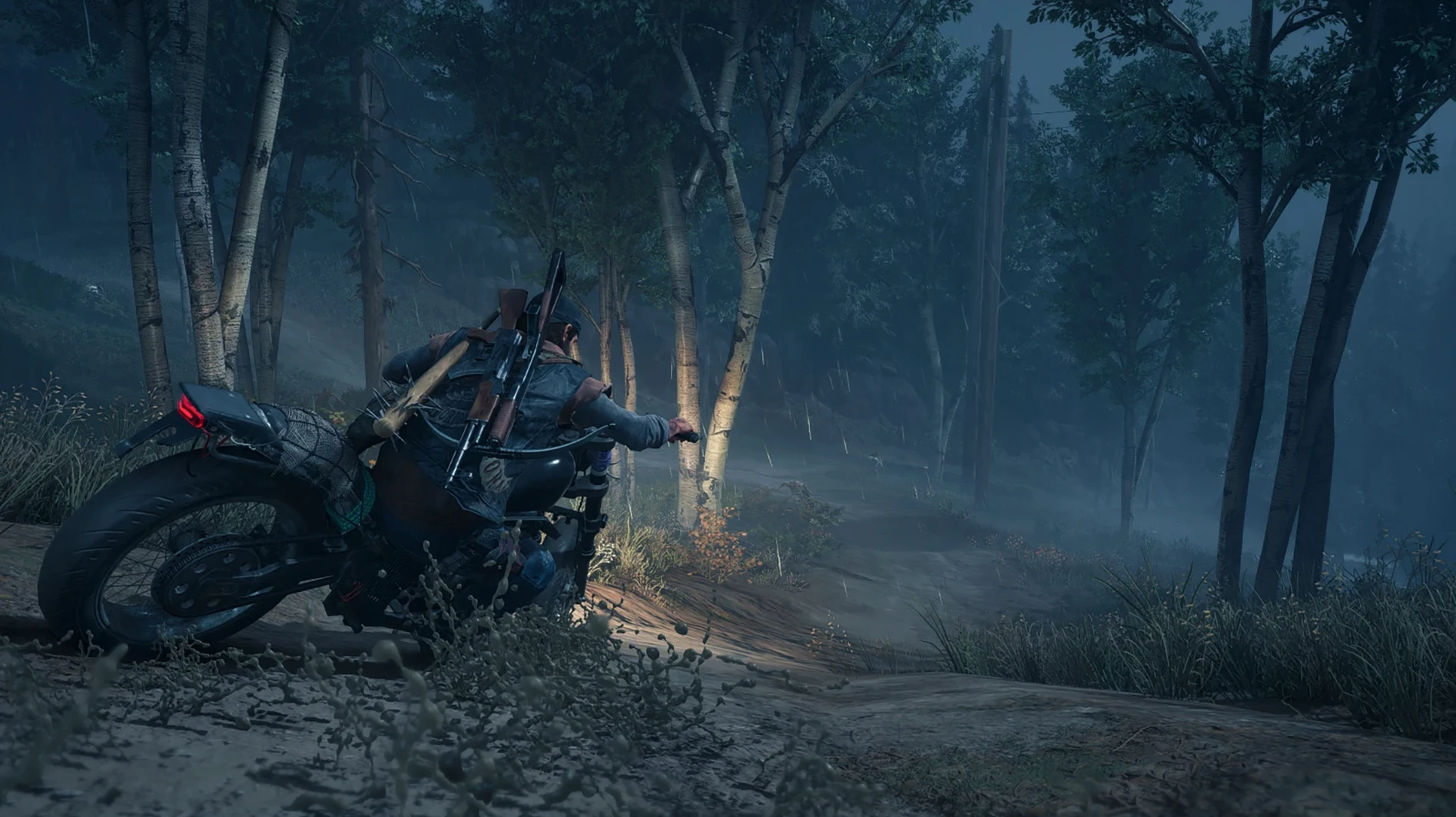
Days Gone landed on macOS on 18 May 2021, bringing Bend Studio's open-world action-adventure to Apple Silicon machines. You play Deacon St. John, a drifter and bounty hunter, in a Pacific Northwest reshaped by a global pandemic. The world runs on a dynamic day-night cycle with changing weather, and your motorcycle is your lifeline—keep it fuelled and repaired, because the horde moves faster than you on foot.
For a newcomer, the first lesson is scavenging. Check abandoned cars, houses, and towns for scrap, ammo, and fuel. Resources are finite, so grab everything. Second lesson: do not ignore vertical sync. Enable it in the settings right away, or cutscenes will drift audio out of sync with video. Third, if the game throws an error at launch, open the disk image and run the included Fix file—that sorts most startup problems on current macOS versions like Sequoia.
The map mixes forests, snowy peaks, volcanic plateaus, and meadows. Early on, stick to roads and avoid open fields at night unless you enjoy being surrounded. Deacon's story is about searching for hope after loss, but the real draw is the tension of a world where the biggest threat is often the one you hear before you see.
turn on vertical sync before leaving camp
Before you ride out of the first camp, open the options menu. A few tweaks save you headaches later.
- Vertical sync — turn it on. The article already mentions cutscene sync issues. What it does not say is that leaving it off can also cause screen tearing during gameplay on some displays. Set it once and forget it.
- Subtitles. The game supports twenty languages for text, but only English and Russian for voice. If you are playing with a language pack that does not match the voice track, turn subtitles on early. You will catch story details you would otherwise miss during combat noise.
- Camera sensitivity. The default feels fine for walking around, but the first time you spin to face a Freaker, you might overshoot. Drop it a notch or two until you have a feel for the aiming. You can dial it back up once you get used to the controller or trackpad response.
- Brightness calibration. The opening cave sequence is deliberately dark. If you cannot see the environment clearly, adjust brightness before you leave the tutorial area. The Pacific Northwest at night is meant to be moody, not invisible.
offline installation with no activation
no internet connection required
No. Days Gone on this version is a single-player experience with no activation required. You download the disk image, install, and play offline. The story, the world, and the missions are all there without a connection.
only runs on apple silicon chips
No. The package is built specifically for Apple Silicon — M1, M2, M3, and later chips. Intel Macs are not supported. If you are on an Intel machine, this build will not launch. The architecture requirement is clear in the package label.
where are the save files located
Save files live inside the app bundle itself, under a path starting with BendGame. That means if you delete the app, your saves go with it. If you plan to reinstall or move the game, copy the whole .app bundle somewhere safe first, then extract the save folder from inside it. Do not rely on the usual ~/Library/Application Support location — it is not there.
xbox or playstation controller support
Yes. Days Gone supports standard game controllers on macOS. An Xbox or PlayStation pad works out of the box. The game was designed with a controller in mind, and the motorcycle handling, aiming, and melee combat all feel more natural with one. Keyboard and mouse work, but you will have a better time with a pad.
the game shows an error when I try to launch it
Run the Fix file from the disk image. That is the first step. If it still does not start, check that vertical sync is enabled in the settings — some configurations need it even before the main menu. If you are on macOS Sequoia, the Fix file has been tested and works. The disk image contains everything you need; do not skip that step.
check free space for large install
The disk image and the installed app take up a notable amount of storage. The game world is large, and the texture data for forests, mountains, and settlements adds up. Check your free space before mounting the image.
- macOS Sequoia
- Apple Silicon processor
Kit check at a glance
| Chip | Apple Silicon |
| Download | 57.2 GB |








Chat from the booth
Sign in or grab a free account to leave a comment.
Nobody has said a word in the booth yet. If you played a set with this build, tell the next person how it went.