

- Build in the crate
- 1.2.1 fixed
- Made by the team at
- Rocksteady Studios, Feral Interactive
- Menu languages offered
- Russian, English, German, Spanish, Italian, Polish, Portuguese, French
- How you pay for it
- Not required
- CPU it runs on
- Intel 64-bit
- Played on
- macOS Tahoe, Mac mini 2024 M4
- Dropped on
- 7.09.2012
- Spoken voice in
- English, German, Spanish, Italian, French
Screenshots

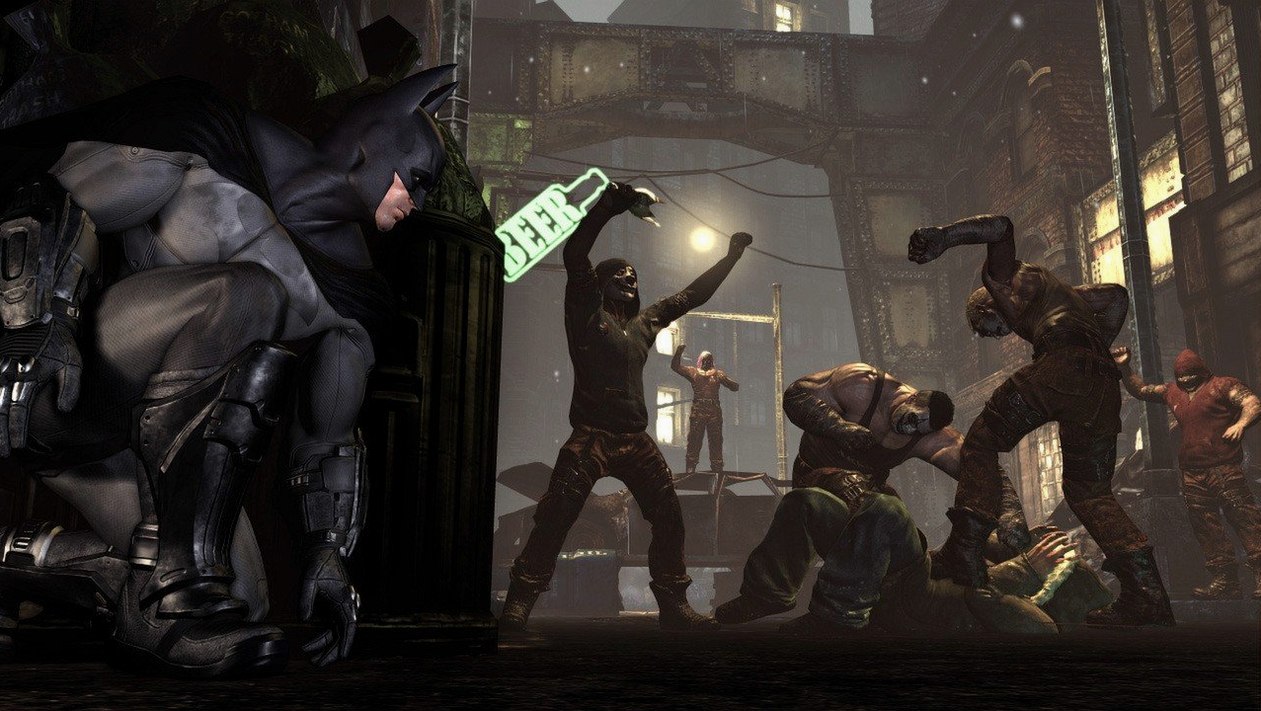
Arkham City’s smoke grenade lets you disappear mid-fight and reset the crowd. That one gadget changes how you pace encounters – you can thin a group, vanish, then pick off the rest from the shadows.
glide between rooftops
The city is much larger than Arkham Asylum, so Batman’s glide is your main way around. You dive for speed, pull up at the last second and land on a gargoyle. No load screens between districts – it’s one continuous space.
swap gadgets mid-combo
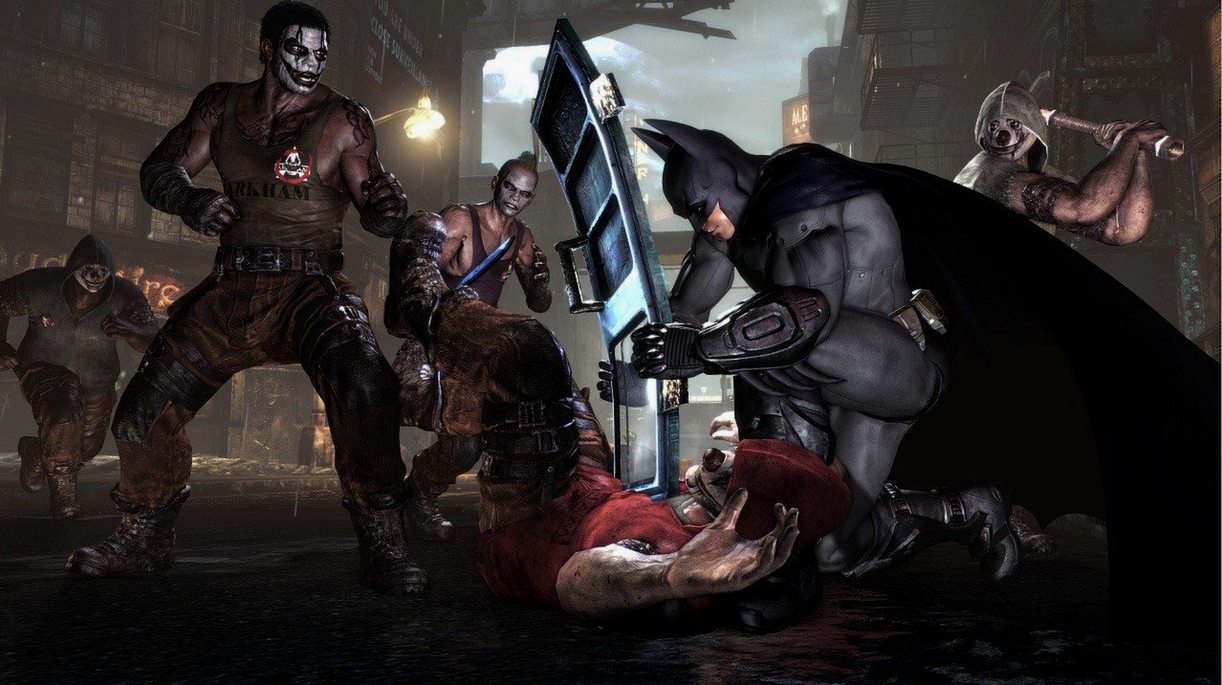
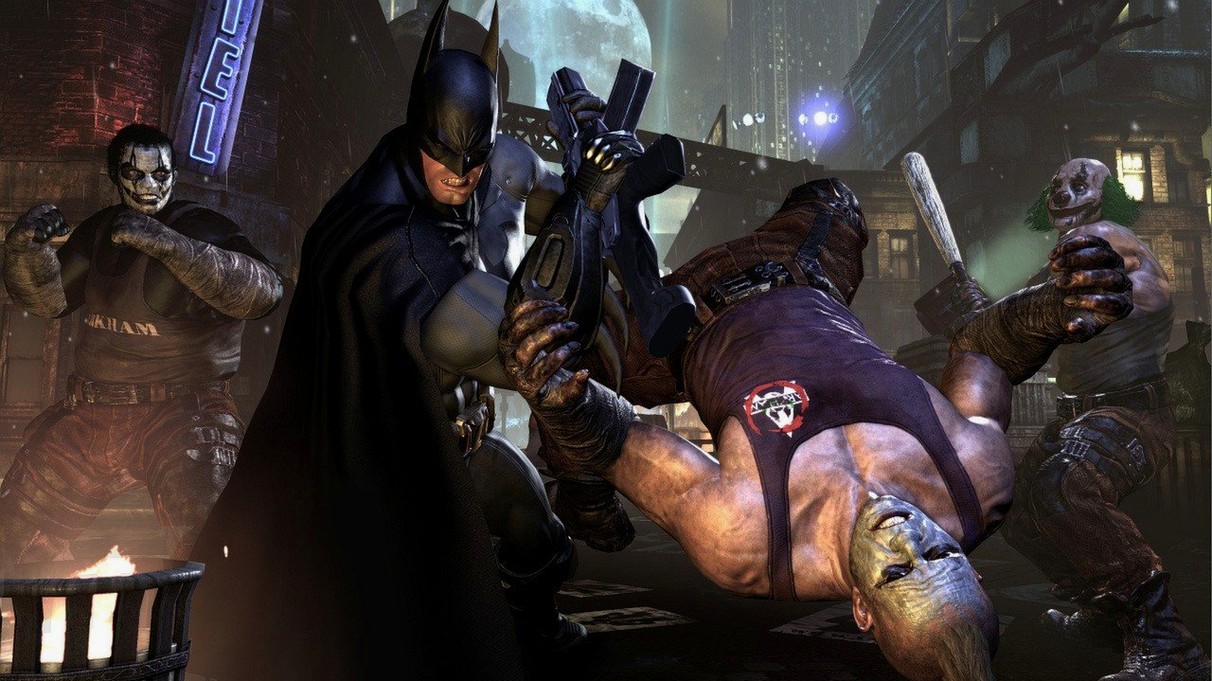
Combat is fluid: batarangs, the grapple gun and the line launcher all map to quick slots. You never stop moving. The free-flow system means one button for attack, one for counter, and the gadgets layer on top without breaking rhythm.
play the other side
Catwoman has her own fight style – faster, more acrobatic, no cape. The GOTY edition adds Robin, Nightwing, and Harley Quinn’s Revenge story chapter. Seven extra maps and twelve skins round out the package.
- Game of the Year Edition – all released DLC included
- Playable characters: Catwoman, Robin, Nightwing
- Includes Harley Quinn’s Revenge story chapter
- Seven extra maps and twelve character skins
- macOS version not specified
- Intel processor only
Kit check at a glance
| Chip | Intel 64-bit |
| Download | 11.3 GB |






Chat from the booth
Sign in or grab a free account to leave a comment.
Nobody has said a word in the booth yet. If you played a set with this build, tell the next person how it went.