
- Build in the crate
- 1.2
- Made by the team at
- World's Edge, Forgotten Empires, CaptureAge, Tantalus Media, Wicked Witch, Feral Interactive
- Menu languages offered
- Russian, English, German, Vietnamese, Spanish, Italian, Chinese (Traditional), Chinese (Simplified), Korean, Malay, Polish, Portuguese, Turkish, French, Hindi, Japanese
- How you pay for it
- Not required
- CPU it runs on
- Apple Silicon, Intel 64-bit
- Played on
- macOS Tahoe, Mac mini 2024 M4
- Dropped on
- 14.11.2019
- Spoken voice in
- English, German, Spanish, Italian, Chinese (Traditional), Chinese (Simplified), Korean, Portuguese, French
Screenshots
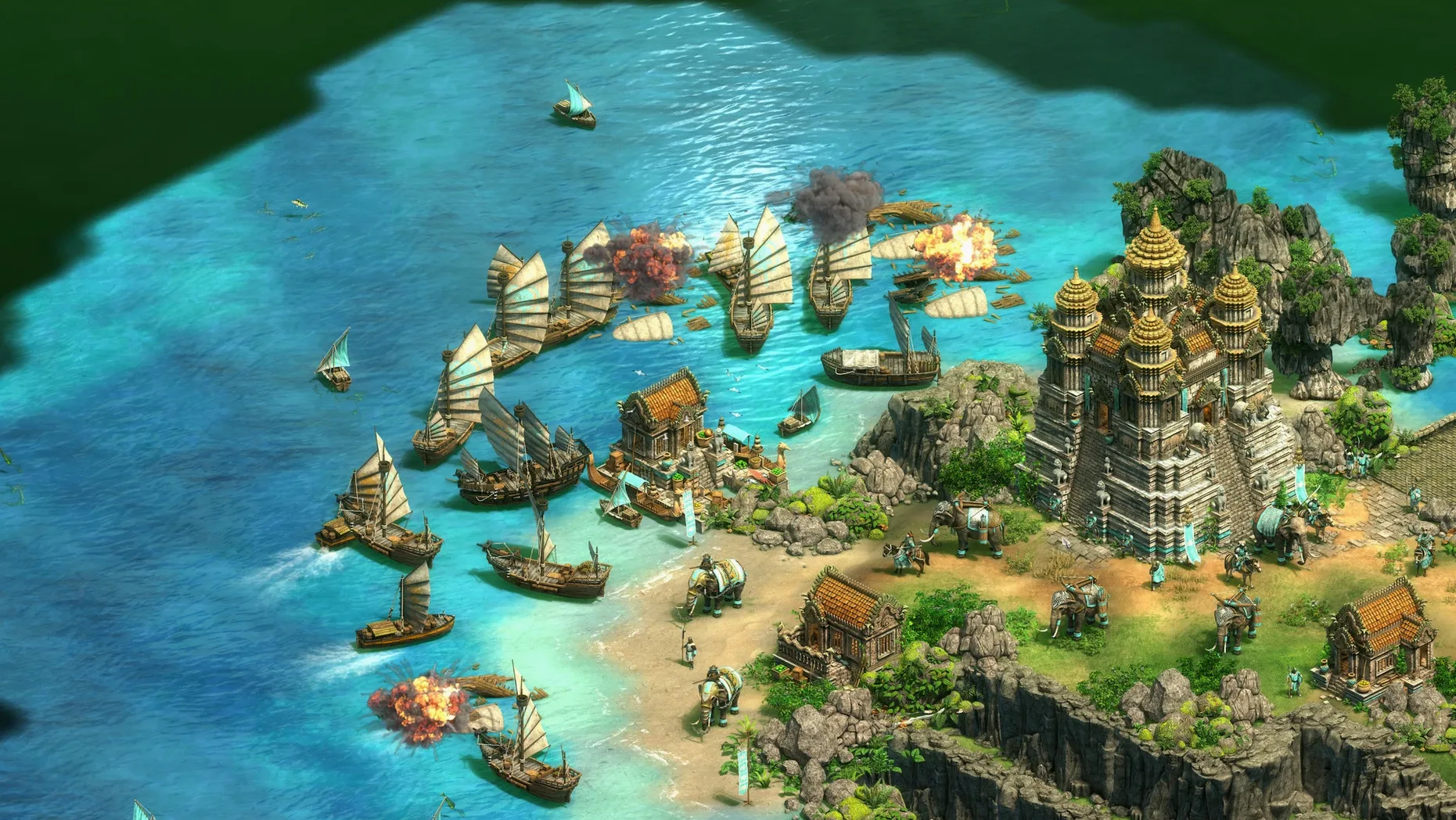
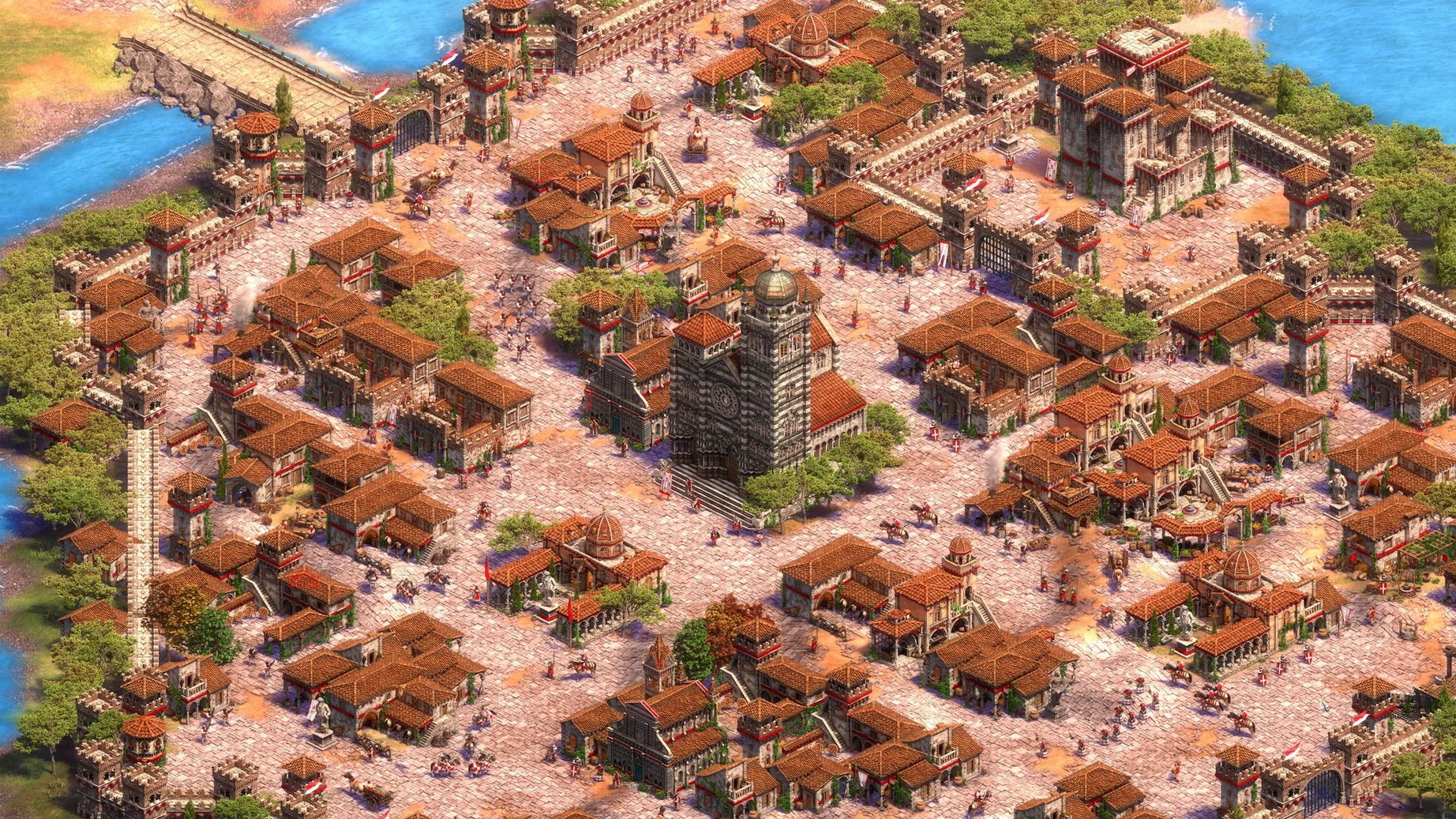
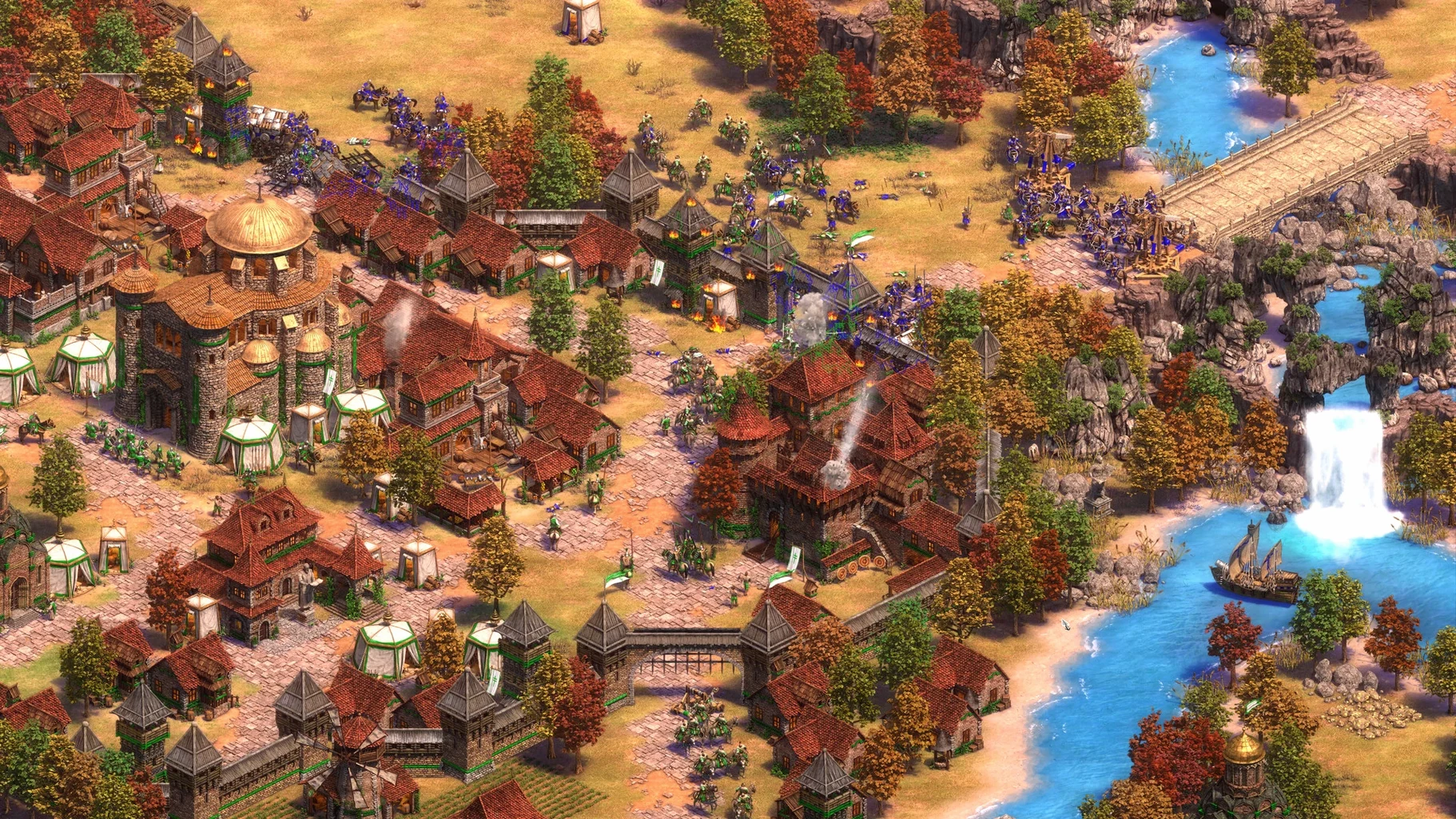
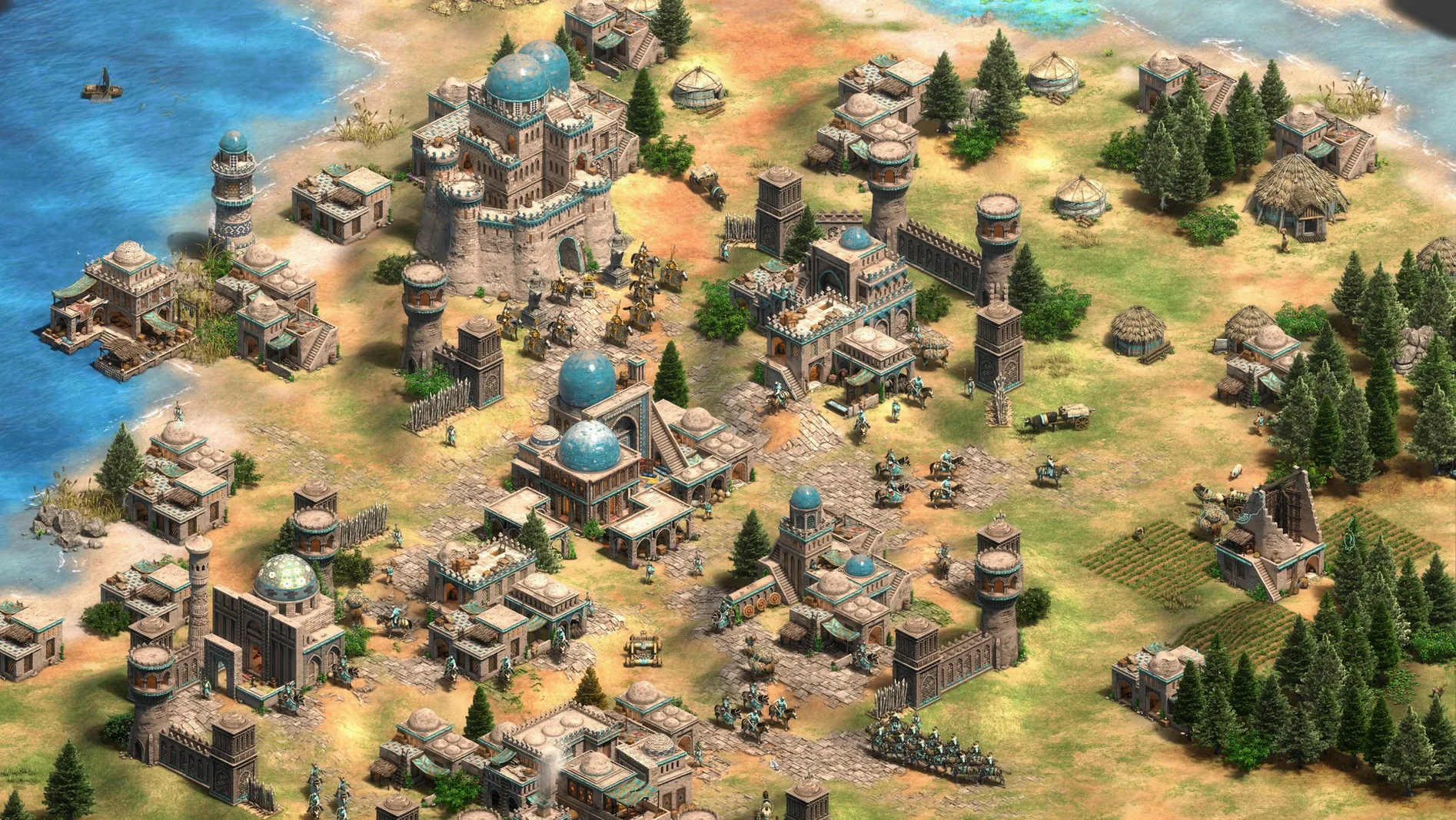
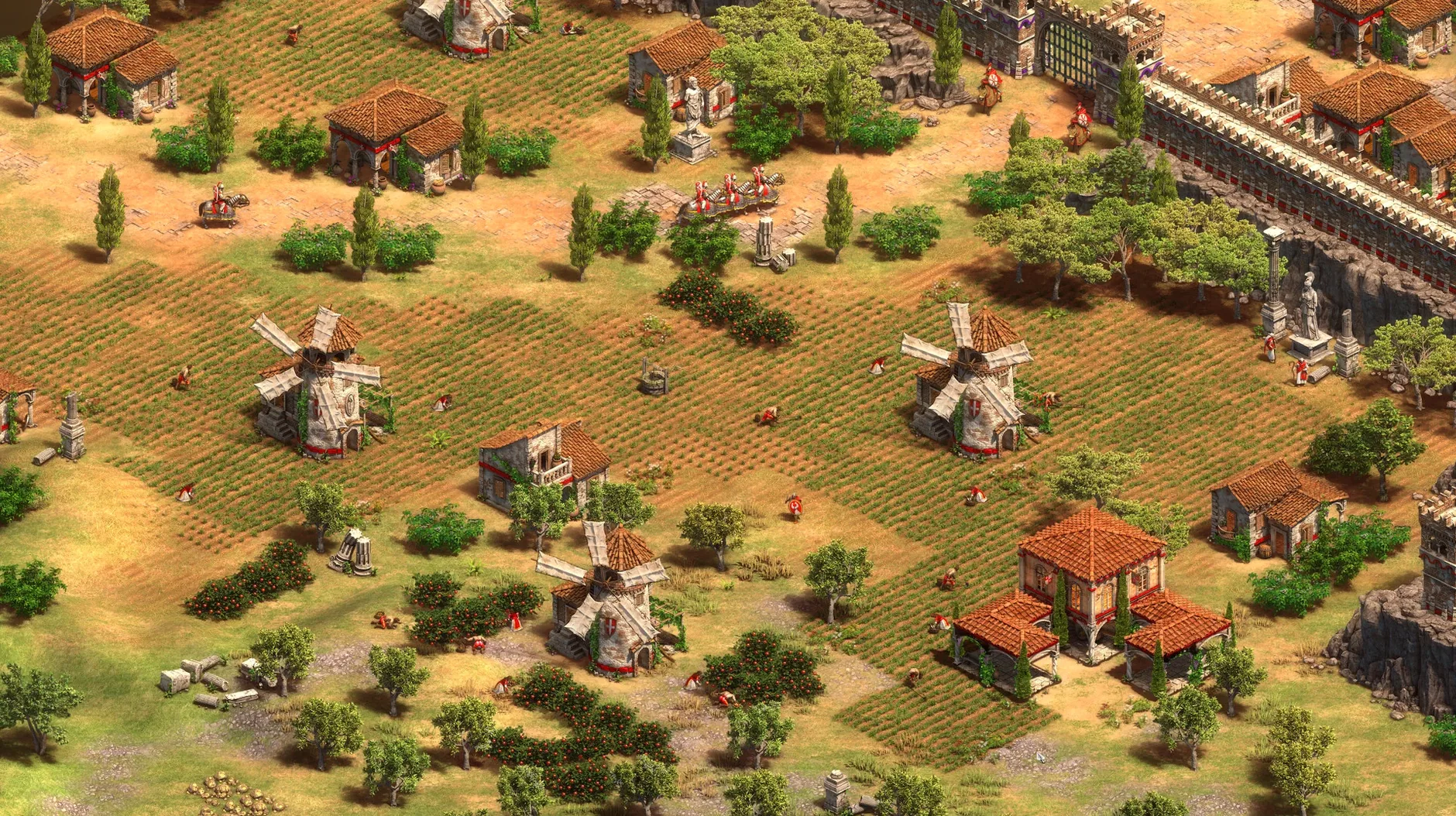
Friday night, flat-share in Valencia. Someone queues up a historical documentary, and before the credits roll, three of us are huddled around the MacBook Air, arguing over where to build the first barracks. That is Age of Empires II: Definitive Edition on macOS — the same 25-year-old strategy core, polished and native.
This Mac version, made with Feral Interactive, runs natively on Apple silicon and supports both ARM and 64-bit x86. It launched on 28 May 2026, so you are getting the full Definitive package: the original campaigns, The Last Khans expansion with its three new campaigns and four civilisations, plus Lords of the West, Dynasties of India, and Dawn of the Dukes. That is 35 civilisations in online play, and a battle royale mode if the classic skirmish gets stale.
Performance expectations are reasonable. The build targets Apple silicon, so on an M2 or M4 you are looking at smooth 4K visuals with the remastered soundtrack intact. Recent updates also tightened up the interface and added a scenario editor for people who like breaking the map before playing it.
Controls follow the usual RTS pattern: mouse for selection and movement, hotkeys for production. Multiplayer matches other macOS players, so no cross-platform surprises. If you want the historical single-player grind or a quick ranked match, this is the version to grab.
Gatekeeper blocks the first launch
A few things trip people up when they first get this running. The disk image mounts fine, but sometimes the app won't launch on the first try — that is usually Gatekeeper being cautious. Go to System Settings > Privacy & Security and look for the "Open anyway" option below the blocked message. One click and you are in.
Another one: the game starts but the screen stays black or the resolution looks wrong. The game supports 4K natively, but if your Mac is connected to an external display that uses a different scaling mode, it can get confused. Switch to fullscreen mode from the in-game display settings and the image should snap into place. If the soundtrack sounds thin, check that your audio output is set to the correct device in macOS Sound settings — the remastered soundtrack needs a proper stereo channel to shine.
Multiplayer can be sticky if you are behind a strict NAT. The game does not require activation, so that part is simple, but online play needs a stable connection. If you cannot see other macOS players in the lobby, try restarting the router or toggling Wi-Fi off and on. It is rarely a problem on modern networks, but it happens.
Native on Apple silicon with M4 Mac mini
The game was tested on macOS Tahoe with a Mac mini 2024 M4, so that is the reference point. It runs native on Apple silicon — no translation layer, no Rosetta — which means it uses the CPU and GPU efficiently. The 64-bit x86 architecture is also supported by this build, meaning Intel Macs from earlier generations that are capable of running macOS Tahoe or newer versions should also work with it, but performance will differ depending on your system specs.
File size is substantial given the 200+ hours of content, the 4K assets, and the remastered soundtrack. Make sure you have enough free space on your internal drive or an external SSD before installing. The game supports a wide range of interface languages — Russian, English, German, Vietnamese, Spanish, Italian, Traditional Chinese, Simplified Chinese, Korean, Malay, Polish, Portuguese, Turkish, French, Hindi, and Japanese — so switching the UI language is straightforward from the settings menu. Voice languages are a smaller set: English, German, Spanish, Italian, Traditional Chinese, Simplified Chinese, Korean, Portuguese, and French.
Set resolution to native for sharper 4K
Before you jump into a campaign, open the options and tweak a few things. Set the resolution to match your display's native resolution — the game defaults to a safe setting, but 4K looks noticeably sharper on a Retina screen. If you prefer keyboard shortcuts from the original Age of Empires II, switch the hotkey preset to "Classic" in the controls menu. The modern default works well, but veterans often find the old layout faster for build orders.
Turn on quick play mode from the main menu if you want to skip the lobby and jump straight into a match. It is one of the recent additions, and it cuts down the time between "I want to play" and "villagers are gathering berries." For the scenario editor, enable grid snap in the editor settings — it makes placing walls and buildings much less fiddly.
200 hours of single-player campaigns
If you grew up on the original Age of Empires II and never quite clicked with the Windows-only Definitive Edition, this is your chance. The single-player campaigns — all 200 hours of them — are the same deep historical stories, just in 4K and with a cleaner interface. Mac users who play mostly offline will appreciate that activation is not required; you install it and it works.
Online multiplayer fans who play against other macOS players will find a solid pool of civilisations and maps. The battle royale mode adds a fresh twist if standard skirmish gets repetitive. Students in shared flats, like me, will like the quick play mode for short sessions between classes. And if you are a scenario editor enthusiast, the new editor support means you can build custom maps and share them without switching to a PC. This is the version for anyone who wants the full Definitive experience on a Mac without compromises.
- Ultra HD 4K visuals and a digitally remastered soundtrack
- The Last Khans expansion adds 3 campaigns and 4 civilisations
- Battle royale mode and quick play mode added
- Scenario editor now supported
- macOS Tahoe or later (tested on a Mac mini 2024 M4)
- Architecture: Apple silicon or 64-bit x86
- No activation required
Kit check at a glance
| Chip | Apple Silicon, Intel 64-bit |
| Download | 75 GB |


Chat from the booth
Sign in or grab a free account to leave a comment.
Nobody has said a word in the booth yet. If you played a set with this build, tell the next person how it went.