

- Build in the crate
- 1.0.35
- Made by the team at
- Ubisoft
- Menu languages offered
- Russian, English, German, Arabic, Spanish, Italian, Chinese (Traditional), Chinese (Simplified), Korean, Polish, Portuguese, French, Japanese
- How you pay for it
- Not required
- CPU it runs on
- Apple Silicon
- Played on
- macOS Tahoe, Mac mini 2024 M4
- Dropped on
- 20.03.2025
- Spoken voice in
- English, German, Spanish, Italian, Portuguese, French, Japanese
Screenshots
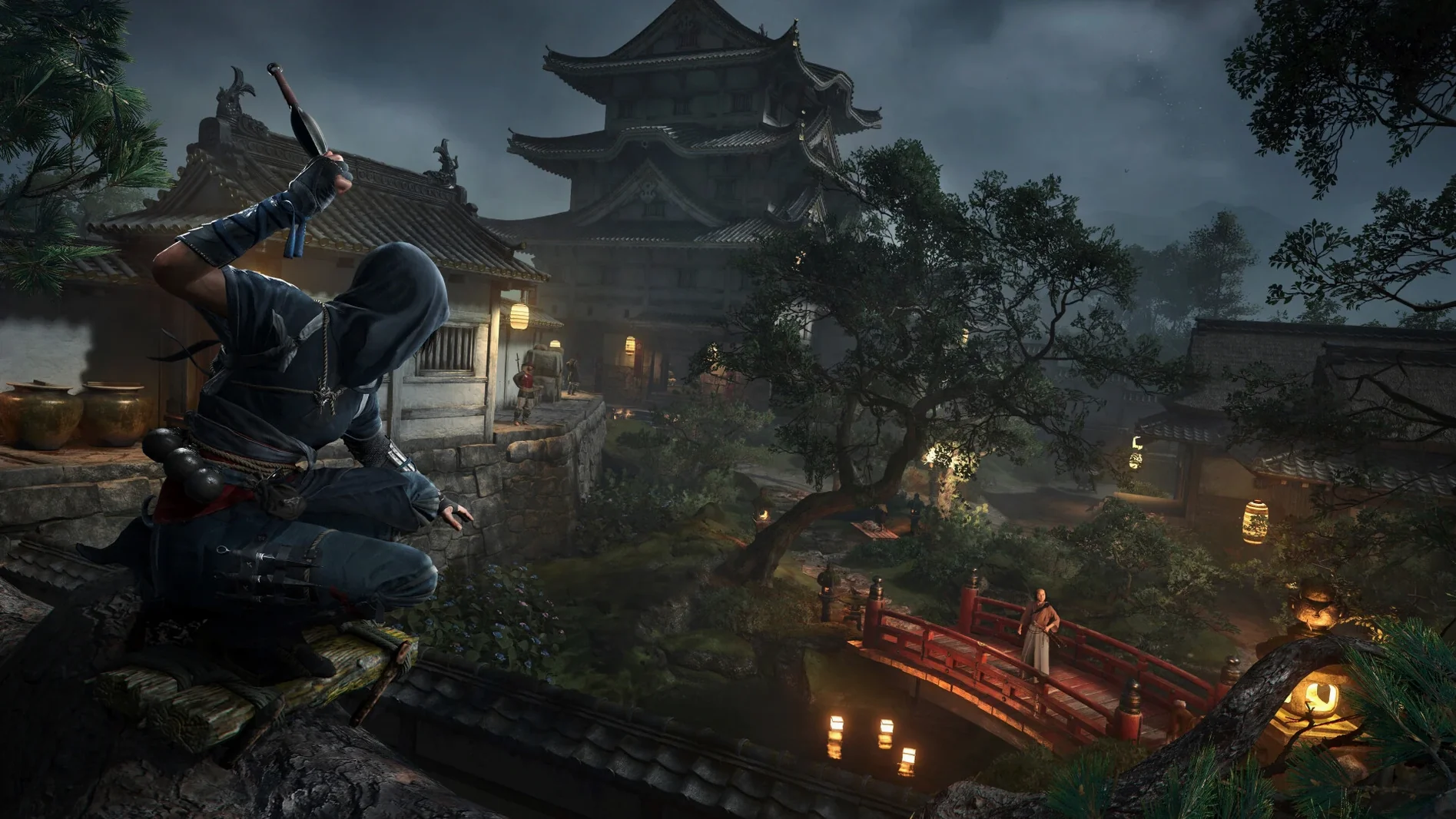
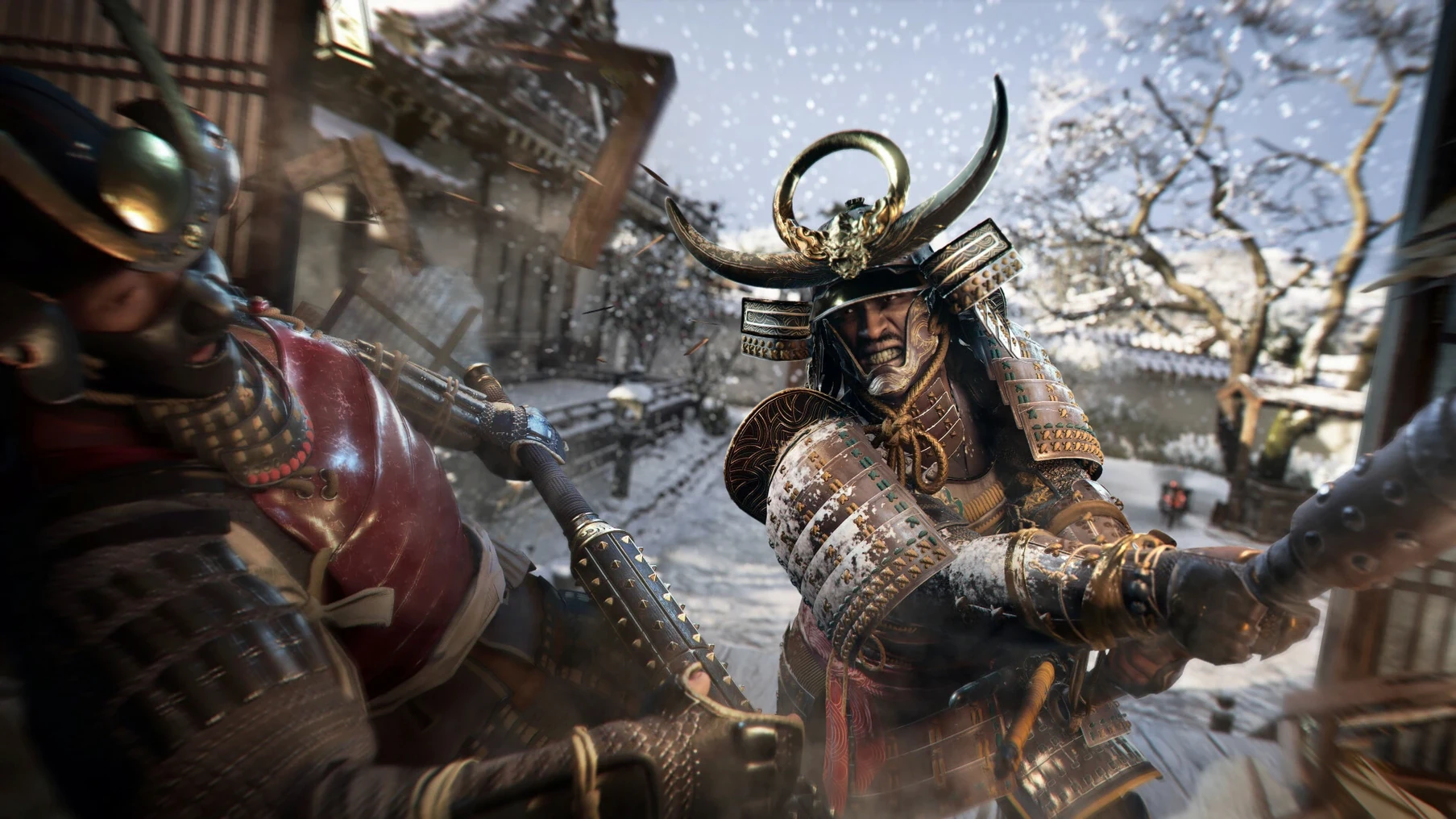
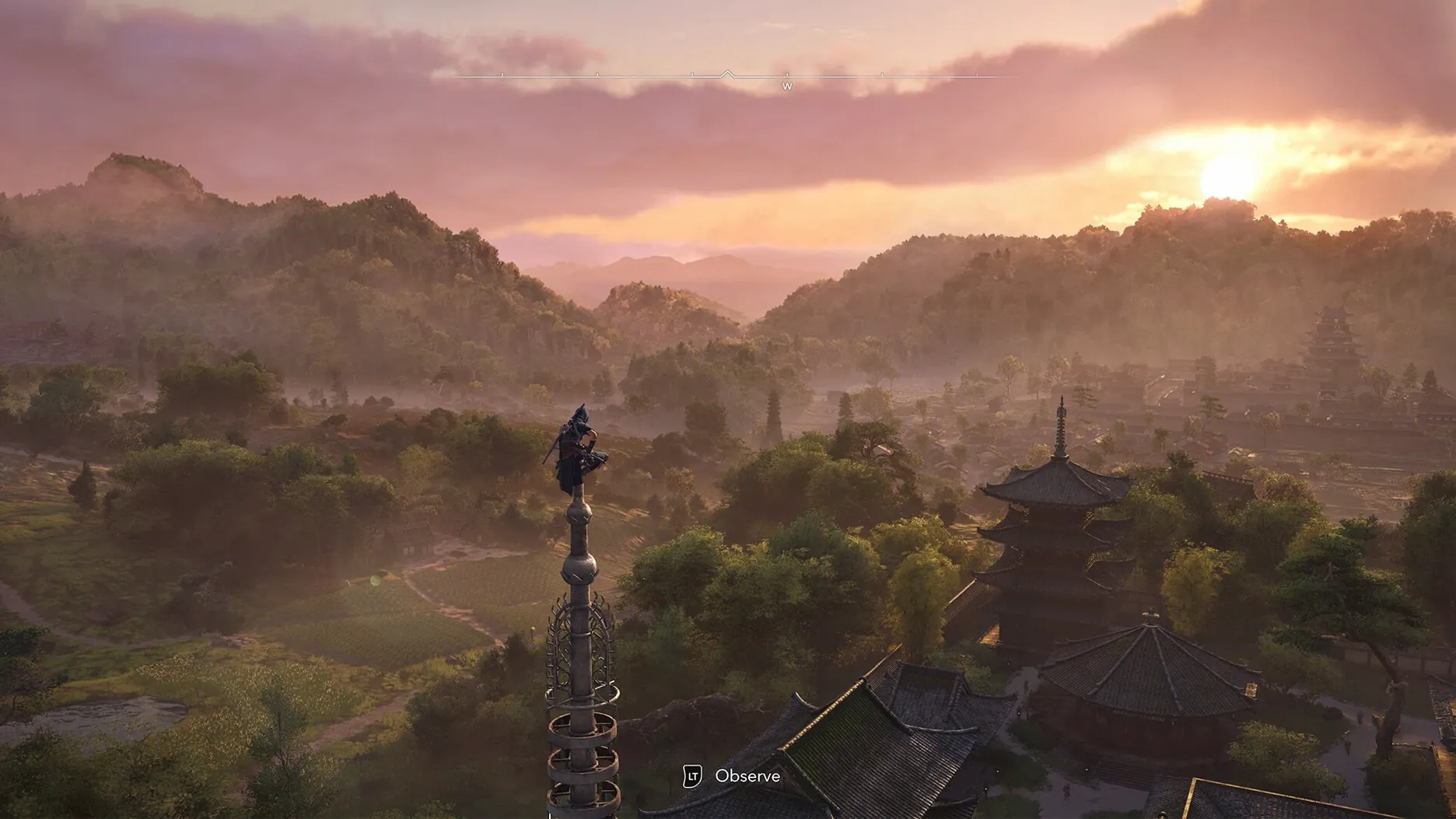
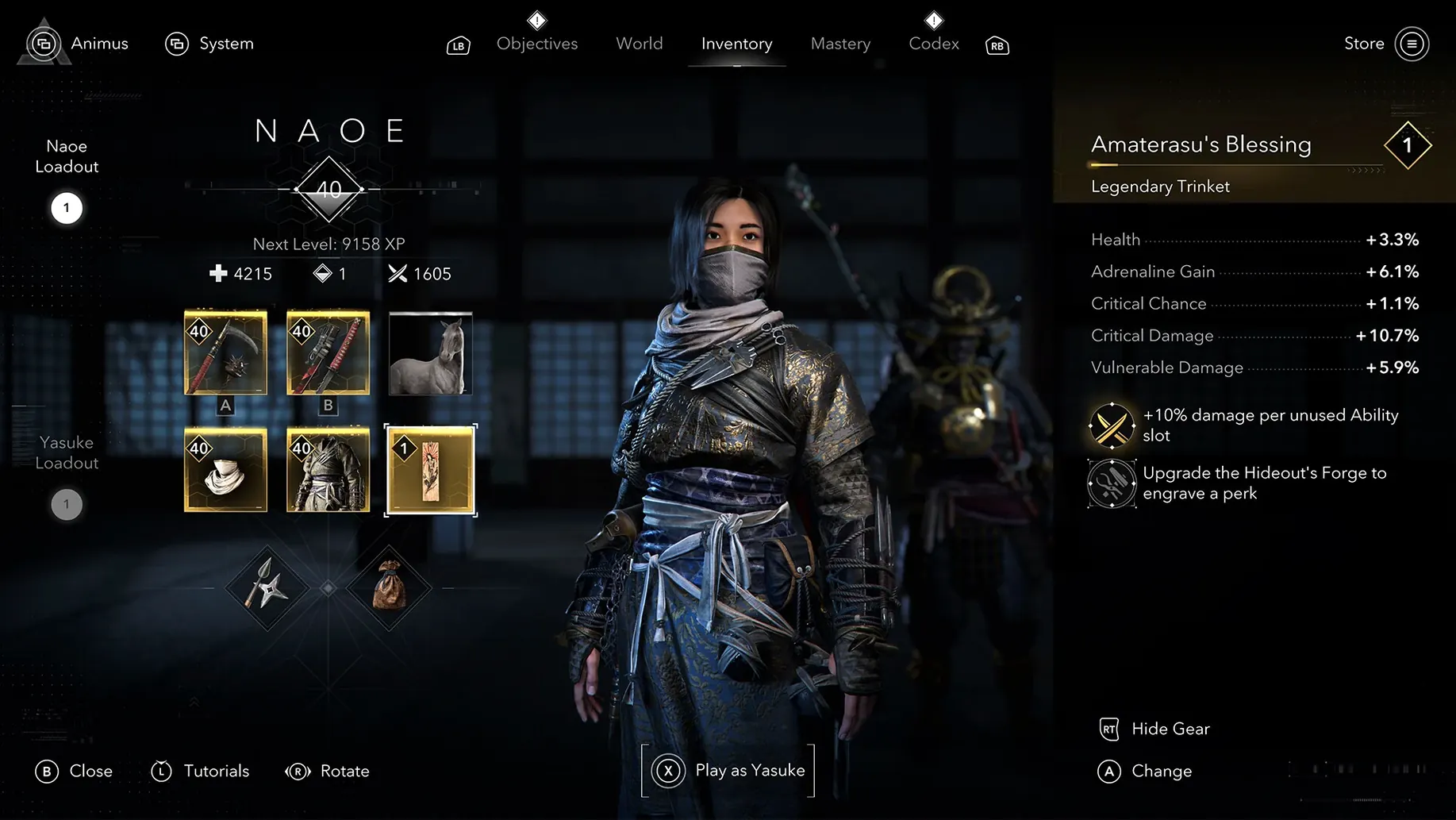
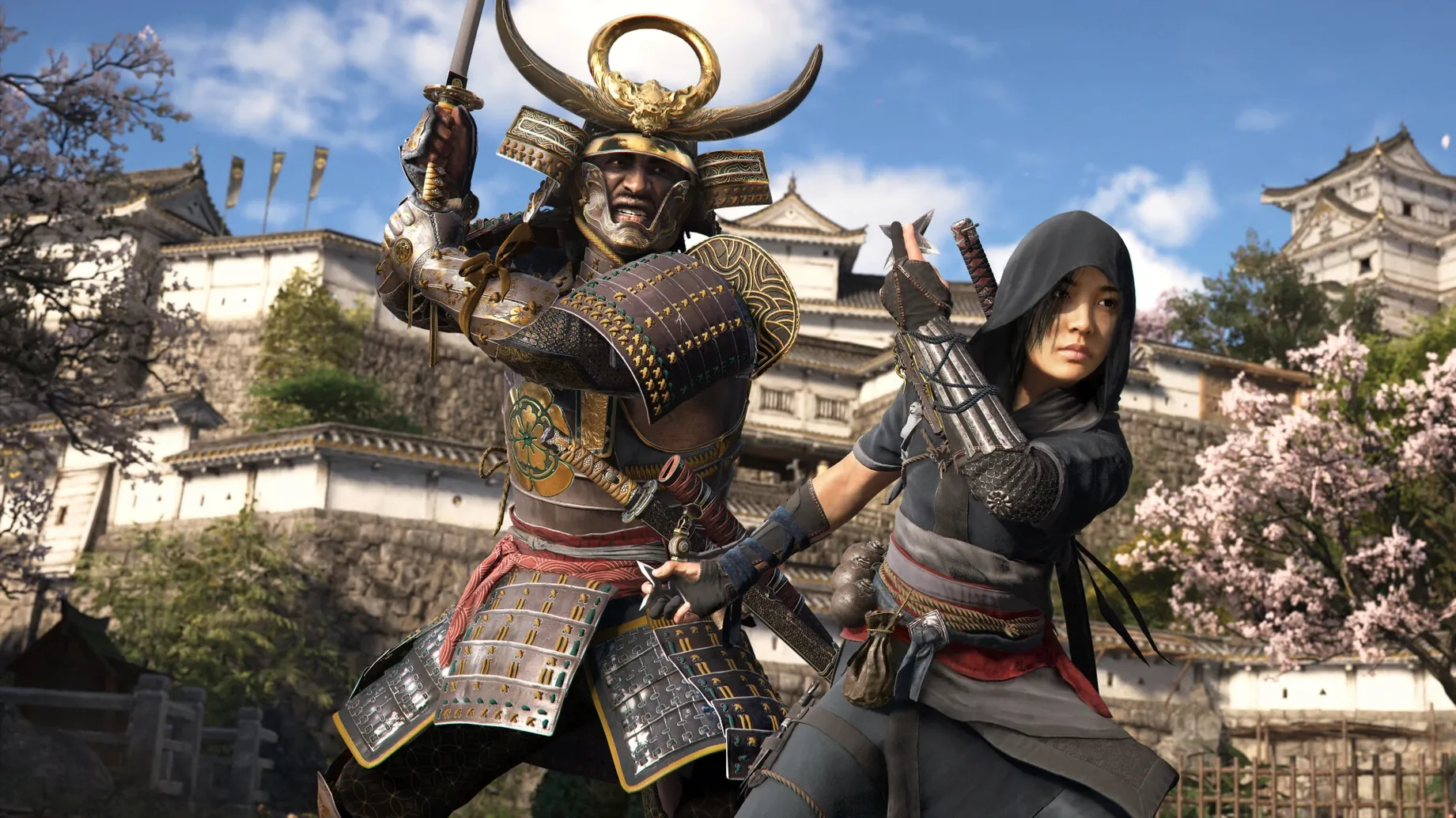
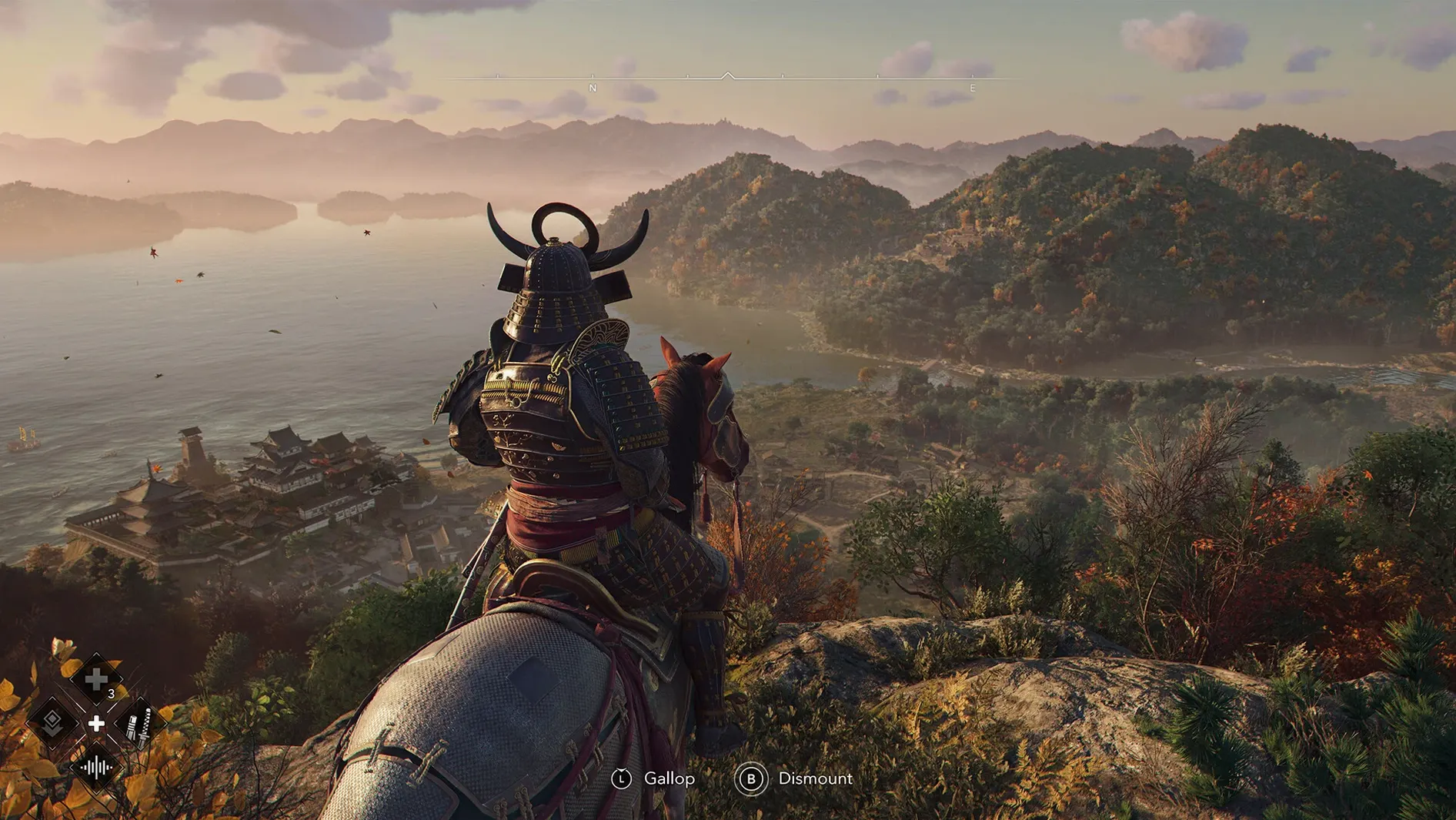
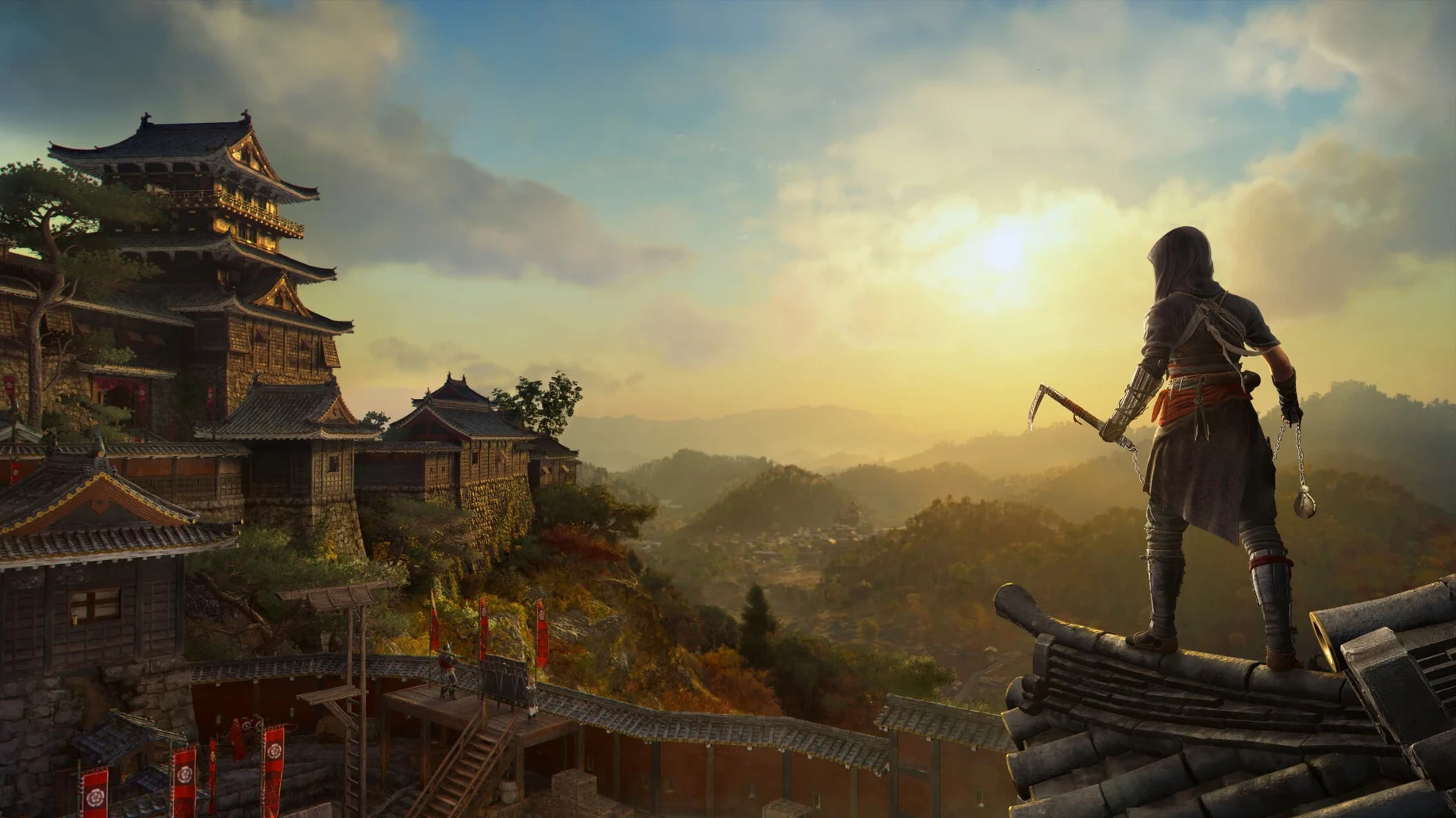
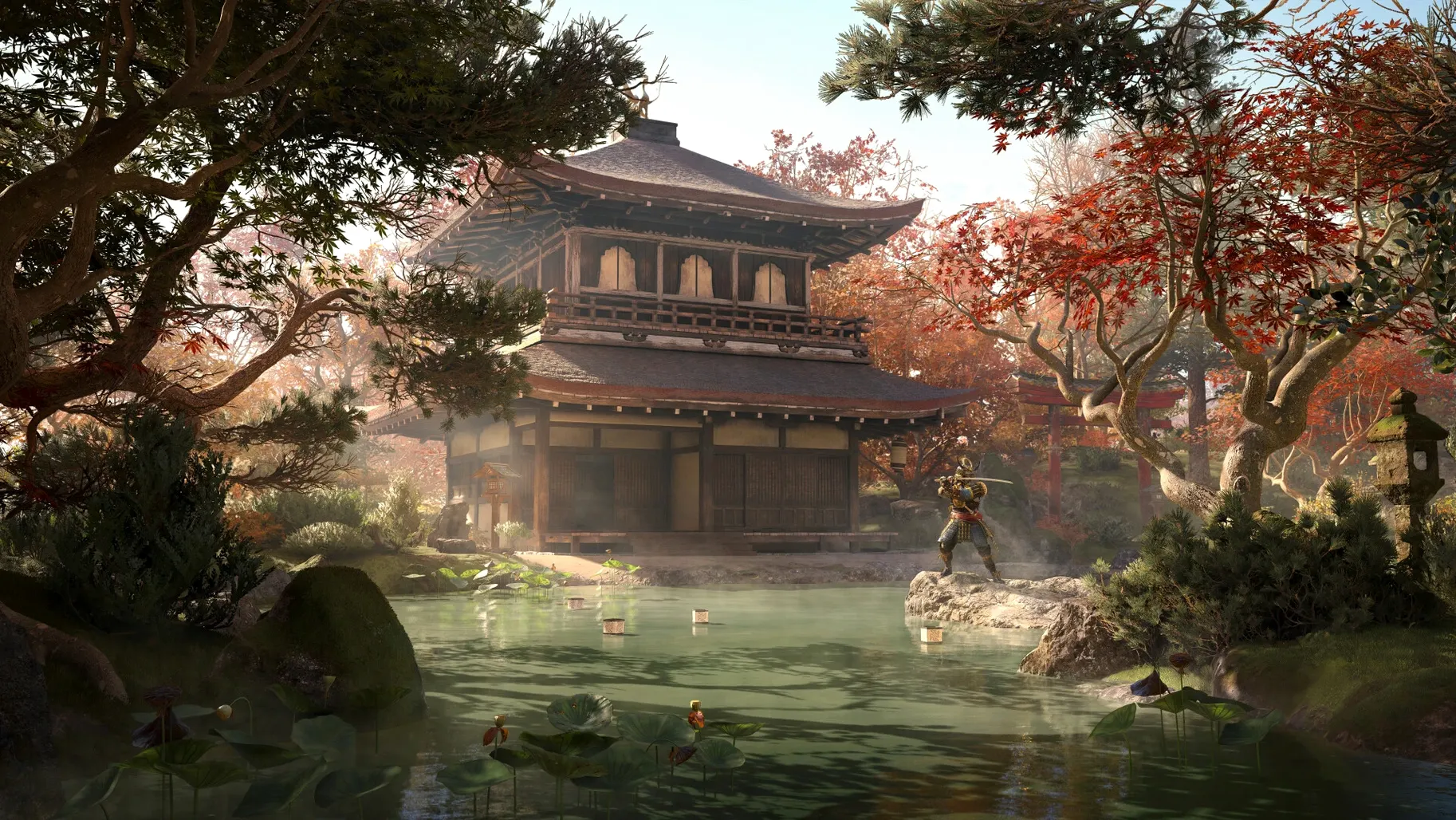
720p at 30 frames per second on the low preset — that's the Mac version's baseline, and it's worth knowing before you jump in. Assassin's Creed Shadows follows Naoe and Yasuke through castle towns, ports, shrines, and war-torn provinces. The hideout lets you train allies, craft gear, and rearrange the layout with furnishings and decorations. A network of scouts can track your next target, and the weather shifts as you play.
| Detail | Value |
|---|---|
| Genre | Action-adventure |
| Version | 1.0.35 |
| Requires | macOS Sequoia 15.0 or later, Apple Silicon |
| Storage | 130 GB |
| Languages | Voice: EN, DE, ES, IT, PT, FR, JP; interface: 13 languages |
The two protagonists give the game a nice split: Yasuke brings raw combat, Naoe leans on stealth. If you enjoy open-world exploration, base building, and a story-driven campaign with a Japanese setting, this will keep you busy. It's a demanding title — you'll need 16 GB RAM and 130 GB free. If you can live with those limits, the world itself is the pull.
Hideout forge first
Several people hit the same issues when setting up Assassin's Creed Shadows on Mac. Here's what tends to trip you up and what actually fixes it.
Ubisoft account won't link or launch
The game requires a Ubisoft account to launch. If the login screen hangs or throws an error, make sure you're connected to the internet and that your Mac's date and time are set correctly — a mismatch can break the authentication handshake. If it still won't go, quit the game, relaunch it, and try again. The account check happens every time you start the title, so a stable connection matters.
Disk space warnings despite having enough room
130 GB is a lot. macOS can sometimes report insufficient space even when you've cleared enough. Open the storage overview from About This Mac to double-check. If you're close to the limit, empty the Trash and clear system caches. The game needs the full amount free, not just available — APFS snapshots and purgeable space don't always count.
Graphics preset won't stick
The low preset is the baseline for 720p at 30 fps. If you change it and the game resets on next launch, check that your Mac isn't running in low-power mode. That setting overrides the in-game graphics menu. Switch it off in System Settings before adjusting presets again.
Path through the opening hours
Starting a game this big can feel overwhelming. Here's a clear path through the opening.
- Set up the hideout first. After the prologue, you get the hideout. Spend the first batch of resources on the forge — that unlocks basic equipment crafting. Then place a training post to start levelling your earliest allies.
- Deploy scouts for the main quest. Don't wander blind. Use the scout network to mark your next story target. This cuts down the guesswork and keeps the narrative moving while you explore.
- Alternate between Naoe and Yasuke. Stick with Naoe for infiltration missions — her shinobi skills let you bypass fights. Switch to Yasuke for open combat encounters where brute force works better. The game expects you to swap, so treat it as the default rhythm.
- Check the season before a long trip. Weather and seasons change how the environment reacts. Deep snow slows movement, heavy rain hides your footsteps. If you're planning a stealth approach, wait for a season that favours Naoe's style.
- Craft between missions. Every time you return to the hideout, check the forge for upgrades. You don't need to grind — just pick the one piece that fits your current loadout.
Apple Silicon native with HDR and ray tracing
Assassin's Creed Shadows is built for Apple Silicon and Metal 3. The Mac version runs natively on M1 and later chips, with extra features on M3 and M4 Macs — HDR support and hardware-accelerated real-time ray tracing are part of the deal if your hardware supports them. The minimum spec asks for 16 GB RAM and 130 GB of storage. At the low preset, the game targets 720p at 30 fps. If you've got a newer Mac, you'll likely push past that, but the requirements don't promise anything above that baseline. The interface supports thirteen languages, and voice acting comes in seven languages. A Ubisoft account is mandatory every time you launch. The patch notes for version 1.0.35 mention bug fixes and balancing, so expect a more stable experience than the initial release.
- macOS 15 Sequoia or later
- Apple Silicon
- 16 GB RAM
- 130 GB available storage
- Ubisoft account required to launch
Kit check at a glance
| Chip | Apple Silicon |
| Download | 145 GB |





Chat from the booth
Sign in or grab a free account to leave a comment.
Nobody has said a word in the booth yet. If you played a set with this build, tell the next person how it went.