

- Build in the crate
- 0.7.1.2 Native
- Made by the team at
- XO Cat
- Menu languages offered
- English, Chinese (Traditional), Chinese (Simplified), Japanese
- How you pay for it
- Not required
- CPU it runs on
- Intel 64-bit
- Played on
- macOS Golden Gate, Mac mini 2024 M4
- Dropped on
- 20.01.2025
- Spoken voice in
- Music only
Screenshots
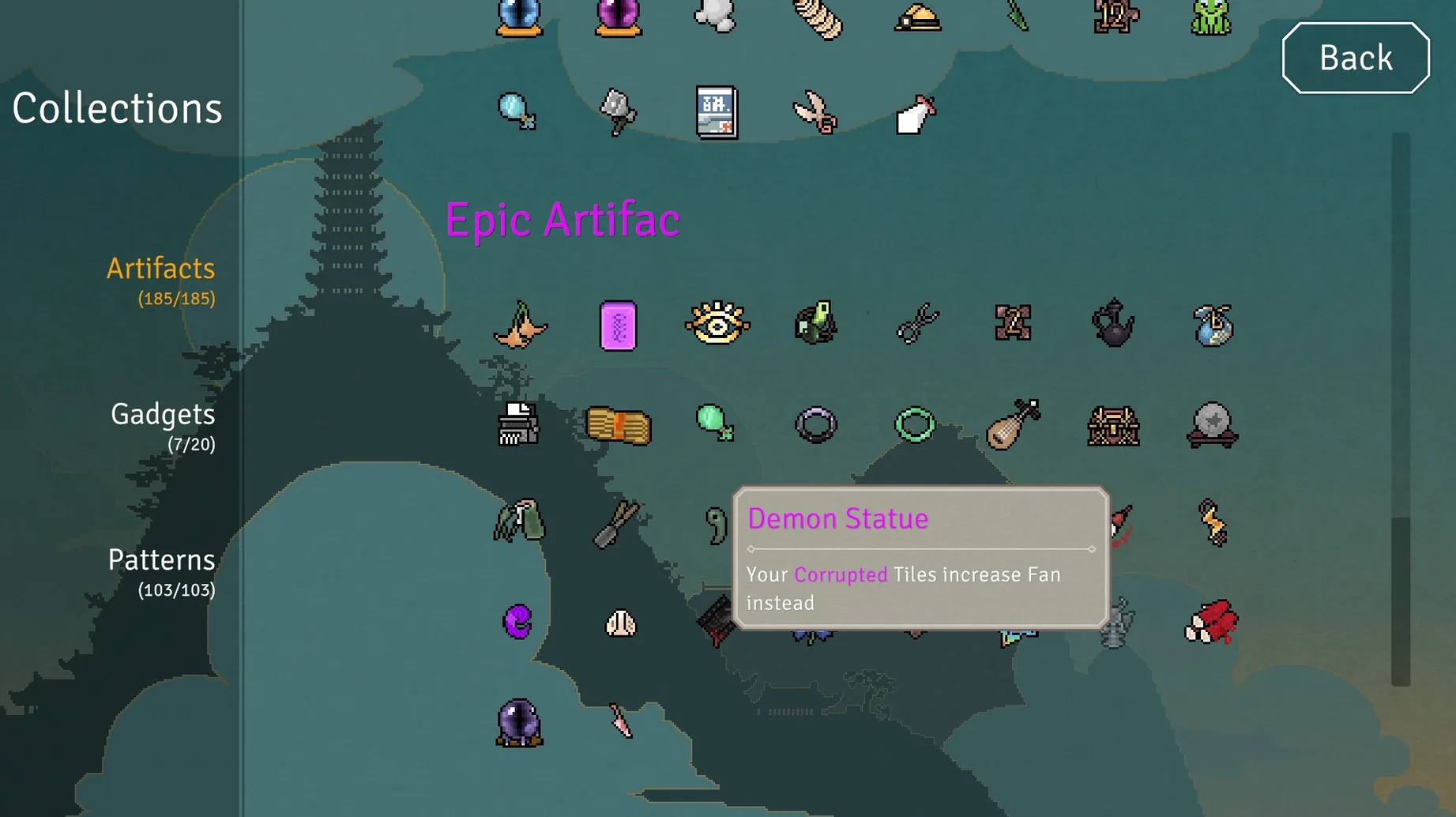
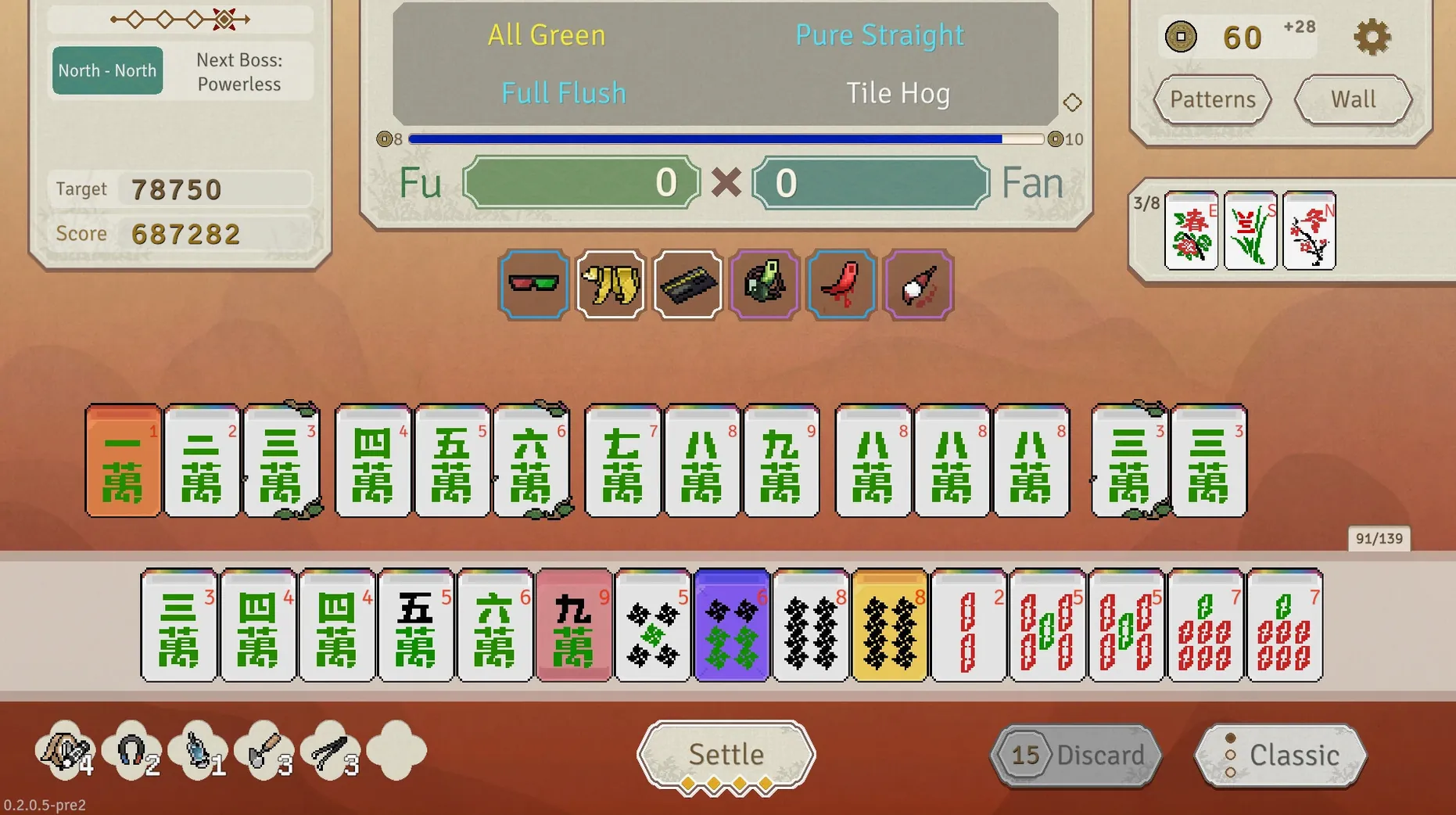
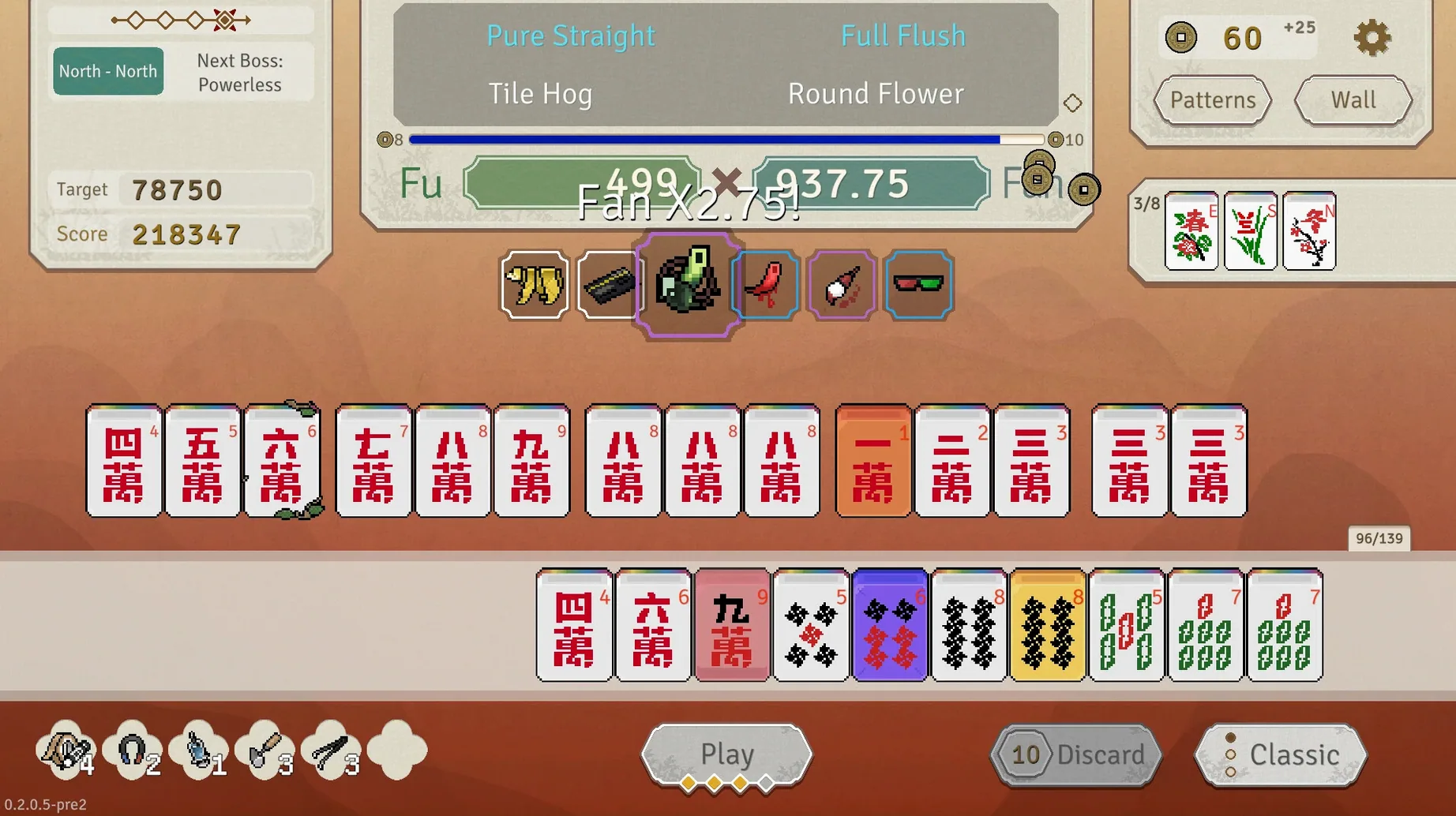
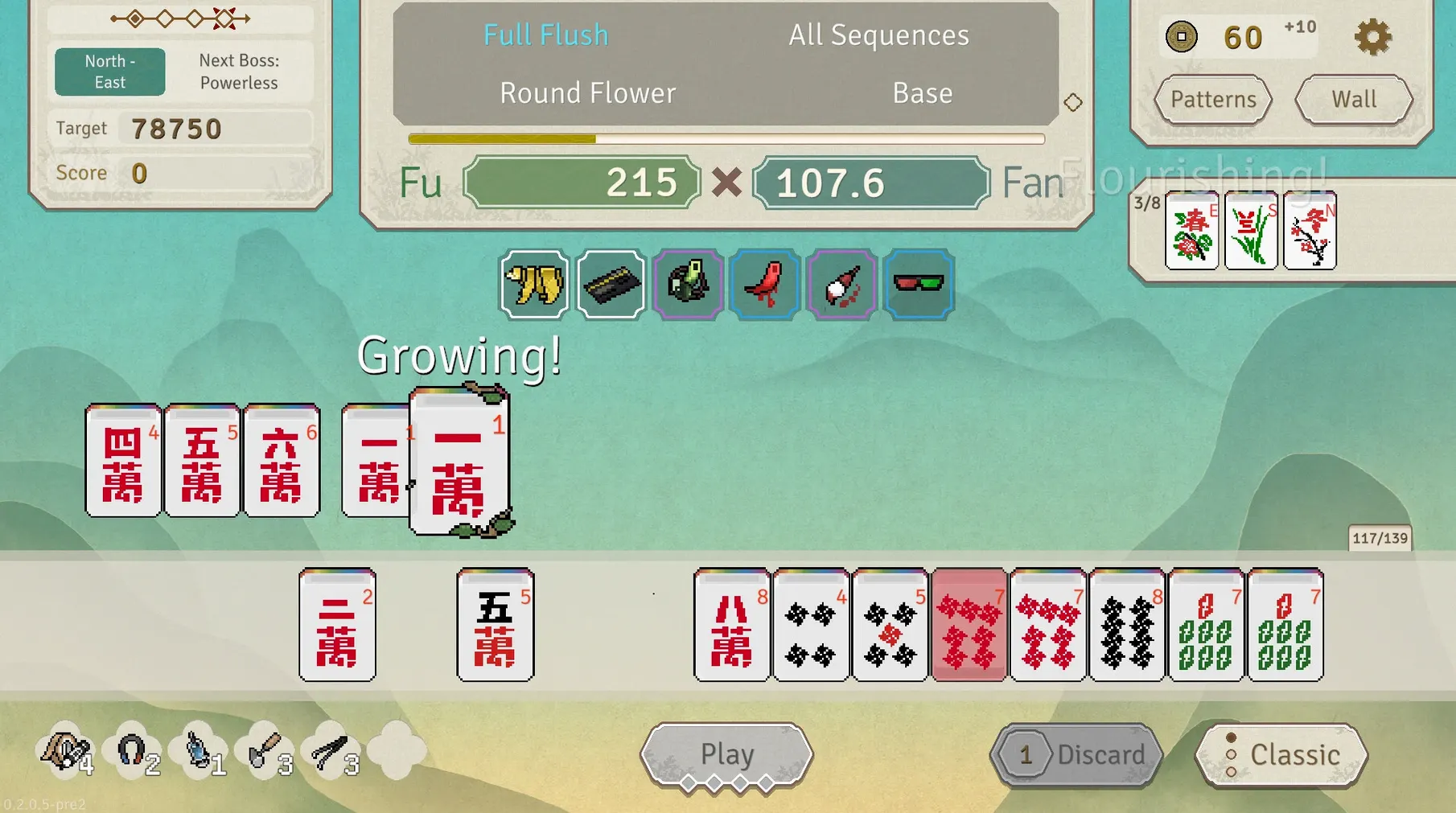
Pattern Echoes, one of the artifacts in Aotenjo: Infinite Hands, does exactly what you hope it does — it lets you replay a scoring pattern you already formed, but only if you plan your tile draws a few turns ahead. That kind of conditional payoff is what this game is about.
Who will like it, who might not
- Likes: Players who enjoy layered synergies — combining artifacts, patterns, and special tiles to build a hand that scores big. The 100+ patterns give you plenty to discover, and the roguelike structure means each run asks you to adapt to what you are dealt. If you already spend time on games like Slay the Spire or classic mahjong solitaire, this hybrid sits in a comfortable middle.
- Might not: Anyone looking for a fast, casual puzzle game. The Early Access state means some UI glitches and interaction quirks (the latest patch fixed Whisk Gadget targeting and tile visuals, but rough edges remain). If you prefer a polished, final product, wait for a later version.
Current state on Mac
The game runs on Intel Macs (64-bit). The developer, XO Cat, released it on Steam on January 19, 2025, as an Early Access title. The tested machine was a Mac mini 2024 M4 on macOS Golden Gate — performance was fine, but the architecture is still x86, so it runs through Rosetta 2 on Apple Silicon. The interface is in English, Japanese, and both Chinese variants. The audio is listed as music only.
A typical run, turn by turn
You start a run, pick a starting artifact — something small, like the Jade Branch that gives bonus points for bamboo tiles. Then you see your opening hand. The first few turns are about reading what patterns are possible. You draw tiles one by one, discard what does not fit, and watch the left side of the screen where your active patterns stack up.
Around mid-run, things get interesting. You find an artifact that says “when you complete a pattern, draw two extra tiles”. Now you are not just building one hand — you are chaining patterns together. You might discard a tile you wanted just to trigger that effect and see what the extra draw gives you. The risk is real: if you misjudge, the next enemy hand hits harder.
Late runs turn into a puzzle of timing. Do you finish the current pattern now for a small score, or hold out for a bigger one that requires two more draws? The artifacts you collected earlier decide that answer. A run that feels lost can flip with one good artifact drop.
Resize and reposition on a MacBook screen
Aotenjo: Infinite Hands does not need much from the system. It runs as a standard window you can resize or put in a corner of the screen. If you play on a MacBook, you can throw it on a separate desktop space and keep Discord or a browser open on the other — the game does not demand constant attention, so you can alt-tab while thinking about your next discard.
The Japanese and Chinese interface options matter if you are learning those tile sets. I keep the game in English but swap to Japanese sometimes just to read the pattern names in the original script. That is a small detail, but it shows the developer thought about the audience. The music is ambient enough that you can play your own playlist over it without losing any audio cues — there are none to lose, really, since the game is tile-based and turn-based.
For deckbuilder fans who also use their Mac for music or other work, this is the kind of game that sits quietly in the background of a session. It does not fight for resources, and the Early Access quirks are the main thing to know before you jump in.
No detailed changelog this time around, but version 0.7.1.2 is a native build that lands fresh for anyone keeping a deck-building roguelike on their Mac.
- Intel 64-bit Mac
Kit check at a glance
| Chip | Intel 64-bit |
| Download | 108 MB |
| Older pressings | 2 in the crate |







Chat from the booth
Sign in or grab a free account to leave a comment.
Nobody has said a word in the booth yet. If you played a set with this build, tell the next person how it went.