

- Build in the crate
- 2026.09.28 Native
- Made by the team at
- CCC Games
- Menu languages offered
- English, Chinese (Simplified)
- How you pay for it
- Not required
- CPU it runs on
- Apple Silicon
- Played on
- macOS Golden Gate, Mac mini 2024 M4
- Dropped on
- 21.09.2026
- Spoken voice in
- English, Chinese (Simplified)
Screenshots
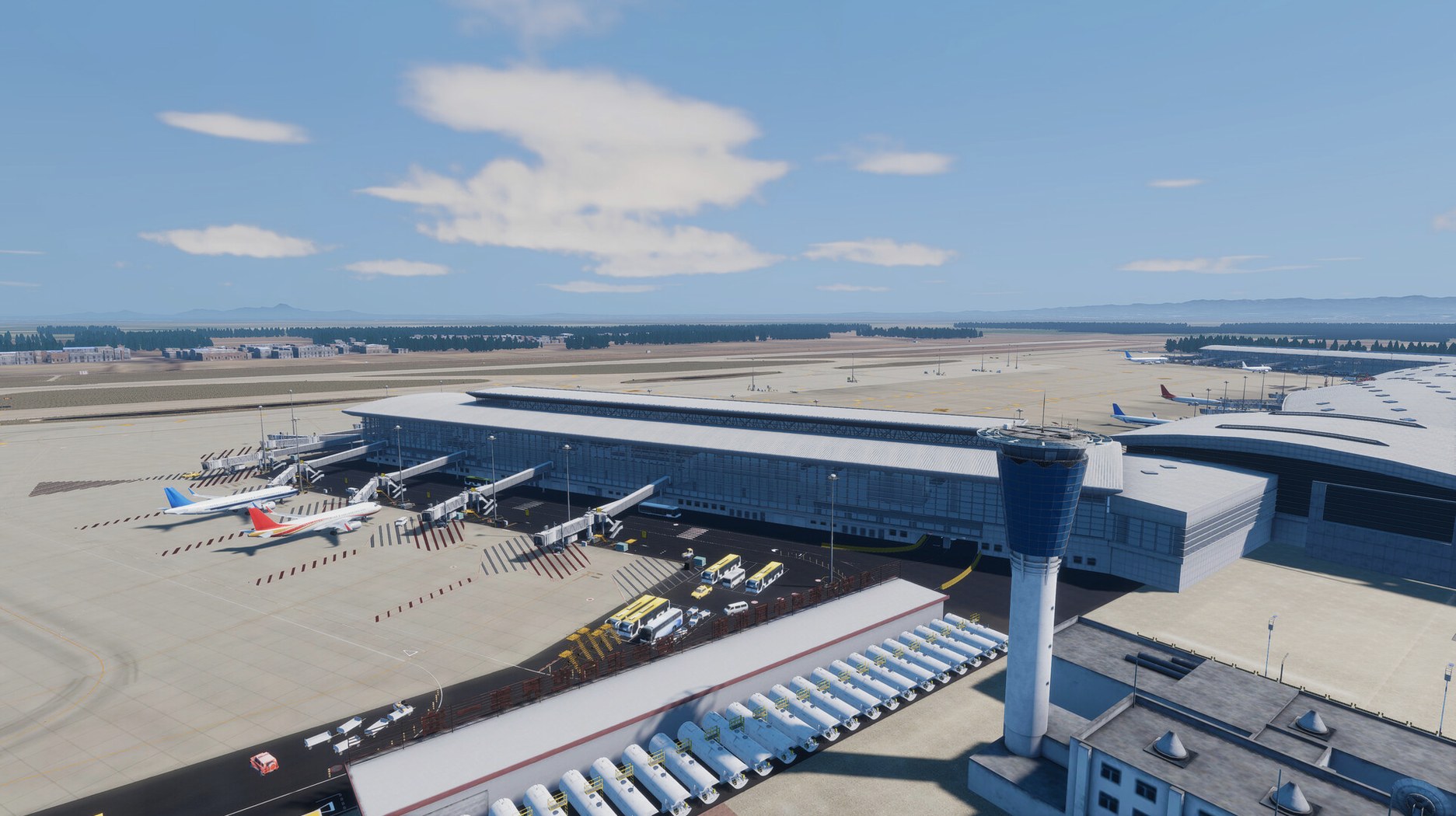
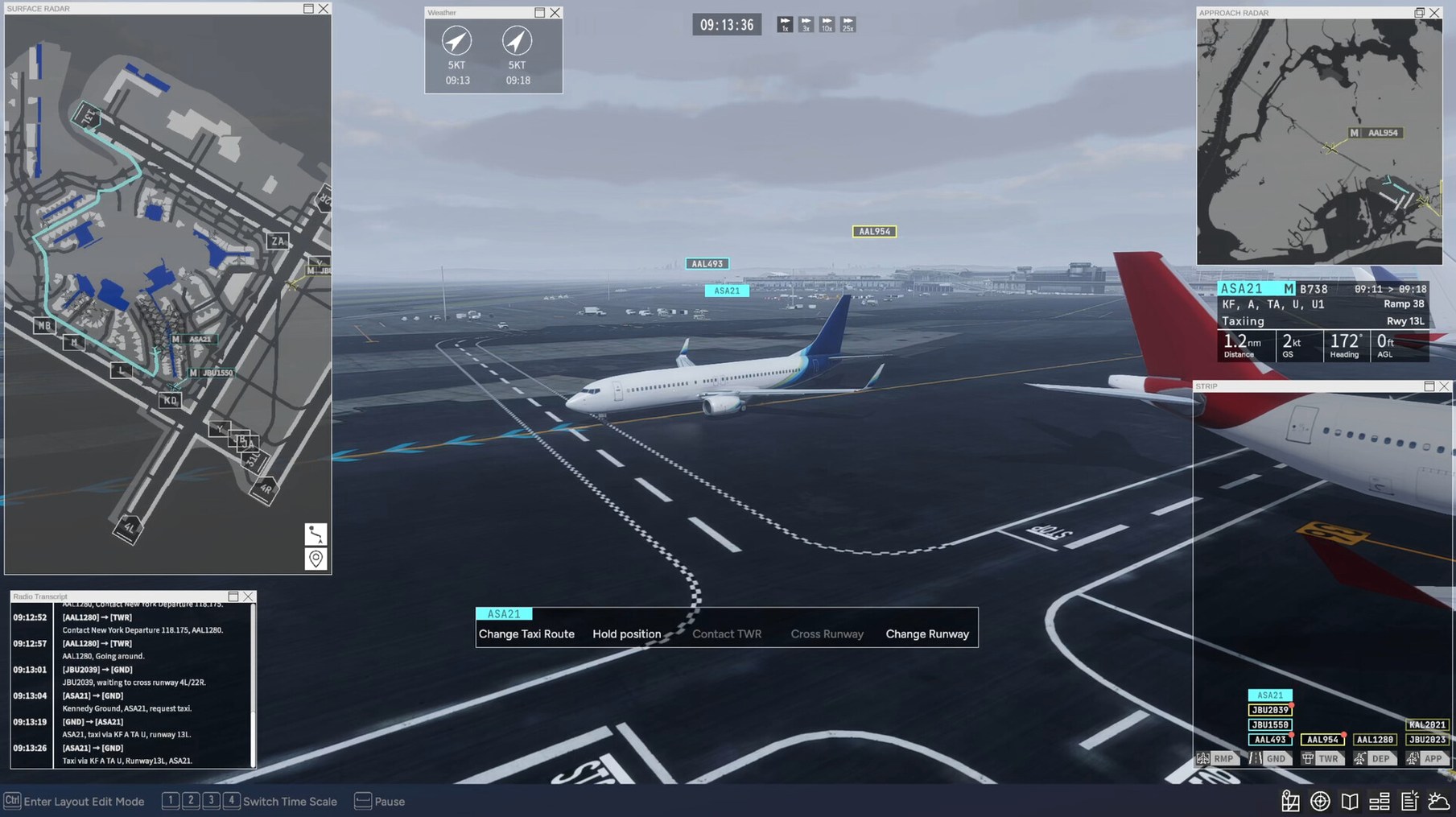
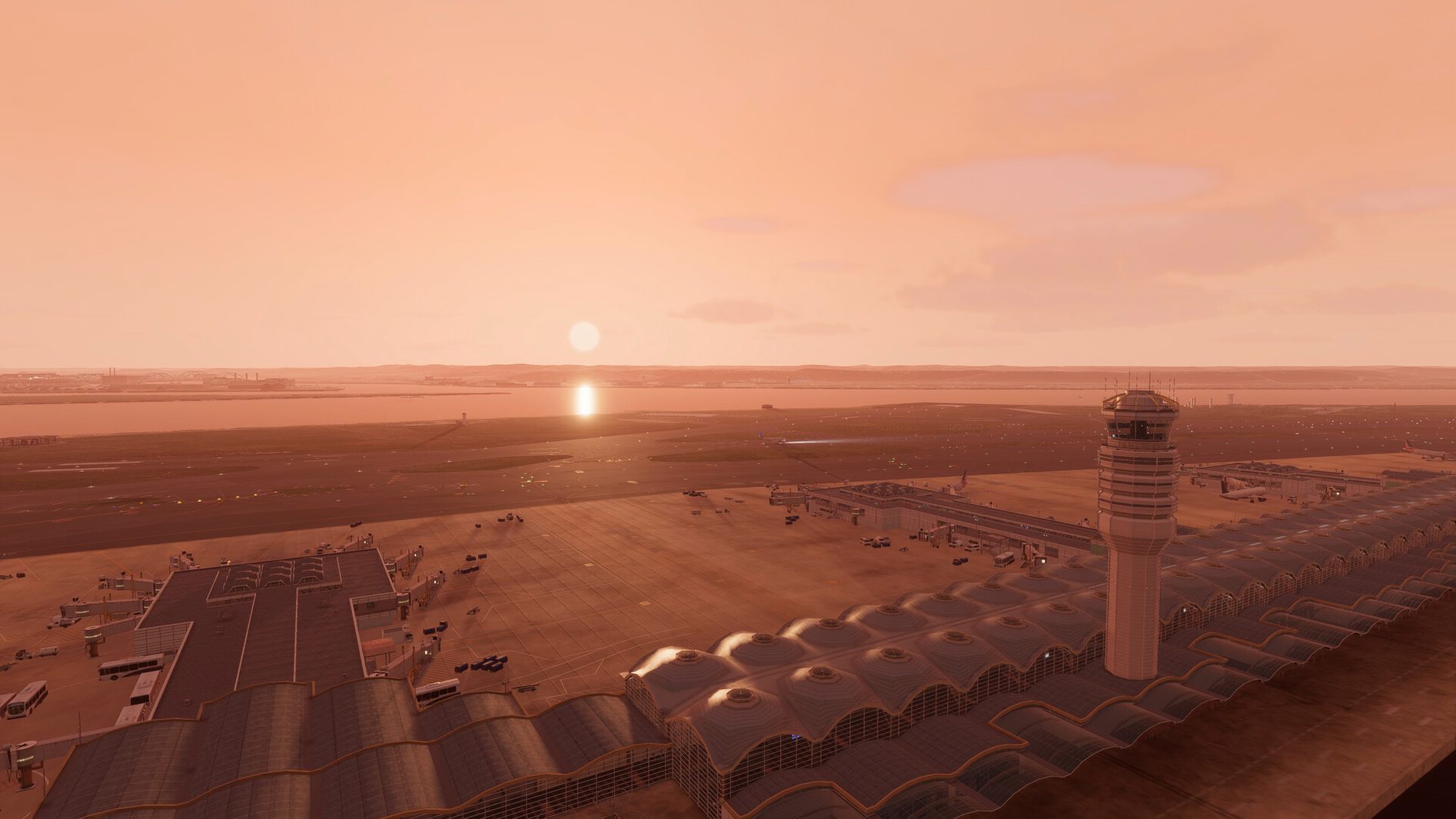
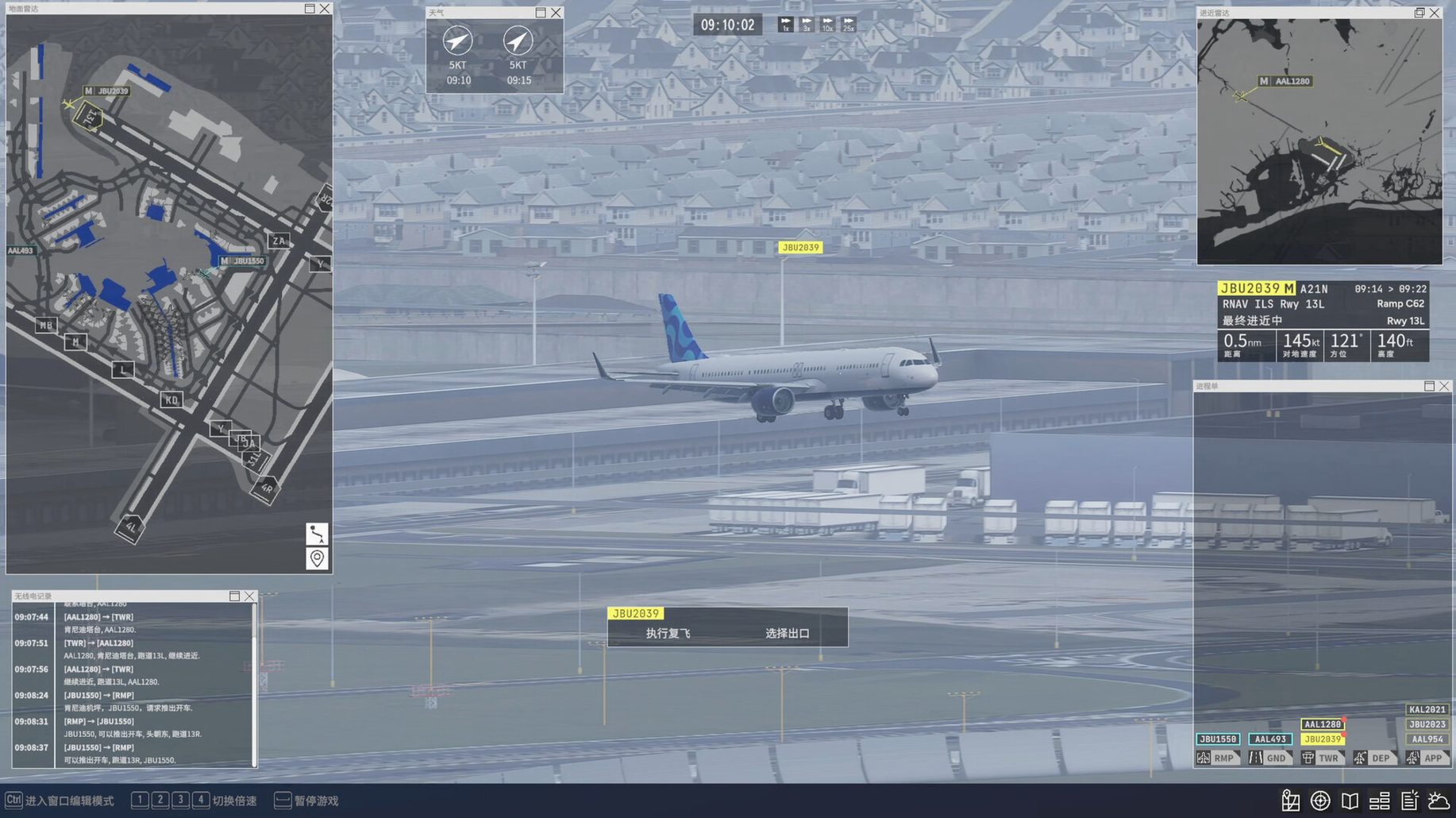
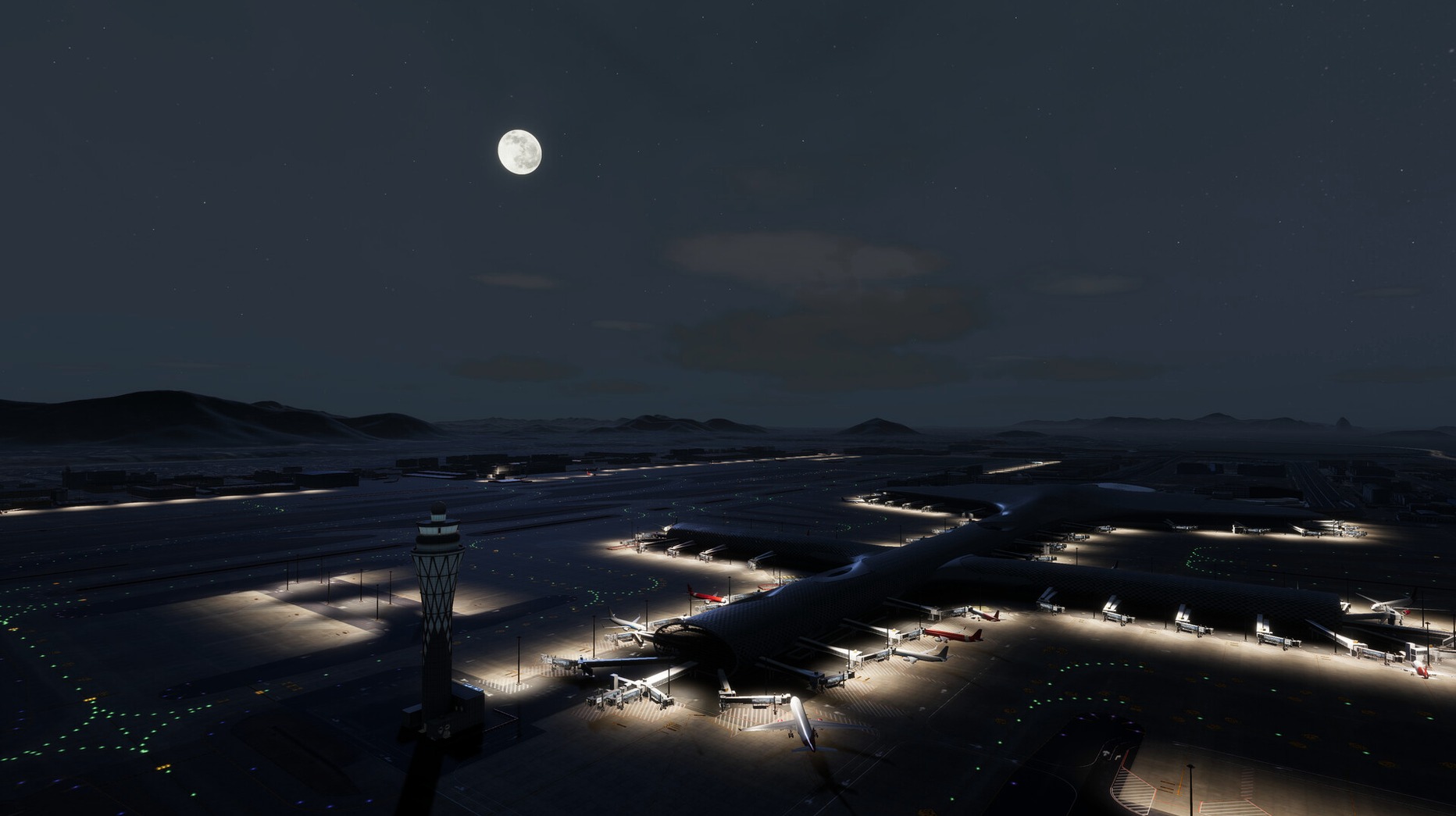
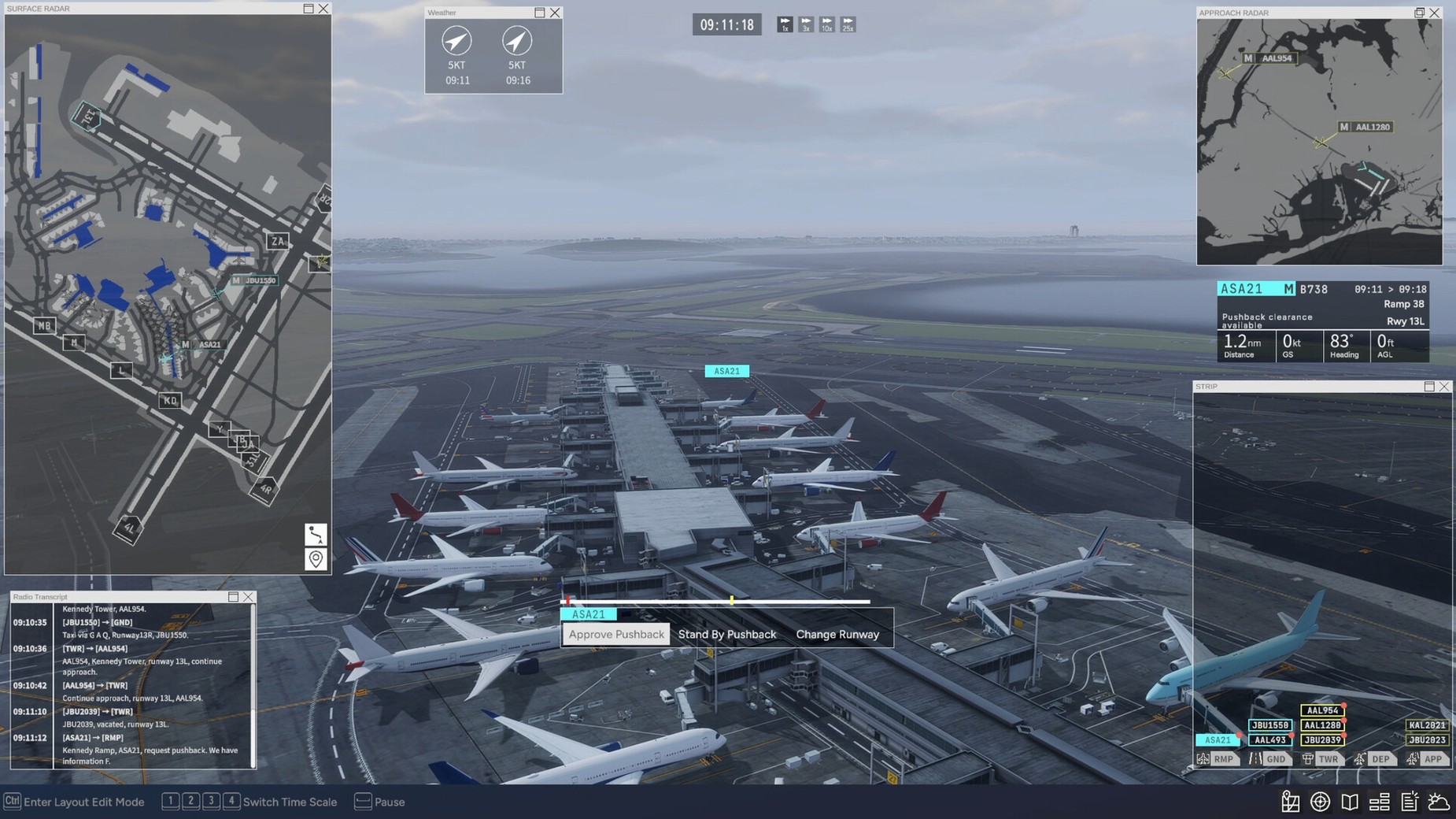
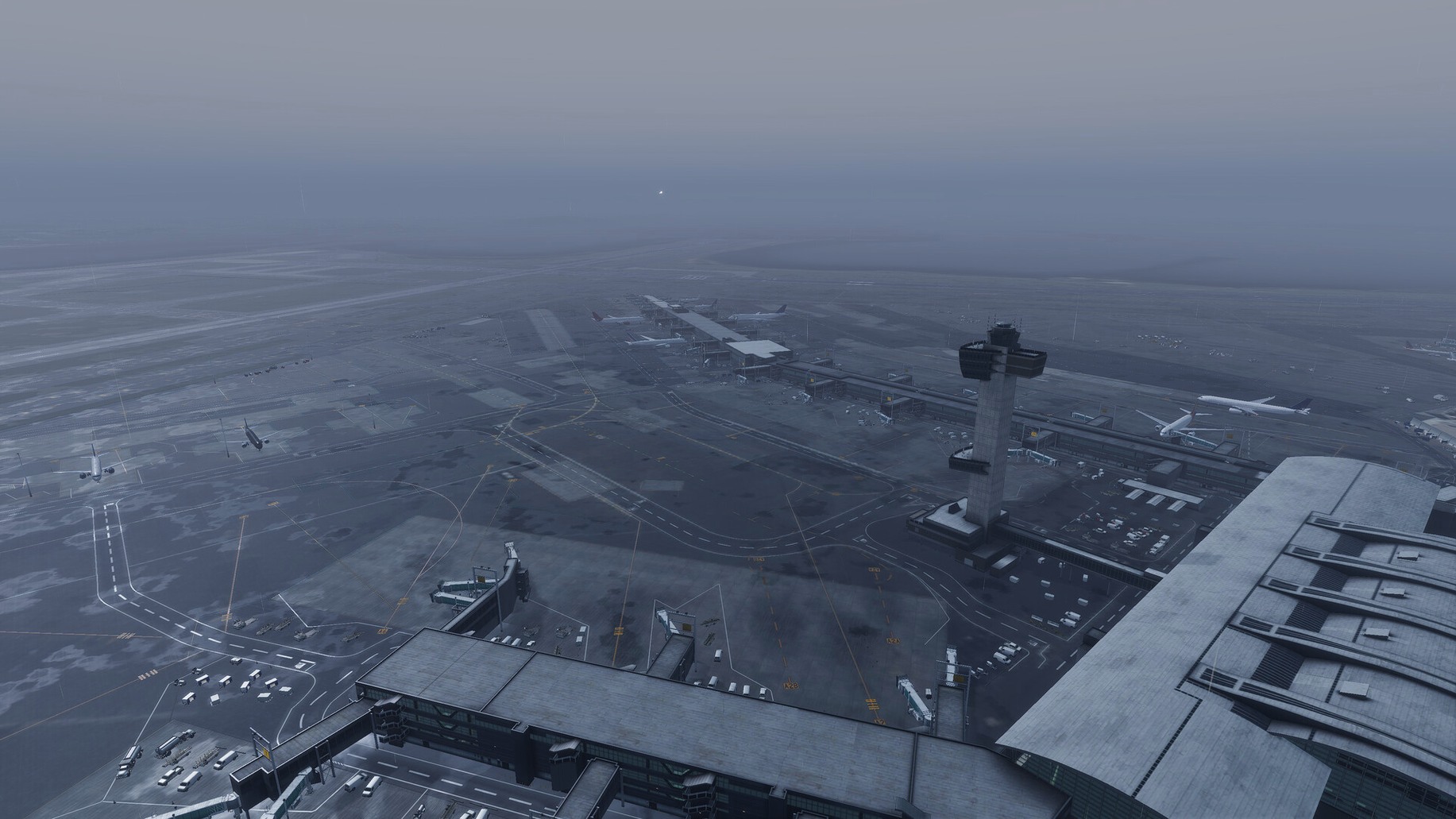
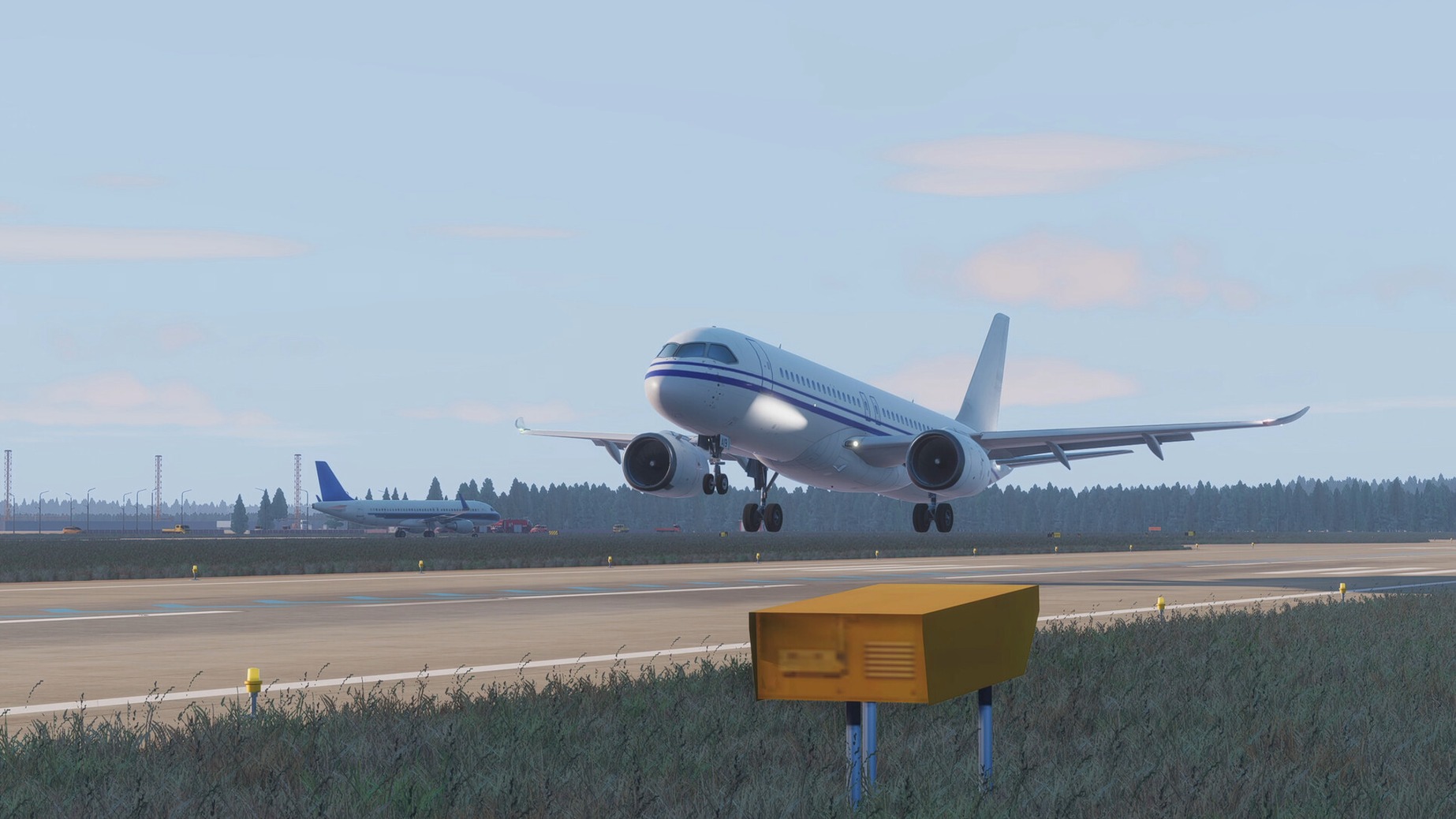
Airport Control 27 is for anyone who’s ever watched planes line up on a runway and thought, I could do that. It’s a realistic 3D air traffic control simulation, and you’re the one giving the orders.
Guiding planes from gate to runway
Ground control — You create taxi routes for aircraft, guiding them from gate to runway and back. You can also stop a plane if something’s not right.
Runway management — Assign runway exits after landing, and handle arrivals and departures using real ATC procedures.
Follow commands — Tell aircraft to follow another plane or an escort vehicle when needed.
Pilot responses — Pilot lines sync with your commands, so you get clear confirmation of what’s happening.
Airports and modes — Four airports are included: Jinan Yaoqiang, John F. Kennedy, Shenzhen Bao’an, and Ronald Reagan Washington National. Each has an endless mode with a random flight schedule.
Parking stand markings and labels are accurate, which helps when you’re lining up gates. The game is in Early Access for about a year, so expect the details to keep tightening.
A typical arrival workflow from start to finish
Here’s how a single inbound flight plays out once you’ve got the basics down. An aircraft enters your airspace and calls in for approach. You assign a runway and issue altitude and speed limits based on the published approach procedures — the game enforces real rules, so you can’t skip steps. The pilot acknowledges and descends.
Once the aircraft is on final, you hand it off to the tower frequency (the game handles the radio split internally). After touchdown, you switch to ground control and assign an exit from the runway — the taxiway lighting system makes the turn‑off obvious even at night. From there, you build a taxi route to the assigned parking stand, making sure the plane yields at intersections and doesn’t block active taxiways. If a tug is needed, you call one from anywhere on the airport. When the aircraft is parked and the engines are off, that flight is closed.
Meanwhile, departures queue at the holding points. You sequence them so the arrival flow isn’t broken. It’s constant small decisions, not a rush.
For simulation players who want ground control
Simulation players who want more than arcade action. The 3D airports, telescopic jet bridges and accurate stand markings reward patience and procedure‑following. If you’ve spent hours in flight sims but never controlled traffic from the ground, this fills that gap.
Air traffic control enthusiasts — the radio communication follows real aviation phraseology, and you can switch between English and Chinese. Different pilot accents add another layer of realism.
Strategy game players who like managing multiple moving parts under constraints. Every airport has six levels of increasing complexity, plus an endless mode with randomised schedules. You never run the same shift twice.
Mac users with Apple Silicon — the native build runs on M‑series chips and supports 4K and ultrawide monitors. If you’re using an M2 MacBook Air at a desk with an external screen, you get the full airport view without scaling issues.
Workshop users — custom liveries and flight schedules are shared through Steam Workshop, so you can swap in real‑world airlines or create your own traffic patterns. Airport Control 27 Mac full version unlocks all four airports immediately for simulation enthusiasts.
- Native build label 2026.09.28 Native.
- macOS version not specified
- Apple Silicon
Kit check at a glance
| Chip | Apple Silicon |
| Download | 8 GB |







Chat from the booth
Sign in or grab a free account to leave a comment.
Nobody has said a word in the booth yet. If you played a set with this build, tell the next person how it went.