

- Build in the crate
- 3.3.0.B18 Native
- Made by the team at
- The Fun Pimps
- Menu languages offered
- Russian, English, German, Spanish, Italian, Chinese (Traditional), Chinese (Simplified), Korean, Polish, Portuguese, Turkish, French, Japanese
- How you pay for it
- Not required
- CPU it runs on
- Apple Silicon, Intel 64-bit
- Played on
- macOS Golden Gate, Mac mini 2024 M4
- Dropped on
- 13.12.2013
- Spoken voice in
- Music only
Screenshots
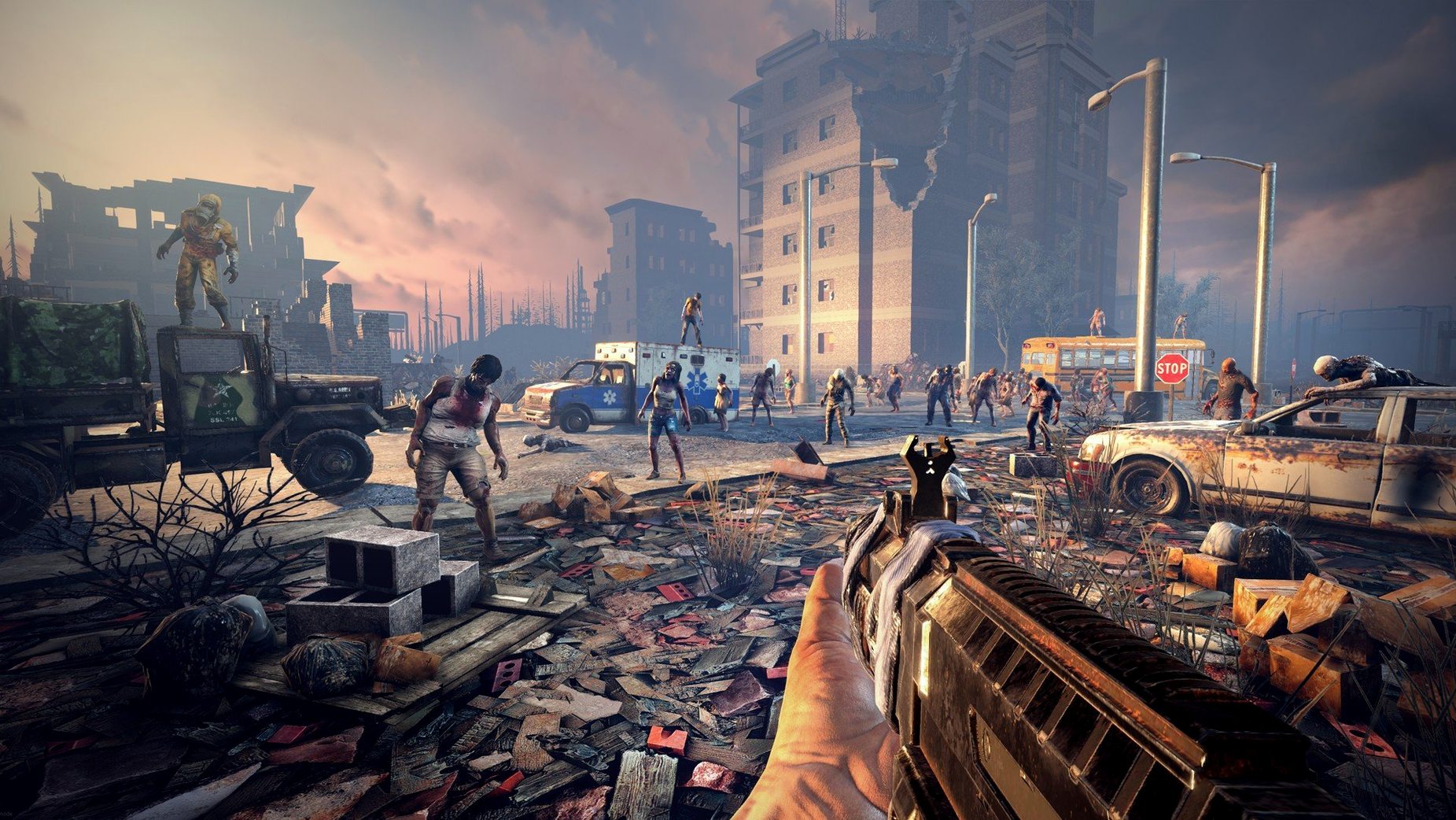
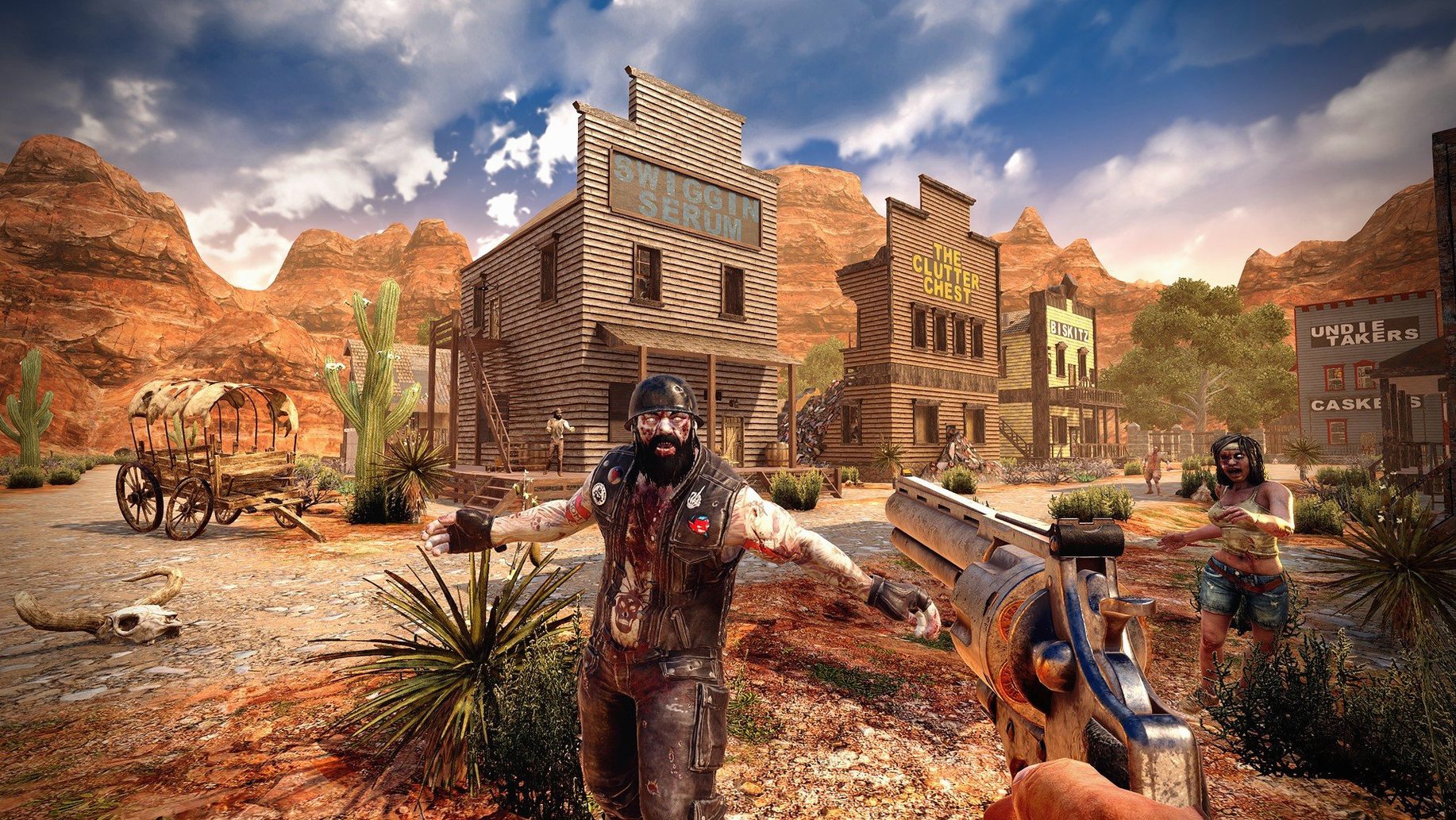
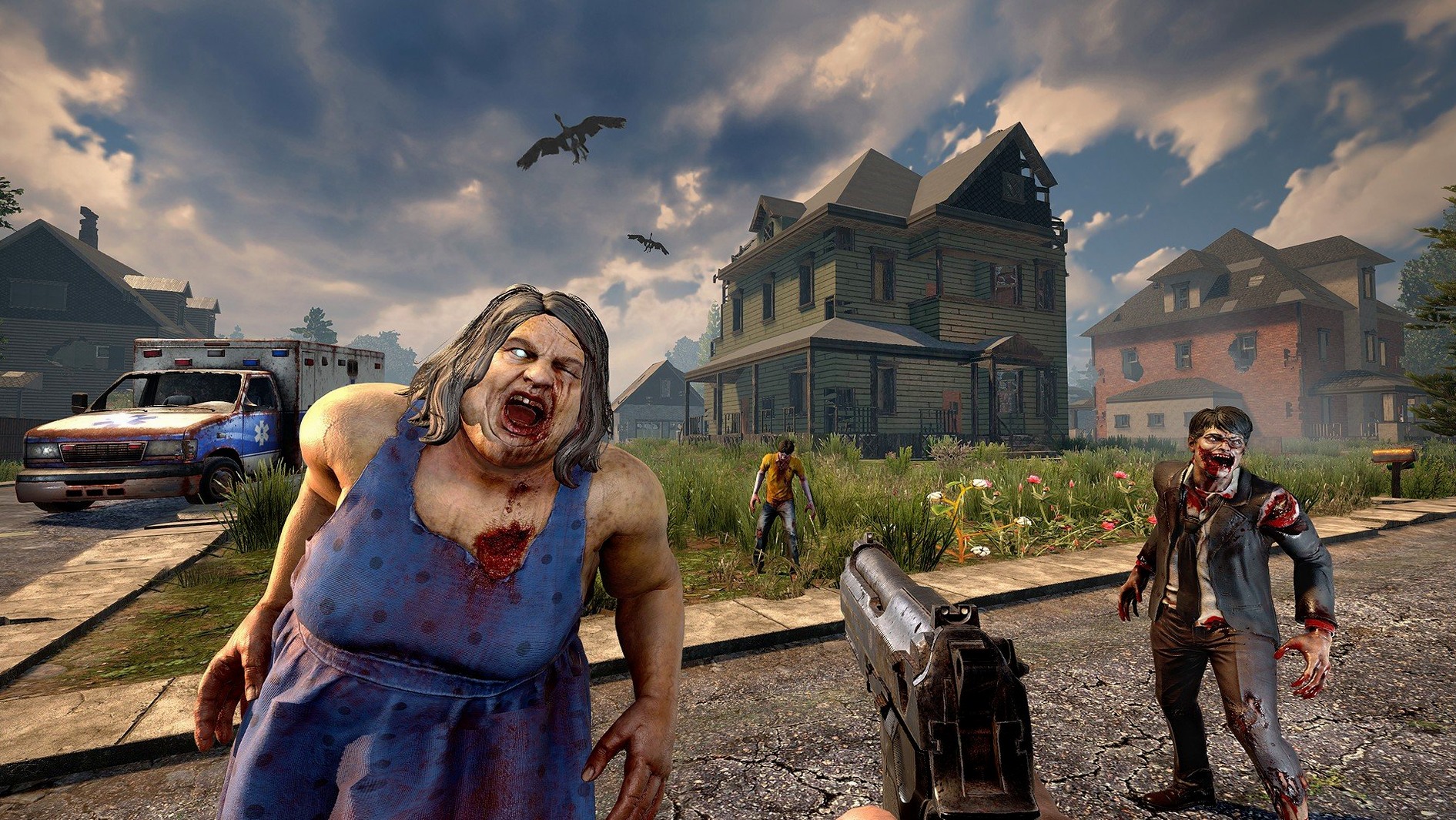
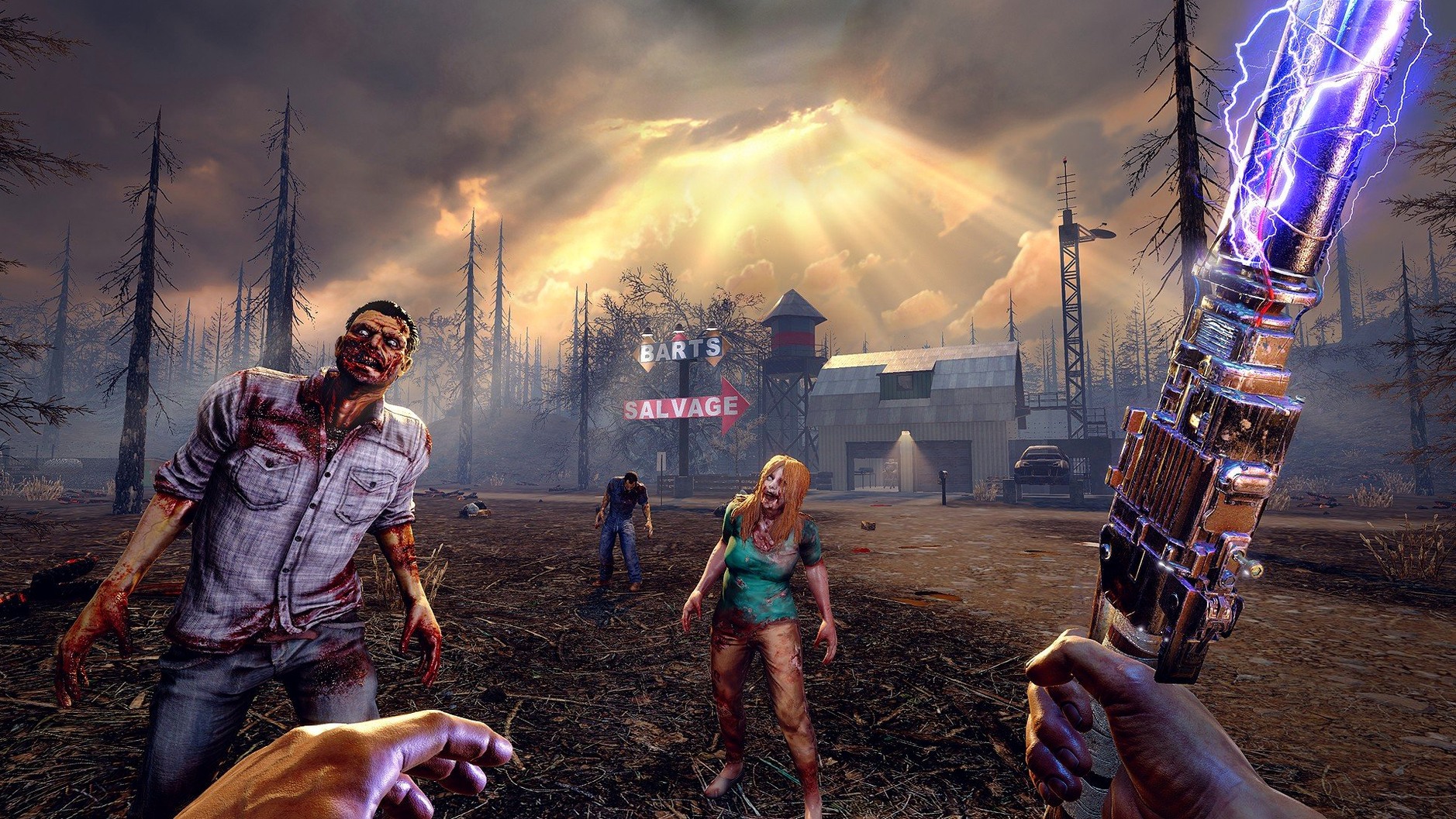
7 Days to Die is an open-world survival game that drops you into a post-apocalyptic landscape where every day counts.
100 km worlds and five biomes
- Explore worlds up to 100 square kilometres, spanning five unique biomes.
- Craft from more than 500 recipes and 800+ items, covering gear, weapons, and building materials.
- Build and customise vehicles, from bicycles to gyrocopters, using vehicle parts.
- Farm, hunt, and manage your character's health with nearly 50 buffs, illnesses, and effects.
- Play solo or with others, cooperating or competing across the map.
- Watch structures collapse under their own weight if you build poorly or cause enough damage.
Player tools at your disposal
The game's tools go beyond simple crafting. You'll repair equipment, fortify bases, and use the environment to your advantage. With first-person combat and a deep progression system, 7 days to die tools give you the freedom to survive your way, whether that means digging in for the night or building a fortress that lasts.
Lower view distance for smoother gameplay
When you first launch 7 Days to Die on a Mac, a few settings can make the experience more comfortable. Head into the options menu and look for the video tab. Turn down the view distance if you notice the game struggling on older hardware — the default is generous but can eat into frame pacing on a system with only 8 GB of RAM. The same goes for shadow quality; dropping it one notch frees up resources without ruining the look.
Under the audio tab, the music accompaniment is the only sound layer, so you might want to turn the volume down or off if you prefer to hear environmental cues more clearly. Some players find the soundtrack repetitive after a few hours. Also worth a look: the controls section lets you rebind nearly every action. If you're used to a different layout from other survival games, adjust it before you're in a tight spot.
Larger world than The Forest on Mac
Survival games on Mac aren't rare, but few match the scale of 7 Days to Die. Take The Forest, for example. It offers a similar mix of crafting, building, and enemy encounters, but its world is smaller and more linear. The Forest leans harder on story and atmosphere, while 7 Days to Die focuses on procedural freedom and siege-style base defence. If you want a world that regenerates differently each time, this one gives you more replayability.
Another comparison is Project Zomboid. That game goes deep into simulation — hunger, mood, injuries, even boredom. It's isometric and slower-paced, whereas 7 Days to Die is first-person and action-oriented. Project Zomboid's building system is less flexible, and it doesn't have the same structural collapse physics or vehicle customisation. If you want to drive a customised 4x4 through a zombie horde, this is the one.
Don't Starve is a different beast entirely — it's a survival game with a distinct art style and permadeath, but it lacks the first-person combat, multiplayer co-op on the same scale, and the sheer volume of building blocks (over 1,300). 7 Days to Die sits somewhere between these titles: more action than Project Zomboid, more building freedom than The Forest, and more scale than Don't Starve.
Fix startup crashes by checking permissions
A few issues crop up regularly with the Mac build. One of the most frequent: the game doesn't launch, or it crashes on startup. The usual cause is a permissions problem. Make sure you've dragged the app to your Applications folder and that macOS hasn't quarantined it. If the game still won't start, right-click the app and select Open from the context menu to bypass Gatekeeper.
Another common snag is poor performance even on capable hardware. The game is demanding, especially in larger cities or when the structural integrity system is calculating collapses. Lower the resolution and turn off reflections. Also check that no other heavy apps are running in the background — 7 Days to Die needs the full 8 GB of RAM to work properly.
Some players report that the combine station UI feels confusing after the 3.2.0 rework. The new layout groups items differently, so take a moment to look at the categories. It's not broken, just rearranged. If you can't find a specific material, try sorting by quality tier or type.
Finally, if you're playing multiplayer and the connection drops, check your broadband internet connection. The game requires a stable connection for co-op and competitive modes. A wired connection helps more than Wi-Fi here. And if you're hosting a game, make sure your firewall isn't blocking the port the game uses.
- Trader doors can now be opened with a vehicle horn.
- The combine station UI has been reworked.
- Fixed several player gear textures that used too much memory.
- macOS 10.13 or later
- Intel or Apple Silicon
- 8 GB RAM
- 15 GB available disk space
- 2 GB dedicated graphics memory
- DirectX 11
- Broadband internet connection
Kit check at a glance
| Chip | Apple Silicon, Intel 64-bit |
| Download | 16 GB |








Chat from the booth
Sign in or grab a free account to leave a comment.
Nobody has said a word in the booth yet. If you played a set with this build, tell the next person how it went.