

- Build in the crate
- 15.0.30
- Made by the team at
- Steinberg
- Menu languages offered
- English
- How you pay for it
- K'ed by iamdumb
- macOS it plays on
- macOS 11 or later
- CPU it runs on
- Apple Silicon, Intel 64-bit
Screenshots
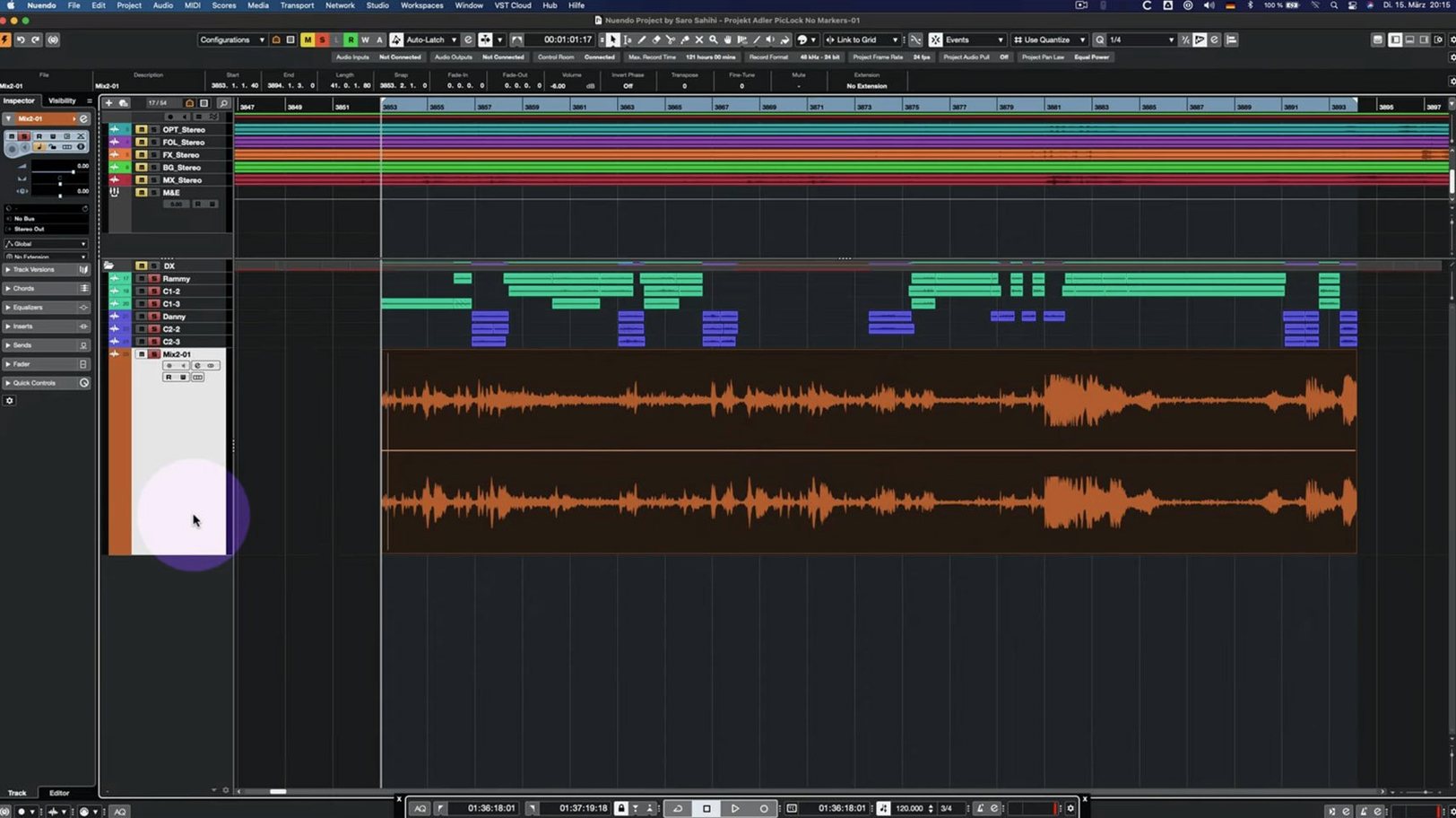
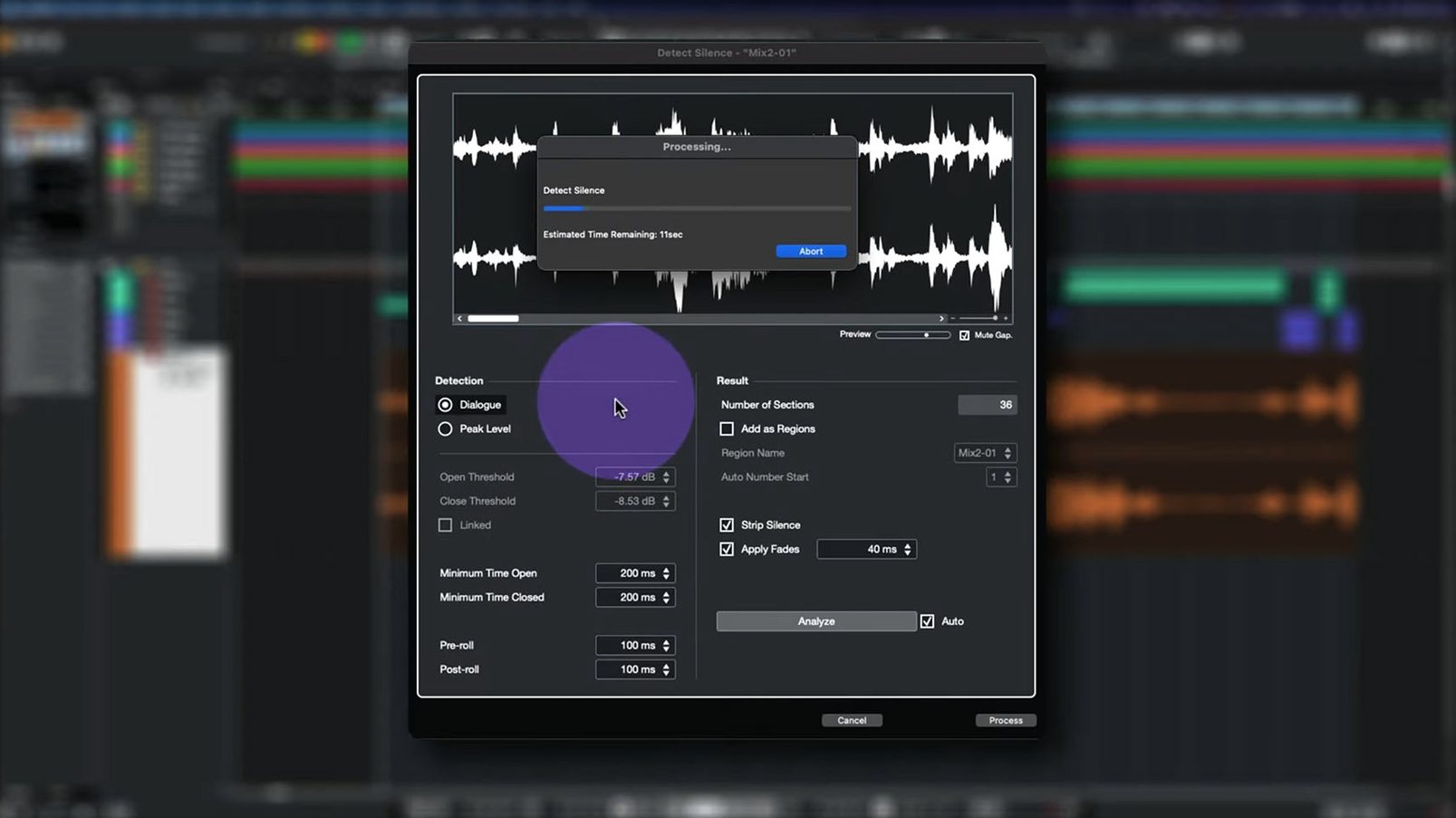
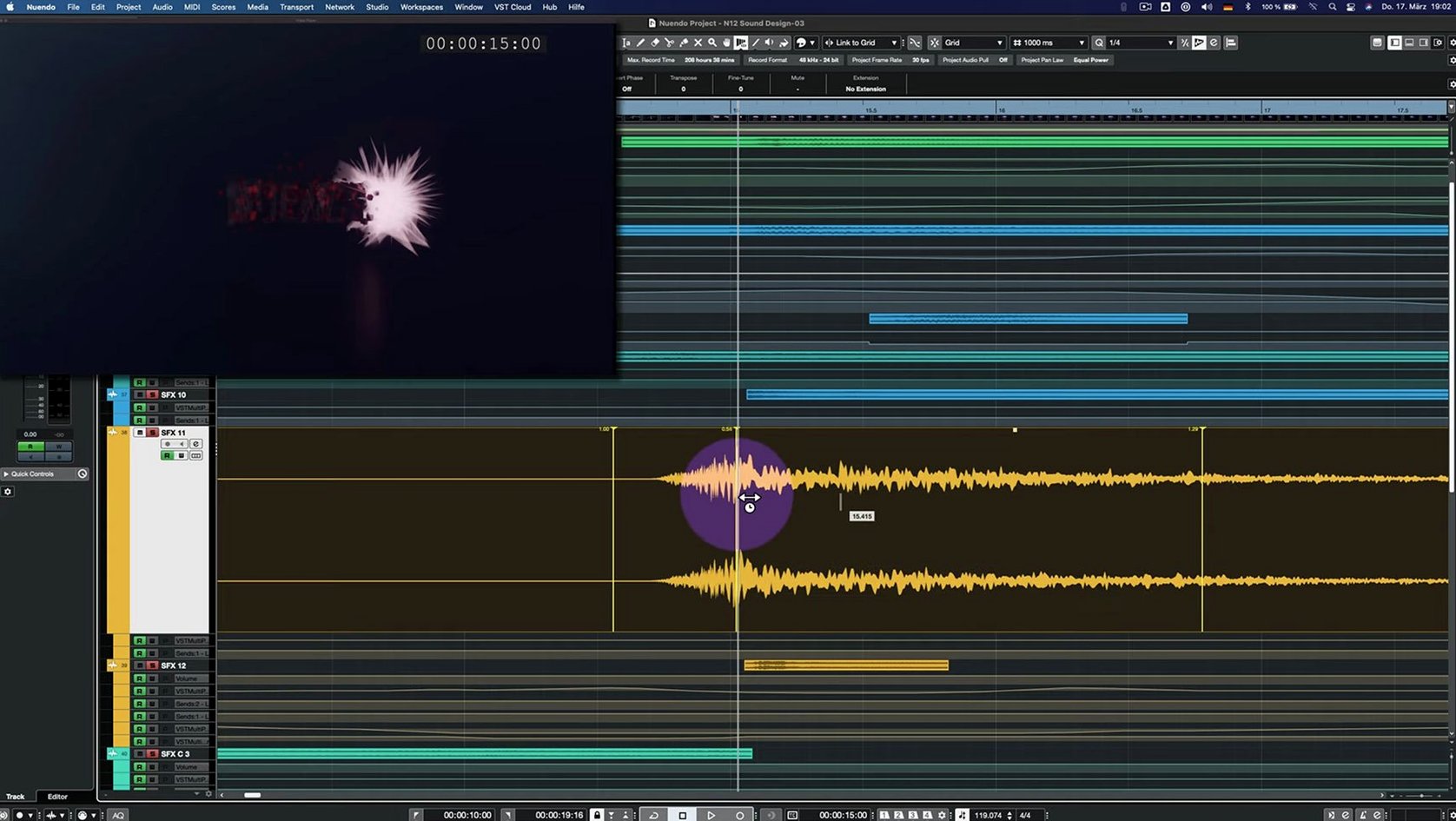
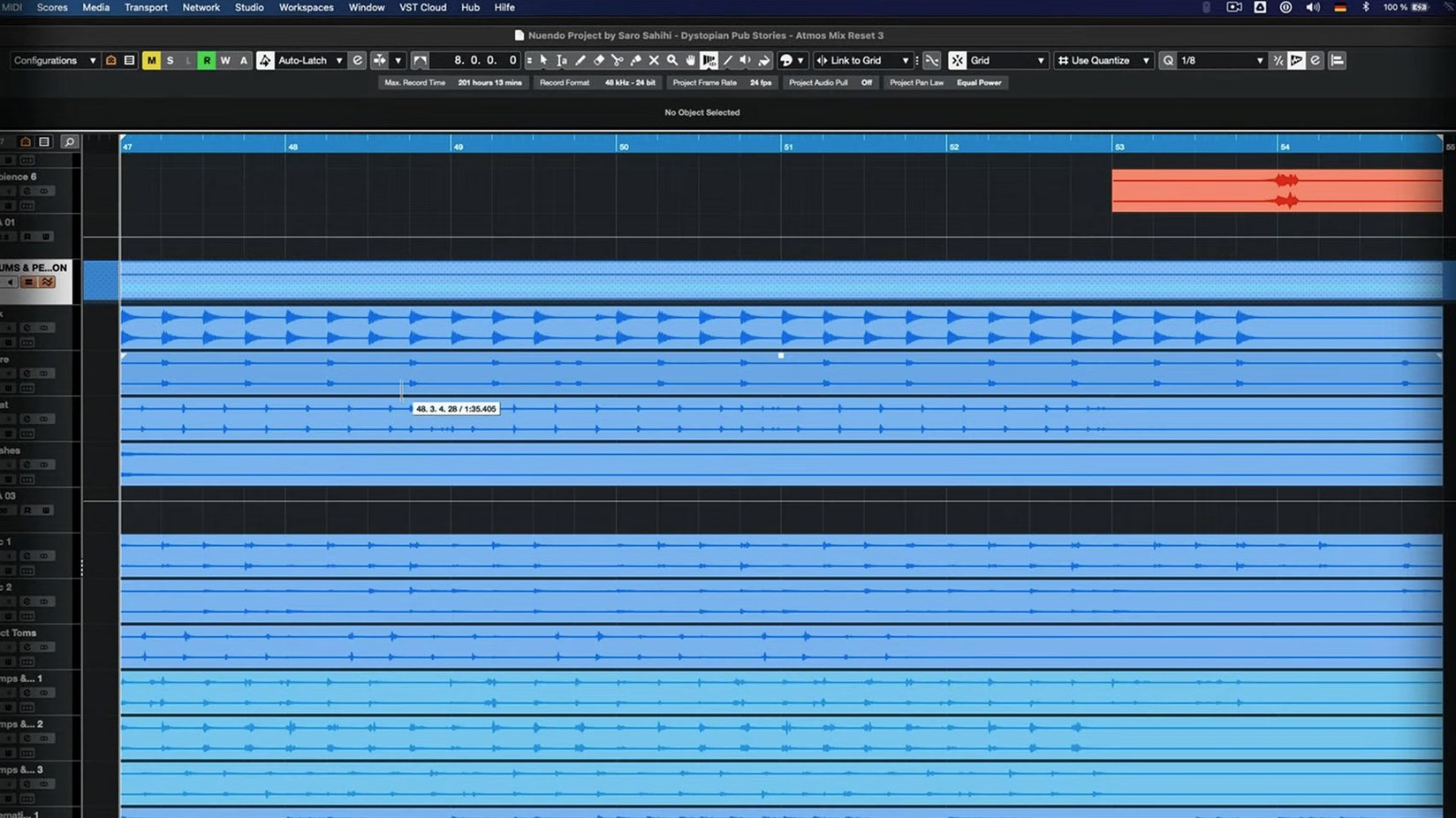
You're a dialogue editor or a sound designer working on a film or a game. Every second counts, and you need a workstation that handles surround, immersive audio, and fast editing without slowing you down. Steinberg Nuendo is built for that world — version 15.0.30 keeps it sharp with fixes and a few new tricks.
What does Nuendo do that Cubase doesn't?
Nuendo is aimed at post-production for film, TV, and games. It includes tools for dialogue editing, ADR, Foley, and immersive audio formats that Cubase leaves out. If your work involves video or game audio pipelines, Nuendo is the right pick.
Is version 15 stable on Apple Silicon?
Yes. Nuendo 15.0.30 runs natively on both Intel and Apple Silicon Macs, with macOS 11 as the minimum. The latest update focuses on fixes — the release notes mention improvements to the Analyzer track, Quick Link, and the Direct Offline Processing interface with VST plugins. No big new features, just a solid polish.
Small conveniences in 15.0.30 that are easy to miss
When you're deep in a session, the little things matter. The 15.0.30 update has a handful of fixes that you might not notice until they save you from a headache.
Folder tracks with Group Channel functionality were updated. If you organise your session with folder tracks and route them through group channels, the behaviour is now more predictable — no unexpected routing changes when you rearrange the folder hierarchy.
The Comp Tool with Group Editing got attention. When you comp takes across grouped tracks, the edits stay in sync. That means fewer manual alignments when you're building a final take from several passes.
Imported track settings and track archives now behave better. If you regularly bring in session data from older projects or other editors, the import process is less likely to drop settings or misassign routing.
The Score Editor no longer stumbles when a project contains a locked global track. It's a niche fix, but if you work with locked tempo or time signature tracks while editing notation, you'll appreciate not having to unlock everything first.
Real-world scenario: a game audio sound designer
Let's say you're a sound designer for a third-person action game. You receive weekly audio builds from the development team, and you need to integrate new Foley, weapon sounds, and ambiences into existing sessions.
Your workflow relies on folder tracks to keep weapon layers separate from environmental beds. With the folder track routing fix in 15.0.30, you can restructure your session without worrying about group channel assignments breaking. You move a "Pistol" folder under a "Weapons" parent folder, and the group bus stays intact.
You also use the Analyzer track to check frequency buildup across your mix. The update smoothed out some behaviour there, so the visual feedback stays responsive even when you're jumping between sections of a long session.
And when you export a track archive to send to a colleague on a different system, the imported settings arrive as expected — no missing sends or incorrect routing to chase down.
Workflow: setting up Quick Link for MIDI-controlled dialogue editing
If you edit dialogue with a MIDI controller, the Quick Link improvements in 15.0.30 make the setup cleaner.
- Open your Nuendo project with dialogue tracks laid out.
- Go to the Quick Link settings and assign a MIDI port or channel to your controller.
- Map MIDI notes or CC messages to common dialogue editing functions — play, stop, mark clip, split. Use a foot pedal or a small MIDI pad for hands-free navigation.
- Start your editing pass. With the Comp Tool and Group Editing working together, you can comp takes across multiple microphone channels in one go. The comps stay grouped, and the Quick Link doesn't drop out when you hit a region boundary.
- When you need to apply processing, the Direct Offline Processing interface now renders correctly with VST Bass Amp or VST Amp Rack — no interface glitches that force you to re-open the window.
This setup lets you keep your hands on the controller and your eyes on the waveform. The small fixes in 15.0.30 make sure the chain stays reliable from first clip to final mix.
For anyone searching for a nuendo torrent, nuendo mac torrent, or nuendo 15 torrent, this is the build you want — version 15.0.30, polished and ready for real post-production work.
The installer is under 1.8 GB. The interface is in English only. That's all you need to get started.
- Many fixes and enhancements across several areas of the application
- Analyzer track changes added
- Folder track routing and Group Channel behaviour updated
- Imported track settings and track archives handling improved
- Quick Link and MIDI port/channel behaviour adjusted
- Comp Tool with Group Editing fixed
- Score Editor behaviour with locked global tracks fixed
- Direct Offline Processing interface fixed for VST Bass Amp and VST Amp Rack
- Multiband Envelope Shaper plug-in bypass performance optimised
- macOS 11 or later
- Intel or Apple Silicon processor
Kit check at a glance
| System | macOS 11 or later |
| Chip | Apple Silicon, Intel 64-bit |
| Download | 1.6 GB |
| Older pressings | 14 in the crate |








Chat from the booth
Sign in or grab a free account to leave a comment.
Nobody has said a word in the booth yet. If you played a set with this build, tell the next person how it went.