
- Build in the crate
- 6.5.0 Rev2
- Made by the team at
- Native Instruments
- Menu languages offered
- English
- How you pay for it
- K'ed by TEAM HCiSO
- macOS it plays on
- macOS 10.15 or later
- CPU it runs on
- Apple Silicon, Intel 64-bit
Screenshots
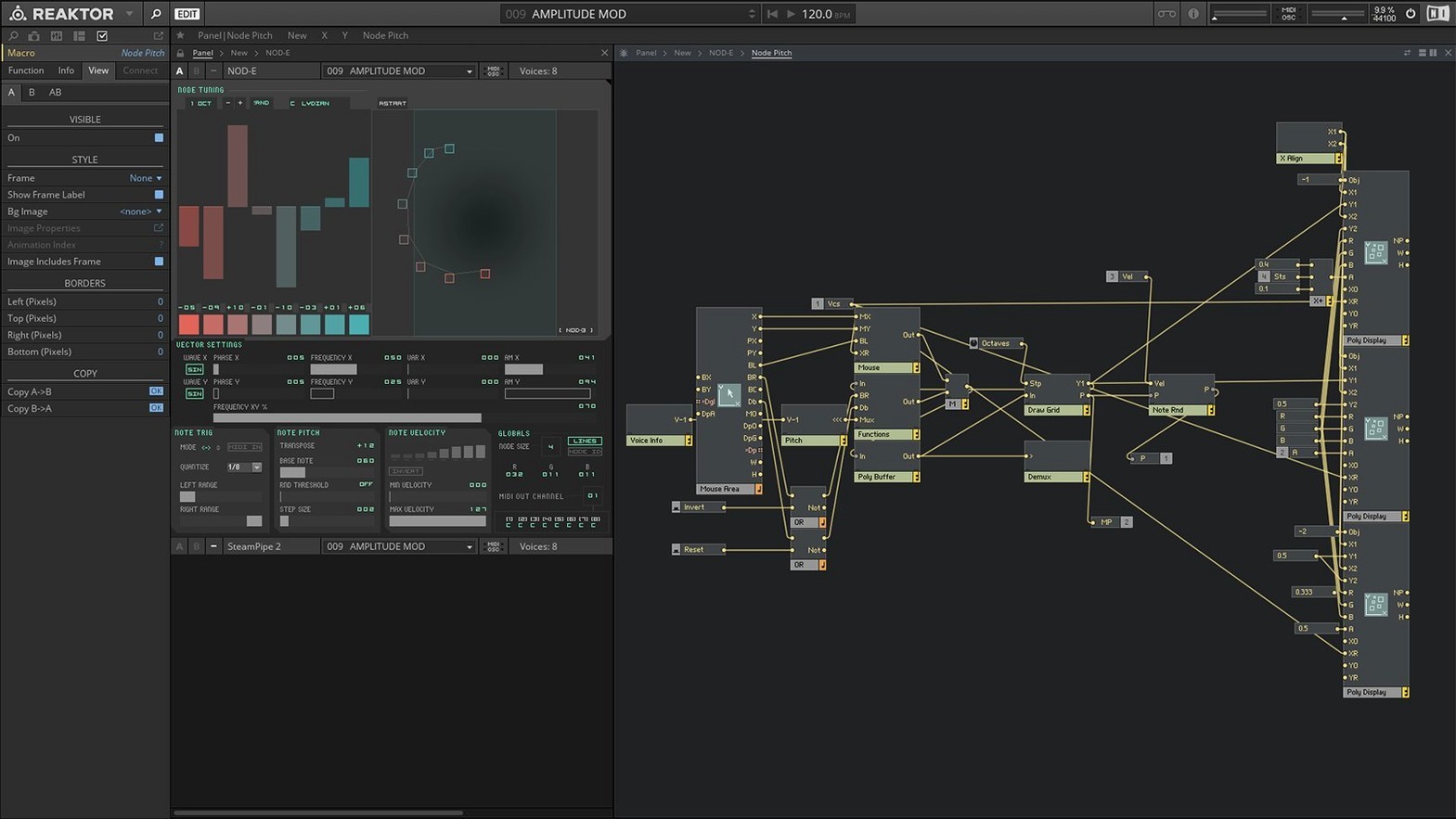
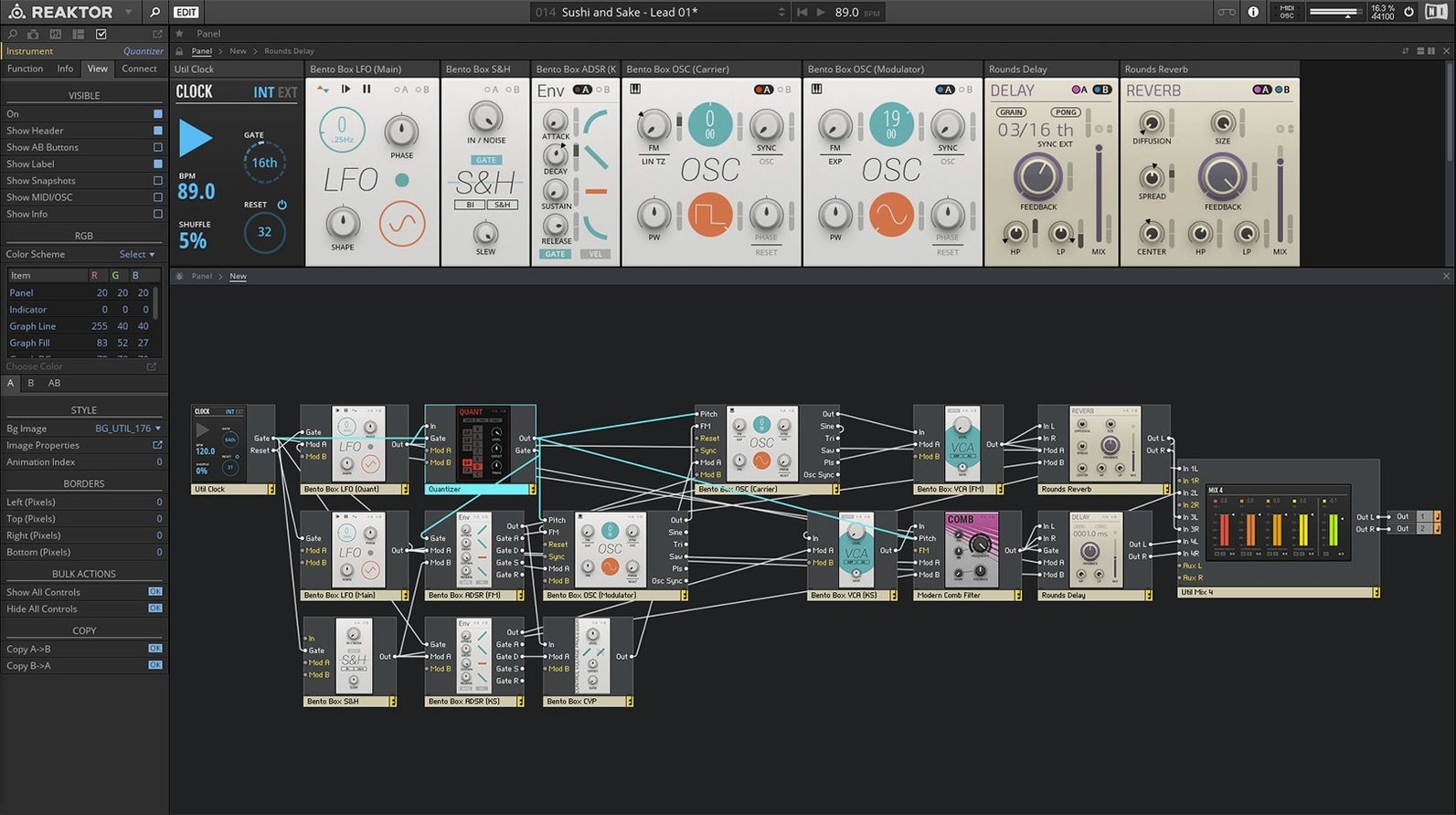
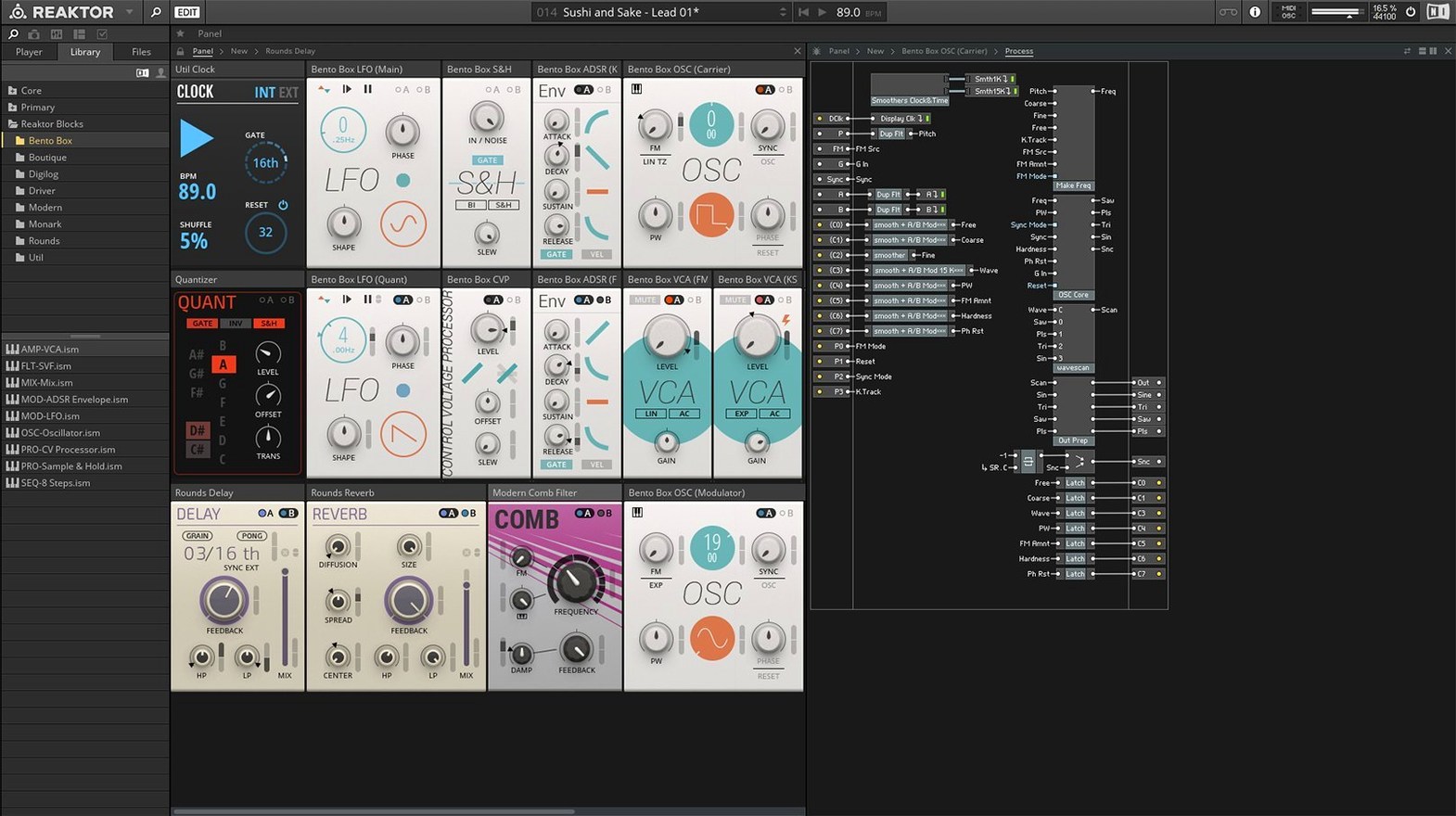
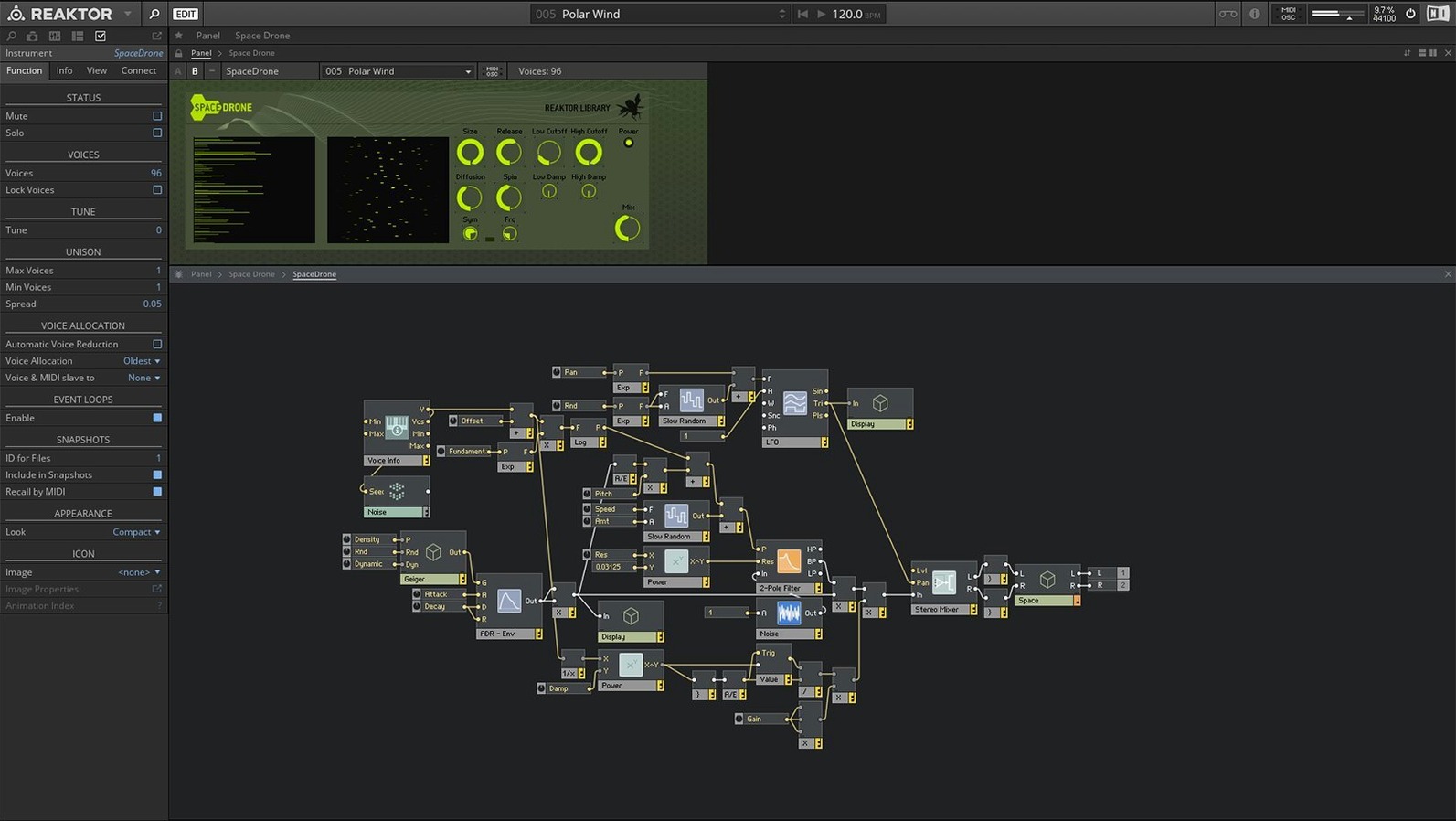
Native Instruments Reaktor packs over 70 instruments, effects, and sound generators into one app, plus the tools to build your own from scratch.
Reaktor 6 torrent — the modular environment that lets you route, patch, and design sounds visually. You can start with the included instruments or open an empty panel and wire up oscillators, filters, and sequencers yourself.
Reaktor Core Technology — a visual programming layer inside version 6. Instead of soldering virtual cables, you drop logic blocks on a grid to create custom modules. It sounds technical, but the visual feedback makes it quicker to prototype than you’d think.
User Library — community-built ensembles, from emulations of classic synths to experimental granular processors. You load them the same way you load the factory content.
Apple Silicon and Intel — runs natively on M-series Macs; Rosetta 2 is available if a specific ensemble needs it. Requires macOS 10.15 or later.
Building your first custom synth from start to finish
Let’s walk through a real workflow — creating a simple polysynth from scratch inside Reaktor 6. This isn’t about deep programming; it’s about seeing how the pieces connect when you open an empty Structure window.
Start Reaktor in standalone mode. Create a new instrument (File > New Instrument). You’ll see an empty panel on the left and the Structure window on the right. The Structure is where the audio path lives.
Right-click in the Structure window and add an Oscillator module from the Built-In modules list. Pick a Saw wave. Then add a Filter module — choose a 2-pole lowpass. Connect the oscillator’s output to the filter’s input by clicking and dragging between the ports. Add an Amplifier module at the end and connect the filter output to it.
Now you need something to trigger notes. Add a MIDI In module (Input > MIDI In) and connect its Pitch and Gate outputs to the oscillator’s Pitch and Gate inputs. Your signal chain is complete: MIDI → Oscillator → Filter → Amp → Output.
Switch to the Panel view (Cmd-1). Add a knob from the Panel Tools palette and assign it to the filter cutoff frequency. Add another for resonance. Hit Play on your MIDI keyboard and you’ve got a playable synth. Save it — you can load it in your DAW as a plug-in later.
That’s the bare bones. From here, you can add an envelope generator (Attack-Decay-Sustain-Release), a second oscillator, or a modulation source like an LFO. Each addition stays visible in the Structure and tweakable from the Panel.
Start with the factory instruments
You’ve downloaded the reaktor 6 torrent, installed it, and launched it. Now what? A few things I wish someone had told me early on.
Start with the factory instruments. Don’t jump straight into building. Browse the 23 new instruments from version 6 — there’s a folder called “New In 6” inside the Reaktor Library. Load each one, play a few notes, and see how they behave. You’ll pick up structural ideas just by watching the interface respond.
Open the Snapshot panel. Many factory instruments come with pre-made snapshots (presets). Click the Snapshot button (the camera icon) to cycle through them. It’s the fastest way to hear what an ensemble can do without touching any knobs.
Keep an eye on CPU. Some community ensembles from the User Library are optimised for older machines. That usually tames the load without losing the sound.
Save everything. When you tweak a factory instrument and find a sound you like, save it as a new snapshot or export the whole ensemble. Factory files are read-only in some setups; your changes won’t stick unless you save to a new location.
Use the search. The Library browser has a search field. If you remember a sound called “Warm Pad” but can’t recall which folder it’s in, just type the name. It beats clicking through 70-odd entries.
Building a dark pad from a beat loop in Live
Friday evening, I’ve got a beat loop playing in Ableton Live. I want a dark, evolving pad to sit underneath. Reaktor is loaded as an instrument track.
I open the Reaktor Browser inside Live and navigate to the “Atmospheric” folder inside the factory library. I load “Mikro Prism” — a granular ensemble from the version 6 instruments. That’s already closer to what I hear in my head.
I play a Cm chord and hold it. The sound shifts over time — that’s the internal modulation doing its thing. I want more movement, so I open the Structure window and add an LFO module. I route its output to the Pitch input of one of the internal oscillators. A slow sine wave, about 0.2 Hz, gives a gentle wobble. Not drastic, just enough to feel alive.
I switch back to the Panel view and assign the LFO rate to a macro knob I’ve labelled “Motion”. Now I can automate that in Live’s clip envelope. I record a four-bar clip of the chord, automate Motion from slow to medium over the last two bars, and move on.
Later in the session, I want a riser effect. I load “Carbon” — another factory ensemble — and map the main decay knob to a MIDI controller. I play a short note and twist the knob while the sound rings out. That’s the riser done in ten seconds.
When I close the project, Reaktor remembers which ensemble I used and what macro positions I had dialled in. Next time I open the session, the pad is exactly as I left it. No resets, no hunting for presets.
- Reaktor Core Technology for visual creation of custom modules
- 23 new instruments added
- macOS 10.15 or later
- Apple Silicon or Intel 64-bit Mac
- Interface language: English
Kit check at a glance
| System | macOS 10.15 or later |
| Chip | Apple Silicon, Intel 64-bit |
| Download | 144 MB |
| Older pressings | 1 in the crate |







Chat from the booth
Sign in or grab a free account to leave a comment.
Nobody has said a word in the booth yet. If you played a set with this build, tell the next person how it went.