

- Build in the crate
- 6.8.0
- Made by the team at
- TablePlus Inc.
- Menu languages offered
- English
- How you pay for it
- Included
- macOS it plays on
- macOS 12.6 or later
- CPU it runs on
- Apple Silicon, Intel 64-bit
Screenshots
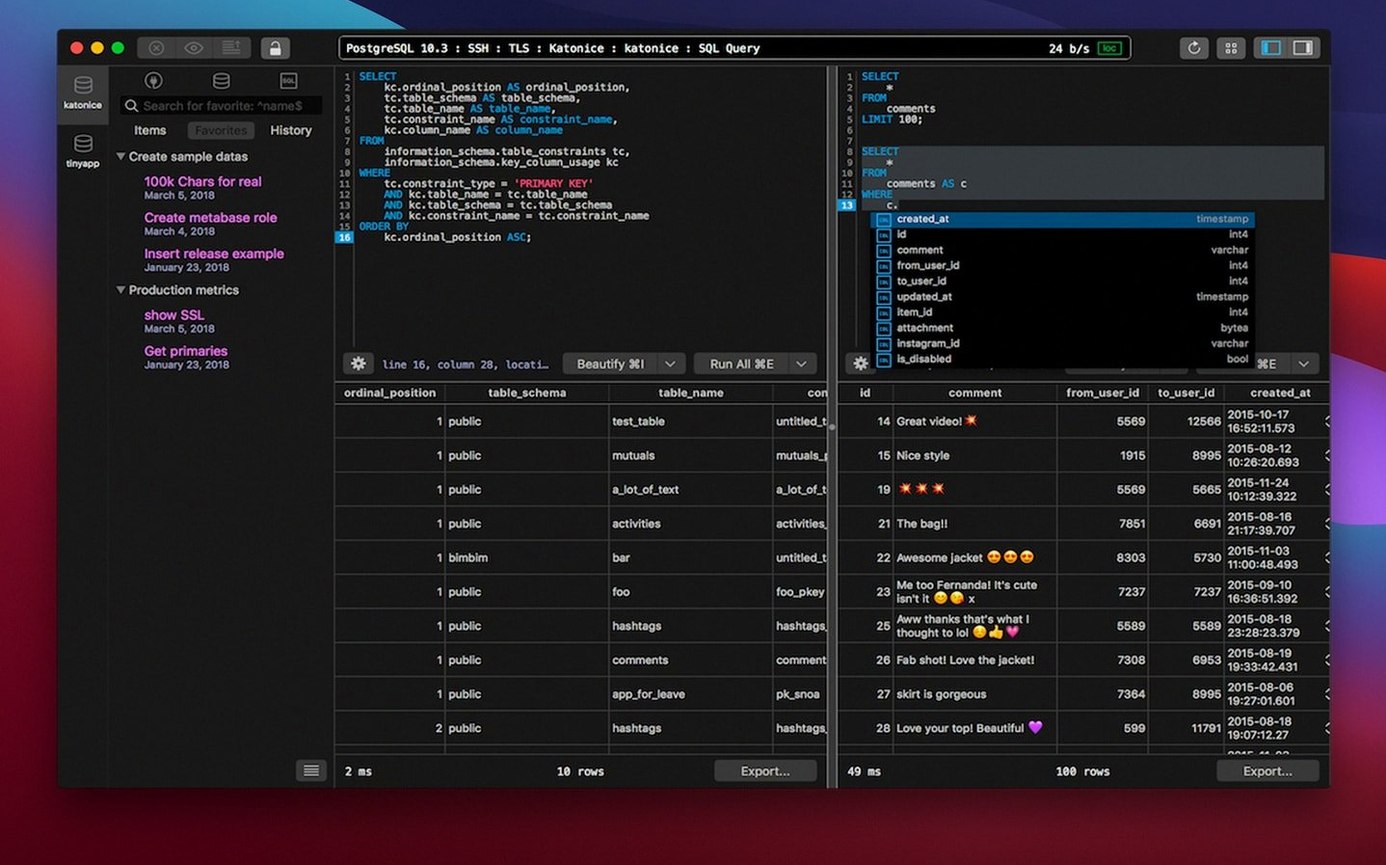
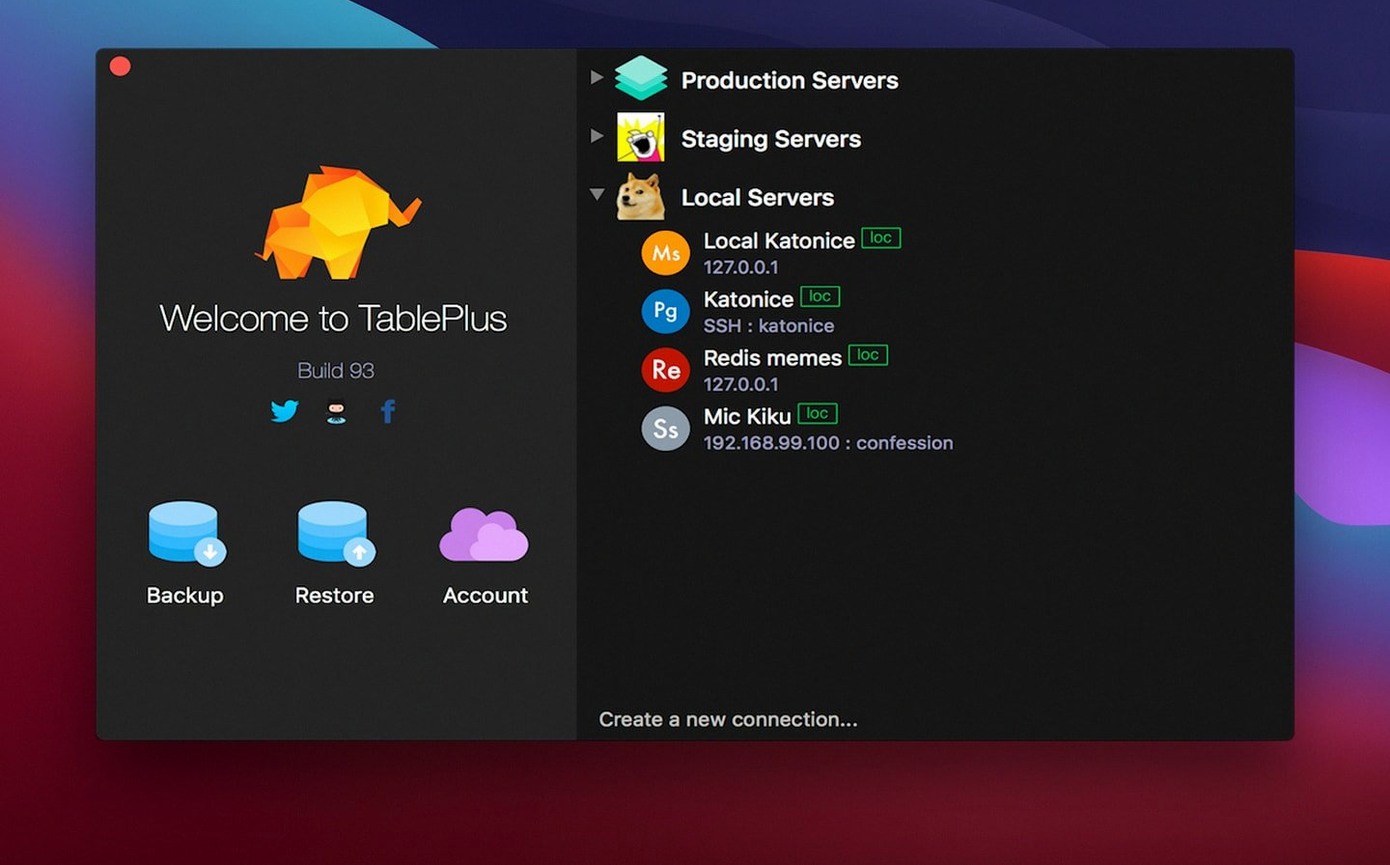
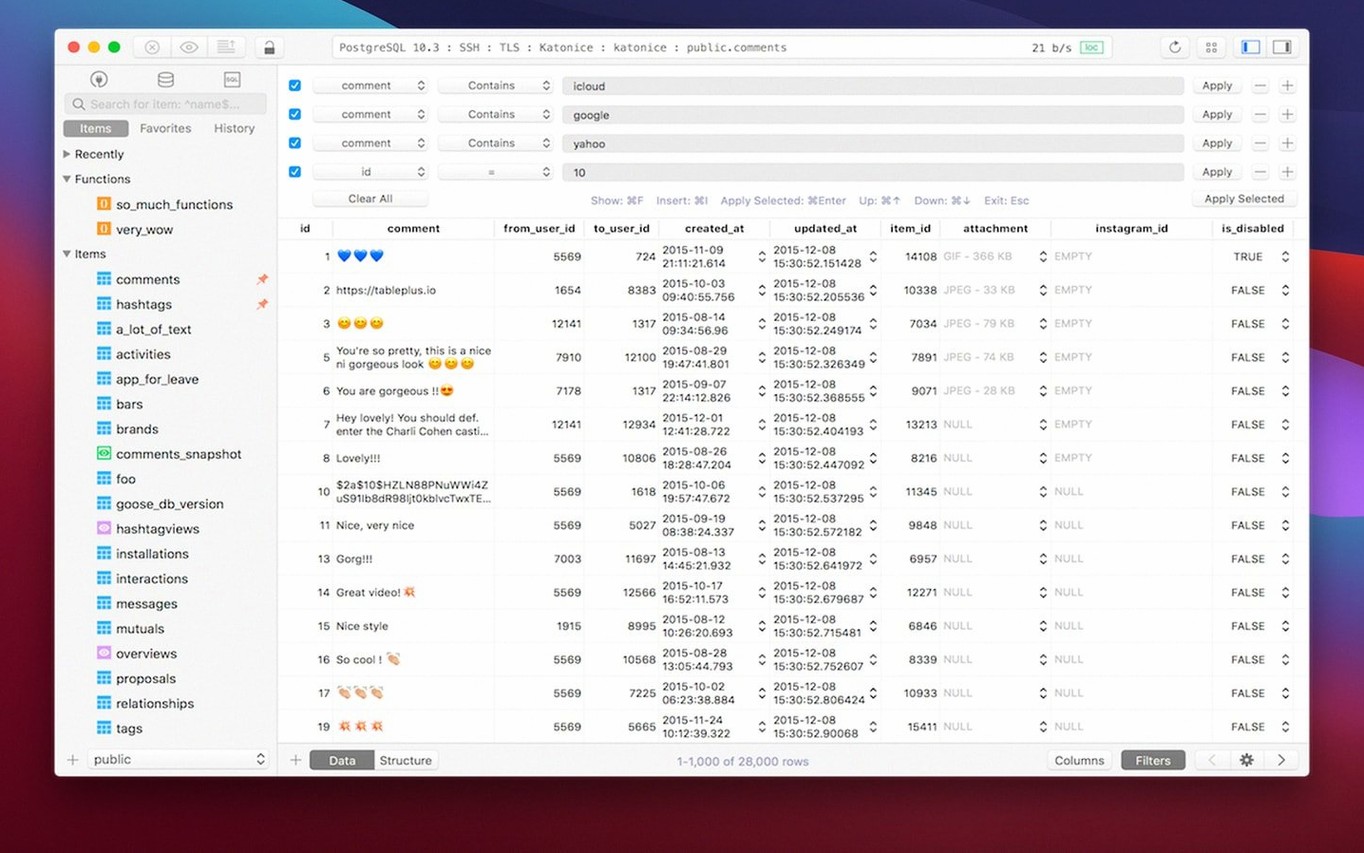
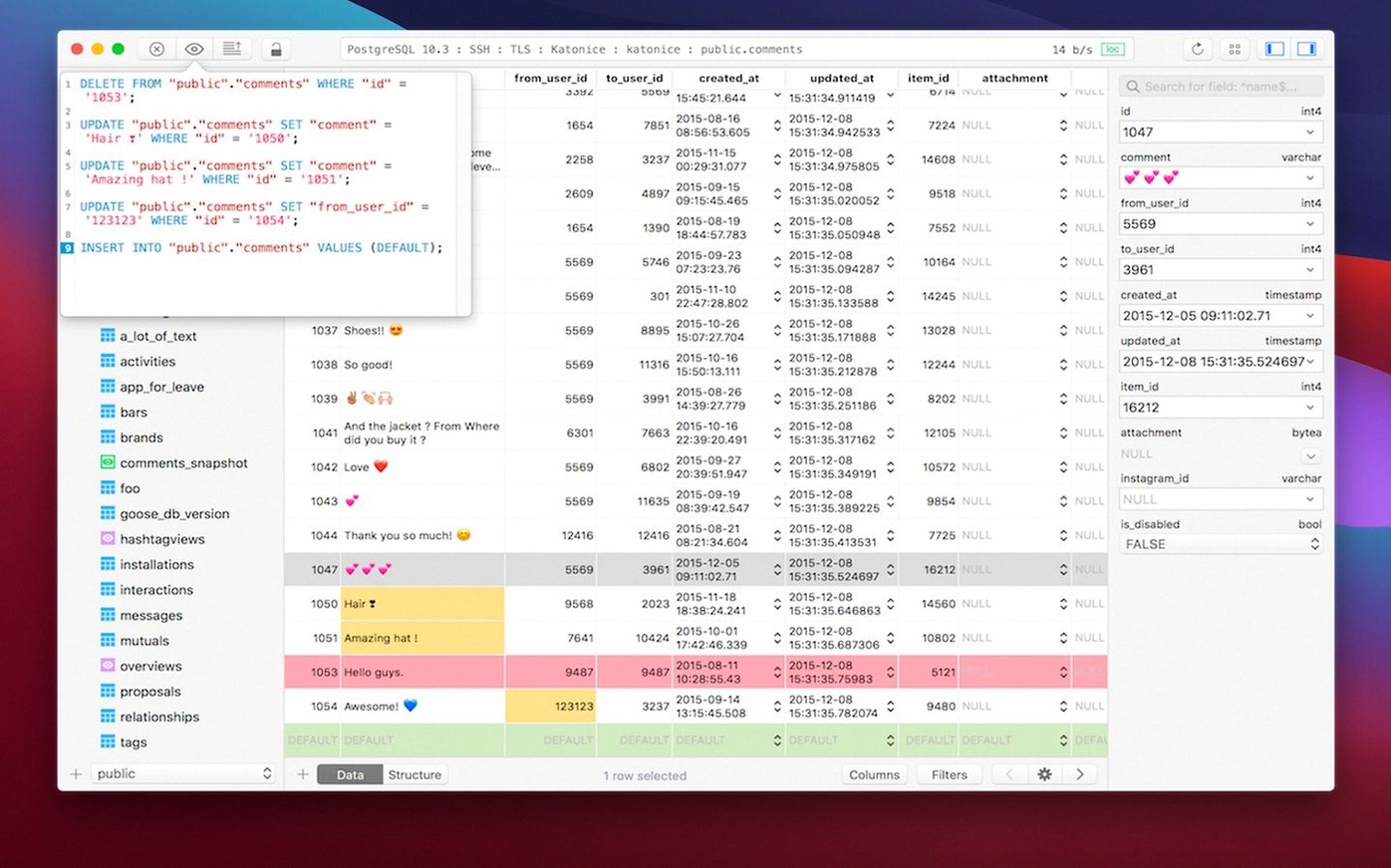
Juggling several databases usually means bouncing between different tools, each with its own quirks. TablePlus sorts that out by putting PostgreSQL, MySQL and SQLite under one native macOS roof.
The interface stays out of your way. Multiple tabs and windows let you keep several connections open side by side, while keyboard shortcuts cover the frequent actions so you barely touch the mouse. When you're writing queries, the script editor's syntax highlighting makes mistakes easier to spot before you run them.
Two details stand out for me. The code preview shows what a query will do without committing it, which is handy when you're editing live data. And the safe mode adds a barrier against accidental destructive changes — a quiet relief when you're working on a production table.
It's not trying to be everything. It's a focused, modern client that does the core job well.
| Detail | Value |
|---|---|
| Version | 6.8.0 |
| Developer | TablePlus Inc. |
| macOS | 12.6 or later |
| Architecture | Intel and Apple Silicon |
| Languages | English |
Saves developers from context-switching fatigue
If you're a database developer or administrator who works with more than one database type, TablePlus is the kind of tool that saves you from context-switching fatigue. Instead of keeping pgAdmin, MySQL Workbench and SQLite Browser open at the same time, you get one native app that talks to all three. That alone reduces clutter in your dock and in your head.
It's also a strong fit for SQL users who write queries daily but don't need the heavy orchestration features of enterprise IDEs. The script editor's error reporting catches syntax issues early, and the code preview means you can review a change before it touches the data. For anyone who does occasional schema edits or data fixes on production systems, the safe mode is a practical safety net.
Frontend developers who spin up local databases for testing will appreciate how quick it is to connect to a local SQLite or PostgreSQL instance. No configuration wizards, no background services — just a connection and you're in.
Checking if the database server is running
Most issues people hit with TablePlus are connection-related. The first thing to check when a connection fails is whether the database server is actually running and accepting connections on the expected port. If you're using a remote server, confirm that the firewall allows the port and that TLS is set up correctly — TablePlus supports native libs and TLS for encrypted connections, so a mismatch in SSL settings can block the handshake.
Another frequent snag: plugin or driver not loading. TablePlus lets you add plugins and drivers as needed, but sometimes a fresh install doesn't include the driver for a less common database. Head to the preferences and check that the required driver is present. If not, install it from the app's built-in list.
Users on older macOS versions sometimes see a crash on launch. The current build requires macOS 12.6 or later, so if you're on 10.13 to 12.5, you'd need an earlier version.
Checking three databases for a sprint wrap-up
Friday afternoon, I'm wrapping up a sprint. I've got three databases to check: a local SQLite file for a feature branch, a staging PostgreSQL instance and a production MySQL server. I open TablePlus and the three connections are already saved from the previous week. One click each, and they appear as separate tabs in the same window.
First, I run a quick SELECT on the SQLite database to verify the new migration inserted the right rows. The results come back in a clean grid — no scrolling through terminal output. I spot a null where there shouldn't be one, so I write an UPDATE in the script editor. The syntax highlighting flags a missing comma before I run it. I fix it, preview the change with code preview, then execute. The affected row count shows immediately.
Next, the PostgreSQL staging database. I need to copy a batch of test users into the production MySQL database. TablePlus lets me keep both tabs open. I query the data in PostgreSQL, switch to the MySQL tab, and paste the values into an INSERT statement. A quick syntax check, then run. No context switching, no second tool.
Finally, I browse the production MySQL database to confirm a column rename didn't break anything. Safe mode is on, so I can navigate without worrying about accidental deletes. I inspect the table structure, run a couple of SELECTs, and close everything.
- Build updated on 2026-03-05.
- macOS 12.6 or later
- Intel or Apple Silicon
Kit check at a glance
| System | macOS 12.6 or later |
| Chip | Apple Silicon, Intel 64-bit |
| Download | 91 MB |
| Older pressings | 3 in the crate |








Chat from the booth
Sign in or grab a free account to leave a comment.
Nobody has said a word in the booth yet. If you played a set with this build, tell the next person how it went.