

- Build in the crate
- 16.93
- Made by the team at
- Microsoft Corporation
- Menu languages offered
- Russian, English, German, Hungarian, Greek, Danish, Indonesian, Spanish, Italian, Korean, Dutch, Polish, Portuguese, Slovak, Thai, Turkish, Finnish, French, Czech, Swedish, Japanese
- How you pay for it
- Volume license
- macOS it plays on
- macOS 13 or later
- CPU it runs on
- Apple Silicon, Intel 64-bit
Screenshots
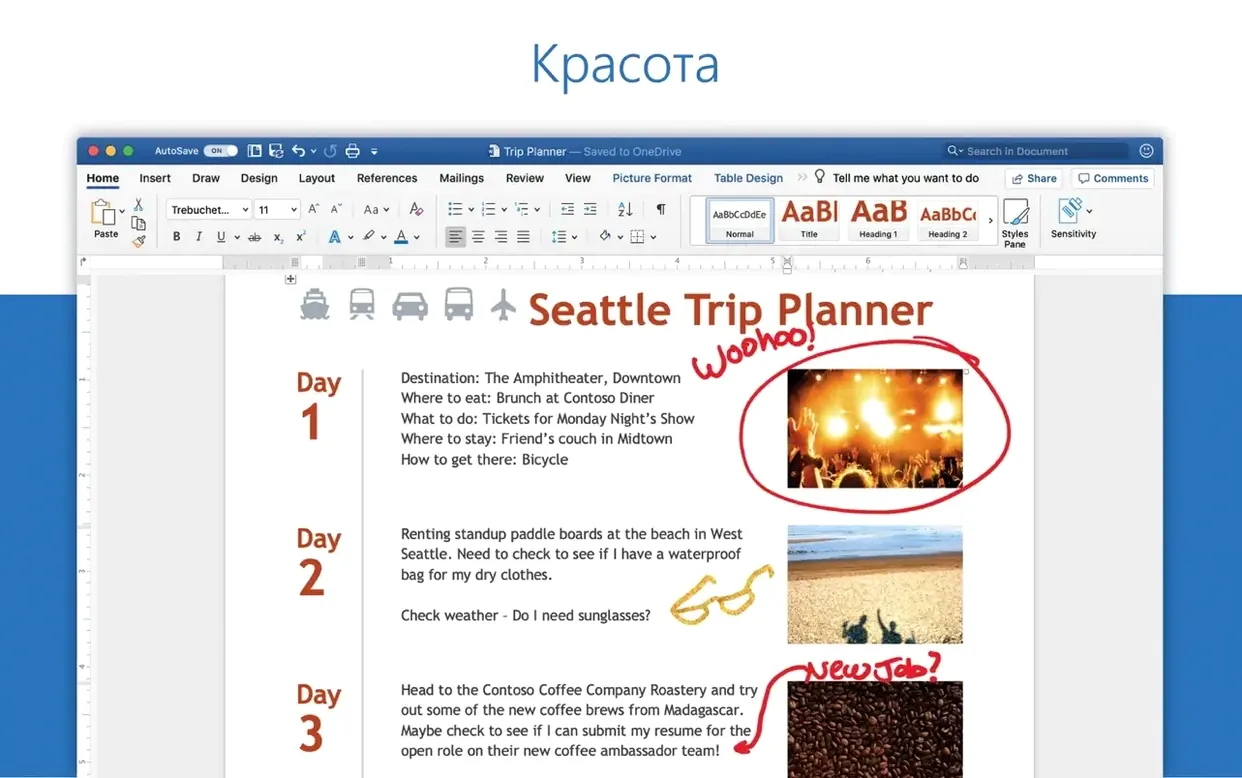
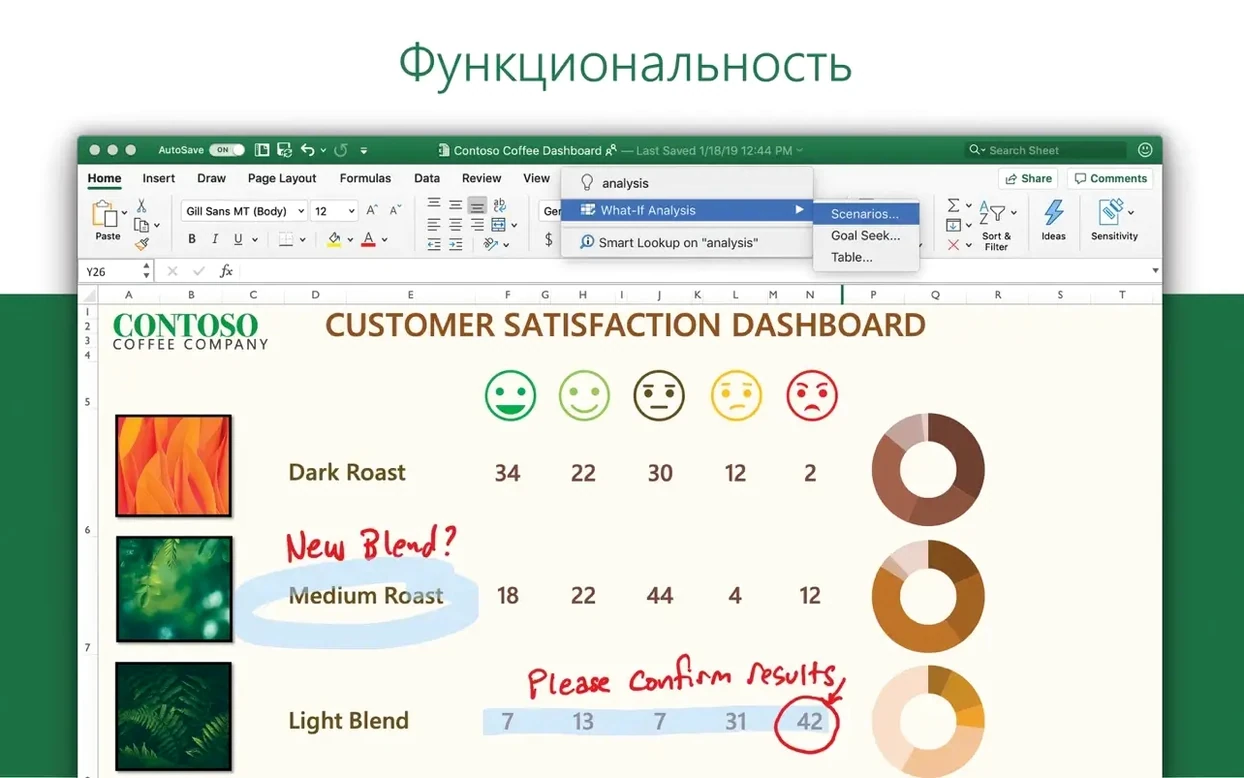
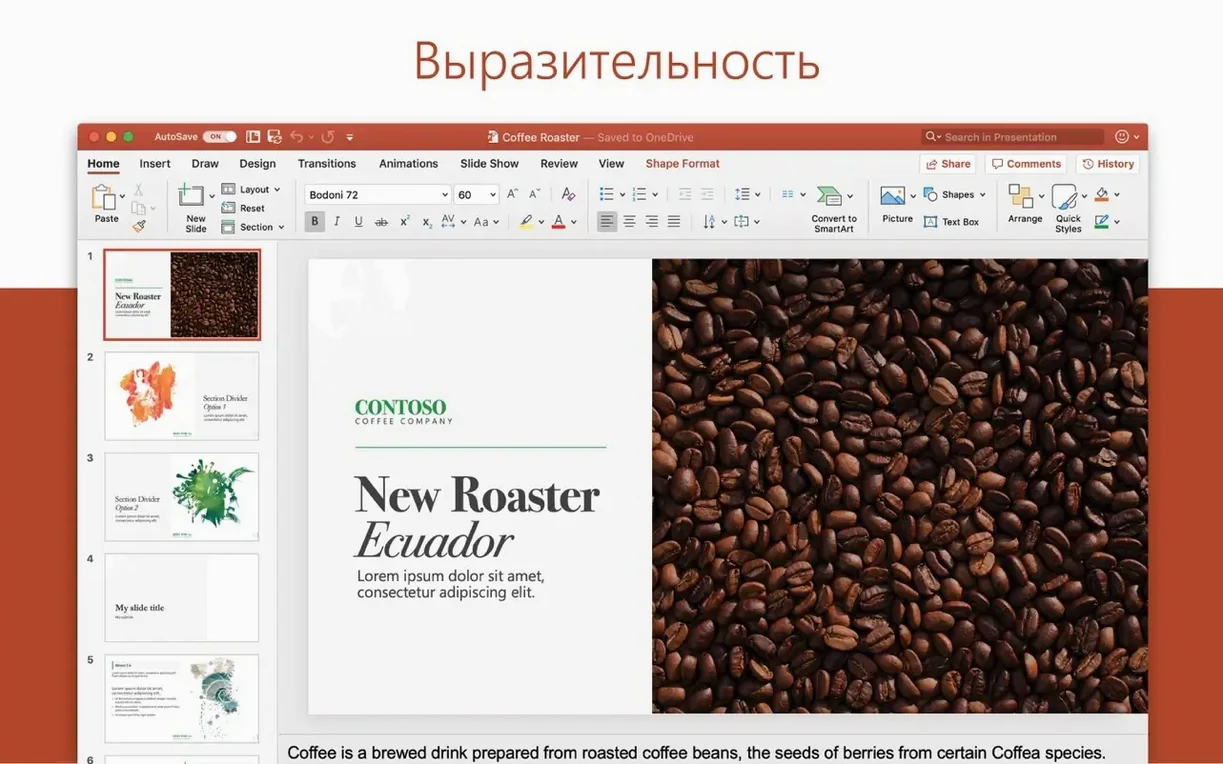

Microsoft Excel 16.93 runs on Macs with macOS 13 or later, whether they use Apple Silicon or Intel processors. That covers most recent Macs, from the M1 MacBook Air to older Intel iMacs. No surprise there — Excel has been universal for a while now.
Financial models, budgets and trend spotting
- Building financial models, budgets and invoices with formulas, pivot tables and conditional formatting.
- Collaborating on shared workbooks for accounting, audit or team reporting.
- Spotting trends fast: new chart types plus the Ideas pane suggest patterns you might miss.
LTSC activation, MAU updates and removal steps
- This version is part of Office LTSC Standard for Mac 2024. You need the VL Serializer to activate it.
- Updates require Microsoft AutoUpdate (MAU). Install it separately if not already present.
- If activation fails, a full removal and reinstall usually fixes it.
Finance teams and office workers gain most
Excel 16.93 suits a wide range of Mac users, but some groups benefit more than others. Finance and accounting teams will appreciate the new chart types and Ideas integration for spotting trends in quarterly reports or audit trails. Office workers who share workbooks across departments get real-time collaboration without format headaches — no more emailed .xlsx files with mismatched versions. Students and researchers handling data sets for theses or lab work can lean on pivot tables and conditional formatting to clean and summarise numbers fast. Freelancers running their own invoices and expense tracking will find the familiar grid and formula bar quicker to set up than dedicated accounting apps. Basically, if your day involves rows, columns and a budget line, this is the spreadsheet for you.
Typing without formulas and ignoring absolute references
Newcomers to Excel on Mac often run into a few common pitfalls. First, they treat it like a typewriter — typing numbers into cells without using formulas. A simple =SUM(A1:A10) saves time and avoids manual errors. Second, they ignore absolute references. Forgetting the dollar signs in $A$1 means formulas break when you drag them across rows or columns. Third, they skip keyboard shortcuts. Mac Excel has its own set: Cmd+Shift+T to insert a table, Cmd+Shift+Enter for array formulas. Learning even a handful cuts mouse time. Fourth, they neglect version control. Saving over a working file without keeping a backup can cost hours. Use Save As or duplicate sheets instead. Fifth, they assume the Mac version has every Windows feature. Some advanced Power Query options or VBA macros behave differently on macOS. Checking compatibility before sharing saves frustration.
New chart types and Ideas pane added
Version 16.93 brings two practical updates. New chart types are now available — more visual options for presenting data without switching to a separate graphing tool. The Ideas feature has also been added. It scans your data and suggests trends, outliers or patterns you might not spot yourself. For daily work, that means less time manually scanning columns and more time acting on what the sheet tells you. Both features work on Apple Silicon and Intel Macs, so no one is left out. The underlying formula engine and collaboration tools remain the same, so existing workbooks open and behave as expected.
Numbers vs Excel: formulas and data limits
Numbers is Apple's own spreadsheet app. It is free and integrates tightly with iCloud and other Apple apps, but its formula language and chart options are more limited. Complex financial models or heavy data sets often feel cramped in Numbers. Google Sheets runs in a browser and excels at real-time collaboration across platforms. It lacks offline power and advanced features like Power Query or the full Ideas pane. For serious number crunching, Sheets can slow down with large files. LibreOffice Calc is open source and covers basic spreadsheet needs. It handles .xlsx files reasonably well, but formatting can shift between Calc and Excel. Macros written in LibreOffice Basic do not transfer cleanly to Excel. For users who need reliable .xlsx compatibility, advanced charting and the Ideas assistant, Excel 16.93 remains the most complete option on macOS.
- New chart types are included.
- Ideas feature for automated data and trend visualisation.
- macOS 13 or later
- Apple Silicon or Intel processor
Kit check at a glance
| System | macOS 13 or later |
| Chip | Apple Silicon, Intel 64-bit |
| Download | 2.4 GB |








Chat from the booth
Sign in or grab a free account to leave a comment.
Nobody has said a word in the booth yet. If you played a set with this build, tell the next person how it went.