
- Build in the crate
- 16.93
- Made by the team at
- Microsoft Corporation
- Menu languages offered
- Russian, English, German, Hungarian, Greek, Danish, Indonesian, Spanish, Italian, Korean, Dutch, Polish, Portuguese, Slovak, Thai, Turkish, Finnish, French, Czech, Swedish, Japanese
- How you pay for it
- Volume license
- macOS it plays on
- macOS 13 or later
- CPU it runs on
- Apple Silicon, Intel 64-bit
Screenshots
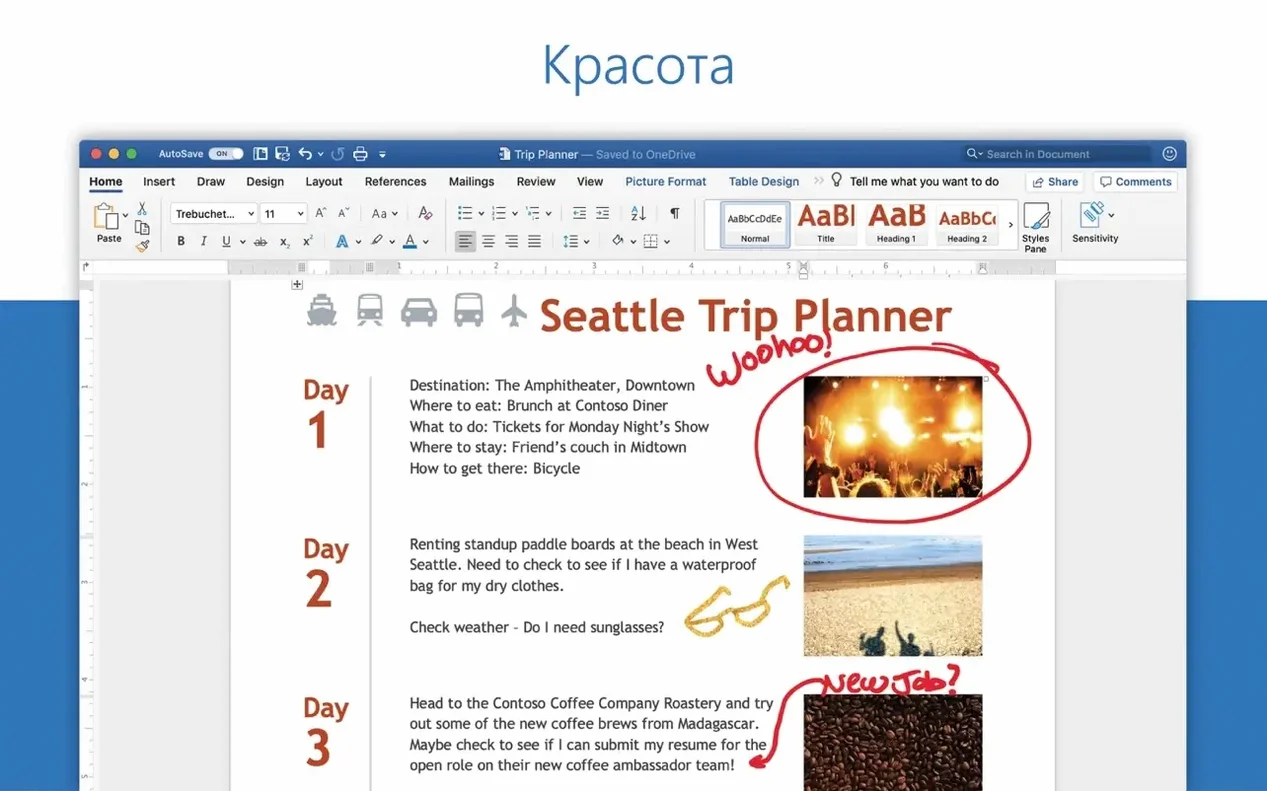
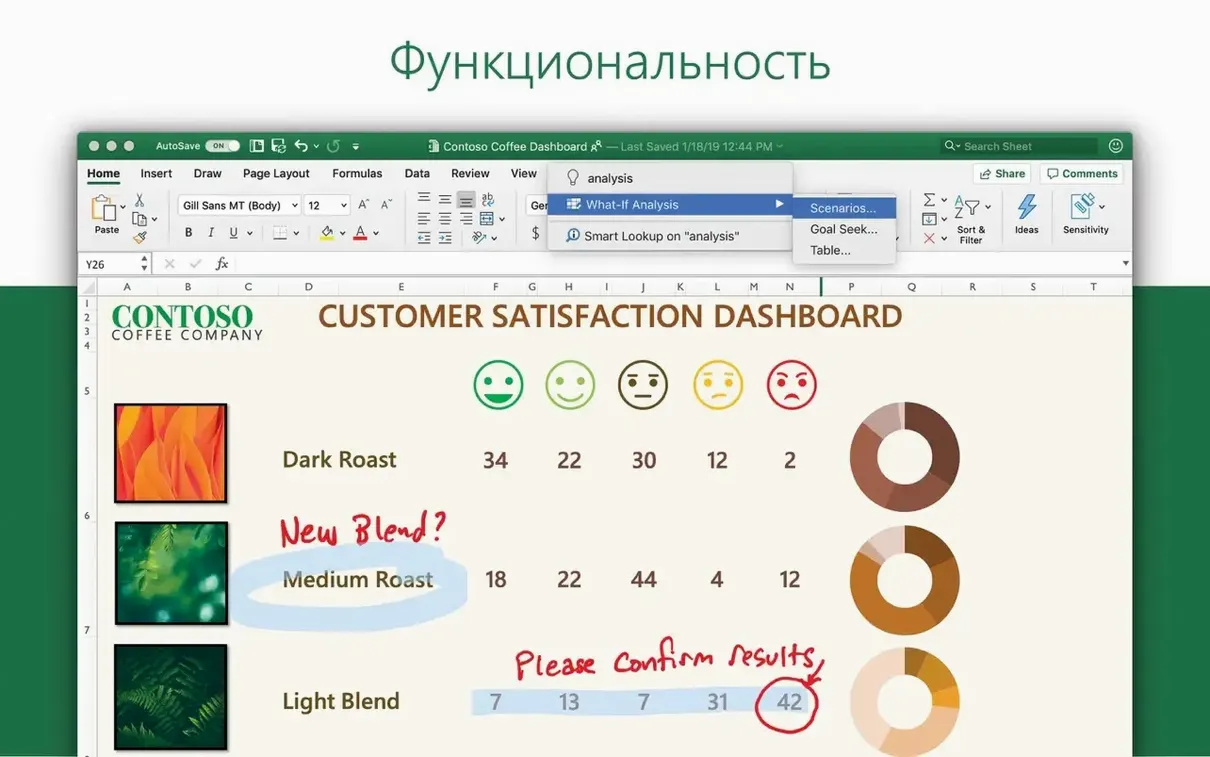
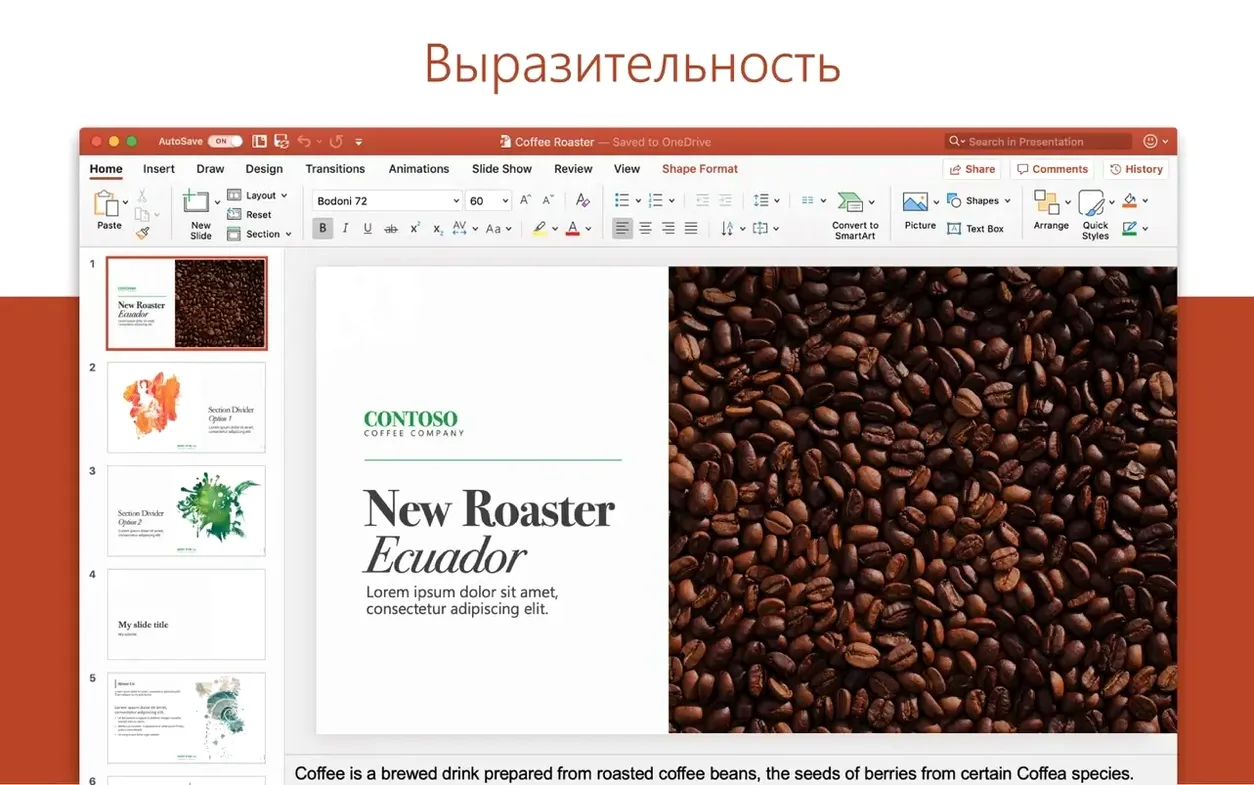
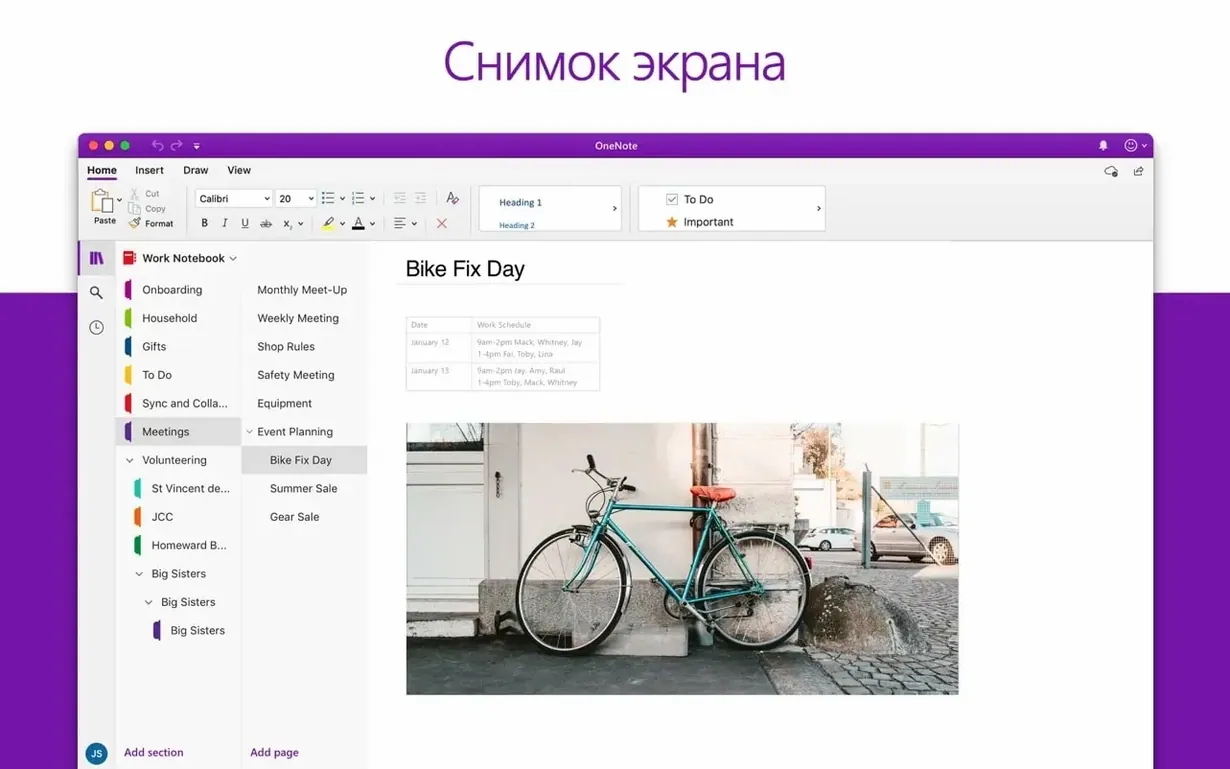
The current Office release, 16.93, brings Outlook up to date with the rest of the suite. It arrived through the regular update channel on January 21 and January 28, 2025, so you are getting the same version that Microsoft pushes to subscribers.
Sits next to Word and Excel
Outlook sits naturally next to the other Office apps. If you already use Word, Excel, or PowerPoint, it behaves like a familiar neighbour. It merges Mail and Calendar, the built-in macOS apps, into one interface, so you do not have to jump between two windows. That matters when you are booking a studio session or replying to a lecturer while checking a deadline.
It is a native macOS app, and it runs on both ARM and 64-bit Intel Macs. Beyond Microsoft 365 and Outlook.com accounts, it handles Gmail, Yahoo, POP, and IMAP, so it works fine alongside personal and school inboxes.
Set up accounts in one window
- Set up your main account first, whether that is a Microsoft 365 or a work account.
- Add a secondary inbox, like Gmail or a POP account, in the same window.
- Keep your calendar in the same view, so you see emails and events side by side.
- Use the unified inbox for quick scans, then switch to a folder view when you need focus.
Lives alongside the built-in Mail app
One common question is whether Outlook replaces the built-in Mail app entirely. It does not. Both can live on your Mac at the same time, and you can decide which one to open. Some people keep Mail for personal accounts and use Outlook for work or school. Others move everything into Outlook and never open Mail again. There is no conflict between them.
Another thing people wonder about is whether their existing emails and calendar events will transfer over. Outlook pulls data directly from your mail server, not from Mail's local database. So when you add an account, it downloads what is on the server. Old emails you archived locally in Mail stay in Mail. That is worth knowing if you have years of messages stored only on your Mac.
The version in this Office LTSC release does not require one. It is a standalone licensed copy.
Finally, some ask whether Outlook works well with Gmail and other non-Microsoft accounts. Yes, it does. You can add Gmail, Yahoo, POP, and IMAP accounts. The experience is not quite the same as a Microsoft 365 account — some features like focused inbox may behave differently — but the core mail, calendar, and contacts work as expected.
For multiple accounts and calendars
If you manage multiple email accounts and a calendar together, Outlook is a strong fit. Students juggling a university inbox, a personal Gmail, and shared calendars for group projects will appreciate having them in one window. The same goes for anyone with a side business or freelance work who needs to keep work and personal email separate but visible at the same time.
Music and audio people often have schedules that are not nine-to-five. Rehearsals, sessions, and gigs mean your calendar needs to be flexible. Outlook's combined mail and calendar view helps you see an email about a session time change and immediately check if the slot is free, all without switching apps.
Microsoft Outlook helps manage email, calendars, and contacts across devices, but an outlook torrent is not a legitimate option. For anyone who wants a reliable email client that handles multiple accounts well, it is worth setting up.
That setup keeps everything in one place, which is handy when your week is split between classes and gigs.
- Outlook was included in the Office suite release 16.93.
- January 21, 2025 update 16.93.1 included Outlook.
- January 28, 2025 update 16.93.2 included Outlook.
- macOS 13 or later
- Apple Silicon (ARM) or 64-bit Intel
Kit check at a glance
| System | macOS 13 or later |
| Chip | Apple Silicon, Intel 64-bit |
| Download | 2.4 GB |






Chat from the booth
Sign in or grab a free account to leave a comment.
Nobody has said a word in the booth yet. If you played a set with this build, tell the next person how it went.