

- Build in the crate
- 4.7.0
- Made by the team at
- HitPaw
- Menu languages offered
- Russian, English, German, Arabic, Indonesian, Spanish, Italian, Chinese (Traditional), Chinese (Simplified), Korean, Dutch, Portuguese, Turkish, French, Hindi, Japanese
- How you pay for it
- K'ed by TNT team
- macOS it plays on
- macOS 10.15 or later
- CPU it runs on
- Intel 64-bit
Screenshots
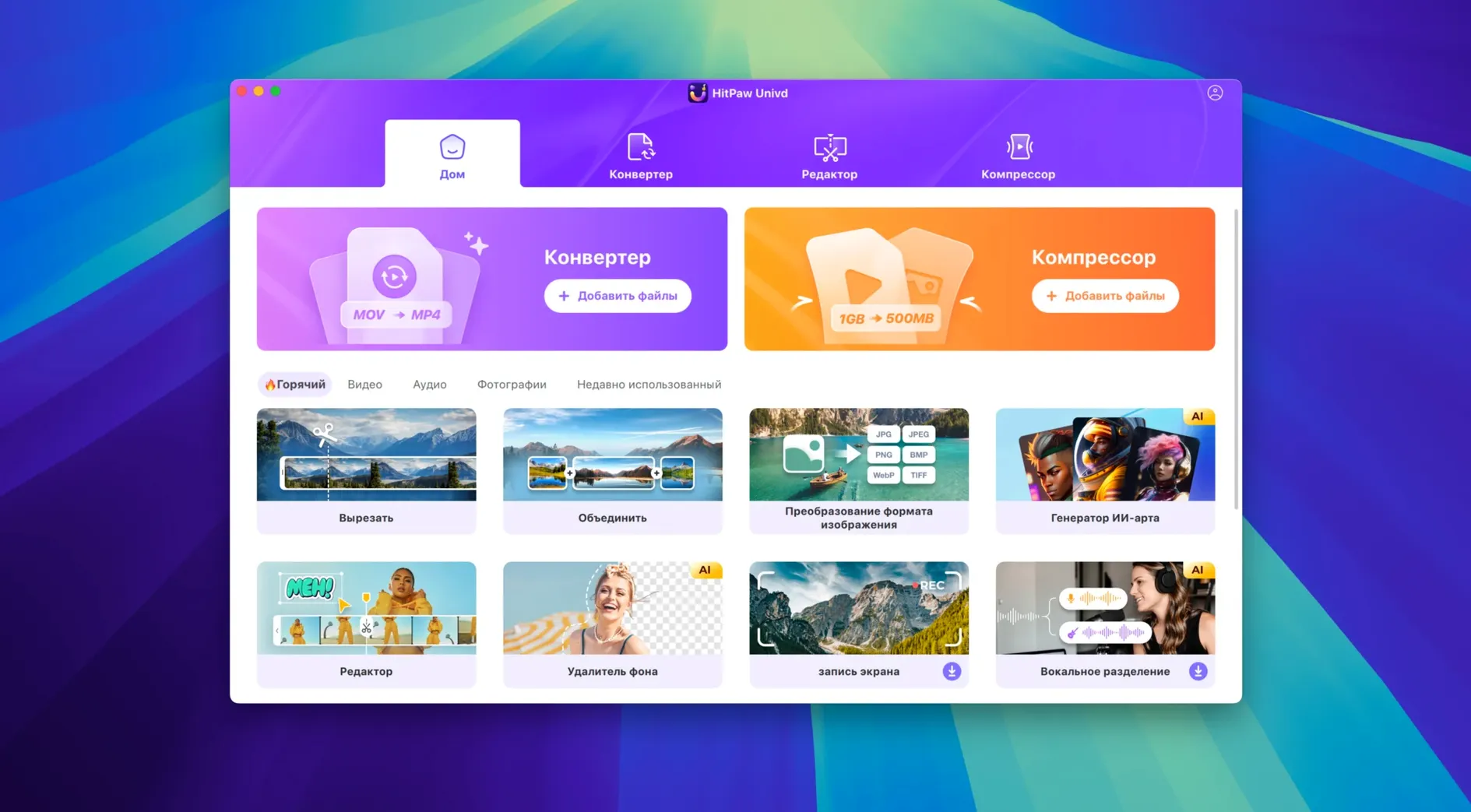
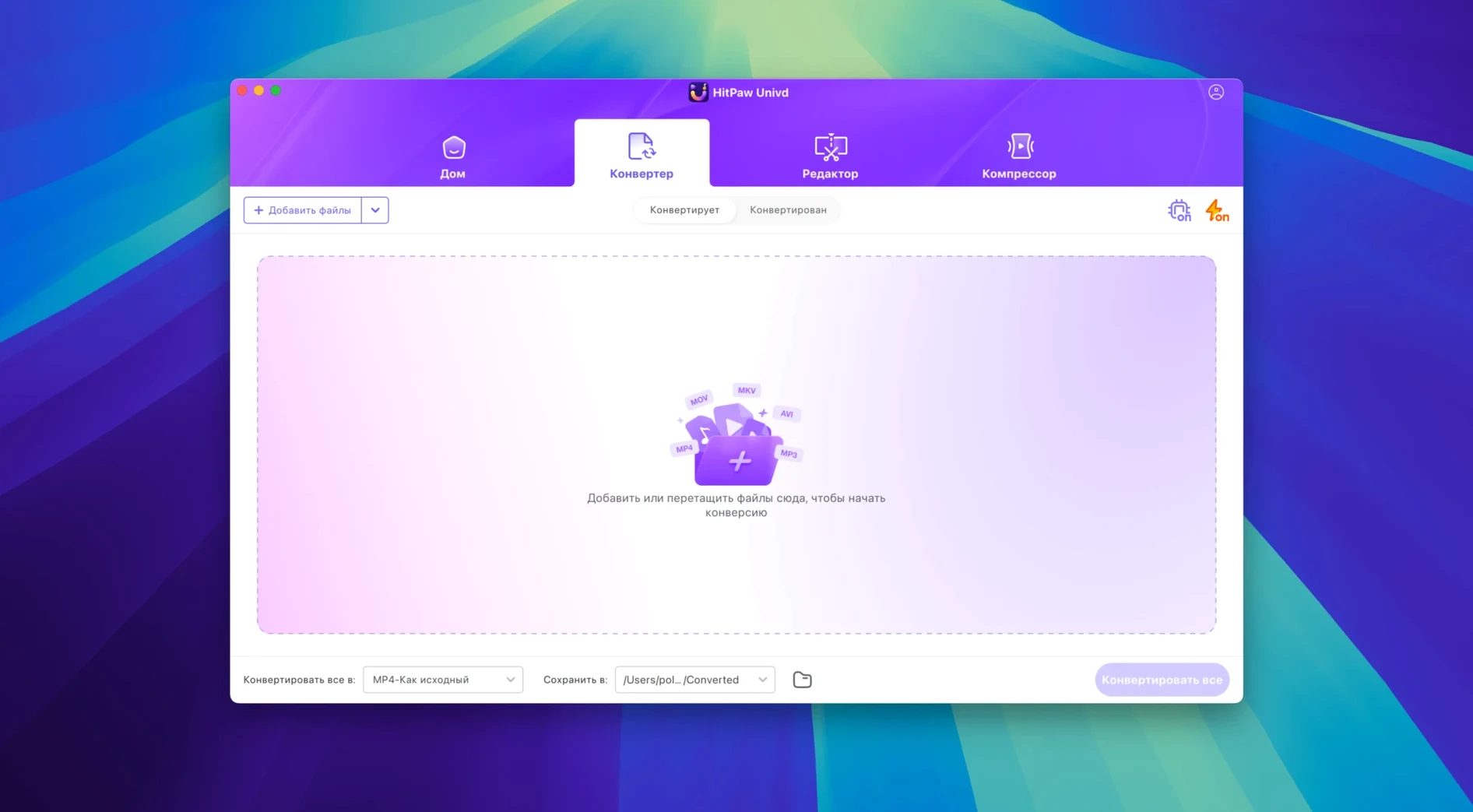
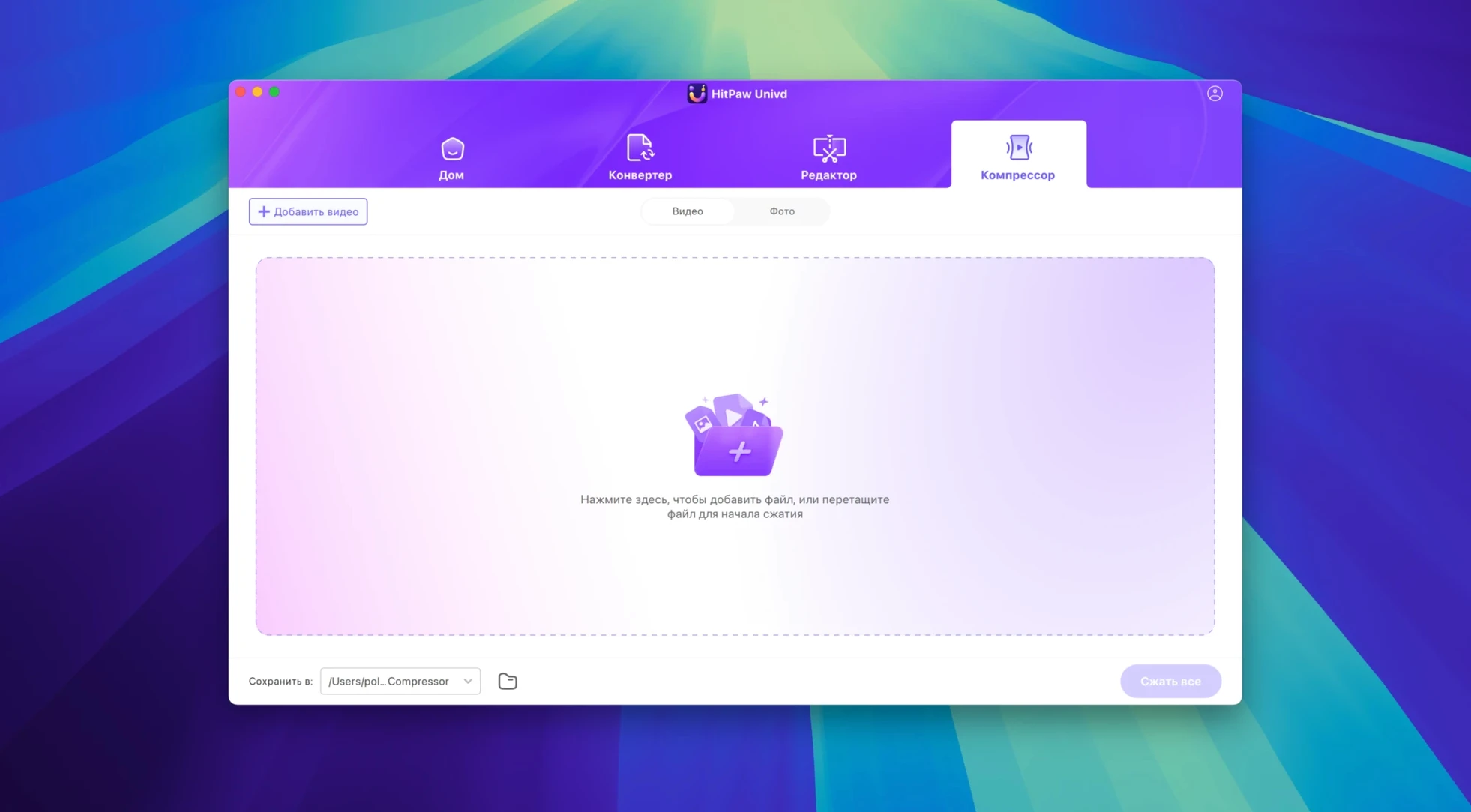
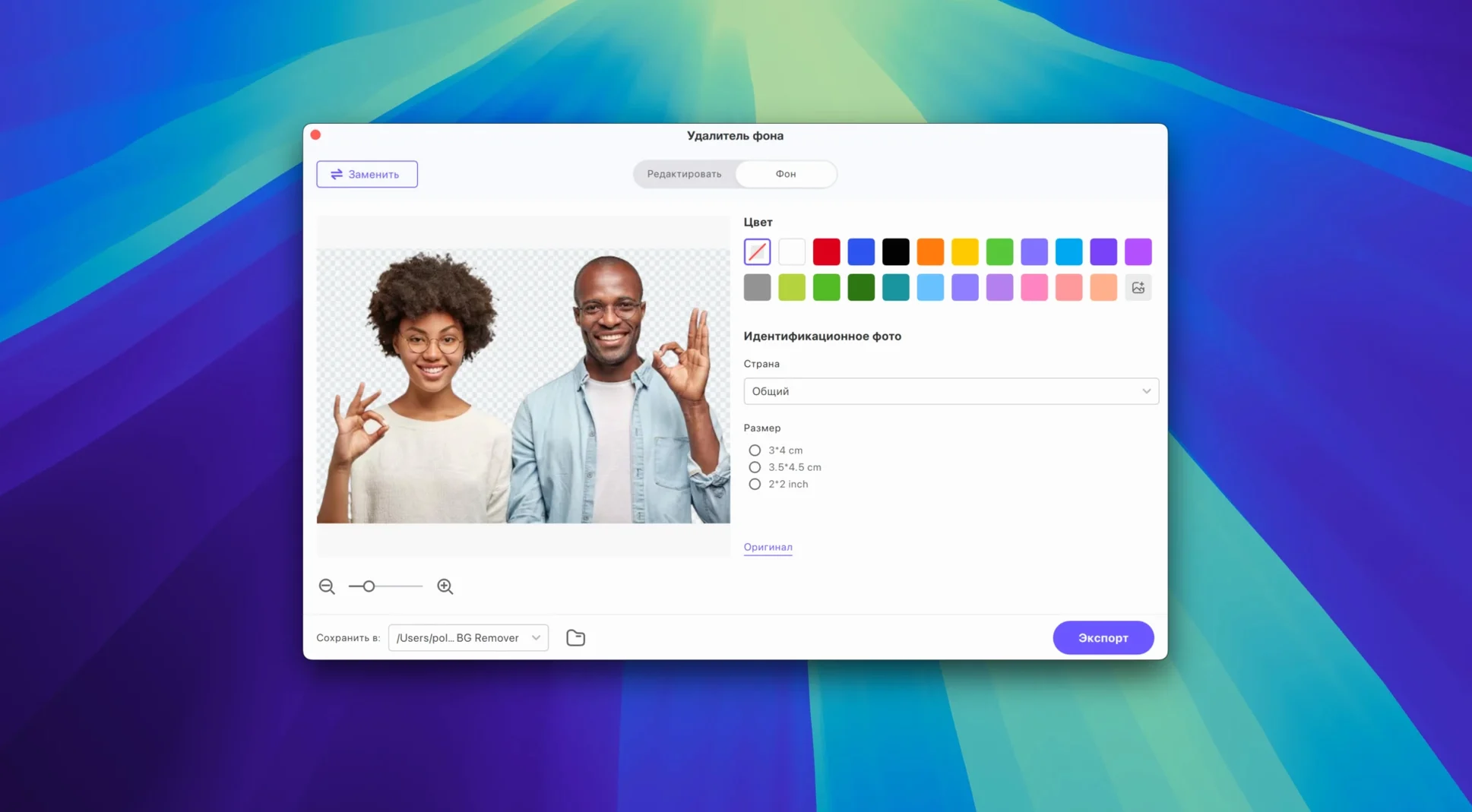
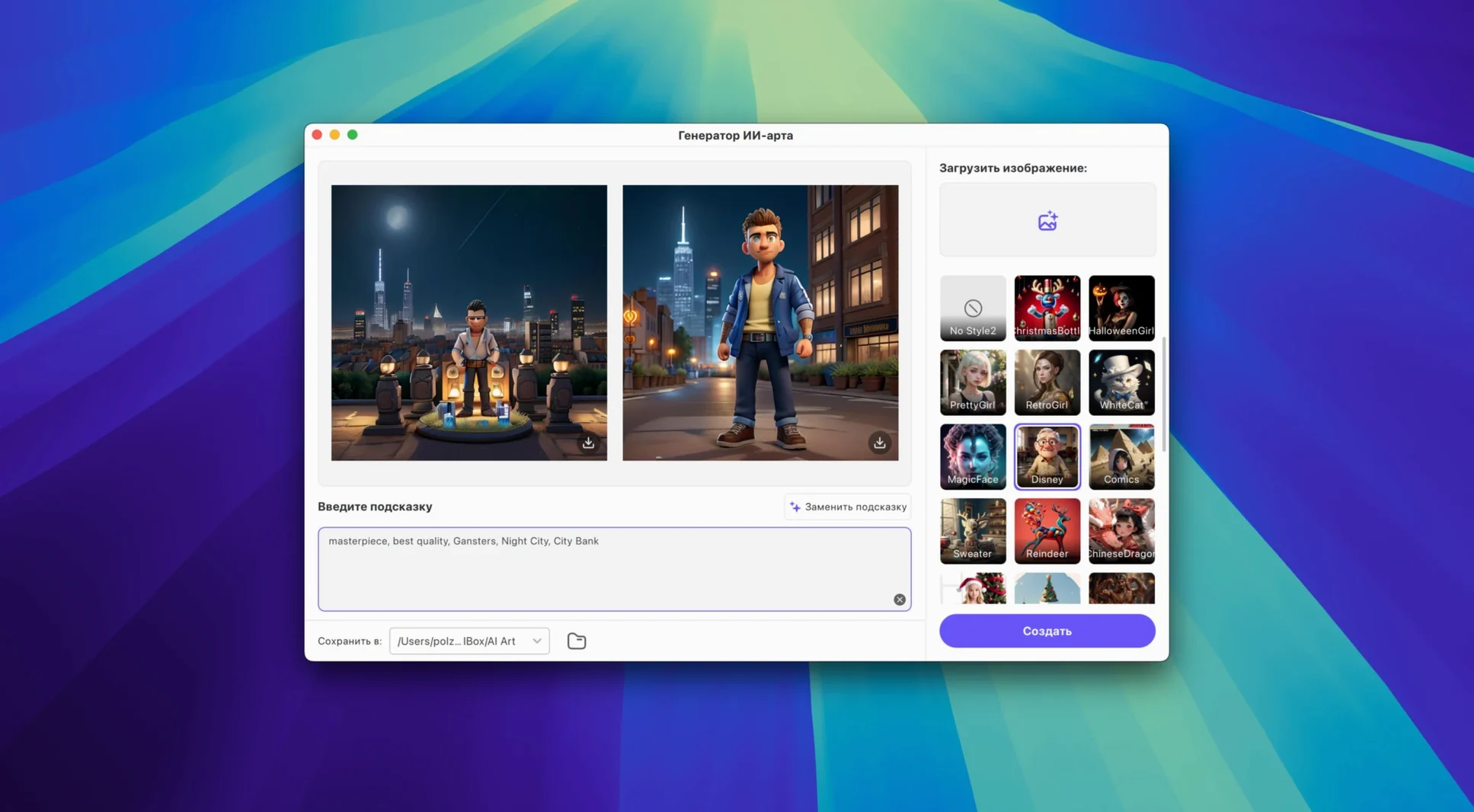
HitPaw Univd 4.7.0 for macOS handles three jobs most Mac users need at some point: converting video between formats, downloading from streaming sites, and basic editing. The app runs on macOS 10.15 and above with Intel 64-bit architecture. Support for Apple Music, Spotify, Deezer and TIDAL means you can convert music files without losing quality, which fits neatly next to whatever media player or library app you already keep open.
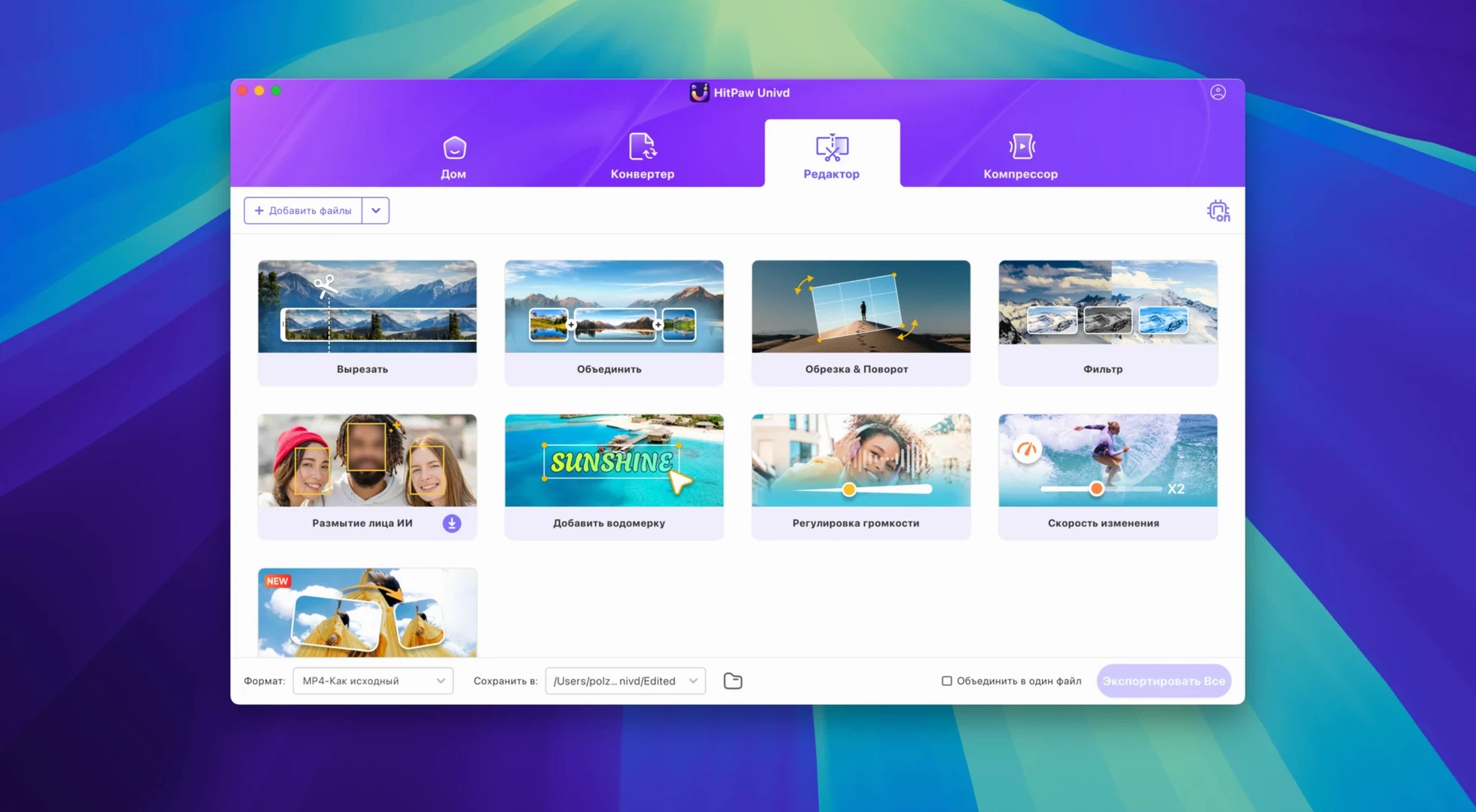
The built-in editor lets you trim or cut video either before or after a conversion, so you don’t need to switch to another tool for small jobs. This version comes with a new UI and a reworked product model that makes more sense for how people actually use a converter day to day. The interface is available in 16 languages including English, Spanish, French, German, Italian, Japanese, and Chinese (Traditional and Simplified).
If your Mac already has the usual media apps — VLC, HandBrake, maybe an editor — HitPaw sits alongside them rather than replacing anything. It covers the download and quick-edit gaps those tools leave open.
- New UI
- New product model and user experience
- macOS 10.15 or later
- Intel 64-bit processor
Kit check at a glance
| System | macOS 10.15 or later |
| Chip | Intel 64-bit |
| Download | 525 MB |








Chat from the booth
Sign in or grab a free account to leave a comment.
Nobody has said a word in the booth yet. If you played a set with this build, tell the next person how it went.