

- Build in the crate
- 2.4.7
- Made by the team at
- HitPaw
- Menu languages offered
- Russian, English, German, Spanish, Italian, Korean, Portuguese, French, Czech, Japanese
- How you pay for it
- K'ed by TNT team
- macOS it plays on
- macOS 10.13 or later
- CPU it runs on
- Intel 64-bit
Screenshots
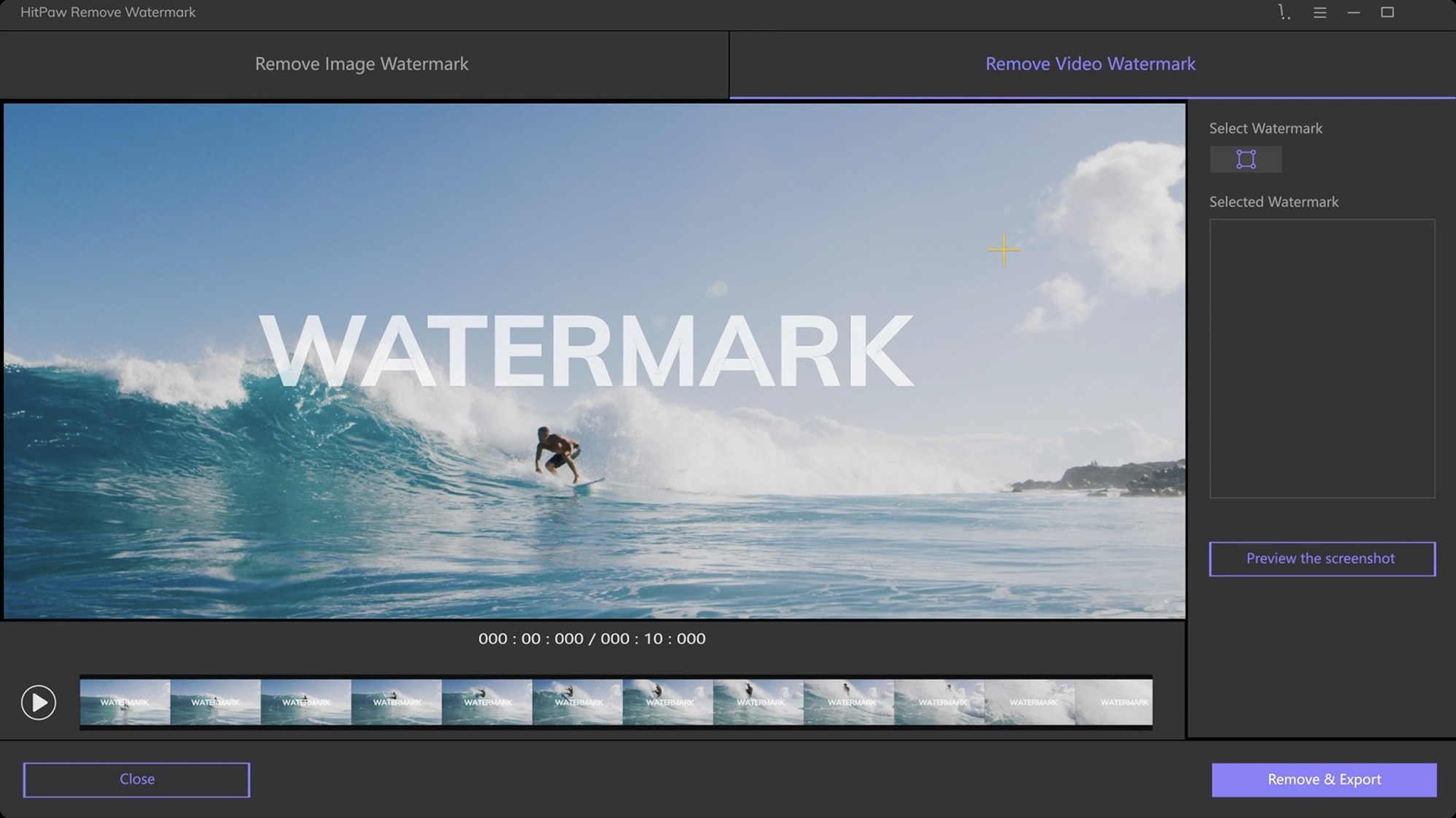
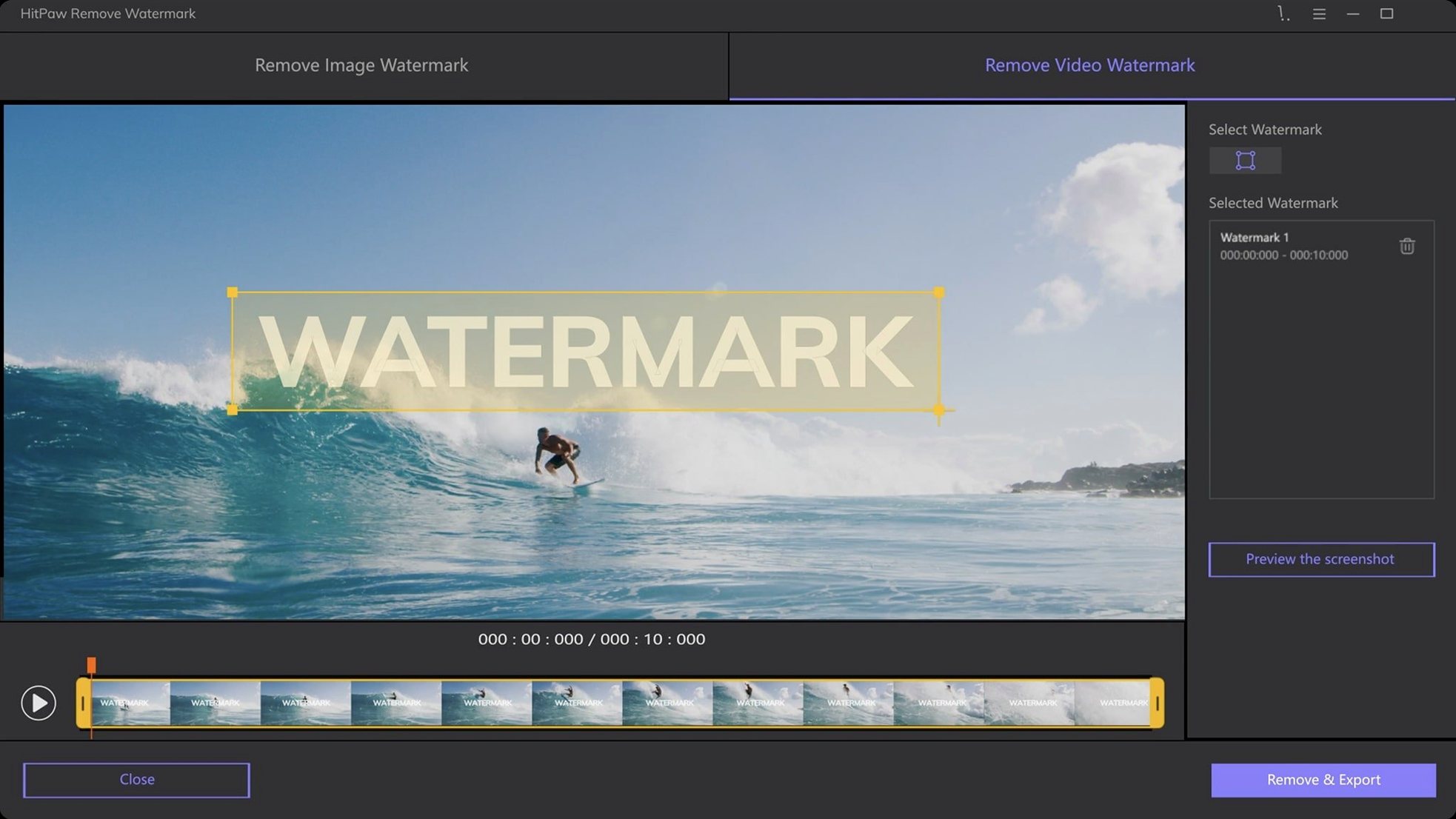
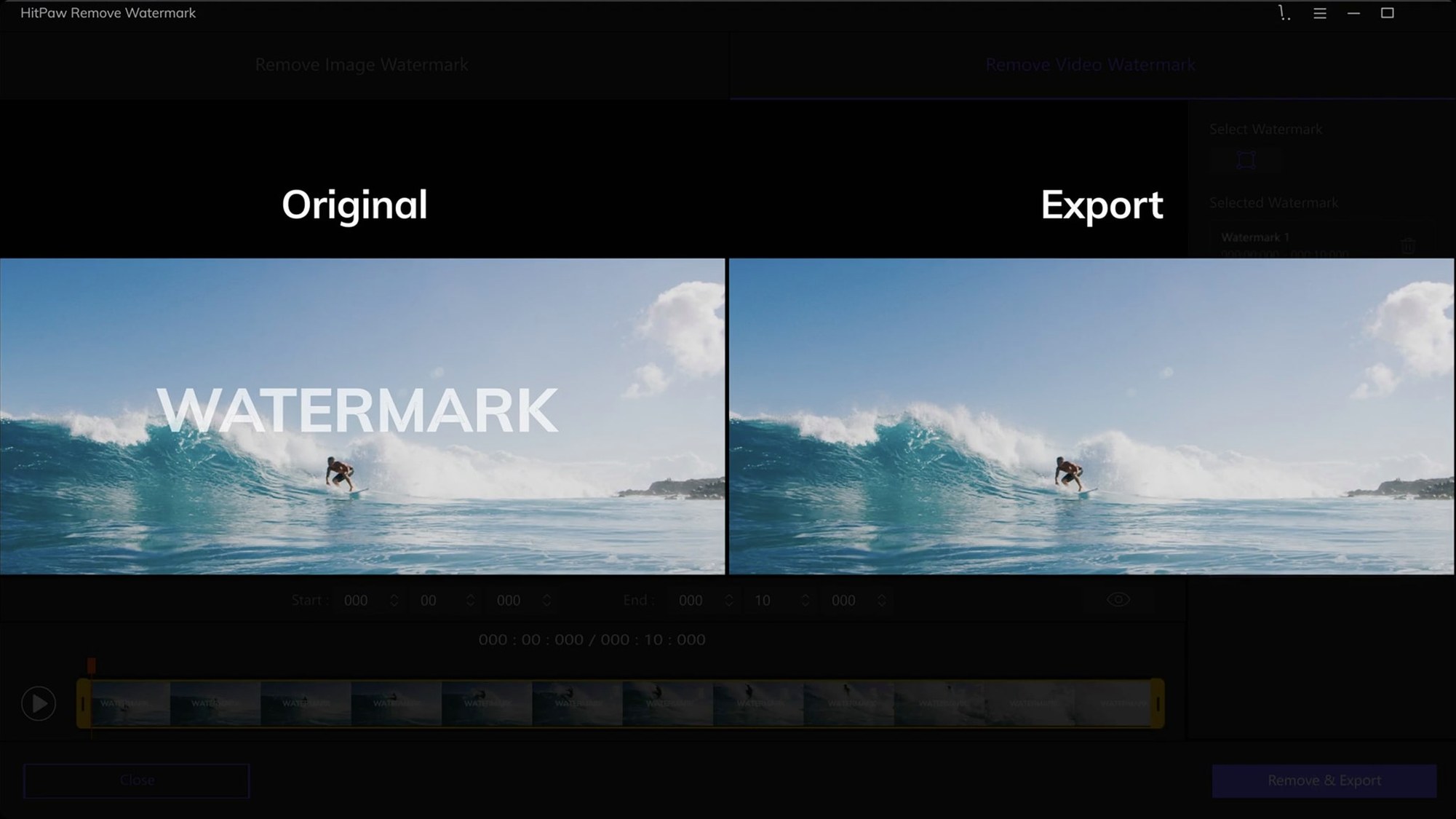
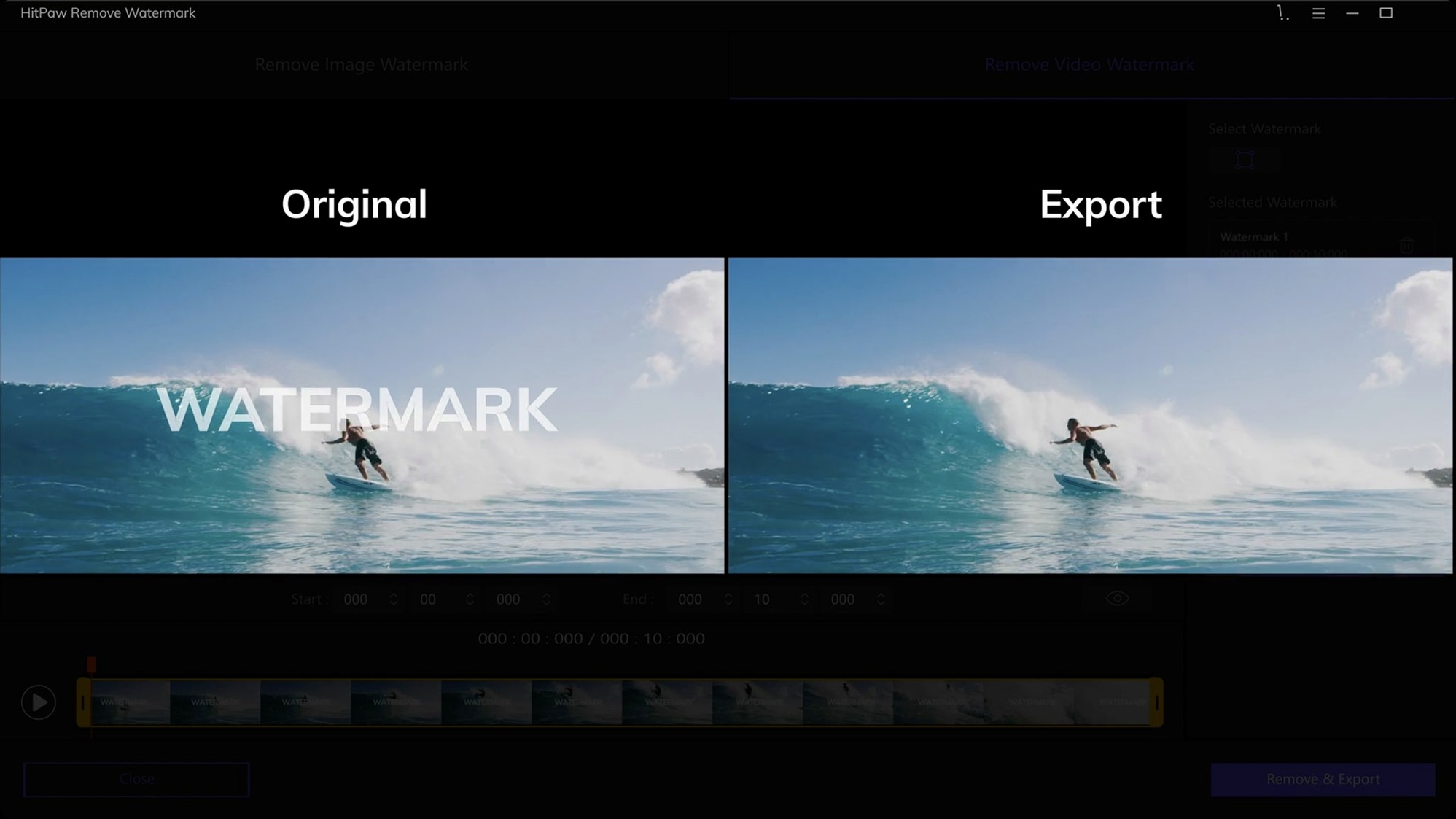
HitPaw Watermark Remover for Mac runs on Intel Macs with macOS 10.13 or newer. The interface is available in English, German, Spanish, French, Italian, Portuguese, Russian, Czech, Japanese, and Korean. It handles JPEG, JPG, PNG, WebP, and BMP images. You can drag and drop files, then use rectangle, triangle, or freeform selection tools to mark the watermark. The app processes both images and videos. The Mac and Windows versions are separate products, so make sure you pick the right one.
| Detail | Value |
|---|---|
| Version | 2.4.7 |
| macOS | 10.13 or later |
| Architecture | Intel 64-bit |
| Image formats | JPEG, JPG, PNG, WebP, BMP |
If you edit video in iMovie and need to strip a logo or timestamp from a clip, HitPaw Watermark Remover can handle it. The selection tools are basic but effective for most watermarks. The app itself is straightforward — import, select, remove, export.
macOS 10.15 or later required
The latest release, version 2.4.7 from September 2025, keeps the same core workflow. The main change is the macOS requirement: it now needs macOS 10.15 or later, so older High Sierra and Mojave machines are out. If you are still on 10.13 or 10.14, you are stuck with an earlier build.
Otherwise the interface and tools are unchanged. The three removal modes — smooth filling, edge filling, and texture repair — still work the same way. The file format support and selection tools are identical. It is a maintenance update more than a feature drop, but the newer macOS baseline means better compatibility with current system libraries.
Standalone tool, not an iMovie plugin
HitPaw Watermark Remover is a standalone tool, not a plugin. You cannot run it inside iMovie or Final Cut Pro. Instead, you export a video from your editor, remove the watermark here, then re-import the cleaned clip. It works well as a step in between editing sessions.
Drag and drop works from the Finder, so you can pull files straight from a folder or a desktop stack. The app supports common container formats like MOV, MP4, and AVI, which most Mac editors export natively. For iMovie users, MOV and MP4 are the usual output formats, so the workflow is smooth — export from iMovie, drop into HitPaw, remove the logo, bring it back.
Quick Look in the Finder lets you preview results before importing again.
Gatekeeper fix via terminal command
Gatekeeper blocks the app on first launch. The install steps include a terminal command to bypass Gatekeeper. If you skip that step, macOS will refuse to open the app. Run the command from the included disk image, then drag to Applications. It works every time.
Watermark removal leaves a blurry patch. Try a different removal mode. Texture repair works best on complex backgrounds like grass or fabric. Smooth filling suits simple gradients, and edge filling works for hard edges near the watermark. There is no one mode for everything — test each one.
Video export takes longer than expected. The app re-encodes the whole video, not just the watermark area. For long clips, expect some wait. If you only need a short section, trim it in iMovie or QuickTime Player first, then process the shorter file.
Selection tool is too imprecise. The freeform tool lets you draw around irregular watermarks. Zoom in on the video frame before selecting — the preview window supports standard macOS zoom gestures on a trackpad.
App crashes on very large files. 4K video or high-resolution PNG images can push the memory limits. Close other apps before processing. If it still fails, reduce the resolution in your editor first, remove the watermark, then scale back up.
- macOS 10.13 or later
- Intel 64-bit processor
Kit check at a glance
| System | macOS 10.13 or later |
| Chip | Intel 64-bit |
| Download | 290 MB |








Chat from the booth
Sign in or grab a free account to leave a comment.
Nobody has said a word in the booth yet. If you played a set with this build, tell the next person how it went.