
- Build in the crate
- 5.9.8 [MAS]
- Made by the team at
- Time Base Technology Limited
- Menu languages offered
- Russian, English, German, Spanish, Italian, Chinese (Traditional), Chinese (Simplified), Korean, Dutch, Portuguese, Thai, Turkish, French, Japanese
- How you pay for it
- K'ed by TEAM HCiSO
- macOS it plays on
- macOS 10.15 or later
- CPU it runs on
- Apple Silicon, Intel 64-bit
Screenshots
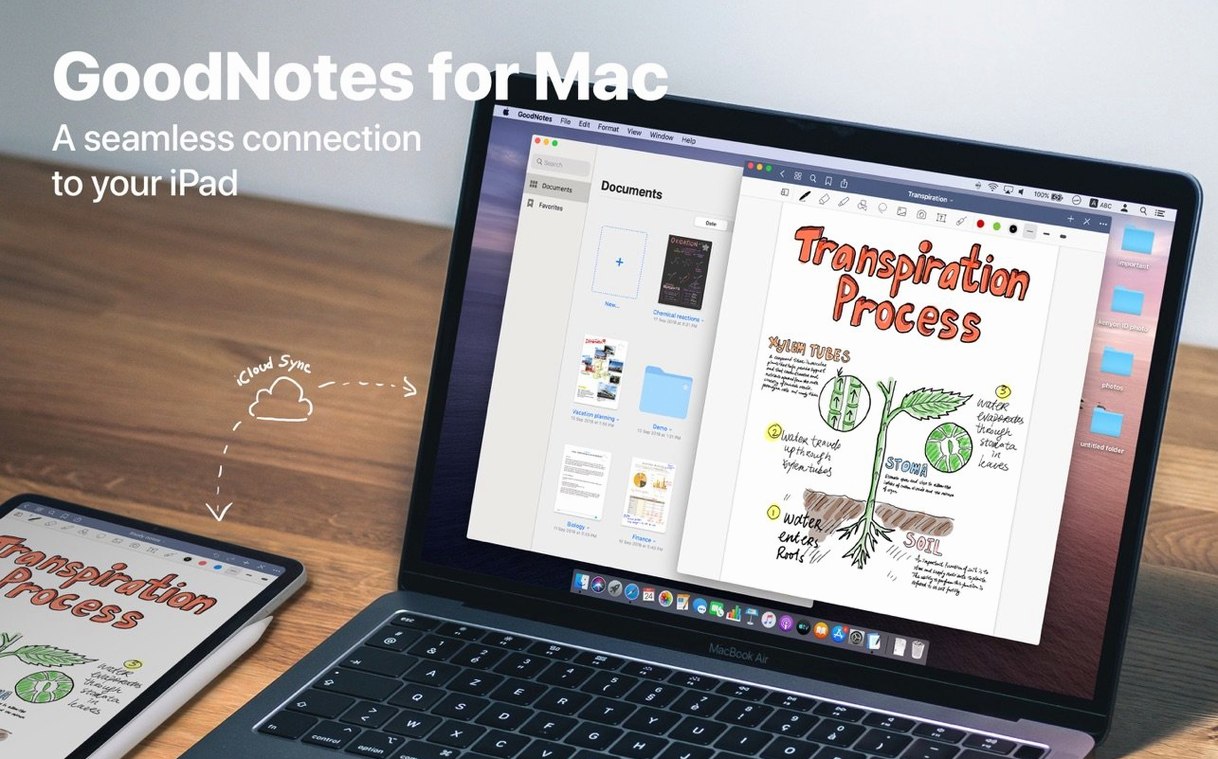
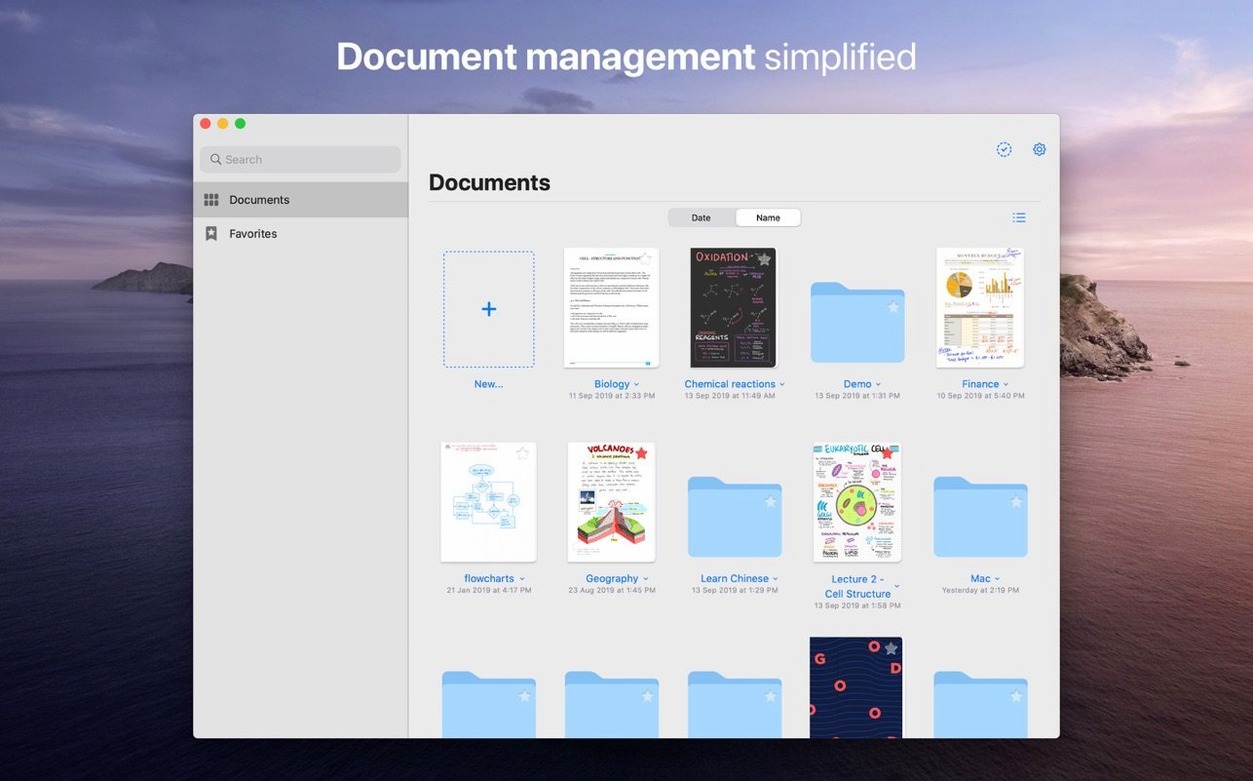
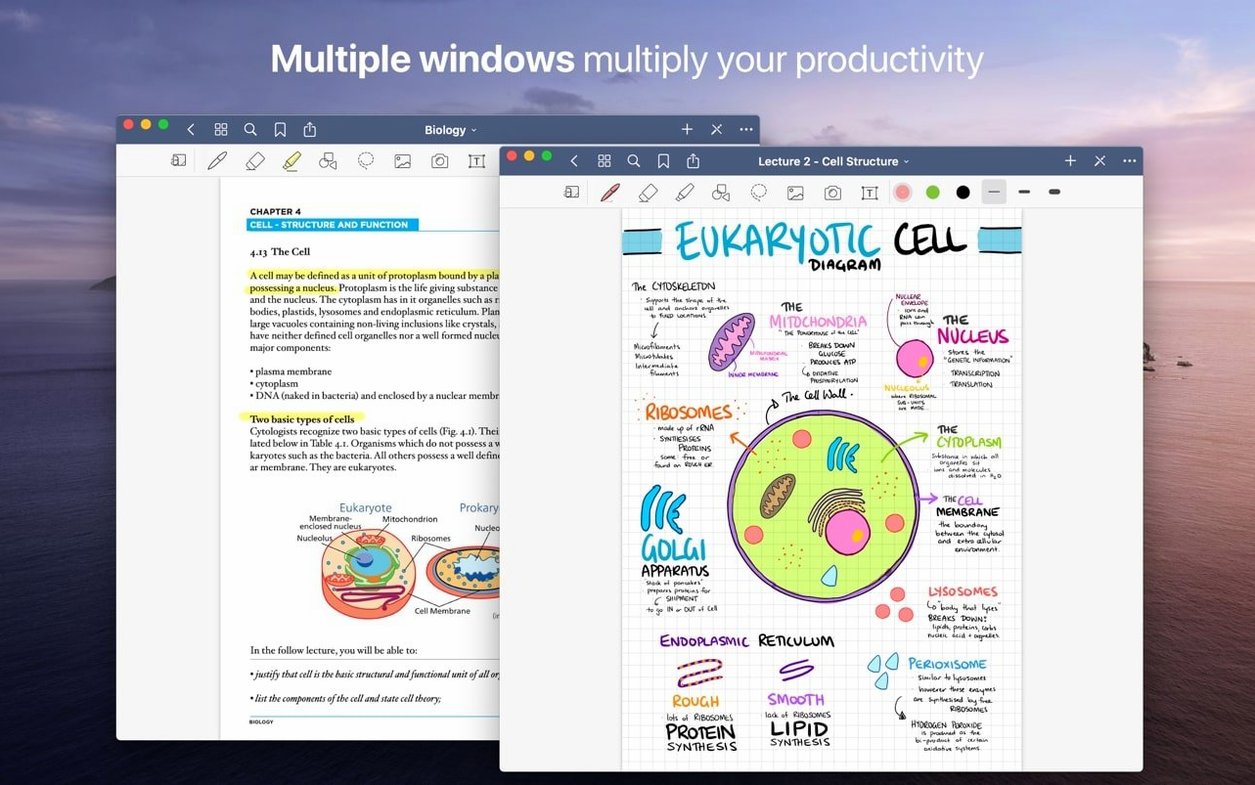
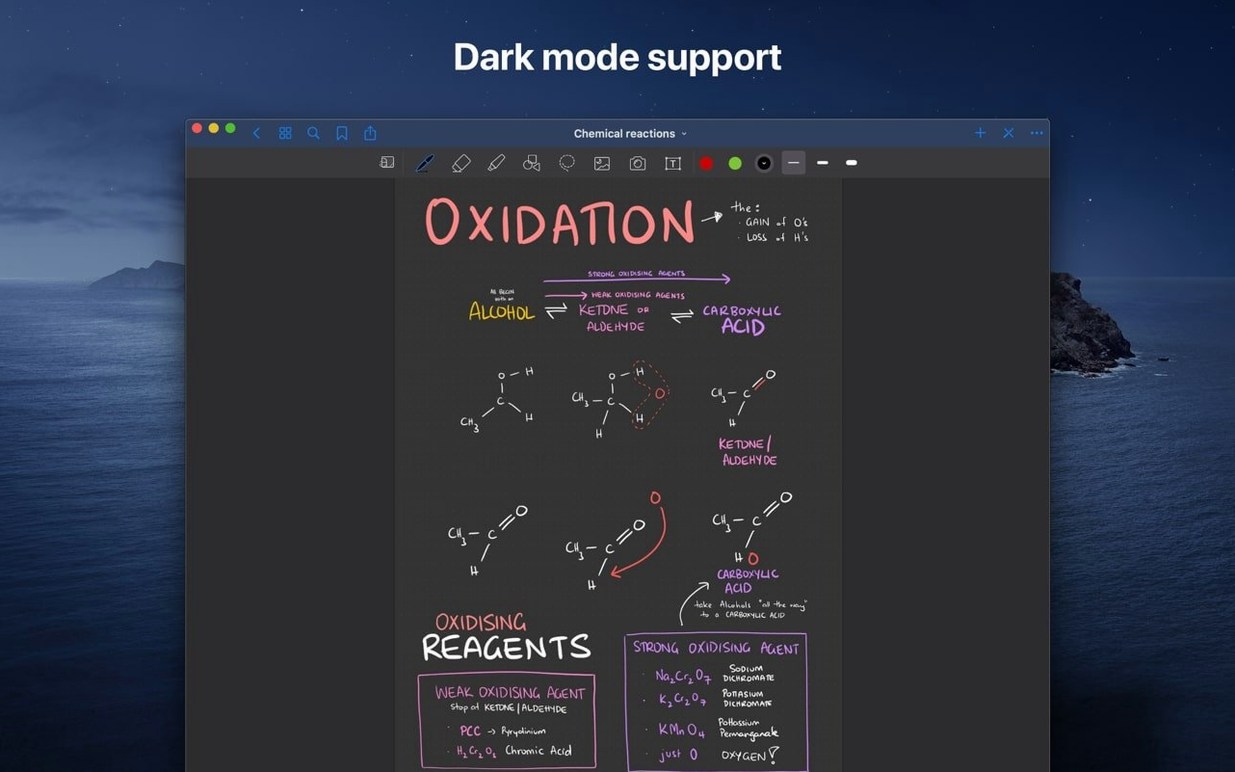
GoodNotes 5.9.8 keeps the same polished note-taking experience as before. Changes sync between your iPhone, iPad, and Mac through iCloud, so you can start a sketch on the iPad and finish typing notes on the Mac without missing a beat.
Annotate PDFs and images with handwritten notes
- Annotate imported PDFs and images with text, handwritten notes, or drawings.
- Move, rotate, resize, or recolour your handwriting after you’ve written it.
- Draw clean lines and shapes with the Shapes tool — no shaky freehand.
- Use the eraser to remove only marker ink, leaving pen strokes intact.
- Organise documents in folders and subfolders, and follow live hyperlinks inside PDFs.
A realistic task: mark up a PDF lecture slide
Import a PDF into a new folder. Scribble margin notes with a stylus or trackpad, highlight key terms with the marker, and draw a quick diagram using the Shapes tool. The eraser removes just the highlighter if you overshoot. Once done, the annotated file is available on your iPad automatically via iCloud — no manual export needed.
Version 5.9.8 refines the experience rather than adding flashy new features. The core workflow stays the same, but small updates in everyday use make a difference.
Drag-and-drop document imports from the Mac hard drive
- The app now handles drag-and-drop document imports more reliably from the Mac hard drive — useful when you’re pulling in a batch of lecture PDFs.
- Exporting individual pages as PDFs by drag and drop works without extra confirmation dialogs, so moving a sketch to another app is quicker.
- Custom tables of contents remain editable after creation, which helps when you reorganise a notebook halfway through the semester.
- iCloud sync feels more consistent for mixed handwriting and typed text, especially when switching between a Mac and an iPad during the same day.
- The eraser’s marker-only mode is now the default choice when you select the tool — one less tap before correcting a highlight.
Scenario: a language student organising course materials
Say you’re studying Japanese and keep a master notebook for vocabulary, grammar rules, and kanji practice. You import a weekly PDF handout from the teacher, annotate it with handwritten readings above each kanji, and mark tricky points with the highlighter. Later you create a custom table of contents that links to each week’s section — no more scrolling through fifty pages to find last Tuesday’s notes. When you add a new folder for the next module, you drag the relevant pages from the master notebook into it, and the links still work. The whole folder syncs to your iPhone before your commute.
Students building a study archive across devices
GoodNotes 5.9.8 suits three kinds of people especially well.
Students — anyone taking lecture notes, annotating handouts, or building a study archive across devices. The folder hierarchy and custom tables of contents replace a paper binder system without the weight.
Researchers and academics — reading and marking up PDF papers, keeping research logs, or maintaining a lab notebook that needs to be searchable later. The live hyperlinks in imported PDFs let you jump to references directly.
Everyday document organisers — people who fill forms, sign contracts, or keep a personal journal on the Mac and want those documents synced to an iPad for portability. The drag-and-drop export to Finder or other apps makes it simple to send a signed page by email.
Because it runs on both Intel and Apple Silicon Macs, and supports fourteen languages, it works for a broad range of setups — no need to check hardware compatibility beyond macOS 10.15.
- macOS 10.15 or later
- Intel or Apple Silicon
Kit check at a glance
| System | macOS 10.15 or later |
| Chip | Apple Silicon, Intel 64-bit |
| Download | 442 MB |
| Older pressings | 1 in the crate |





Chat from the booth
Sign in or grab a free account to leave a comment.
Nobody has said a word in the booth yet. If you played a set with this build, tell the next person how it went.