

- Build in the crate
- 8.1.1 [MAS]
- Made by the team at
- Information Architects GmbH
- Menu languages offered
- Russian, English, German, Spanish, Italian, Chinese (Traditional), Chinese (Simplified), Korean, Portuguese, French, Japanese
- How you pay for it
- K'ed by TNT team
- macOS it plays on
- macOS 10.15 or later
- CPU it runs on
- Apple Silicon, Intel 64-bit
Screenshots
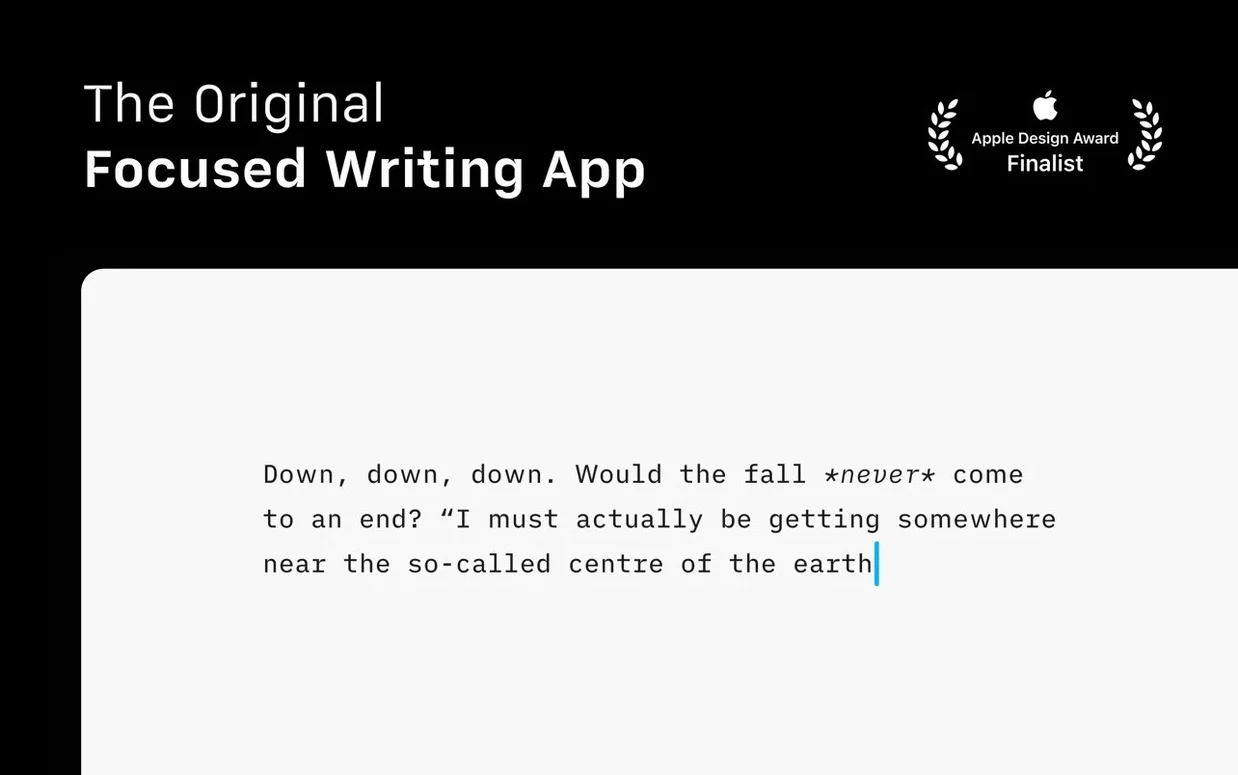
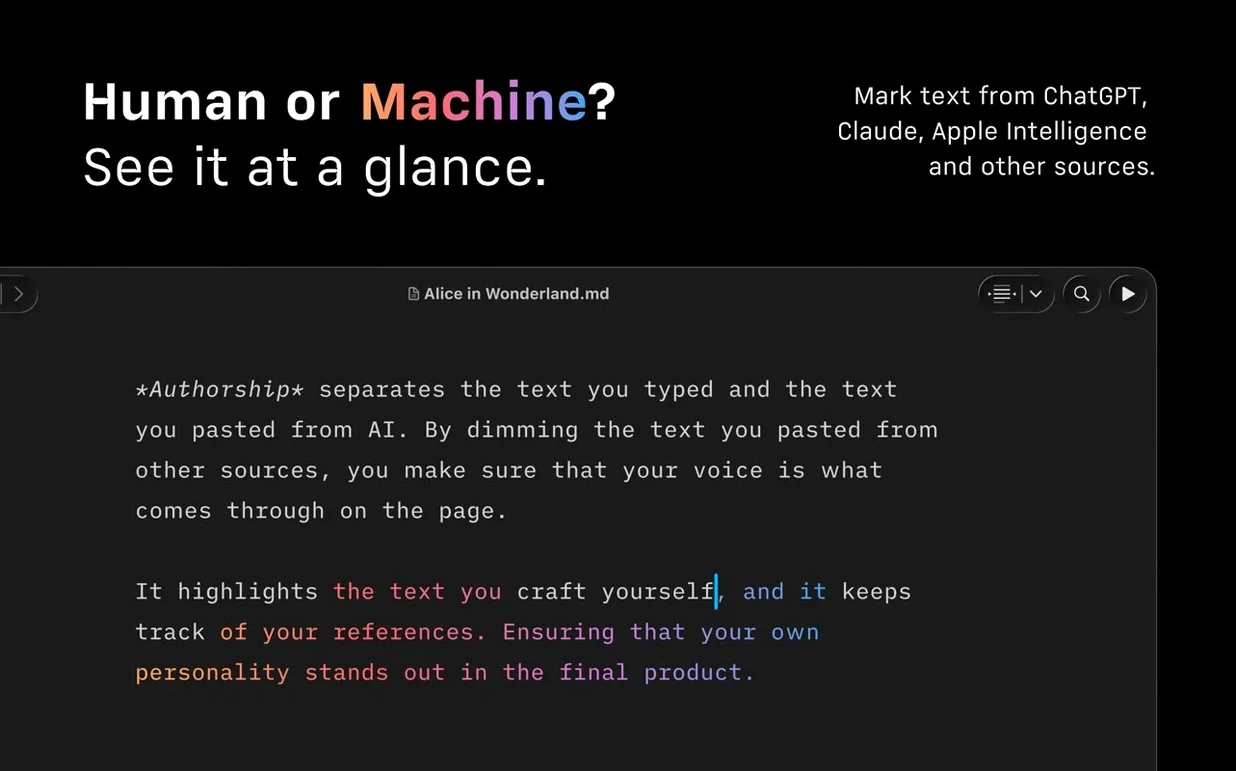
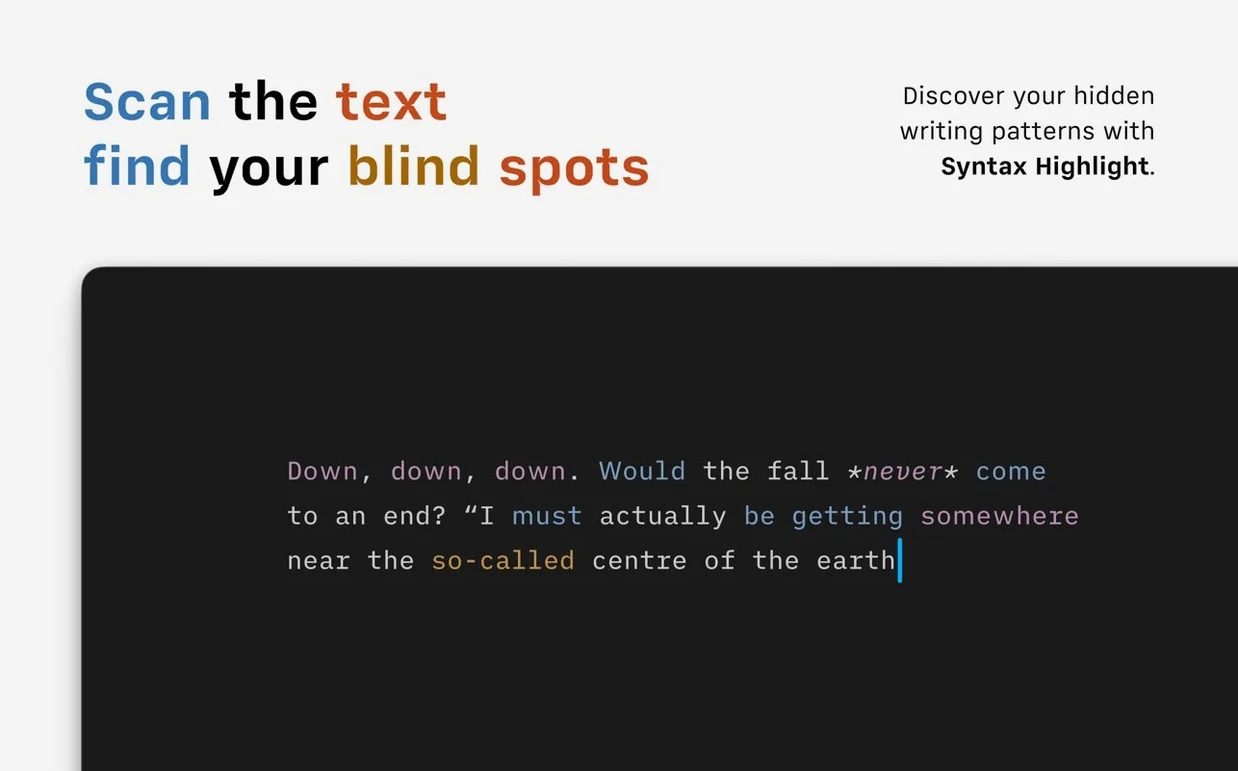
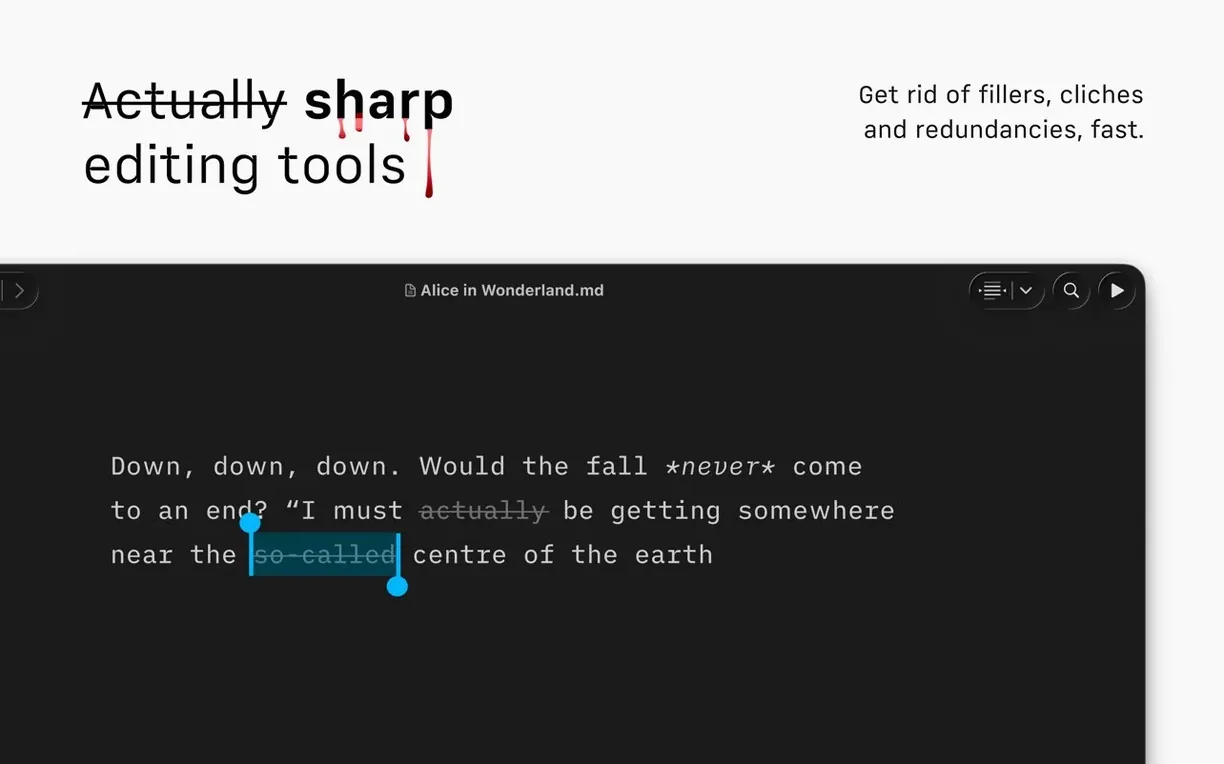
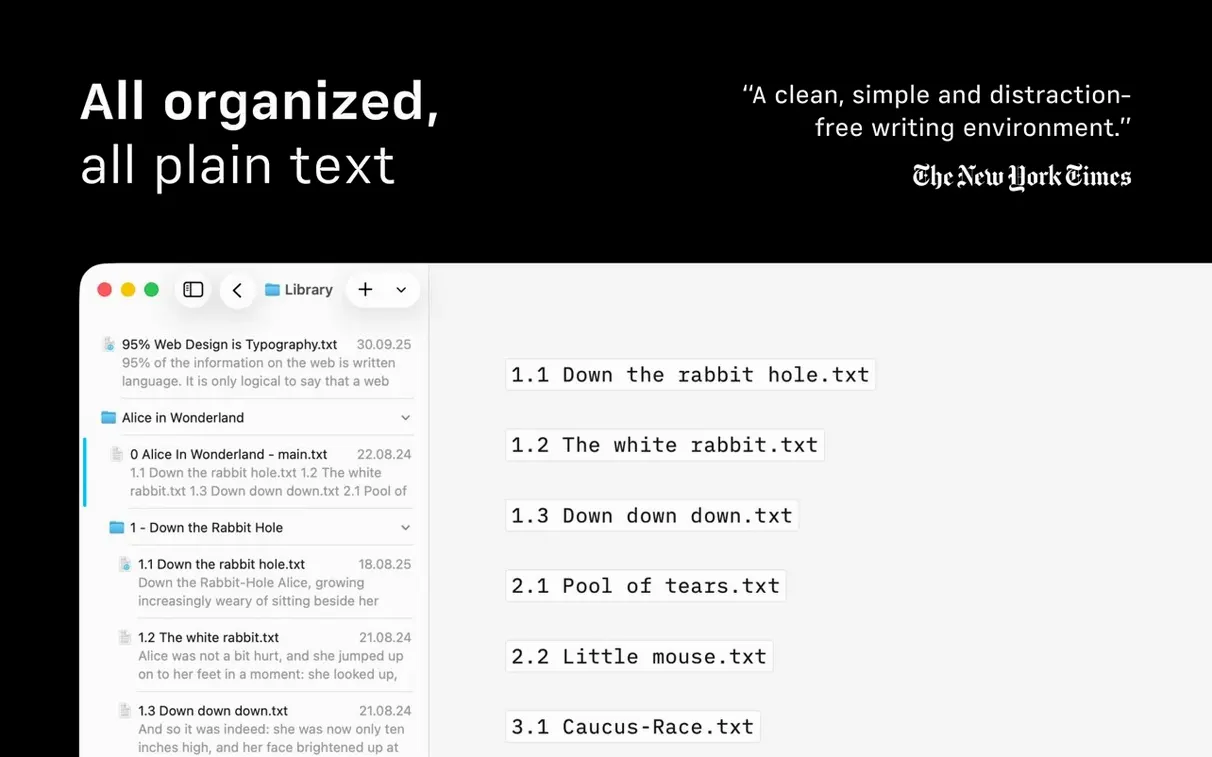
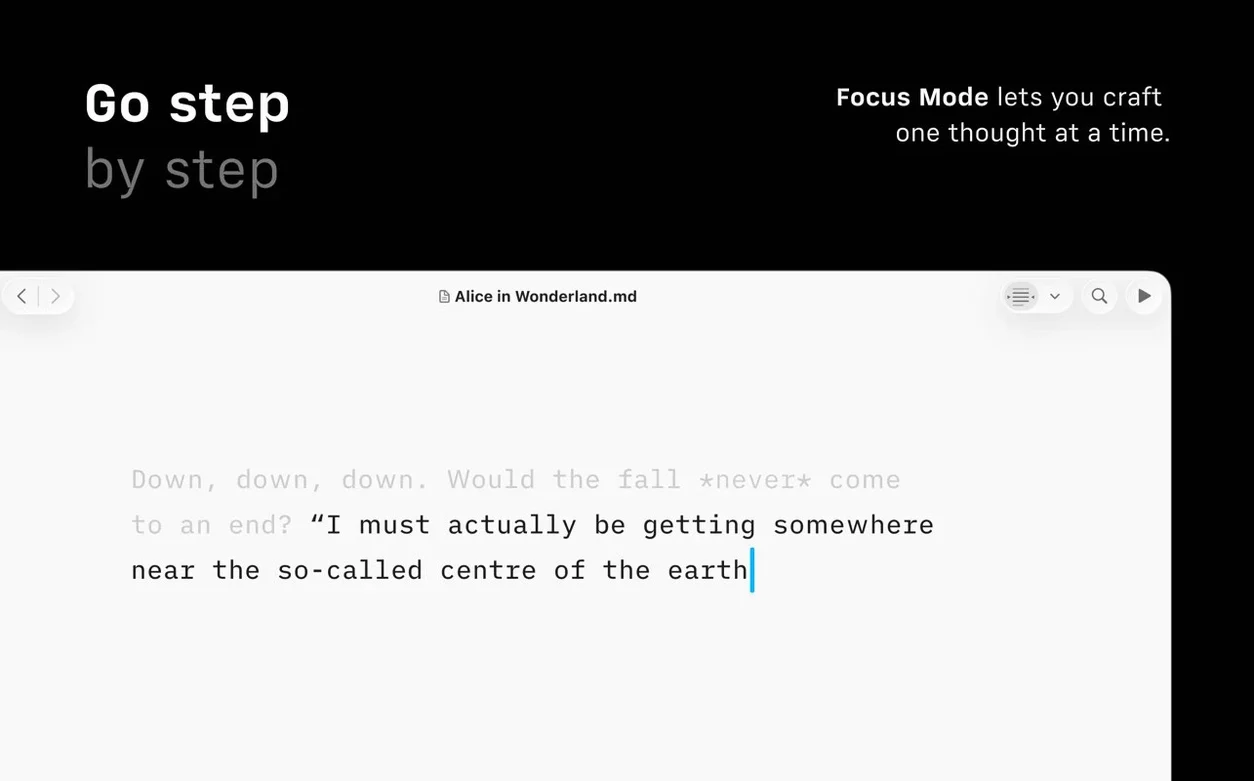
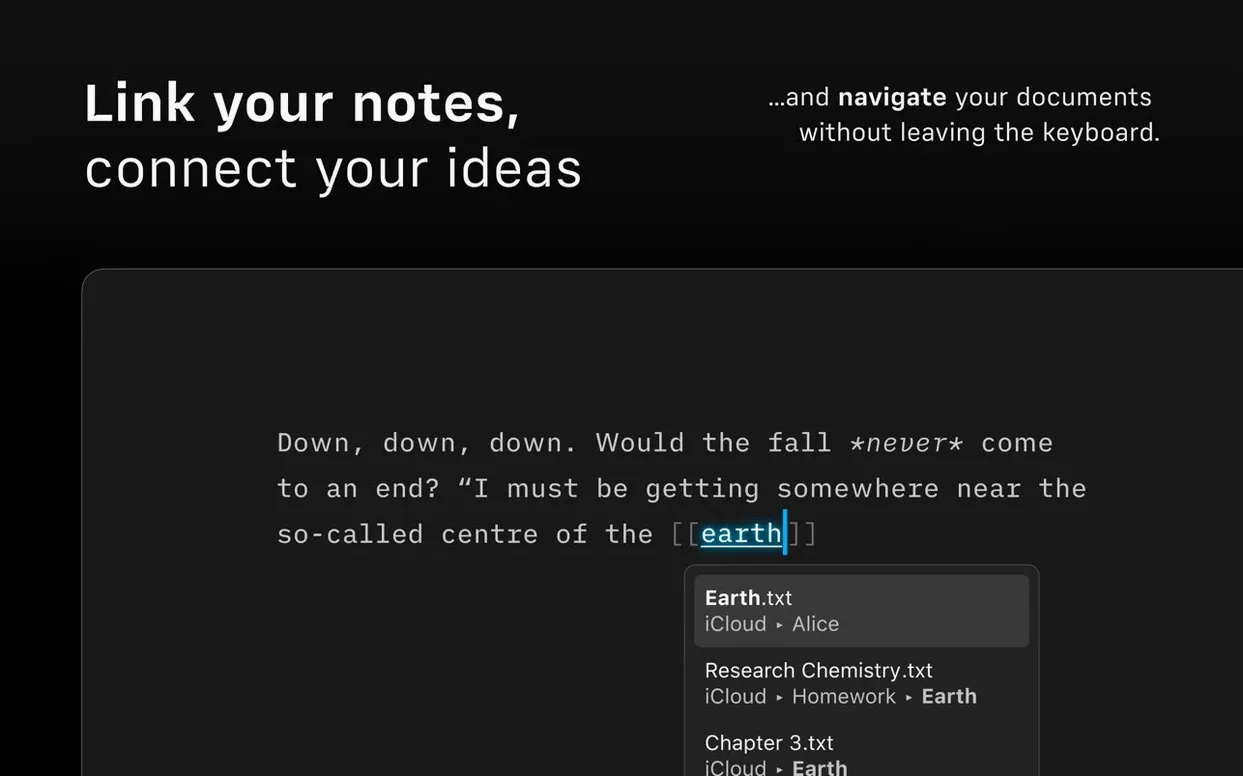
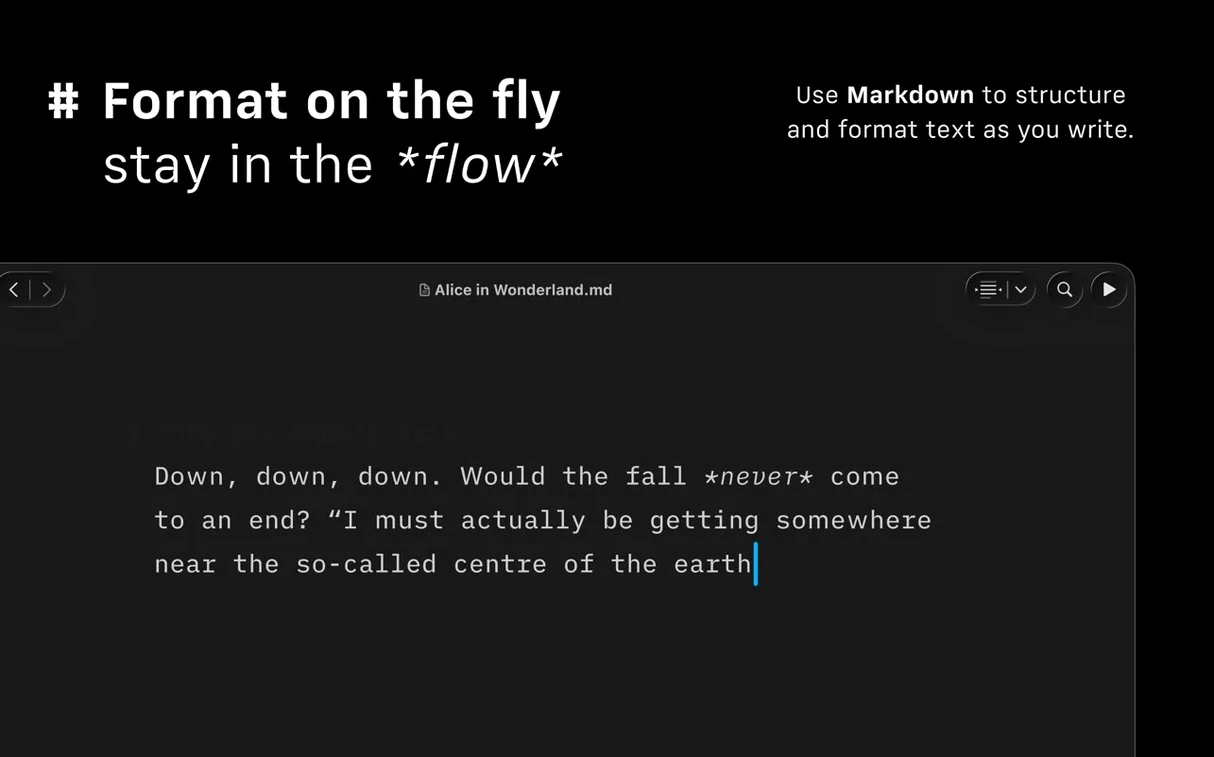
Command Palette is where you land after opening iA Writer — a single keystroke and you are formatting, exporting or checking authorship without lifting your hands off the keyboard. That is the sort of detail that makes this app sit quietly next to the other tools on your Mac, not demanding attention but always ready when you need to write. It works with plain text and Markdown, which means files stay small and portable, and exports to DOCX when someone insists on a Word document. The refreshed interface in version 8 matches the look of macOS 26 and later, so it does not feel like an old guest at the table. Syntax Highlighting catches extra adjectives and weak verbs, which is handy when you are editing your own draft. Document Outline with Quick Search lets you jump between sections in longer pieces. Focus Mode dims everything except the sentence you are working on — a simple trick that still works better than most.
- Command Palette for formatting, export and authorship actions
- Syntax Highlighting for adjectives, weak verbs and repeated nouns
- Document Outline with Quick Search for navigation
- Focus Mode that dims everything except your current sentence
- Export to Microsoft Word DOCX
- Dark Interface support
It runs on macOS 10.15 and later, both Intel and Apple Silicon, so it fits whatever Mac you are using. The install is straightforward: mount the disk image, bypass Gatekeeper once, drag the app to Applications and you are set.
For students and bloggers who want lighter writing
Anyone who writes regularly and wants the process to feel lighter. That includes students working on essays or dissertations — Markdown keeps footnotes and references clean without fighting a word processor. Bloggers who publish directly to WordPress or Medium will save a step every time they post. Journalists and editors who need to move between drafts quickly appreciate the Document Outline and Quick Search, especially when deadlines are tight.
It is also a good match for writers who use multiple cloud services. iA Writer can search and sort documents from different providers in one window, so you are not jumping between apps just to find a file. The compact Library layout in version 8 hides dates and text excerpts, which helps when you want to see only the titles and move on.
A real-world scenario: editing a long university essay
A history student is finishing a 6,000-word essay on post-war urban planning. The first draft is done, but the prose feels cluttered. She opens the document in iA Writer and turns on Syntax Highlighting. Extra adjectives light up in one colour, weak verbs in another. She goes through paragraph by paragraph, cutting the words that do not carry weight. Focus Mode keeps her eyes on one sentence at a time, so she does not get lost in the full page. When she needs to check a section from the middle of the essay, she opens the Document Outline and jumps there with Quick Search. Export to DOCX is the last step — the university wants submissions in Word format. She sends it off without ever opening another app.
Opens to your last file on a quiet grey screen
You sit down after lunch with a half-finished article. The app opens to the last file you were editing — no splash screen, no project chooser. The first thing you notice is the quiet grey background and the cursor blinking at the last word you typed.
You read the previous paragraph and realise the opening is too long. You select a few lines and delete them. The text around the cursor stays sharp; everything else fades into a dimmer shade. That is Focus Mode working in the background, keeping your attention on the sentence under your fingers.
You want to add a subheading but do not want to reach for the mouse. Command Palette appears with a keystroke. You type "heading" and pick the level you need. The palette disappears and you are back to writing. Later, you remember a source you wanted to cite from a note in another cloud folder. You open the Library view, which shows documents from iCloud Drive and Dropbox side by side. The compact layout hides excerpts, so you scan titles quickly and find the note.
Before finishing, you run Syntax Highlighting to check for weak spots. A few extra adjectives appear highlighted. You trim them. Then you export the document as HTML to paste into a draft post — no need to log into WordPress yet, just the clean Markdown-to-HTML conversion that the app handles automatically. You close the app. It does not ask you to save; the file is already stored where you left it.
That is the rhythm. Open, write, jump around, export, close. No tabs, no toolbars, no distraction.
- Fixes a few small bugs
- Refreshed interface for macOS 26 and later
- Added Document Outline navigation with Quick Search
- macOS 10.15 or later
- Intel or Apple Silicon
Kit check at a glance
| System | macOS 10.15 or later |
| Chip | Apple Silicon, Intel 64-bit |
| Download | 23 MB |
| Older pressings | 6 in the crate |







Chat from the booth
Sign in or grab a free account to leave a comment.
Nobody has said a word in the booth yet. If you played a set with this build, tell the next person how it went.