

- Build in the crate
- 7.6.0 [MAS]
- Made by the team at
- Oleksandr Hlushchenko
- Menu languages offered
- Russian, English, German, Arabic, Hebrew, Spanish, Italian, Chinese (Traditional), Korean, Dutch, Portuguese, Ukrainian, French, Japanese
- How you pay for it
- Not required
- macOS it plays on
- macOS 12.4 or later
- CPU it runs on
- Apple Silicon, Intel 64-bit
Screenshots
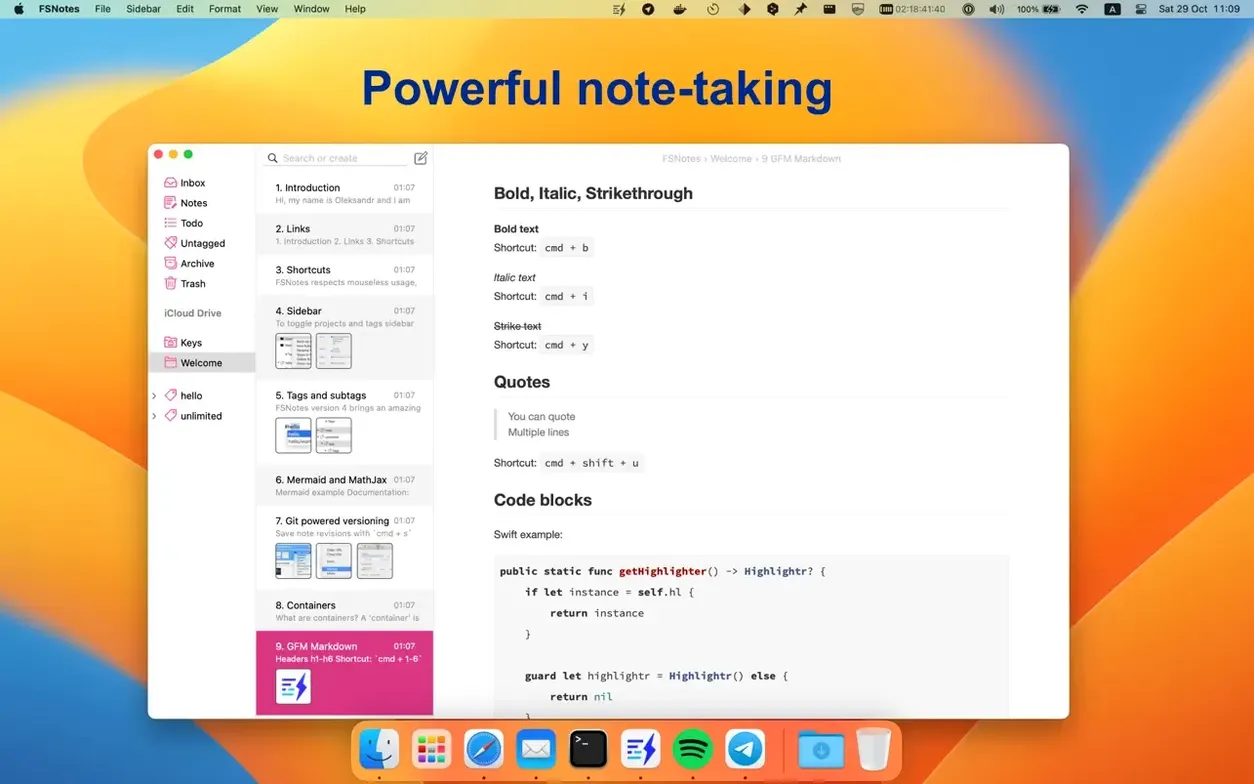
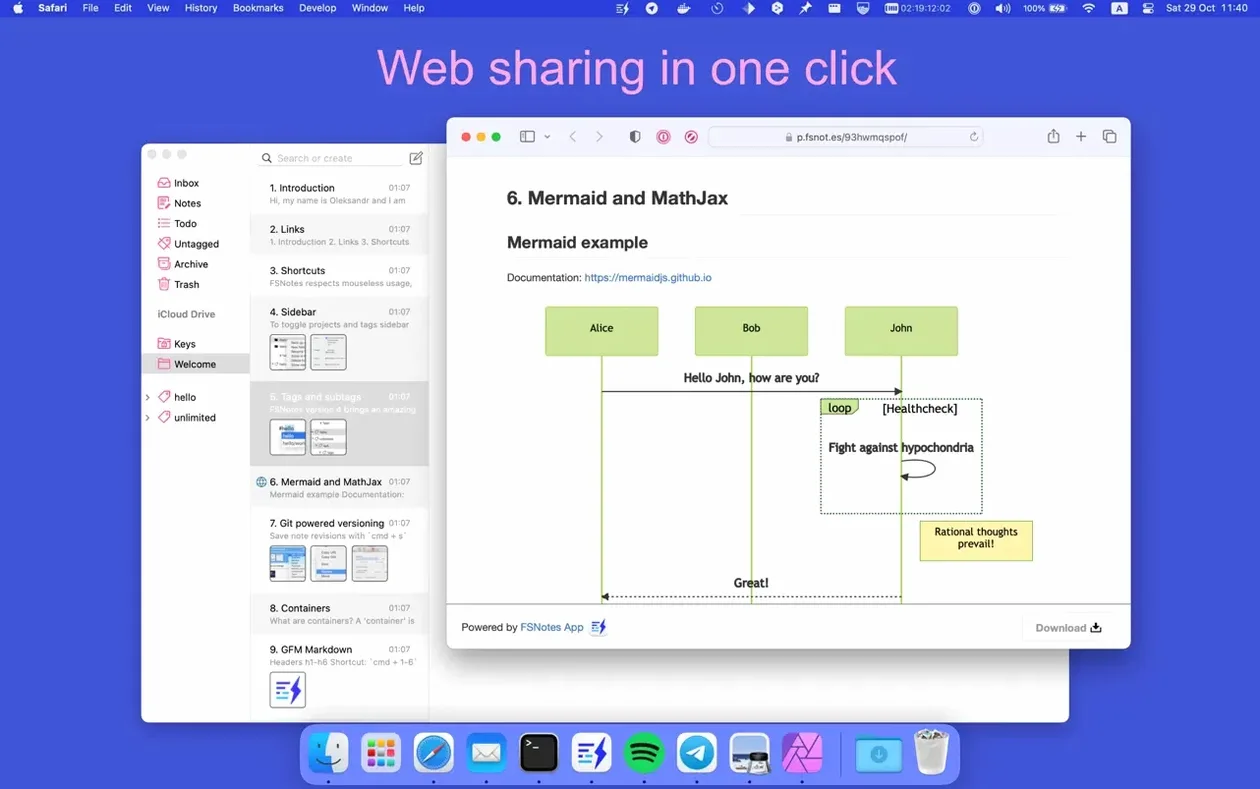
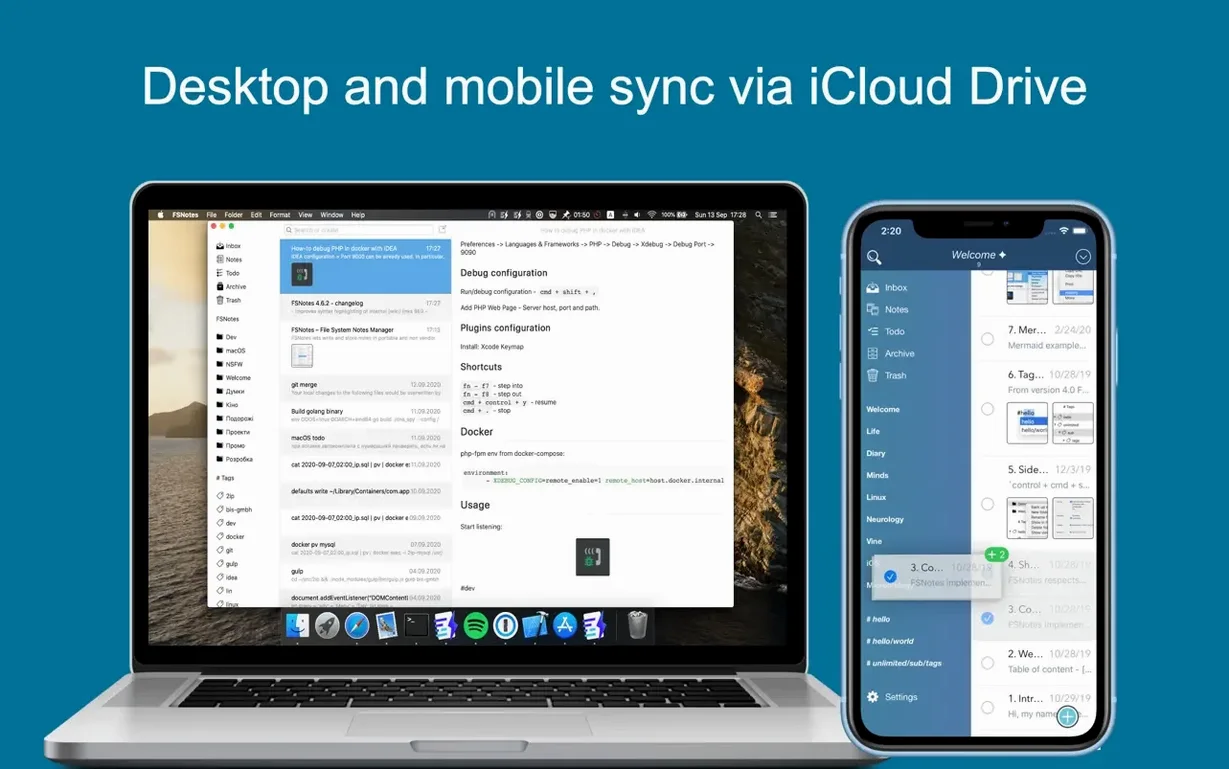
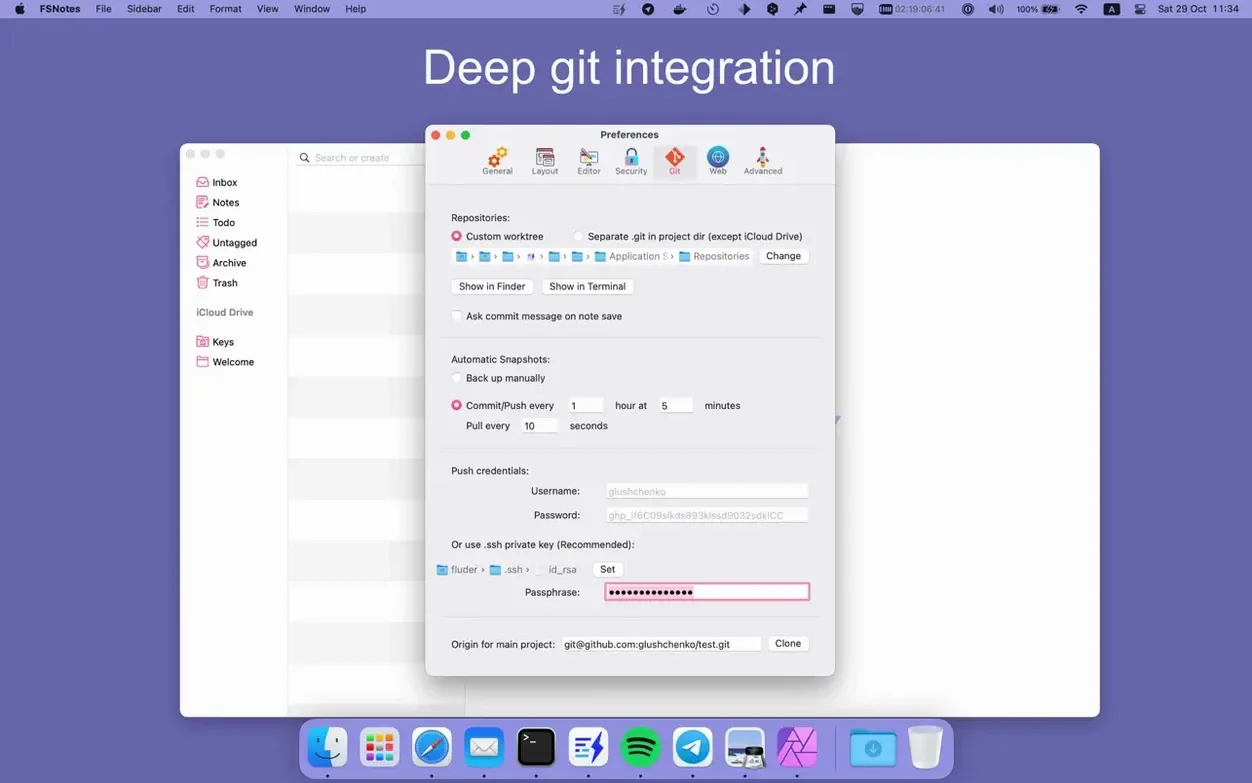
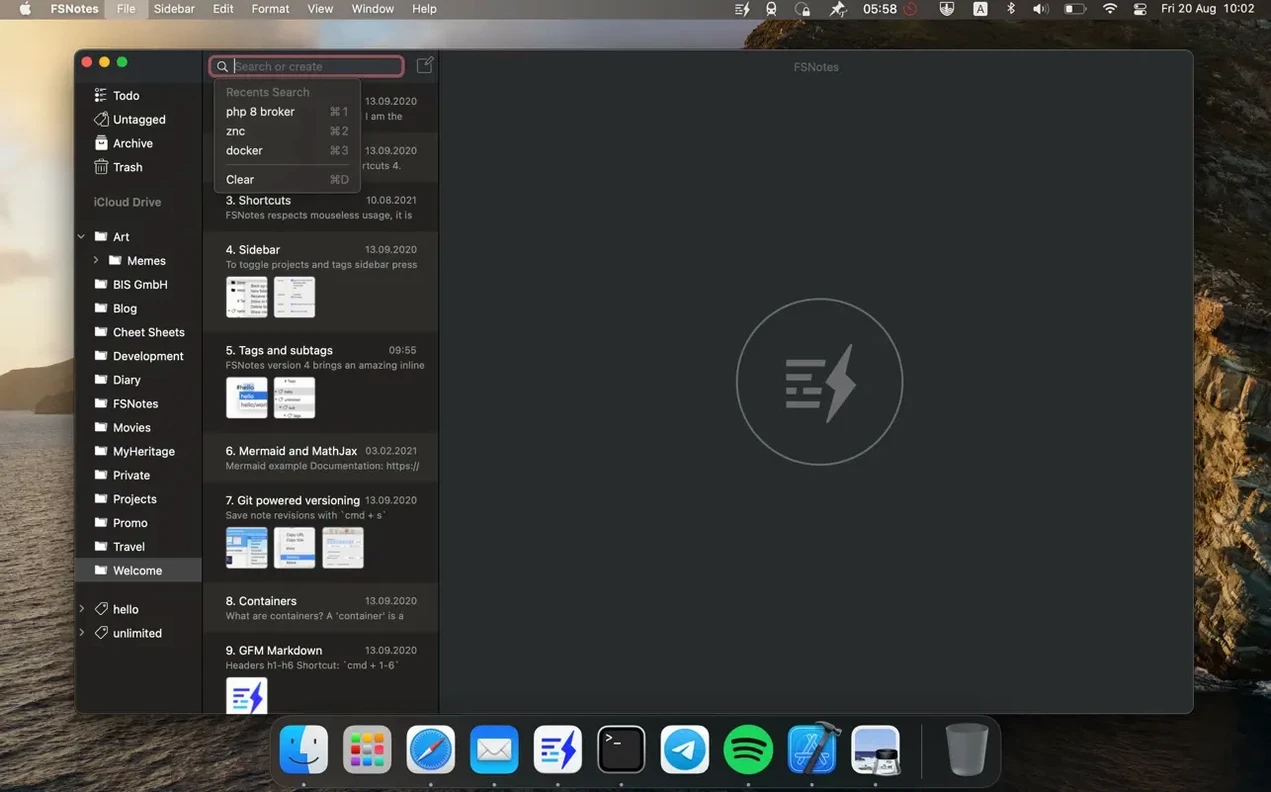
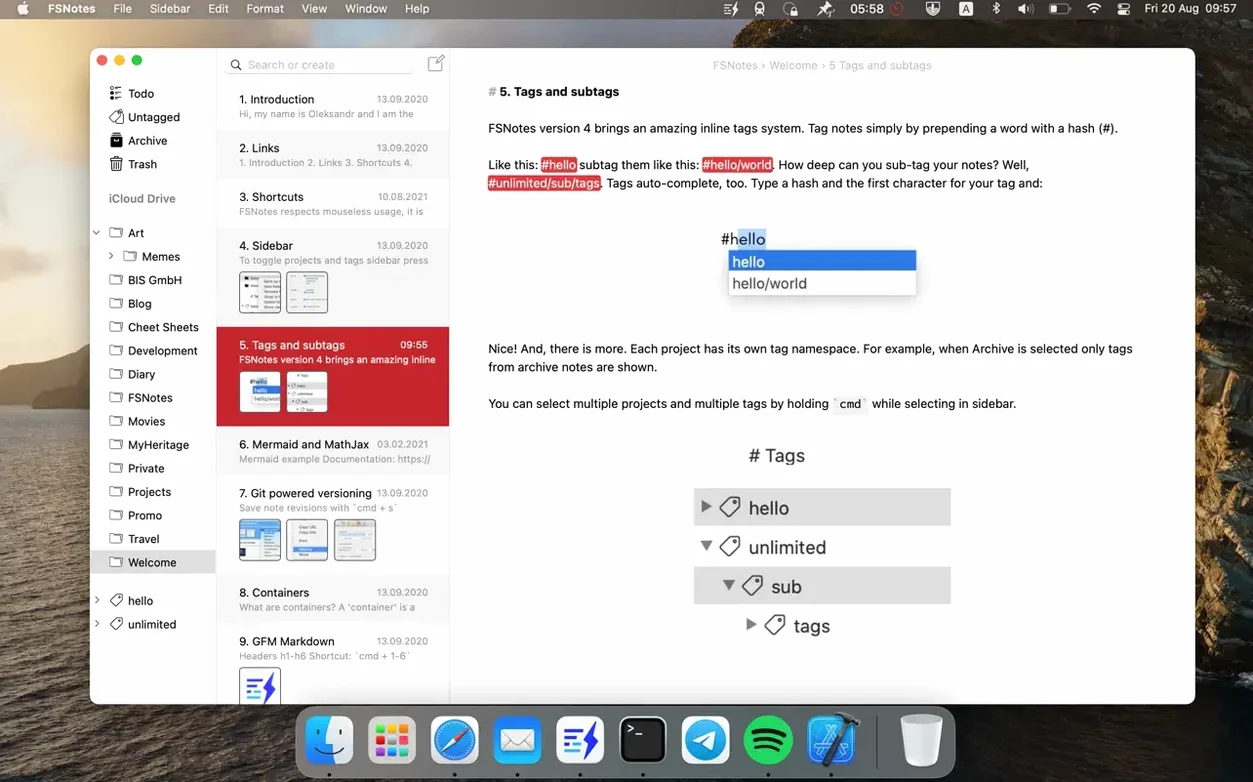
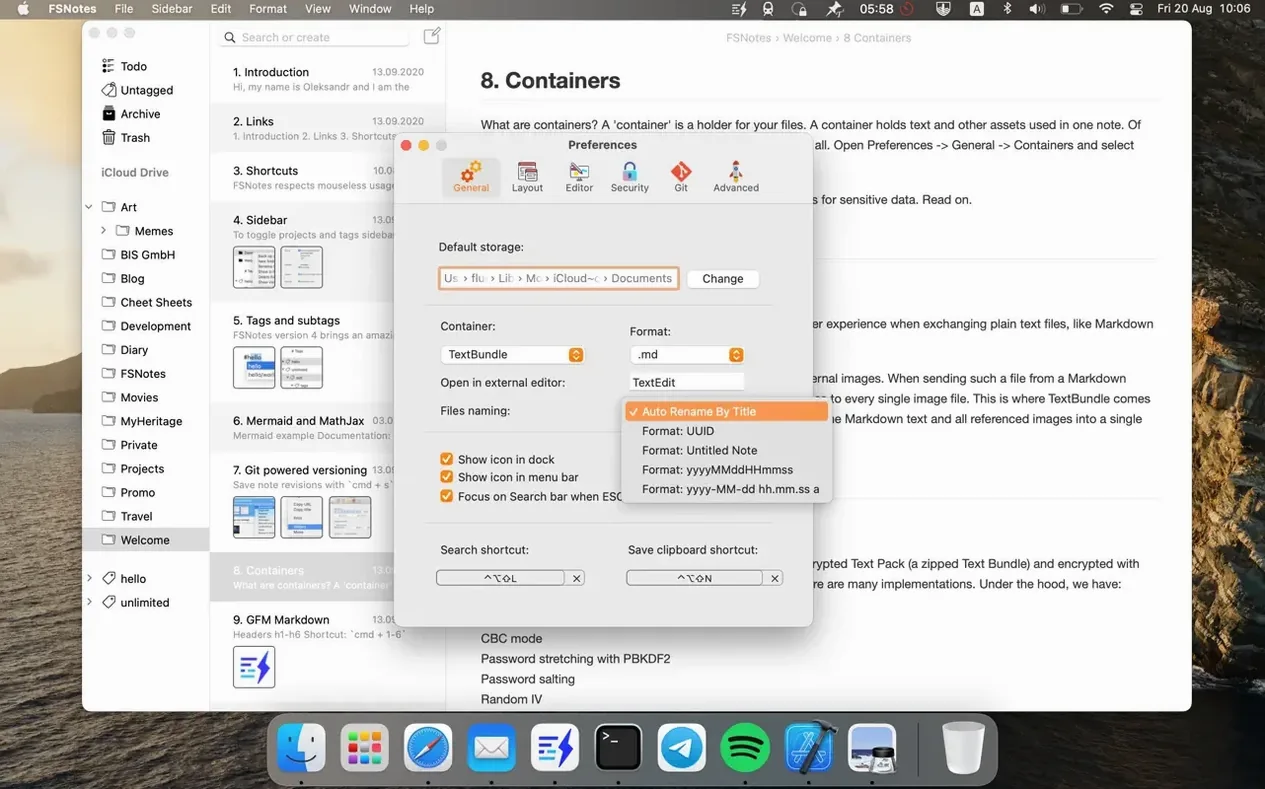
FSNotes is for people who live in their notes — writers, students, developers — and want the files to stay theirs. It stores everything in the file system, so you're never locked into a proprietary database. That's the core, but the deeper tools are what keep experienced users around.
File-based storage — every note is a real file; you can open it with any editor, sync it with your own tools, or move it around.
Multiple folders — keep notes in separate folders, each with its own structure, and still search them together.
Split view — vertical or horizontal layouts let you browse the list and read or edit side by side.
Markdown preview — see the rendered output while you type, without leaving the app.
Global hotkeys — save clipboard content or jump to search from anywhere, even when FSNotes is in the background.
Offline first — everything works without an internet connection; no cloud required.
FSNotes handles plain text, Markdown, and RTF, and stays quick because it's built for speed. For someone who wants notes that behave like files, it's a solid choice.
Long-term note keepers and multi-device writers
FSNotes suits anyone who treats notes as long-term assets rather than temporary scribbles. Writers working on drafts across multiple devices get real value from the file-based system — every Markdown file opens in any text editor, so there's no conversion step when moving between tools. Developers appreciate the live highlighting for code blocks, which covers over 170 languages, and the ability to keep technical notes alongside plain documentation in the same app.
Keyboard-oriented users are well served here. The global hotkeys for clipboard saving and search mean you can capture an idea or find a note without lifting your hands off the keyboard. That matters when you're in the middle of code or a piece of writing and don't want to break flow.
A real scenario: a developer keeping project notes
Say you're working on a side project with a dozen different services and endpoints. You keep one folder for API notes, another for deployment steps, and a third for random ideas. In FSNotes, each folder stays separate on disk but appears in the sidebar, and you can search across all of them at once. When you find a useful snippet in a browser, you hit the global hotkey to save it straight to a new note. Later, you open that note in an external editor to expand it with proper formatting. No import step, no database export — the file is already there.
Who gets the most out of FSNotes
Writers who maintain a personal wiki or research archive benefit from the plain-text foundation. No proprietary format means your notes remain readable decades from now, regardless of which app is in fashion. Students juggling lecture notes, reading lists and project outlines across terms can keep each semester in its own folder while searching everything together. The iCloud sync keeps those folders in the same state on a MacBook and an iPhone, without needing a third-party service.
Users who prefer a minimal, distraction-free interface will appreciate that FSNotes doesn't try to be a full document editor. It stays out of the way, and the split view lets you see the raw Markdown and the preview simultaneously — handy when you're learning the syntax or checking a table before exporting.
A scenario: a student organising coursework
Imagine you're halfway through a literature module. You have seminar notes, essay drafts and a growing list of quotations. In FSNotes you create a folder for each module, and inside them you write in plain Markdown — headings, links, block quotes. The live highlighting shows you the structure as you type. When you need to pull a quote from a PDF, you copy it and use the global hotkey to drop it into a new note instantly. Later, during revision, you search across all folders in one go. The notes stay in the file system, so you can back them up with rsync or open them in any editor without touching the app.
Version 7.6.0 on the Mac App Store adds a Share Extension, so you can send text or links straight into FSNotes from other apps without opening the main window. There’s also a new option to hide the counter, plus the usual round of bug fixes and improvements.
- macOS 12.4 or later
- Apple Silicon and Intel 64-bit
Kit check at a glance
| System | macOS 12.4 or later |
| Chip | Apple Silicon, Intel 64-bit |
| Download | 24 MB |
| Older pressings | 4 in the crate |








Chat from the booth
Sign in or grab a free account to leave a comment.
Nobody has said a word in the booth yet. If you played a set with this build, tell the next person how it went.