

- Build in the crate
- 8.4.3.8984
- Made by the team at
- Fontlab Ltd
- Menu languages offered
- English
- How you pay for it
- K'ed by TNT team
- macOS it plays on
- macOS 10.14 or later
- CPU it runs on
- Intel 64-bit
Screenshots
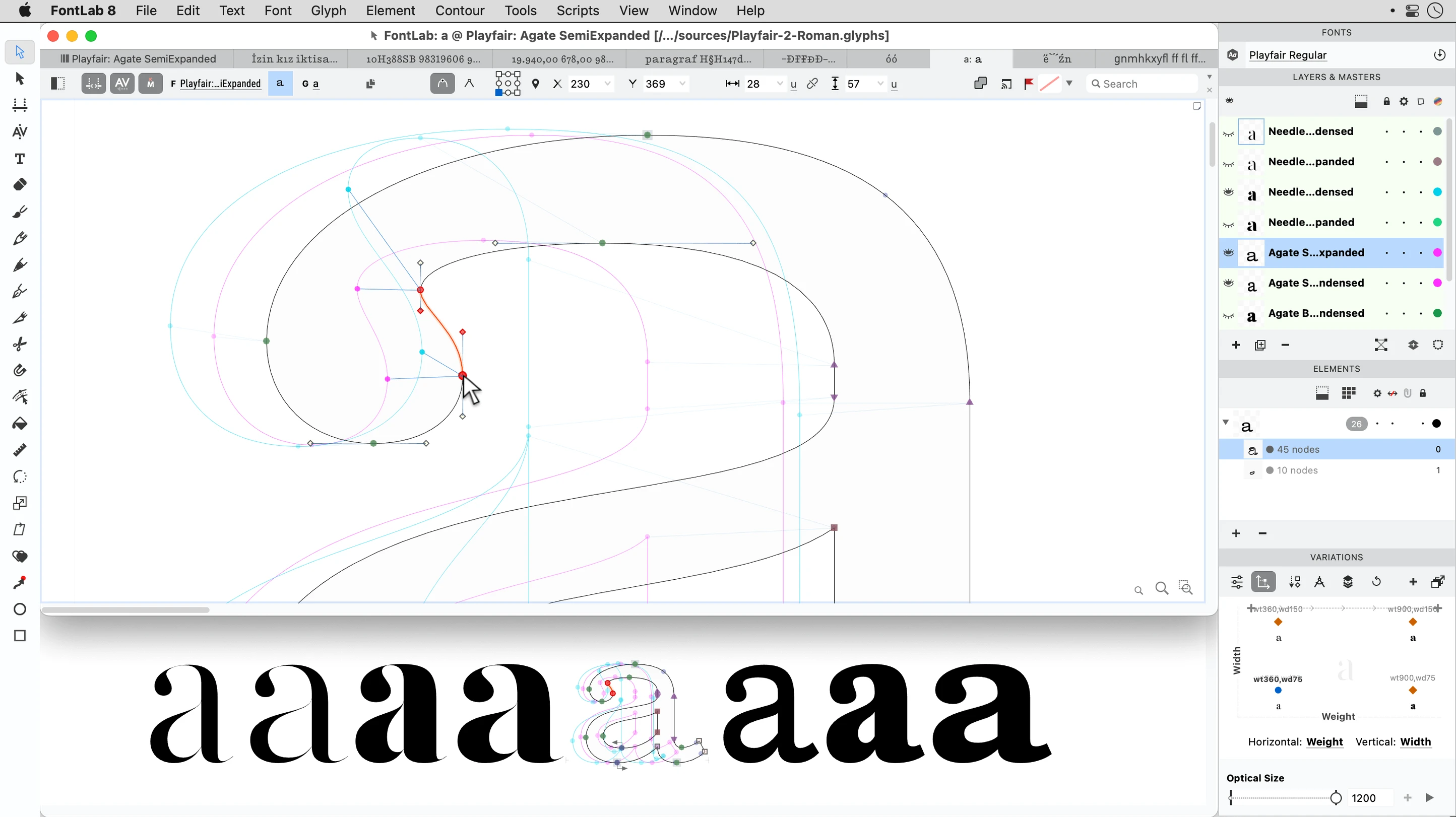
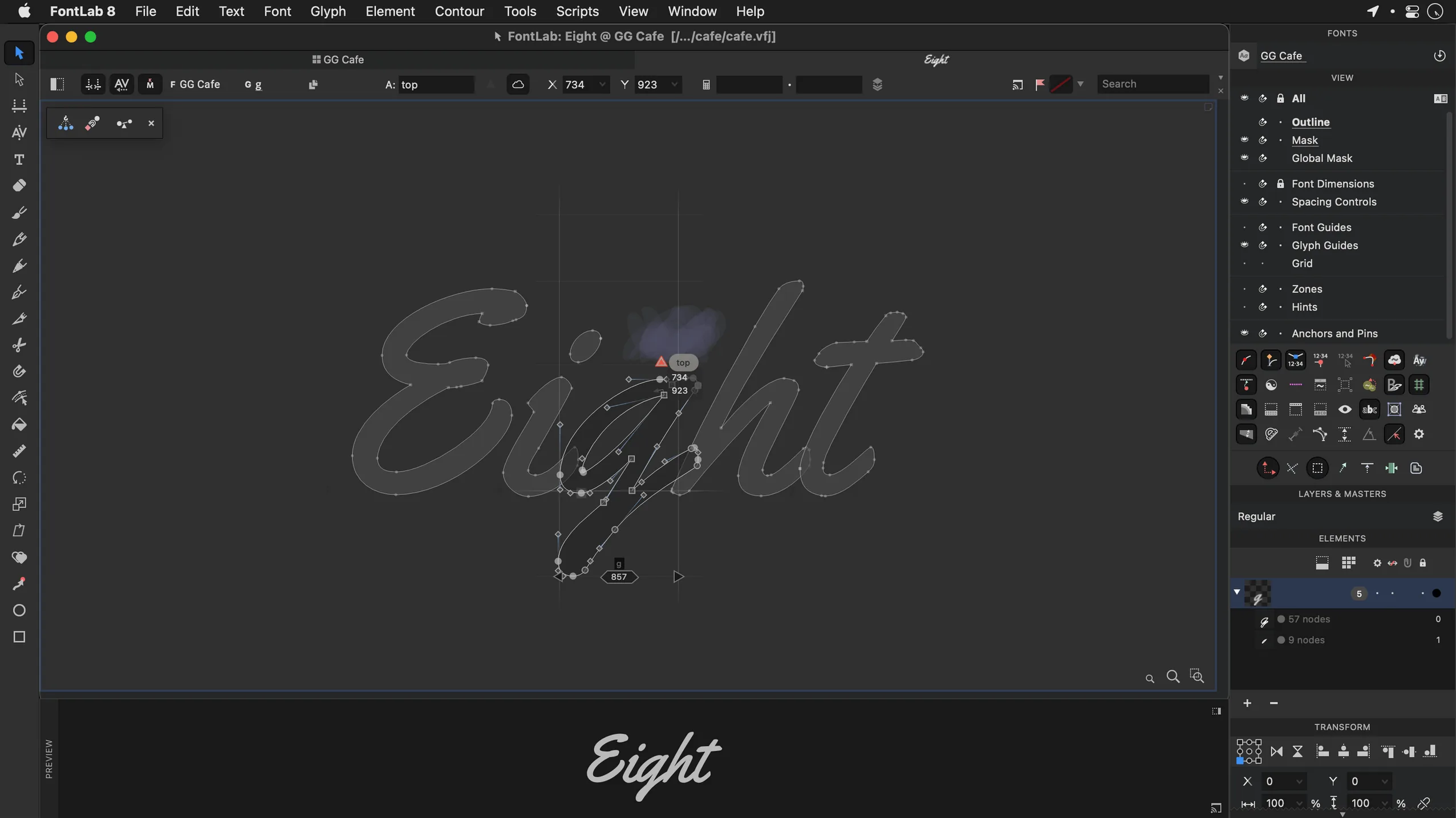
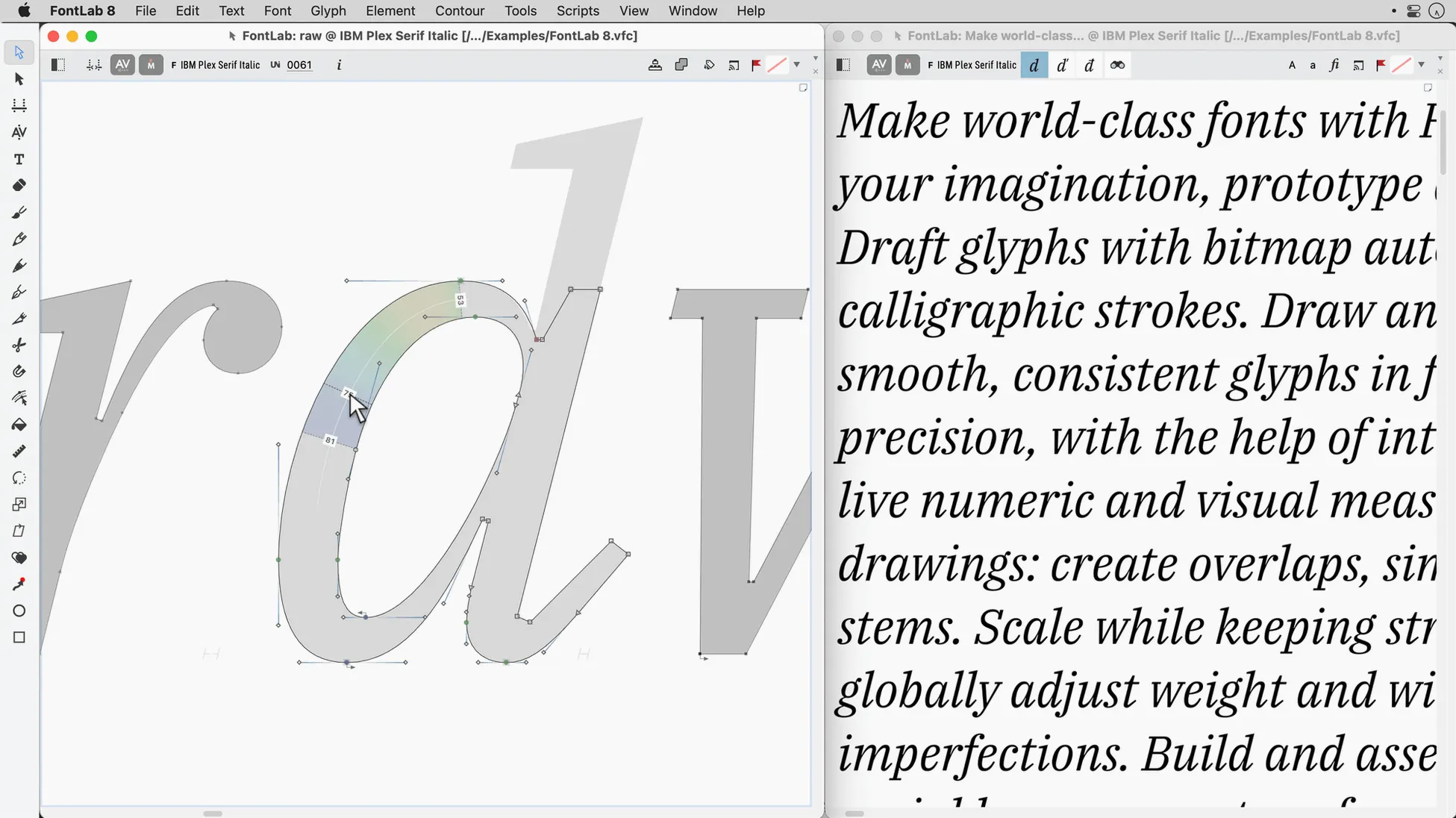
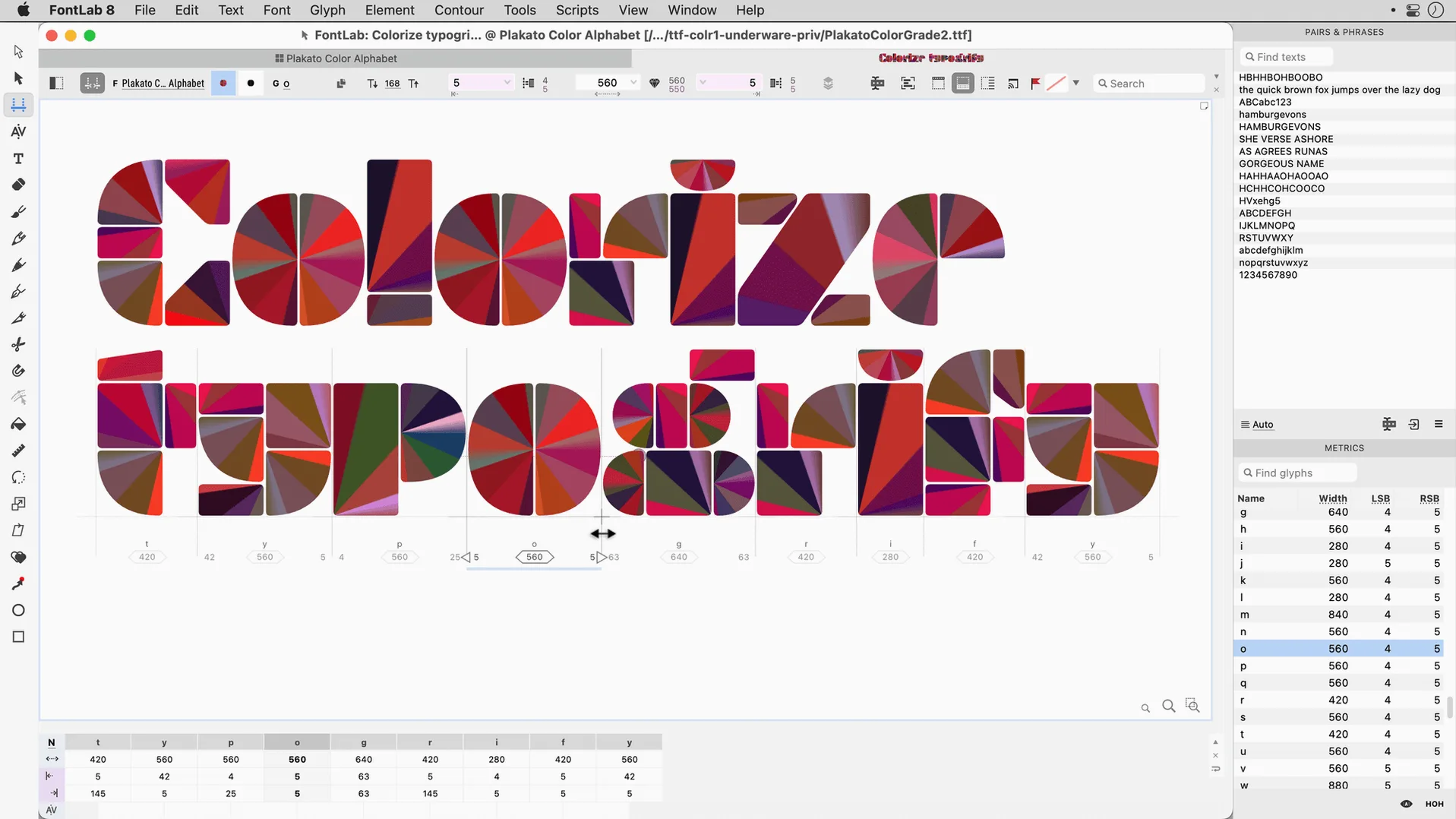
Designing a font used to mean juggling several tools and formats. FontLab 8.4 takes the whole job in one place, from a blank glyph to a finished OpenType file. Here’s a realistic task: creating a simple custom typeface and exporting it.
Workflow: Create and Export a Font
- Start a new font. Open FontLab and choose New Font. Pick a template or work from an empty glyph set.
- Draw your glyphs. Double-click a glyph cell to open the editor. Use the pen tool to draw outlines. Drag-and-drop placement lets you move elements quickly.
- Set up spacing. Add side bearings to each glyph. Consistent spacing makes your type readable.
- Apply transformations. Use programmable transformations to adjust weight or slant across many glyphs at once.
- Test and refine. Use the built-in preview to check your font in a text string. With over 200 undo levels, you can experiment freely.
- Export. Go to File > Export and choose OpenType or TrueType. FontLab handles the technical details.
FontLab supports Arabic and Hebrew, so your workflow scales beyond Latin scripts. For a student or a working designer, it’s the kind of tool that keeps up with the project, not the other way around.
occupies a specific middle ground between Glyphs and others
FontLab 8.4 is not the only font editor on Mac, but it occupies a specific middle ground. Glyphs is the other big name in the space. Both let you draw and export OpenType fonts. Glyphs has a cleaner, more modern interface that some designers prefer for smaller projects. FontLab is the heavier option — it handles more formats (TrueType AAT, Mac TrueType, ASCII Type 1) and its batch transformation tools go further. If you work with legacy fonts or need to convert between formats often, FontLab wins.
RoboFont takes a different approach. It is built around Python scripting and a modular workflow. That gives you deep control if you write your own extensions, but it also means a steeper learning curve. FontLab includes scripting too, but its visual tools and drag-and-drop glyph placement get you started faster. For a designer who wants to draw first and script later, FontLab is the more practical pick.
set default font format to OpenType and turn on auto-save
When you open FontLab for the first time, a few settings save you frustration later. Go to Preferences and set the default font format to OpenType if that is your main output. It avoids converting every time. Turn on auto-save and set the interval to five minutes — font projects can grow large and losing work hurts more than in a text editor.
Under the Glyph panel, enable the preview window. It shows your font in a live text string while you edit individual letters. That small change makes spacing and kerning adjustments much faster. Also check the Undo settings: the default 200 levels are generous, but you can raise or lower them depending on how much memory you want to spare.
suits type designers building a full family with batch transformations
FontLab suits two kinds of Mac users especially well. The first is the type designer building a full family — roman, italic, bold, small caps. The batch transformation tools and programmable transformations let you generate weights and styles without redrawing everything. The second group is graphic designers who occasionally need to tweak or extend an existing font. The drag-and-drop placement and import of AI or EPS files mean you can pull in vector artwork from Illustrator and turn it into a glyph fast.
Students studying typography also benefit. The built-in viewer and preview tools make it easy to understand how outlines, spacing and encoding work together. And because FontLab runs on both Intel and Apple Silicon Macs, it fits whatever machine you are using at university or at home.
- 500 improvements over FontLab 8.
- 900 improvements over FontLab 7.
- macOS 10.14 or later
- Intel or Apple Silicon
Kit check at a glance
| System | macOS 10.14 or later |
| Chip | Intel 64-bit |
| Download | 131 MB |
| Older pressings | 2 in the crate |




Chat from the booth
Sign in or grab a free account to leave a comment.
Nobody has said a word in the booth yet. If you played a set with this build, tell the next person how it went.