
- Build in the crate
- 2.0.3
- Made by the team at
- Baskl.ai
- Menu languages offered
- English
- How you pay for it
- K'ed by Monter Group
Screenshots
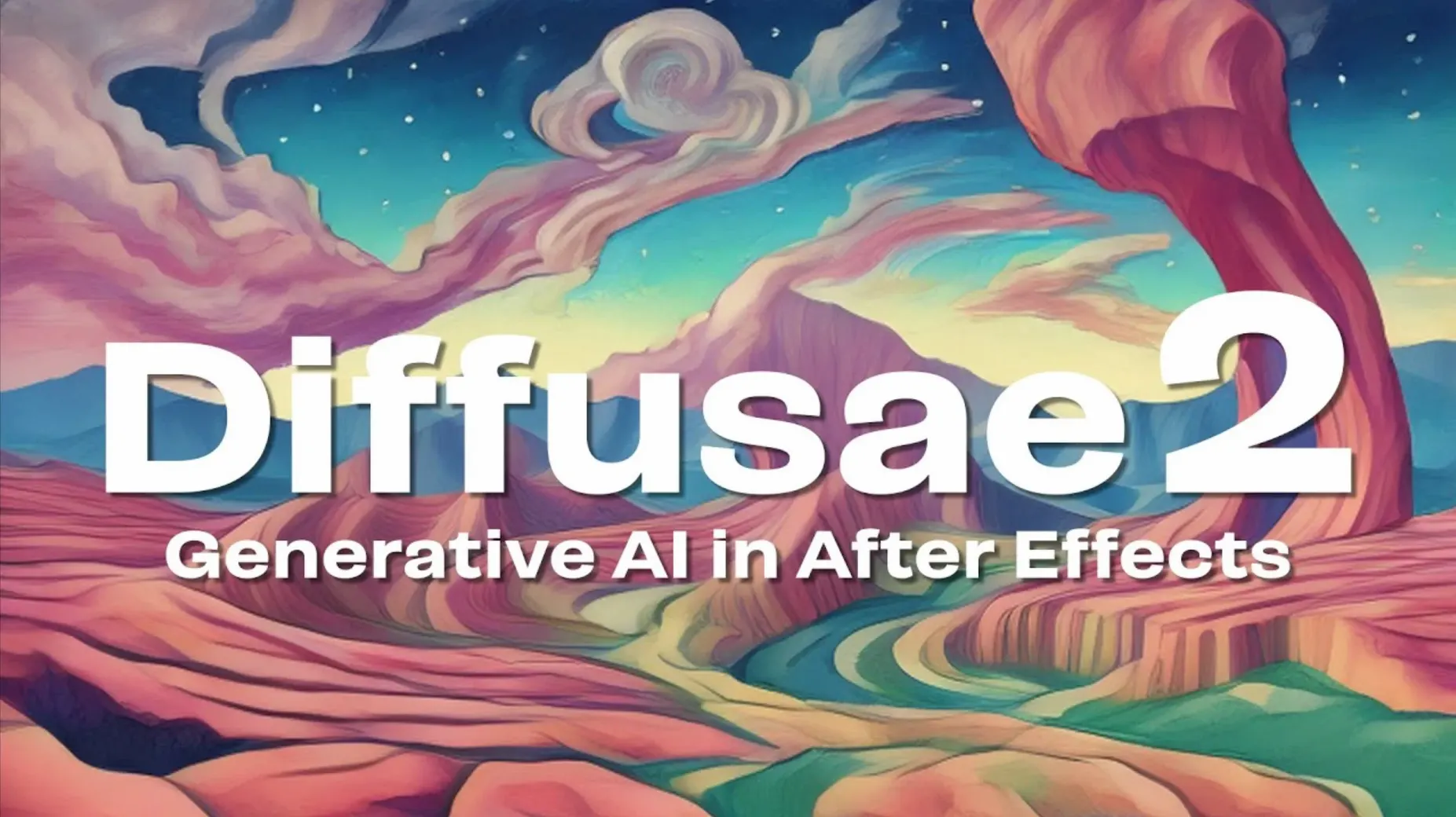
If you already use After Effects for motion graphics, Diffusae slots in as a generative layer inside that familiar timeline. It doesn't replace your compositing habits; it extends them with Stable Diffusion models you can run without leaving the app.
Background plates, texture passes, and Instruct Pix2Pix edits
- Generating background plates or texture passes directly on a layer.
- Editing existing visuals with Instruct Pix2Pix, so you can describe a change and let the model apply it.
- Controlling composition with ControlNet when you need structure to guide the output.
- Working with SDXL, Stable Diffusion 1 and 2, or your own custom checkpoints from the Models Manager.
Apple Silicon only with English interface
- It runs on Apple Silicon only, with macOS 11.0 or later.
- Interface language is English.
A session with Diffusae, start to finish
I open After Effects with a standard 1920x1080 comp open. The timeline has a simple white rectangle — a placeholder for a background I want to replace with something generative. I select the layer, go to Effects > Diffusae, and the plugin panel appears at the side of the interface.
First thing: I pick a model. The Models Manager shows the 10+ included checkpoints. I scroll past SDXL, land on one of the Stable Diffusion 1 options. The download takes a moment. Once it is installed, I close the Manager and type a short prompt: "warm orange gradient with subtle noise texture". I leave the seed empty for randomness, set the CFG scale to 7.5, and hit Generate.
The preview renders inside After Effects. I see what it looks like — a bit too orange. I go back to the prompt, add "pale yellow streaks", and regenerate. This time the tones work better. I click Apply to commit it to the layer.
Next, I add a second layer with a glitchy text element. Instead of generating from scratch, I use Instruct Pix2Pix. I write "add vertical digital distortion lines". The model edits the existing texture. Two generations later I have something that fits.
For the animation part, I enable the temporal consistency model. The plugin now remembers the previous frame when I move through the timeline. I scrub through a few seconds of footage; the texture shifts smoothly instead of jumping between random seeds.
Real-world use: a VFX artist on a music video
A friend of mine works on low-budget music videos. He gets raw footage with flat, boring backgrounds. With Diffusae, he selects a sky area in After Effects, applies a ControlNet depth map from the original shot, and generates a new sky texture that matches the perspective. The Instruct Pix2Pix mode lets him describe small adjustments — "add a sun flare top left" — without painting masks by hand.
He also uses the 4x faster LCM or Turbo models for quick previews. If a client asks for a different colour palette, he swaps prompts and regenerates in seconds, keeping the ControlNet structure intact. The custom checkpoint support means he can load models trained on specific film looks, giving each project a distinct texture without starting from scratch.
Start with included models, use Models Manager
- Start with one of the included models before trying custom checkpoints from Civitai. The pre-installed ones are ready to go and show you the range of outputs Diffusae can produce.
- Use the Models Manager to download models while you work on something else. It runs in the background, so you are not stuck waiting.
- Generate a few test frames with different seeds before committing to a look. Keep the seed number written down so you can return to a version you liked.
- Turn on the temporal consistency model early when you plan an animated sequence. It makes a difference in how the glitch effects hold together across frames.
- If you use ControlNet, start with a simple depth map from your layer. It gives the model enough structure without overcomplicating the prompt.
- Windows only: added a Civitai token field in the Models Manager for downloading login-only models.
- Windows only: fixed a bug with non-ASCII characters in the models path.
- macOS 11.0 or later
- Apple Silicon
- After Effects (compatibility implied by plugin description)
- Interface language: English
Kit check at a glance
| Download | 24 MB |
| Older pressings | 2 in the crate |







Chat from the booth
Sign in or grab a free account to leave a comment.
Nobody has said a word in the booth yet. If you played a set with this build, tell the next person how it went.