

- Build in the crate
- 12.1.5
- Made by the team at
- Adobe
- Menu languages offered
- English, German, Chinese (Simplified), French, Japanese
- How you pay for it
- K'ed by boringman
- macOS it plays on
- macOS 12 or later
- CPU it runs on
- Apple Silicon
Screenshots
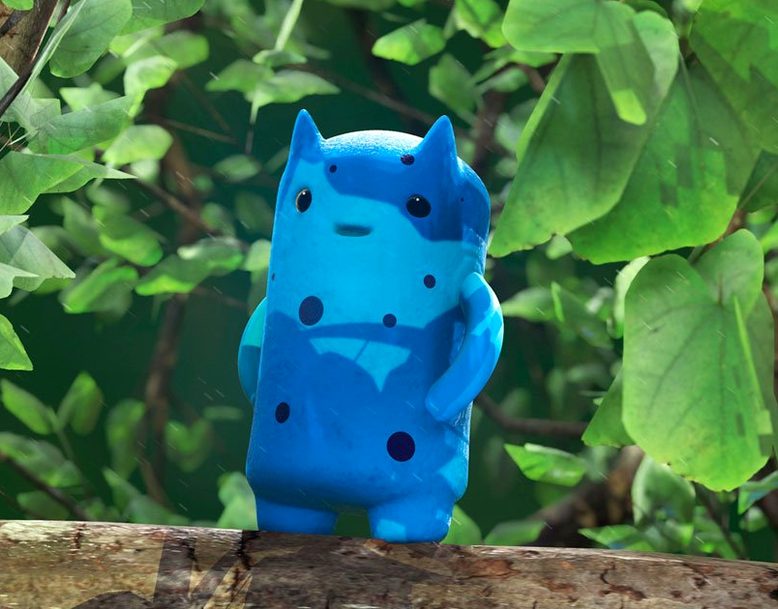
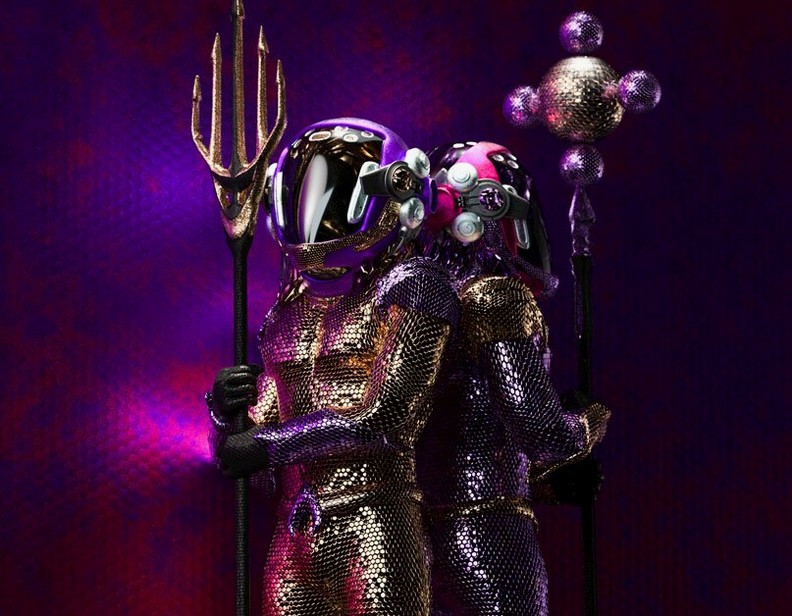
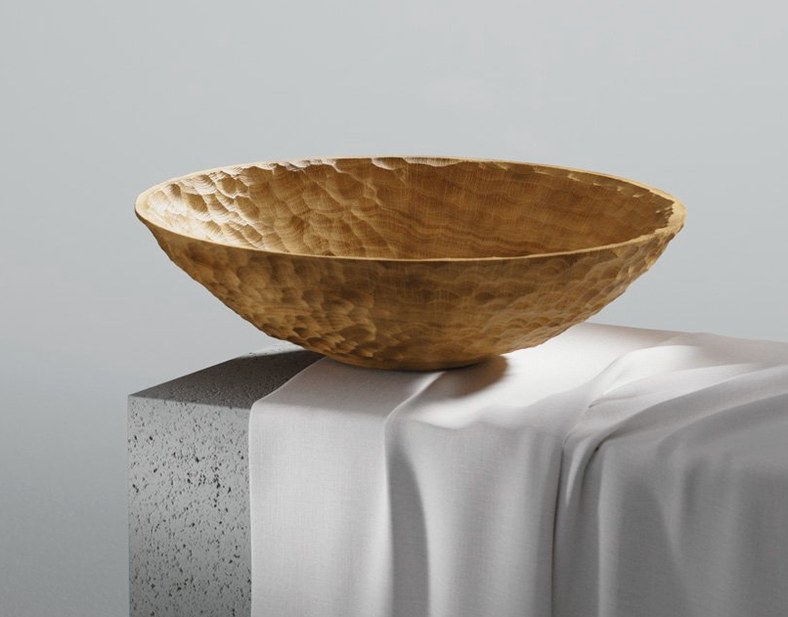

Path tracing in the viewport is the sort of feature you don’t know you need until you see a model under real-world lighting. Substance 3D Painter renders reflections and shadows accurately, so material adjustments feel immediate. But the deeper value is how much control you keep.
Can you modify brush strokes after painting?
Yes. Existing paint strokes remain editable, which means you can tweak opacity, colour or blending without starting over. That alone saves hours when a client or your own eye changes direction.
What about masks on curved surfaces?
Mask styles adapt to the shape you paint — spherical, cylindrical or planar projections — so decals and wear maps wrap naturally. No more fighting UV seams when you want a scratch along a curve.
Load custom .abr brushes directly
Painter supports Photoshop brush sets, so your custom .abr files load straight in. The brush engine handles alpha and spacing the same way, making the transition between 2D and 3D texture work smoother.
Tweak viewport lighting for better contrast
Substance 3D Painter’s defaults are fine for a quick look, but a few tweaks make the workspace feel more natural for daily use. The first stop is the viewport display settings. Switch the lighting preset to something with stronger contrast — the default studio preset is safe, but a directional setup shows material roughness and metallic response more clearly. If you work on stylised assets, try the cartoon shading mode from the viewport dropdown.
Next, adjust the auto-save interval. Painter saves project files that include every stroke and layer, so losing work to a crash hurts more than in a flat image editor. Also enable backup project files if your storage can spare the space.
Finally, check the colour management settings. The default sRGB profile works for most game assets, but if you export for film or print, switch to ACEScg or linear colour space from the project configuration panel. This keeps albedo and roughness values consistent across different renderers.
Requires macOS 12, Apple Silicon, 16 GB RAM
Painter 12.0.3 requires macOS 12 Monterey or later and runs natively on Apple Silicon. No Intel support in this version. The official spec calls for 16 GB of RAM and an SSD with 30 GB free space. That 30 GB covers the application, default material libraries and room for project files — if you work with high-res texture sets (4K or 8K), expect to need more.
Only Apple’s own hardware configurations are supported, so third-party GPU upgrades or non-standard Mac builds aren’t tested. The viewport uses Metal for real-time display, and path tracing relies on the same GPU compute path. On a standard Apple Silicon machine, the real-time viewport stays responsive with medium polygon counts and 2K–4K texture resolutions. Larger scenes with multiple UDIM tiles or dense geometry may require lowering the viewport quality preset from the settings panel.
Languages available in this release are English, German, Simplified Chinese, French and Japanese. The interface language can be switched in the preferences without reinstalling.
Build muscle memory with a low-poly prop
- Start with a simple mesh. Pick a low-poly prop with clean UVs — a crate, a helmet or a weapon. Paint a full smart material, then tweak the masks manually. This builds muscle memory for layer stack navigation and brush shortcuts.
- Use the Fill layer with a mask. Instead of painting base colour by hand, create a Fill layer and paint the mask where you want wear or dirt. This keeps the base material editable later.
- Export early. Set up your export templates before you finish texturing. Painter can output multiple maps (base colour, normal, roughness, metallic, AO) in one pass. Save the preset so you don’t re-enter the same paths for every asset.
- Load your own Photoshop brushes. If you already have a custom .abr set for 2D work, import it via the brush panel. The brush engine treats alpha and spacing the same way as Photoshop, so your favourite chalk, spray or scatter brushes carry over.
- Watch the viewport feedback. The real-time preview updates with every stroke. If the material looks flat, switch the lighting preset to directional or HDR before judging the result. The default studio lights can hide roughness differences.
No Intel support in this version
Substance 3D Painter vs. Mari (Foundry)
Mari is built for hero assets in film — think 10K textures and dozens of UDIM tiles. It handles extreme resolution better than Painter, and its node-based shading is more flexible for complex layering. But Mari’s interface is steeper, and it lacks the smart material system that makes Painter fast for props and environments. For game assets and mid-resolution film work, Painter is quicker to get results. Mari excels when you need per-pixel control across hundreds of tiles.
Substance 3D Painter vs. Blender’s built-in texture painting
Blender’s 3D paint tools are free and improving, but they don’t match Painter’s layer stack, smart materials or projection masking. Blender works well for simple colour blocking and vertex painting, and it supports stencil projection. Painter’s non-destructive workflow — where you can change project resolution later or edit a stroke’s opacity — is absent in Blender. For a single asset that needs only basic texturing, Blender suffices. For a production pipeline with consistent material output, Painter saves repeated manual work.
Substance 3D Painter vs. 3D-Coat
3D-Coat offers voxel sculpting and UV tools alongside painting, which Painter does not. Its painting engine supports PBR layers and smart materials, but the interface feels denser. 3D-Coat’s strength is all-in-one modelling and texturing for indie projects. Painter’s advantage is focus: it does texturing and only texturing, with a cleaner layer system and better integration with other Substance tools like Designer. If you already sculpt in ZBrush or Blender, Painter is a tighter fit for the finishing stage.
- macOS 12 Monterey
- Apple Silicon (M1 or later)
- 16 GB RAM
- SSD with 30 GB available space
- Only official Apple configurations are supported
Kit check at a glance
| System | macOS 12 or later |
| Chip | Apple Silicon |
| Download | 3 GB |
| Older pressings | 5 in the crate |




Chat from the booth
Sign in or grab a free account to leave a comment.
Nobody has said a word in the booth yet. If you played a set with this build, tell the next person how it went.