
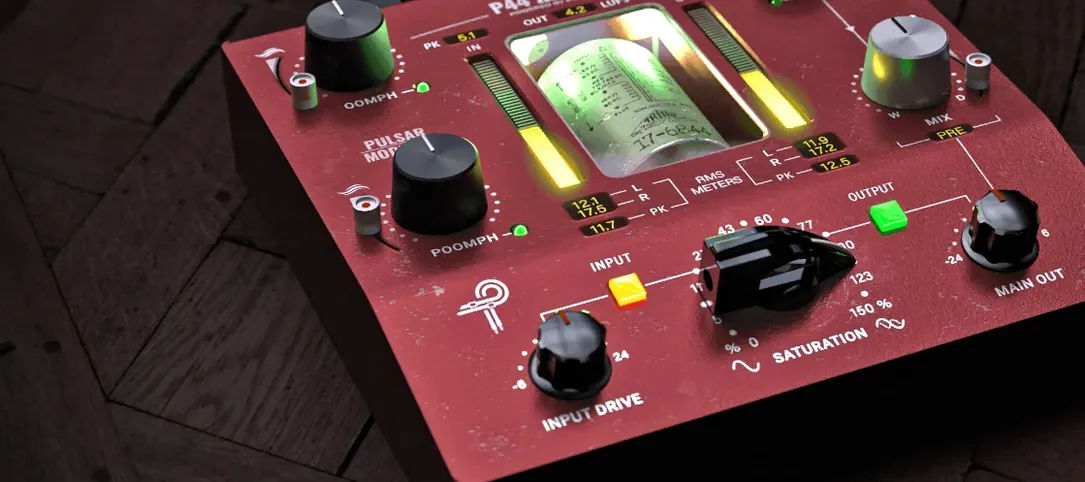
- Build in the crate
- 1.1.2
- Made by the team at
- Pulsar Modular
- Menu languages offered
- English
- How you pay for it
- K'ed by MORiA
- macOS it plays on
- macOS 10.13 or later
- CPU it runs on
- Apple Silicon, Intel 64-bit
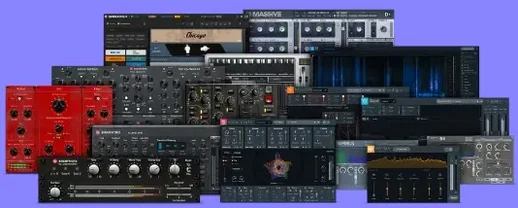
Screenshots
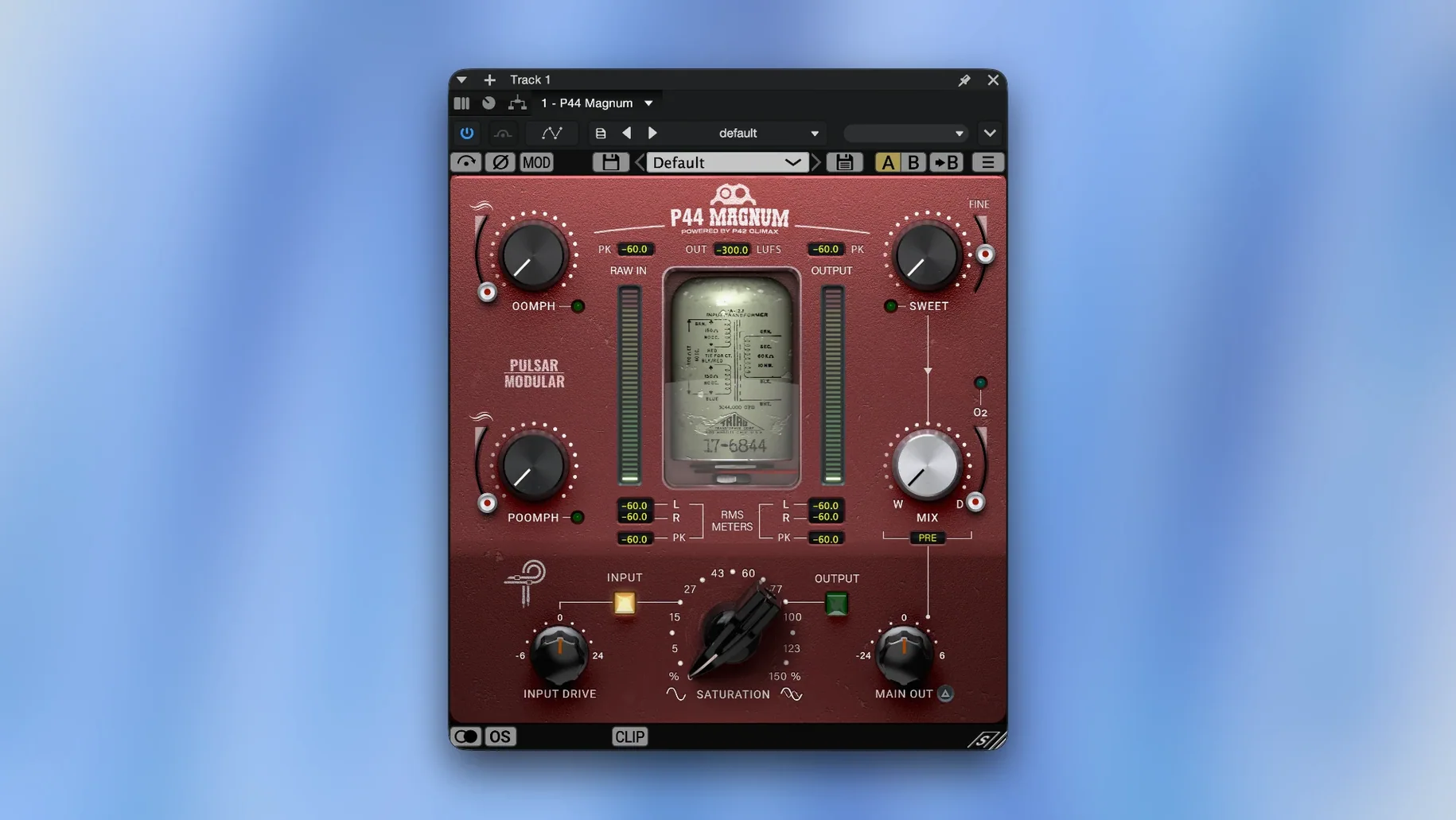
Too many tracks fight for space in a mix, and the low end is usually the first casualty. Pulsar Modular P44 Magnum is a plugin that deals with exactly that: saturation, low-end shaping and clipping, all in one place.
On buses and drum groups
P44 Magnum works on individual tracks when you want a single element to sit tighter, but it really earns its keep on buses. Throw it across a drum group or a bass bus and the Oomph and Poomph circuits add weight without turning everything into mud. The O2 harmonics exciter brings out detail that gets lost, while the clipper catches peaks so the bus hits the limiter less aggressively.
Sweet circuit for smoothing harsh transients
Use the Sweet circuit for smoothing harsh transients on a vocal or synth bus. On a master bus, a touch of saturation plus the clipper gives you that glued, slightly pushed sound without drastic EQ moves. It is a straightforward tool for shaping tone and energy, and it fits nicely on the Mac in AU, AAX or VST3 format.
When the plugin appears to do nothing
The biggest confusion I see is when the plugin appears to do nothing on a source. Often that is because the clipper is off and the saturation is set very low. Crank the drive a bit and the Oomph circuit starts revealing itself. On a bassline, if the low end feels loose rather than solid, try switching between Oomph and Poomph: one tightens, the other adds punch, and they behave differently on different sources.
Another frequent issue is hitting the clipper too hard. The clipper is meant to catch peaks, not to do heavy limiting. If you hear distortion you do not want, dial the clipper back until it only touches the loudest transients. The zero sample latency when the clipper is off also means you can leave it off during tracking and only engage it at mixdown. Installation follows the included instructions, so read those first rather than guessing the folder path. The plugin shows up in your AU, AAX or VST3 folder after you place it there.
Runs on Intel and Apple Silicon Macs
The plugin runs on macOS 10.13 or later, and it works on both Intel and Apple Silicon Macs. The developer claims very low CPU load, which matches what I would expect from a saturation plugin without heavy oversampling or convolution. No system numbers to quote, but the formats are standard and the installation is manual, so no installer wizard to fight. The interface is in English only.
A low-end shaping workflow
Start with a kick and bass bus. Insert P44 Magnum as the first plugin. Set the clipper to off. Bring up the Oomph circuit until you feel the low end tighten, then add a little Poomph for weight. If the bus sounds dull, bring in the O2 harmonics exciter to restore top-end air. Finally, switch the clipper on and set it so it only catches the very loudest peaks: maybe two or three dB of gain reduction on the meter. That is it. No extra EQ needed for most mixes, and the bus hits your limiter much cleaner.
- New processing circuits: Oomph, Poomph and Sweet
- Built-in clipper
- macOS 10.13 or later
- Apple Silicon or Intel 64-bit
- Formats: AU, AAX, VST3
- Interface language: English
Kit check at a glance
| System | macOS 10.13 or later |
| Chip | Apple Silicon, Intel 64-bit |
| Download | 53 MB |





Chat from the booth
Sign in or grab a free account to leave a comment.
Nobody has said a word in the booth yet. If you played a set with this build, tell the next person how it went.