
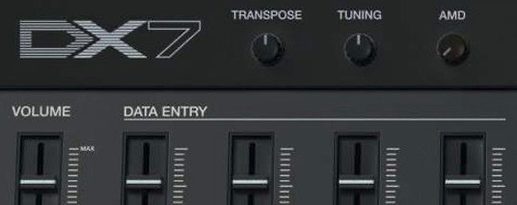
- Build in the crate
- 11.13.4 (6366)
- Made by the team at
- Arturia
- Menu languages offered
- English
- How you pay for it
- K'ed by MORiA
- macOS it plays on
- macOS 11 or later
- CPU it runs on
- Apple Silicon, Intel 64-bit
Screenshots
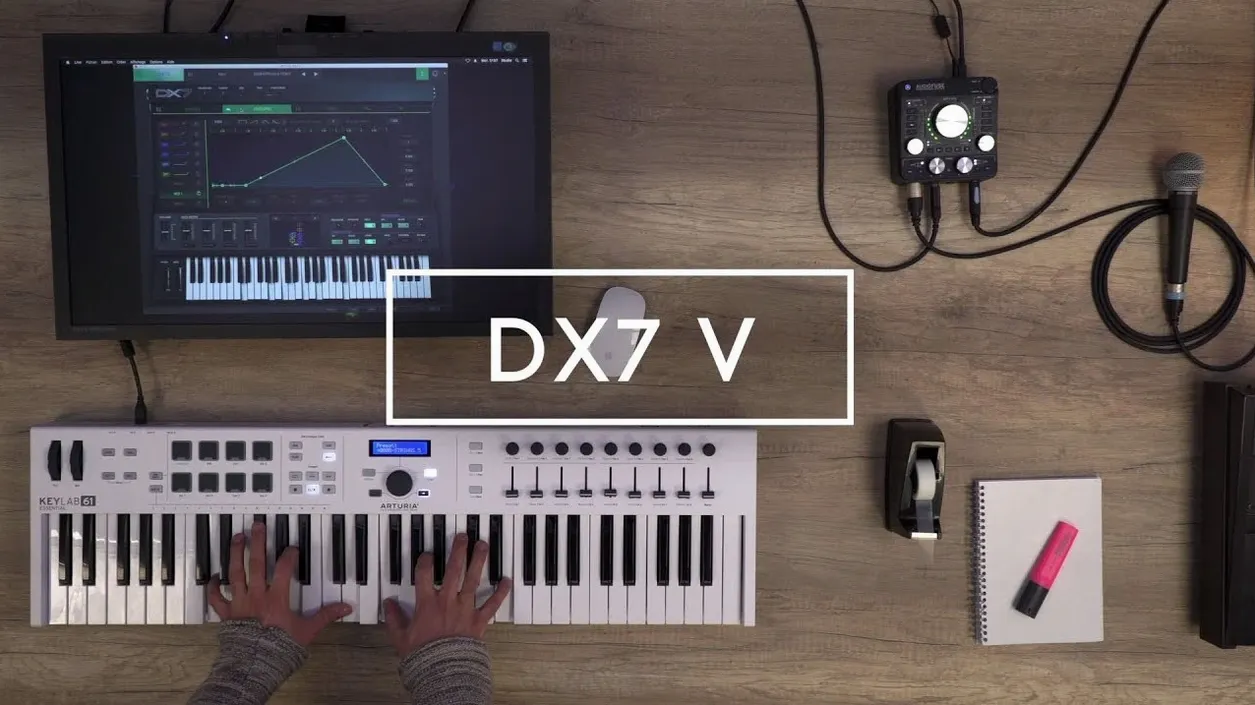
Arturia DX7 V runs on any Mac with macOS 11 or later, and it supports both Apple Silicon and Intel systems. That means it slots straight into a modern production setup without compatibility headaches.
32-voice polyphony for chord work
In a typical mix, DX7 V works best as a track instrument. Drop it on a MIDI channel and you get 32 voices of polyphony, plenty for chords or layered pads. The 432 factory presets cover acoustic, synthetic, and mechanical sounds, so you can pull up a bass, a bell, or a percussive hit without reaching for a sampler. Its 4 FX slots can run in parallel or series, which is handy when you want a clean dry signal next to a processed one.
Beyond the original
Arturia kept the 32 original DX7 algorithms but added a step sequencer, 2 LFOs, and an arpeggiator. Those extras make it useful for rhythmic ideas, not just static patches. You can route modulations freely, mix sources, and treat it as a full synth emulator rather than a museum piece. Whether it is a lead, a pad, or a sound effect, DX7 V holds its own on a bus or a track.
Native on Apple Silicon and Intel Macs
Version 1.13.4.6366 is the current build, and it runs on macOS 11.0 or newer. Both Apple Silicon and Intel Macs are supported, so no extra bridging or emulation layers are needed. The interface is in English, and the plugin comes as a standalone instrument plus the usual 64-bit formats for your DAW. Installation follows Arturia’s standard process, with activation handled by the included patch. If you have imported SysEx from a real DX7 before, you will find that same workflow here, because the original data format is supported directly.
A quick workflow: turning a factory preset into a sequenced part
Start by loading one of the 432 factory presets onto a MIDI track. Pick something static, like an electric piano or a bell. Open the step sequencer and draw a short pattern, maybe eight steps. Then set one LFO to modulate the operator feedback, and route the other LFO to the filter cutoff. The two LFOs run independently, so you can create movement that changes over time. Add the arpeggiator on top, set to a rhythmic division that matches your project tempo. Now the once‑simple patch is shifting and repeating on its own. You can record the MIDI output or just let it play while you adjust the multi‑segment envelopes per operator. That is the kind of layering that makes DX7 V feel like a modern instrument, not just a recreation.
What your Mac needs to run DX7 V
From a system perspective, DX7 V is not a heavy ask. macOS 11 Big Sur is the minimum, which covers most Macs from 2016 onwards. The plugin runs natively on Apple Silicon, so if you have an M-series Mac, it uses the processor directly without translation. Intel Macs are equally supported, so a 2019 iMac or a 2020 MacBook Pro works the same way. The installer is the standard Arturia one, and activation is handled by the included patch. No extra tools or virtual machines are required. The interface is English only, which is typical for this kind of instrument.
Building a layered pad from scratch
Start with an init patch. Set all six operators to a sine wave, one of the 25 available waveforms per operator. Choose a DX7 algorithm, say algorithm 1, which stacks operators in series. Adjust the multi‑segment envelopes so operator 1 has a slow attack and operator 6 has a fast decay. This creates a pad that blooms over time. Route operator 3’s output through the multi‑mode filter, set to low‑pass with moderate resonance. The filter can be placed per operator, so you get precise tonal control. Now add a second LFO to modulate operator 4’s feedback. The feedback per operator means you can introduce subtle distortion on only one voice. Finally, drop a reverb in one of the 4 FX slots, routed in parallel so the dry signal stays clear. The result is a layered pad that changes texture as you hold a chord, without touching the sequencer or arpeggiator. This approach works well for ambient or cinematic cues where movement comes from the sound itself, not from external effects.
- macOS 11.0 or later
- 64-bit Apple Silicon or Intel
- Interface language: English
Kit check at a glance
| System | macOS 11 or later |
| Chip | Apple Silicon, Intel 64-bit |
| Download | 475 MB |
| Older pressings | 7 in the crate |




Chat from the booth
Sign in or grab a free account to leave a comment.
Nobody has said a word in the booth yet. If you played a set with this build, tell the next person how it went.