
- Build in the crate
- 2026.02
- Made by the team at
- Arturia
- Menu languages offered
- English
- How you pay for it
- Included
- macOS it plays on
- macOS 11 or later
- CPU it runs on
- Apple Silicon, Intel 64-bit
Screenshots
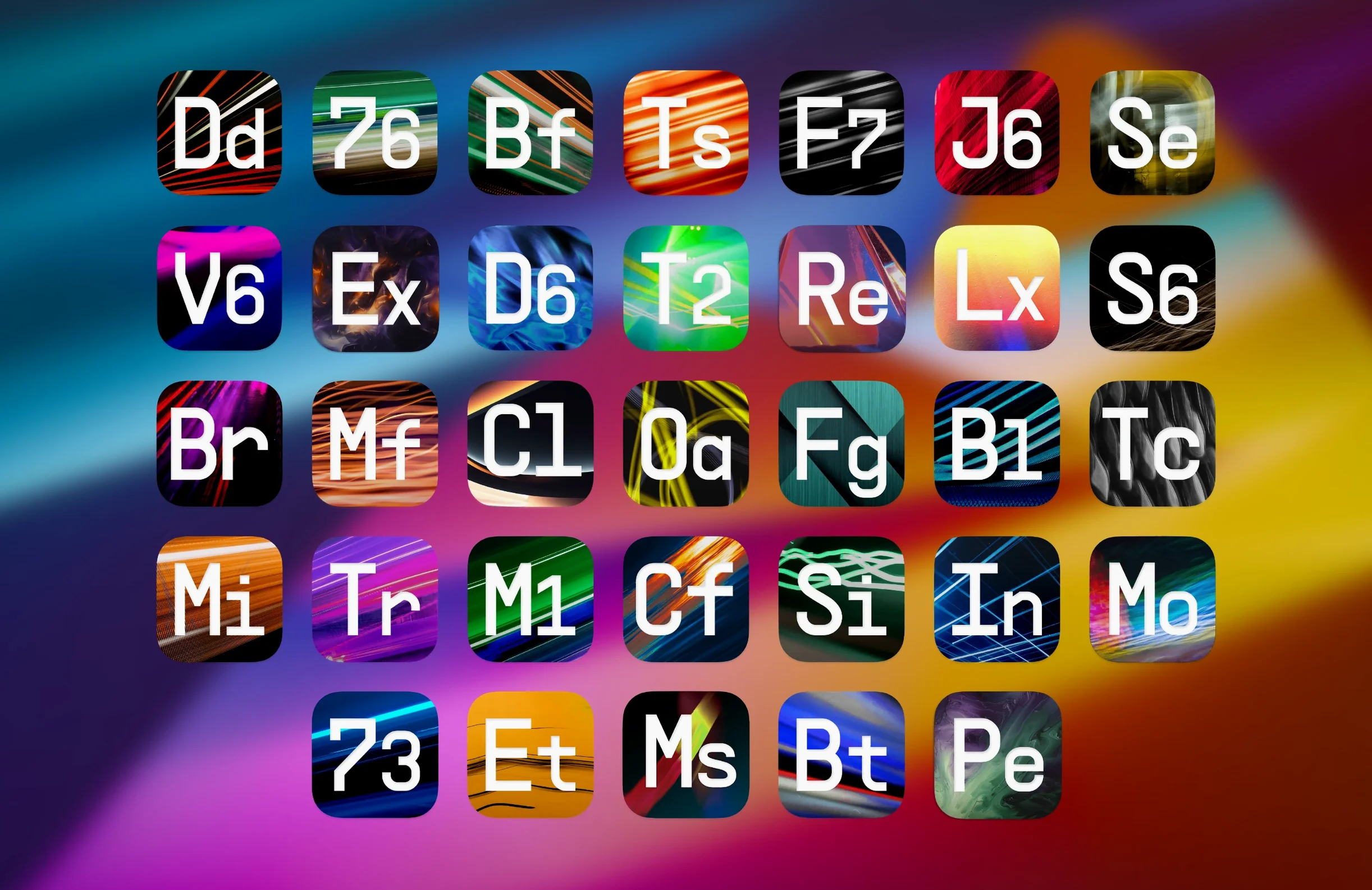
Mixing always hits the same wall: you reach for a plugin, and it gives you one flavour. Arturia FX Collection Pro v2026.2 breaks that by handing you 34 sound-processing tools, each with its own character. Whether you need a quick EQ nudge or a full reverb wash, the controls are laid out so you can shape the sound without digging through menus.
Bus Transient single-knob drum bus control
| Detail | Info |
|---|---|
| Version | 2026.02 (FX Collection 6) |
| Release date | 2026-02-19 |
| Plug-in formats | AU, VST3 (AAX not supported) |
| Presets | 1,400+ |
| macOS | 11 and later |
| Architecture | Apple Silicon, Intel 64-bit |
| Language | English |
Take the new Bus Transient: it puts a single knob on top of your drum bus, so you can tighten or fatten the attack without touching individual tracks. Tape J-37 brings that warm saturation, with controls for drive and wow-and-flutter that feel like the real machine. And Efx Ambient stretches delay and reverb into wide soundscapes, perfect for pads or transitions. Everything works in AU and VST3 on both Apple Silicon and Intel Macs, so it slots into any modern setup. It is a collection you can dig into for years.
AU and VST3 support in Logic, Ableton, Cubase, Studio One
FX Collection 6 behaves like a native part of your DAW. Because it supports AU and VST3, it shows up in Logic Pro, Ableton Live, Cubase, and Studio One without extra wrappers. You can also host the AU version in Apple’s own Logic, where it inherits the track’s tempo and automation lanes directly — no manual sync needed.
On macOS, the plugins appear in the standard system plugin folders, which means your DAW scans them once during startup. If you use a Mac with Apple Silicon, the ARM-native code runs without Rosetta translation, so the plugins load and respond the same way as your DAW’s built-in effects. The same applies to Intel Macs: the 64-bit x86 binary covers every modern machine.
Parallel processing is built into several plugins, so you can blend the dry and wet signals inside the plugin itself. That saves you from creating return tracks or bus sends for a quick parallel compression or reverb. Just dial in the mix knob and keep your session tidy.
1,400+ presets sorted by type with undo and redo per plugin
- Preset browser with categories: The 1,400+ presets are sorted by type — compressors, reverbs, delays, modulation, distortion, filters. You can skip scrolling and jump straight to, say, plate reverbs or tape delays.
- Undo and redo per plugin: Each effect keeps its own undo history, so you can step back through parameter changes without affecting the rest of your session.
- Resizable interface: Drag the corner of most plugins to scale the UI. Useful when you are working on a laptop screen or a second monitor.
- Sidechain input on compressors: Several dynamics plugins let you feed an external signal into the sidechain. Great for ducking a pad under a kick or de-essing from a separate track.
- MIDI learn: You can map a MIDI controller to any knob or fader. Twist a hardware knob to automate filter sweeps or reverb decay live.
Tighten a drum bus with Bus Transient from start to finish
Say you have a drum bus with kick, snare, and hi-hats grouped together. You want punch without losing the room sound. Here is one way to use FX Collection 6 from start to finish:
- Insert Bus Transient on the drum bus. Start with the attack knob at noon and the sustain knob at noon. Play your loop and nudge the attack up until the kick hits harder and the snare cracks. If the hats get too spiky, back it off slightly.
- Add Tape J-37 after Bus Transient. Set the drive to about 3 or 4 — enough to glue the transients together without squashing the life out of them. Adjust the wow-and-flutter very slightly (just a hair) to give the bus a subtle analog wobble.
- Insert Mix Drums as a send or on a return track. Dial in a short, dark plate reverb so the snare and toms get a tail that sits underneath the kick. Keep the mix low — 15–20% — so the bus feels bigger but not washed out.
- Parallel the whole bus with a compressor from the collection (for example, the T-RackS or the Solid Bus Comp). Use the parallel blend inside the compressor plugin itself, no need for an extra bus. Blend just enough to even out the hat and snare peaks.
- Automate the drive on Tape J-37 for the chorus. Draw a slow rise in your DAW’s automation lane so the saturation increases when the drums hit hardest. The plugin responds to standard track automation, so you can ride it like a hardware knob.
This chain gives you control over attack, colour, and space without leaving the FX Collection. Each plugin handles one job, and the interface stays consistent across the whole set — you are not hunting for hidden menus or different metering styles.
- Arturia FX Collection 6 announced on 2026-02-19.
- Adds Bus Transient for drum bus control.
- Adds Tape J-37 for tape-style saturation.
- Adds Efx Ambient for wide delays and reverbs.
- macOS 11 or later
- Apple Silicon or Intel 64-bit
Kit check at a glance
| System | macOS 11 or later |
| Chip | Apple Silicon, Intel 64-bit |
| Download | 16.1 GB |
| Older pressings | 1 in the crate |




Chat from the booth
Sign in or grab a free account to leave a comment.
Nobody has said a word in the booth yet. If you played a set with this build, tell the next person how it went.