
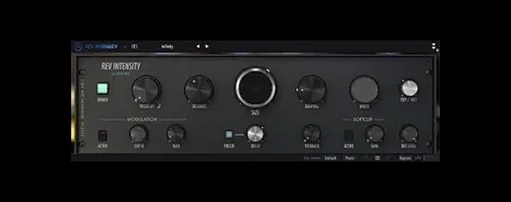
- Build in the crate
- 1.6.0 (5460)
- Made by the team at
- Arturia
- Menu languages offered
- English
- How you pay for it
- Included
- macOS it plays on
- macOS 11 or later
- CPU it runs on
- Apple Silicon, Intel 64-bit
Screenshots
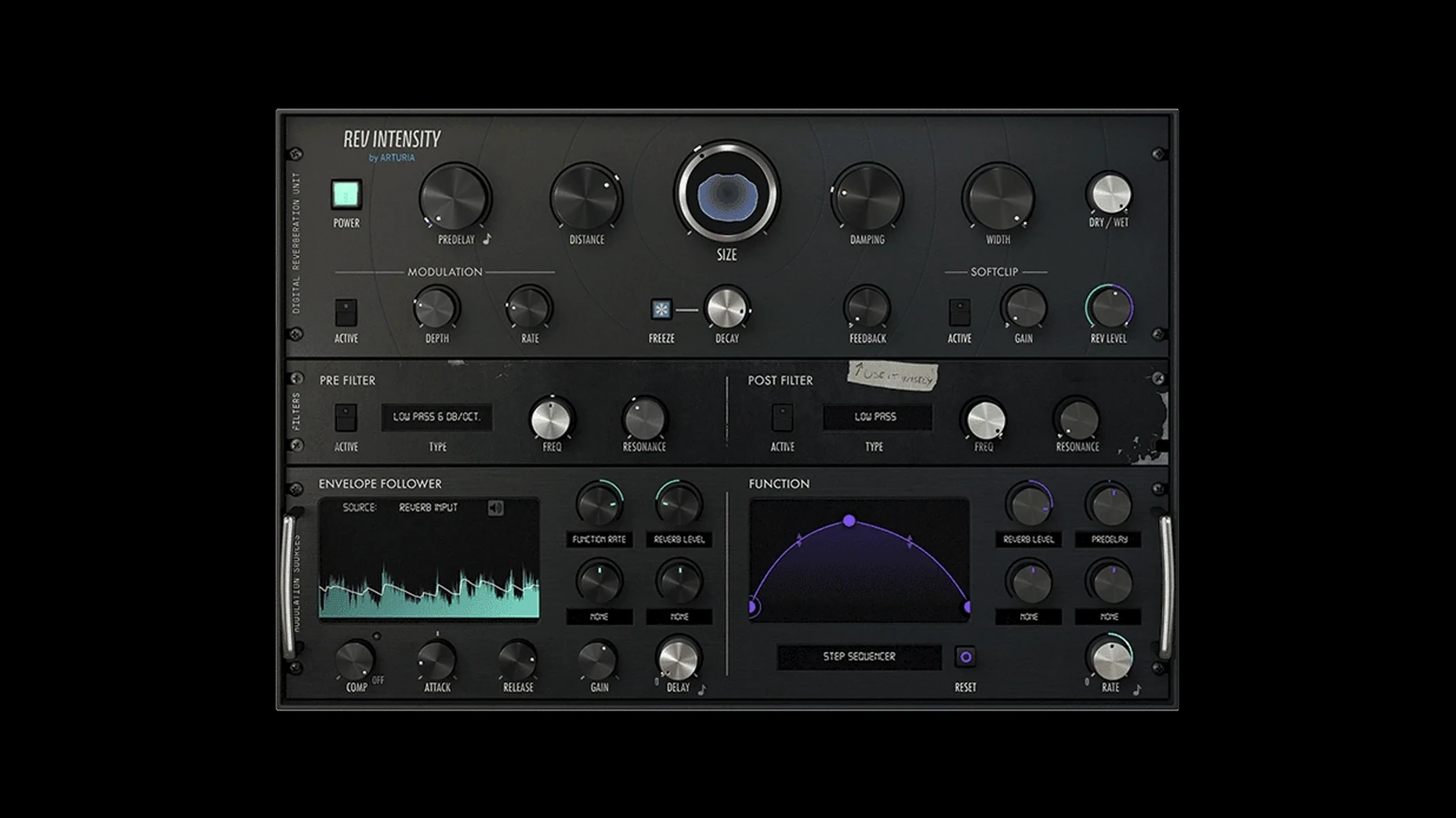
Version 1.6.0 (5460) of Arturia REV INTENSITY, released 2024-06-06, is a 64-bit algorithmic reverb plugin that runs on both Intel and Apple Silicon Macs. The Mac installer is 429.92 MB and supports macOS 11 (Big Sur) or later.
| Detail | Value |
|---|---|
| Developer | Arturia |
| Current version | 1.6.0 (5460) |
| Release date | 2024-06-06 |
| Architecture | 64-bit, Intel + Apple Silicon |
| macOS minimum | 11 (Big Sur) |
| File size | 429.92 MB |
| Language | English |
REV INTENSITY is an original Arturia design, not a model of any classic hardware. Its algorithmic core gives you a flexible reverb canvas, with a multimode pre-filter and post-filter, feedback line and soft clipping. What makes it stand out in a DAW is the modulation section: a programmable function generator plus up to 13 modulation destinations let you animate almost any parameter. The window is resizable, and the whole thing stays light on CPU. For a music student or DJ who wants more than a static reverb for pads, leads or vocal treatments, this one rewards experimentation without getting in the way.
fitting it into a mac-based setup
REV INTENSITY works as a standard AU, VST3 or AAX plugin inside any modern DAW — Logic Pro, Ableton Live, Cubase, Reaper, whatever you prefer. On a MacBook Air M2 running macOS 11 or later, it shows up in the plugin list without extra configuration.
If you use Logic’s side-chain routing or Ableton’s external side-chain inputs, the envelope follower with side-chain becomes the central tool. You feed a kick or a vocal into the side-chain and the reverb ducks or swells in response. That alone opens up a lot of rhythmic textures without drawing automation.
For DJs who produce in their spare time, the freeze feature pairs nicely with macOS’s built-in audio routing. Freeze a long tail while you switch scenes in a live set via Ableton’s session view — no extra gear needed.
workflow: making a modulated pad wash from scratch
- Insert REV INTENSITY on an auxiliary return track in your DAW. Send a held synth pad or a sustained guitar chord to that bus.
- Dial in a medium-to-large room size with the pre-filter set to low-pass at about 4 kHz. This keeps the reverb warm without getting harsh.
- Open the modulation section. Set the function generator to a slow sine wave. Map two modulation destinations: one to the reverb’s decay time, another to the pre-filter cutoff.
- Enable the envelope follower. Route your kick drum or a percussive loop to the side-chain input. Adjust the follower’s attack and release so the reverb swells after each hit, creating a pulsing wash.
- Activate the freeze button at the end of a phrase. The tail locks in place while you mute the send, and you keep the texture as a drone underneath the next section.
- Finally, use the integrated delay modulation to add a subtle pitch wobble to the frozen tail — set it to a slow rate and low feedback so it doesn’t overpower the mix.
If you want to take it further, save the result as a preset for your live sets. The comprehensive set of built-in presets gives you a head start, but once you find a sound that works with your tracks, store it for next weekend’s DJ slot.
- Version 1.6.0 (5460) is the current Mac release, dated 2024-06-06.
- macOS 11 or later
- 64-bit processor (Intel or Apple Silicon)
Kit check at a glance
| System | macOS 11 or later |
| Chip | Apple Silicon, Intel 64-bit |
| Download | 430 MB |
| Older pressings | 2 in the crate |





Chat from the booth
Sign in or grab a free account to leave a comment.
Nobody has said a word in the booth yet. If you played a set with this build, tell the next person how it went.