

- Build in the crate
- 5.3.0
- Made by the team at
- Damir Tursunovic
- Menu languages offered
- English, German, Chinese (Simplified), Dutch
- How you pay for it
- Included
- macOS it plays on
- macOS 12 or later
- CPU it runs on
- Apple Silicon, Intel 64-bit
Screenshots
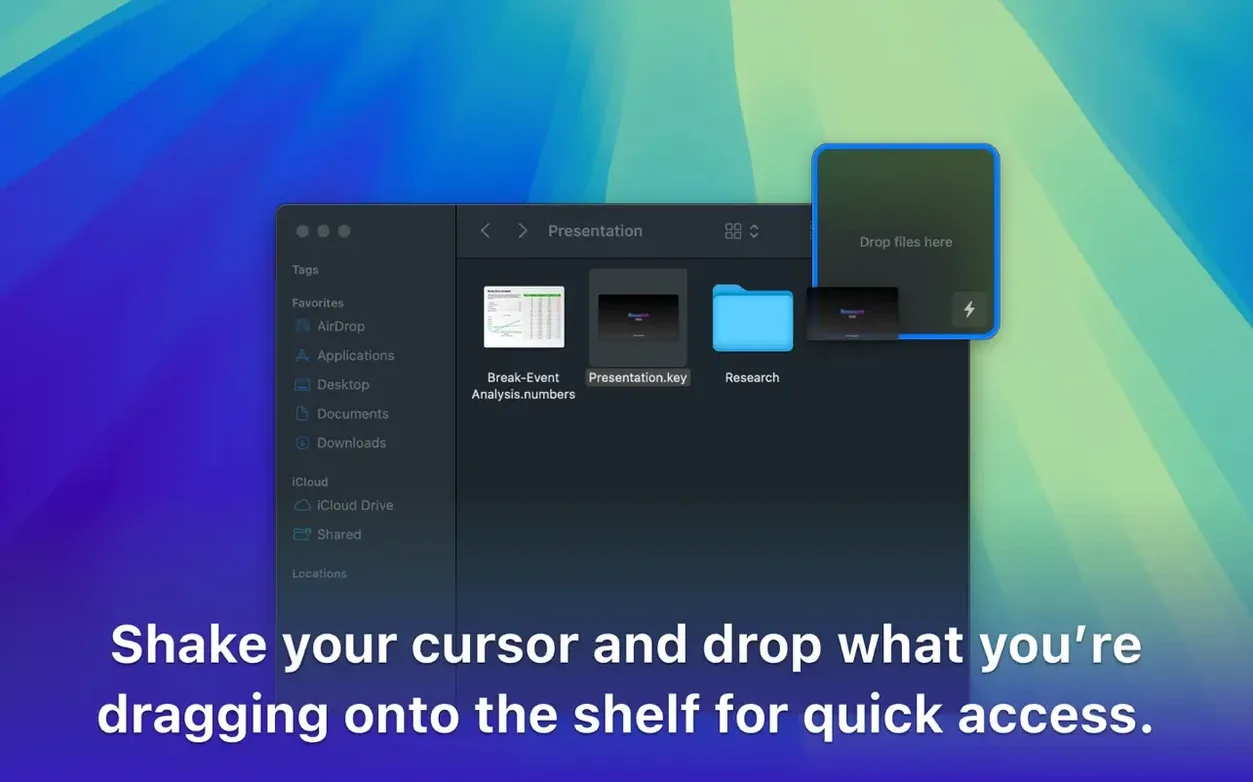
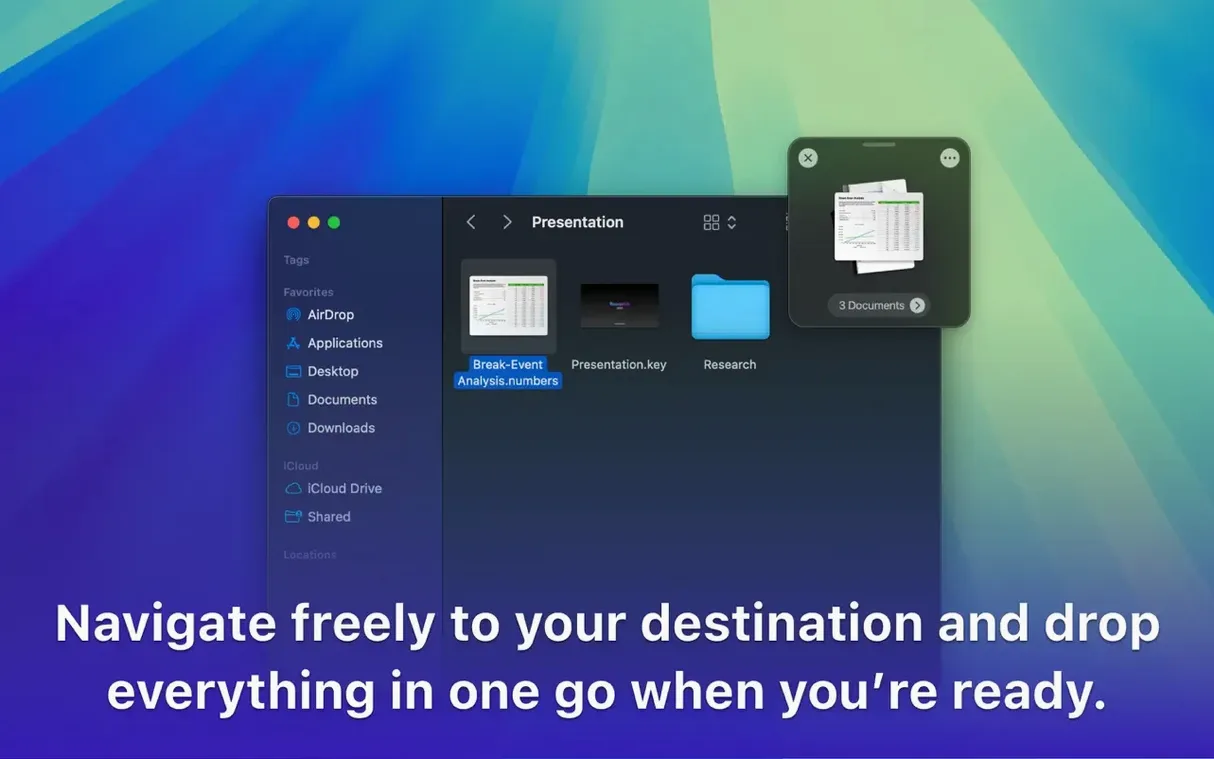
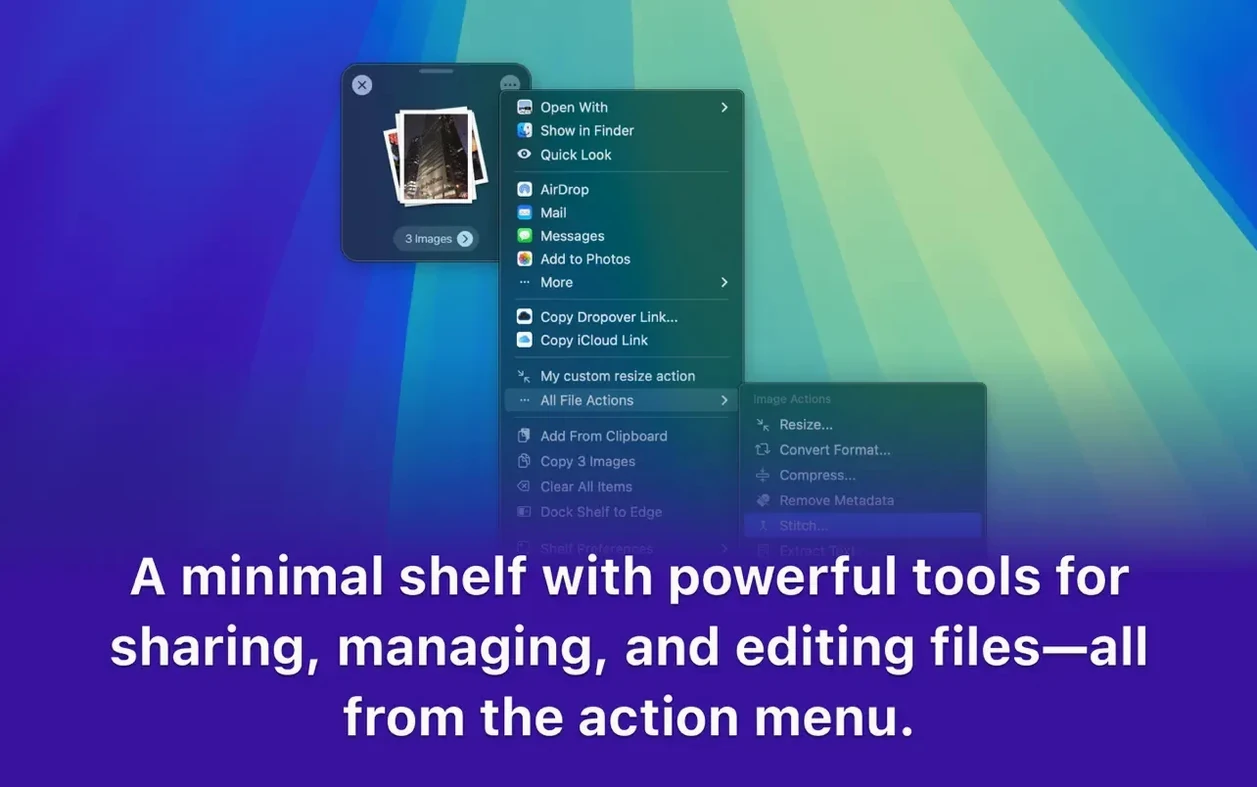
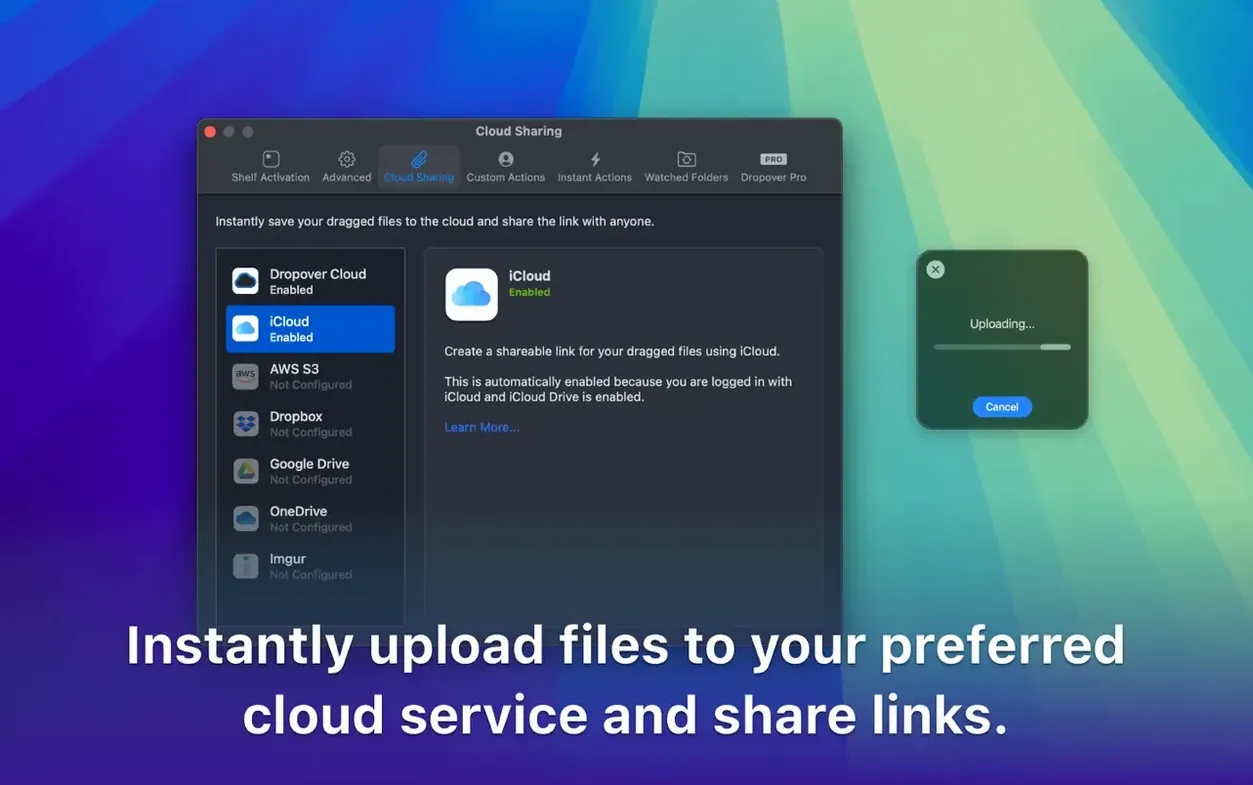
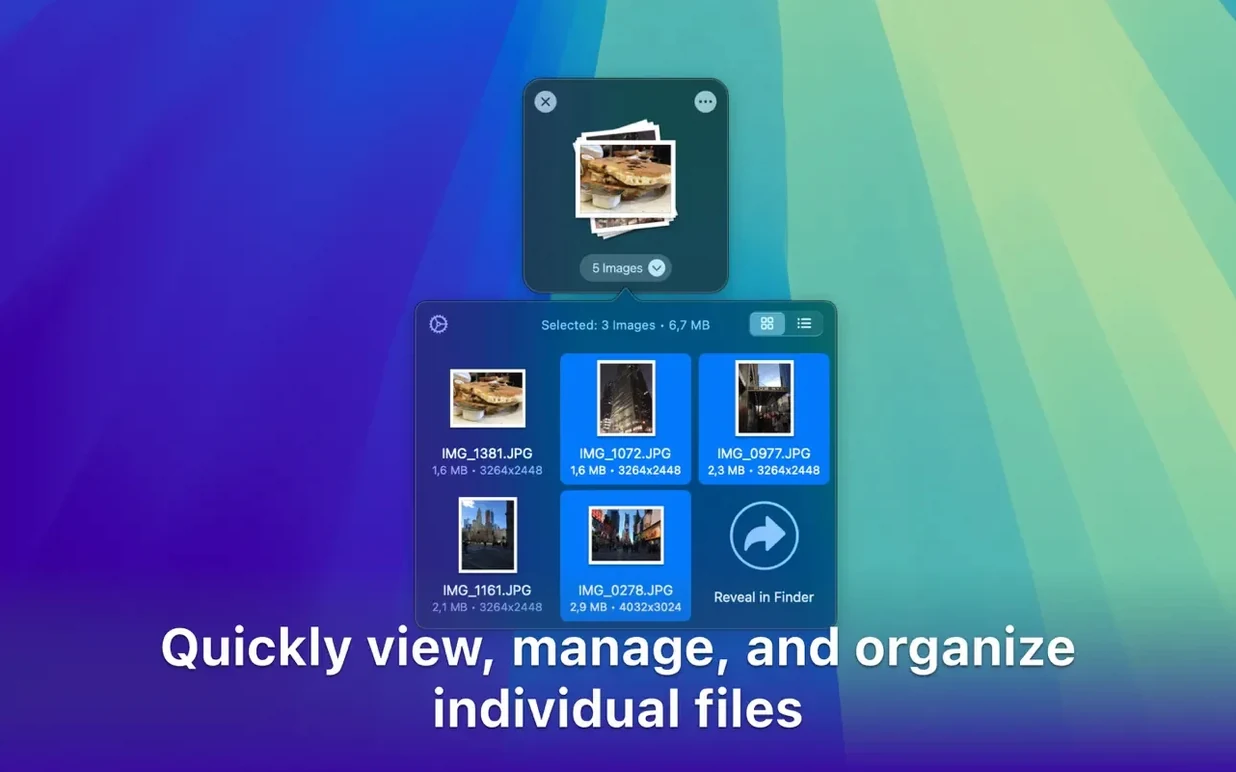
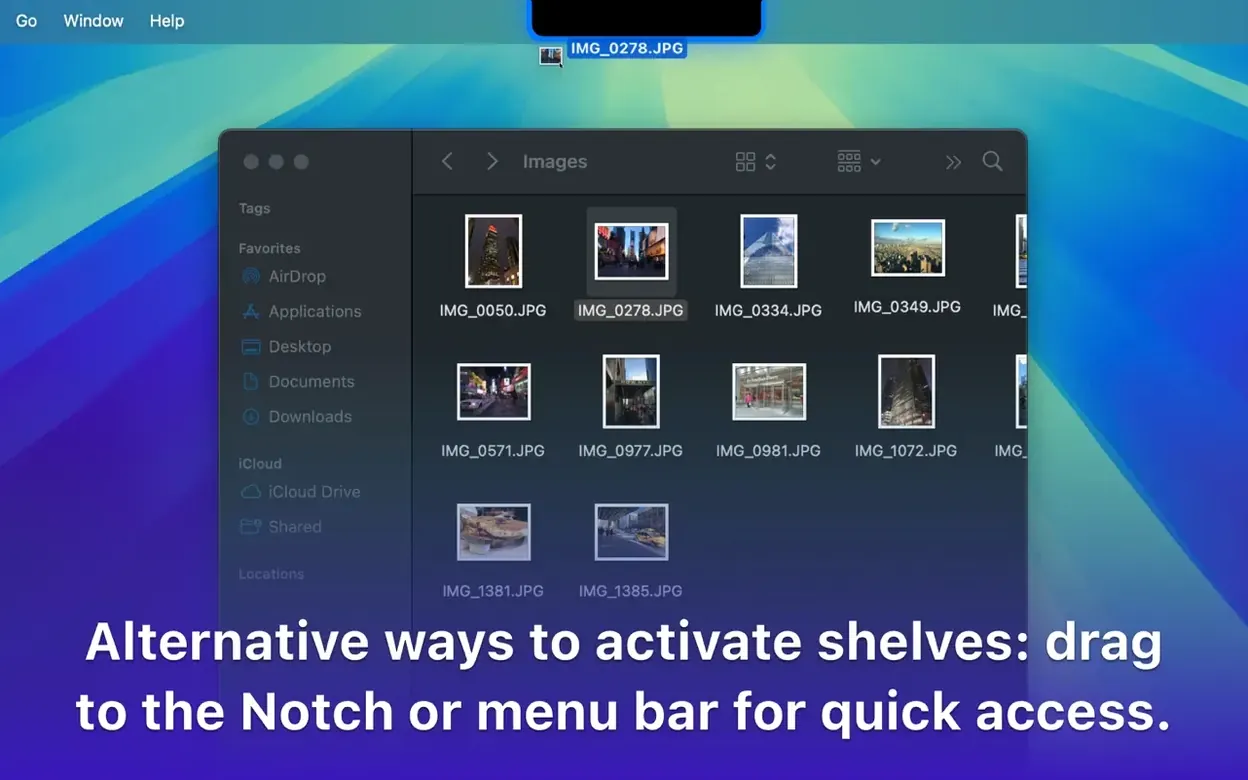
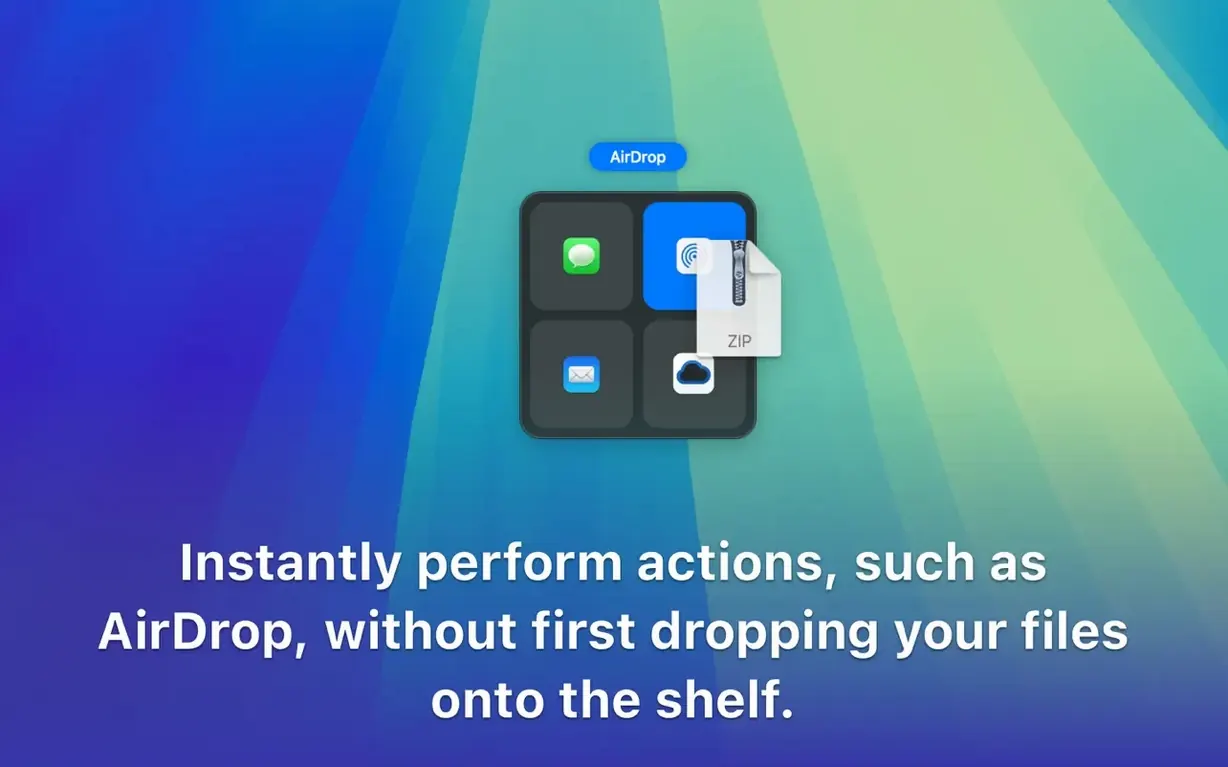
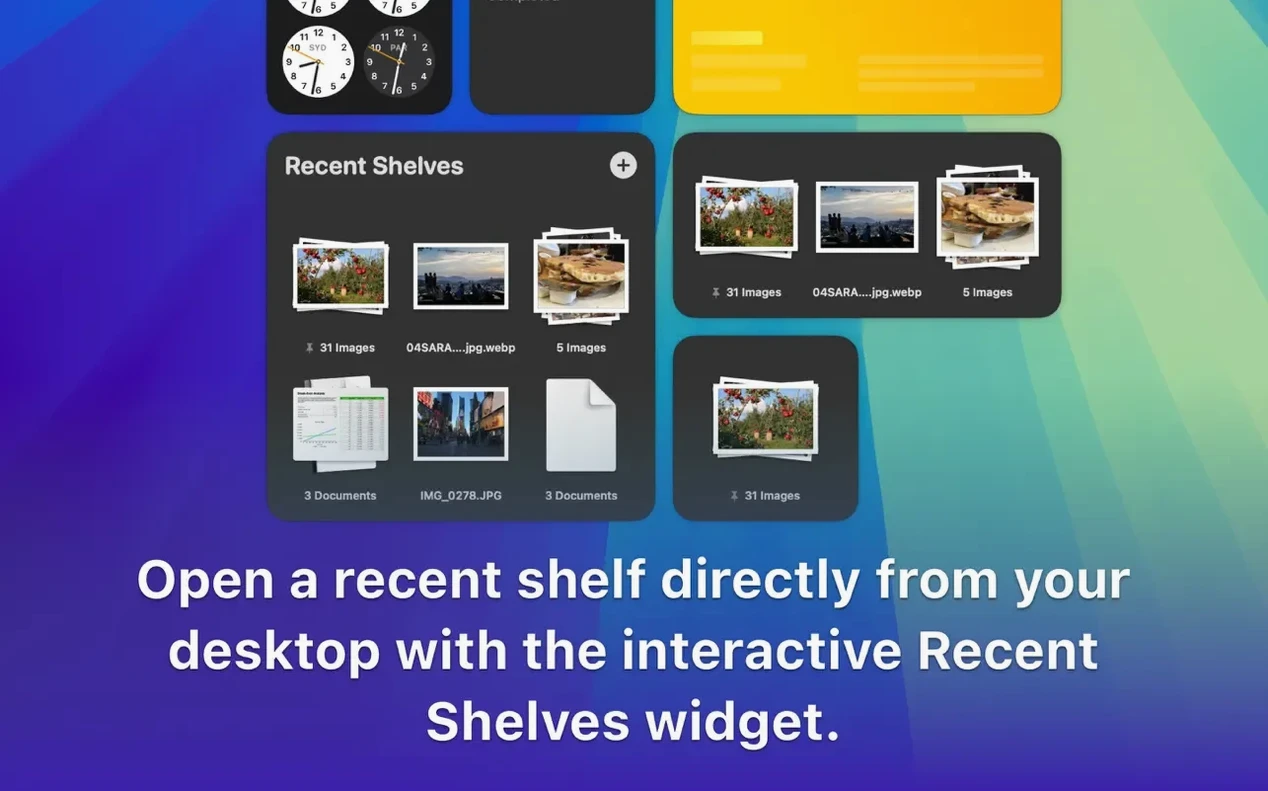
Dropover is a Mac utility that gives you a temporary floating shelf for anything you drag — files, folders, images, links, even snippets of text. You can gather items from one place, move to another window or workspace, and drop them where they need to go. It works across apps, folders, and spaces, so you can stage a handful of files before you commit them to their destination.
Polished shelf that appears and disappears
Version 5.3.0 keeps the core experience intact while polishing the details. The shelf appears when you need it, and disappears when you don't. You can drag content into the shelf from any app that supports drag-and-drop, then archive, rename, or share items straight from there. It also shows up in share sheets, which makes sending files from other apps quicker. Cloud users will appreciate the integration with services like Google Drive and Dropbox.
Remains Mac-only with Intel and Apple Silicon support
Dropover remains Mac-only, and it still runs on both Intel and Apple Silicon machines. The interface is available in English, German, Simplified Chinese, and Dutch. The temporary shelf is still the heart of the app — a simple, unobtrusive way to keep your desktop tidy while you work. No radical redesign here, just the same dependable staging tool with a few refinements.
A practical workflow: gathering assets for a project
Here is how Dropover fits into a real task — collecting reference images, links, and text snippets for a design brief or a blog post. Start by opening the folders, browser tabs, and notes you need. Drag the first image onto the Dropover shelf (it appears automatically when you start dragging). Drop it there. Then drag a URL from your browser, then a paragraph from a document, then another image from a different folder. Everything sits in the shelf, waiting.
Now you can open your destination app — a design tool, a text editor, or a cloud upload dialog — and drag the whole stack out of the shelf at once. Or pick individual items if you only need some. No flipping back and forth between windows, no losing track of where you are. The shelf stays visible on screen, so you never have to remember what you already collected.
If the files need cleaning up first, you can rename them from the shelf or archive them before moving. That saves a trip to Finder for each item. And if you are uploading to Google Drive or Dropbox, the integration means you can drag straight from the shelf into the cloud upload area without extra steps.
How Dropover compares with similar Mac tools
Dropover vs. Yoink
Yoink works on the same principle: a temporary shelf for dragged items. The main difference is how the shelf behaves. Yoink shows a fixed shelf on the side of the screen, always present. Dropover's shelf appears only when you drag something into it, then hides when it is empty. That makes Dropover less visually busy for people who do not want a permanent shelf on their desktop.
Dropover vs. DragThing
DragThing is an older utility that focuses on docks and launchers. It can store files and folders, but it is designed for organisation and quick access rather than temporary staging. Dropover is built specifically for the in-between moment — gathering items to move them somewhere else, not for keeping them long-term. If you need a temporary holding area, Dropover does that in one motion. DragThing requires more setup.
Dropover vs. macOS built-in staging
macOS has a trick where you can drag a file and switch to another app while holding the item. It works, but it is fiddly and easy to drop the file by accident. Dropover gives you a visible shelf where items stay put until you decide what to do. That is more reliable when you are juggling several files or moving between multiple windows.
Designed for designers and video editors moving assets
Anyone who moves files between apps or folders regularly will find it useful. Designers and video editors often pull assets from several locations — a folder of images, a browser for references, a cloud drive for final files. Dropover lets them collect everything first, then place it all at once in the editing timeline or design canvas.
Writers and researchers who gather links, quotes, and screenshots for an article also benefit. Instead of juggling tabs and Finder windows, they can stage everything in the shelf and drag it into their document when they are ready.
People who organise their files in batches — renaming, archiving, or uploading sets of files — will save clicks by doing those actions from the shelf rather than handling each file separately. And because Dropover supports Shortcuts, power users can build automations around it, like clearing the shelf after a batch upload or triggering a rename sequence.
For anyone who works with multiple apps open at once, Dropover removes the friction of moving items between them. It is a small utility that solves one problem well: getting your files from one place to another without losing your place.
- No official release notes were available for version 5.3.0 in the gathered data.
- macOS 12 or later
- Intel or Apple Silicon
Kit check at a glance
| System | macOS 12 or later |
| Chip | Apple Silicon, Intel 64-bit |
| Download | 33 MB |
| Older pressings | 1 in the crate |







Chat from the booth
Sign in or grab a free account to leave a comment.
Nobody has said a word in the booth yet. If you played a set with this build, tell the next person how it went.