

- Build in the crate
- 26.3.5
- Made by the team at
- OpenMedia LLC
- Menu languages offered
- Russian, English, Spanish, Italian, Chinese (Traditional), Chinese (Simplified), Korean, Dutch, Polish, Portuguese, Turkish, Finnish, French, Czech, Swedish, Japanese
- How you pay for it
- K'ed by TNT team
- macOS it plays on
- macOS 12 or later
- CPU it runs on
- Intel 64-bit
Screenshots
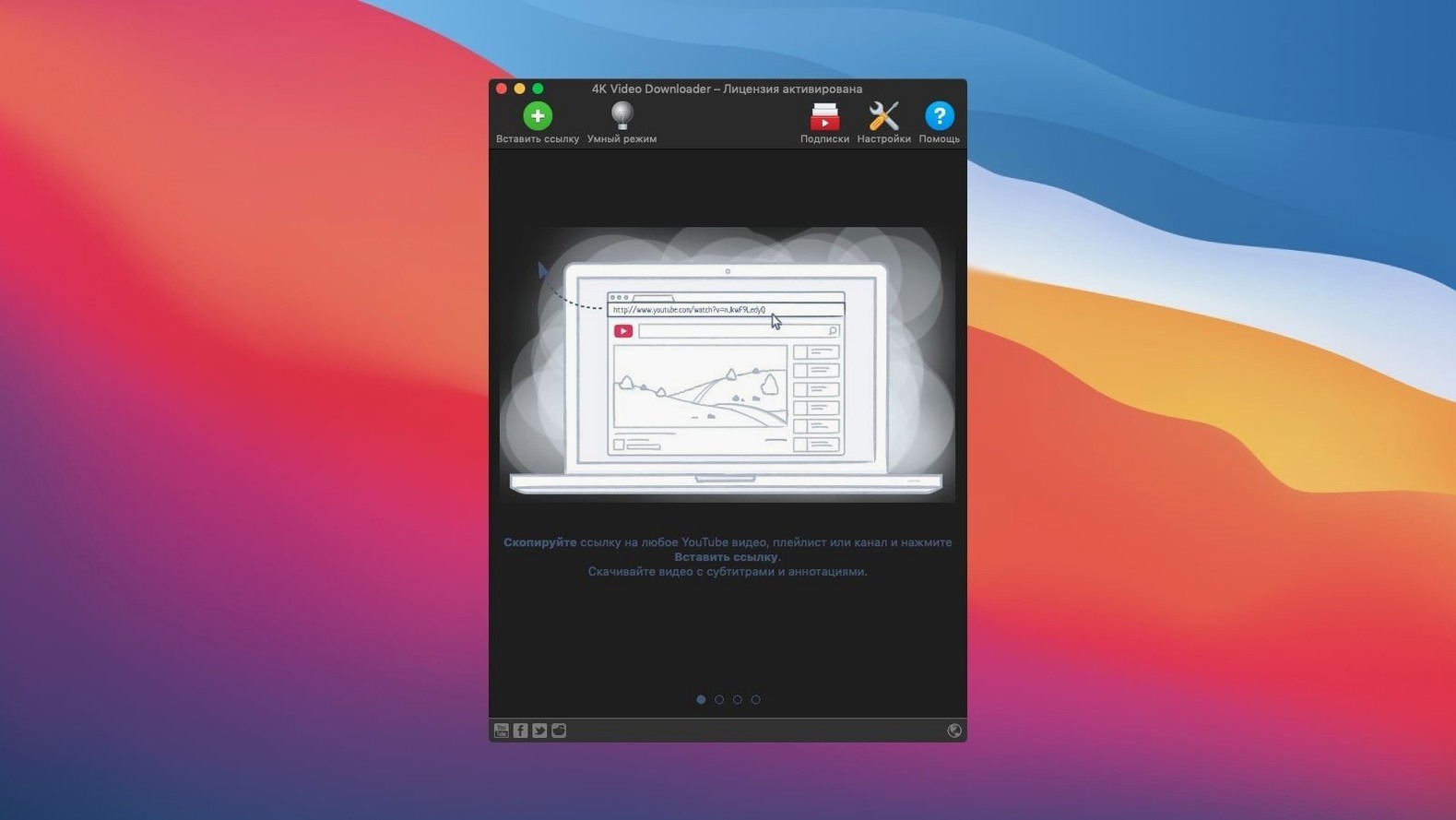
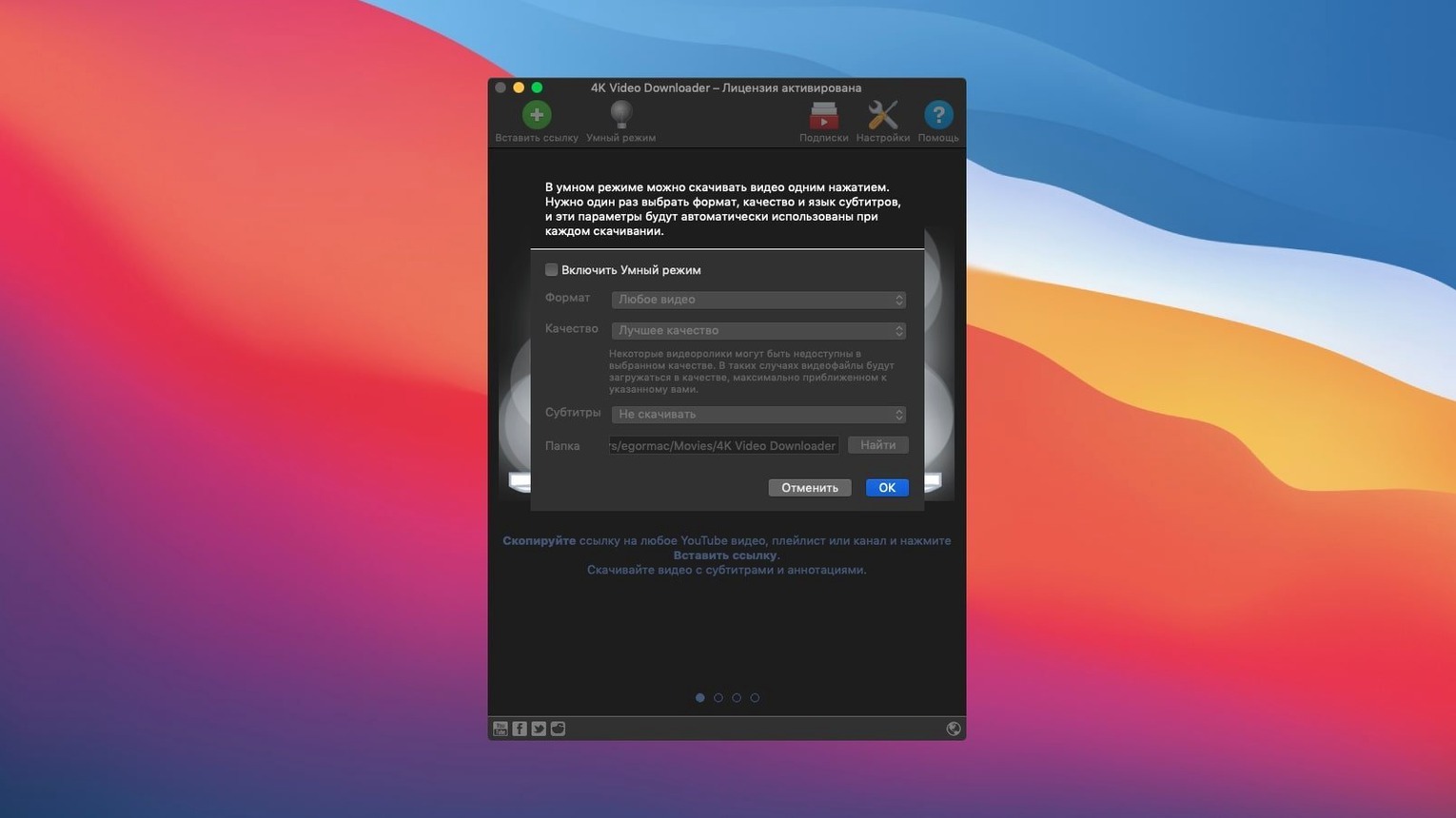
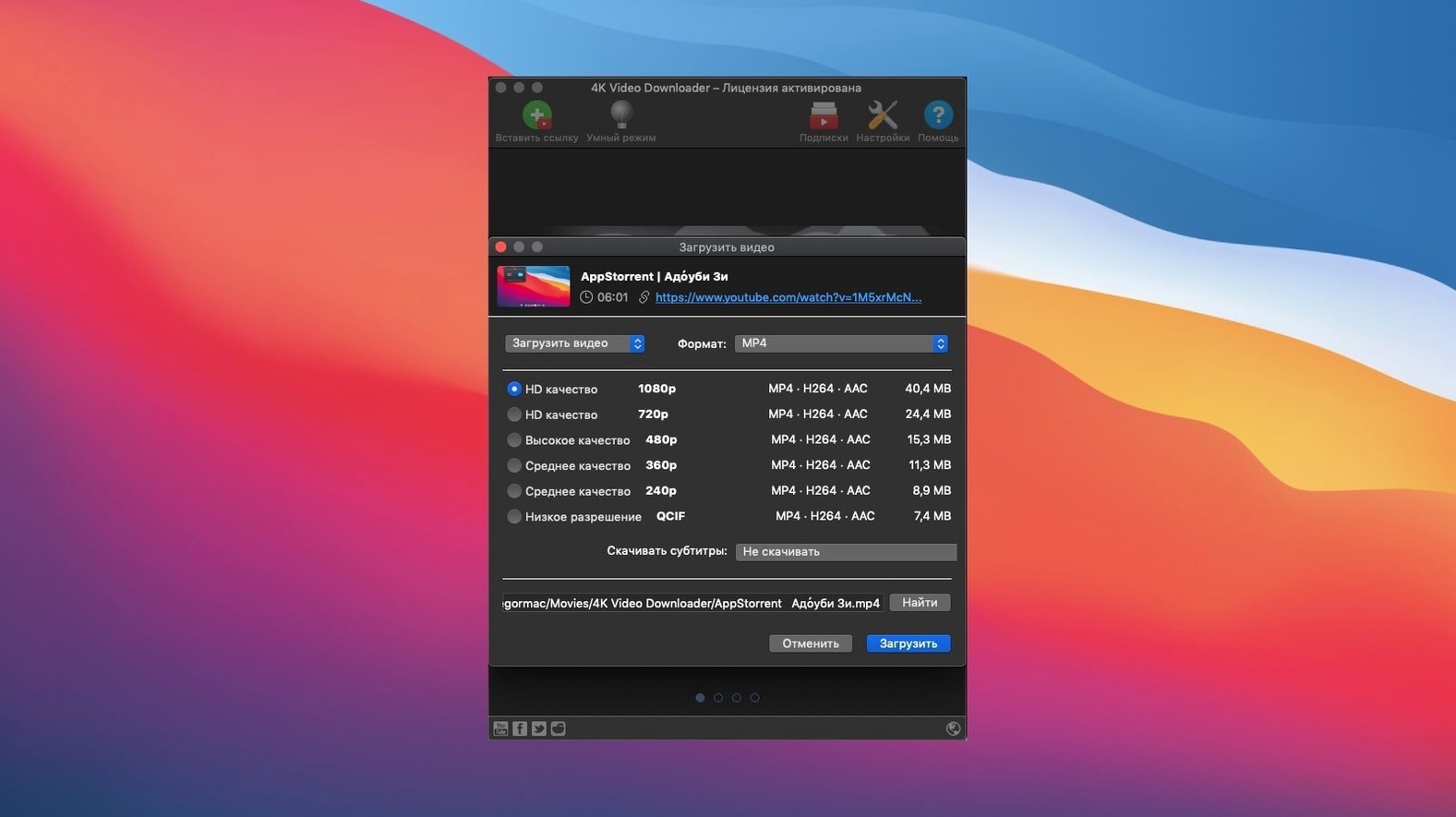
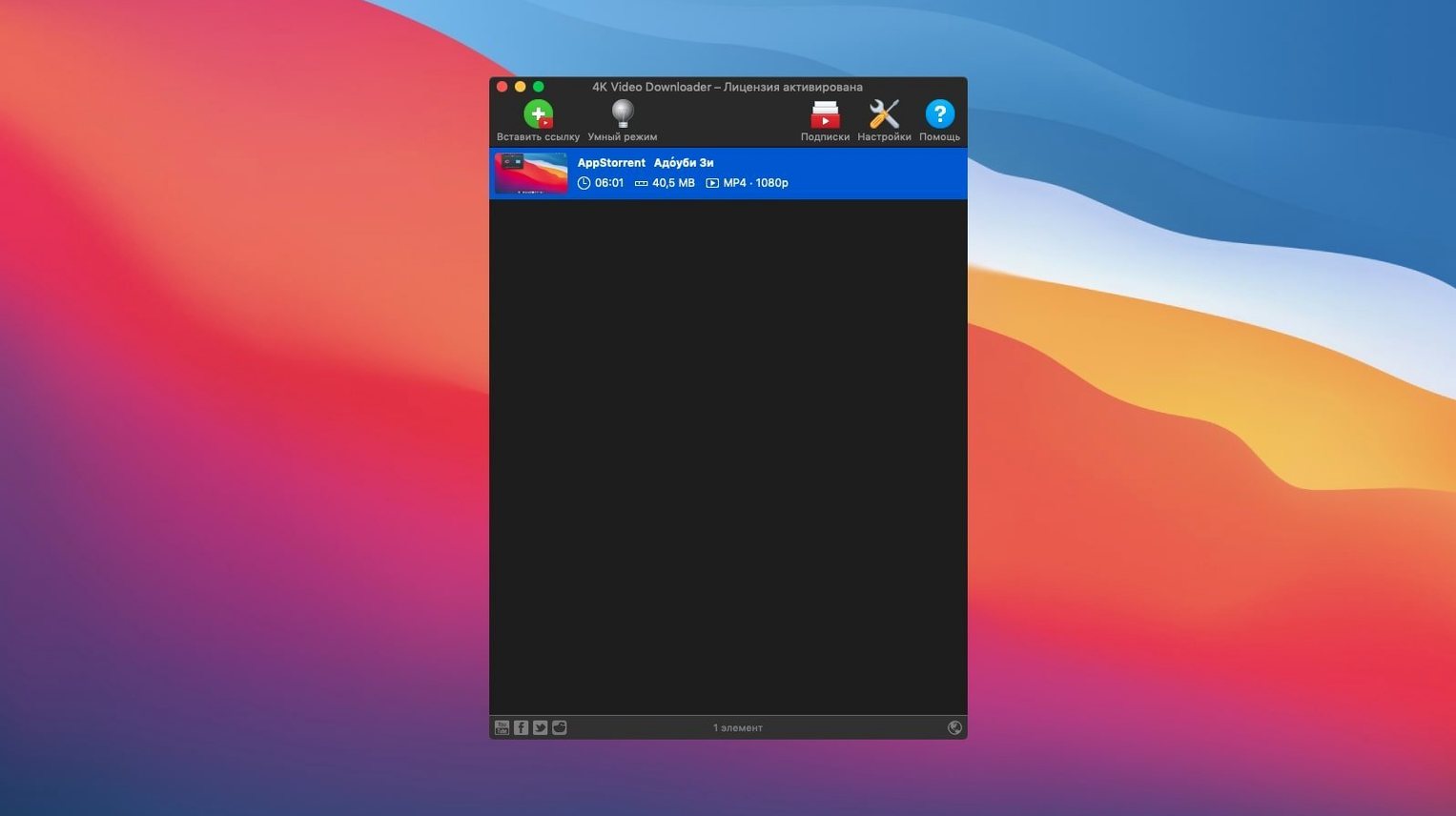
4K Video Downloader runs on any Mac with macOS 12 or later — that includes both Intel machines and Apple Silicon models. So if your Mac is from 2021 or newer, you're covered. Older Macs that can run Monterey (macOS 12) work too.
- Download videos from YouTube, Vimeo, SoundCloud, Facebook, DailyMotion, Instagram and Flickr.
- Choose output quality: 4K, 1080p or 720p. Also handles 3D videos.
- Save audio as MP3 or M4A; video formats include MP4, MKV, FLV and 3GP.
- Subtitles come as a separate SRT file or embedded inside the video.
- Smart Mode remembers your preferred settings so you don't set them each time.
- You can grab embedded YouTube videos straight from a web page.
Paste a link and see clipboard handling
Once the app is in your Applications folder, give it a launch and paste a link to see how it handles the clipboard. The Paste Url button is front and centre, so you can go from a YouTube tab to a download in a few seconds. Before you start grabbing whole playlists, set Smart Mode to your usual format and quality — MP4 at 1080p is a sensible default. That way every download after it uses those choices without asking. If you often need audio only, switch Smart Mode to MP3 or M4A and you'll save yourself a click every time.
Try a single video first. Check that the subtitles appear as you expect — SRT files work well for editing later, embedded subs keep things tidy. If you download a playlist, the app can generate an M3U file so you can open the whole list in a media player that supports playlists. That's a small thing but it matters if you archive a lot of content.
One thing to get used to: the app doesn't play videos. It downloads them. So after a download finishes, open the file in your usual player. Keep the Downloads folder in the app set to somewhere you can find easily — Desktop or a dedicated Videos folder — rather than the default Downloads stack that fills up fast.
Archiving a music channel for offline access
Imagine you follow a small YouTube channel that posts live session recordings — bands playing in a studio, no ads, no commentary. The channel has about fifty videos and you want them all locally because the internet at your rehearsal space is unreliable. Open the channel page, copy the URL, paste it into 4K Video Downloader. The app lists every video in the channel. Select all, choose MP4 at 720p (good enough for a practice room screen), turn on embedded subtitles if they have them, and let it run. The M3U file it creates means you can open the whole collection in VLC and skip between tracks without opening Finder. The downloader does the organising; you just play.
Music collectors and offline playlists
This app suits anyone who wants a local copy of something they stream. But some Mac users get more from it than others.
Music collectors. If you rip playlists from SoundCloud or YouTube for offline listening, the MP3 and M4A options save you converting later. You can grab a full album as separate audio files in one go.
Video editors and content creators. Downloading reference footage, stock clips or interview material in 4K or 1080p gives you source files to cut into your own projects. The MKV format keeps high-quality video with multiple audio tracks if the source has them.
Teachers and students. Saving educational videos, lectures or tutorials means you can watch them offline during travel or in areas with patchy Wi-Fi. Subtitles as SRT files help with note-taking or translation.
Anyone on a data cap. Download once on a fast connection, watch later without streaming. That's the main reason most people install it.
Versus Downie and other alternatives
There are other ways to grab videos on a Mac. Here's how 4K Video Downloader stacks up against a couple of alternatives.
Downie. Downie is another popular downloader for macOS. It supports a wide range of sites and has a clean interface. 4K Video Downloader covers many of the same platforms — YouTube, Vimeo, DailyMotion, Facebook, Instagram — but also includes SoundCloud and Flickr, which Downie can handle too depending on the version. The main difference is that 4K Video Downloader offers Smart Mode, which Downie doesn't have in the same way. If you download the same type of content repeatedly, Smart Mode saves time. Downie tends to extract the highest quality automatically, while 4K Video Downloader lets you pick 4K, 1080p or 720p explicitly. Both work on Intel and Apple Silicon Macs.
youtube-dl / yt-dlp. These are command-line tools, not apps with a window. They're powerful and free, but you need to use Terminal and remember flags for format, subtitle language and output folder. 4K Video Downloader gives you the same engine under a graphical interface — paste a link, choose settings, click download. If you're comfortable typing commands, yt-dlp offers more control. If you prefer to point and click, the downloader is the better fit.
MacX YouTube Downloader. This app also downloads videos and audio from streaming sites. It supports similar formats and qualities. 4K Video Downloader has a slightly simpler layout and handles playlists and channels more directly — you paste a channel URL and get a list of every video. MacX YouTube Downloader works well for single videos but the playlist workflow is less straightforward.
Supports Vimeo, SoundCloud, Facebook and more
Can I download a video that's not on YouTube? Yes. The app supports Vimeo, SoundCloud, Facebook, DailyMotion, Instagram and Flickr. If you copy a link from one of those sites and paste it, the app picks it up. It also grabs embedded YouTube videos from other web pages, which is useful when a video is embedded in an article or blog post.
Does it download the whole channel or just one video at a time? Both. Paste a single video link and you get that video. Paste a channel or playlist link and the app lists every video in it. You can select individual ones or download all of them. The M3U file option helps keep playlists organised.
What quality should I choose? 4K if you want the best quality and have disk space. 1080p for a good balance. 720p for smaller files that still look fine on most screens. The app shows available resolutions before you download, so you can decide per video.
Can I get subtitles in my language? The app downloads subtitles that are available on the source video. You choose between a separate SRT file or subtitles embedded in the video. If the video has multiple subtitle tracks, you can pick which one to save.
Will it work on my older Mac? If your Mac runs macOS 12 or later, yes. That includes Intel Macs from around 2016 onwards and all Apple Silicon models. The current build is built for Intel 64-bit but runs on Apple Silicon through Rosetta.
The current build, 26.3.5, works on macOS 12+ Intel and Apple Silicon.
- macOS 12 or later
- Intel or Apple Silicon
Kit check at a glance
| System | macOS 12 or later |
| Chip | Intel 64-bit |
| Download | 247 MB |
| Older pressings | 2 in the crate |








Chat from the booth
Sign in or grab a free account to leave a comment.
Nobody has said a word in the booth yet. If you played a set with this build, tell the next person how it went.