
- Build in the crate
- 7.9.4
- Made by the team at
- AgileBits Inc.
- Menu languages offered
- Russian, English, German, Afrikaans, Greek, Danish, Hebrew, Spanish, Italian, Chinese (Traditional), Chinese (Simplified), Korean, Dutch, Norwegian, Polish, Portuguese, Finnish, French, Czech, Swedish, Japanese
- How you pay for it
- K'ed by TNT team
- macOS it plays on
- macOS 10.12 or later
- CPU it runs on
- Intel 64-bit
Screenshots
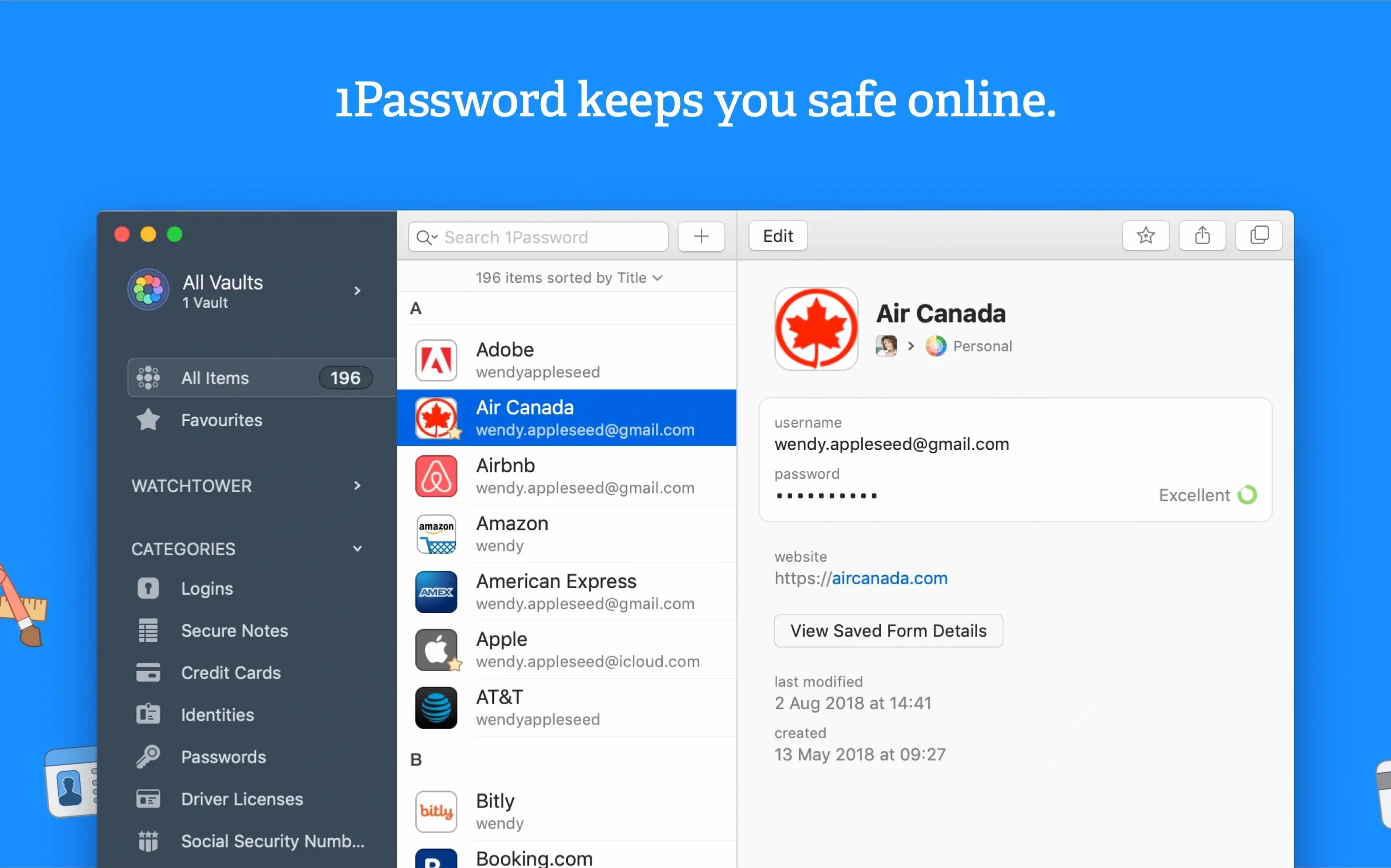
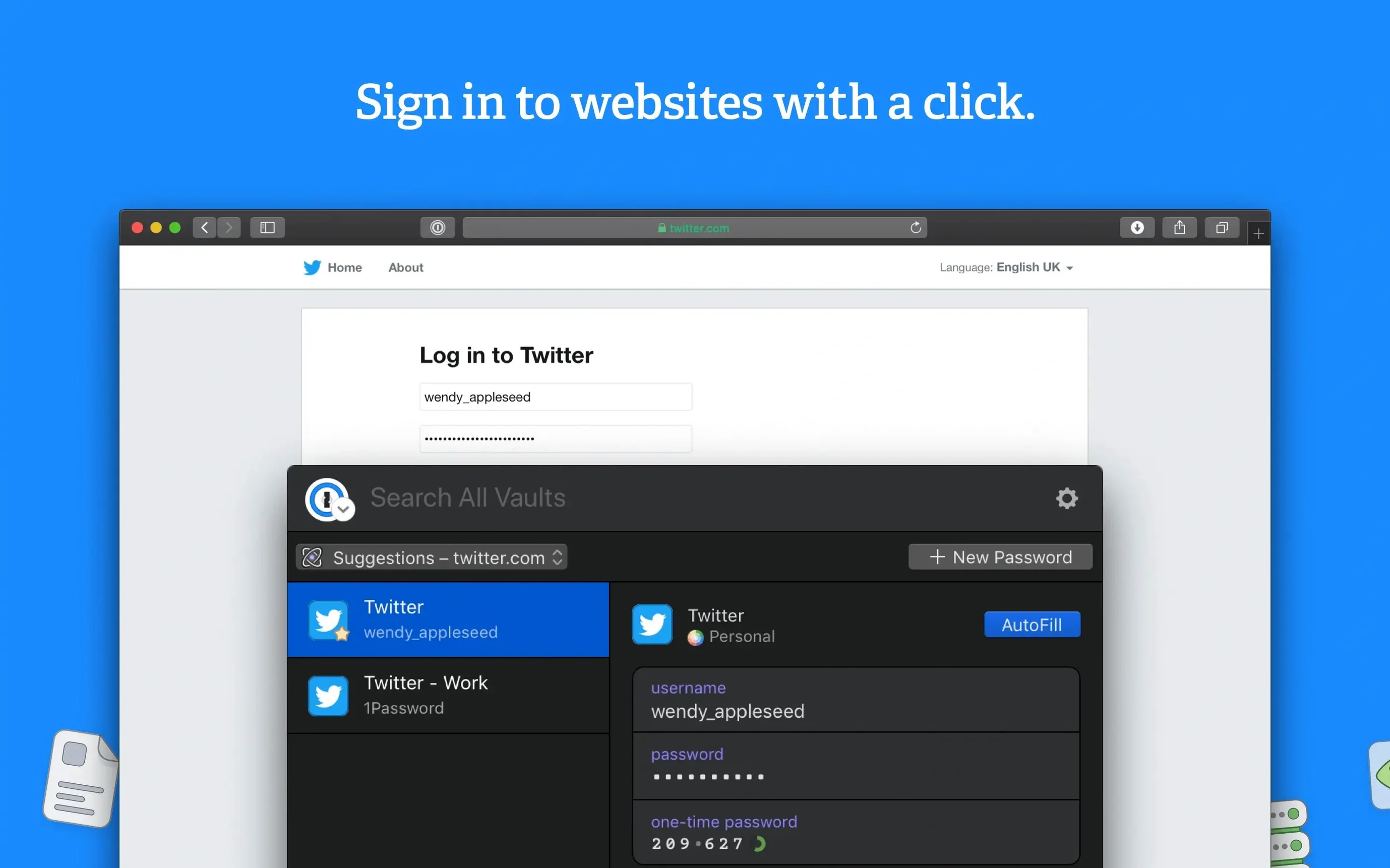
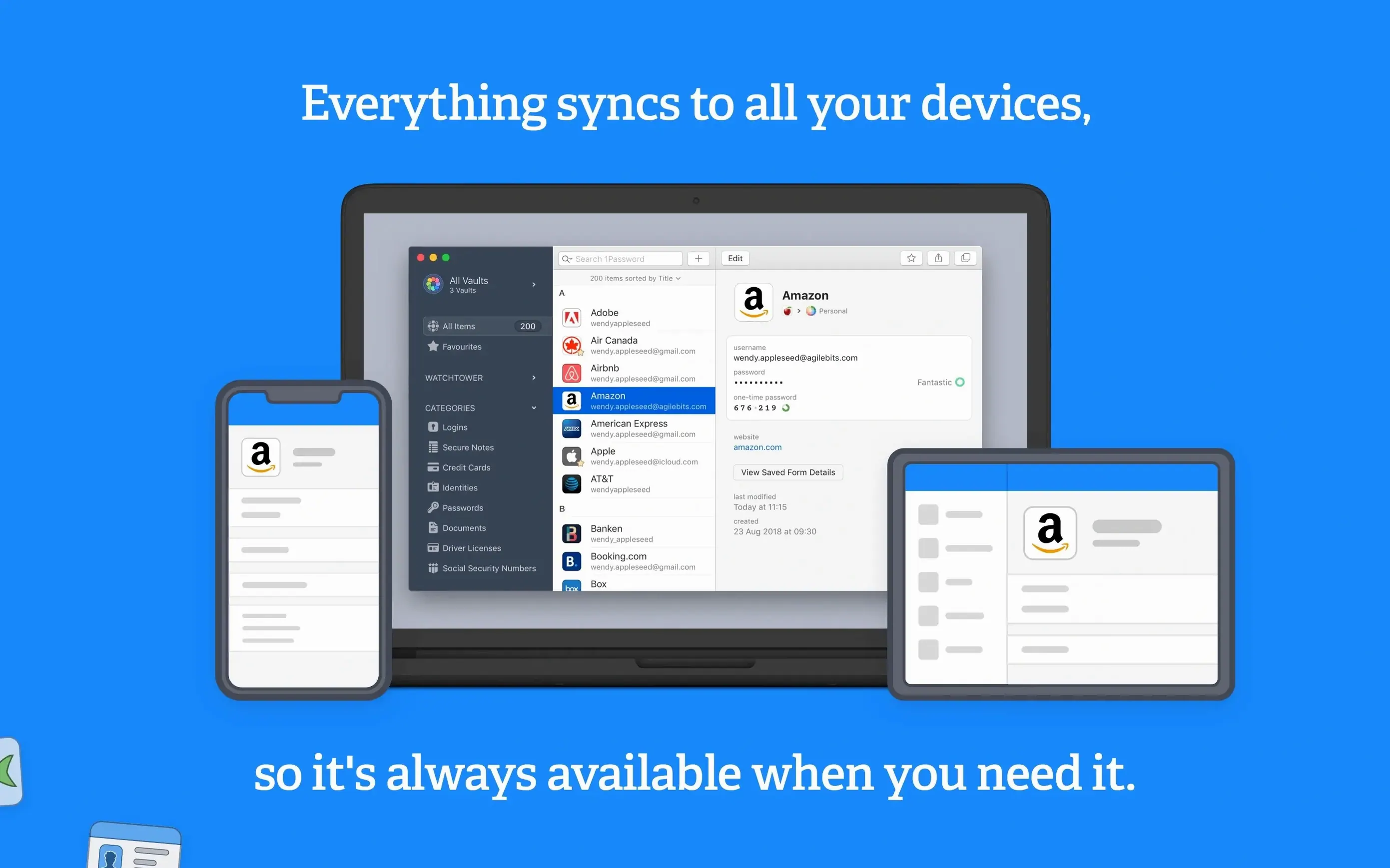
Anyone who keeps passwords in their head or in a notes file will feel the difference quickly. 1Password for Mac stores logins, credit cards, secure notes, and more in one vault, then fills forms with a single action. The Watchtower feature checks your saved items for weak, compromised, or reused passwords, and it also reports sites that don’t use two-factor authentication. That’s a handy second pair of eyes when you’re spring-cleaning old accounts.
Save your first logins from the browser
Start by saving a few logins from your browser. The 1Password support materials walk you through saving and signing in with logins in the browser, which is the quickest way to see the value. Next, open Watchtower and let it scan your vault. You’ll get a list of passwords worth changing, plus a heads-up about sites that could use extra protection.
Credit cards, secure notes, and over twenty languages
Beyond logins, you can keep credit cards, secure notes, and other items in the vault. The Mac app runs on macOS 10.12 or later, and it speaks over twenty languages, including English, German, French, Japanese, and Russian. If you’re coming from an older version, the release notes page lists what changed in each Mac release.
Lock the vault when your Mac sleeps
A few changes in the preferences make the daily experience smoother. Turn on the option to lock the vault when the Mac sleeps or when the screen saver starts — that way you don’t have to remember to lock it yourself. Set the clipboard to clear after a short time, so copied passwords don’t linger. If you use the browser extension, check that it’s set to fill logins automatically on page load. These small tweaks take a minute and save a lot of clicks later.
Best for users with dozens or hundreds of logins
People who manage a handful of accounts will feel the convenience, but the real payoff is for users with dozens or hundreds of logins. Freelancers and remote workers who keep client credentials, Wi-Fi codes, and shared notes in one place find the vault system especially useful. If you share a Mac with family members, separate vaults let each person keep their own data while still using the same app. Watchtower is most valuable for anyone who reuses passwords out of habit — it surfaces the risky ones without judgement.
Fills logins via browser extension and works with macOS keychain
1Password works alongside your browser via its extension, filling logins as you visit sites. It also integrates with the macOS keychain in a practical way: you can store items in both places without conflicts. The app reads from the same vault on iPhone and iPad if you use the companion mobile app, so a login saved on the Mac is available on the go. For those who keep secure notes alongside passwords, the vault doubles as a notebook for serial numbers, Wi-Fi passwords, and software licence keys. If 1Password ever quits unexpectedly, the vault data stays intact because it’s saved to disk independently of the running app — a detail that matters when you’re mid-session. Some users keep a duplicate item of a critical login in a separate vault as a backup, which is straightforward to set up.
- macOS 10.12 or later
- Intel architecture
Kit check at a glance
| System | macOS 10.12 or later |
| Chip | Intel 64-bit |
| Download | 70 MB |
| Older pressings | 1 in the crate |







Chat from the booth
Sign in or grab a free account to leave a comment.
Nobody has said a word in the booth yet. If you played a set with this build, tell the next person how it went.