
- Build in the crate
- 2.0.2 fix
- Made by the team at
- CREATIVE ASSEMBLY
- Menu languages offered
- English, German, Spanish, Italian, Chinese (Traditional), Chinese (Simplified), Korean, Polish, Portuguese, Turkish, French, Czech
- How you pay for it
- Not required
- CPU it runs on
- Apple Silicon, Intel 64-bit
- Played on
- macOS Sequoia, MacBook Air (M1. 2020)
- Dropped on
- 25.07.2024
- Spoken voice in
- English
Screenshots
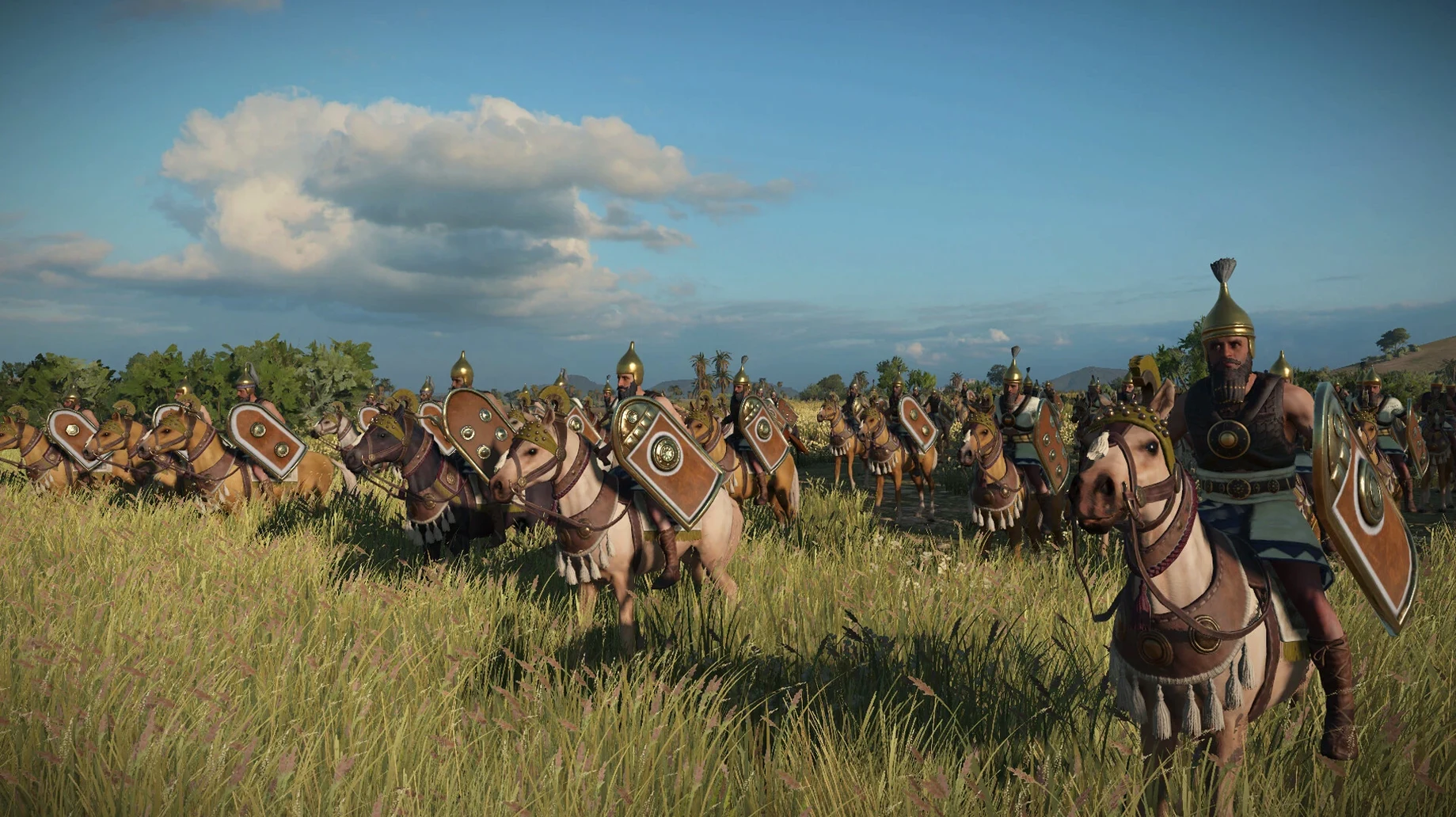
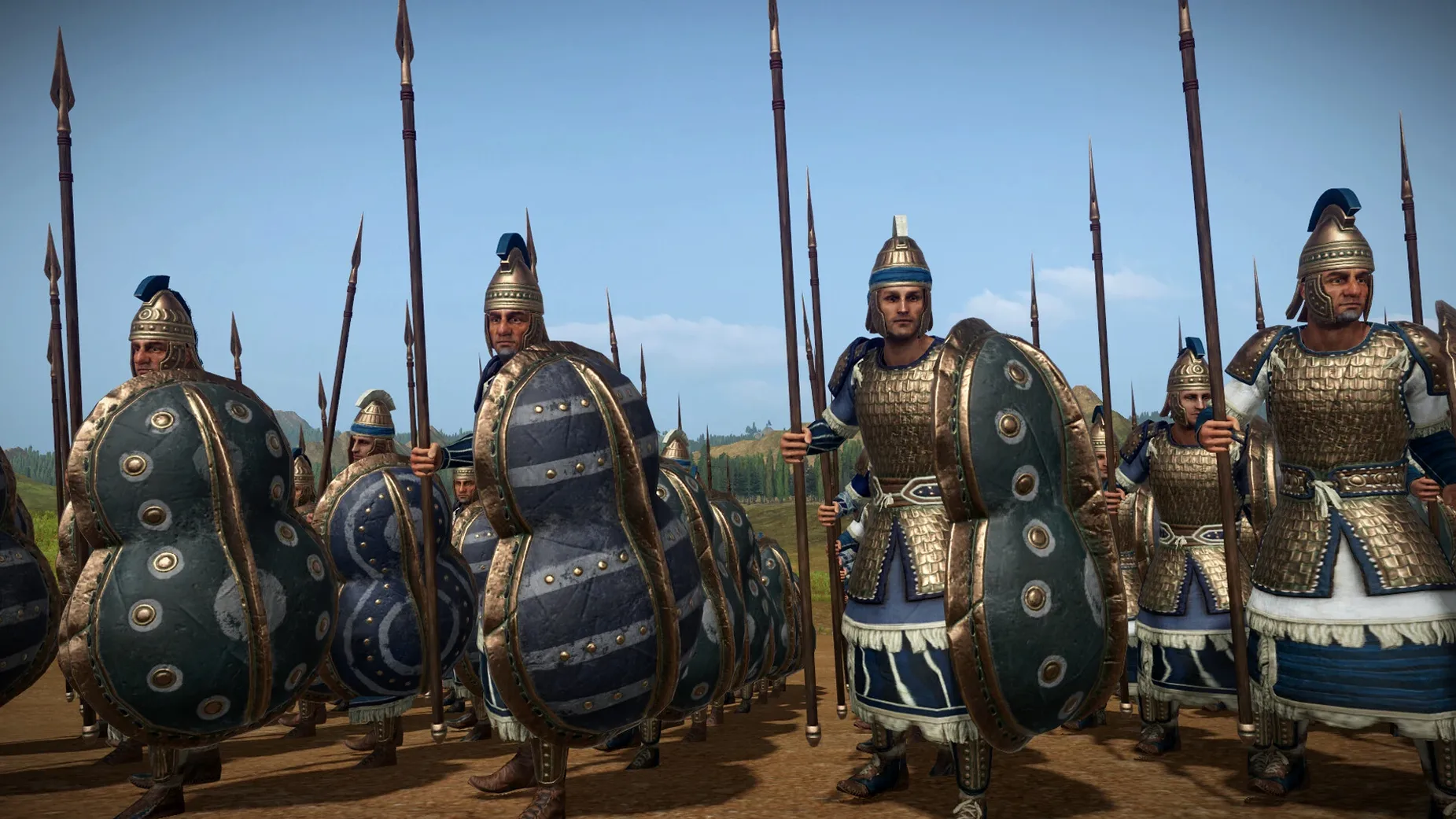
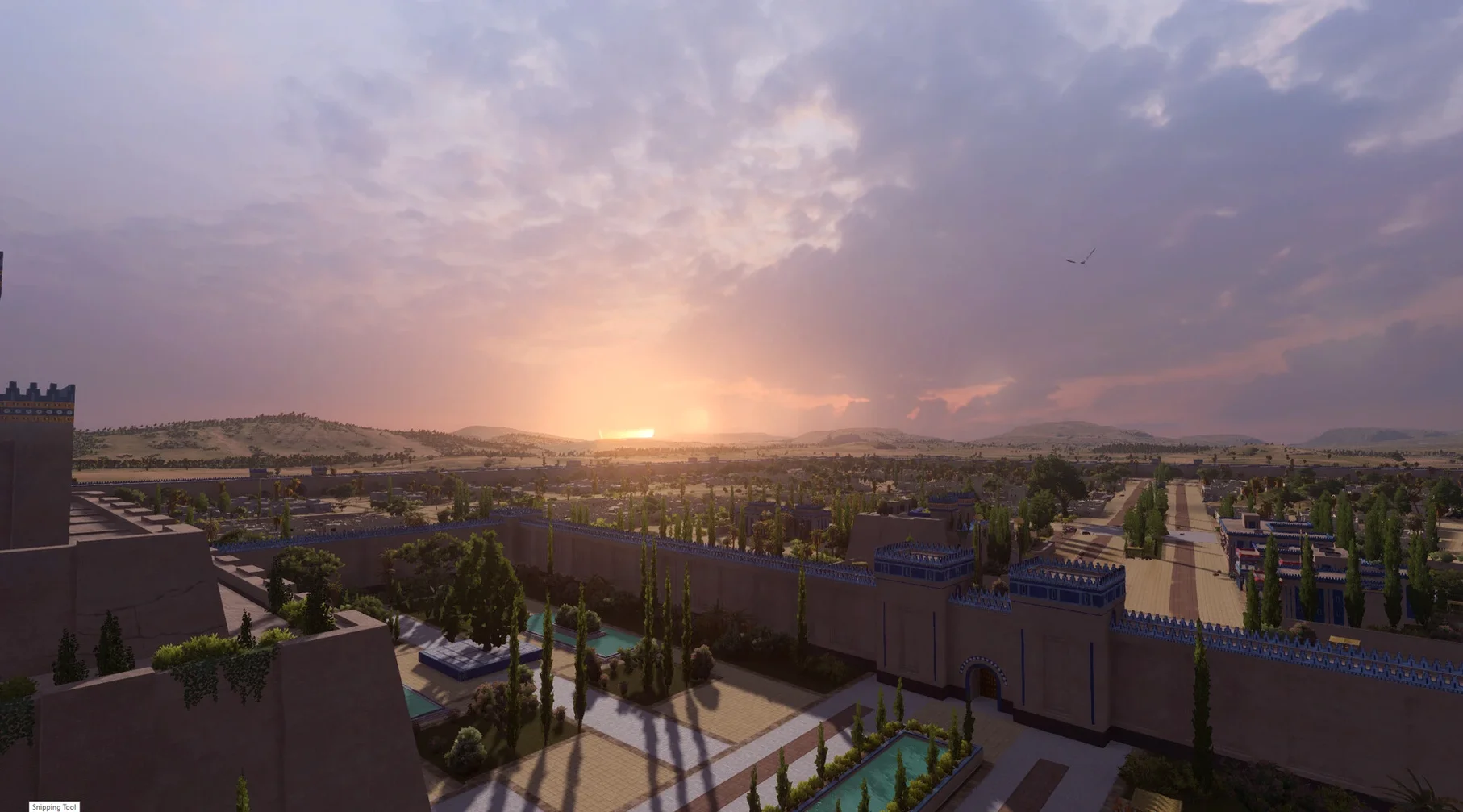
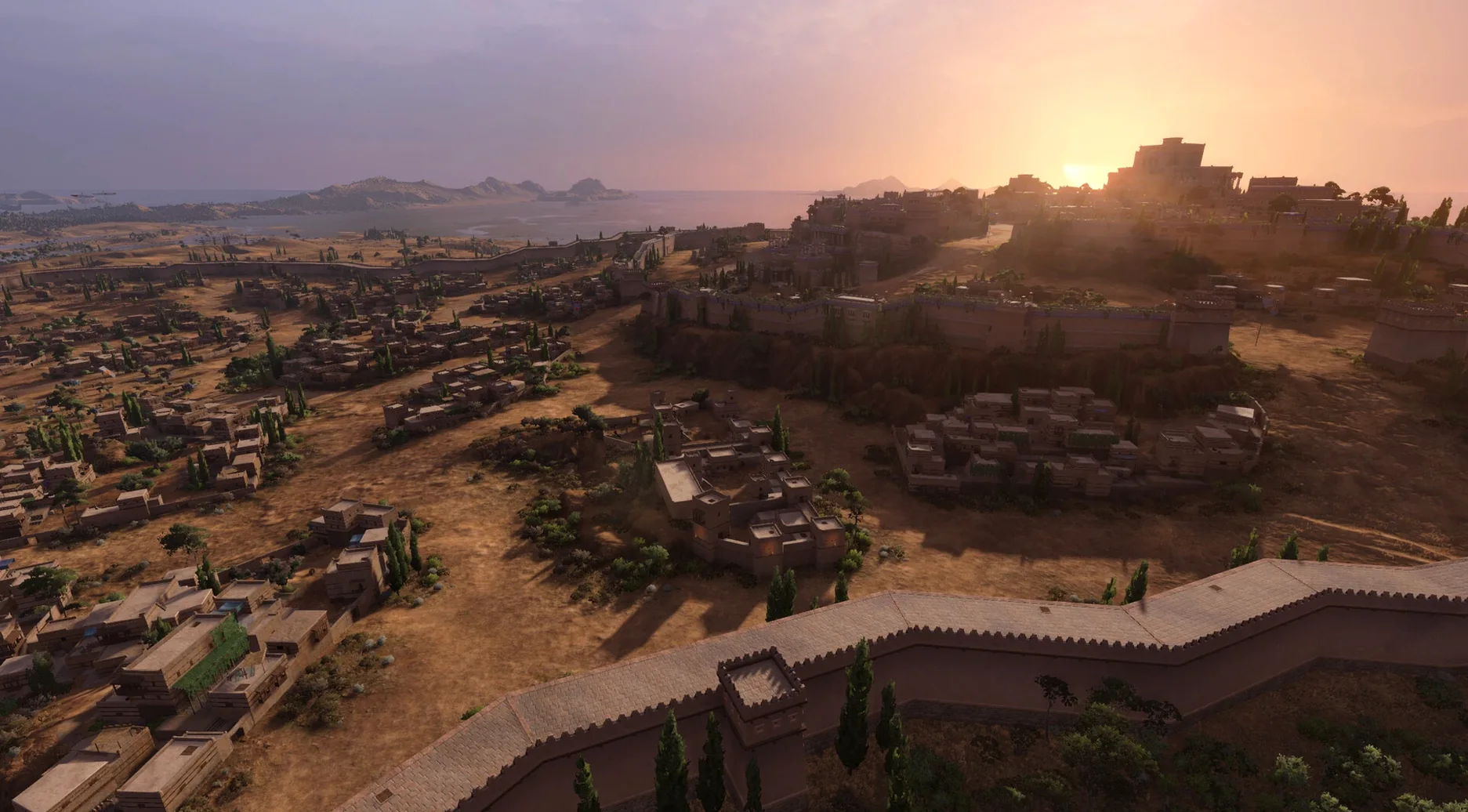
Total War: PHARAOH DYNASTIES 2.0.2 fix is a global reworking of the base game, adding 168 new settlements and covering the ancient world from the Aegean to Mesopotamia.
Expansion scope
New settlements — 168 additional locations to conquer or defend, expanding the map significantly.
Cultures and units — new factions and troop types join the existing roster, each with distinct play styles.
Victory objectives — fresh goals that push you to survive the collapse of the Bronze Age.
Battle system — a reworked combat layer that changes how engagements play out on the campaign map.
Mac specifics
The game supports both ARM (Apple Silicon) and 64-bit x86 Intel architectures. Interface languages include English, German, Spanish, Italian, Traditional and Simplified Chinese, Korean, Polish, Portuguese, Turkish, French, and Czech.
What the 2.0.2 fix changes in practice
The Mac release includes patch 2.0.0 and hotfix 2.0.1 alongside the 2.0.2 update from Windows. In everyday play, that means you get the full Dynasties overhaul straight away — no waiting for incremental patches.
The most noticeable shift is the map. With 168 new settlements, the campaign feels wider. You have more ground to cover, more choke points to hold, and longer supply lines to manage. The four new factions — Babylon, the Assyrians of Hanigalbat, Mycenae, and Troy — play differently enough that you'll want a second or third campaign just to try their rosters.
Sea Travel Lanes change naval movement. Instead of just hopping from coast to coast, you plan routes across open water. That alters how you invade islands or flank an enemy on the far side of a sea.
Lethality and the Dynasty System are the two battle mechanics that stand out. Lethality makes individual kills more decisive — units don't grind each other down as slowly. The Dynasty System ties your faction's progression to your leader's bloodline, which adds a layer of long-term planning between battles.
Set language and battle behavior before starting
Before you start a campaign, check the language options. The game ships with English voice audio and text in a dozen languages, so set yours from the menu right away.
If you prefer the older battle behaviour, look for the Dynasty System toggle in the campaign settings. Some players find it adds welcome depth; others want the original Total War: PHARAOH feel. It's worth a quick decision before you sink hours into a save.
For a first run, pick one of the new factions — Mycenae or Troy — to experience the expansion's full content from turn one. Babylon and Hanigalbat are equally good but their starting positions demand different tactics.
Settings to check first
A few settings make a real difference early on. The game defaults to certain camera and UI preferences that work for most people, but a quick tweak saves time later.
- Camera speed — the default can feel sluggish when you're covering the expanded map. Crank it up a notch before you start moving armies across the Aegean.
- Audio mix — English voice audio is the only option, but you can balance music and effects separately. Turn battle music down a touch if you want to hear unit shouts and environmental sounds more clearly.
- Battle speed — with Lethality in play, combat resolves faster than in vanilla PHARAOH. If you want longer fights, slow the battle speed slider before your first engagement.
First campaign with the new factions
If you're coming from the base game, start with Troy. Their roster leans on defensive infantry and strong heroes, which makes the early turns more forgiving. Mycenae favours aggressive expansion — their units hit hard but need constant reinforcement.
Babylon and the Assyrians of Hanigalbat sit further east. Their starting positions push you toward the Mesopotamian heartland, where the 168 new settlements create a denser web of neighbours and trade routes. The Sea Travel Lanes matter less there, so you can focus on land tactics and the Dynasty System.
Whichever faction you pick, the total war pharaoh dynasties mac full version gives you the same overhauled map and mechanics. The choice is about preferred starting pressure, not missing content.
- The Mac release incorporates changes up to Creative Assembly's 2.0.2 update on Windows.
- macOS version not specified by developer
- Architecture: ARM (Apple Silicon) and 64-bit x86 (Intel)
Kit check at a glance
| Chip | Apple Silicon, Intel 64-bit |
| Download | 50 GB |


Chat from the booth
Sign in or grab a free account to leave a comment.
Nobody has said a word in the booth yet. If you played a set with this build, tell the next person how it went.