

- Build in the crate
- 1.2.1
- Made by the team at
- SweatyChair
- Menu languages offered
- Russian, English, German, Spanish, Italian, Chinese (Traditional), Chinese (Simplified), Korean, Dutch, Polish, Portuguese, Thai, French, Czech, Japanese
- How you pay for it
- Not required
- CPU it runs on
- Apple Silicon, Intel 64-bit
- Played on
- macOS Tahoe, Mac mini 2024 M4
- Dropped on
- 2.12.2025
- Spoken voice in
- Music only
Screenshots
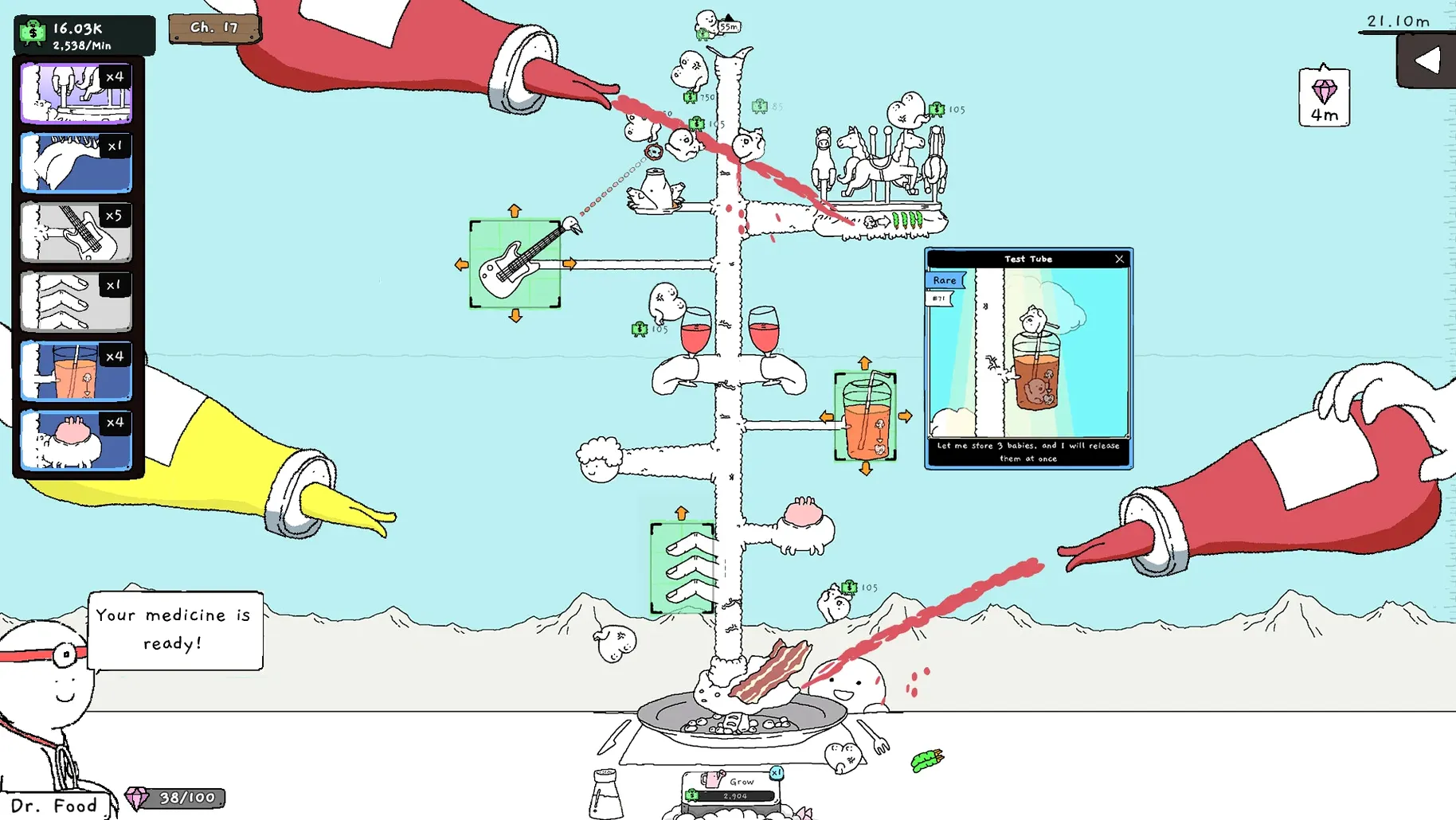
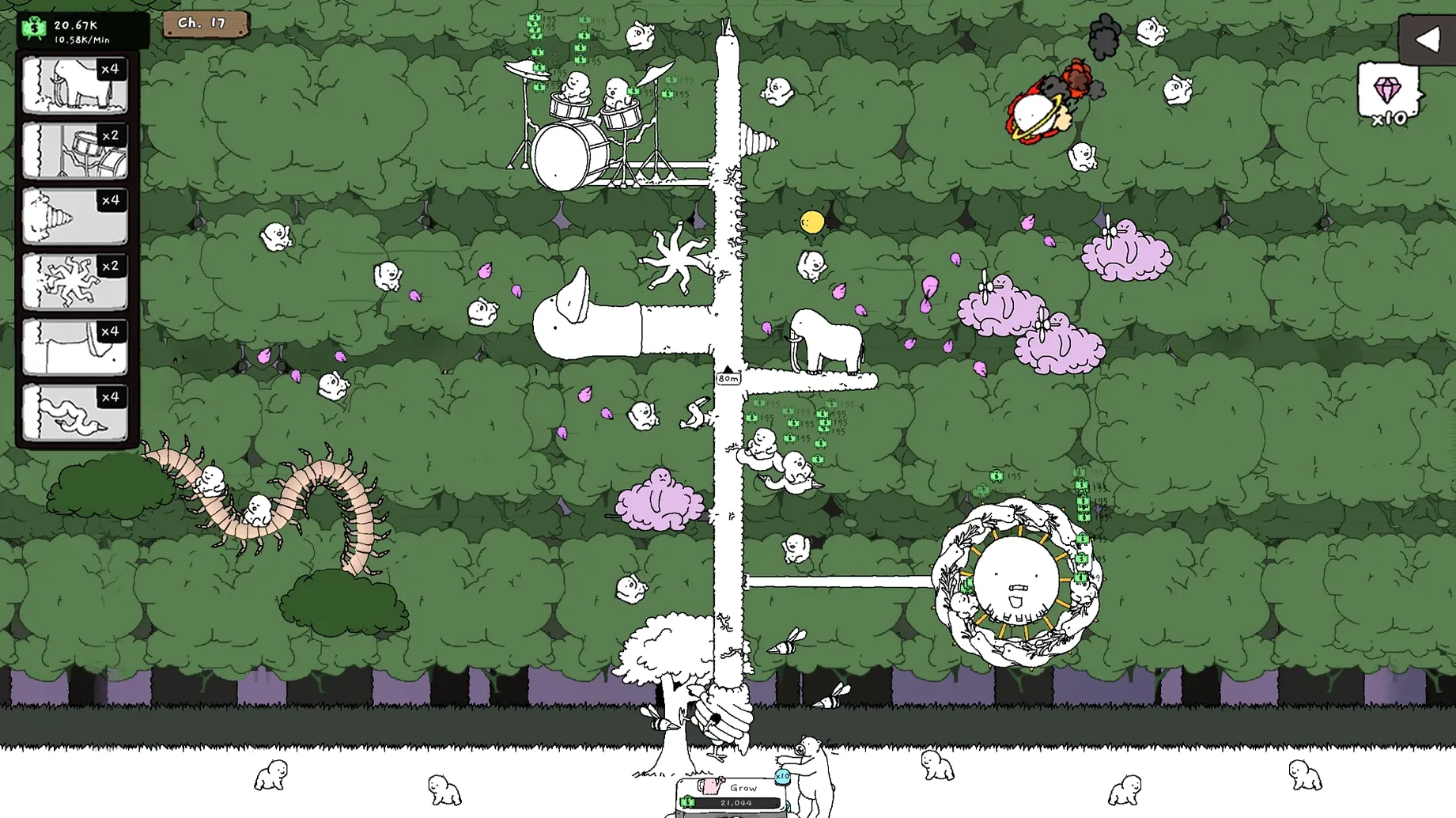
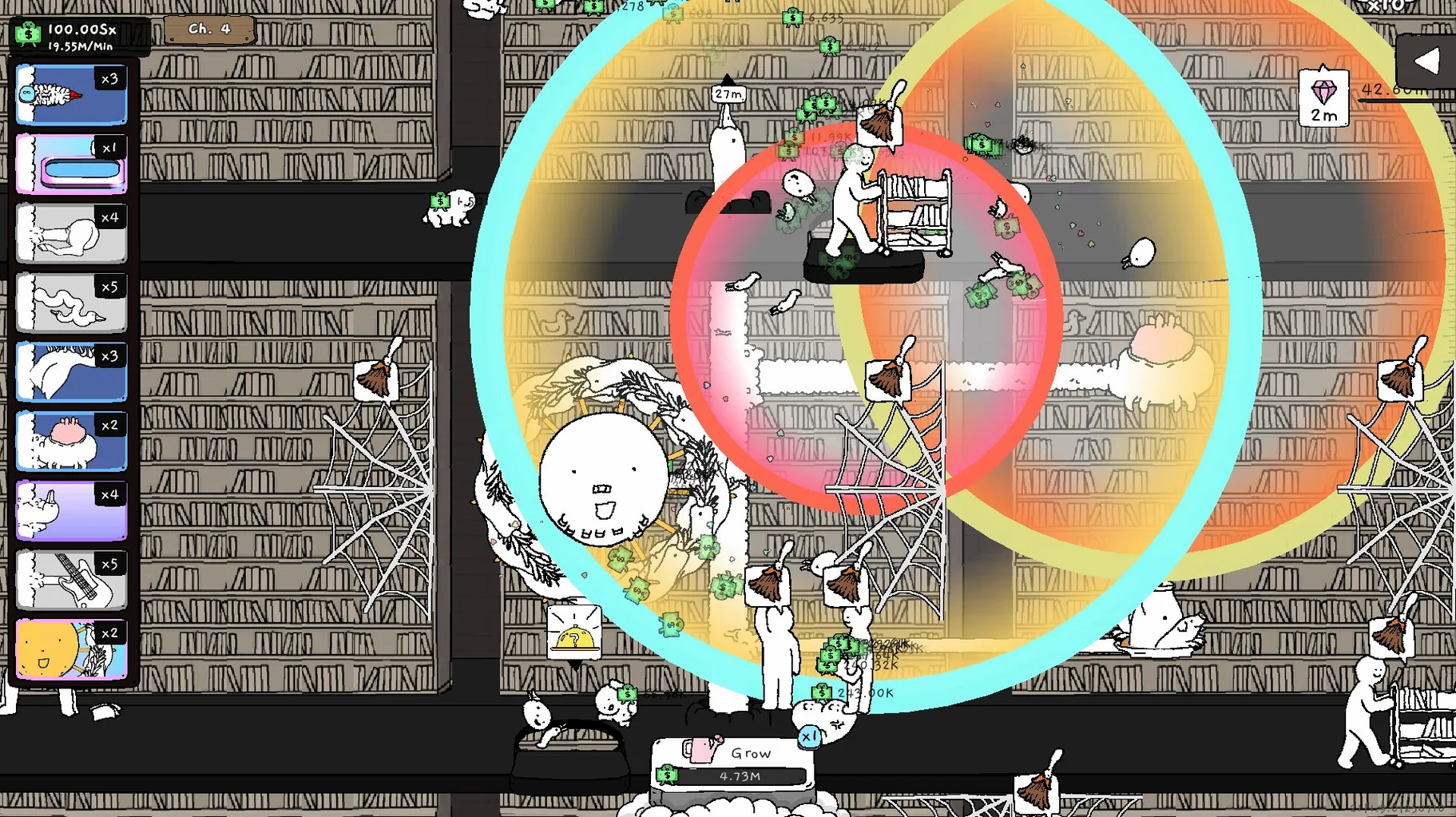
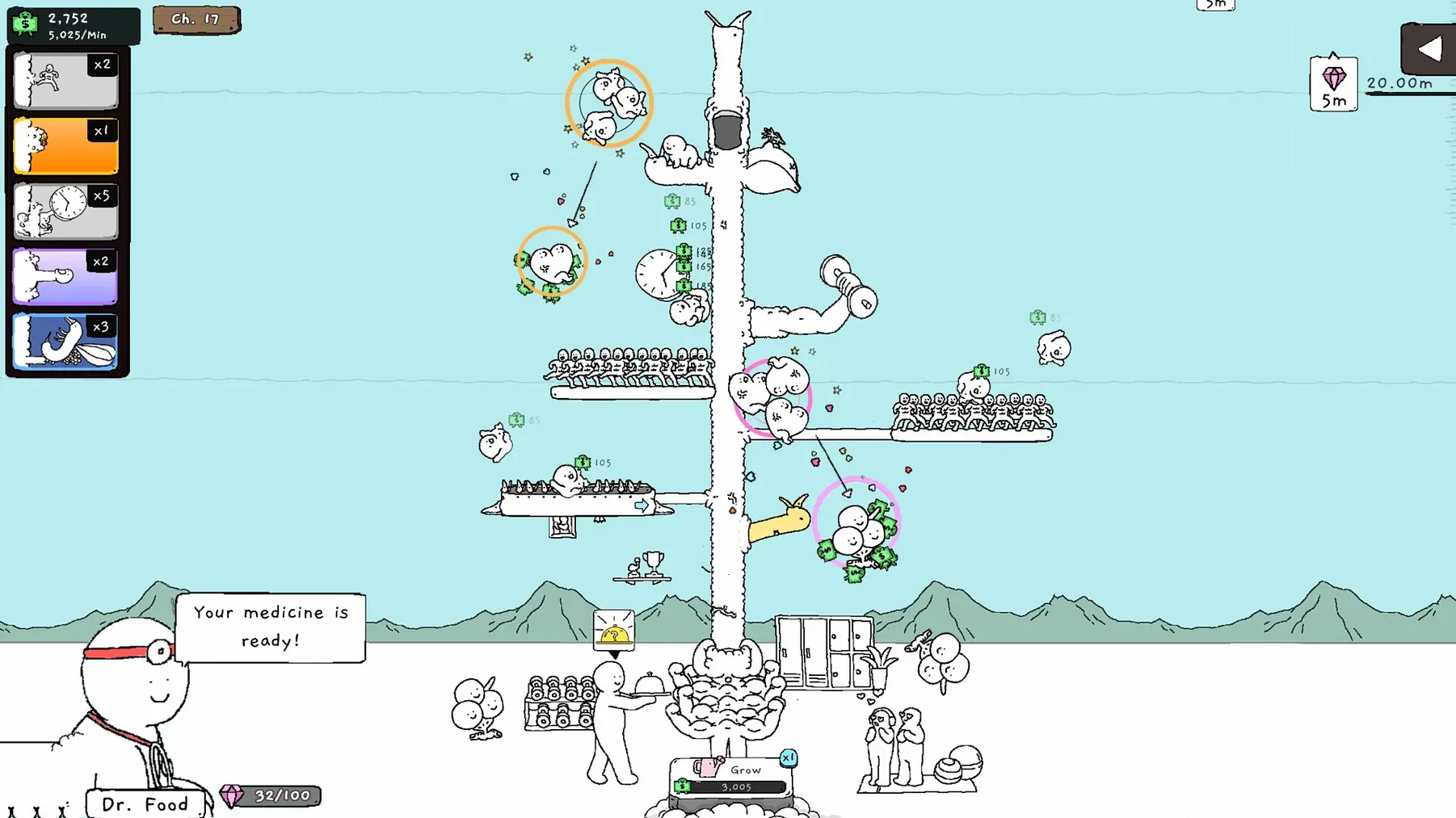
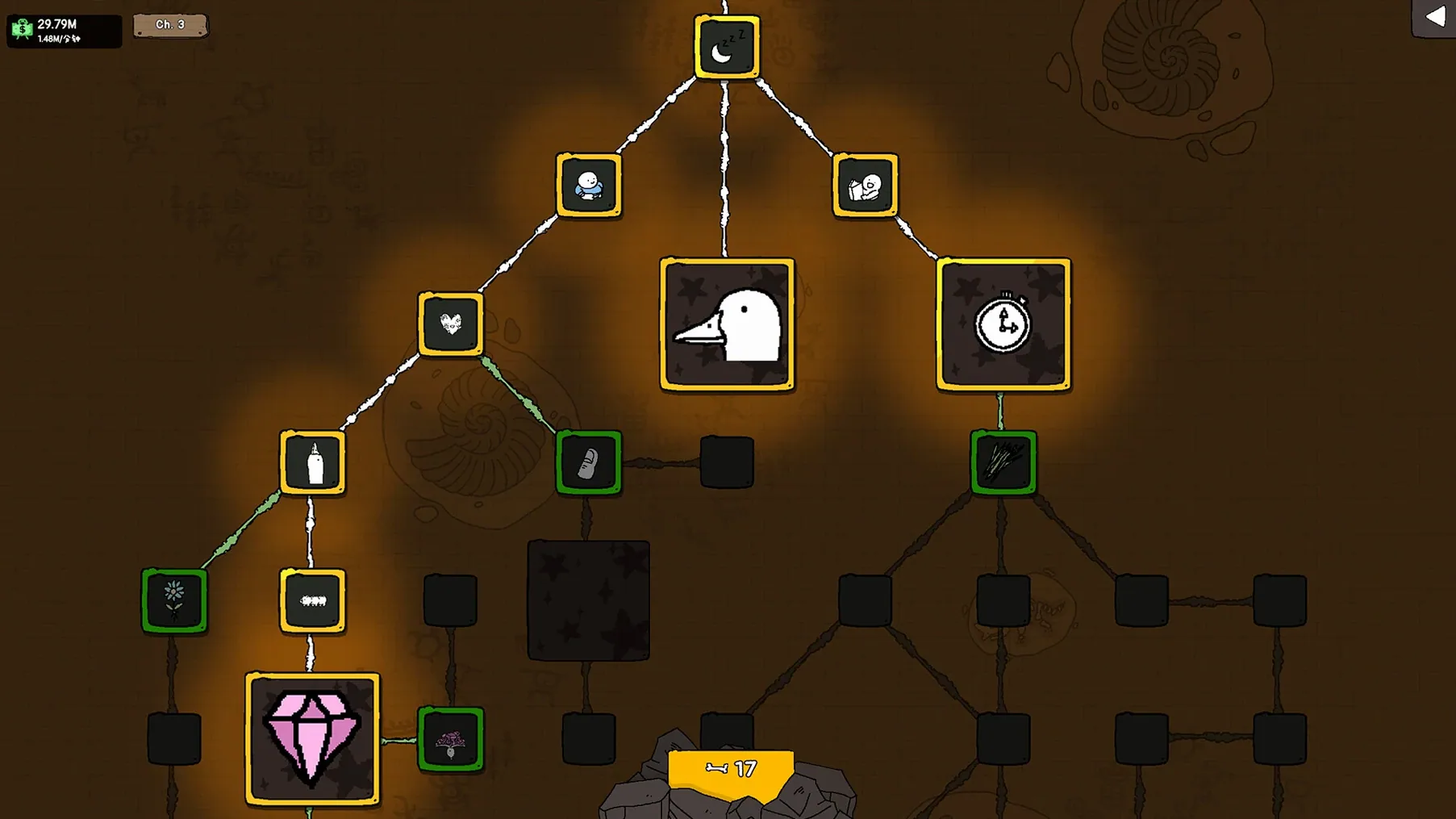
Tingus Goose runs on both Apple Silicon and 64-bit Intel Macs. It was tested on macOS Tahoe and a Mac mini 2024 with M4, so modern Macs are well covered. The game doesn’t need activation, and the interface supports 15 languages including English, Spanish, German, and Russian.
Here’s the core loop:
- Grow a goose tree.
- Merge goslings into new forms.
- Each level makes the next one stronger.
If you like idle games where you build toward bigger numbers without constant clicking, you’ll enjoy this. The goose theme adds a bit of charm. If you prefer fast action or story-driven games, this probably isn’t for you. It’s a simple, relaxing loop for players who want to check in, merge, and watch things grow.
Works alongside Logic Pro and other apps
Tingus Goose sits nicely alongside other apps you might keep open while playing. Because it’s an idle game, you can leave it running in a window while you work in Logic Pro, browse the web, or write emails. On macOS, Mission Control or Stage Manager let you tuck the game into a corner and check back whenever a merge is ready.
The game uses standard macOS window behaviour — no full-screen lock-in, no weird resizing. You can drag it to a second display if you have one. The music plays through whatever audio output macOS has set, so your AirPods or studio monitors handle it the same as any other app.
Less depth but more charm than Egg, Inc.
Idle games on Mac are a small world, but a few stand out for comparison.
Egg, Inc. is a well-known idle game about running a chicken farm. It has more depth — research, missions, prestige mechanics — but less visual variety. Tingus Goose replaces the farm theme with a goose tree and gosling merges, and the random blossoms (Biceps, Conveyor Belts and the like) add a weirdness Egg, Inc. doesn’t have.
Idle Miner Tycoon is another big name. It focuses on upgrading mines and managers. Tingus Goose is simpler: you grow a tree and merge goslings. There’s no complex supply chain, just the satisfaction of seeing what the next blossom does. That makes it more casual and less of a time commitment per session.
AdVenture Capitalist is the classic idle game template. It’s all about business and profit. Tingus Goose trades that corporate theme for something more playful, with permanent talents (Roots and Calcium) that carry over between runs — a bit like prestige, but tied to goose biology instead of a boardroom.
None of these games require high-end hardware, and Tingus Goose fits the same category: low demands, long sessions, small window.
Auto-detects your system language from 15 options
The interface language list includes 15 languages, which is more than most idle games bother with. If your system language is one of them, the game picks it up automatically — no digging through settings.
Because no activation is required, you can move the app between Macs on a USB stick or external drive and it just works. Handy if you switch between a desktop Mac and a laptop.
The random blossoms change each run, which keeps the game from feeling identical every time you start fresh. You never know whether you’ll get Conveyor Belts or something else, so each playthrough has a slightly different flavour even if the core loop stays the same.
Tingus Goose for Mac torrent version 1.2.1 runs on both ARM and Intel Macs, supporting a wide range of devices. No extra configuration needed.
- macOS version not specified
- Apple Silicon and 64-bit Intel supported
Kit check at a glance
| Chip | Apple Silicon, Intel 64-bit |
| Download | 470 MB |







Chat from the booth
Sign in or grab a free account to leave a comment.
Nobody has said a word in the booth yet. If you played a set with this build, tell the next person how it went.