

- Build in the crate
- 1.1.2.8.ffc2de0.gm Native
- Made by the team at
- Mechanistry
- Menu languages offered
- Russian, English, German, Spanish, Italian, Chinese (Simplified), Korean, Polish, Portuguese, Ukrainian, French, Japanese
- How you pay for it
- DRM-free
- CPU it runs on
- Apple Silicon, Intel 64-bit
- Played on
- macOS Tahoe, Mac mini 2024 M4
- Dropped on
- 15.09.2021
- Spoken voice in
- Music only
Screenshots
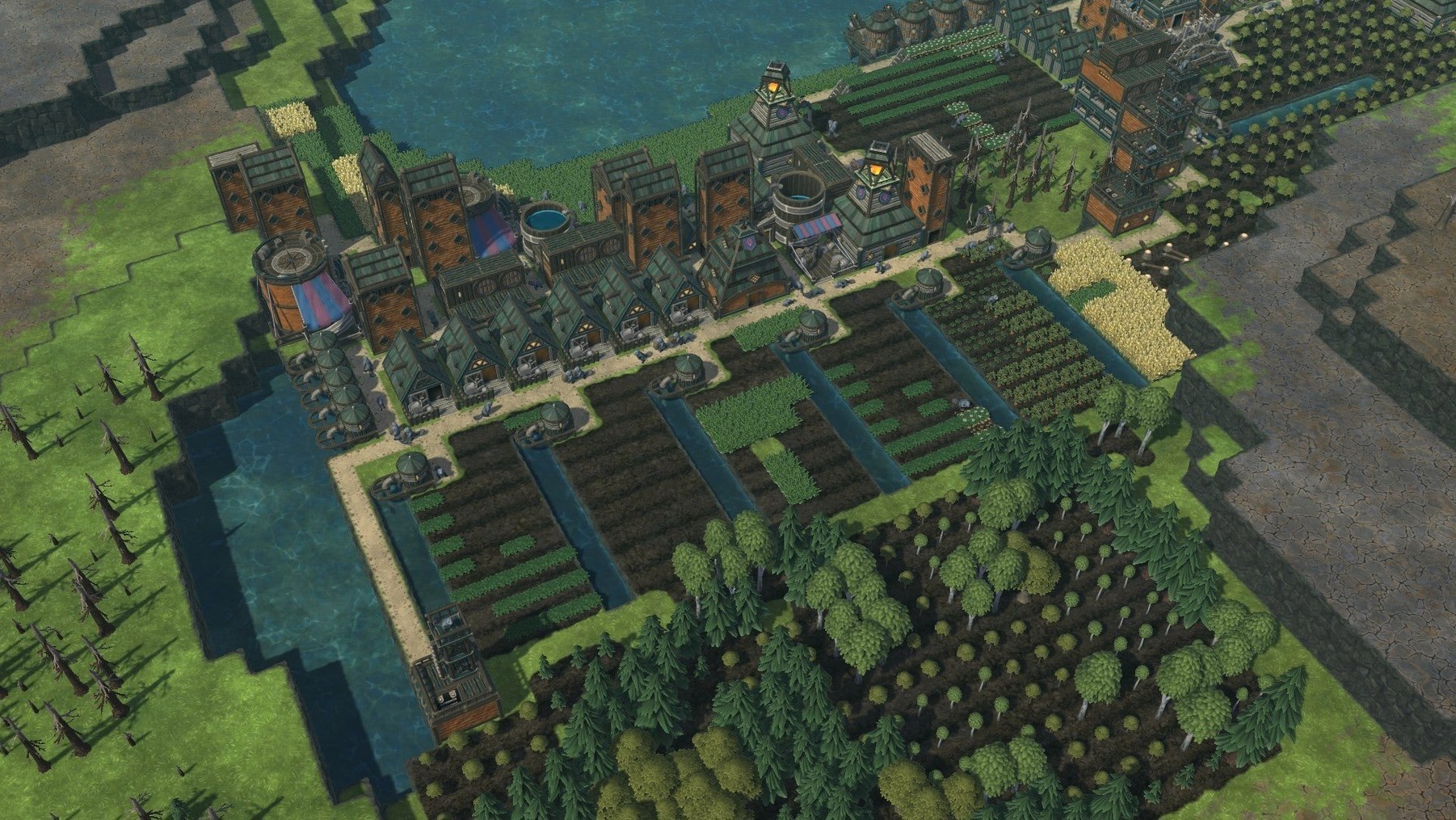
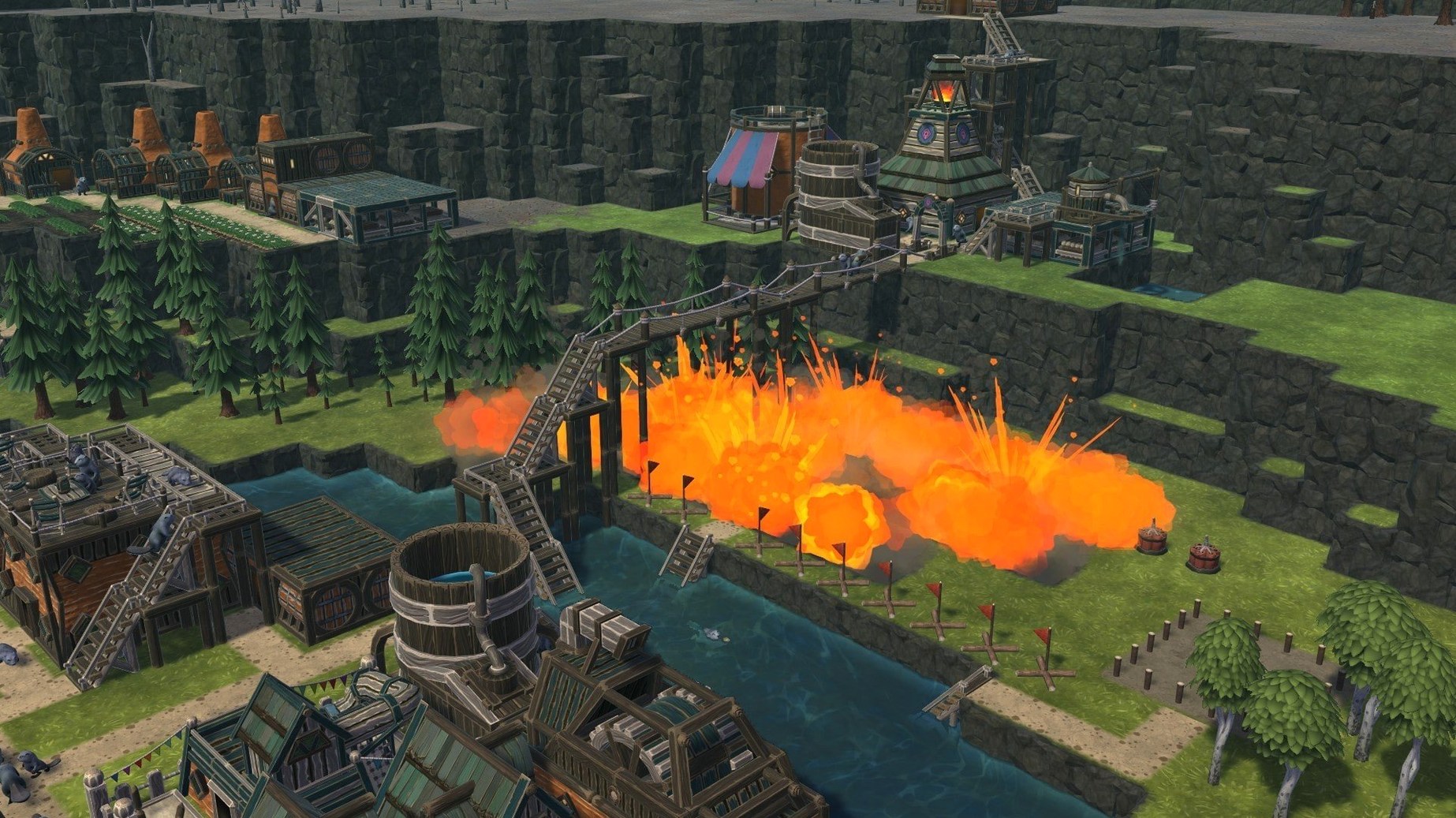
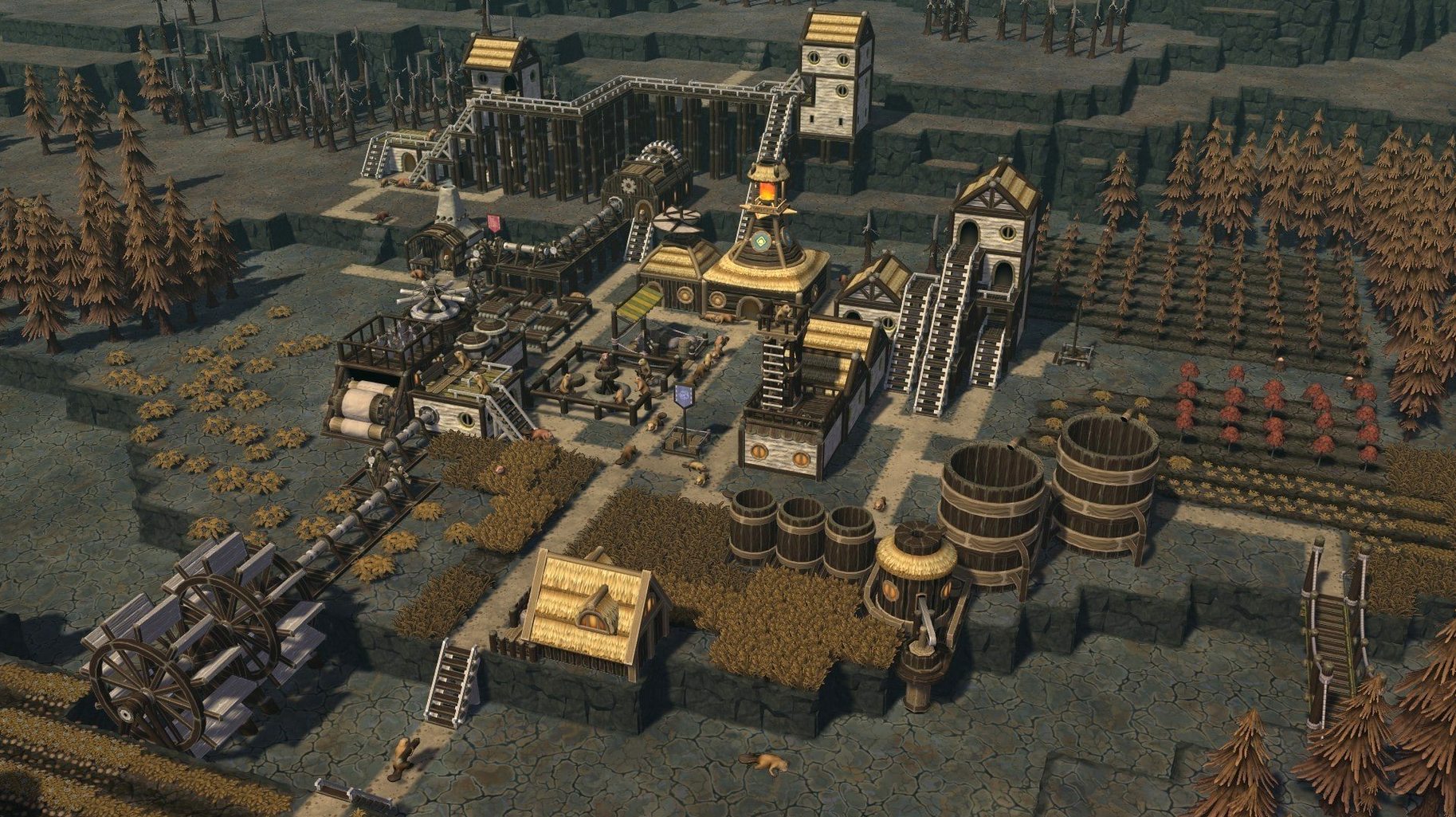
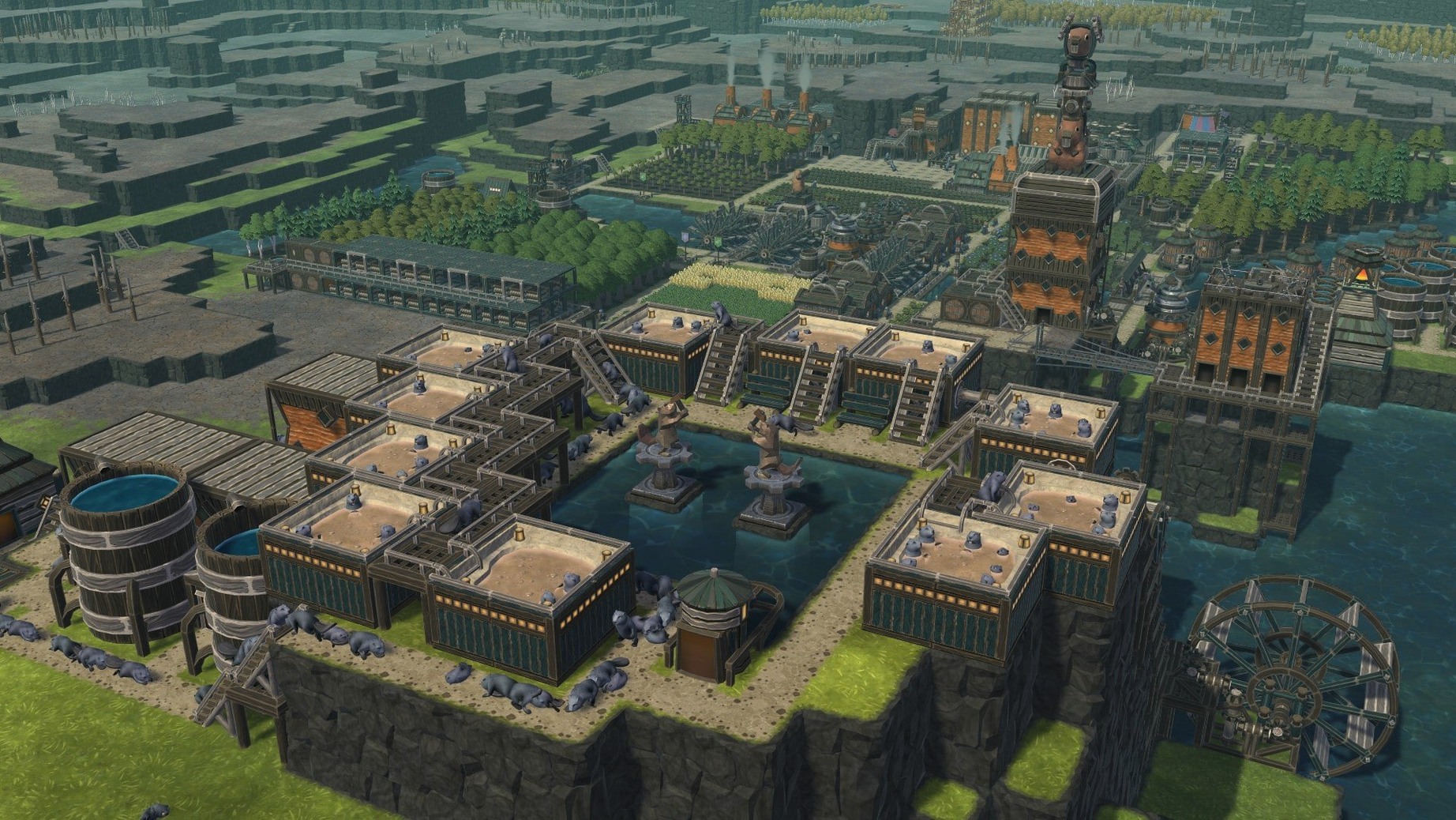
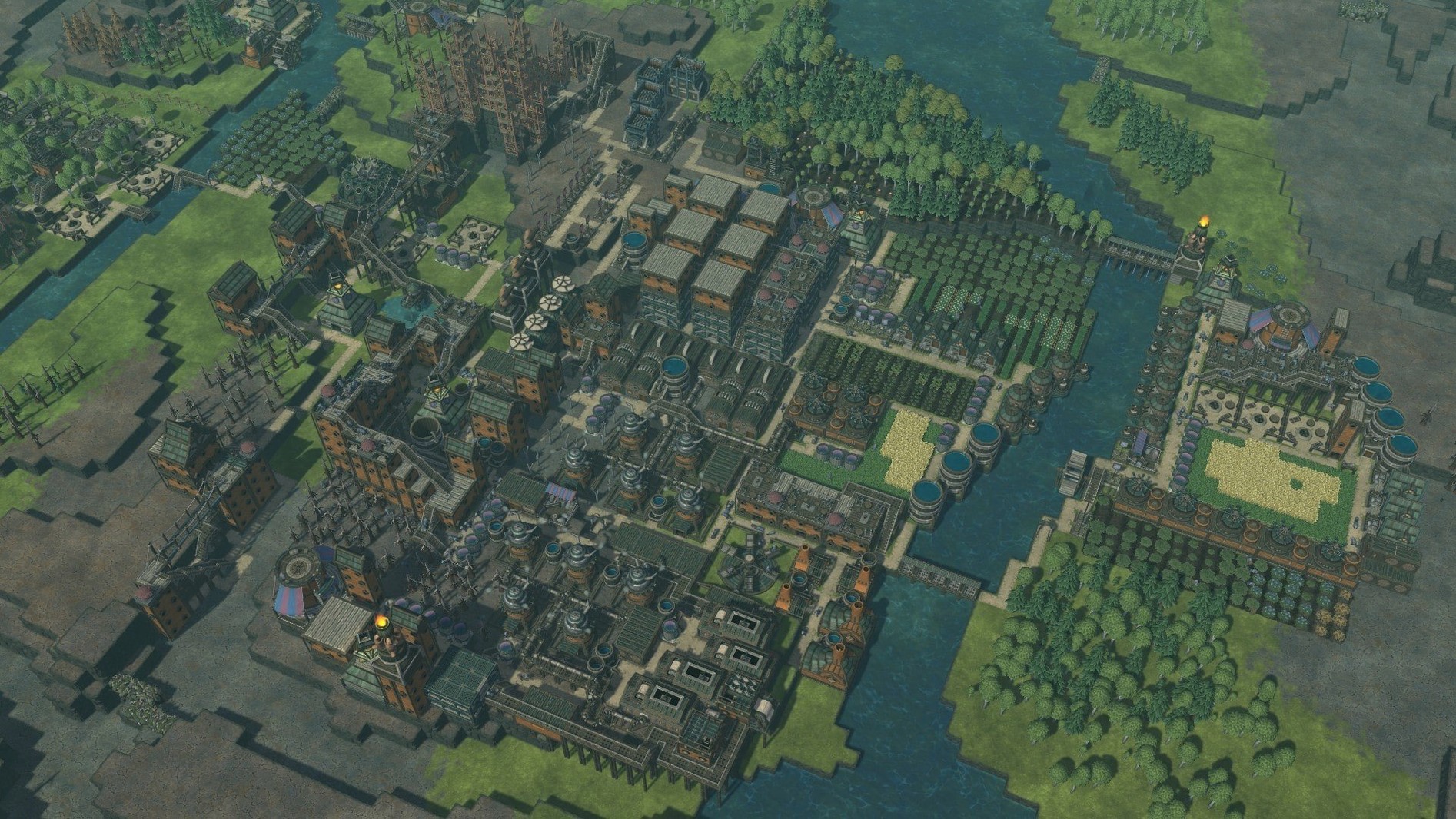
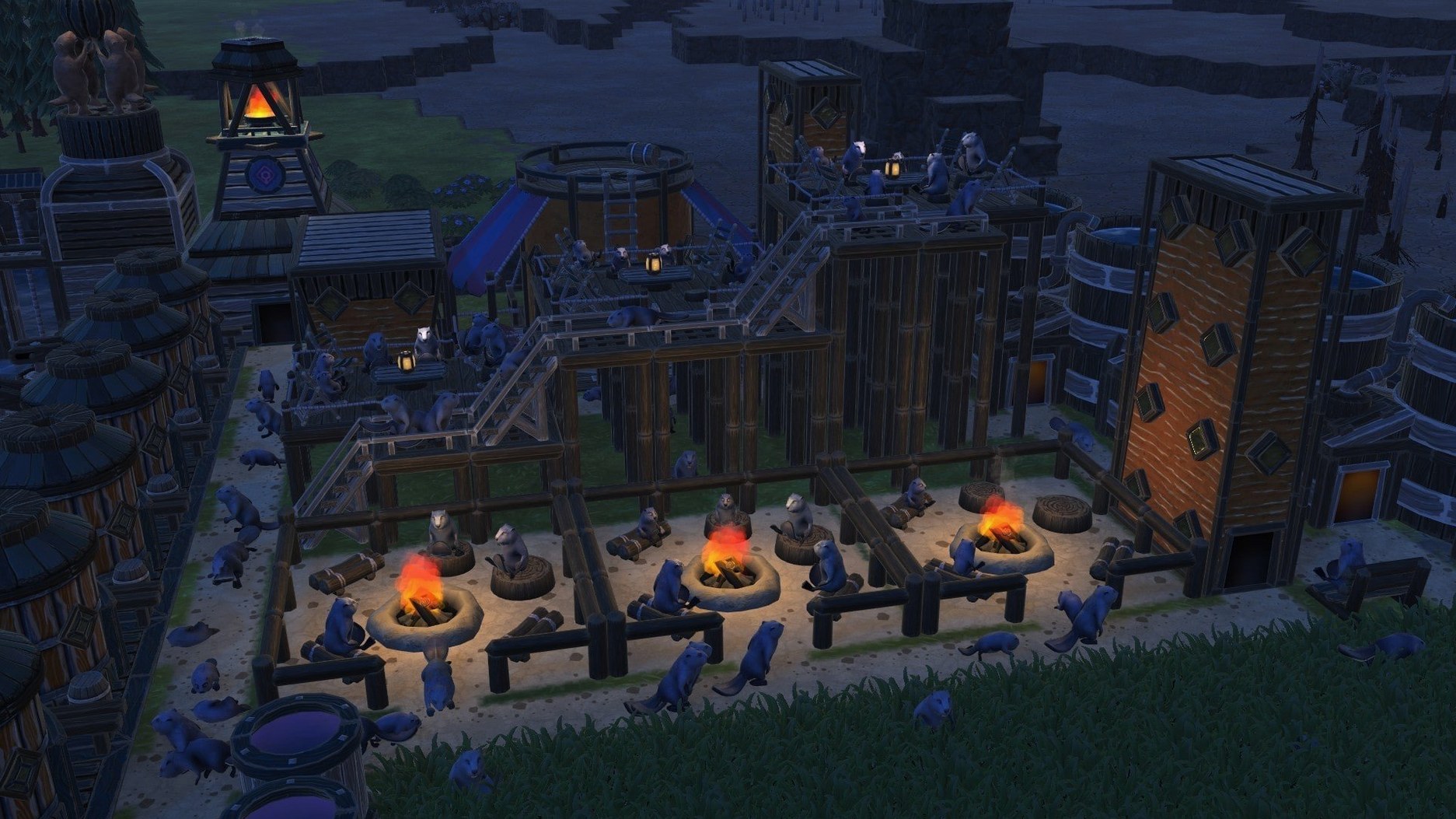
You start with a handful of beavers, a patch of dry land, and a river that doesn't care about your plans. Timberborn is a colony-building simulator where wood construction meets water management: dams, canals, and redirected rivers shape your settlement as much as the buildings do.
Supports Apple Silicon and Intel Macs
The Mac version works with ARM and 64-bit x86 architectures, allowing it to operate on both Apple Silicon and Intel systems. It's been available for macOS since September 2021. Expected performance: fine on recent hardware, but large colonies with heavy water simulation can slow down older Intel Macs.
12 interface languages available
Keyboard and mouse are the main controls; the interface is available in English, Russian, German, Spanish, Italian, Simplified Chinese, Korean, Polish, Portuguese, Ukrainian, French, and Japanese.
DRM-free and no extra launchers
Given the architecture support (ARM and x86 64-bit), Timberborn installs cleanly on both Apple Silicon and Intel Macs. The game is DRM-free, meaning no extra launcher or online check before you start building. The current build 1.1.2.4.52e959e.gm was tested on macOS Tahoe with a 2024 Mac mini M4, so it works with the latest system versions.
On the storage side, expect a moderate install size — the game loads maps, models, and water simulation data from disk. The water physics and colony AI are the main computational tasks, so machines with more RAM tend to handle larger settlements better. The installer follows a standard package procedure, and Applications is the recommended destination folder.
New maps and statistics in update 1.1
Version 1.1 brought new maps and statistics features. In everyday play, that means more starting layouts to choose from — each with different river patterns and terrain — and better feedback on how your colony is doing. The statistics panel shows resource production, population trends, and water levels over time, which helps you decide where to build that next dam or when to expand to a new district.
Both playable factions, Iron Teeth and Folktails, retain individual construction approaches and requirements, and the 1.1 update left those fundamental distinctions unchanged. What changed is the ability to track your engineering more precisely, especially across multiple districts and night shifts.
Language and audio sliders to adjust first
Before you start your first colony, open the game's settings and check the language picker — it defaults to English, but there are eleven other interface languages if you prefer. The music and sound sliders are worth adjusting early: the game's ambient soundtrack sets the mood, but you might want it quieter during long planning sessions.
If you're on an older Intel Mac, consider lowering the graphics preset before building large water systems. The simulation runs in real time, so complex canal networks and multiple vertical levels can tax the CPU.
One practical tip: enable the statistics panel from the start. It shows water volume per reservoir and food production rates, which saves you from manually counting beaver needs. That panel alone makes the 1.1 update worth having, especially if you're managing districts on different river levels.
There's a custom-map editor plus community sharing, so you can build your own river systems or try someone else's.
- Version 1.1 added new maps.
- Added statistics features.
- macOS version: not specified
- Architectures: ARM and 64-bit x86
Kit check at a glance
| Chip | Apple Silicon, Intel 64-bit |
| Download | 1.1 GB |








Chat from the booth
Sign in or grab a free account to leave a comment.
Nobody has said a word in the booth yet. If you played a set with this build, tell the next person how it went.