
- Build in the crate
- 1.6.1
- Made by the team at
- CREATIVE ASSEMBLY, Feral Interactive
- Menu languages offered
- Russian, English, German, Spanish, Italian, Polish, Turkish, French, Czech
- How you pay for it
- Not required
- CPU it runs on
- Apple Silicon, Intel 64-bit
- Played on
- macOS Tahoe, Mac mini 2024 M4
- Dropped on
- 17.02.2015
- Spoken voice in
- English, German, French
Screenshots
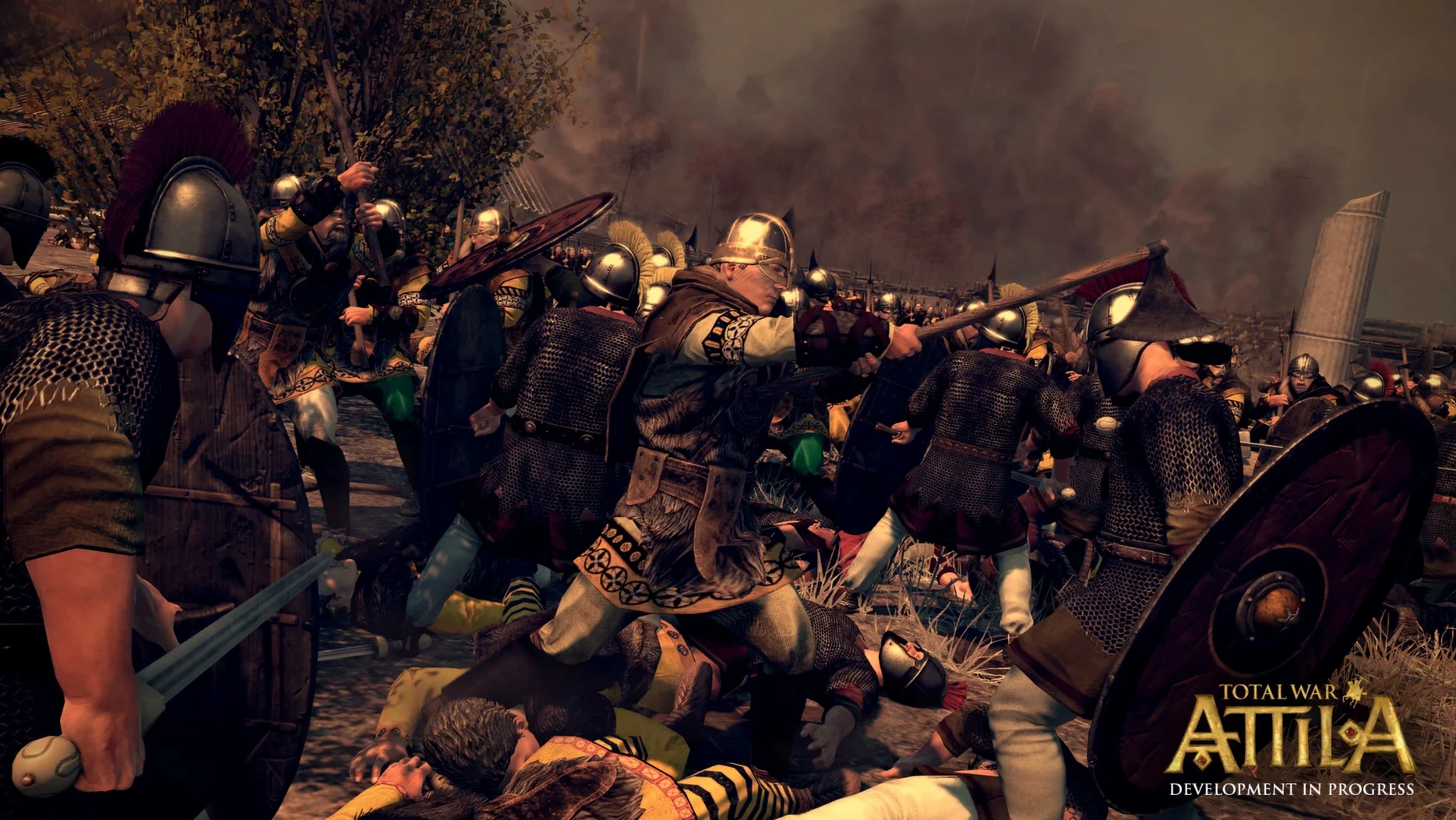
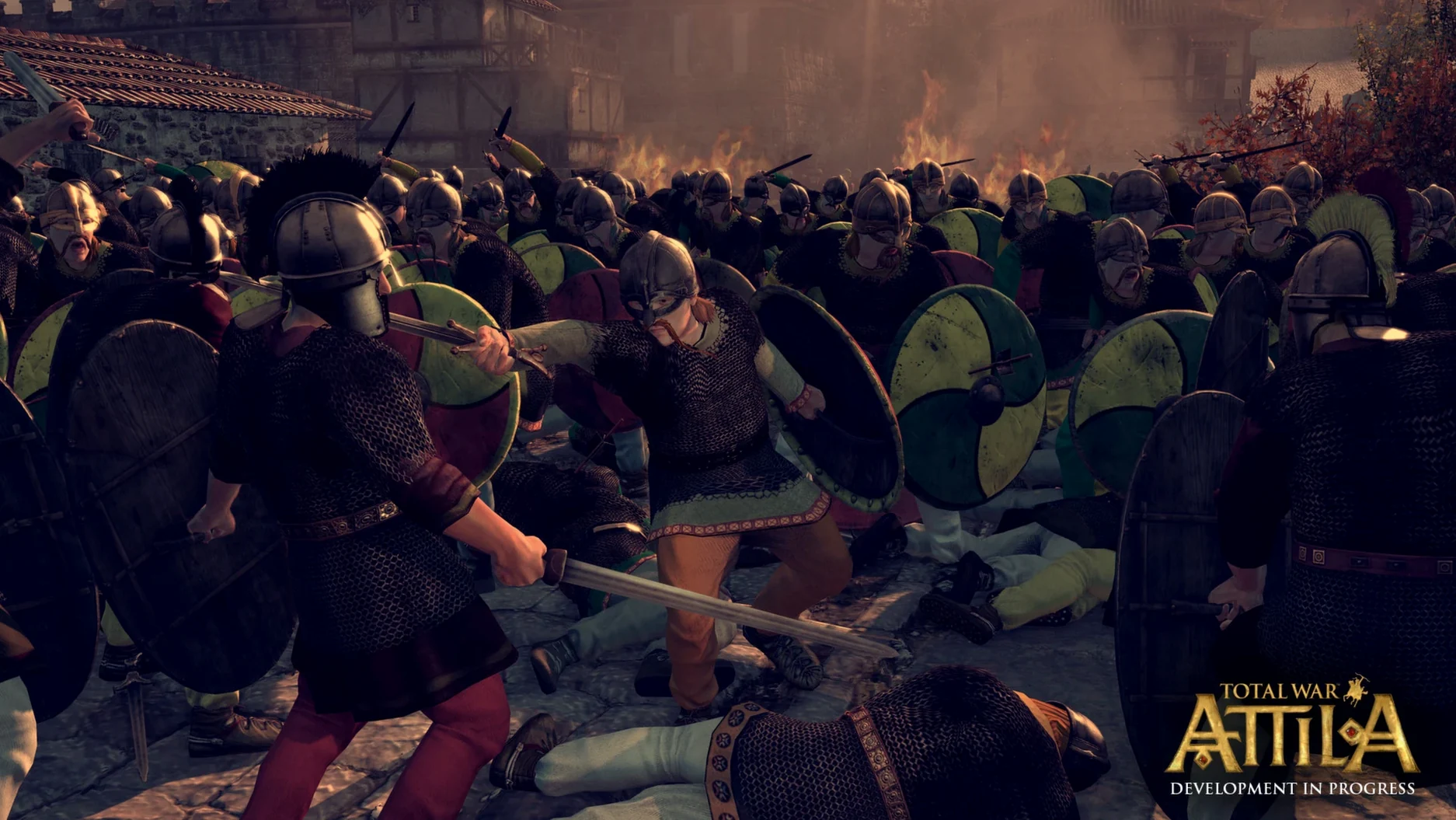
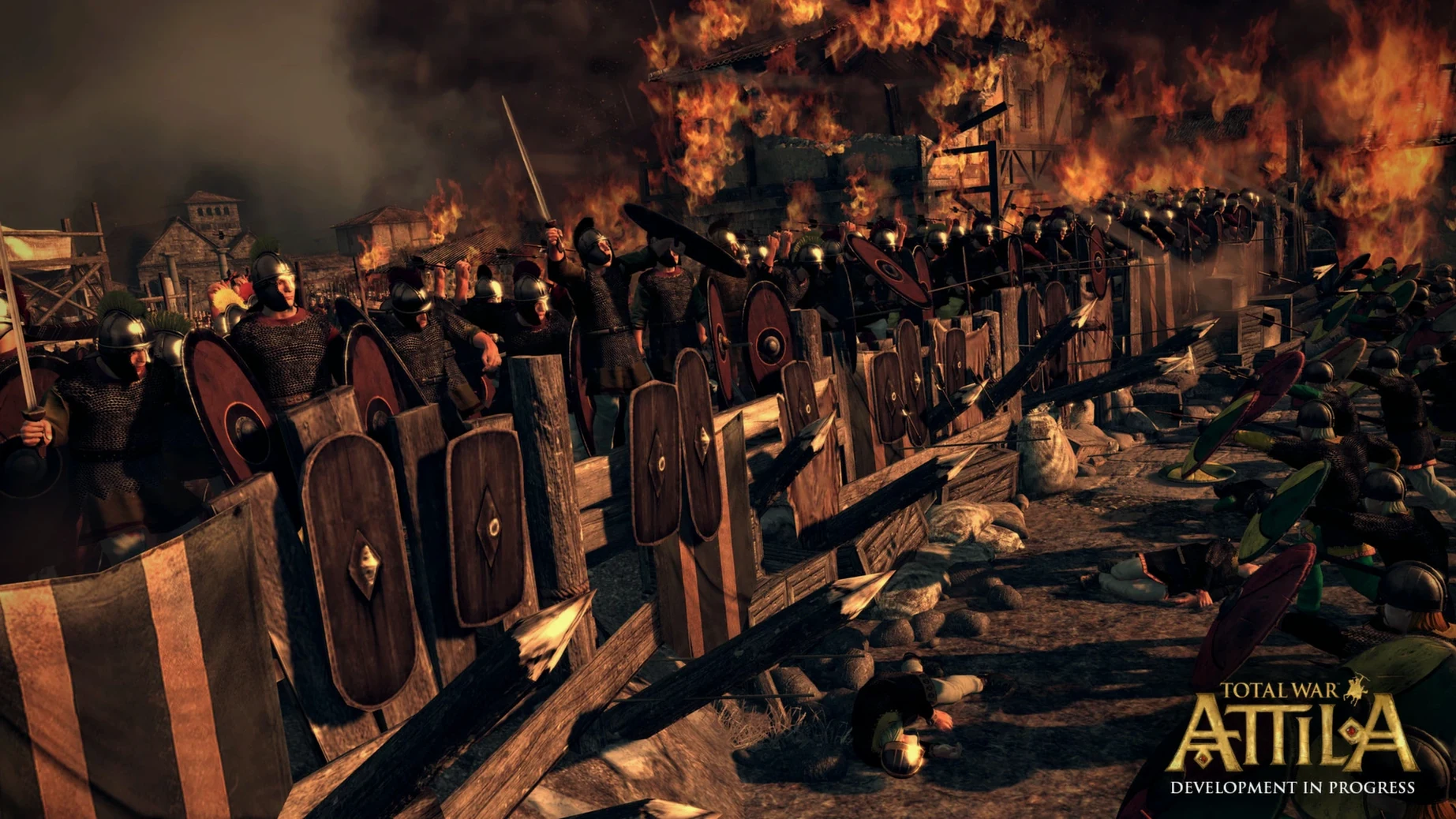
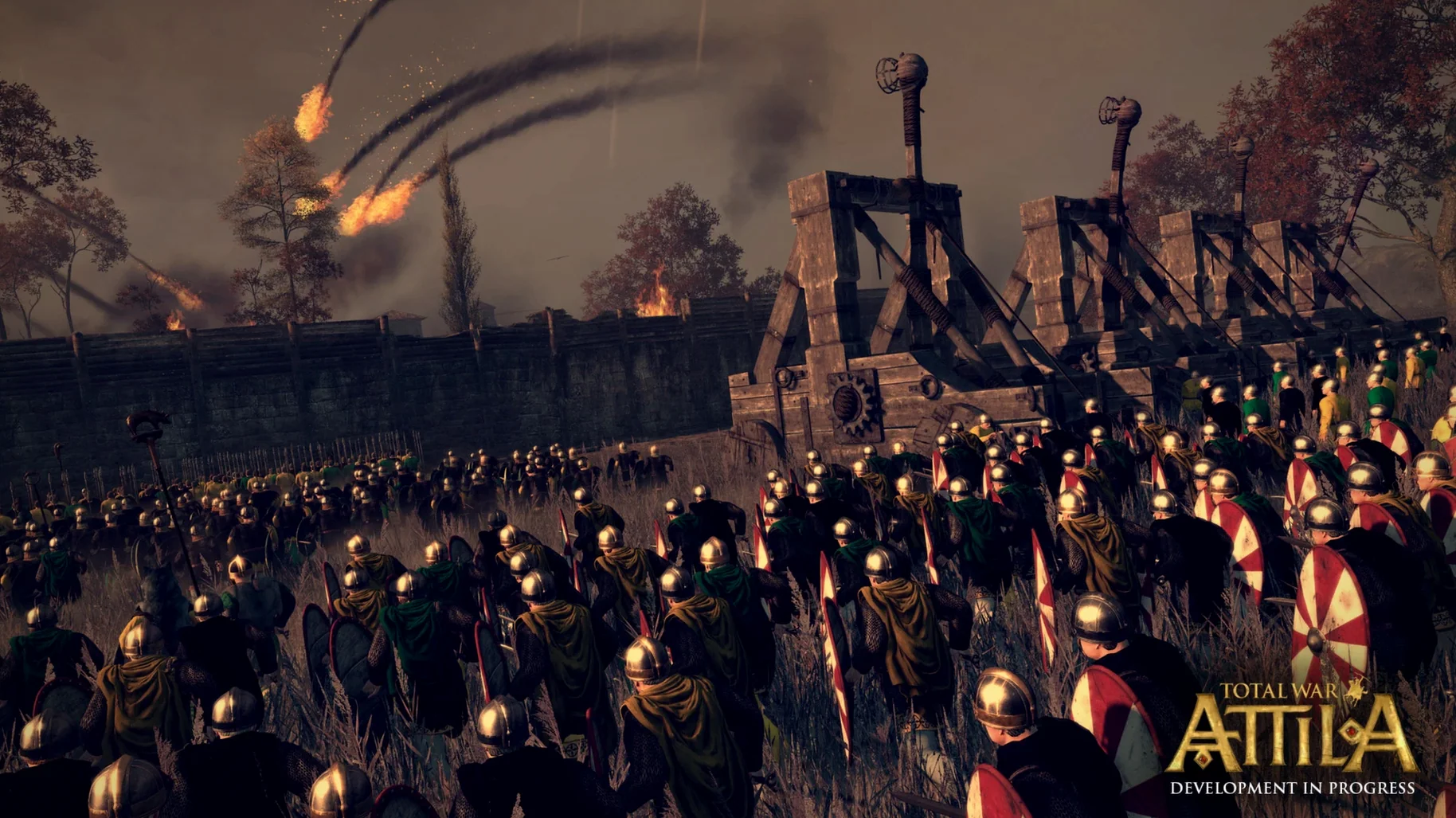
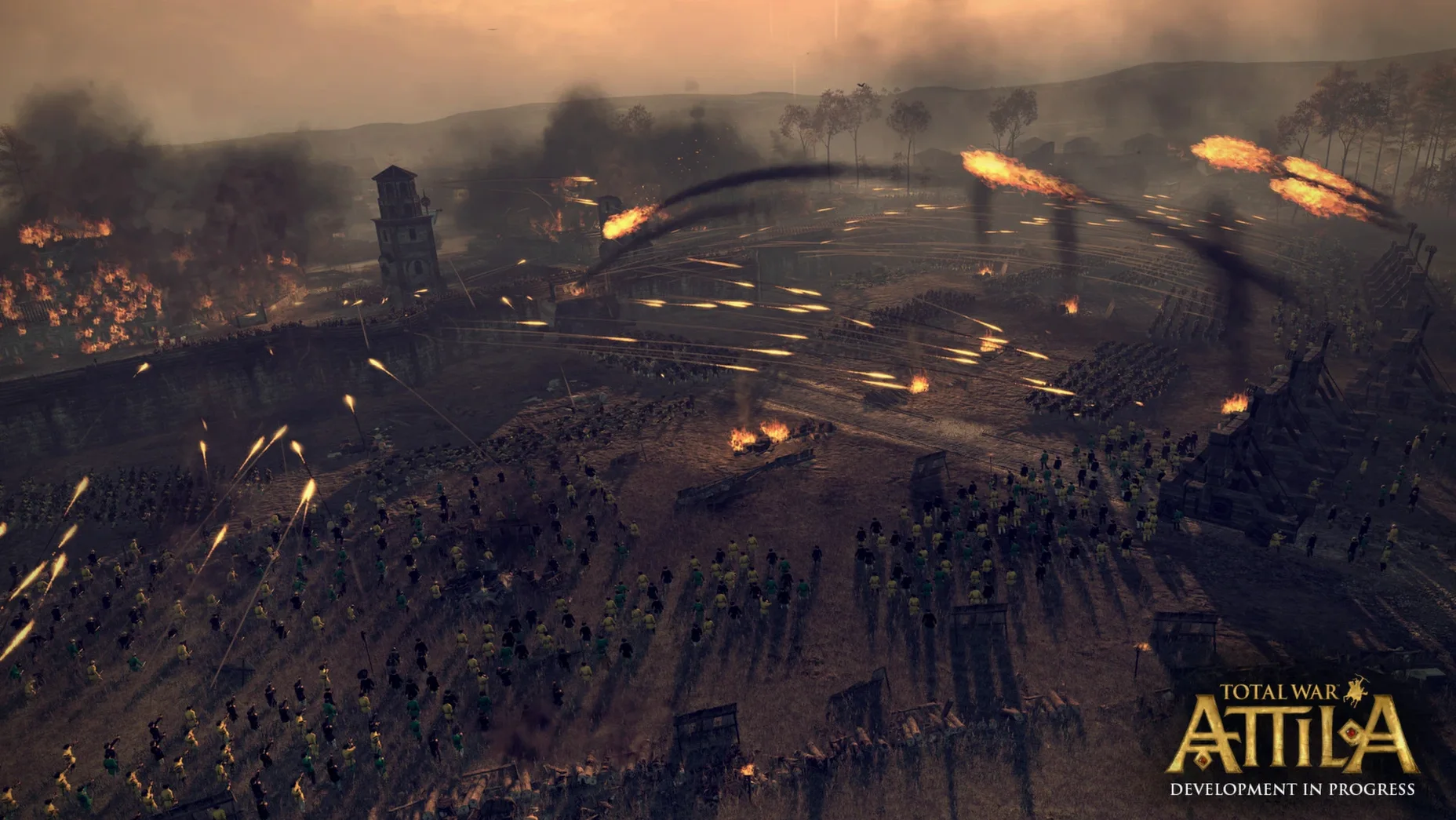
You're leading a dwindling Western Roman Empire through the 5th century, barbarian hordes at the gates and fire spreading through a settlement you just ordered torched. That's Total War: Attila — grand strategy layers on the campaign map, real-time tactics when armies clash. The Mac version (1.6.1) now runs natively on Apple Silicon, so it feels noticeably smoother on an M1 or newer Mac than the Intel-only builds did. The turn times are quicker, the UI scales properly on Retina displays, and the same deep campaign — choose Rome or build an eastern kingdom — is all there with English, German or French voice acting.
Just installs without Rosetta or workarounds
People often ask whether the game works on their Mac without extra steps. Since the current release supports both Intel and Apple Silicon, you don't need Rosetta or workarounds — just an M1 (or better) or an Intel Mac running macOS 15.7 or later. The 33 GB install size can catch you out if your drive is tight; check your free space before starting the download.
Another frequent question is about mod support. The Mac version of Total War: Attila works with the same mod files as the Windows release, though you'll need to place them manually in the right folder — the game's launcher doesn't include a built-in mod manager for Mac. If you've used mods in other Total War titles on Mac, the process is similar.
Some ask about the language setup. The text supports nine languages, but voice acting is only in English, German and French. If you prefer, say, Spanish text with English voices, that combination works fine — you set it in the game's options menu.
Performance questions come up a lot. The Apple Silicon native version handles large battles better than the old Intel build, especially when thousands of units clash. That said, it's still a demanding game — the minimum spec is an M1 with 8 GB RAM, so older or lower-end Macs may need to turn down unit size or graphical settings.
Mounts a 33GB disk image and drags it to Applications
I start by mounting the disk image from the download, then drag the app into the Applications folder shortcut. Copying 33 GB takes a few minutes, so I make coffee. Once it's done, I launch from Launchpad.
The main menu loads with the campaign selection screen. Tonight I'm playing the Western Roman Empire — the hardest start in the game. I spend the first 20 minutes on the campaign map, stabilising the economy and moving legions toward the Rhine frontier. The turn-based layer lets me pause and think: I build a few watchtowers, recruit new units, and arrange a marriage in the family tree to secure an alliance.
Then a barbarian army crosses into Gaul. The game switches to the real-time battle map. I position my infantry in a defensive line on a hill, archers behind them, cavalry hidden in a forest on the right flank. When the enemy charges, I order my torches thrown — fire spreads across their siege towers and wooden palisades. The battle lasts about 15 minutes. I win, but my general takes a wound, so I'll need to manage his recovery on the campaign map.
Back on the campaign layer, I advance the turn and deal with a plague outbreak in one province. The political system demands attention too — a rival faction in my court is gaining influence. I bribe them with gold and grant a title to keep the peace. By the time I save and quit, an hour and a half has passed without me noticing.
Helps students visualise migration period pressures
Marta teaches late antique history at a university. She uses Total War: Attila to help students visualise the migration period — not as a simulation, but as a tool to understand strategic pressures on the Roman frontier. She runs the game on an M2 MacBook Air, using the campaign as a companion to her lectures on the 5th century.
In one session, she sets the game to the Western Roman Empire campaign and lets students take turns making decisions: where to withdraw legions, which tribes to appease, when to abandon a province. The real-time battles show them how terrain and unit types affect outcomes — a theme she covers in class. She keeps the UI language in English and the voice acting in German, since several students are studying both languages.
The UI scaling makes it readable on the projector. She doesn't use mods, but she appreciates that the game's historical setting lines up with her syllabus. For her, Total War: Attila is less about winning and more about experiencing the collapse of a system first-hand.
- Native Apple Silicon support added
- Improved performance and UI scaling
- Current version is 1.6.1
- macOS 15.7 or later
- Apple M1 or Apple A18 Pro or better
- 8 GB RAM
- 33 GB free space
Kit check at a glance
| Chip | Apple Silicon, Intel 64-bit |
| Download | 21 GB |





Chat from the booth
Sign in or grab a free account to leave a comment.
Nobody has said a word in the booth yet. If you played a set with this build, tell the next person how it went.