

- Build in the crate
- 5145
- Made by the team at
- Bureau 81
- Menu languages offered
- English, German, Spanish, Italian, Chinese (Traditional), Chinese (Simplified), French
- How you pay for it
- DRM-free
- CPU it runs on
- Apple Silicon, Intel 64-bit
- Played on
- macOS Tahoe, Mac mini 2024 M4
- Dropped on
- 22.07.2024
- Spoken voice in
- English
Screenshots
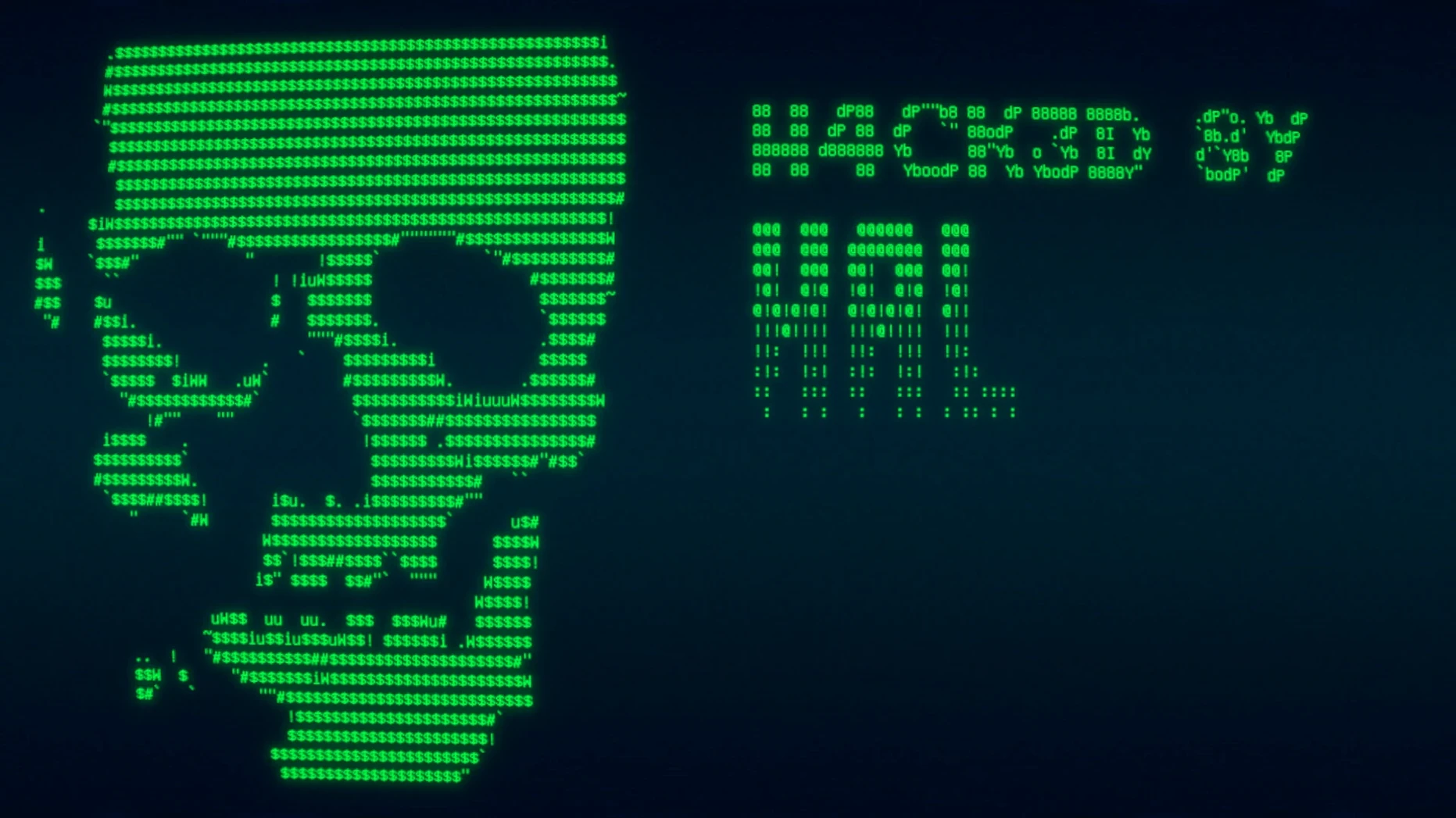
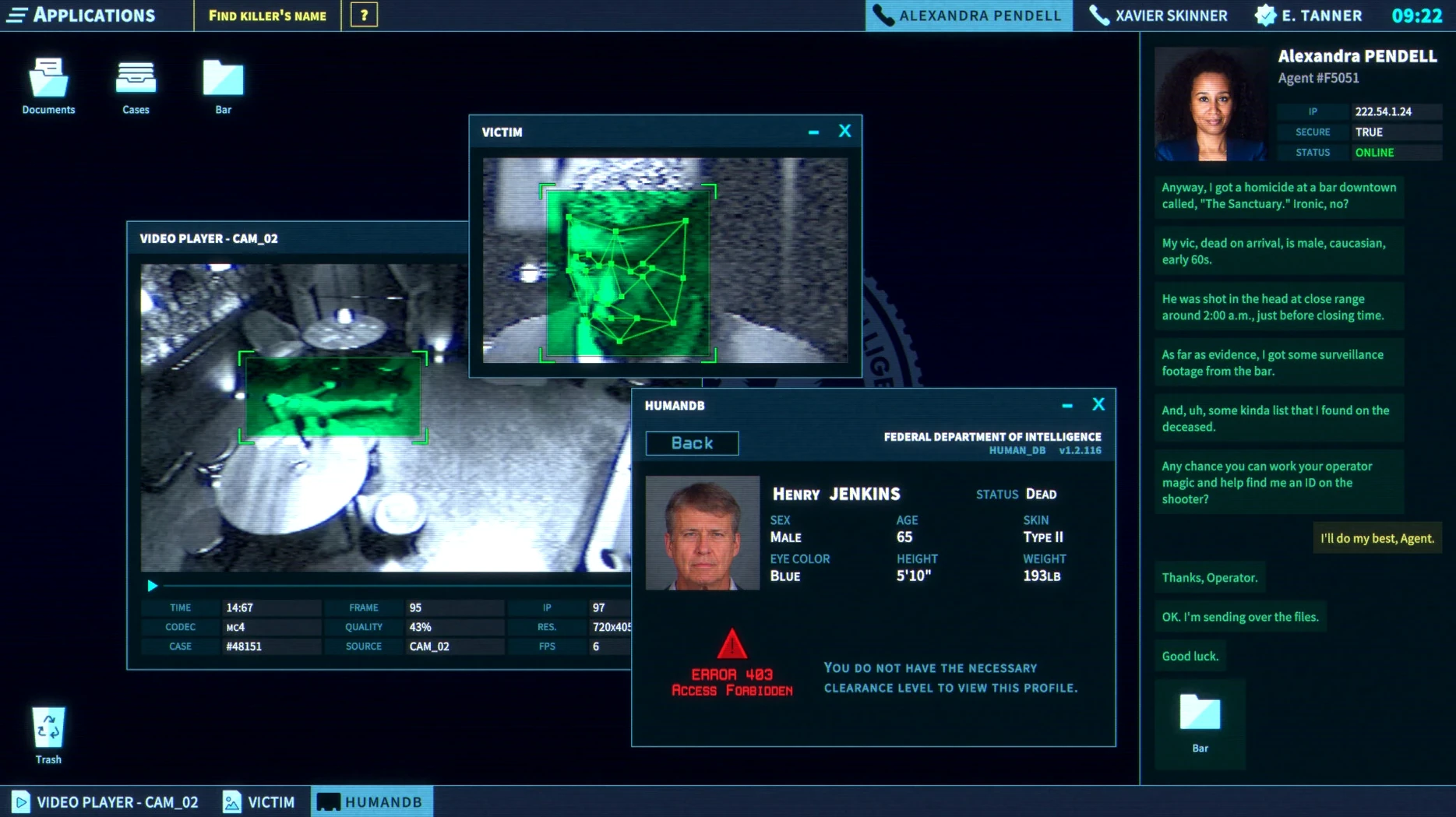
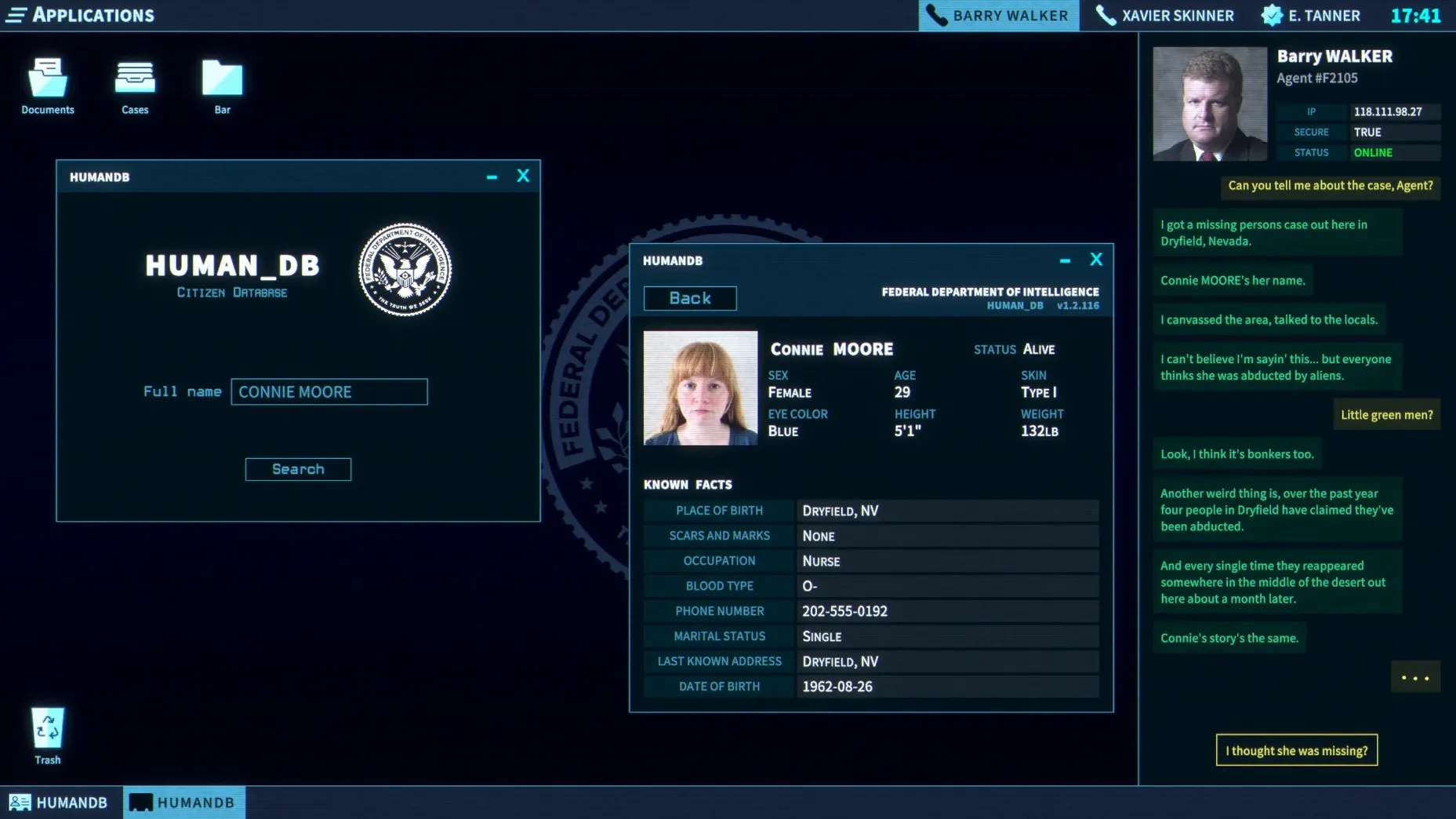
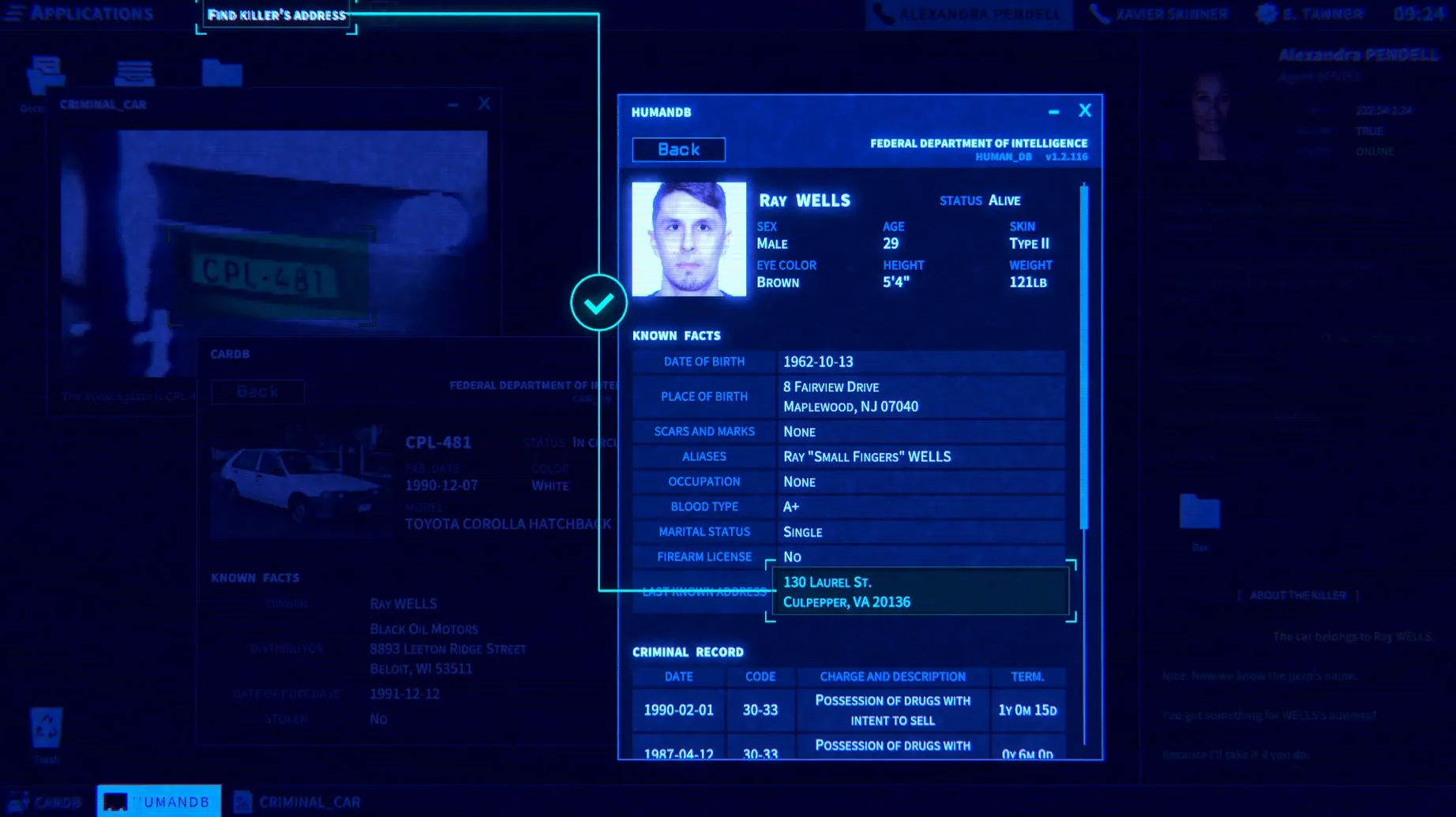
5145 is the current build number, and it runs on both ARM and 64-bit x86 Macs. That covers the M-series chips and Intel models alike, so most recent machines should cope.
| Detail | Info |
|---|---|
| Developer | Bureau 81 |
| Genre | Narrative adventure |
| Architecture | ARM, x86_64 |
| Languages | English, German, Spanish, Italian, French, Traditional Chinese, Simplified Chinese |
| Tested on | macOS Tahoe, Mac mini 2024 M4 |
You play as an operator on your first day, taking calls from field agents and using FDI software tools to analyse evidence. Cases cover murders, missing persons and cyberattacks, and the game expects you to take notes while you work. Everything happens through a computer console, so the controls are mostly clicks and typing. Performance on the M4 test machine was smooth; Intel Macs should manage fine too, though older models may need lower settings. If you want the operator mac full version, this build is ready to run.
Reading the introductory calls for FDI tools
When you first boot The Operator, take the introductory calls slowly. The game introduces each FDI tool one at a time, and it pays to read the brief instructions before clicking around. The photo analyser and the chemical scanner work differently, and mixing them up early on wastes time.
Keep a physical notepad next to your keyboard, or use the in-game notebook. The game nudges you to take notes, and it means it. Case details that seem minor early in a conversation often become the key link later. I found myself flipping back to earlier notes more than I expected.
Try each tool on the first case even if you think you already know the answer. The satisfaction comes from building the chain of evidence yourself, not from guessing. The vehicle database and citizen registry feel slow at first, but that pacing is deliberate — it mimics real desk work.
Starting a case from Mr Tanner's console message
You start at the console. A message from Mr Tanner appears, assigning a new case. You accept it, and the terminal screen changes to show the first piece of evidence: a photograph from a crime scene.
You drag the photo into the analyser tool. The software highlights objects and lets you zoom in. You spot a partial licence plate in the background and copy it into the vehicle database. The database returns a name. You cross-reference that name in the citizen registry and get an address.
The field agent calls in. You relay the address and hear the agent confirm a suspect match. The case updates, and new evidence appears: a video file. You load it into the video analyser and pause on a frame that shows a chemical container. You run the chemical scanner on the container label, and it identifies a compound used in a recent cyberattack case.
You update your notes with the compound name and the suspect’s last known location. The agent calls again with a final question, and you answer based on what you pieced together. The case closes with a summary screen showing your accuracy.
That rhythm — receive evidence, analyse, share findings — repeats across cases, but each one throws in a different combination of tools. Some sessions run twenty minutes, others stretch closer to an hour if the evidence chain gets tangled. The game never rushes you, so you can work at your own pace.
- macOS: ?
- Architecture: ARM, x86_64
Kit check at a glance
| Chip | Apple Silicon, Intel 64-bit |
| Download | 745 MB |
| Older pressings | 1 in the crate |







Chat from the booth
Sign in or grab a free account to leave a comment.
Nobody has said a word in the booth yet. If you played a set with this build, tell the next person how it went.