

- Build in the crate
- 1.127.41.1030
- Made by the team at
- Electronic Arts
- Menu languages offered
- Russian, English, German, Danish, Spanish, Italian, Chinese (Traditional), Chinese (Simplified), Korean, Dutch, Polish, Portuguese, Finnish, French, Czech, Swedish, Japanese
- How you pay for it
- Not required
- CPU it runs on
- Apple Silicon, Intel 64-bit
- Played on
- macOS Sonoma, MacBook Air (M1. 2020)
- Dropped on
- 2.09.2014
- Spoken voice in
- Music only
Screenshots
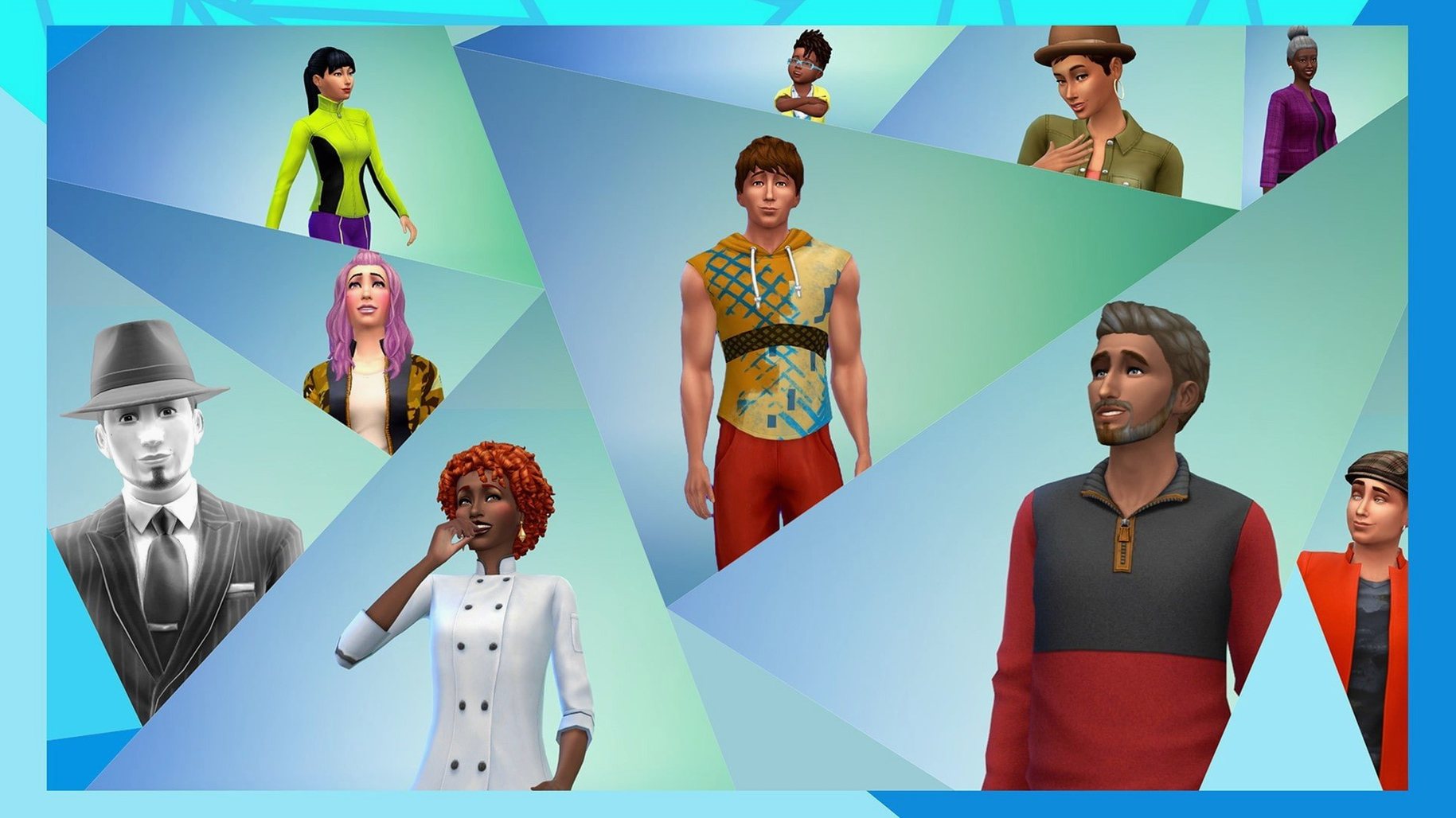
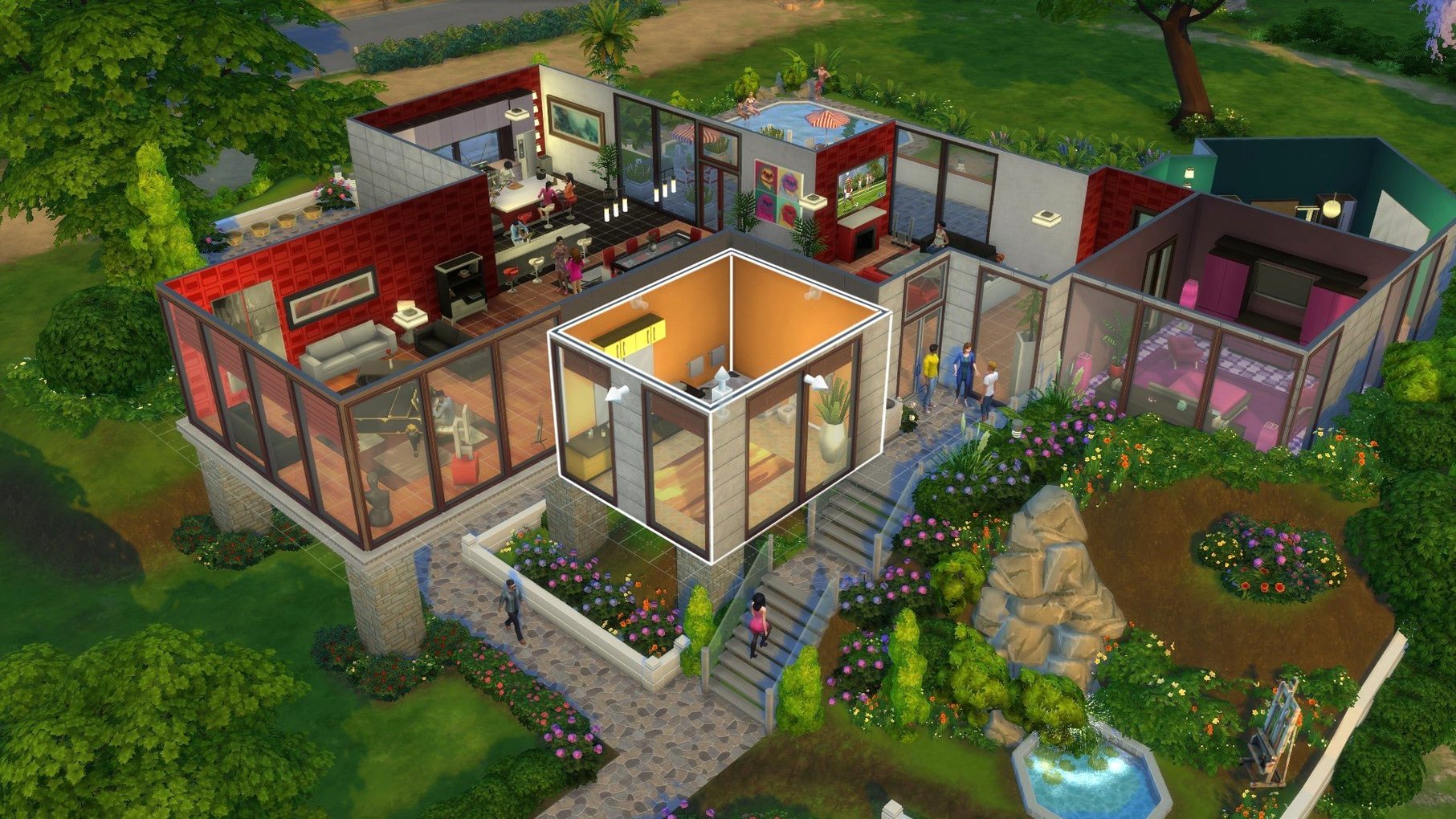

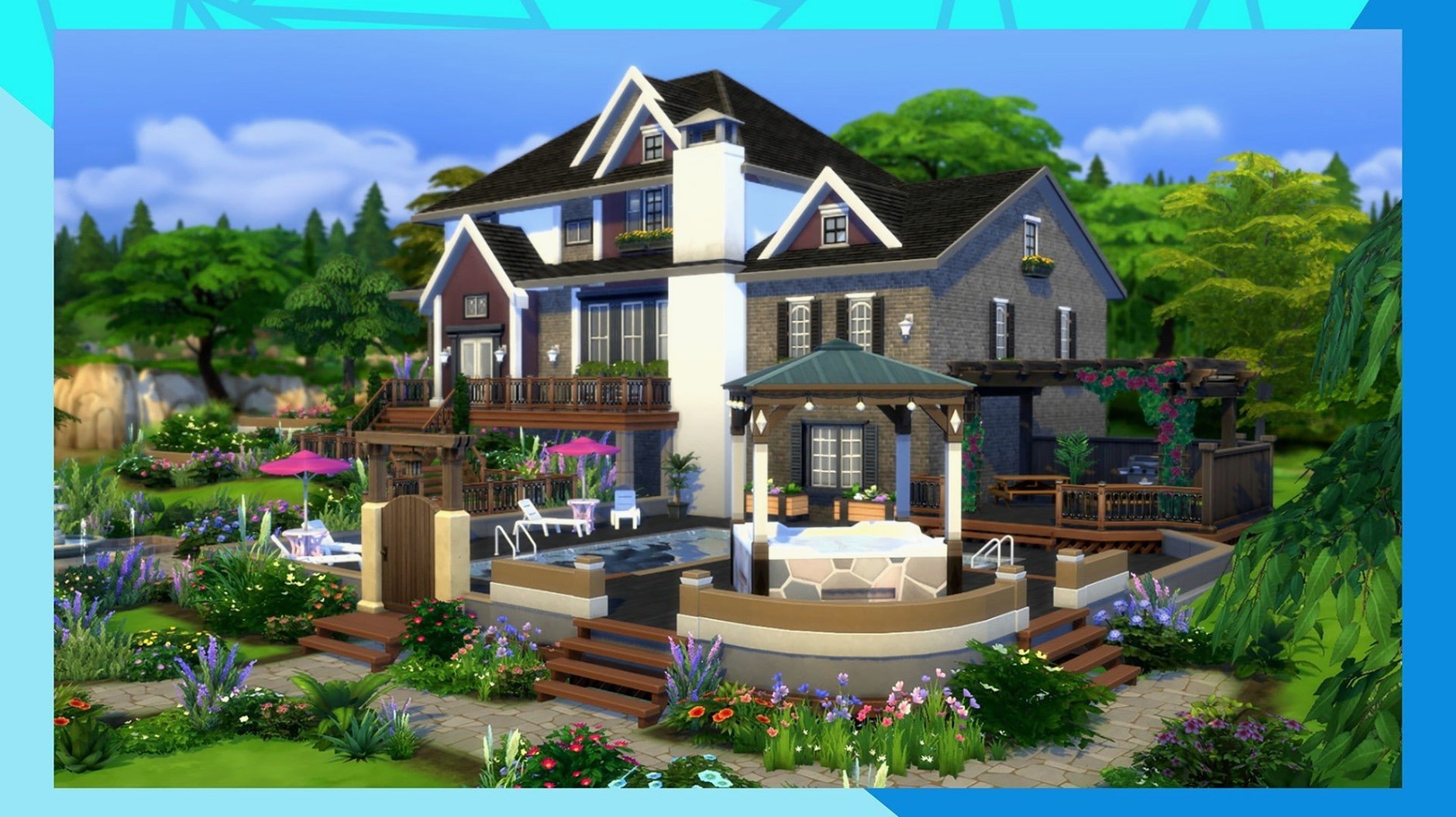
If you're on a MacBook Air from 2020 with an M1 chip or anything newer, The Sims 4 runs well on macOS Sonoma. The game supports both Intel and Apple Silicon, so most recent Macs are covered. That's the good news for Mac players who want to jump into a life simulation without worrying about hardware.
Full control over Sims' appearance and lives
- Create Sims with full control over appearance, traits, and outfits.
- Build and furnish homes for your families.
- Follow your Sims' daily lives, build relationships, pursue careers, and reach life goals.
- Travel to different towns and meet other Sims.
The latest update, version 1.127.41.1030, improves Marketplace browsing and caches Marketplace images after the first download, so things feel snappier. Bug fixes are included too. It's a solid version for both new players and those coming back to the game.
Life simulation alternatives like Stardew Valley
The Sims 4 sits in its own corner of life simulation, but there are a few other Mac games that scratch a similar itch. Stardew Valley is the obvious one — you manage a farm, build relationships, and explore a small town. It's pixel-art, runs on almost anything, and the day cycles are tight. The Sims 4 gives you more control over individual characters and their personalities, while Stardew Valley focuses on the rhythm of seasons and tasks. If you want deep character creation and home-building, The Sims 4 wins. If you prefer a loop of planting crops and mining, Stardew Valley is the pick.
My Time at Sandrock is another option. It blends crafting, combat, and town-building with a desert setting. The social system is lighter than The Sims 4, and you spend more time gathering resources than decorating interiors. The Sims 4 has a bigger focus on storytelling and everyday life — you can sit a Sim on the couch and watch them argue about leftovers. My Time at Sandrock pushes you toward goals and upgrades. Both are good, but The Sims 4 is better for open-ended creativity.
Animal Crossing: New Horizons on the Switch has a similar loop of decorating, befriending villagers, and living at your own pace. But it's not on Mac natively, so you'd need emulation or streaming. The Sims 4 runs directly on your MacBook, no extra steps. That alone makes it the simpler choice for Mac players.
Twenty minutes perfecting a Sim's outfits
I started a new save last weekend. The first twenty minutes went into Create-a-Sim — I picked a face shape, adjusted the jaw, chose a hairstyle that looked right, then spent too long on outfits. Three everyday looks, two formal, one sleepwear. That's the trap of the game: you tell yourself you'll be quick, then an hour passes.
After that, I moved to the world screen. I picked Willow Creek, a basic starter house. The game gave me §20,000 to work with, so I deleted the existing furniture and started fresh. I placed a kitchen, a bed, a cheap bathroom, and a sofa. I left the walls unpainted because I wanted to save money for a guitar skill item.
Once the house was live, I followed my Sim through her first day. She made a garden salad, burned it, ate it anyway, then went to the park to meet neighbours. I used the social menu to chat, tell a joke, and compliment one of the other Sims. By the evening she had a new friend and a promotion at the writer career track. That's the loop: build, socialise, work, repeat. I played for about two hours and felt like I'd told a small story.
Smoother performance with adjusted graphics
When you first launch The Sims 4 on a MacBook Air, the default graphics might be set to a mix of medium and high. That's fine for an M1, but if you want smoother performance during busy scenes — like a party with eight Sims — tweak a few things.
- Turn Edge Smoothing to Medium or Off. It softens jagged edges but eats frames in crowded lots.
- Set Sim Detail to High if you care about close-ups. Keep it at Medium for general play.
- Turn Post Processing Effects to Low. That bloom and glow looks nice but adds lag during transitions.
- Enable Uncompressed Sim Textures only if you have free disk space and want sharper skin details. It's not needed for most sessions.
Also, go into the Game Options menu and switch off Online Access if you don't use the gallery. It stops the game from trying to connect every time you open the neighbourhood screen. Saves a few seconds of waiting.
Faster gallery browsing in the latest update
Version 1.127.41.1030 brought two main changes that you notice during regular play. First, Marketplace browsing is faster. When you scroll through the community gallery or the in-game store, the thumbnails load quicker. It used to be that you'd scroll and see grey boxes for a few seconds. Now they pop in almost right away.
Second, Marketplace images are cached after the first download. That means if you browse the same items again later, they load from your local storage instead of downloading fresh each time. It's a small change, but it matters if you spend time looking for new builds or outfits. The bug fixes in this update are mostly behind-the-scenes — fewer crashes when switching between households and less stutter in the build mode catalog.
Recurring Mac issues and fixes
Players on Mac run into a few recurring issues. Here are the ones I see most often.
The game freezes on the initial splash screen
This happens after an update or a fresh install. The fix is to go to your Documents folder, find the Electronic Arts / The Sims 4 folder, and delete everything except Tray, Saves, and Mods (if you use any). The game will rebuild the rest when it starts. It's a blunt fix, but it works.
Language is wrong after installation
If you downloaded the game and it launched in a language you don't want, open the EA App without the DLC Unlocker. Go to the game properties, find the language setting, and pick your language from the list. Save the change, close the window, then click Update to refresh the game. After the download finishes, launch the game. The language will stick.
Sims 4 torrent file won't open or seems incomplete
This usually means the download didn't finish. Check your torrent client for any stuck pieces. The Sims 4 lets you create unique characters and build dream homes, including the sims4 torrent. A common mistake is grabbing a sims 4 macos torrent that's missing the DLC add-ons. Download those separately or as one combined file, then apply the EA DLC Unlocker as per the included instructions.
Game runs slowly on a MacBook Air
Close other apps, especially browsers with many tabs. Lower the resolution to 1280x720 if you're on a Retina display. Turn off laptop mode in the game settings if it's on — it can actually hurt performance on Apple Silicon by limiting the GPU. If you use mods, remove half of them and test. Some mods from earlier versions cause slowdowns after updates.
- Marketplace browsing was improved.
- Marketplace images are cached after the first download.
- Bug fixes were included in the update.
- macOS: Tested on macOS Sonoma
- Architecture: Intel and Apple Silicon
- Tested on MacBook Air (M1, 2020)
Kit check at a glance
| Chip | Apple Silicon, Intel 64-bit |
| Download | 78 GB |
| Older pressings | 8 in the crate |







Chat from the booth
Sign in or grab a free account to leave a comment.
Nobody has said a word in the booth yet. If you played a set with this build, tell the next person how it went.