
- Build in the crate
- 1.26
- Made by the team at
- Murudai
- Menu languages offered
- English
- How you pay for it
- Not required
- CPU it runs on
- Intel 64-bit
- Played on
- macOS Sonoma, MacBook Air (M1. 2020)
- Dropped on
- 17.06.2011
- Spoken voice in
- Music only
Screenshots
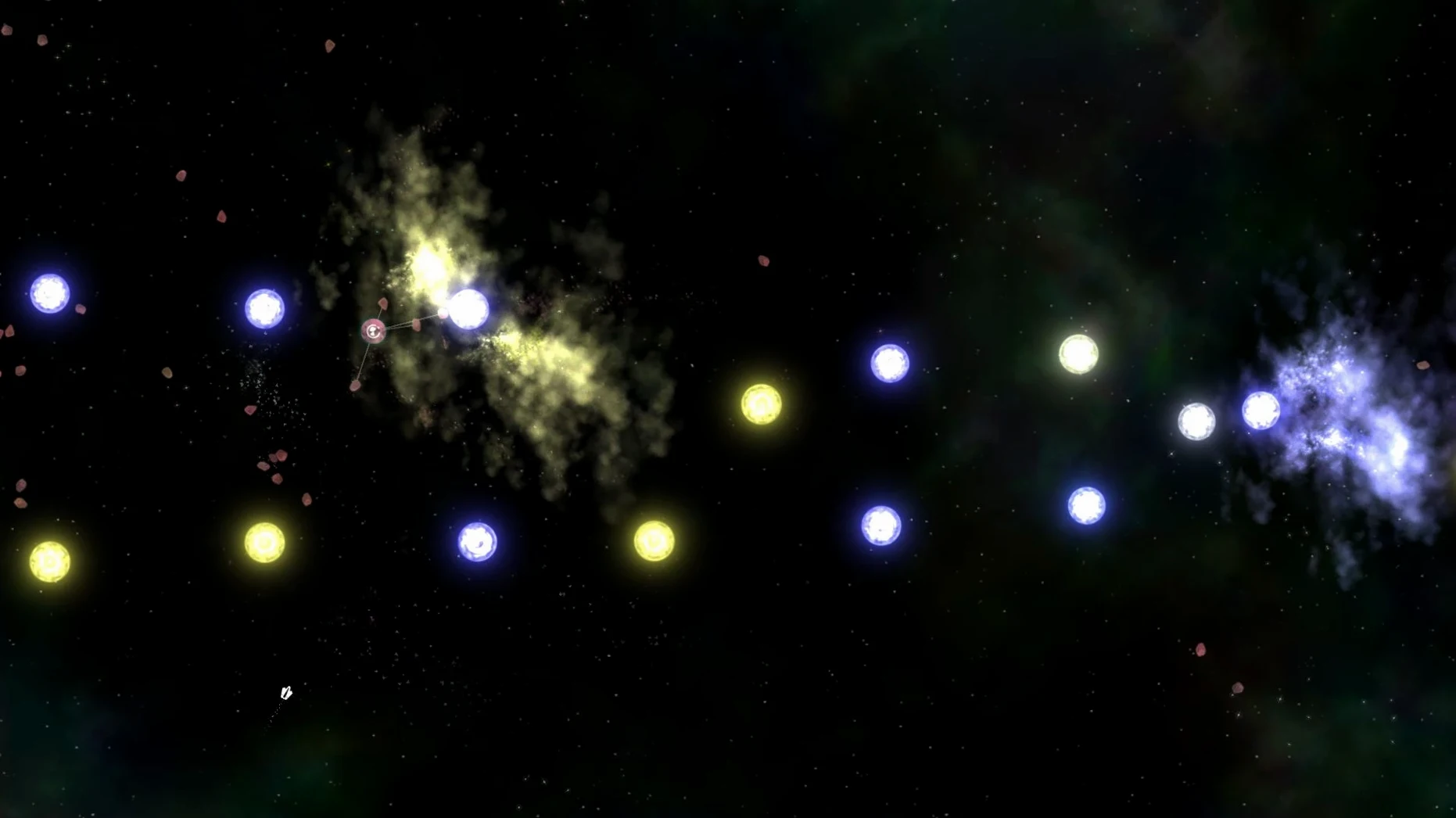
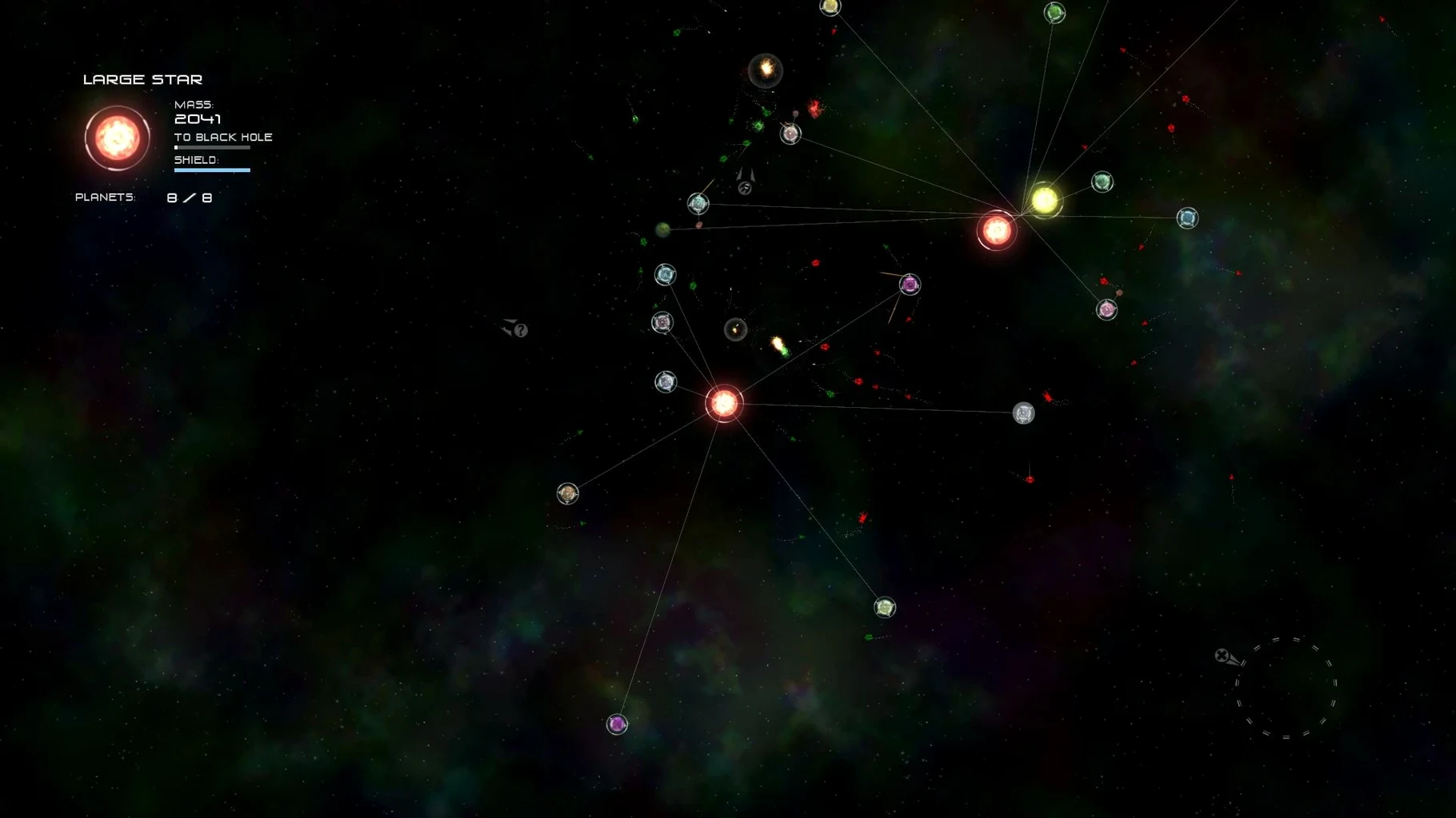
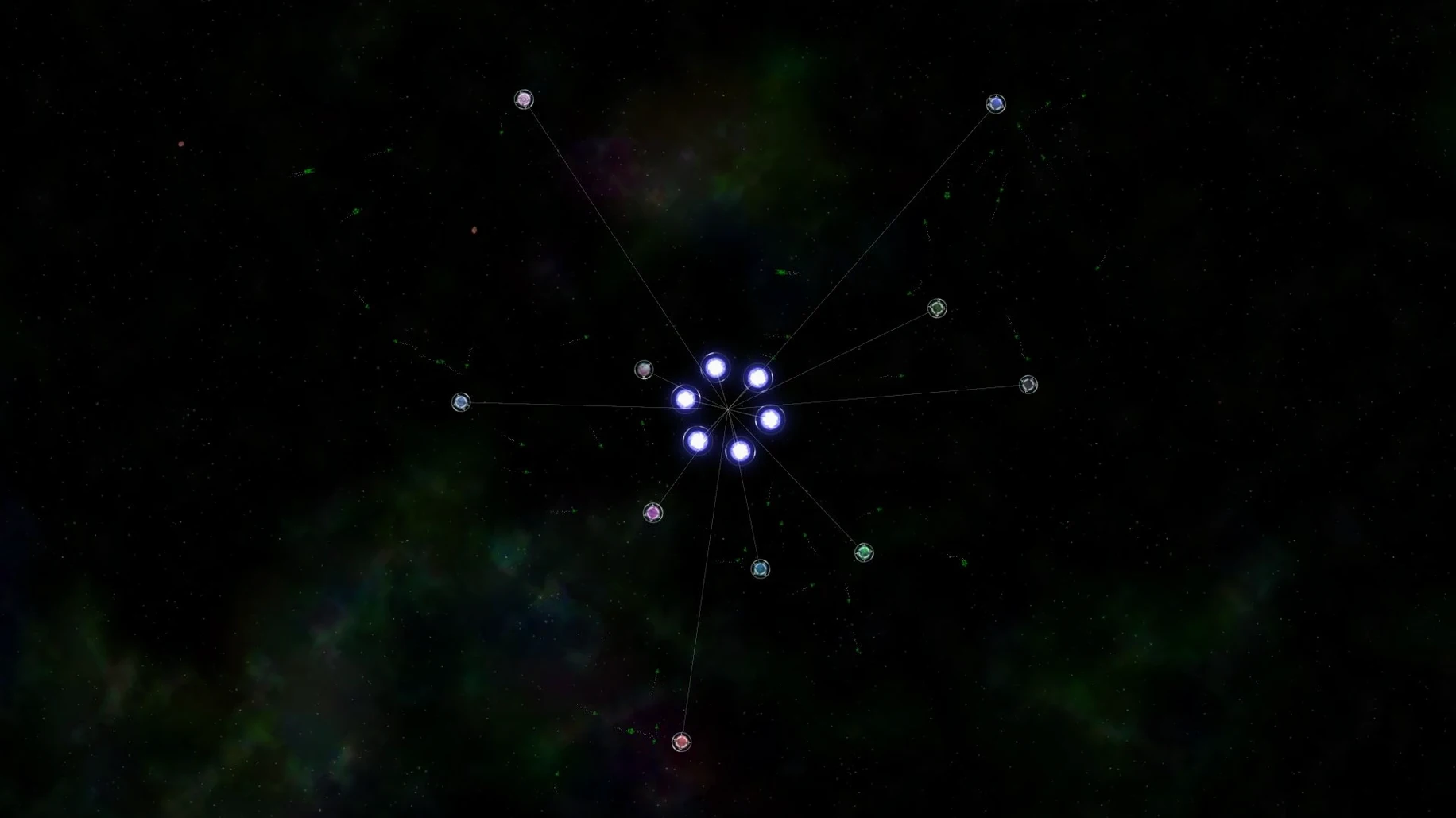
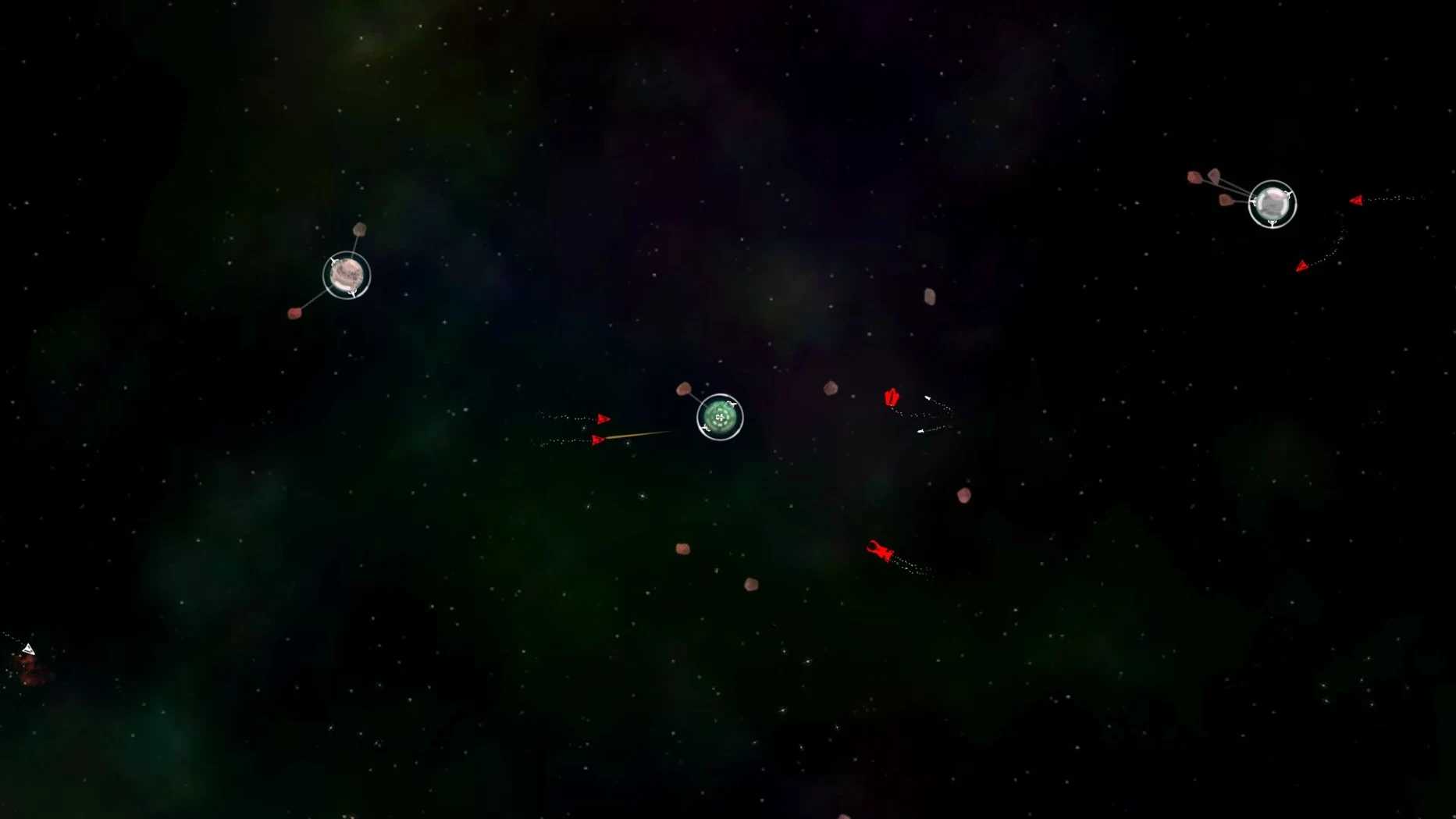
Collide with orbiting objects to send them flying as wrecking balls. That is one of the first things you will try in Solar 2, and it tells you everything about the game. You control a celestial body in an infinite abstract universe. There is no fixed path. You can grow a system, cause chaos by smashing things together, or just drift and see what the dynamic sandbox throws back at you. Nonlinear tasks give you loose goals, but the real draw is seeing the universe change as you move through it.
Steer a sun-like body through abstract space
- Anyone who wants an open-world sandbox where you steer a sun-like body through abstract space.
- Players who like emergent chaos — using planets as wrecking balls is genuinely satisfying.
- Mac users on Intel hardware: the current version 1.26 runs fine without demanding specs.
English-only interface on Intel Macs
- The interface is English only.
- It runs on Intel Macs; no native Apple Silicon version is available at the moment.
- Controls are straightforward but expect a mouse-and-keyboard setup; no controller support mentioned.
- Performance is smooth on modern Intel Macs, but older machines may stutter with a crowded system.
Tested on M1 MacBook Air via Rosetta 2
The build is 64-bit x86, so any Intel Mac running macOS can handle it. No Apple Silicon native binary is included, but it was tested on macOS Sonoma with an M1 MacBook Air via Rosetta 2. Activation is not required — copy the app to your Applications folder and it is ready to go. The disk image is small, and the install is a straightforward drag-and-drop.
Plays well with browser and music apps
Because it is a sandbox game with no launcher or background service, it plays well with the rest of your system. You can switch to a browser, a music player or a chat app without the game fighting for focus. The soundtrack runs in-game, so you can keep it as your only audio source or mute it and play your own music through iTunes or Music. The abstract visuals and low system overhead mean you can leave Solar 2 open in a window while doing other light work. It also works fine with macOS window management — Mission Control, Spaces and full-screen mode all behave as expected. Solar 2 is an open-world space game where you control a star, absorbing planets to grow larger.
What to expect on your Mac
Solar 2 is a 64-bit x86 build, so any Intel Mac from around 2011 onwards should run it. The disk image is small, and the install is a simple drag-and-drop — no activation, no launcher. It was tested on macOS Sonoma via Rosetta 2 on an M1 MacBook Air, which shows the Rosetta translation layer handles it fine on Apple Silicon machines too. The game expects a keyboard and mouse; there is no mention of controller support. The soundtrack is in-game only, and the interface is entirely in English.
Fits with macOS and other apps
Because Solar 2 has no background service, no always-online check and no launcher, it sits quietly alongside your other open apps. You can run it in a window, switch to Finder or a browser, and the game does not demand exclusive input focus. The abstract universe and minimal interface mean it works well with macOS window snapping, Mission Control and virtual desktops. If you want to play your own music, just mute the in-game track and let iTunes or Music take over. For anyone searching for a solar 2 mac download that plays nice with a typical macOS setup, this fits the bill.
- macOS ?
- Intel architecture only
Kit check at a glance
| Chip | Intel 64-bit |
| Download | 111 MB |






Chat from the booth
Sign in or grab a free account to leave a comment.
Nobody has said a word in the booth yet. If you played a set with this build, tell the next person how it went.