

- Build in the crate
- 2.1.1
- Made by the team at
- Whistling Wizard
- Menu languages offered
- Russian, English, German, Spanish, Italian, Chinese (Traditional), Chinese (Simplified), Korean, Portuguese, French, Japanese
- How you pay for it
- Included
- CPU it runs on
- Apple Silicon, Intel 64-bit
- Played on
- macOS Tahoe, Mac mini 2024 M4
- Dropped on
- 27.05.2026
- Spoken voice in
- English
Screenshots
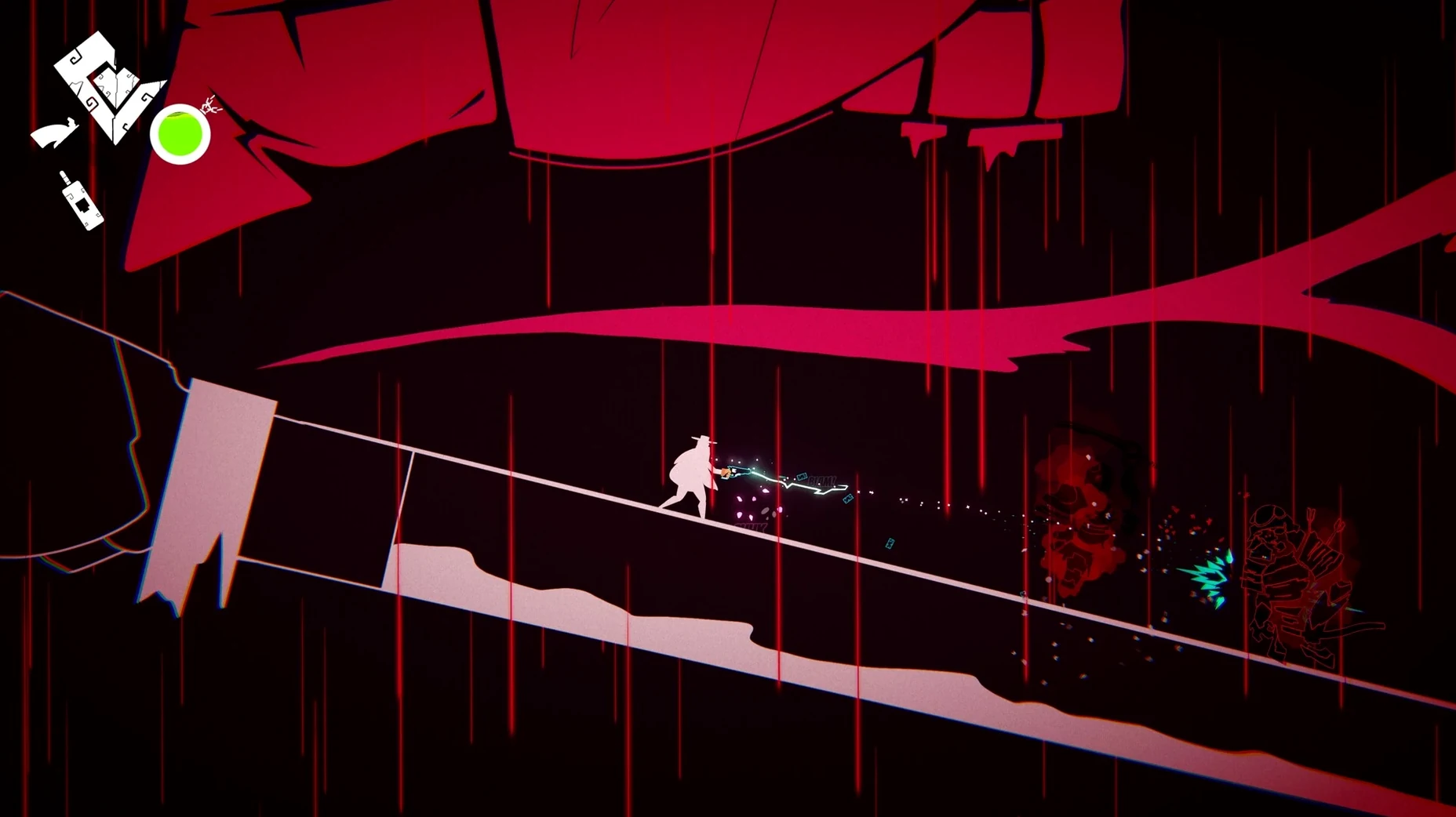
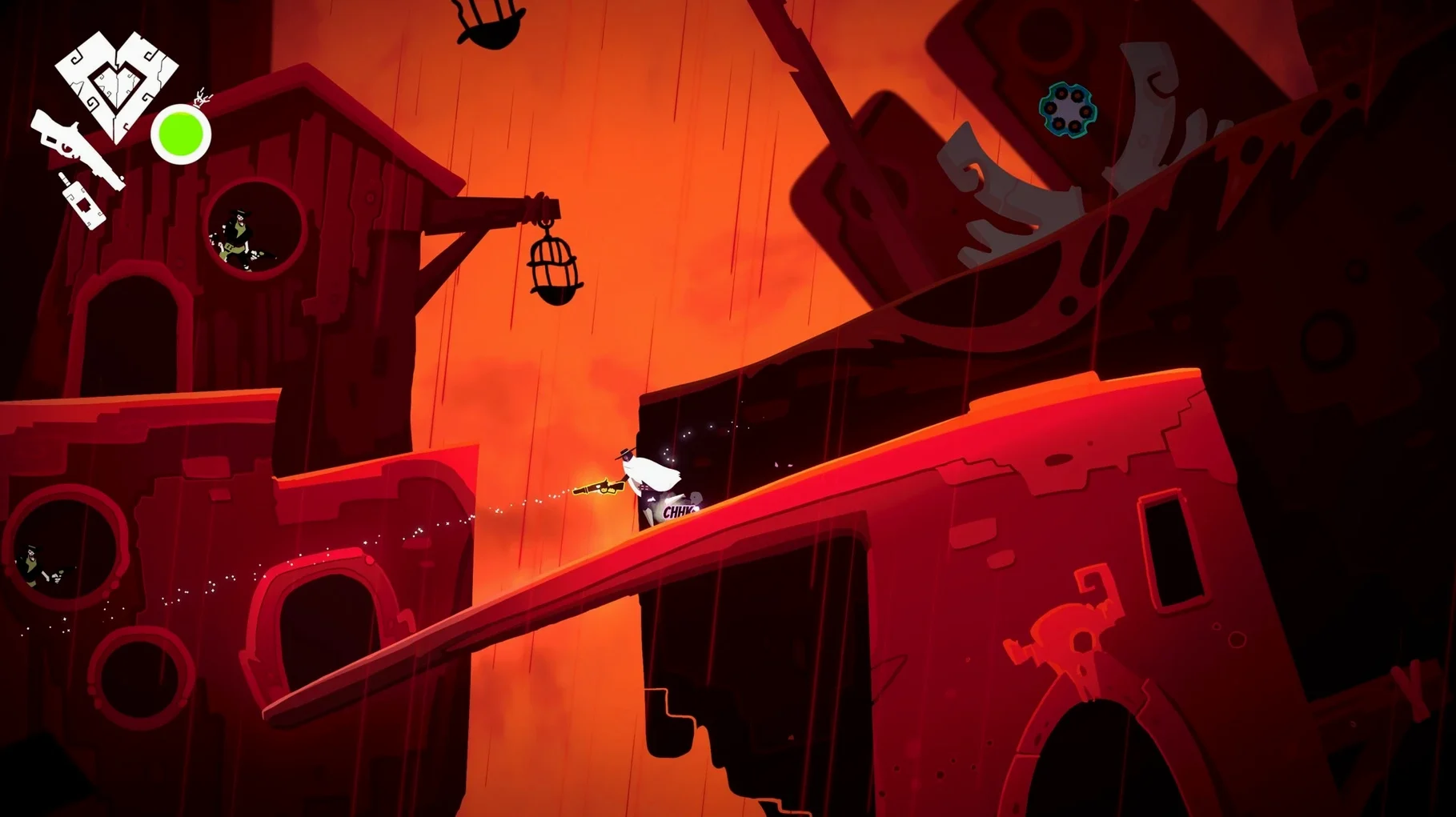
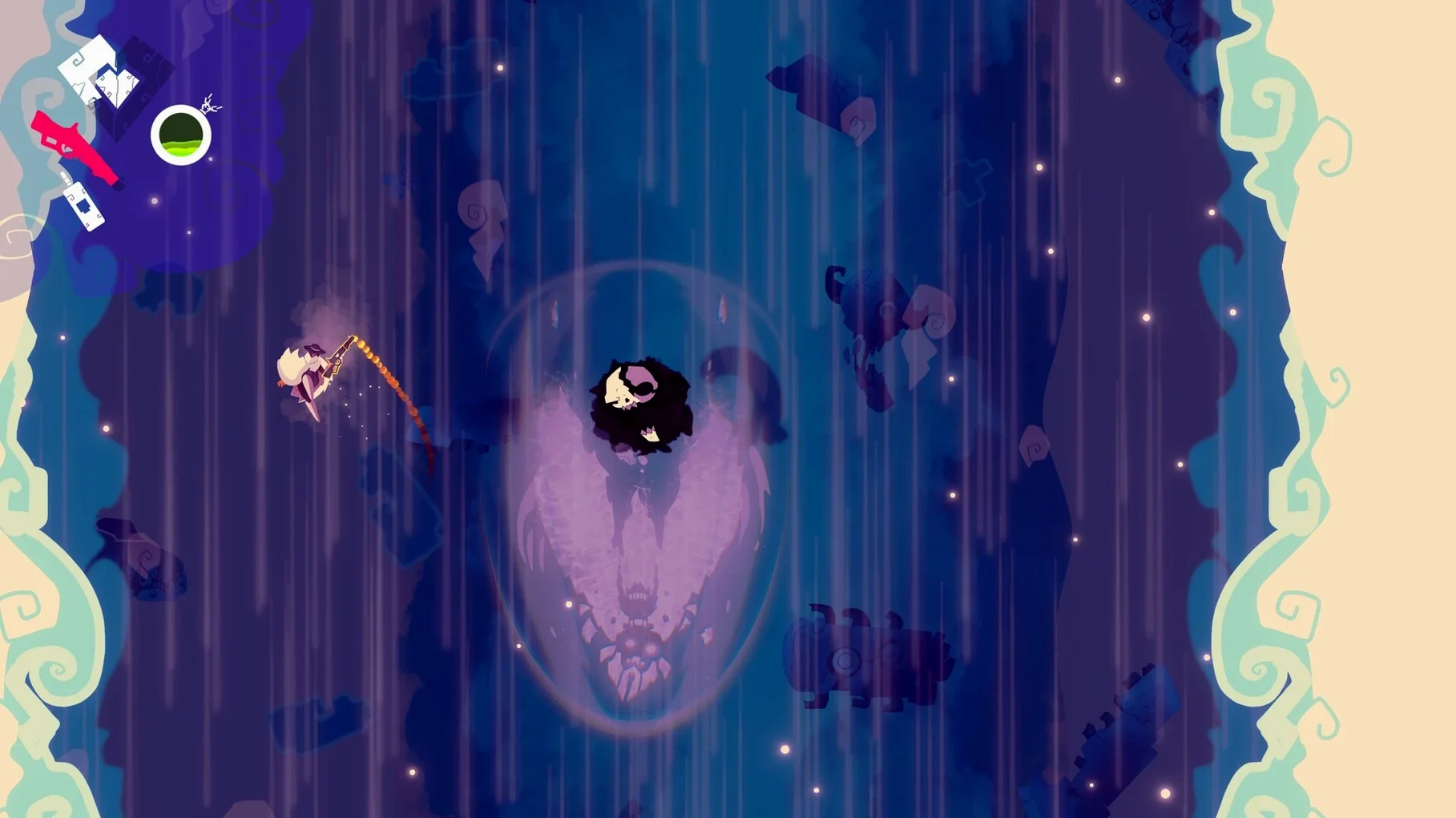
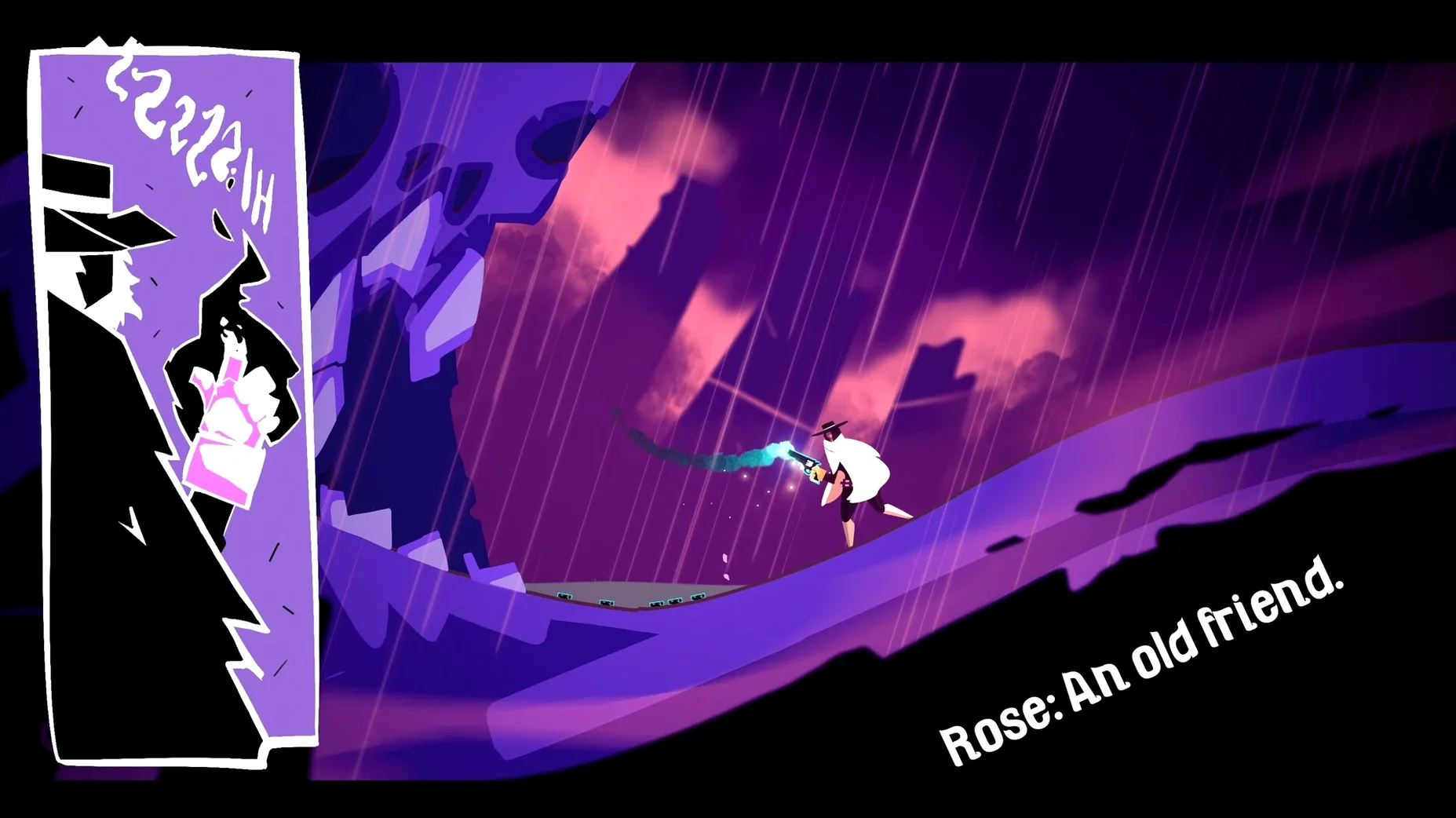
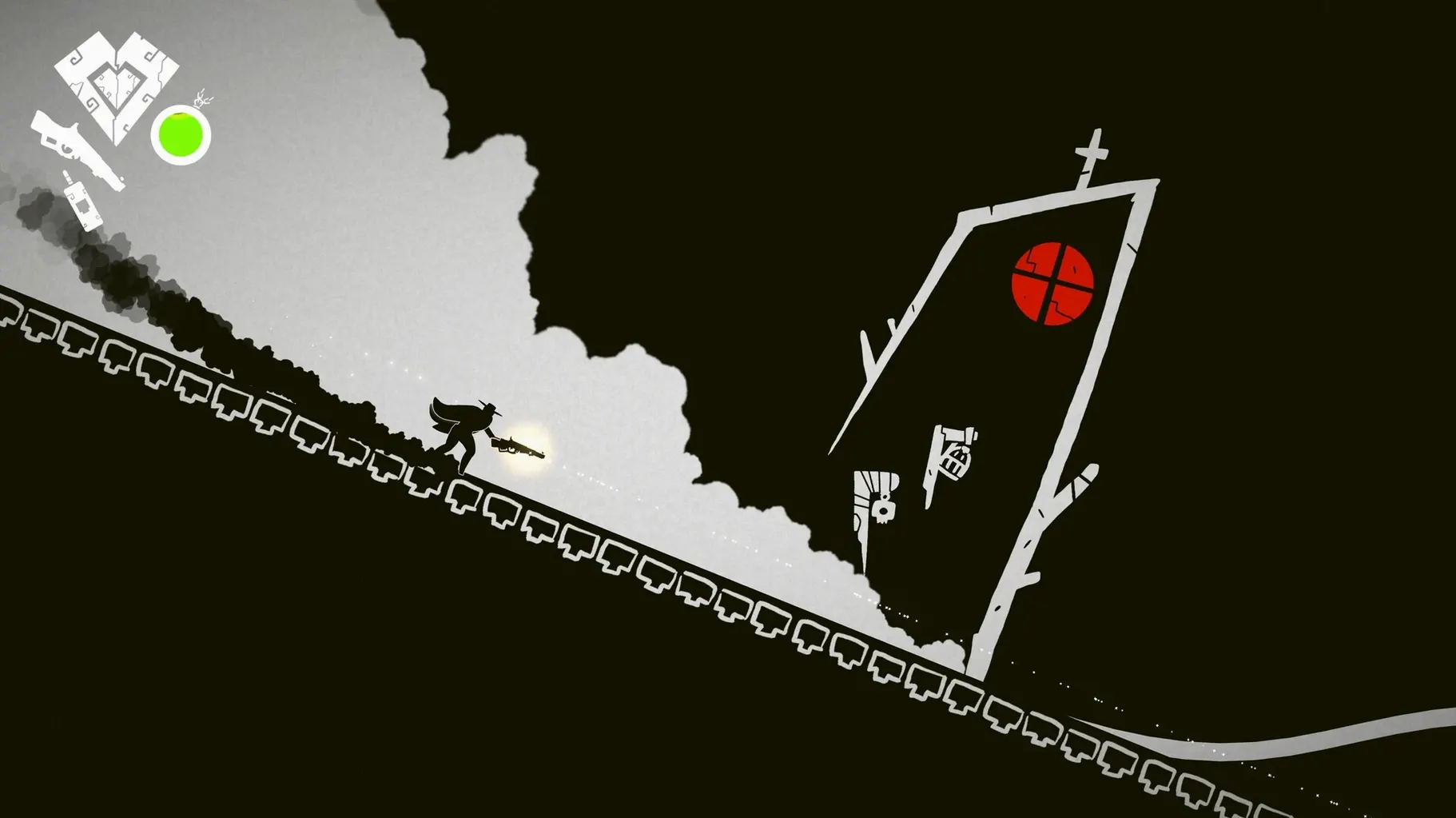
You step into the Underwest as Rose, a former outlaw who left robbery behind when her daughter was born. Now you're shooting, dodging and running through a hand-drawn afterlife that feels like a spaghetti western drawn in ink.
The build offers a large selection of abilities, so the combat opens up as you play. Special modes and missions add variety beyond the main path. The pace stays fast, but the world and story keep you grounded — it's not just another shooter.
Rose and Locket 2.1.1 runs on both Apple Silicon and Intel Macs, and it's tested on macOS Tahoe with a Mac mini 2024 M4. The interface supports eleven languages, including English, Spanish, French, German, Russian, and Korean.
| Detail | Info |
|---|---|
| Developer | Whistling Wizard |
| Version | 2.1.1 |
| Genre | Run and gun action platformer |
| Architecture | ARM, x86 64-bit |
| Languages | 11 including English, Spanish, French, German, Russian, Korean |
Keeps QuickTime and OBS open while playing
Rose and Locket works well alongside other apps on your Mac. While you play, you can keep QuickTime Player or OBS open to capture footage for later — the game doesn't fight for system resources in a way that slows down screen recording. If you're a streamer or just want to save a good run, that matters.
The game also plays nicely with macOS Mission Control. Switching between the game and, say, a browser window for a walkthrough or a notes app for lore reminders is quick. No fussing with full-screen conflicts.
For audio, you can route game sound through system audio or your preferred output device without extra setup. If you use a USB headset or external speakers, macOS handles the switch automatically when Rose and Locket launches.
Drag-and-drop disk image install
Some features of this build are easy to overlook but worth knowing about:
- Disk image install — the game comes as a disk image. You open it, drag the app to the Applications folder alias, and you're done. No installer wizard, no background processes. Simple.
- Launchpad launch — once copied, the app appears in Launchpad automatically. You don't need to hunt through Finder to start it again.
- Full voice acting — the English voice cast brings the story through the Underwest. It's not just text on screen; the characters speak, which makes the loyalty and loss themes hit harder.
- Eleven interface languages — switch between Russian, German, Spanish, Italian, Traditional Chinese, Simplified Chinese, Korean, Portuguese, French, Japanese, or English without extra downloads. The game detects your system language or lets you choose.
- Both architectures supported — the same build runs on Apple Silicon and Intel Macs. No separate download needed. If you switch Macs later, the same disk image works on both.
Works with the Mac's native controller mapping
Rose and Locket picks up macOS game controller support without extra configuration. If you use a PlayStation or Xbox controller paired through Bluetooth or USB, the game recognises it as soon as it launches. No third-party mapping tools needed.
The same goes for keyboard shortcuts. The game respects macOS keyboard navigation, so you can quit, pause, or switch spaces without fighting the game's input focus. That might sound small, but it makes a difference when you're jumping between the Underwest and a message or a guide.
Quick access to abilities during play
The large selection of abilities isn't just for show. You can swap between them on the fly during combat without going through a menu pause. That keeps the run and gun pace intact — you're not stopping to rearrange your loadout while enemies are closing in.
Special missions and modes are accessible from the main menu, but they also unlock as you progress through the story. So you're not forced to replay old levels to find them. The game tracks your completion and makes new content available naturally.
- macOS Tahoe or later
- Apple Silicon or Intel x86 64-bit
- Tested on Mac mini 2024 M4
Kit check at a glance
| Chip | Apple Silicon, Intel 64-bit |
| Download | 3.8 GB |





Chat from the booth
Sign in or grab a free account to leave a comment.
Nobody has said a word in the booth yet. If you played a set with this build, tell the next person how it went.